

Audio & Sound Tracks
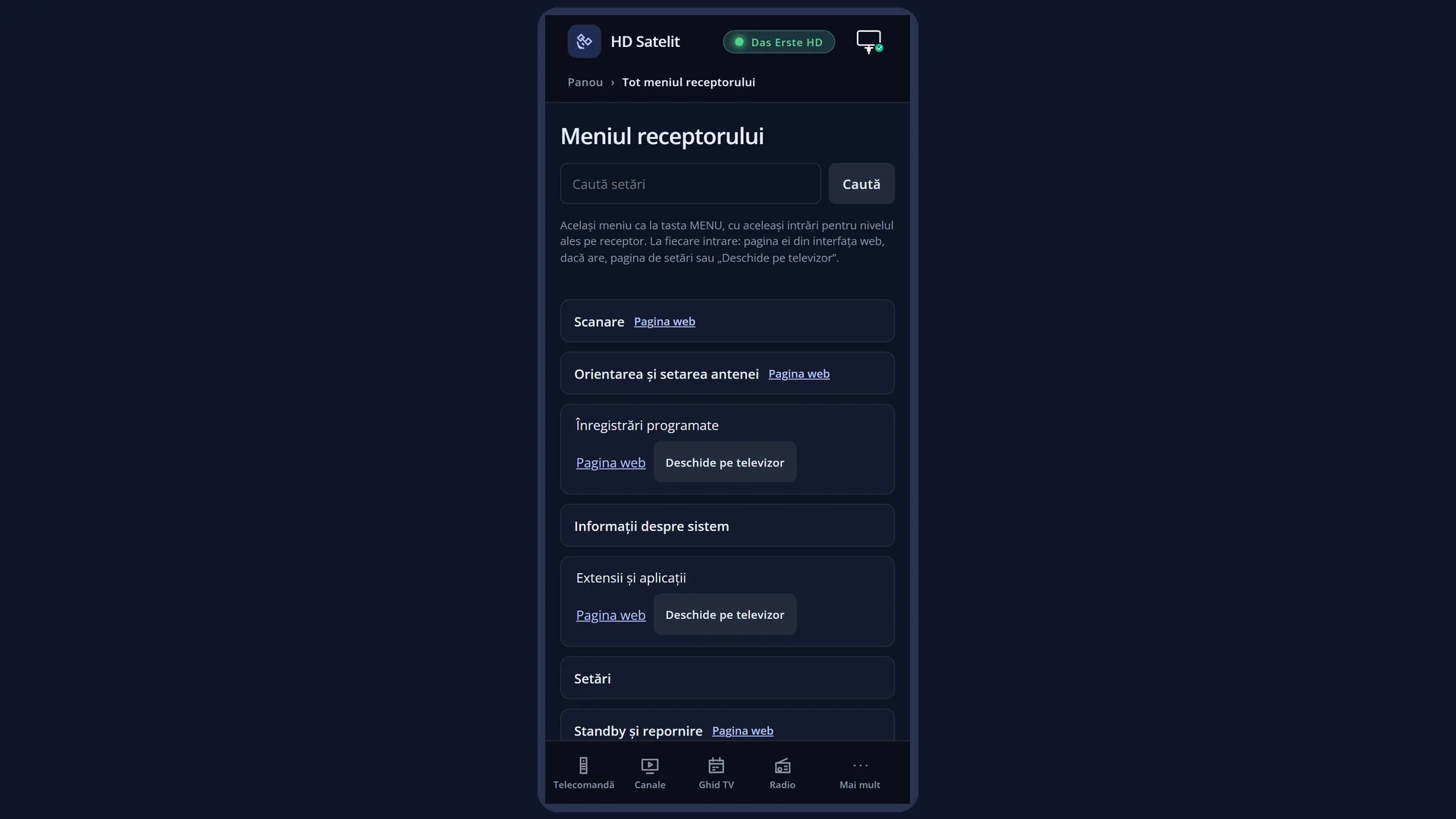
English screenshots coming: some of the pictures below still show the receiver and the web interface in Romanian. The rows, keys and steps described on this page are the English ones.
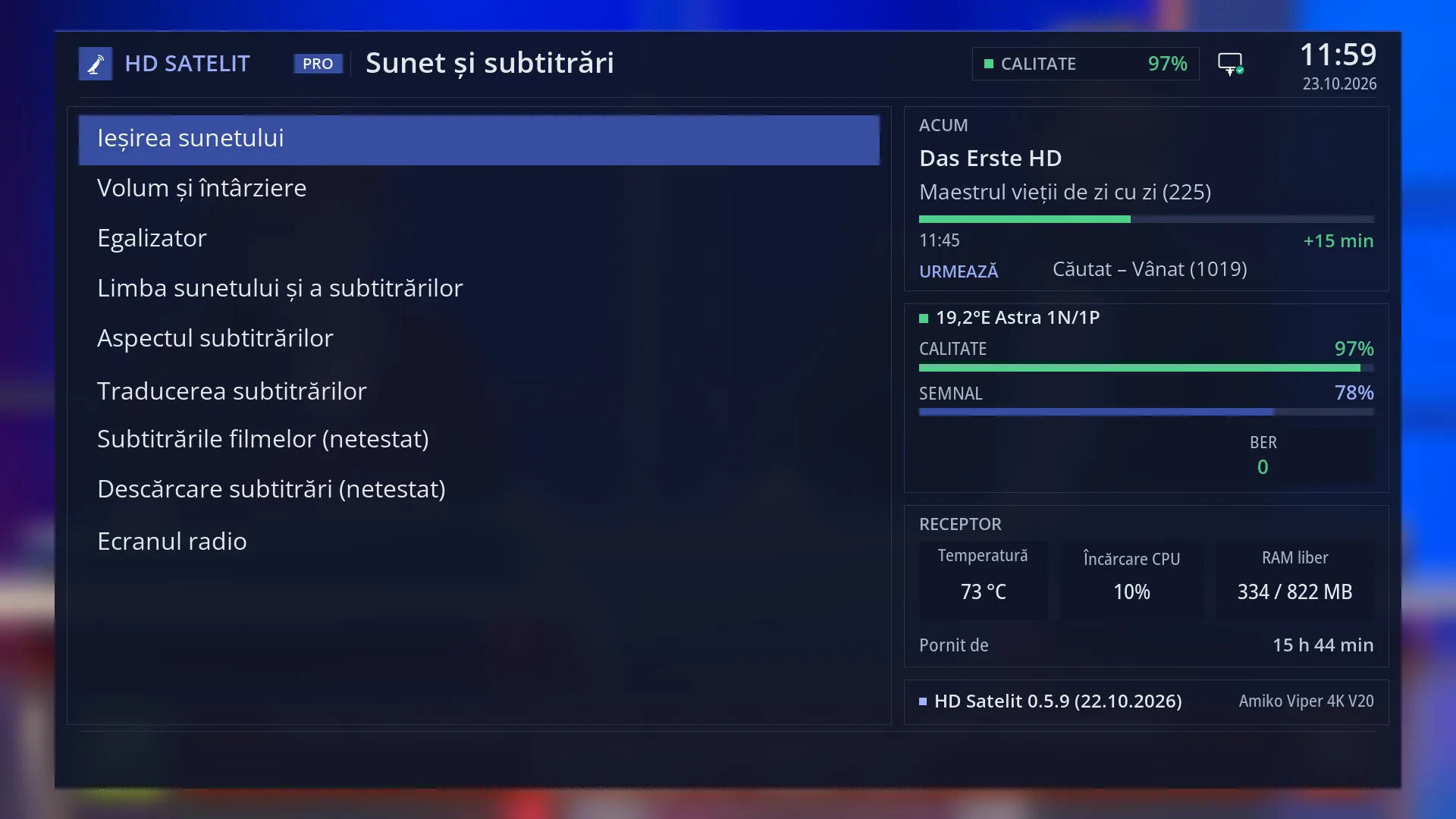
- 1 Menu title: “Audio & Sound Tracks”.
- 2 Sound: the output, volume and delay, the equaliser.
- 3 Subtitles: languages, appearance, translation, films, download.
- 4 Radio screen.
- 5 Pro theme: the current channel, the signal, the receiver and the version.
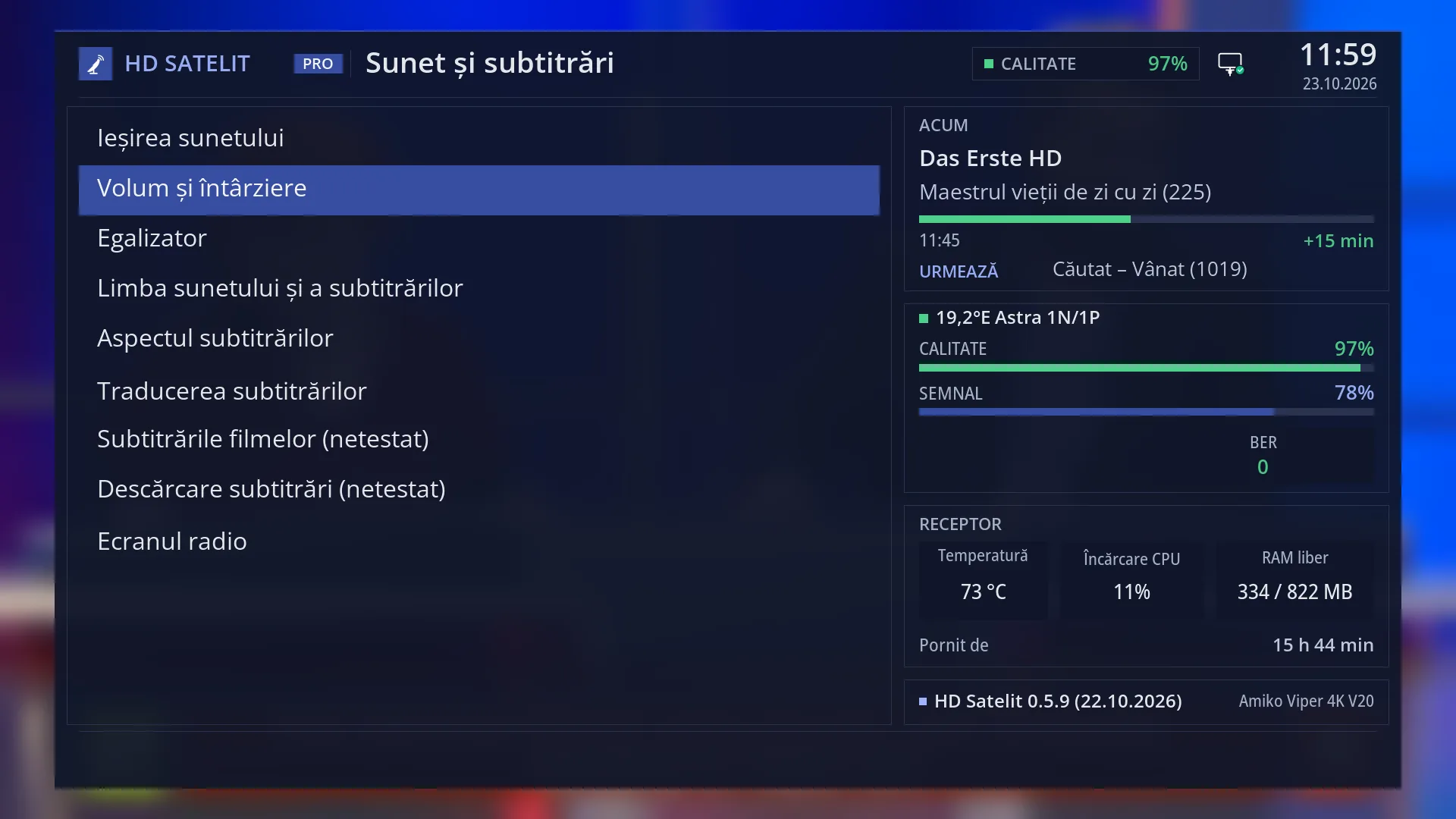
- 1 Selected row: “Volume and delay”.
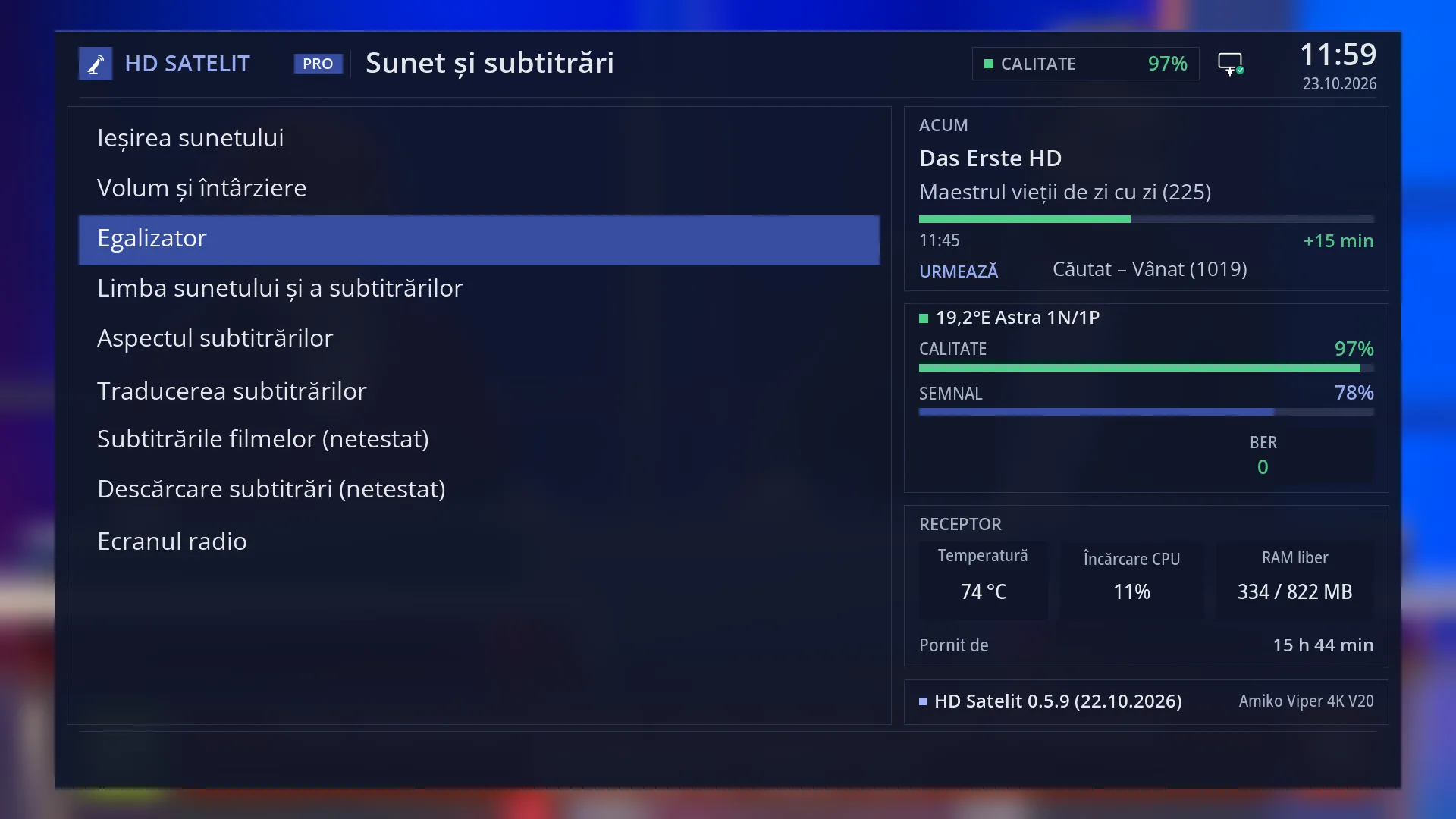
- 1 Selected row: “Equalizer”.
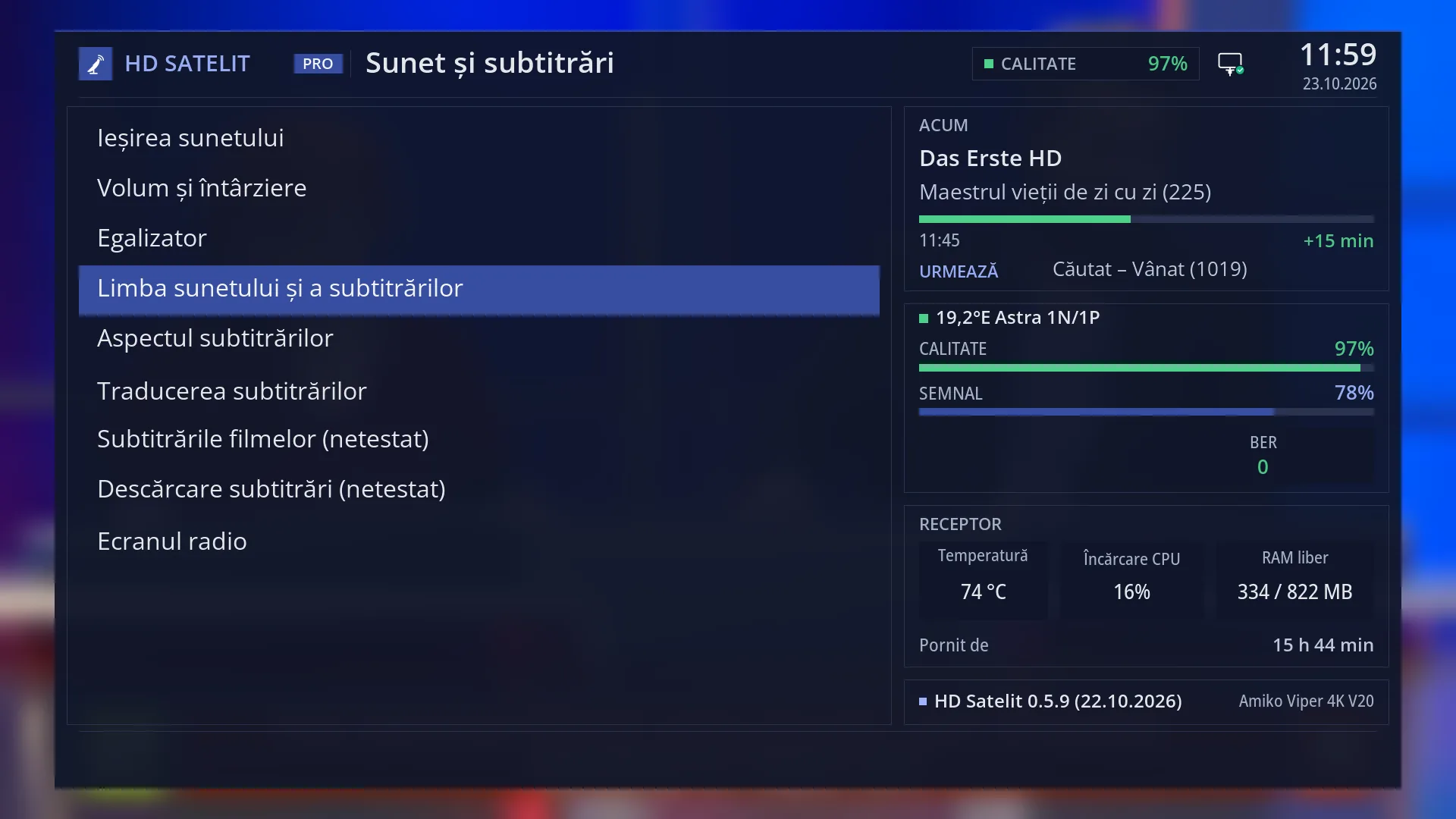
- 1 Selected row: “Audio and subtitle language”.
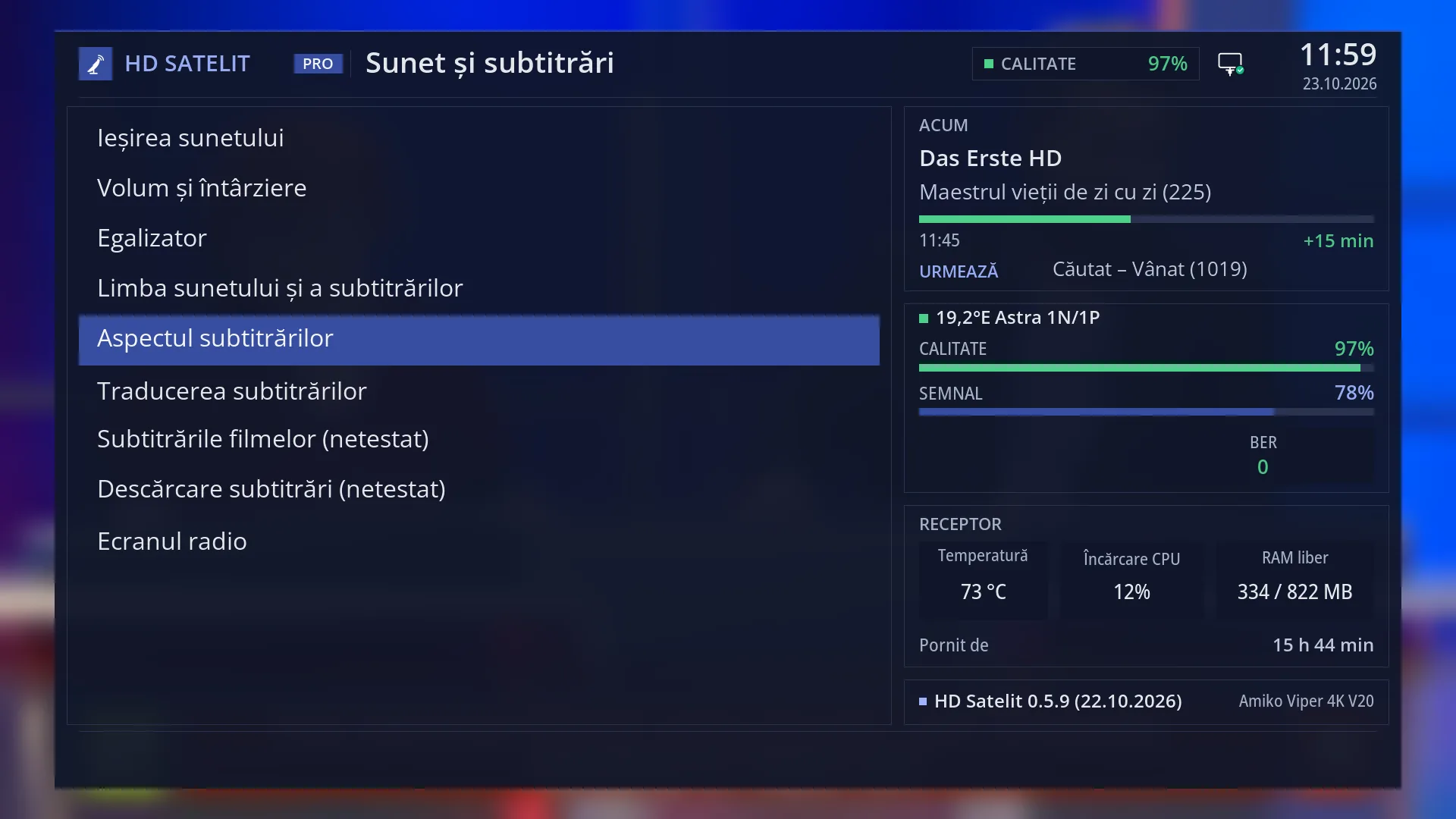
- 1 Selected row: “Subtitle appearance”.
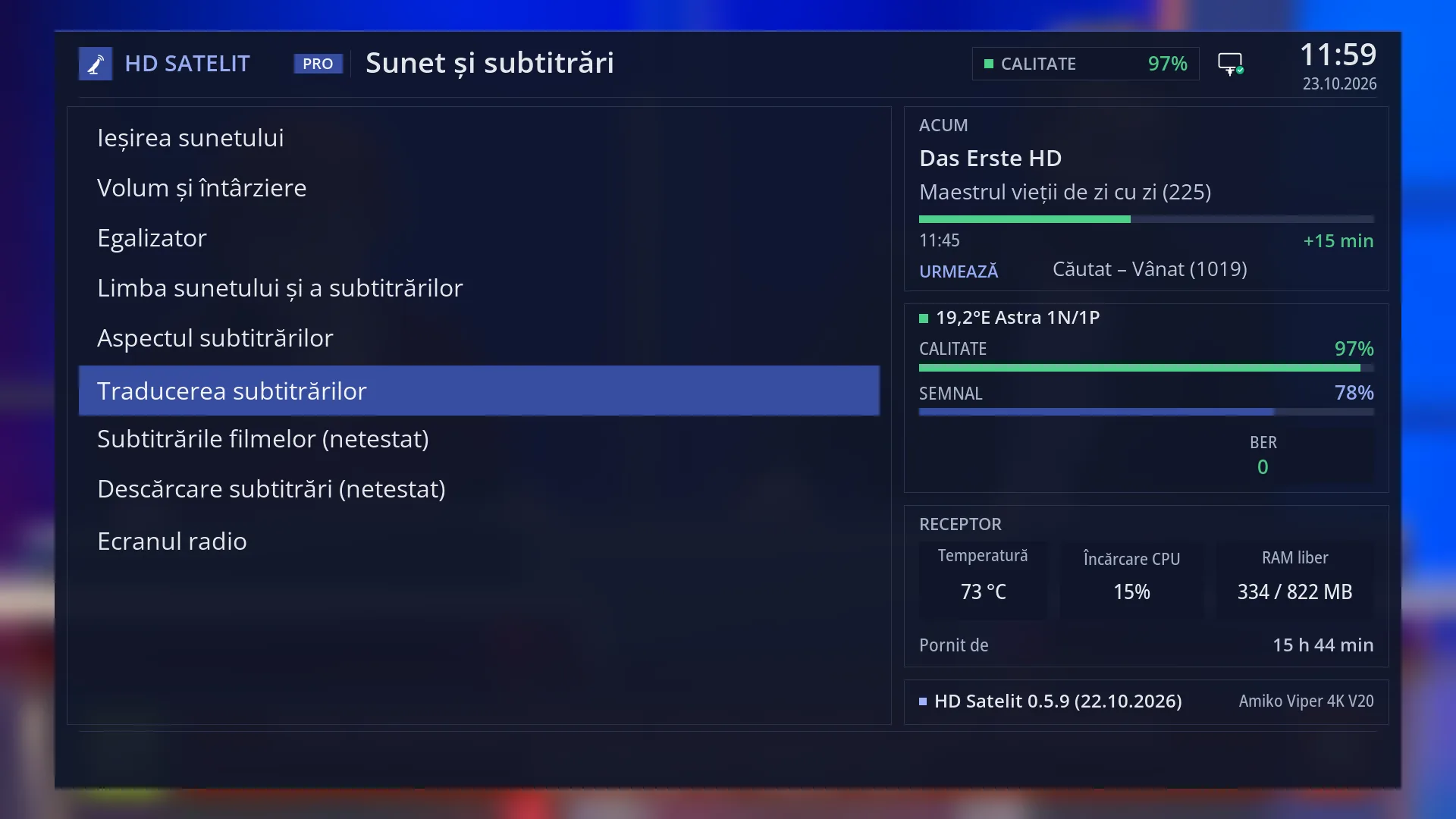
- 1 Selected row: “Subtitle translation”.
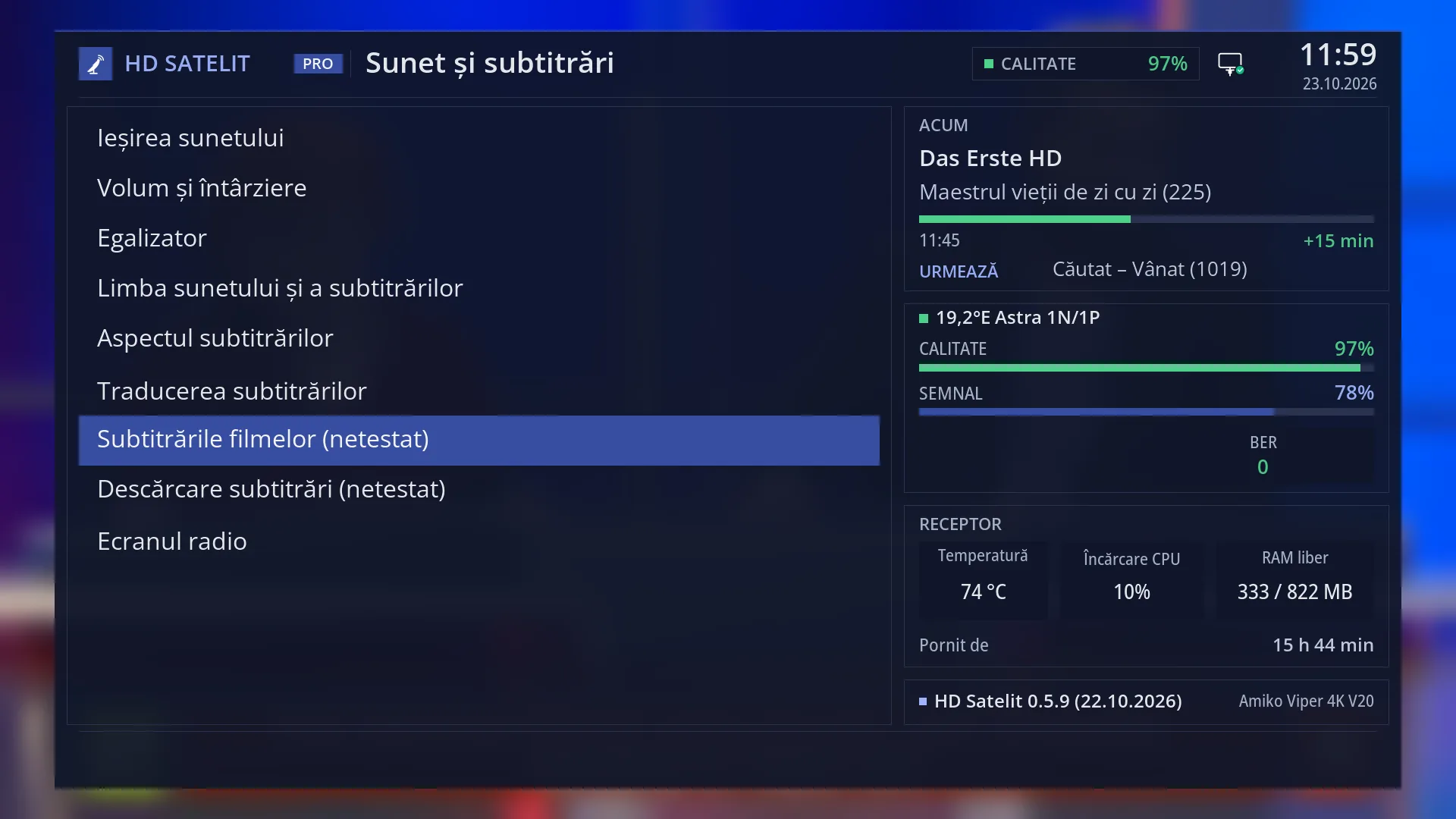
- 1 Selected row: “Film subtitles (not tested)”.
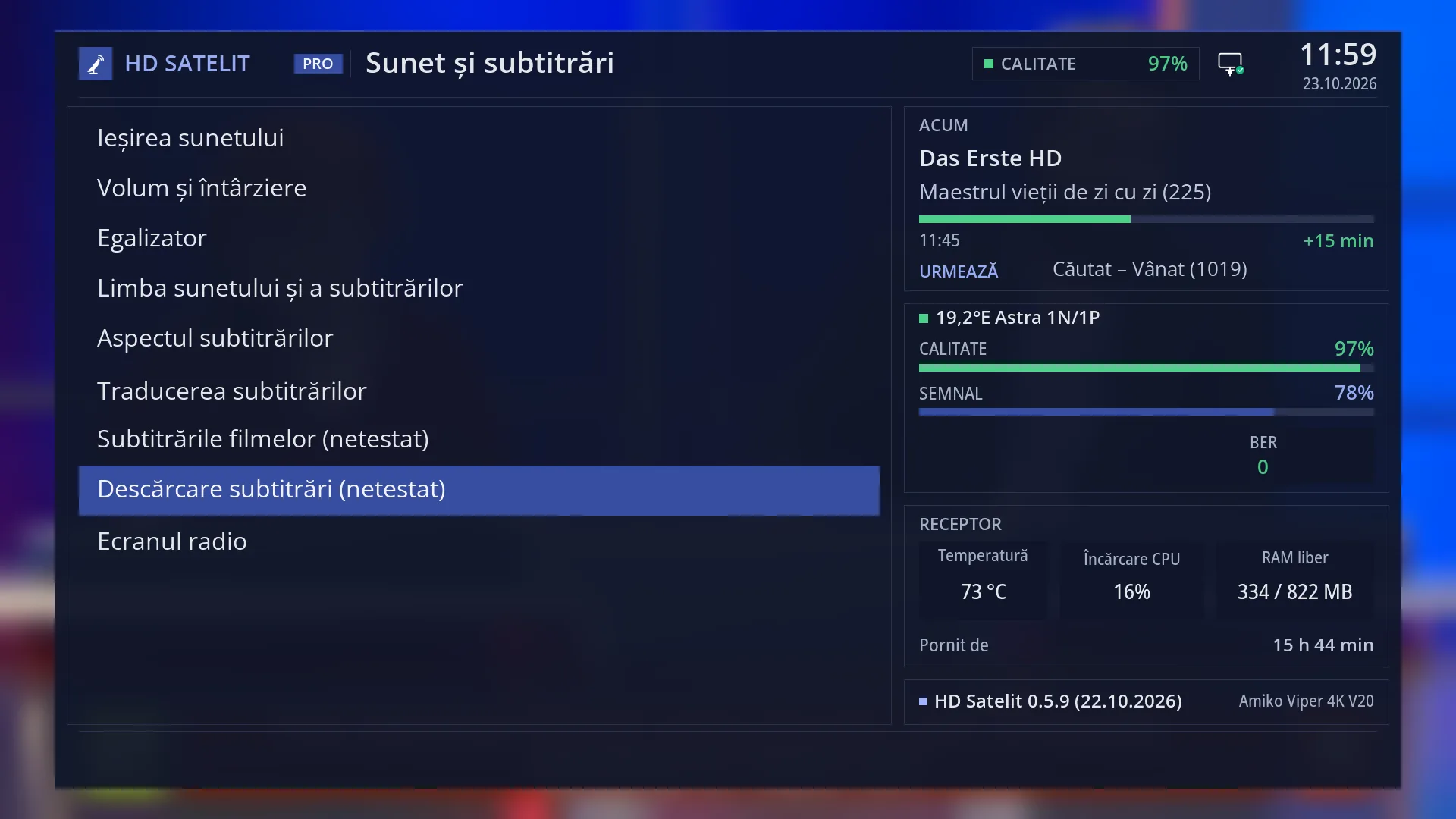
- 1 “(not tested)”: the screen is finished, but not yet tried on the receiver.
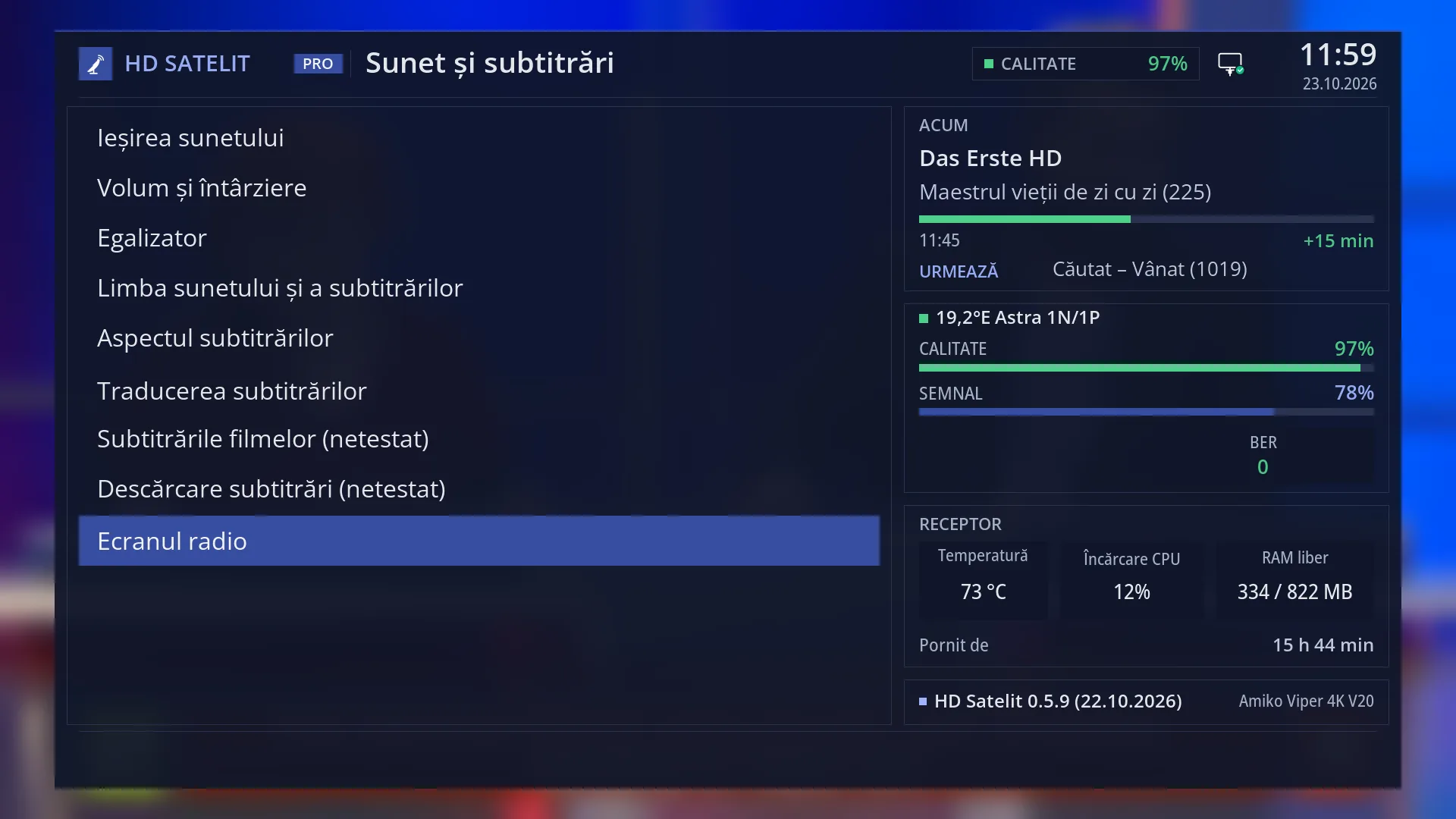
- 1 Selected row: “Radio screen”.
What it is for
“Audio & Sound Tracks” gathers in one place everything to do with what you hear and the text on the screen: where the sound goes (TV, amplifier, 5.1), its volume and delay, the radio equaliser, your preferred languages, how subtitles look, subtitle translation, subtitles for films on disk and the radio screen.
Each row opens a separate screen, with its own help page.
You change most of these once and leave them: preferred languages, subtitle appearance, sound output. You adjust volume and delay when a channel or a new soundbar does not sound right.
How to get here
Path: Main menu > Settings > Audio & Sound Tracks.
Keys on the TV screen: MENU 6 4.
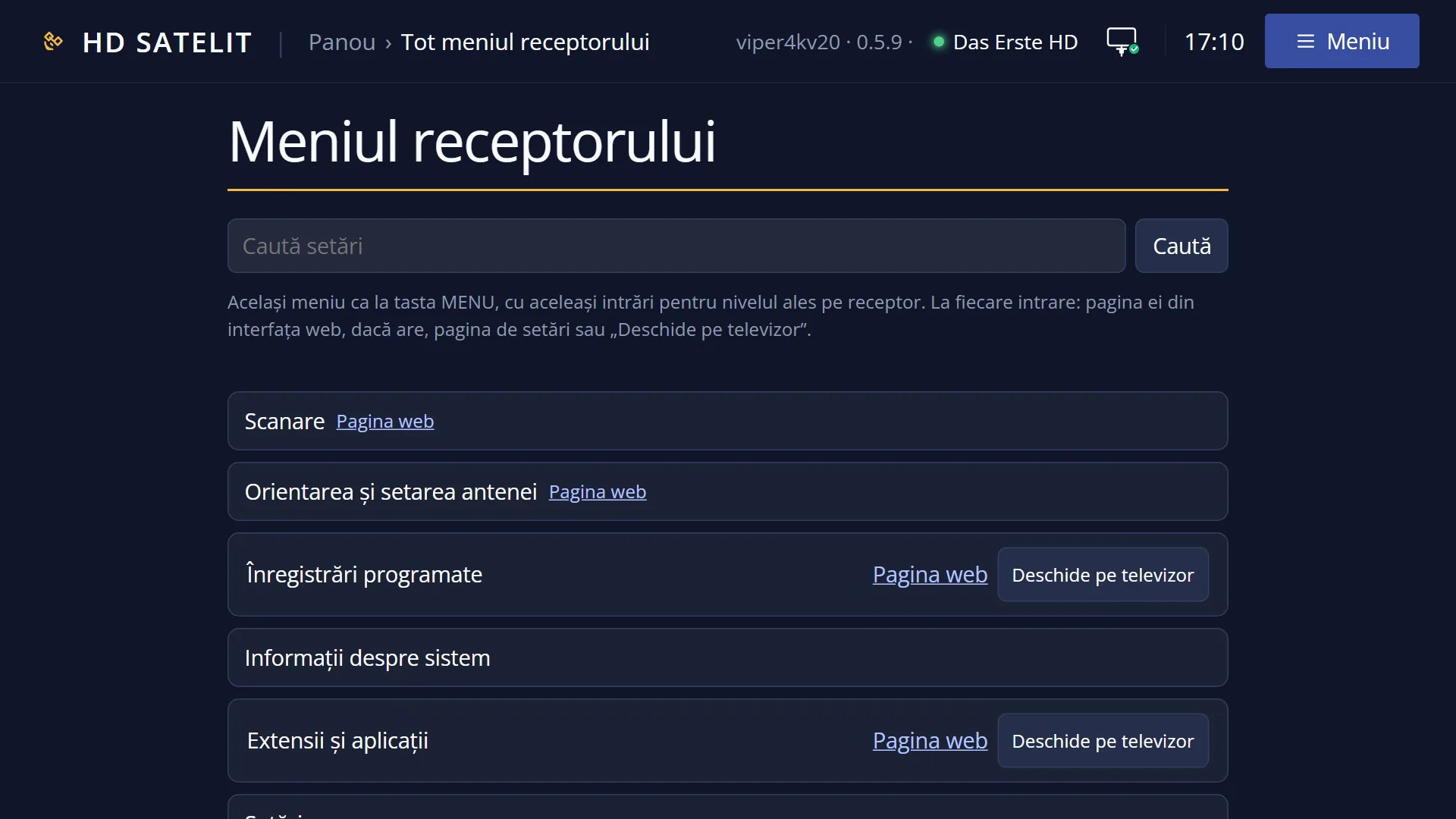
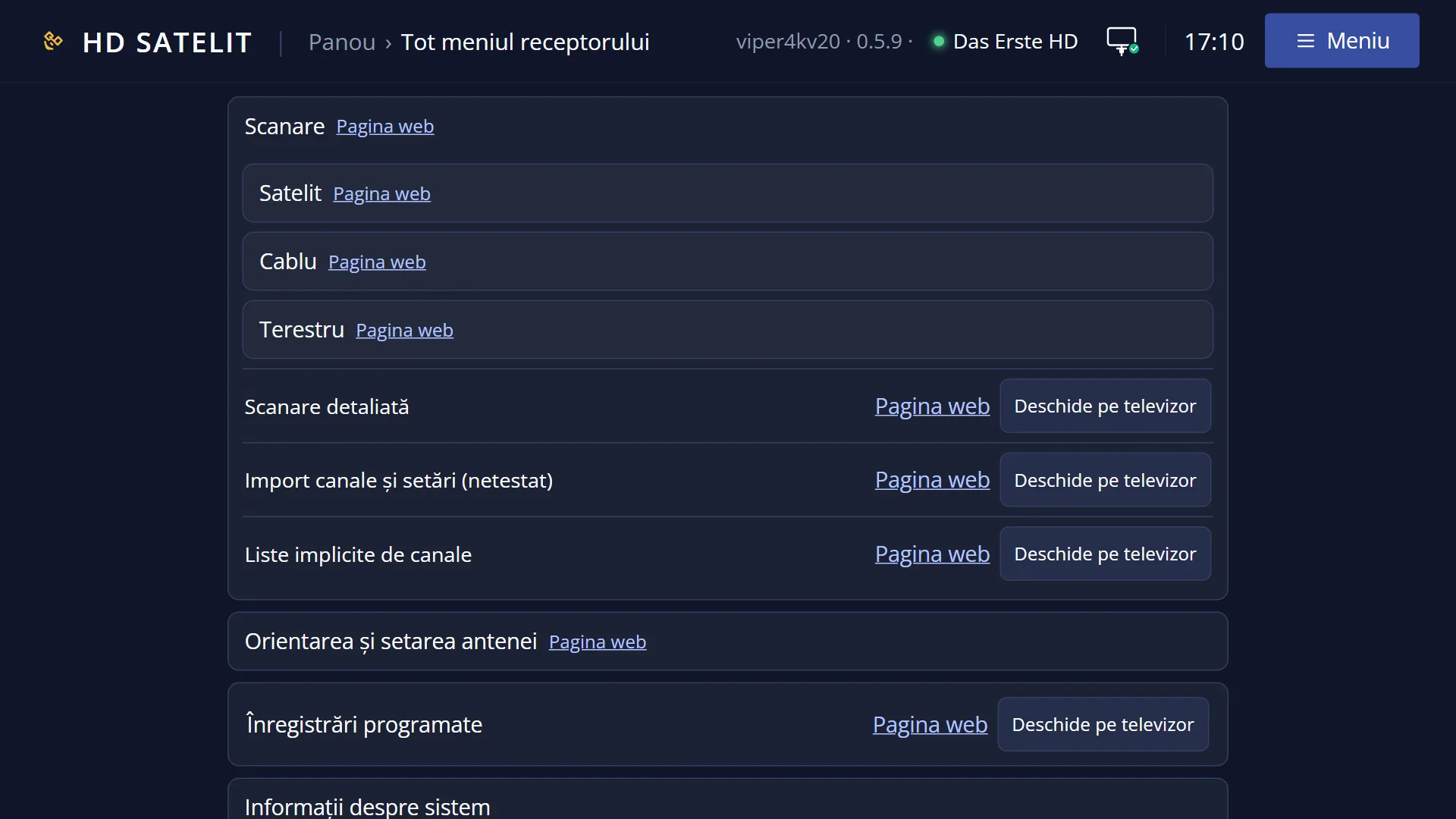
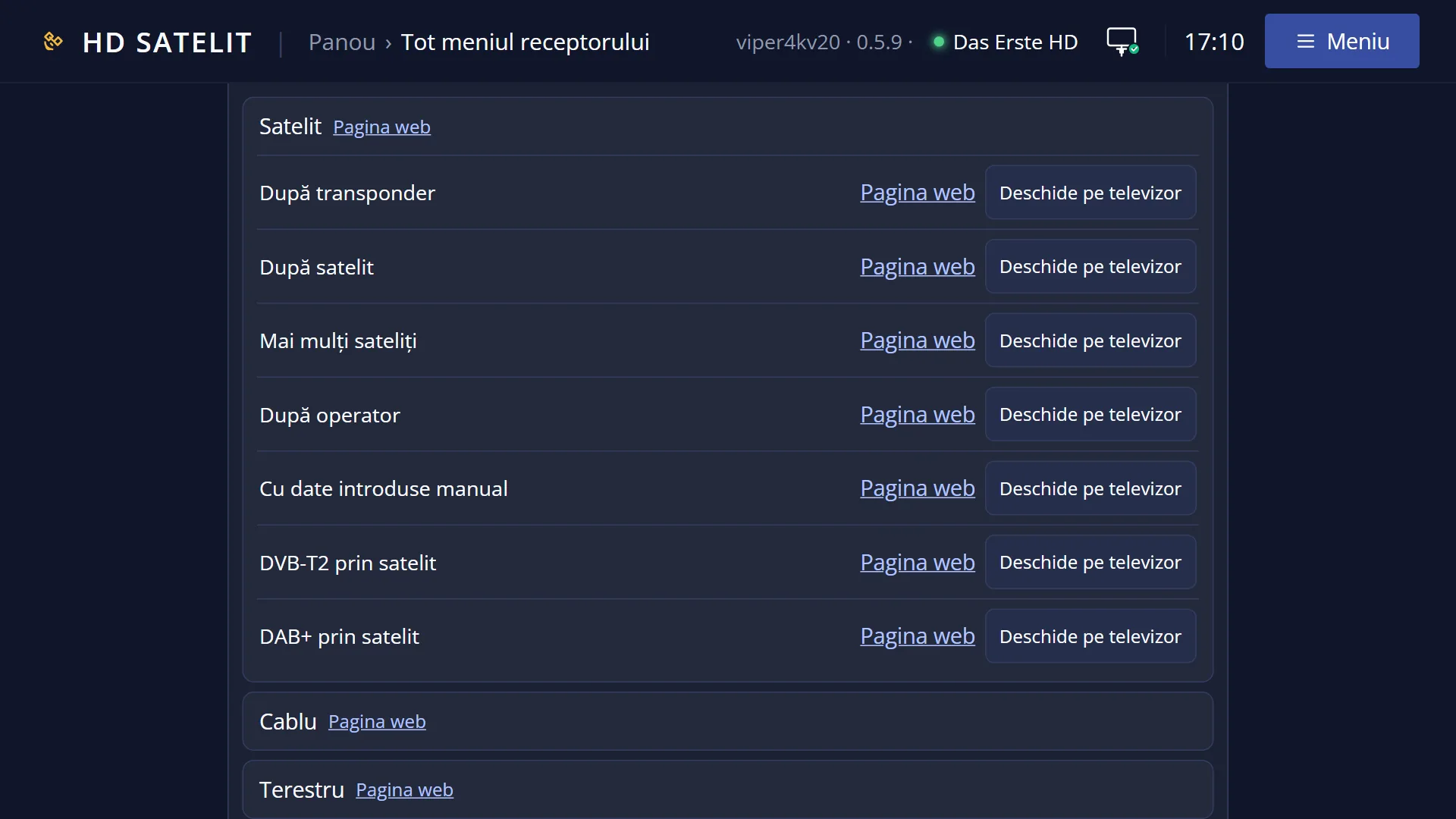
In the web interface: the /meniu page, the “Settings” group, then “Audio & Sound Tracks”, with a link to the web page of each screen.
What you see on the screen
At the top, the title “Audio & Sound Tracks”, the clock and the date. In the Pro theme you also see “HD SATELIT” with the “PRO” label, the signal quality and the network icon.
On the left, nine rows: Sound Output & Downmix, Volume and delay, Equalizer, Audio and subtitle language, Subtitle appearance, Subtitle translation, Film subtitles, Subtitle download and Radio screen.
“Film subtitles” and “Subtitle download” have “(not tested)” next to their names: the screens are finished, but have not yet been tried on the receiver.
In the Pro theme, the “NOW”, signal, “Receiver” and image version boxes are on the right, as in the main menu.
All nine rows have a number, from 1 to 9.
Rows and settings
| Row | Values | Default | What it does |
|---|---|---|---|
| 1 Sound Output & Downmix | Where and how the sound goes out: automatically, based on what the TV can handle, or manually, with AC3 and DTS sent unchanged (5.1) or converted to stereo. When you connect a 5.1 amplifier or you have no sound on some channels. | ||
| 2 Volume and delay | The volume step, how long the volume bar stays on screen, the volume remembered per channel, even volume across channels and the sound delay on HDMI and optical. When adverts are too loud or lips do not match the sound. | ||
| 3 Equalizer | The equaliser for radio stations: the bands, the presets, night mode and per-station settings. When you want the bass or the voices to sound different on the radio. | ||
| 4 Audio and subtitle language | Your preferred languages for sound and subtitles, three of each, and “Never show subtitles”. When you want films to start in your language by themselves, with the right subtitles. | ||
| 5 Subtitle appearance | The size, colour, outline, shadow, background and height of text subtitles, with a sample sentence on the screen. When subtitles are too small or hard to read. | ||
| 6 Subtitle translation | Automatic translation of text subtitles through the translation service you choose. When you want Romanian subtitles on a foreign channel. | ||
| 7 Film subtitles (not tested) | The encoding of old subtitle files, ș and ț with comma, the file next to the film before the track inside the film, and searching in subfolders. When Romanian letters look strange in film subtitles. | ||
| 8 Subtitle download (not tested) | The accounts for downloading subtitles from the internet. The search itself is on the SUB key, while the film is playing. When you want to download subtitles for films on disk. | ||
| 9 Radio screen | The screen shown while you listen to radio: on or off, the visualiser, the colours, the screensaver. When you want a different picture on the screen while you listen to radio. |
Keys
| UP / DOWN | Moves the cursor to the row above or below. From the last row, DOWN goes to the first, and the other way round. |
| LEFT / RIGHT | Jump one page. The menu fits on one page, so you go to the first or the last row. |
| OK | Opens the selected screen. |
| 1 ... 9 | Open the row with that number directly, without OK. |
| TTX (the screen shows TEXT) | Opens “Search settings”. |
| YELLOW | Switches the menu from a list to tiles or back. Your choice is remembered for all menus. |
| EXIT | Takes you back to Settings. |
| MENU | Closes the whole menu and takes you back to the TV picture. |
Step by step
Go straight to a sound screen
- Press MENU 6 4.
- Press the row number, for example 2 for Volume and delay or 5 for Subtitle appearance.
Make Romanian subtitles start by themselves
- Press MENU 6 4 4 (Audio and subtitle language) and put Romanian first for subtitles.
- If you want bigger letters, press MENU 6 4 5 (Subtitle appearance).
- For films on disk with old subtitle files, check MENU 6 4 7 (Film subtitles).
Problems and solutions
I have no sound on some channels (usually those with 5.1 sound).
Open Sound Output & Downmix (MENU 6 4 1): the TV or amplifier does not accept unchanged AC3 or DTS. Leave the output on Automatic or convert the sound to stereo.
Subtitles do not appear by themselves.
Check the languages in MENU 6 4 4. On a particular channel, choose the subtitles with the SUB key.
I am looking for a sound setting and do not know which screen it is on.
Press TTX in this menu and type a few letters of its name, for example “ac3” or “delay”: “Search settings” shows you the screen and the row.
Two rows have “(not tested)” next to them.
The screens work, but have not yet been tried on the receiver. The mark disappears after testing.
Related topics
- Settings
- Sound Output & Downmix
- Volume and delay
- Equalizer
- Audio and subtitle language
- Subtitle appearance
- Subtitle translation
- Film subtitles
- Subtitle download
- Radio screen settings
- Matching web page: /meniu, the “Audio & Sound Tracks” group.