

Audio and subtitle language
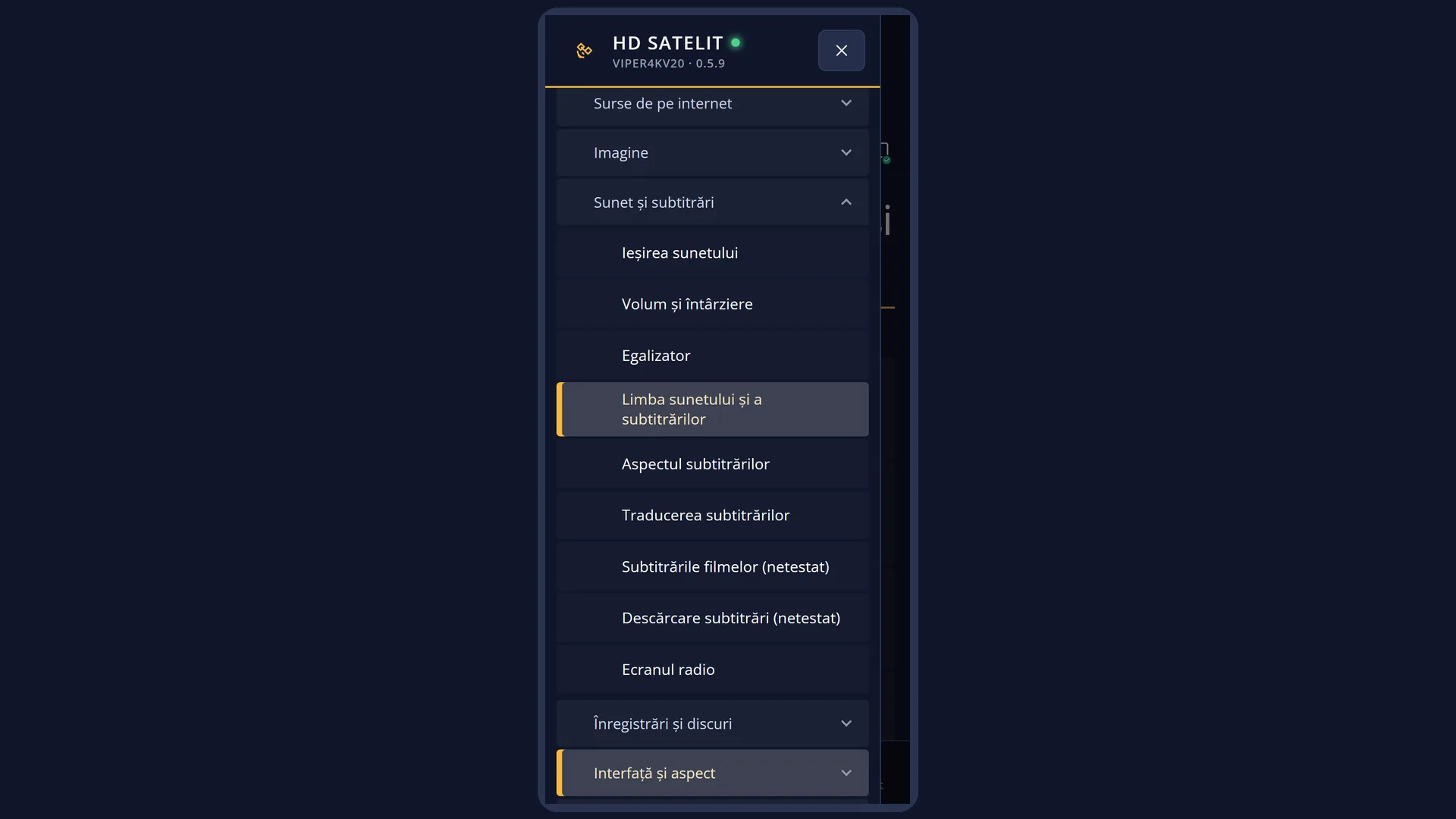
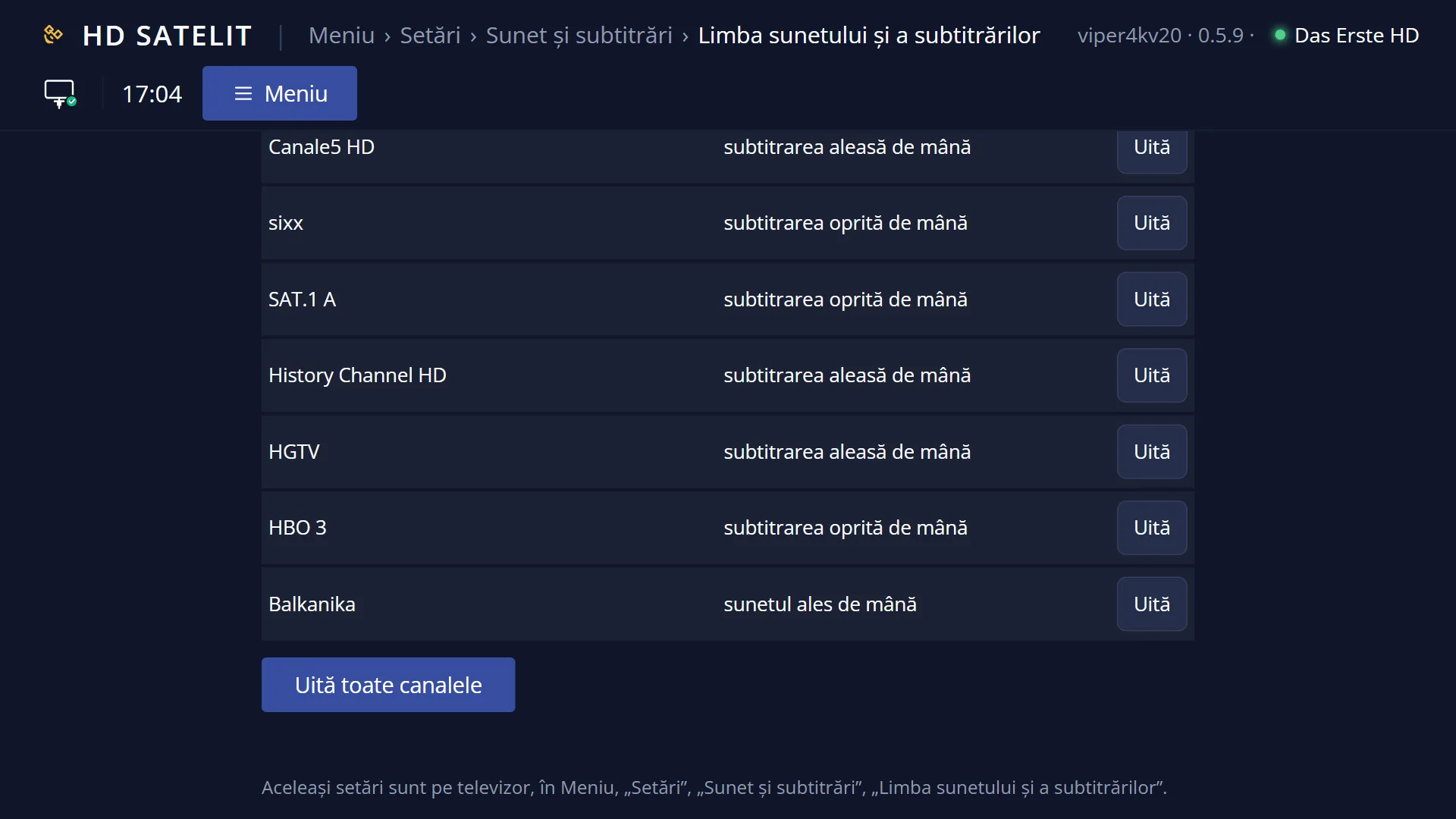
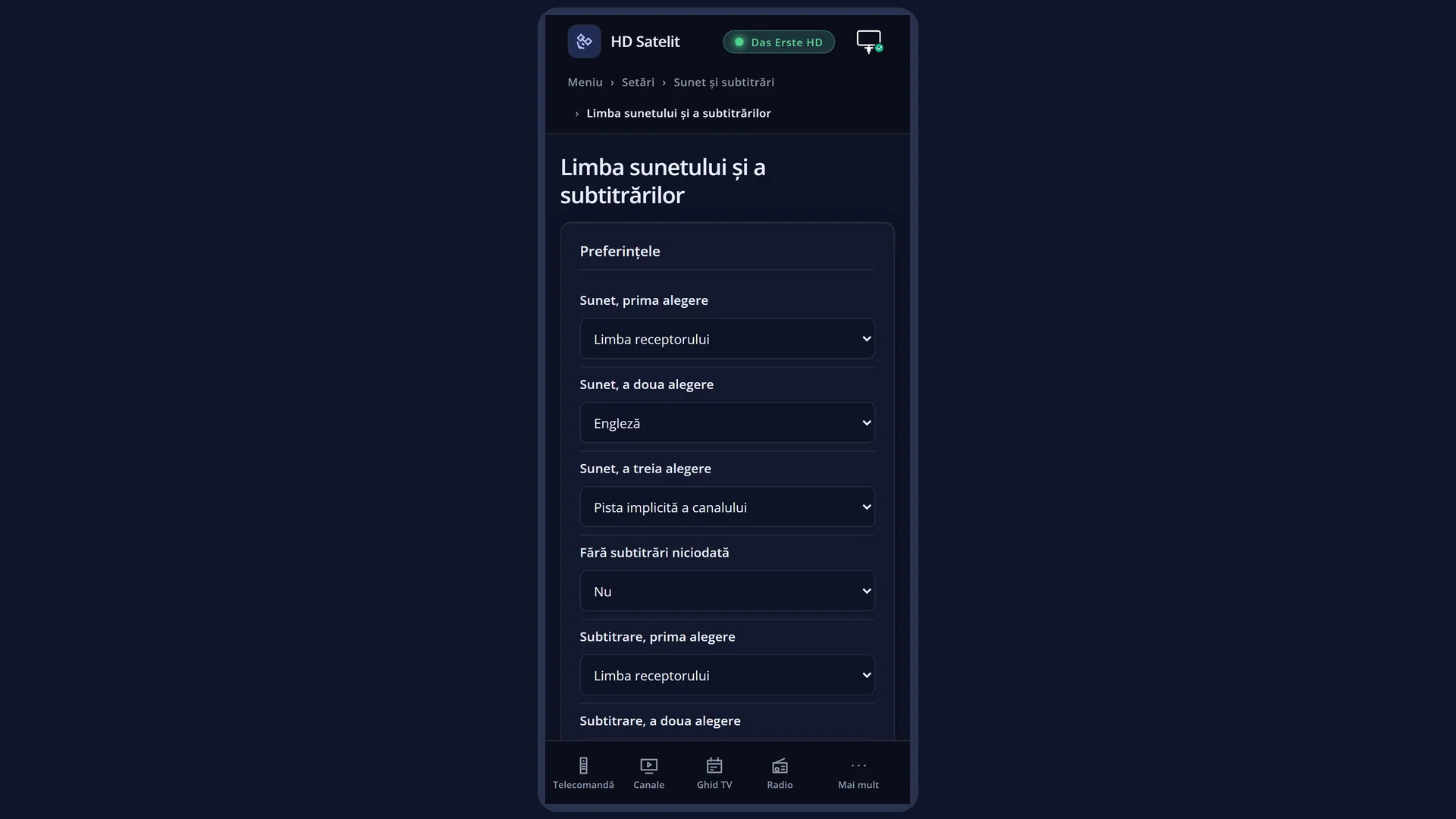
English screenshots coming: some of the pictures below still show the receiver and the web interface in Romanian. The rows, keys and steps described on this page are the English ones.
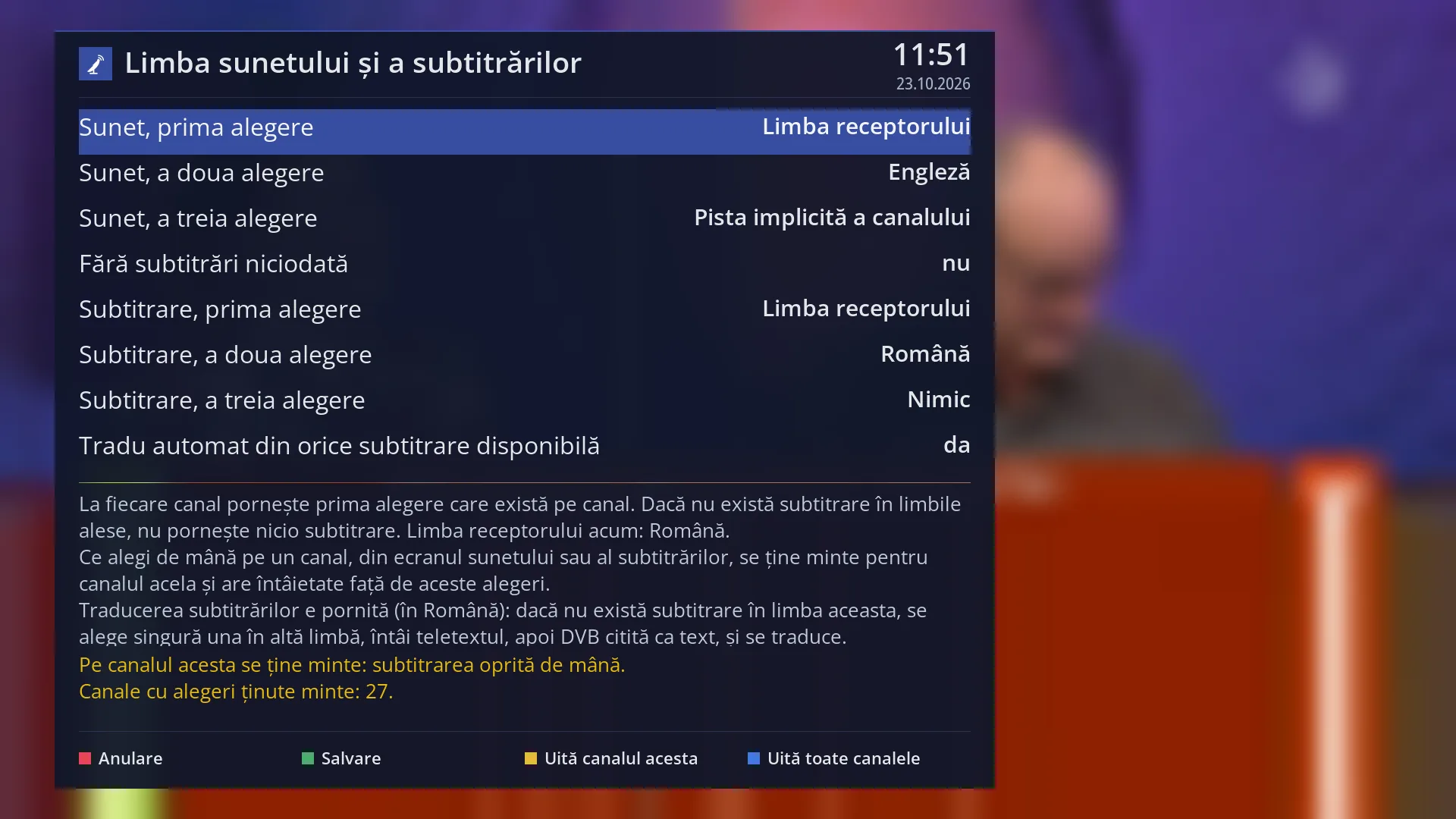
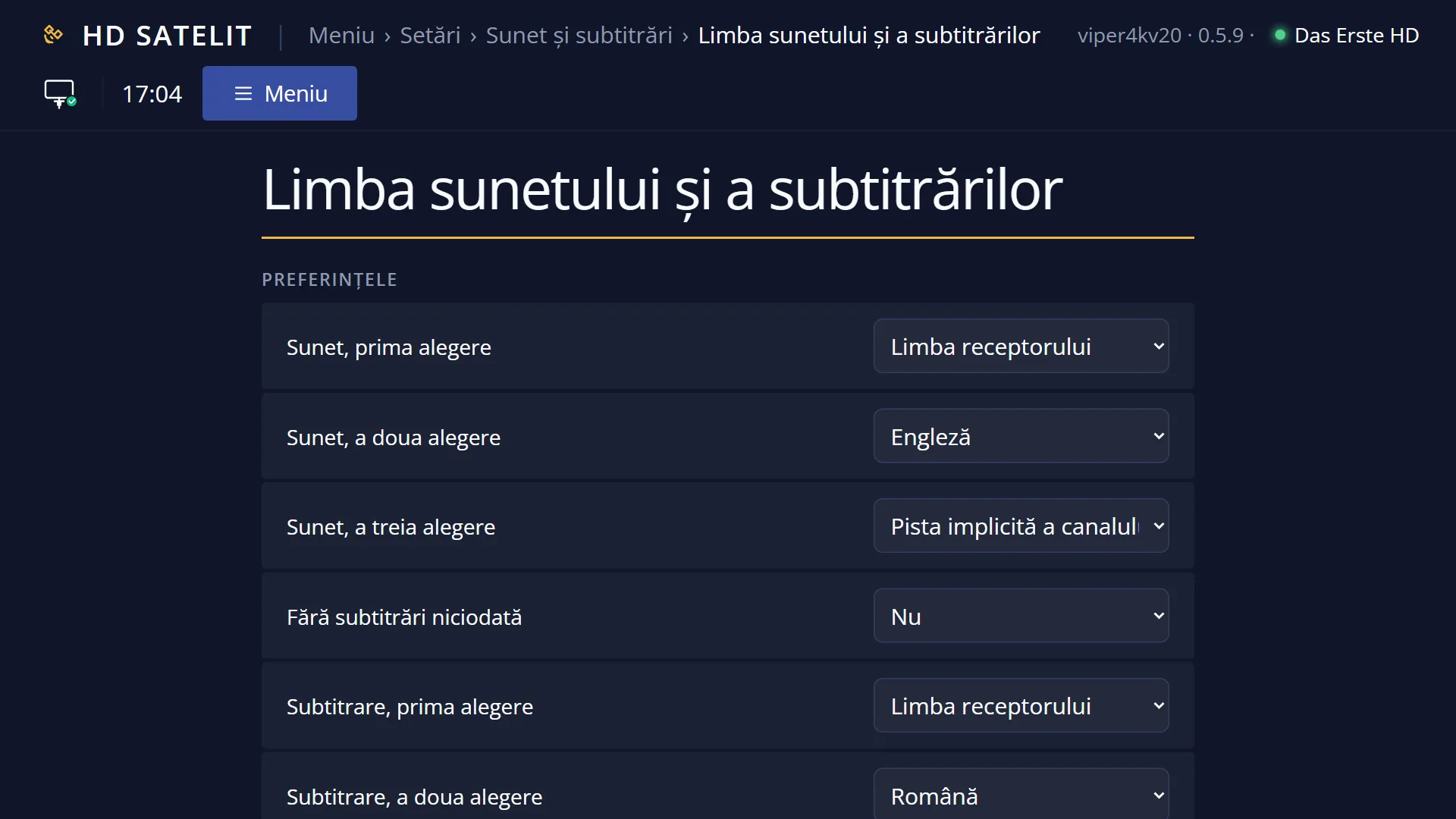
- 1 The three audio preferences and “Never show subtitles”.
- 2 The three subtitle preferences and automatic translation.
- 3 The help text: how the choice is made, the receiver language, the translation status.
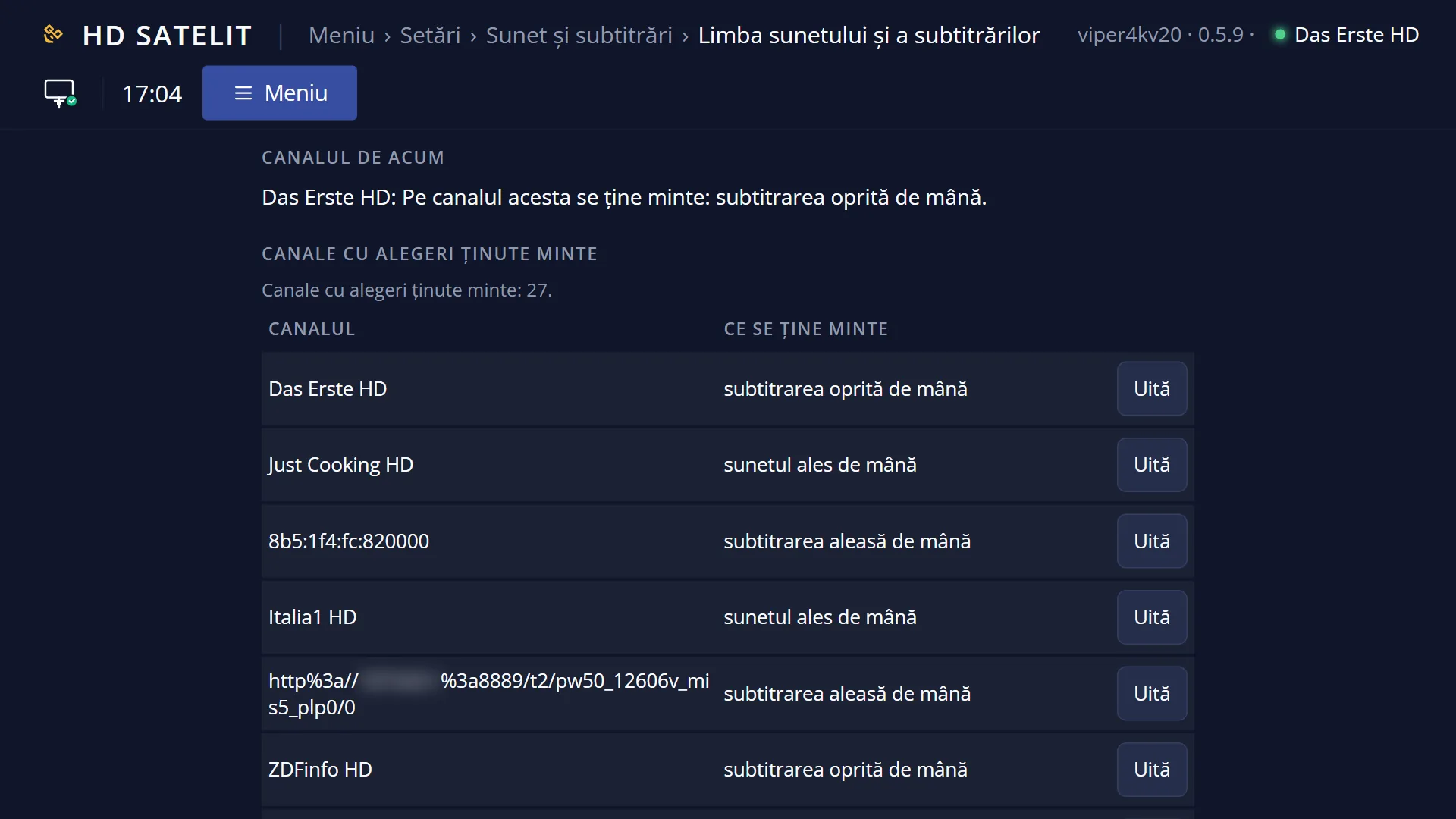
- 4 In yellow: what is remembered on the current channel and on how many channels.
- 5 RED Cancel, GREEN Save, YELLOW forgets the channel, BLUE forgets all.
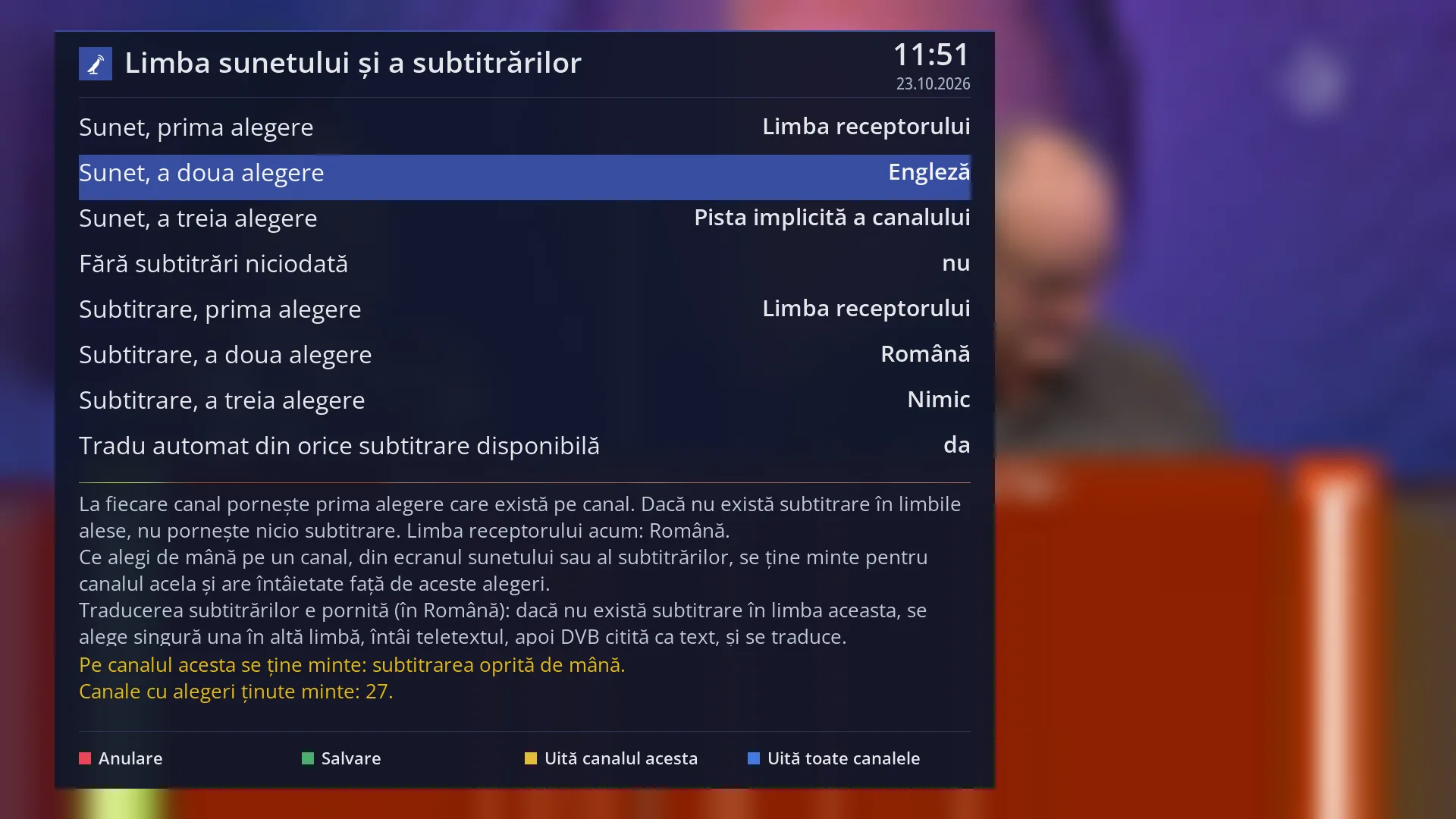
- 1 The selected row: “Audio, second choice: English”.
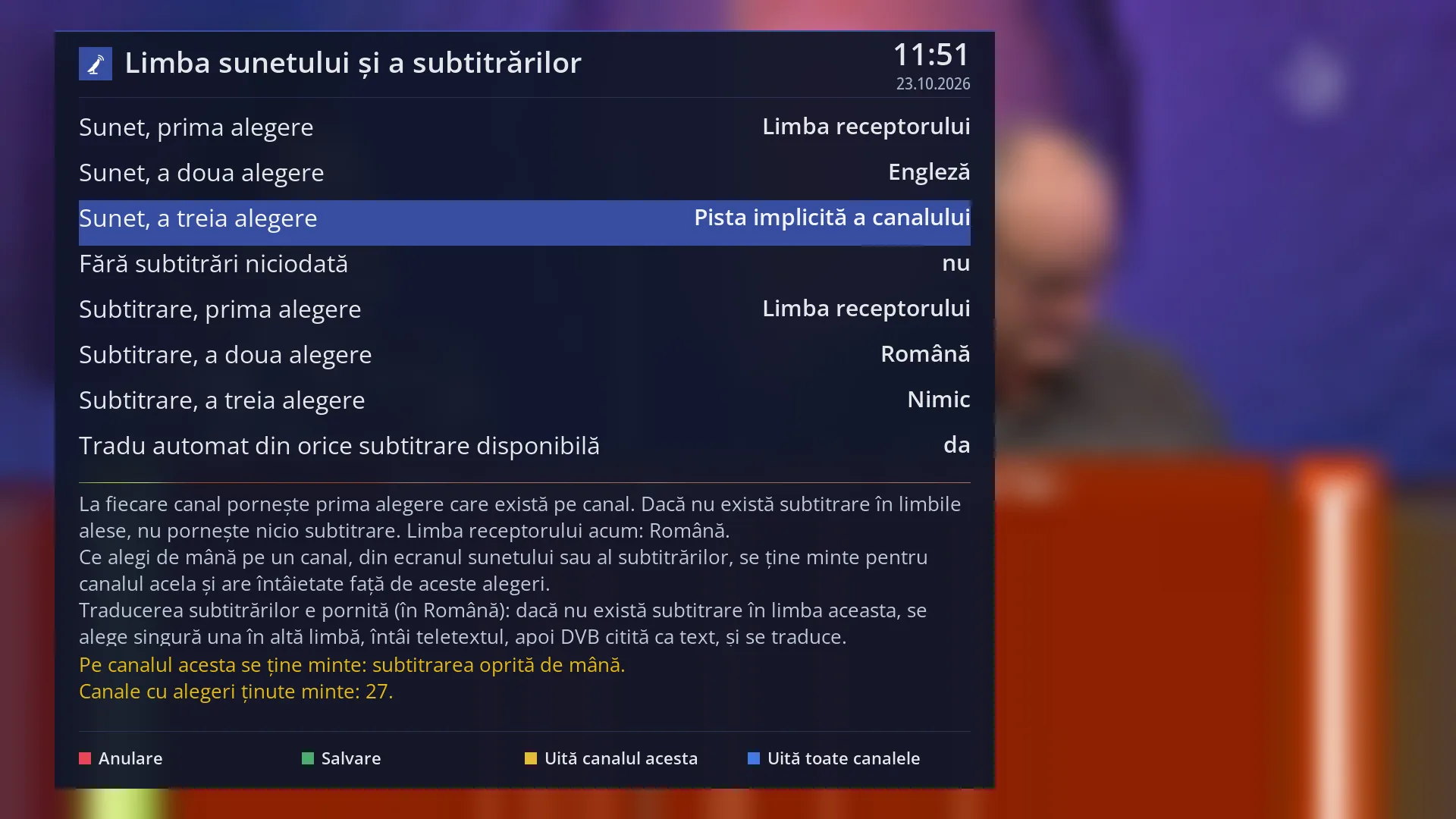
- 1 The selected row: “Audio, third choice: The channel's default track”.
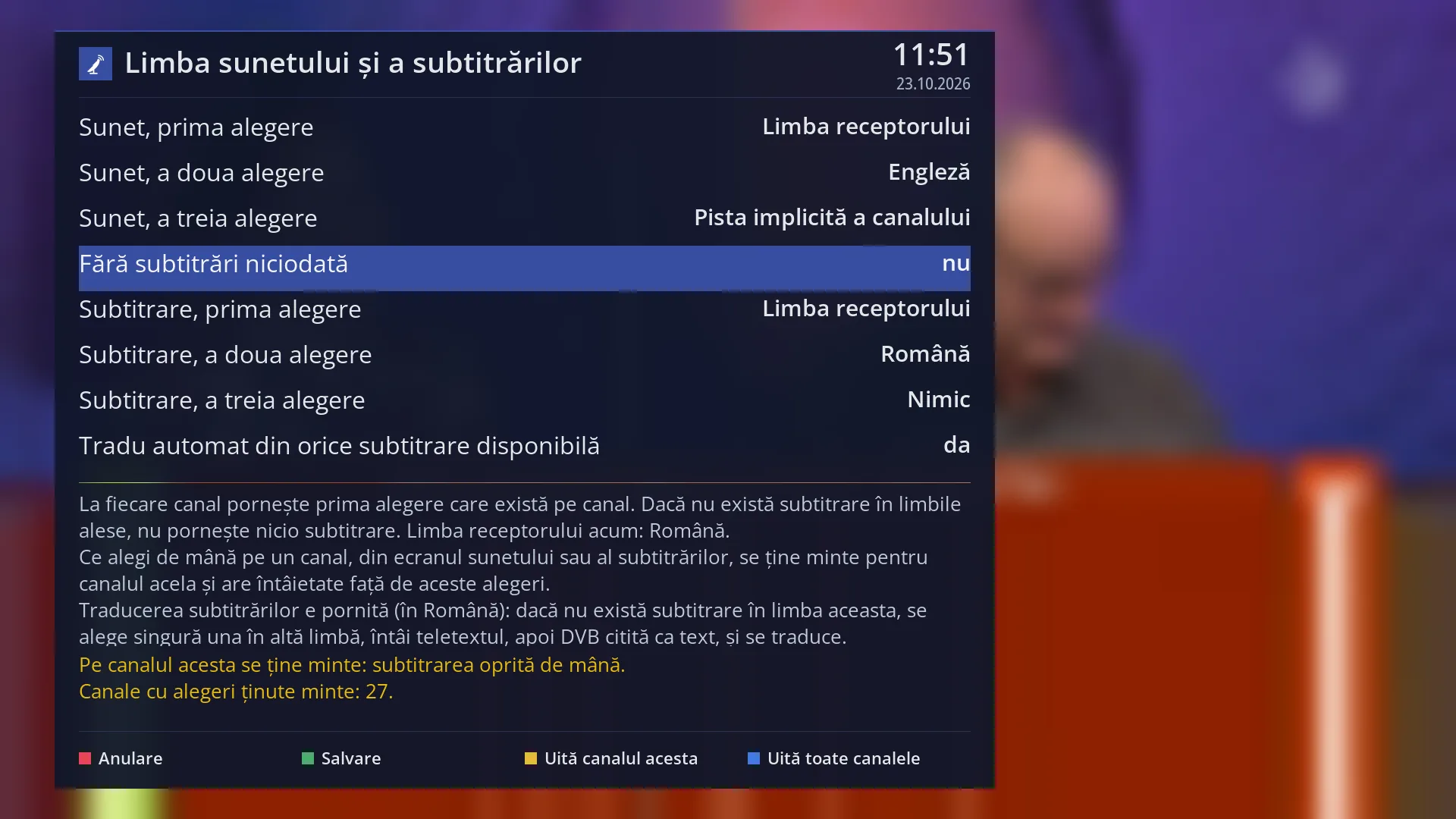
- 1 The selected row: “Never show subtitles: no”.
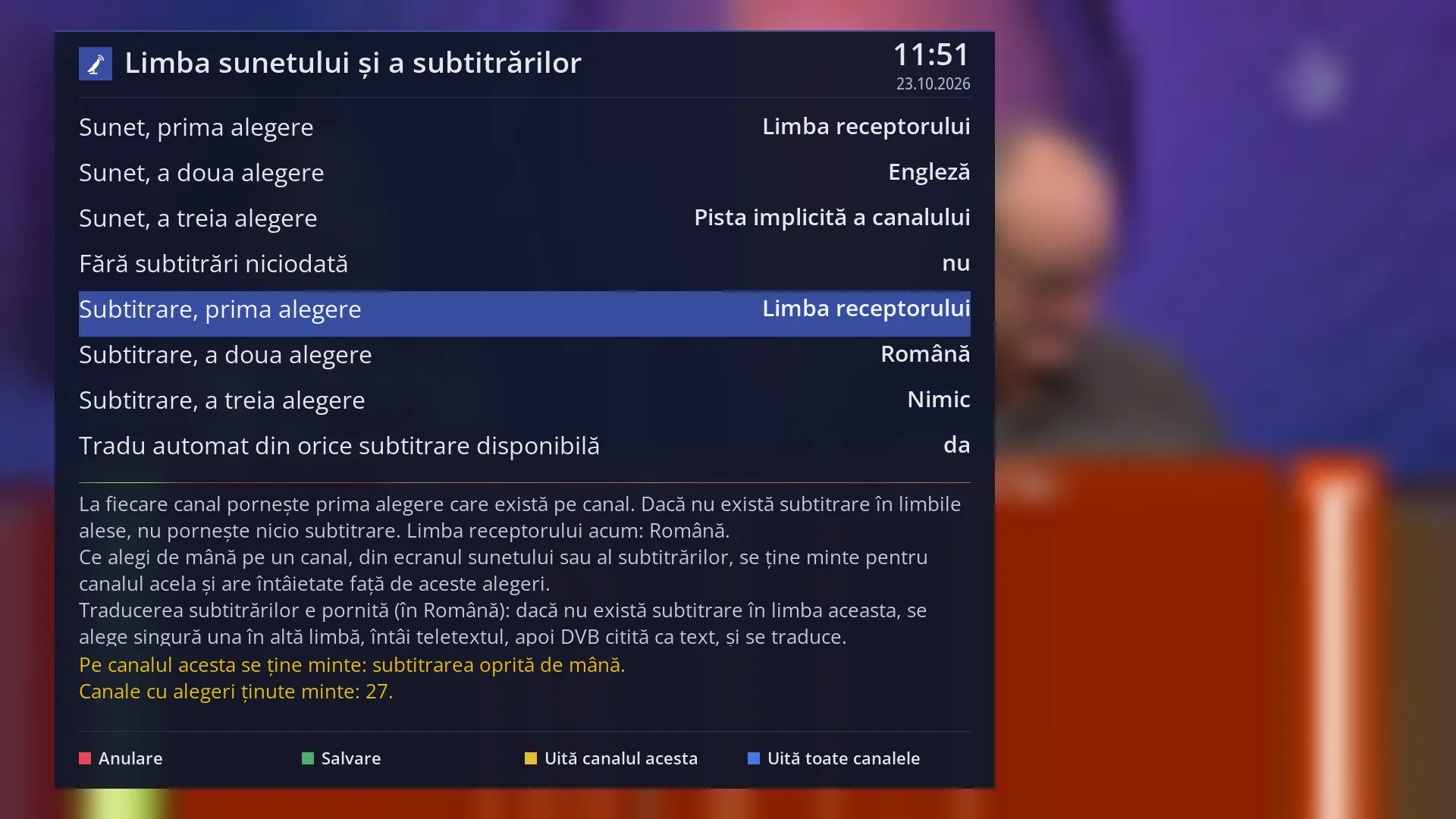
- 1 The selected row: “Subtitles, first choice: Receiver language”.
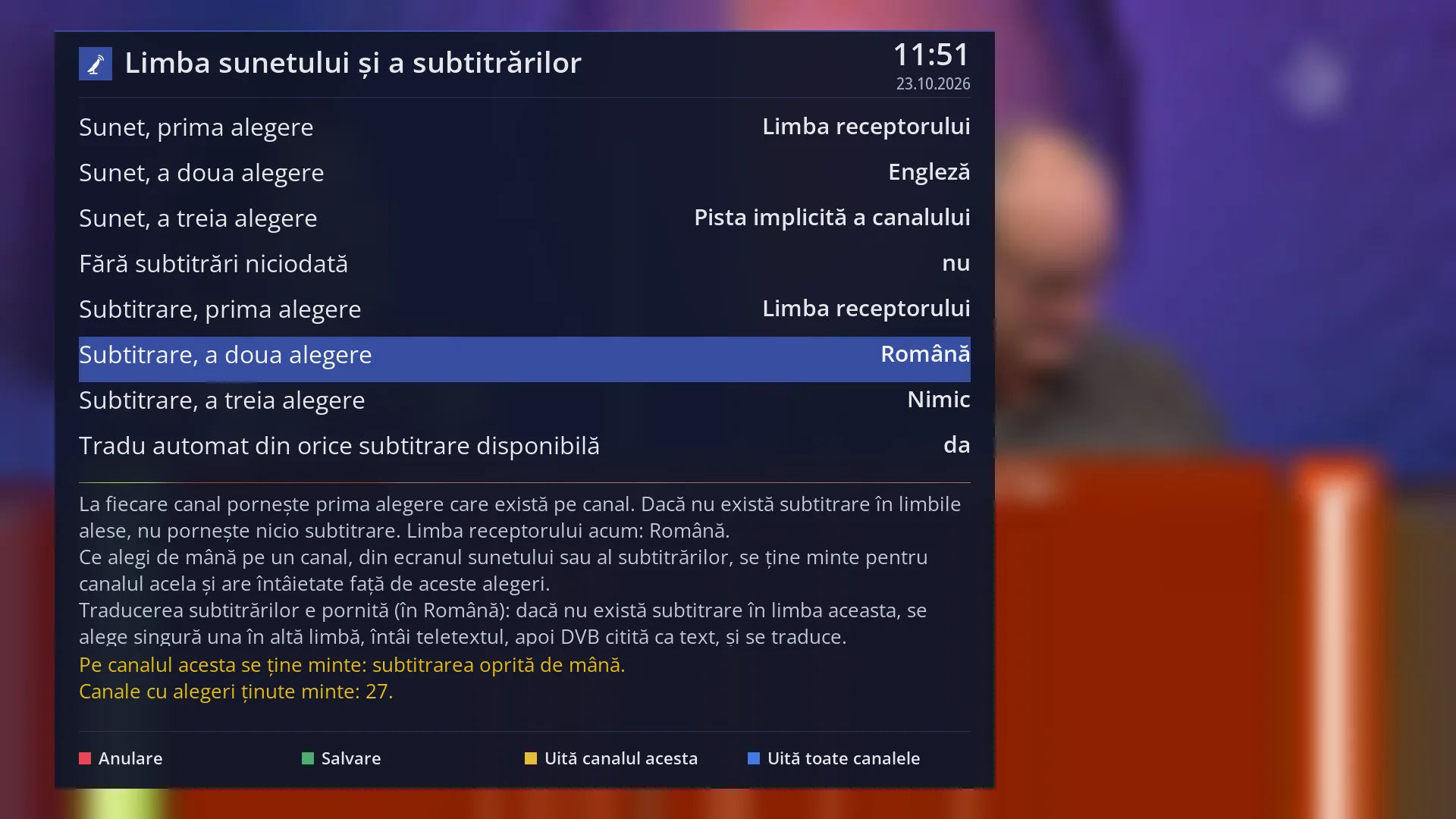
- 1 The selected row: “Subtitles, second choice: Romanian”.
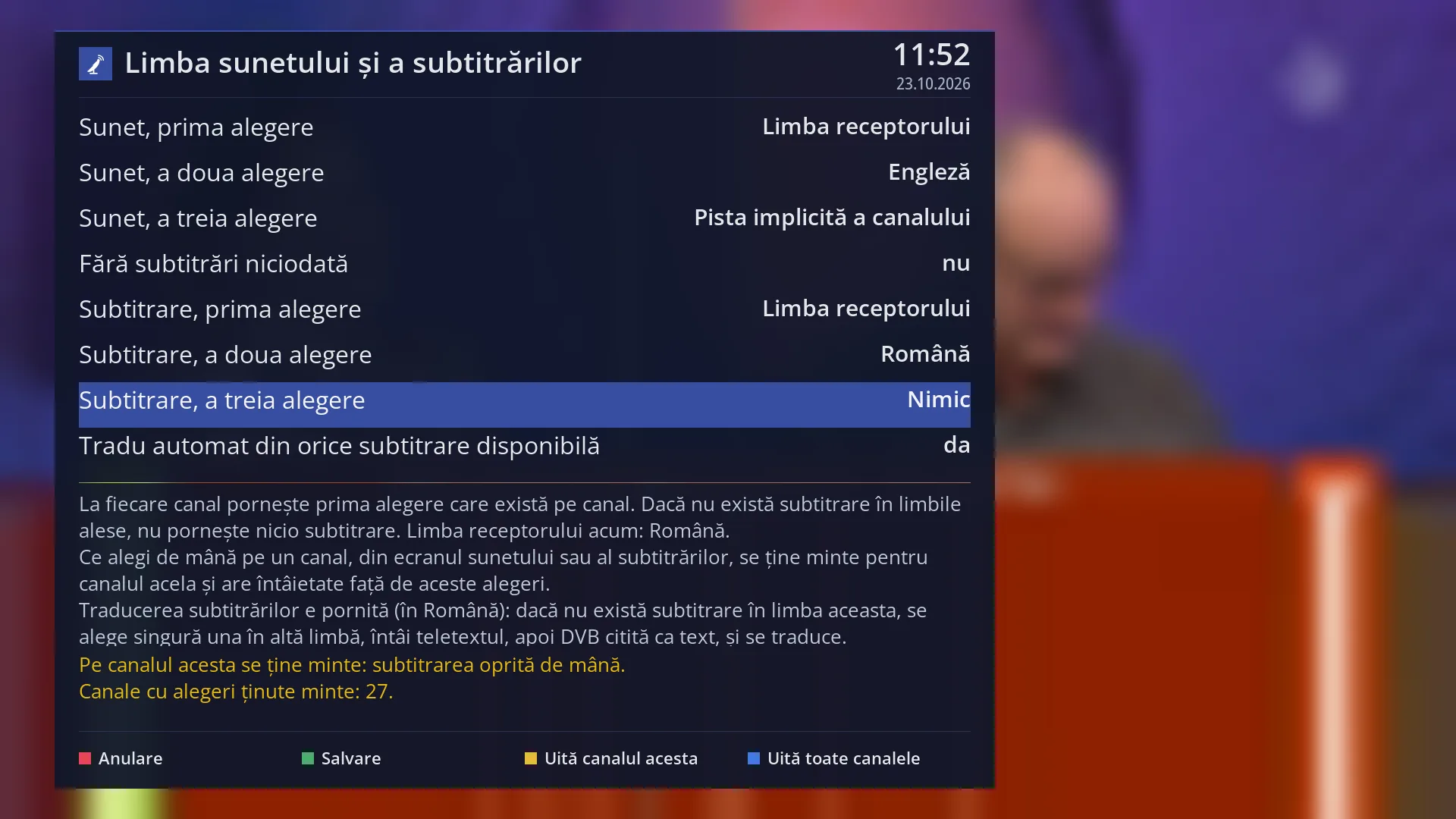
- 1 The selected row: “Subtitles, third choice: Nothing”.
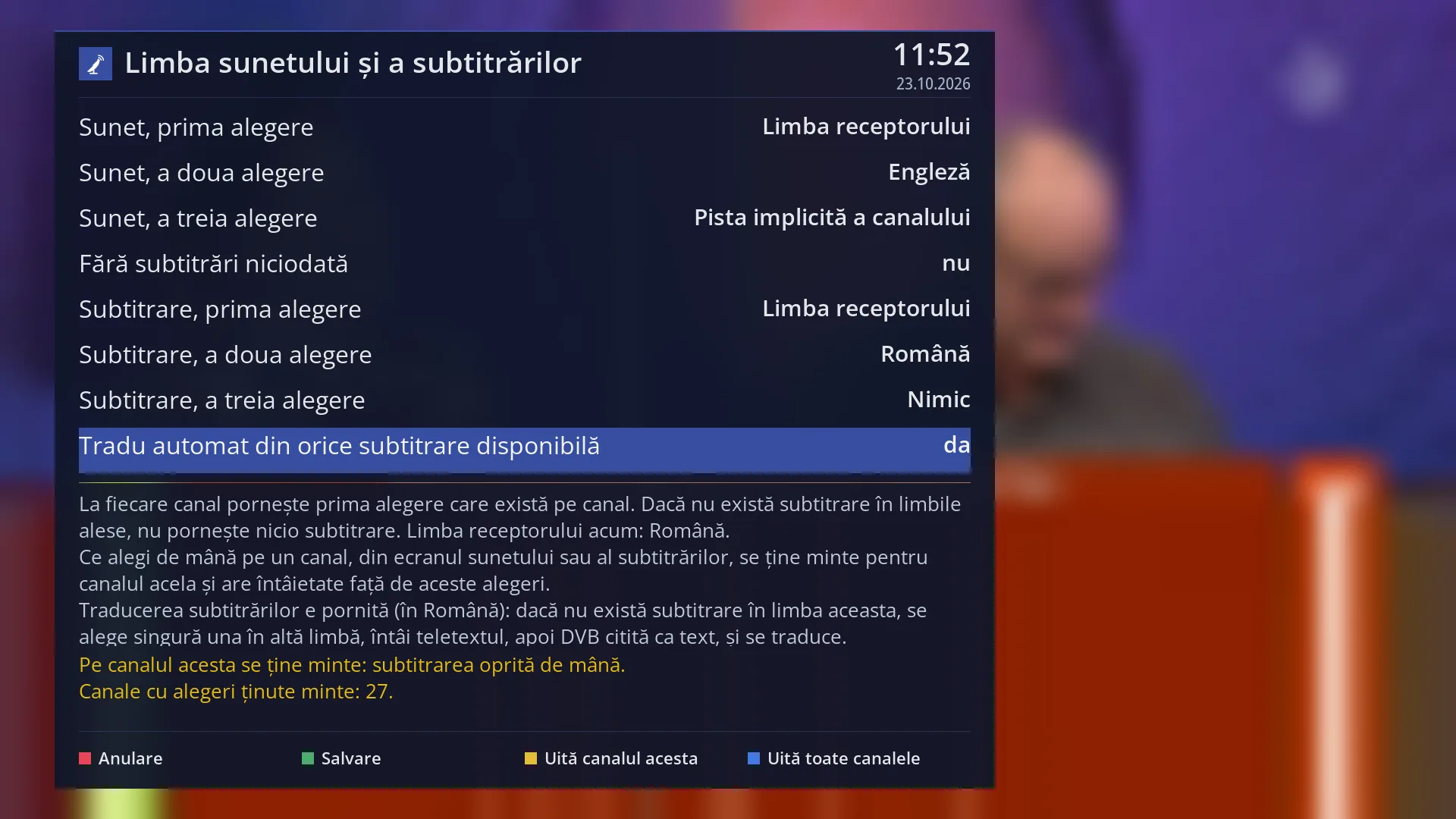
- 1 The selected row: “Automatically translate from any available subtitle: yes”.
What it is for
This screen tells the receiver which audio track and which subtitle to start by itself on each channel. You set three preferred languages for audio and three for subtitles, in order.
On each channel, the first choice that the channel has is used. Factory settings: audio in the receiver language, otherwise in English, otherwise the channel's usual track; subtitles in the receiver language, and if there are none, no subtitles.
Whatever you choose by hand on a channel (from the audio screen, AUDIO key, or the subtitle screen, SUBT key) is remembered for that channel, even after a restart, and takes priority over the preferences set here. It also applies to recordings of that channel.
Here you can also turn subtitles off completely (“Never show subtitles”) and make the receiver forget the choices made by hand, on the current channel or on all channels.
How to get here
Path: Main menu > Settings > Audio & Sound Tracks > Audio and subtitle language.
Keys on the remote: MENU 6 4 4.
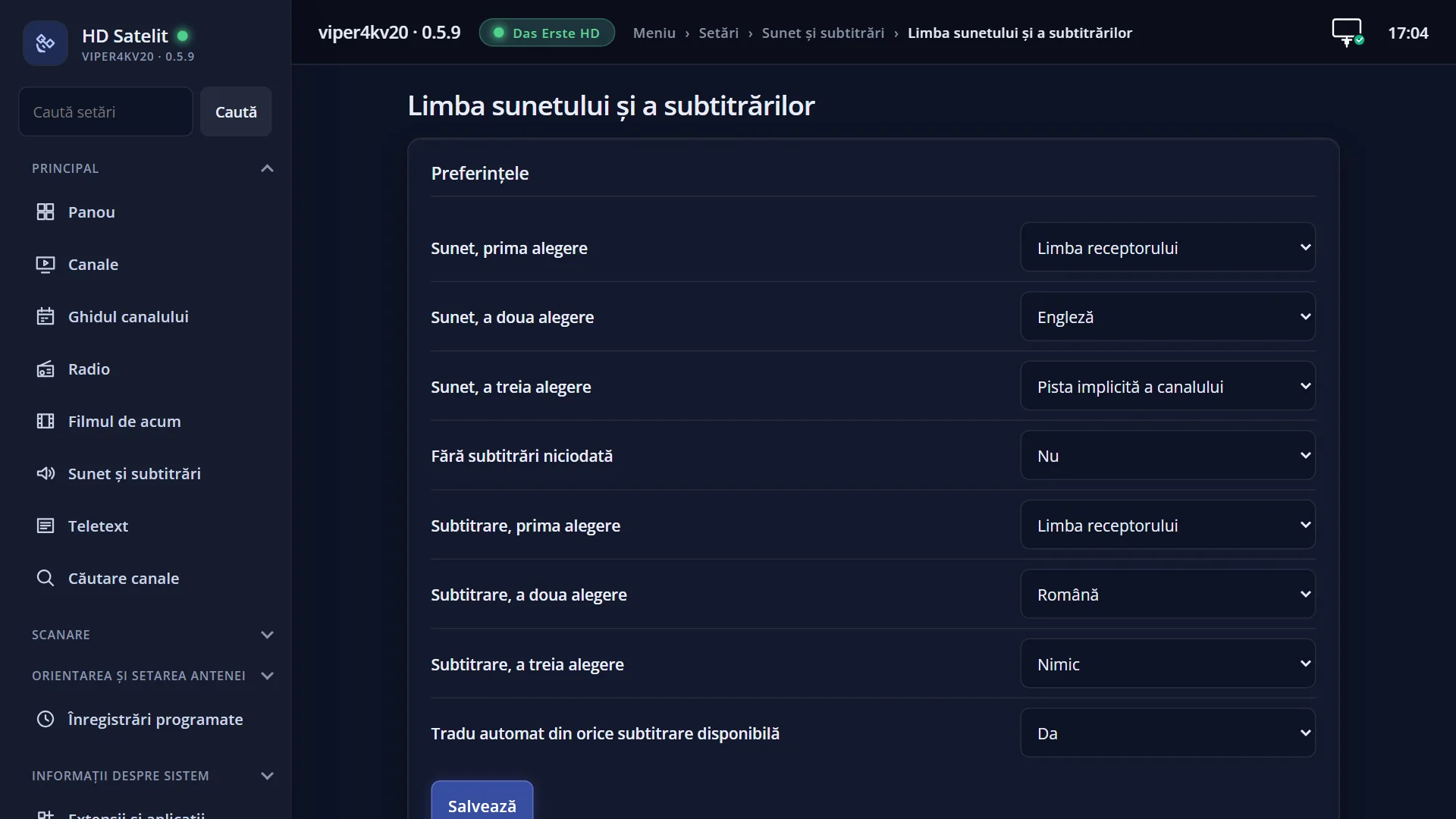
In the web interface: the /limbi page, with “The preferences”, “Current channel” and “Channels with remembered choices”.
What you see on the screen
At the top: the title “Audio and subtitle language”, the clock and the date.
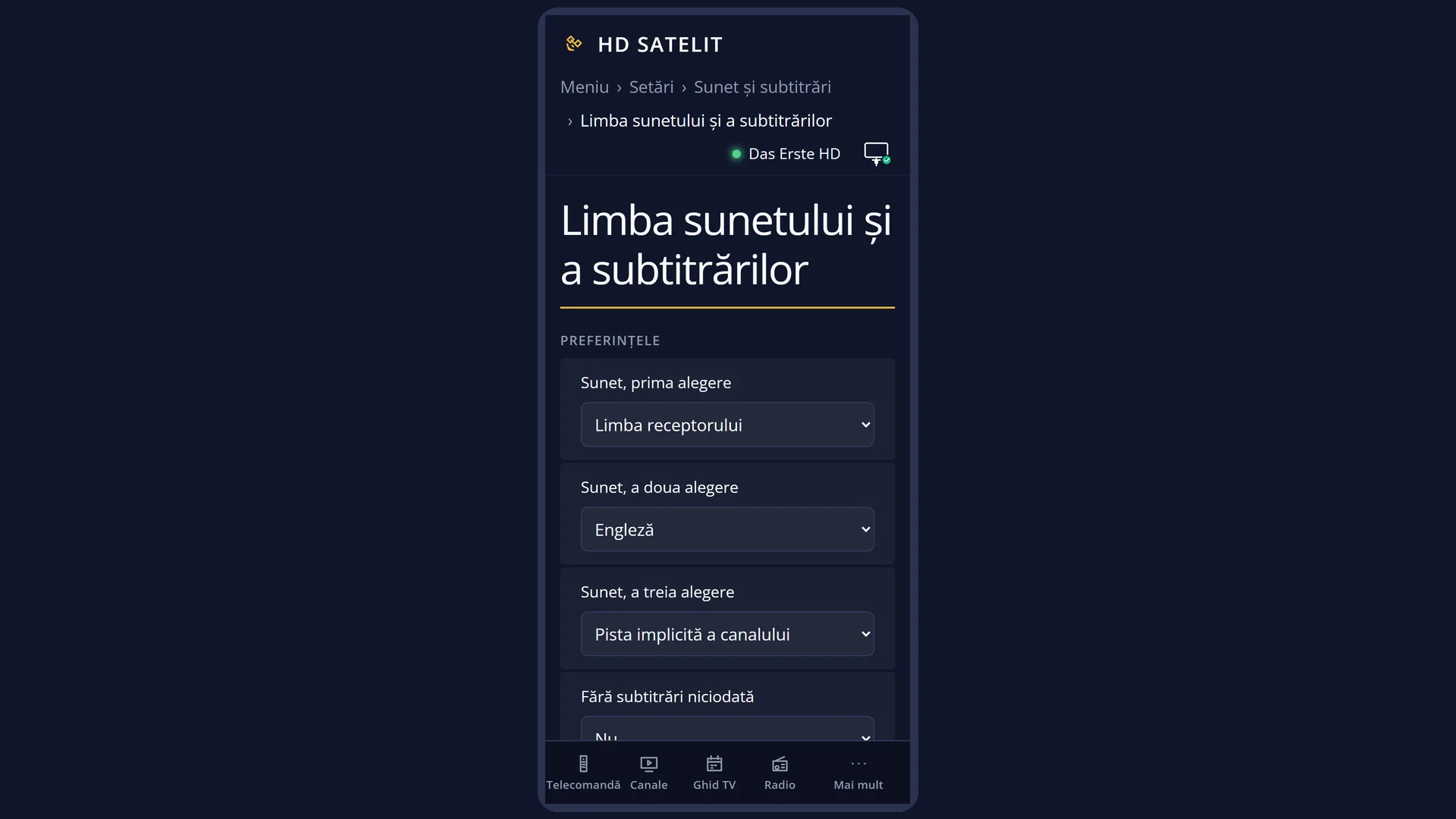
At the top, the list: “Audio, first choice”, “Audio, second choice”, “Audio, third choice”, “Never show subtitles”, then “Subtitles, first choice”, “second”, “third” and “Automatically translate from any available subtitle”. The subtitle rows are hidden when “Never show subtitles” is set to yes.
Below the list, the help text: “On each channel, the first choice that exists on the channel is used...”, with the current receiver language, then a sentence about subtitle translation (on or off, and in which language).
Further down, in yellow, what is remembered on the current channel (for example “On this channel the following is remembered: the audio chosen by hand.” or “Nothing is remembered on this channel, the choices above apply.”) and how many channels have remembered choices.
At the bottom, the keys: RED “Cancel”, GREEN “Save”, YELLOW “Forget this channel” and BLUE “Forget all channels”.
Rows and settings
| Row | Values | Default | What it does |
|---|---|---|---|
| Audio, first choice | Receiver language, The channel's default track, 31 languages, from Romanian and English to Turkish | Receiver language | The first language looked for among the channel's audio tracks. “Receiver language” is the menu language, chosen in System Language. Tracks with audio description (for blind people) are never chosen automatically. When you want films in their original language, for example English, even though the menus are in Romanian. |
| Audio, second choice | same as the first | English | The language looked for when the first one is not on the channel. When your second language is not English. |
| Audio, third choice | same as the first | The channel's default track | The language looked for when neither the first nor the second is available. “The channel's default track” keeps the track the channel starts with, without any change. Rarely. |
| Never show subtitles | yes, no | no | Yes: no subtitle starts by itself, and the subtitle rows are hidden. A subtitle you turned on by hand on a channel still starts there. When you never want subtitles to start by themselves. |
| Subtitles, first choice | Receiver language, Nothing, 31 languages | Receiver language | The first language looked for among the channel's subtitles. “Nothing” leaves the slot empty. When you want subtitles in a different language from the menus. |
| Subtitles, second choice | same as the first | Nothing | The language looked for when the first one is not available. If none of the chosen languages is on the channel, no subtitle starts. When you also accept subtitles in a second language, for example English. |
| Subtitles, third choice | same as the first | Nothing | The third language looked for. Rarely. |
| Automatically translate from any available subtitle | yes, no | yes | This only matters when subtitle translation is on. Yes: if there is no subtitle in the translation language, one in another language is chosen automatically (teletext first, then a DVB subtitle read as text) and translated. No: only a subtitle in the translation language is chosen, then the preferences above apply. Set it to no if you do not want automatic translations on foreign channels. |
Keys
| UP / DOWN | Moves the cursor to another row. |
| LEFT / RIGHT | Steps through the row's values one by one. |
| OK | On a preference, opens the list of all languages, which is easier to browse. On “Never show subtitles” and “Automatically translate...” it switches directly between yes and no. |
| GREEN (Save) | Keeps your choices, applies them immediately on the current channel and closes the whole menu, so you can see the result. |
| RED (Cancel) / EXIT | Closes without saving. |
| YELLOW (Forget this channel) | Deletes the choices made by hand that are remembered on the current channel (“The choices on this channel have been forgotten.”) and applies the preferences immediately. |
| BLUE (Forget all channels) | After the question “Forget the choices made by hand on all channels (N)? From now on the choices above apply.” (default No), it deletes them from all channels. |
Step by step
Films in English, with Romanian subtitles
- Press MENU 6 4 4.
- On “Audio, first choice” press OK and choose “English”. On “Audio, second choice” choose “Receiver language”.
- Leave “Subtitles, first choice” on “Receiver language” (Romanian).
- Press GREEN.
A channel is stuck on a language chosen by hand
- Switch to the channel, then press MENU 6 4 4.
- The yellow line shows what is remembered on it. Press YELLOW (“Forget this channel”).
- The channel goes back to the preferences above.
Problems and solutions
On one channel, a different language from the one chosen here always starts.
You probably chose it by hand once on that channel, and a choice made by hand takes priority. Look at the yellow line and press YELLOW to forget it.
No subtitle starts.
The channel has no subtitles in the chosen languages, “Never show subtitles” is set to yes, or subtitles were turned off by hand on the channel. Turn them on with SUBT or add a second language.
I cannot see the subtitle rows.
They are hidden while “Never show subtitles” is set to yes. Set it to no.
There is a short break in the sound when a channel starts.
The receiver changes the audio track only when the one you want is different from the one the channel starts with, and the change can cause a short pause. Choose “The channel's default track” as the first choice if you do not want any change.
After GREEN the whole menu closed.
This is intended: you go back to the TV picture so you can hear and see the new choices straight away. Press MENU to open it again.
The message “No choices are remembered for what is playing now (it is not a channel).” appears.
Something other than a channel is playing now (for example a film from the disk). YELLOW has nothing to forget.