

Subtitle download
English screenshots coming: some of the pictures below still show the receiver and the web interface in Romanian. The rows, keys and steps described on this page are the English ones.
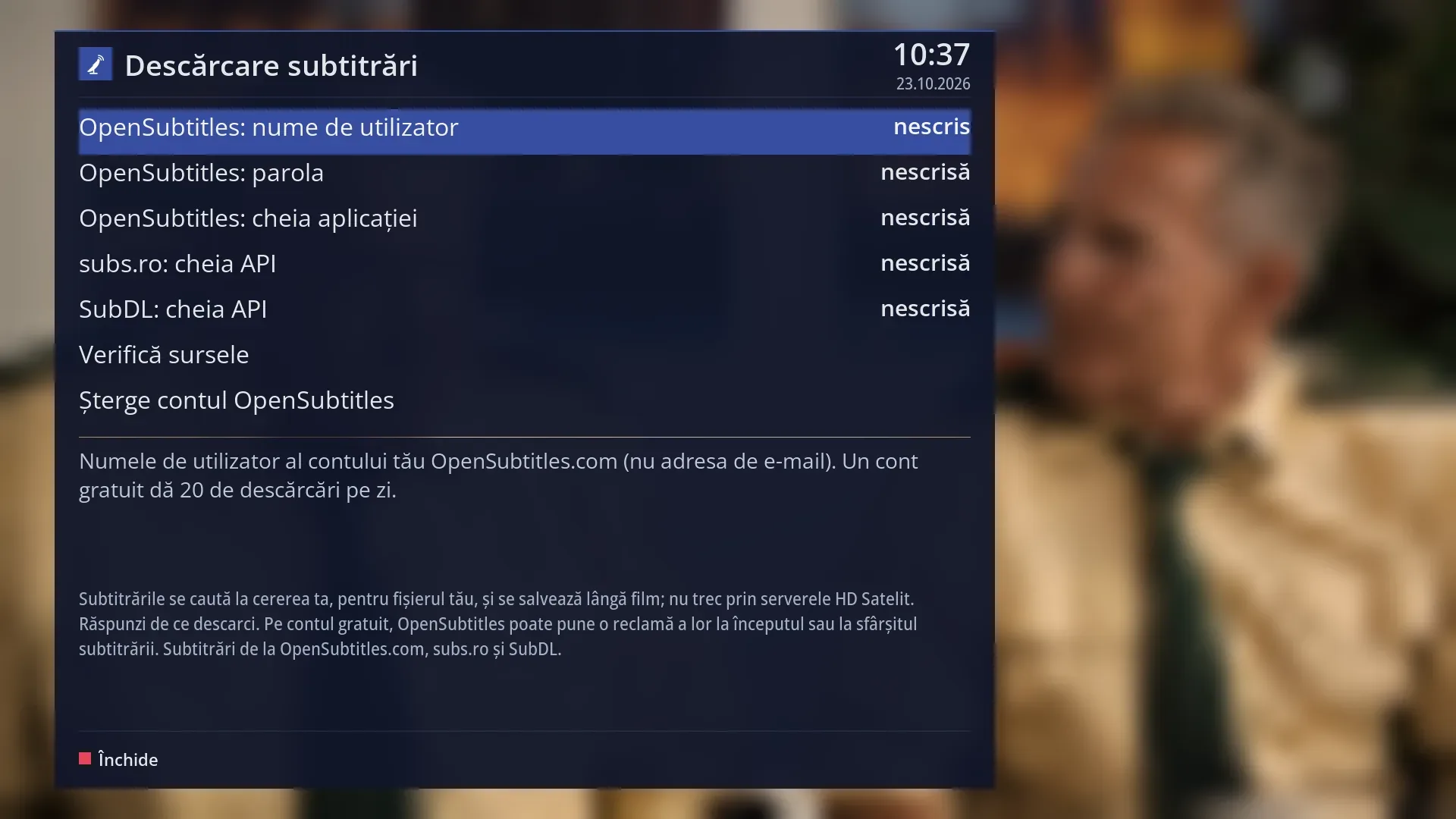
- 1 The source details: the OpenSubtitles user name and password, the application key, the subs.ro and SubDL keys. For passwords and keys you only see “set” or “not set”.
- 2 “Check the sources” and “Remove the OpenSubtitles account”.
- 3 What the selected row does. After the check, the result for each source.
- 4 The note about the sources: how subtitles are searched for and saved, and the possible advert on a free OpenSubtitles account.
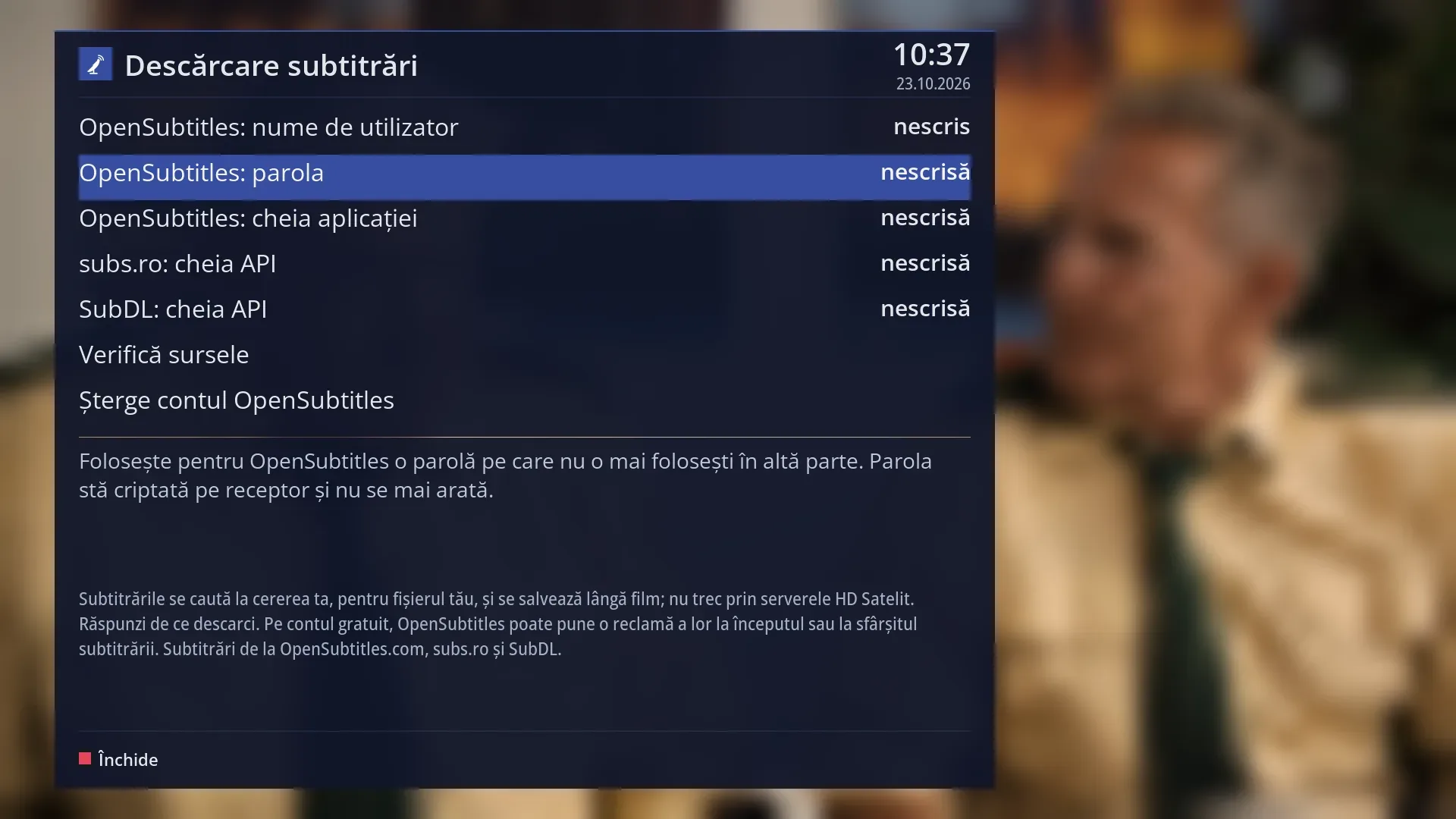
- 1 Selected row: “OpenSubtitles: password not set”.
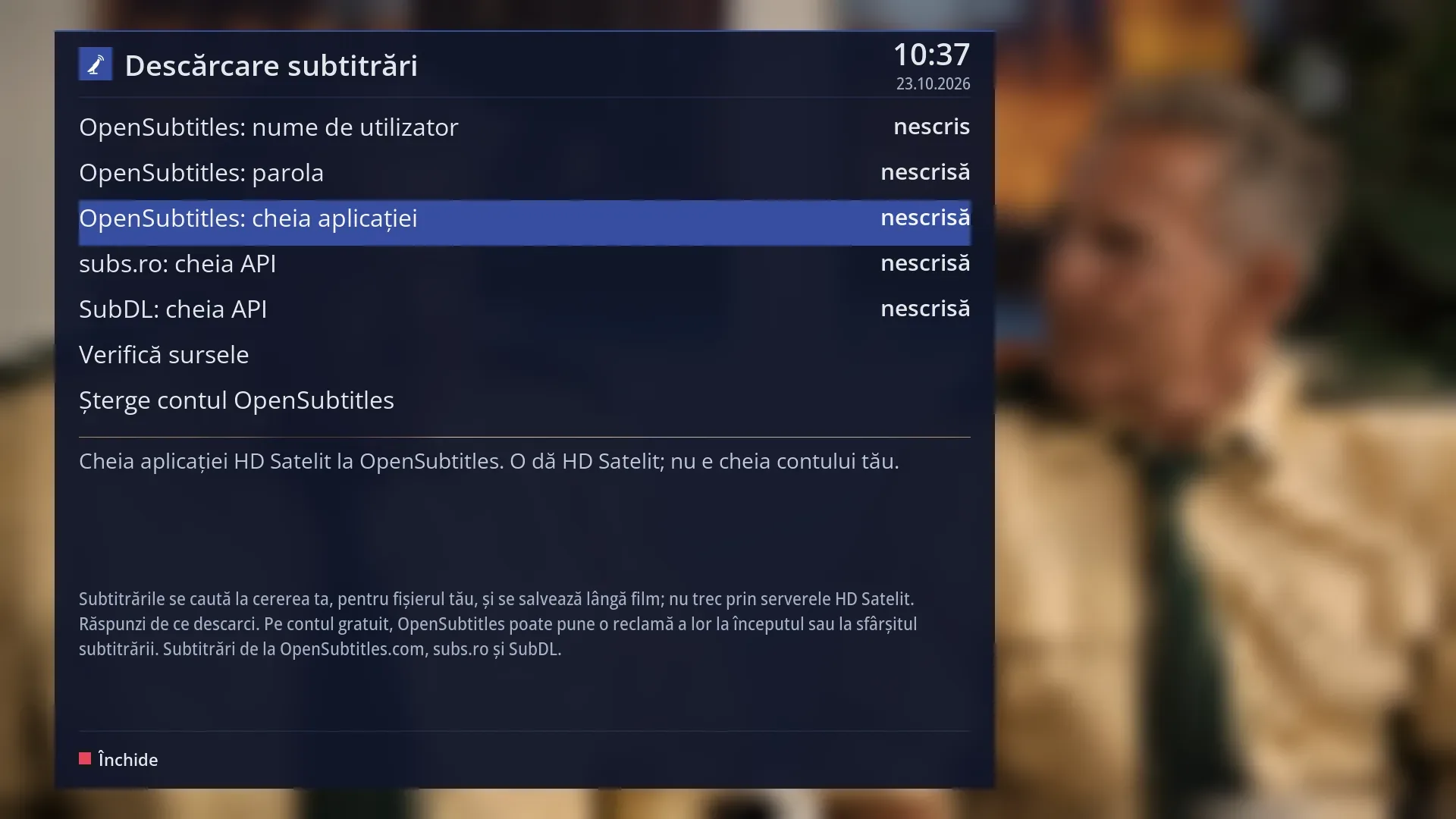
- 1 Selected row: “OpenSubtitles: application key not set”.
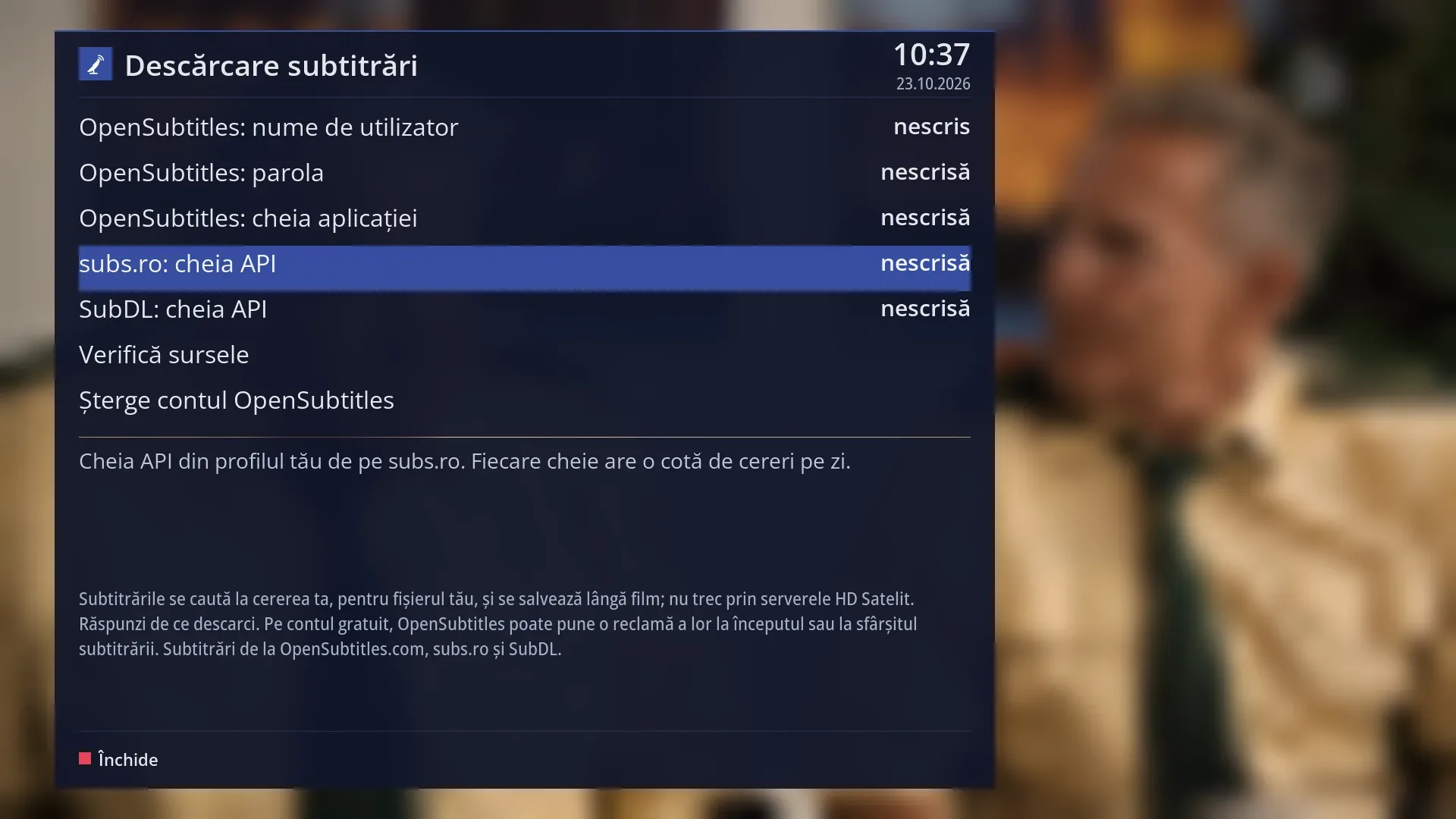
- 1 Selected row: “subs.ro: API key not set”.
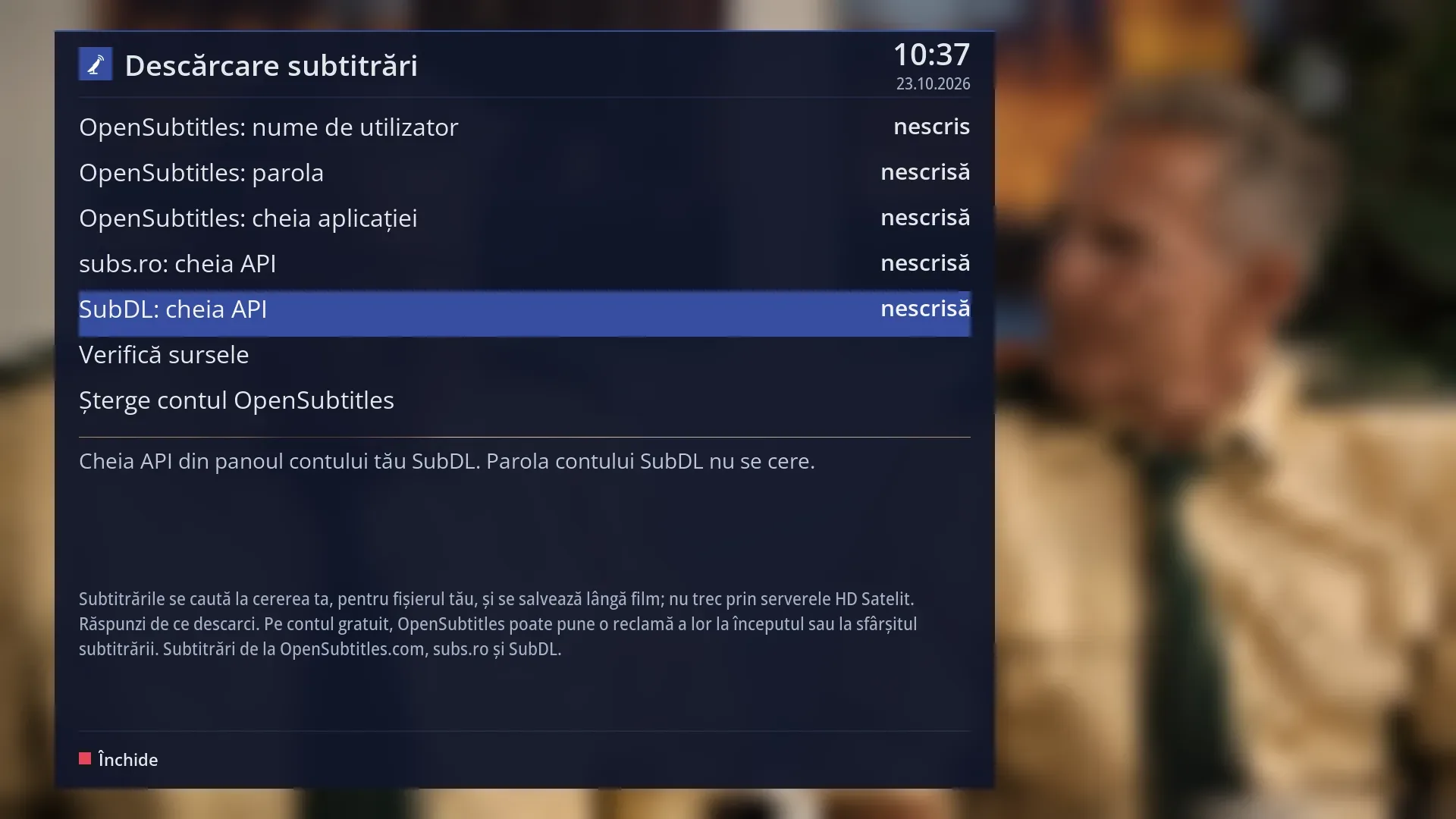
- 1 Selected row: “SubDL: API key not set”.
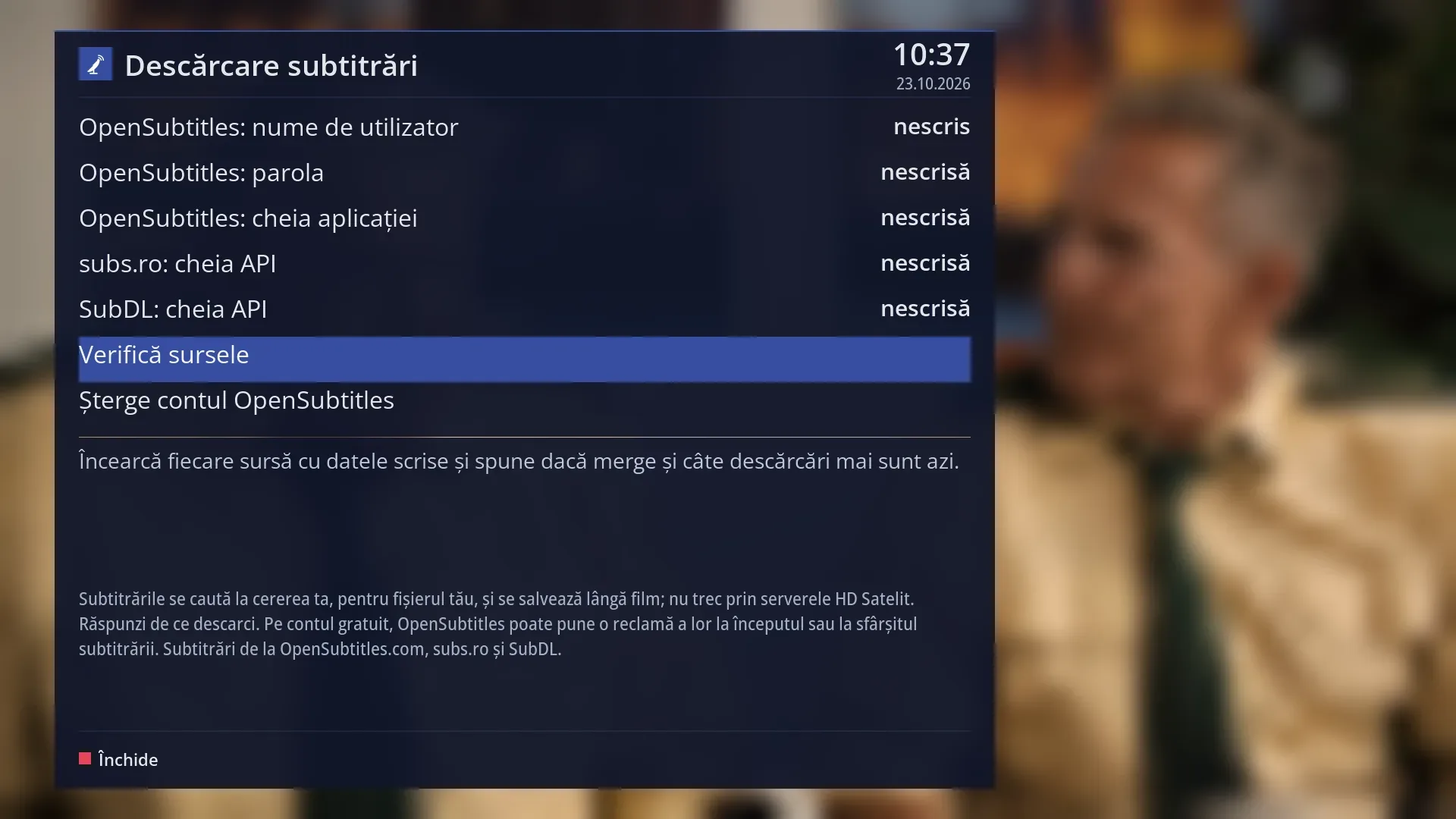
- 1 Selected row: “Check the sources”.
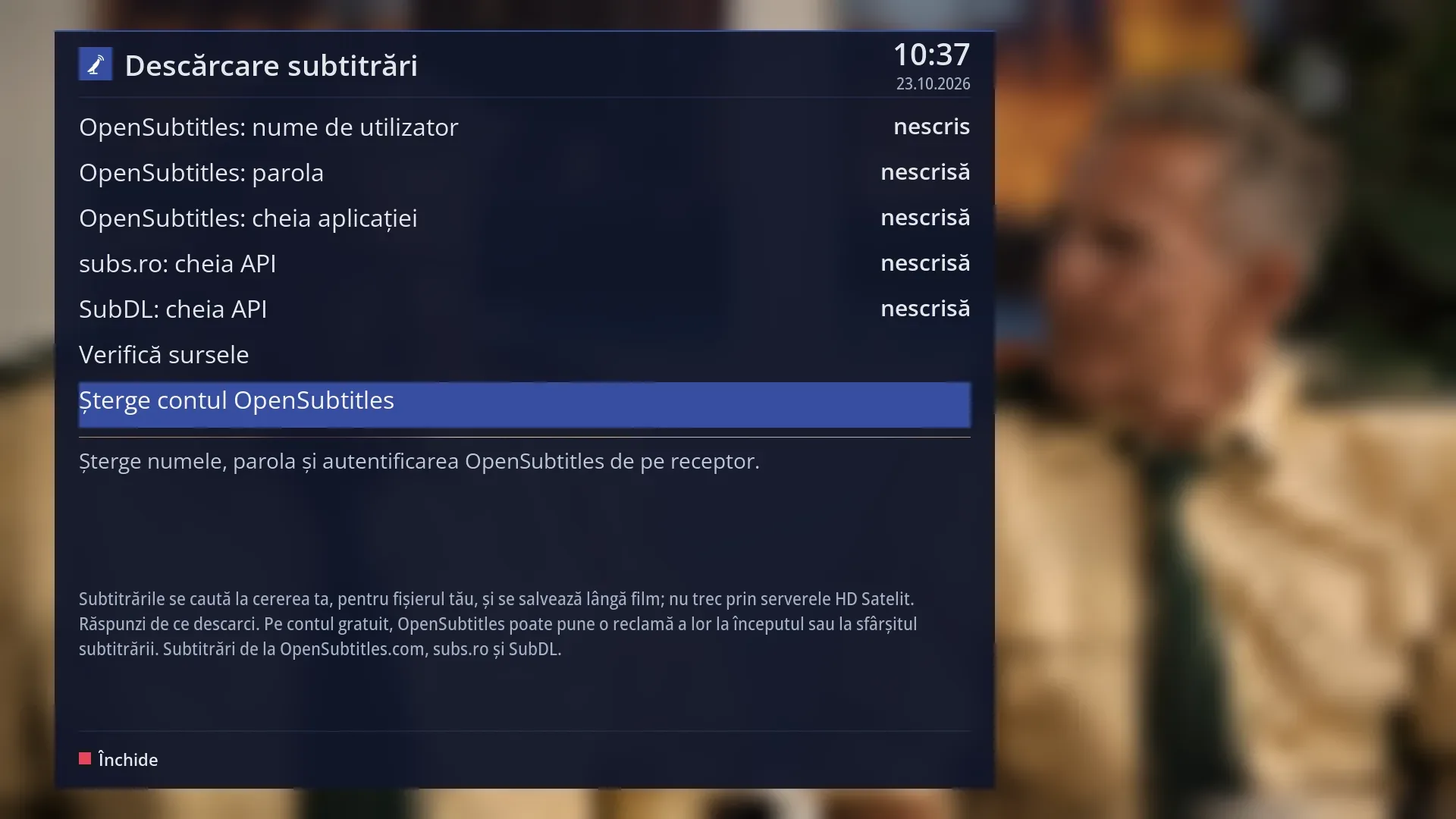
- 1 Selected row: “Remove the OpenSubtitles account”.
What it is for
This is where you enter the accounts and keys for the internet subtitle sources: OpenSubtitles.com, subs.ro and SubDL. Without at least one of them, the search from the SUBT key finds nothing.
The search itself starts from the SUBT key, then BLUE, while you watch a film, a recording or a channel.
Passwords and keys are stored on the receiver, encrypted with a key tied to this receiver, and are never shown again: the row only says “set” or “not set”. If they are copied to another receiver, they can no longer be read.
A free OpenSubtitles account gives you 20 downloads a day. The subs.ro and SubDL keys also have a daily request quota.
How to get here
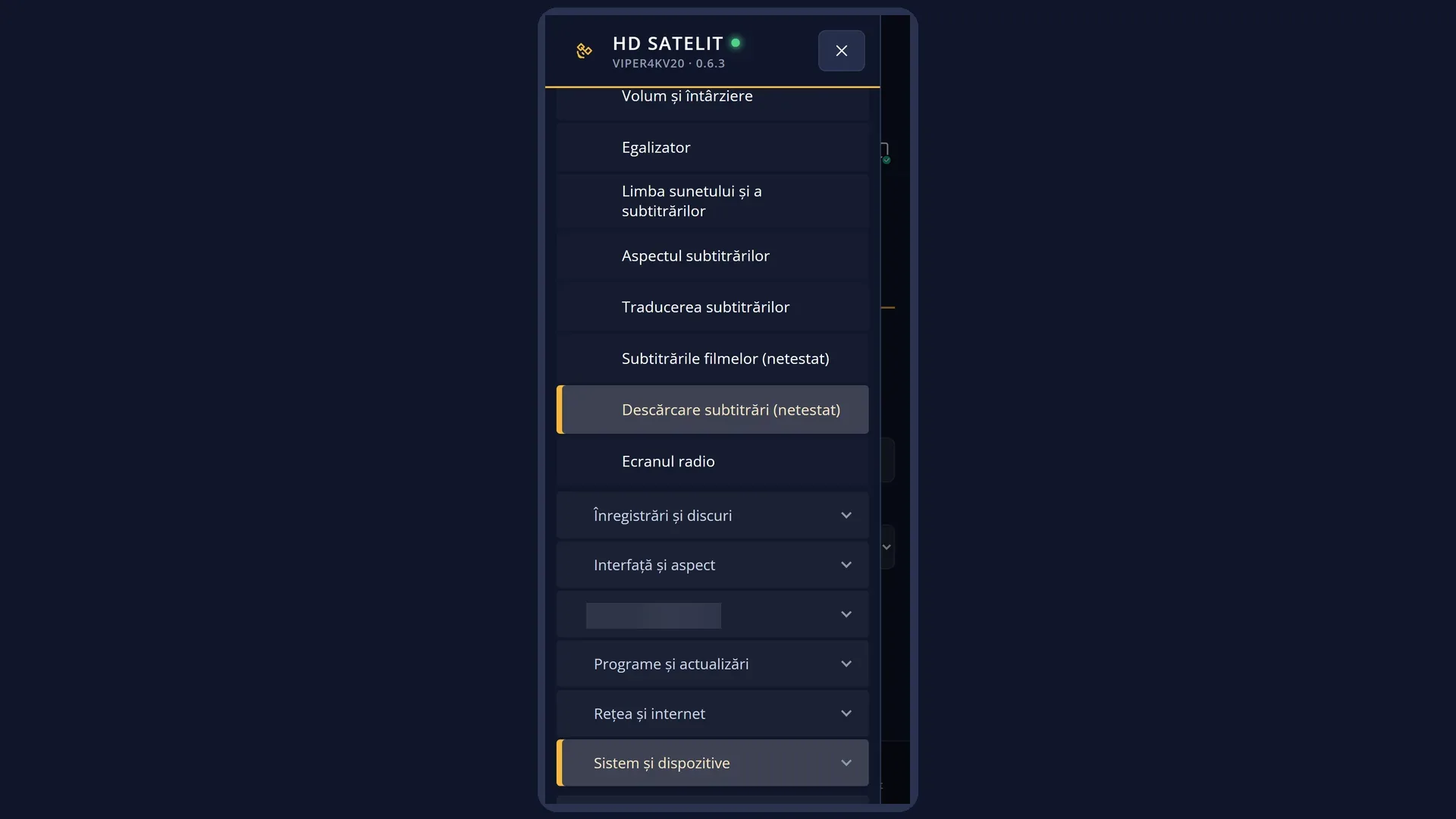
Path: Main menu > Settings > Audio & Sound Tracks > Subtitle download.
Keys while watching TV: MENU 6 4 8.
From the “Search subtitles on the internet” window: YELLOW (“Accounts”) or OK on the “Accounts” row.
In the menu, the tile is labelled “NOT TESTED”.
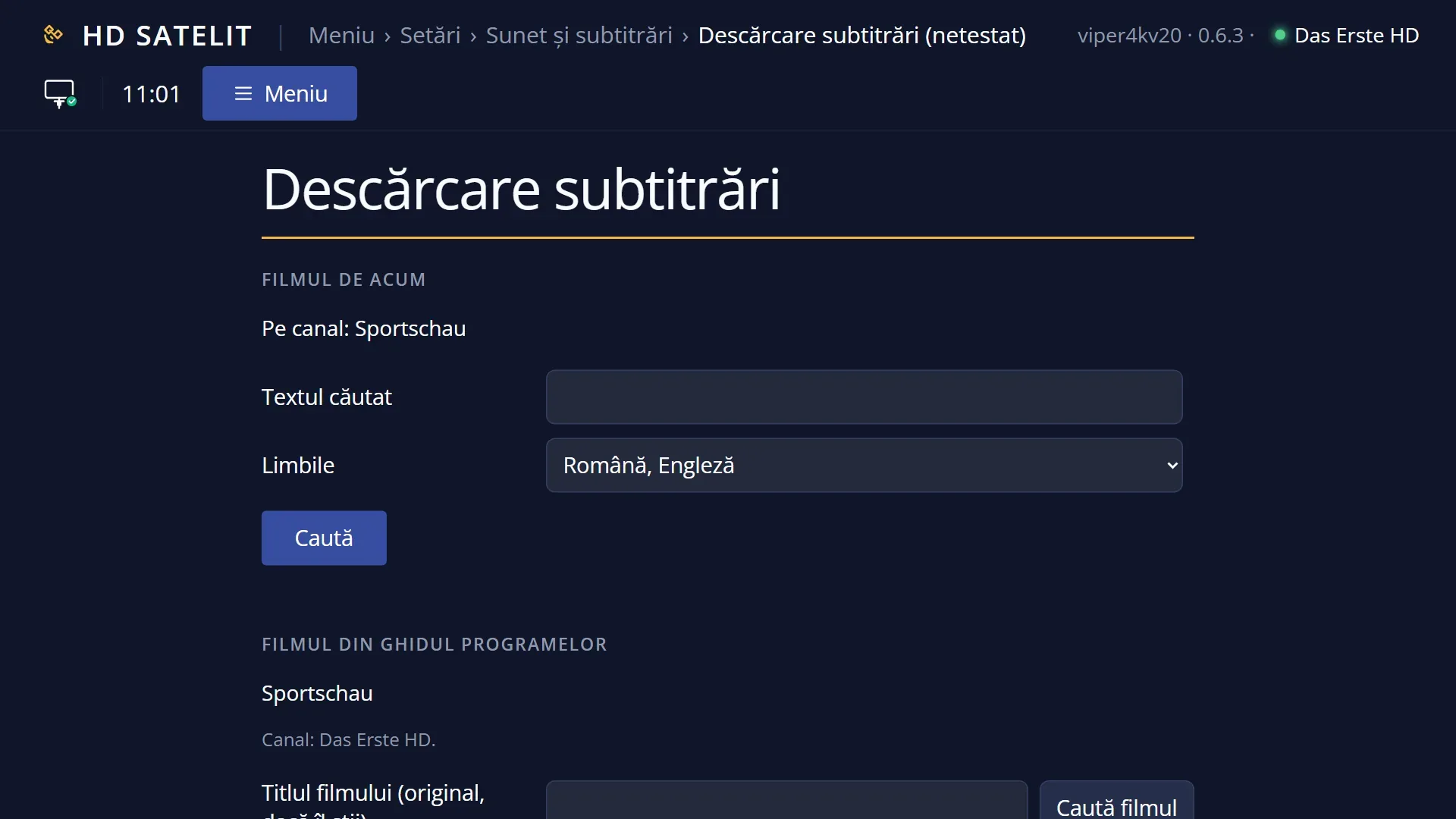
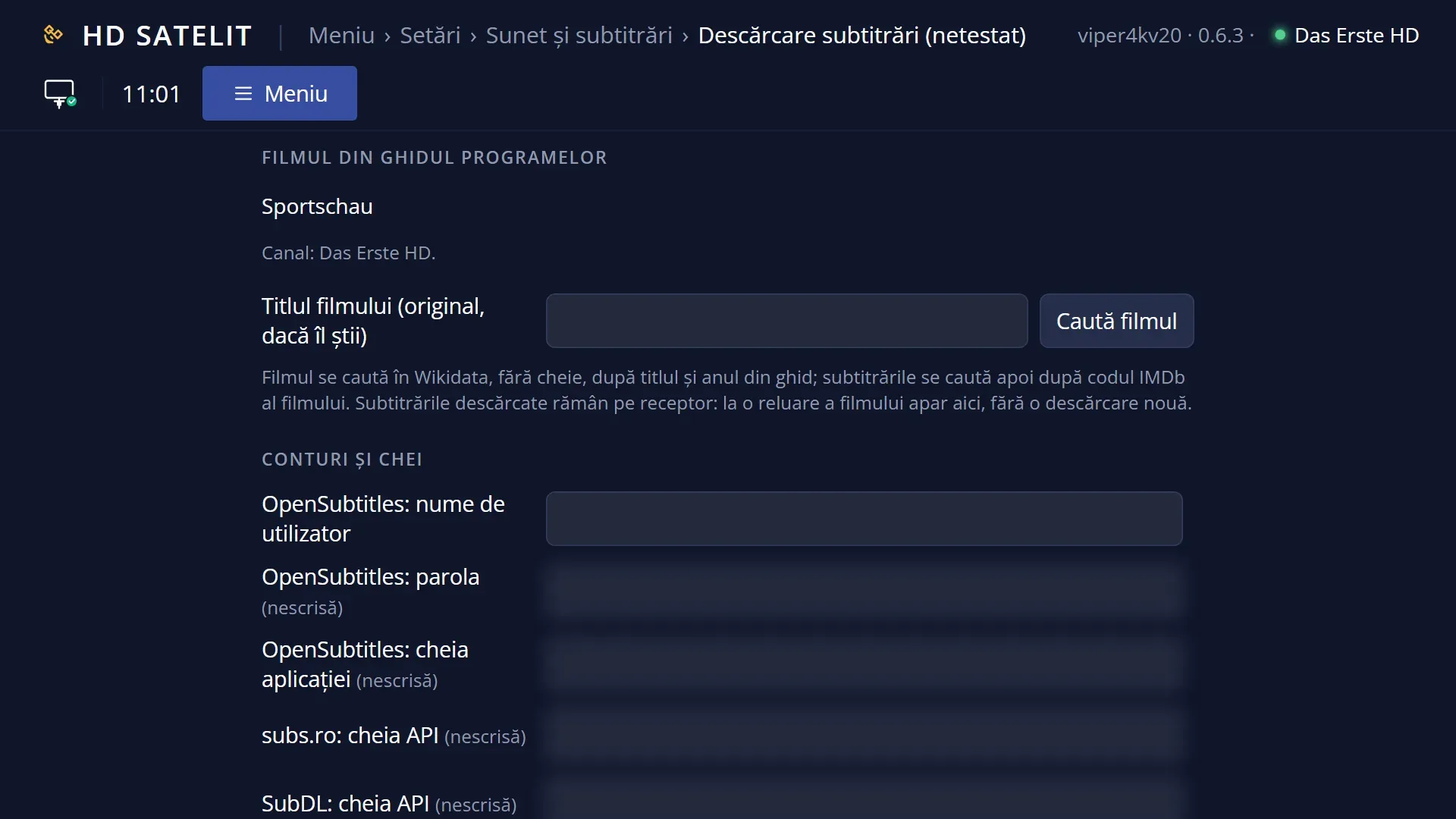
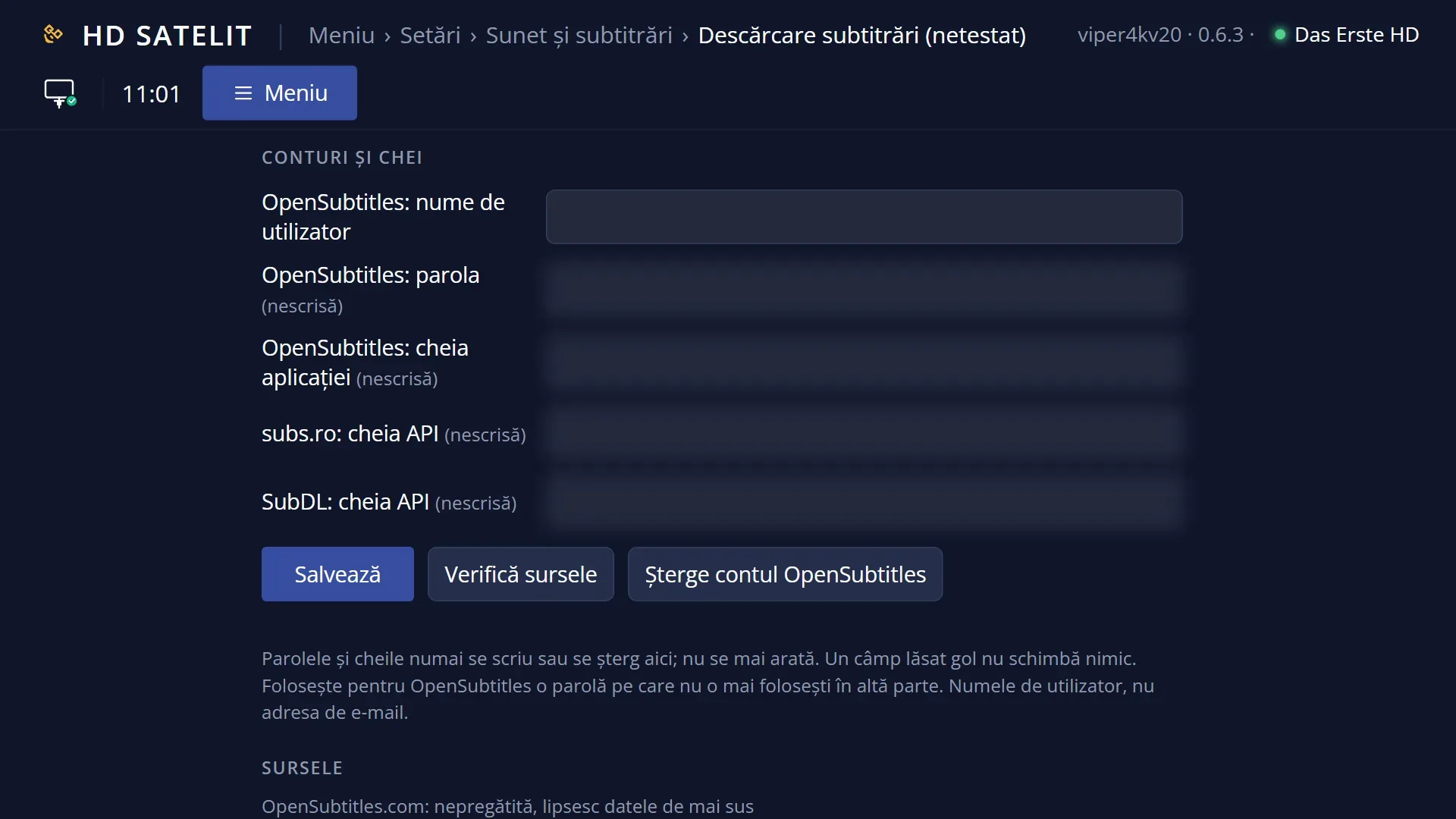
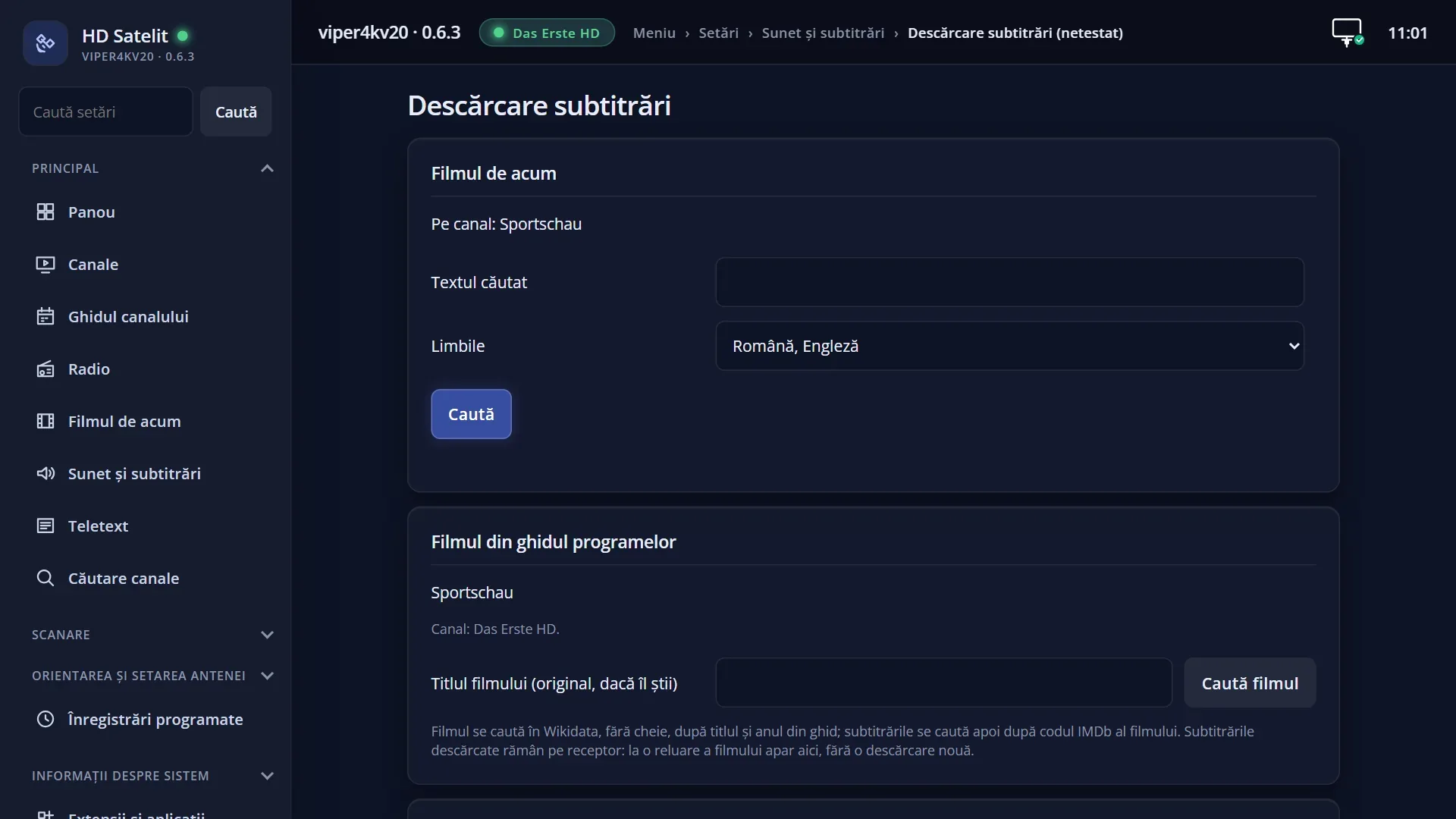
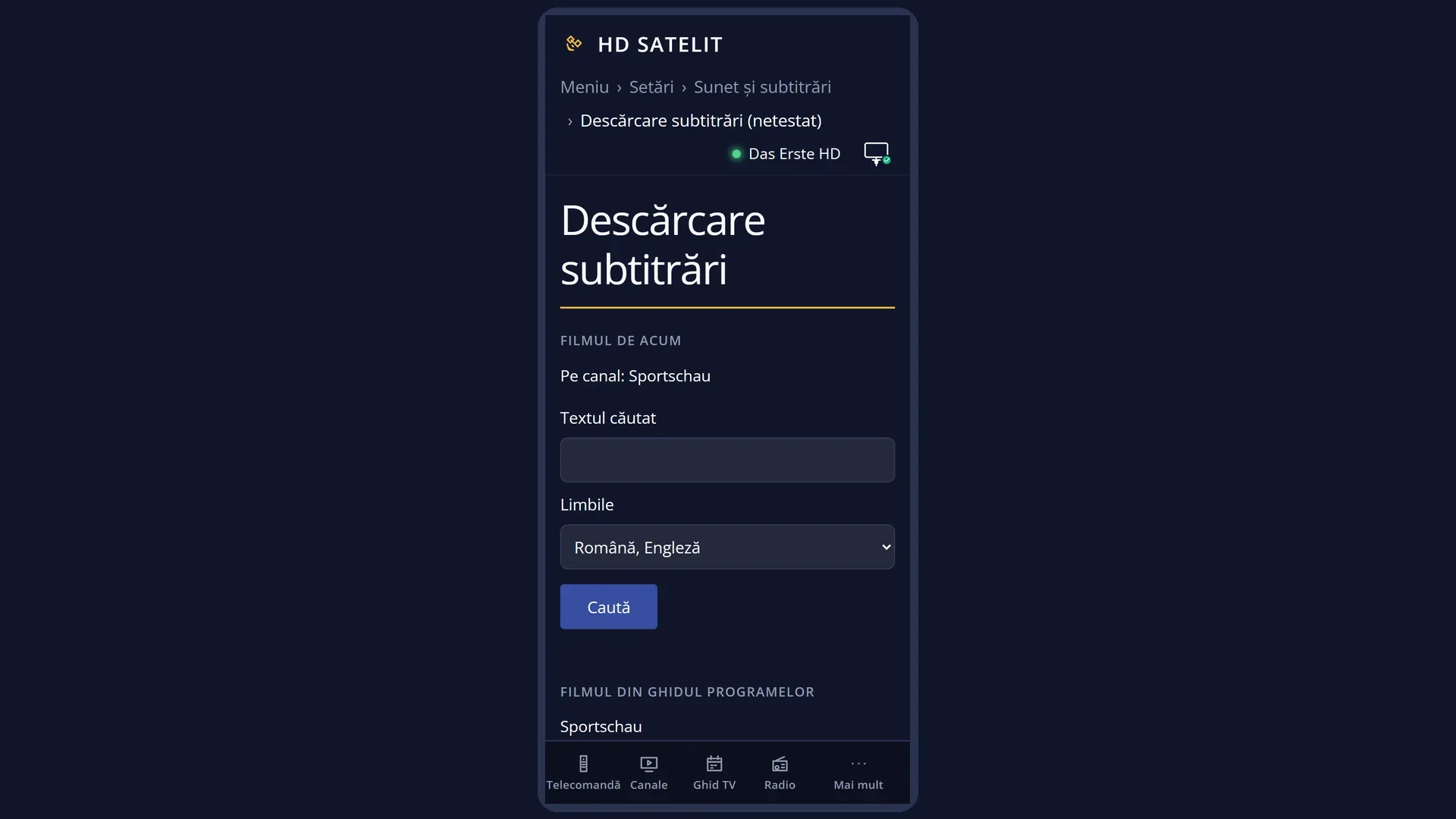
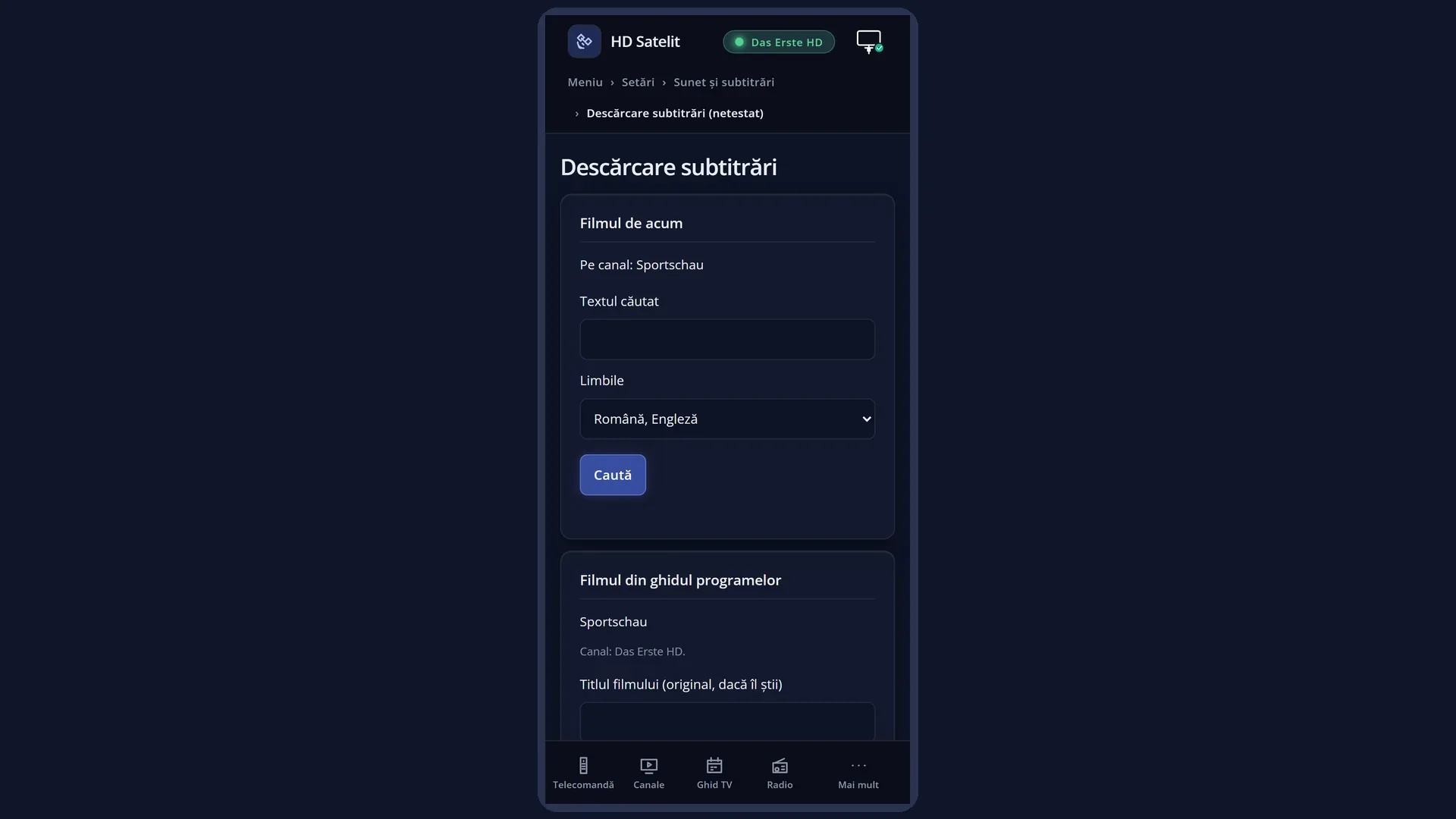
In the web interface: the /descarcare-subtitrari page (the same accounts; passwords and keys can only be entered or removed, they are not shown).
What you see on the screen
The “Subtitle download” window has seven rows at the top: the five source details, “Check the sources” and “Remove the OpenSubtitles account”.
For the user name you see the name you entered (or “not set”). For the password and the keys you only see “set” or “not set”.
Below the line, a box explains the row the cursor is on. After “Check the sources”, the result for each source appears in the same place.
Further down is the note about the sources: subtitles are searched for when you ask, for your file, and are saved next to the film. They do not pass through the HD Satelit servers. You are responsible for what you download. On a free account, OpenSubtitles may add an advert of its own at the start or end of the subtitle.
At the bottom, the RED key “Close”.
Rows and settings
| Row | Values | Default | What it does |
|---|---|---|---|
| OpenSubtitles: user name | the name you entered, not set | not set | The user name of your OpenSubtitles.com account (not your email address). OK opens the on-screen keyboard. When you create an account on OpenSubtitles.com or change account. |
| OpenSubtitles: password | set, not set | not set | The password of your OpenSubtitles account. It is stored encrypted on the receiver and is not shown again. Use a password you do not use anywhere else. When you first set up the account and when you change the password on the website. |
| OpenSubtitles: application key | set, not set | not set | The HD Satelit application key for OpenSubtitles. It is provided by HD Satelit. It is not your account key. Only if HD Satelit tells you to enter it. |
| subs.ro: API key | set, not set | not set | The API key from your profile on subs.ro. Each key has a daily request quota. When you want Romanian subtitles from subs.ro. |
| SubDL: API key | set, not set | not set | The API key from your SubDL account panel. The SubDL account password is not needed. When you also want the SubDL source. |
| Check the sources | Tries each source with the details you entered and tells you whether it works and how many downloads are left today. While it works, the box says “Checking the sources...”. A source with no details shows “not set”. After you enter an account or a key, to check that they are correct. | ||
| Remove the OpenSubtitles account | Removes the OpenSubtitles user name, password and login from the receiver, after the question “Remove the OpenSubtitles account from the receiver?” (the cursor is on “No”). When you give the receiver to someone else or want a different account. |
Keys
| UP / DOWN | Move the cursor between rows. From the last row, DOWN jumps to the first. |
| OK | On an account or a key: opens the on-screen keyboard (empty for the password and keys). On “Check the sources”: starts the check. On “Remove the OpenSubtitles account”: asks whether to remove it. |
| RED | “Close”: closes the window. What you entered is already saved. |
| EXIT | Closes the window, the same as RED. |
Step by step
Adding the OpenSubtitles account
- Create a free account on OpenSubtitles.com, from your phone or computer.
- On the receiver, open Menu > Settings > Audio & Sound Tracks > Subtitle download.
- On “OpenSubtitles: user name”, press OK, type the name (not your email address) and confirm.
- On “OpenSubtitles: password”, press OK and type the password.
- Select “Check the sources” and press OK: the box at the bottom tells you whether it works and how many downloads you have left today.
Adding a subs.ro or SubDL key
- Get the API key from your profile on subs.ro (or from your SubDL account panel).
- On the “subs.ro: API key” row (or “SubDL: API key”), press OK and type the key. It is easier to enter it from the web interface, on the /descarcare-subtitrari page, where you can paste it.
- Check it with “Check the sources”.
Problems and solutions
The message “The data could not be written on the receiver.” appears.
The receiver could not write the accounts file. Try again, or enter the details from the web interface, on the /descarcare-subtitrari page.
“Check the sources” says a source does not work.
The user name, password or key is wrong, or the receiver has no internet connection. Enter the details again (the row does not show what was entered) and check again.
The password or key disappeared after I moved the settings to another receiver.
The details are encrypted with a key tied to the receiver, so that nobody else can use them. Enter them again on the new receiver.
I pressed OK on a row and left the keyboard without typing anything.
An empty text does not delete anything: the previous value stays. The OpenSubtitles account is only removed with “Remove the OpenSubtitles account”.
I have reached the limit of 20 downloads a day.
The free OpenSubtitles account resets once a day. In the meantime you can use subs.ro or SubDL, if you have added them.
Related topics
- Search subtitles on the internet (SUBT, then BLUE)
- Subtitle selection
- Matching web page: /descarcare-subtitrari.