

Tuners and scanning
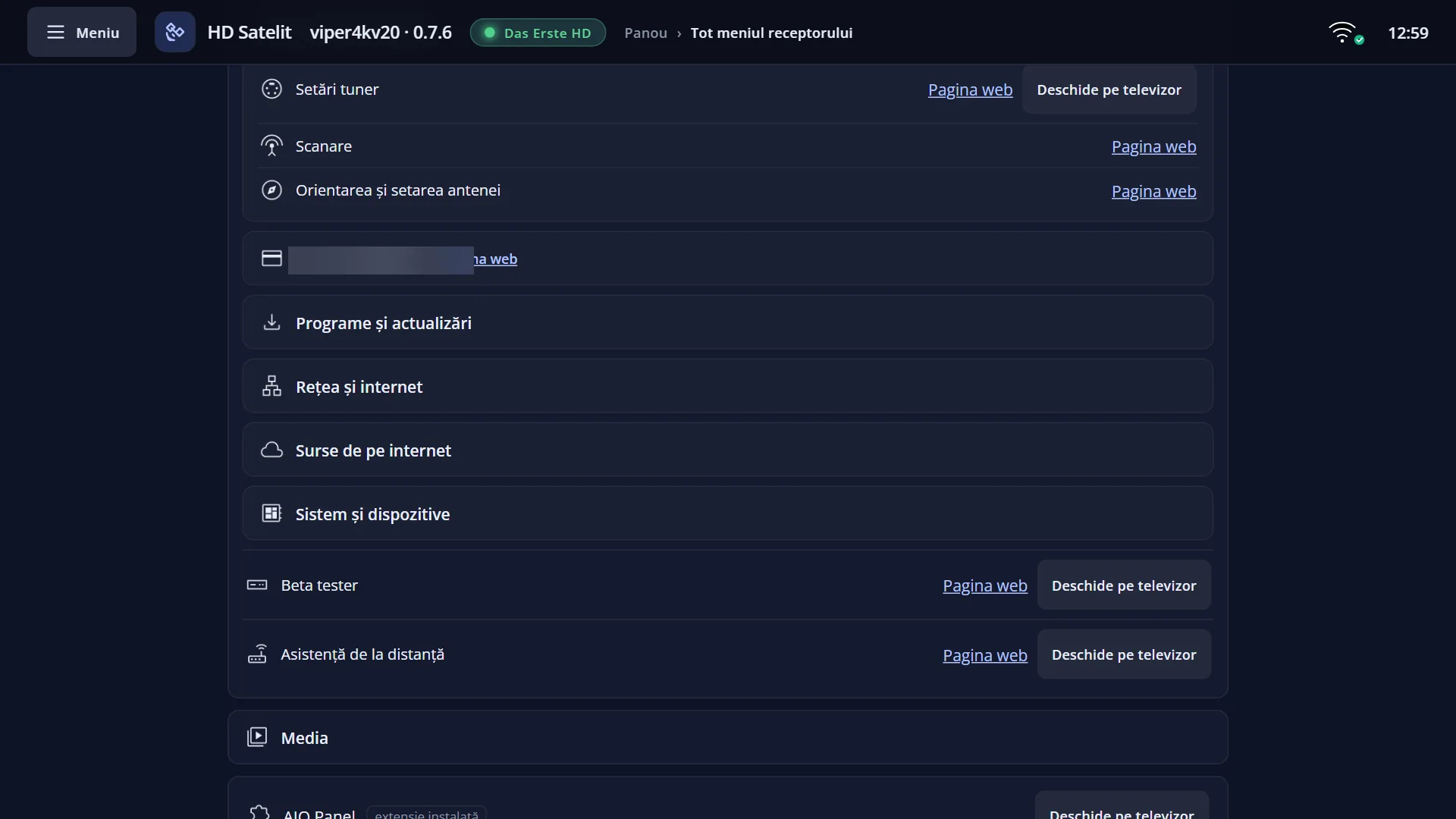
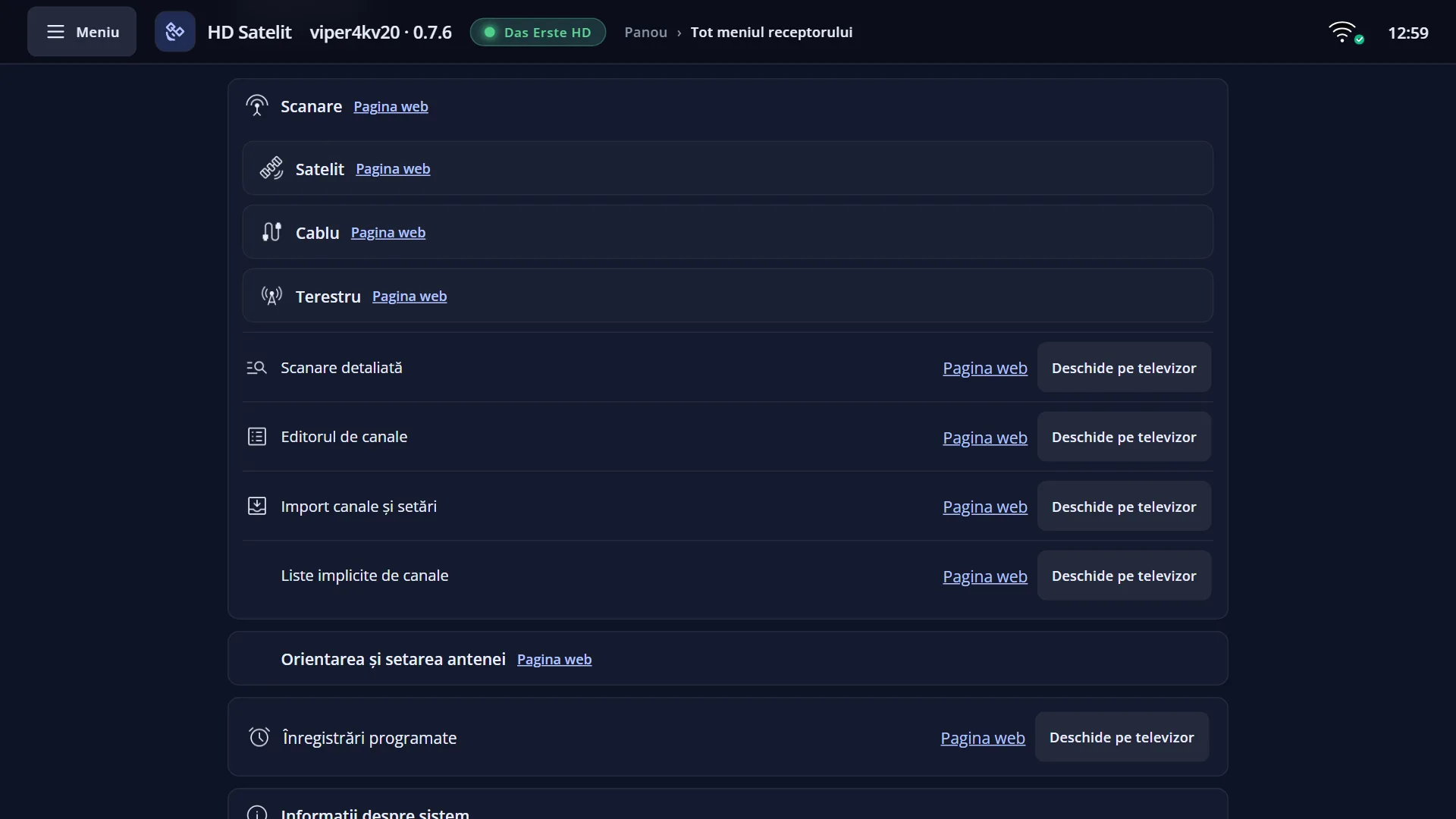
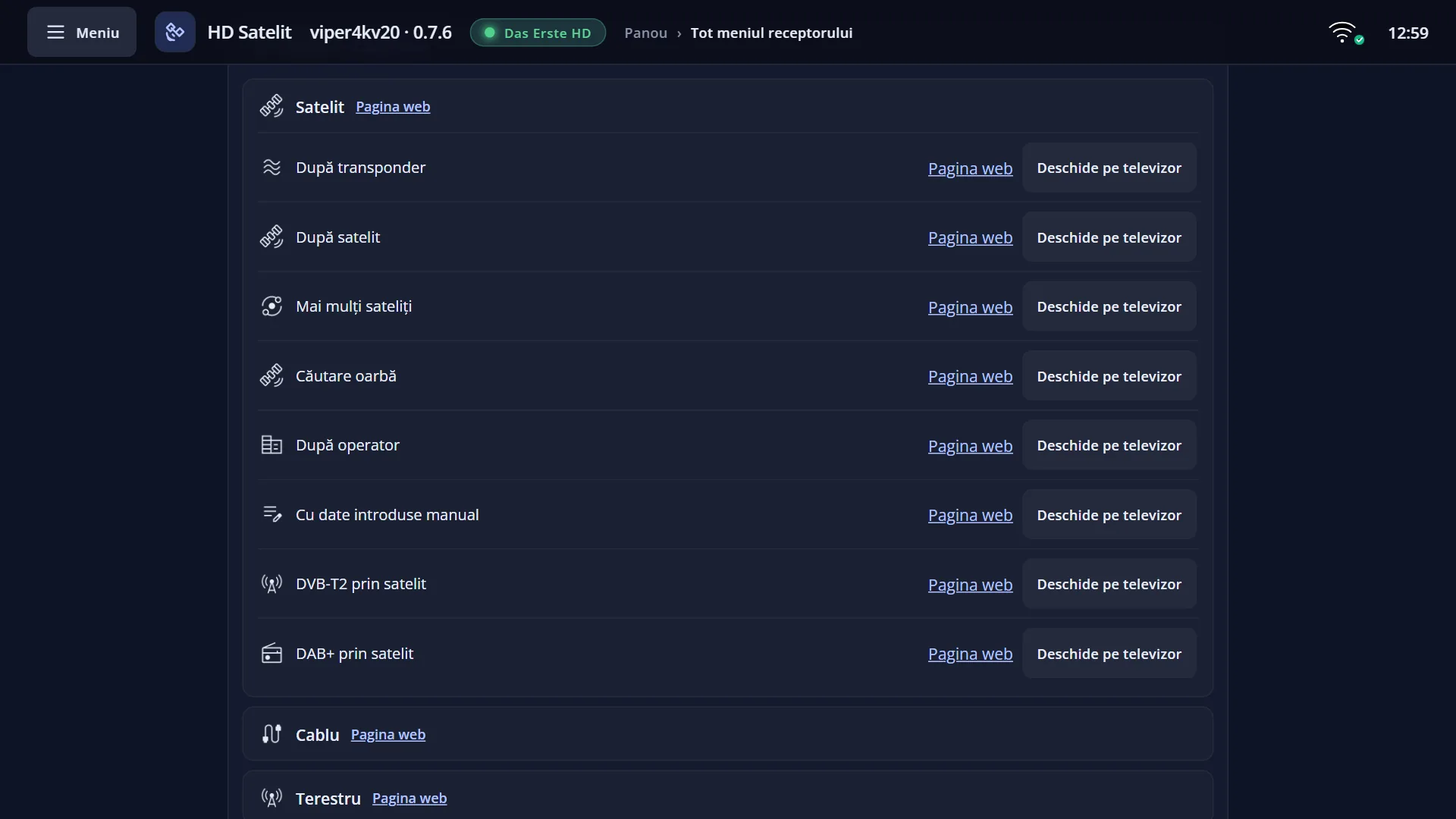
Screenshots are being added: so far 5 from the receiver and 3 from the web interface; the aim is at least 5 of each, with arrows and frames, and, where a setting changes what you see, a before and after comparison.
English screenshots coming: some of the pictures below still show the receiver and the web interface in Romanian. The rows, keys and steps described on this page are the English ones.
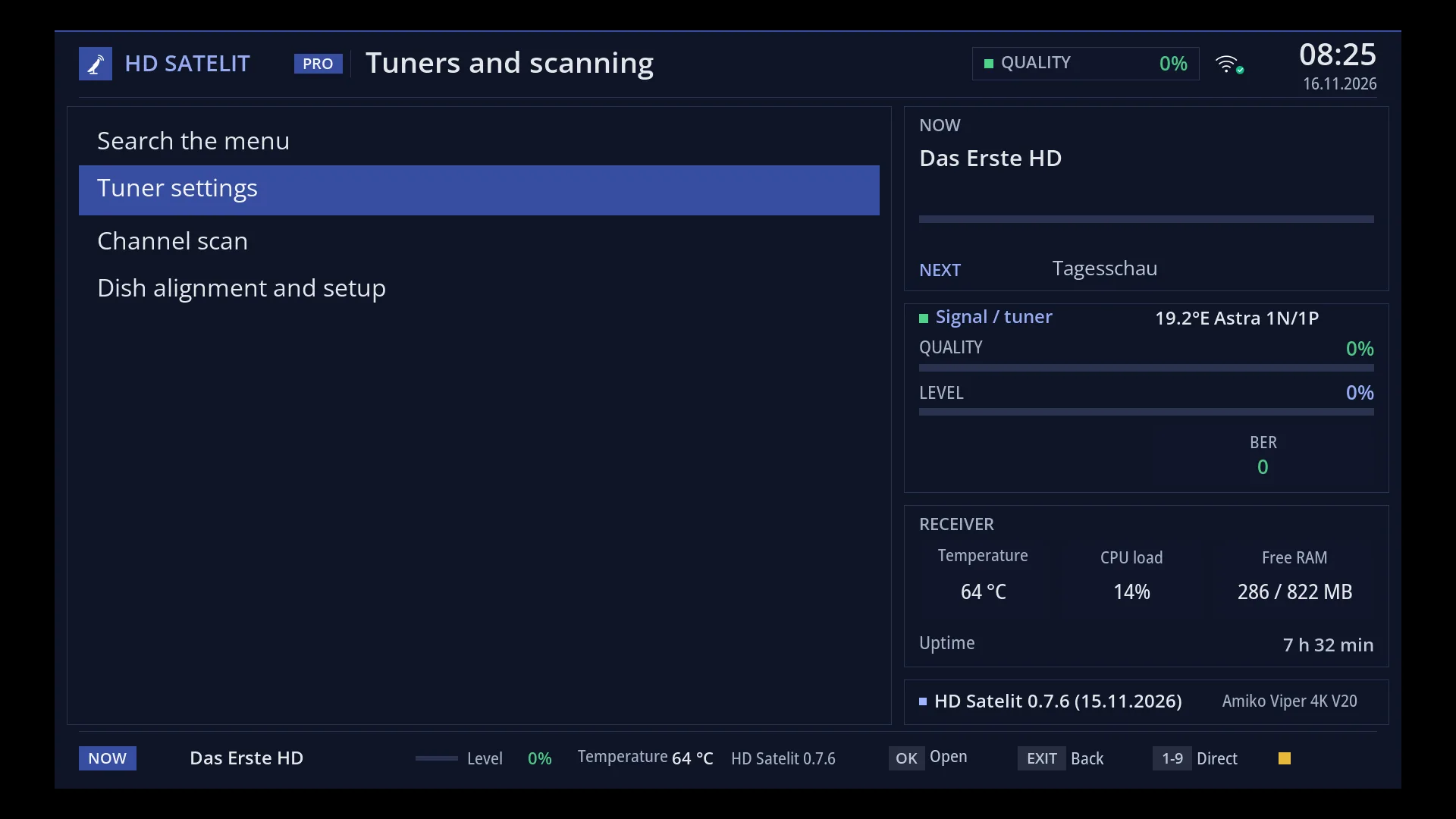
- 1 The title: “Tuners and scanning”.
- 2 “Search the menu”: the first row, with no digit; it searches the whole menu.
- 3 The rows, with their digits: 1 Setări tuner, 2 Channel scan, 3 Dish alignment and setup; the selected row is on blue.
- 4 Pro theme: the current channel, the signal and the tuner (0% in the picture: the test receiver had no signal), the receiver and the version.
- 5 At the bottom: the channel, the signal, the temperature, the version and the screen keys (OK opens, EXIT back, 1-9 direct).
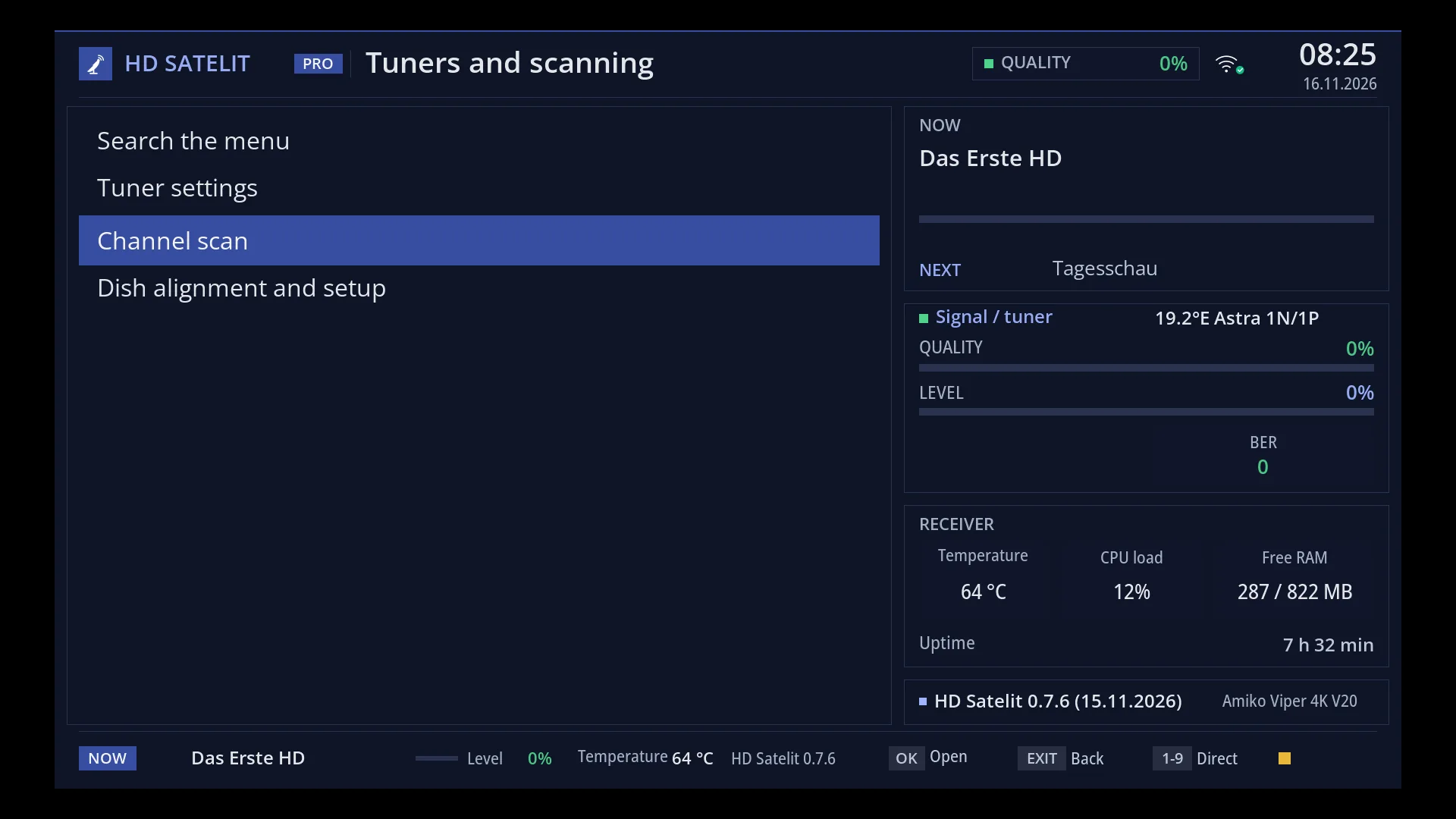
- 1 The selected row: “Channel scan”.
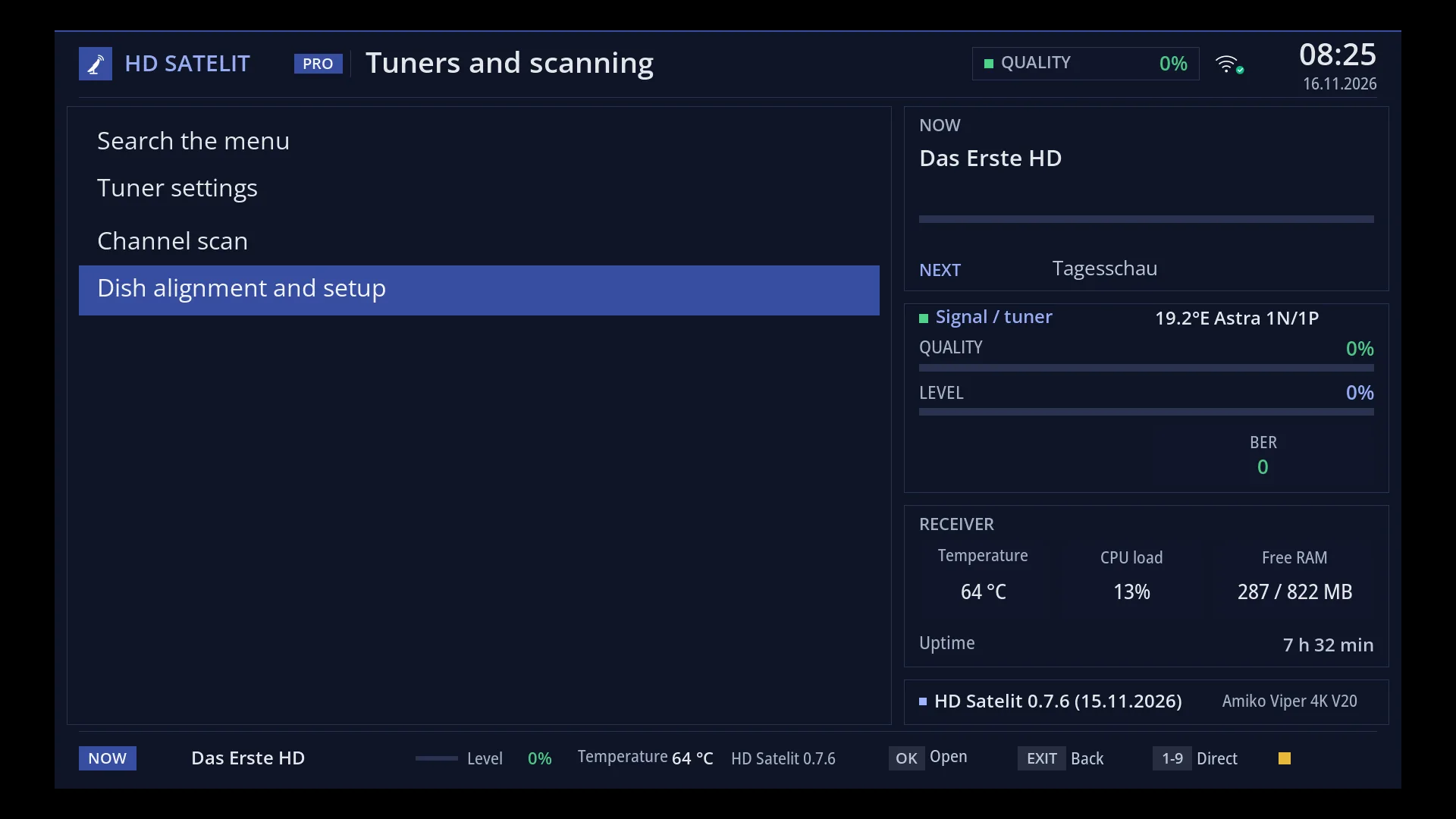
- 1 The selected row: “Dish alignment and setup”.
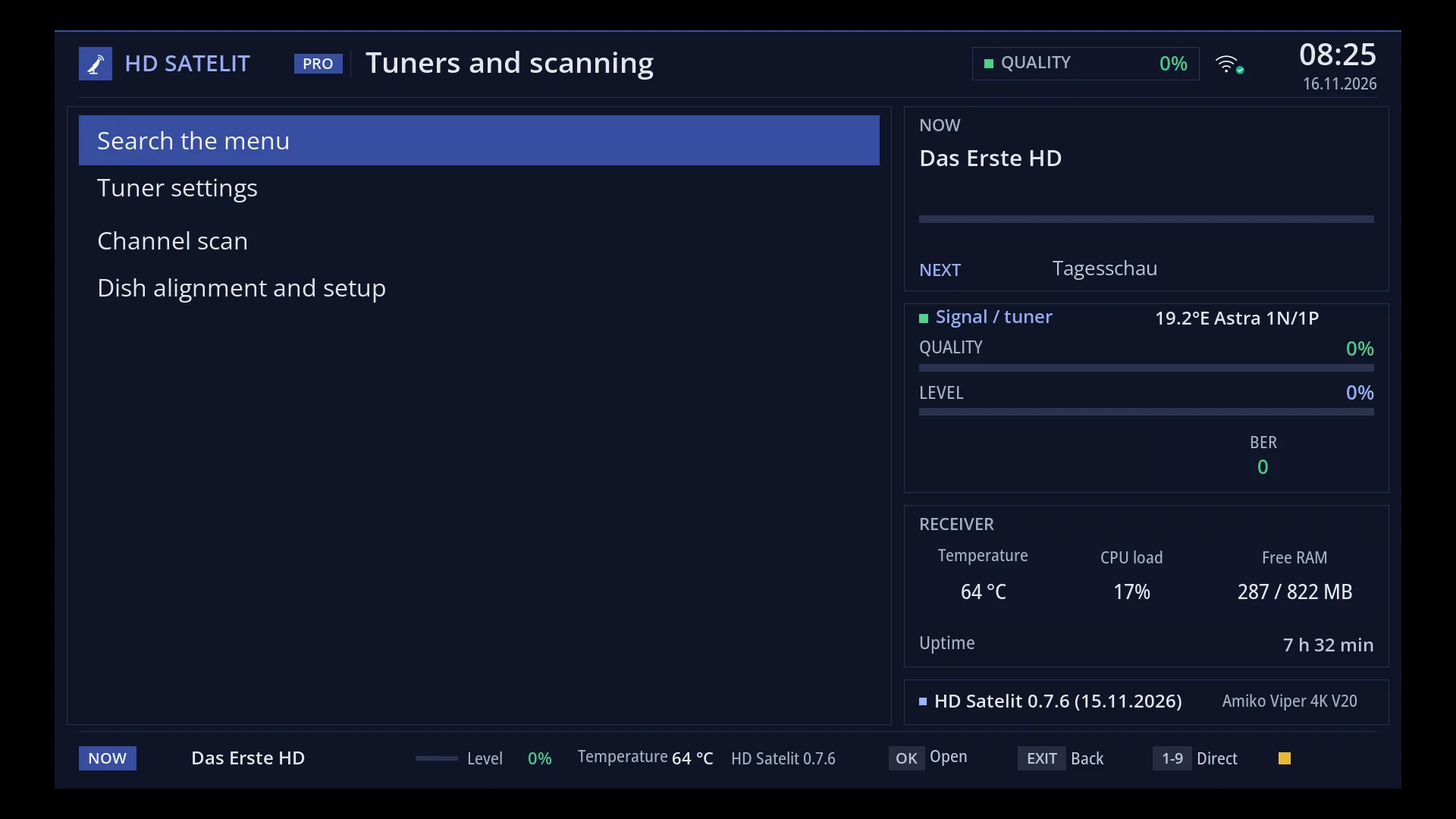
- 1 The selected row: “Search the menu”.
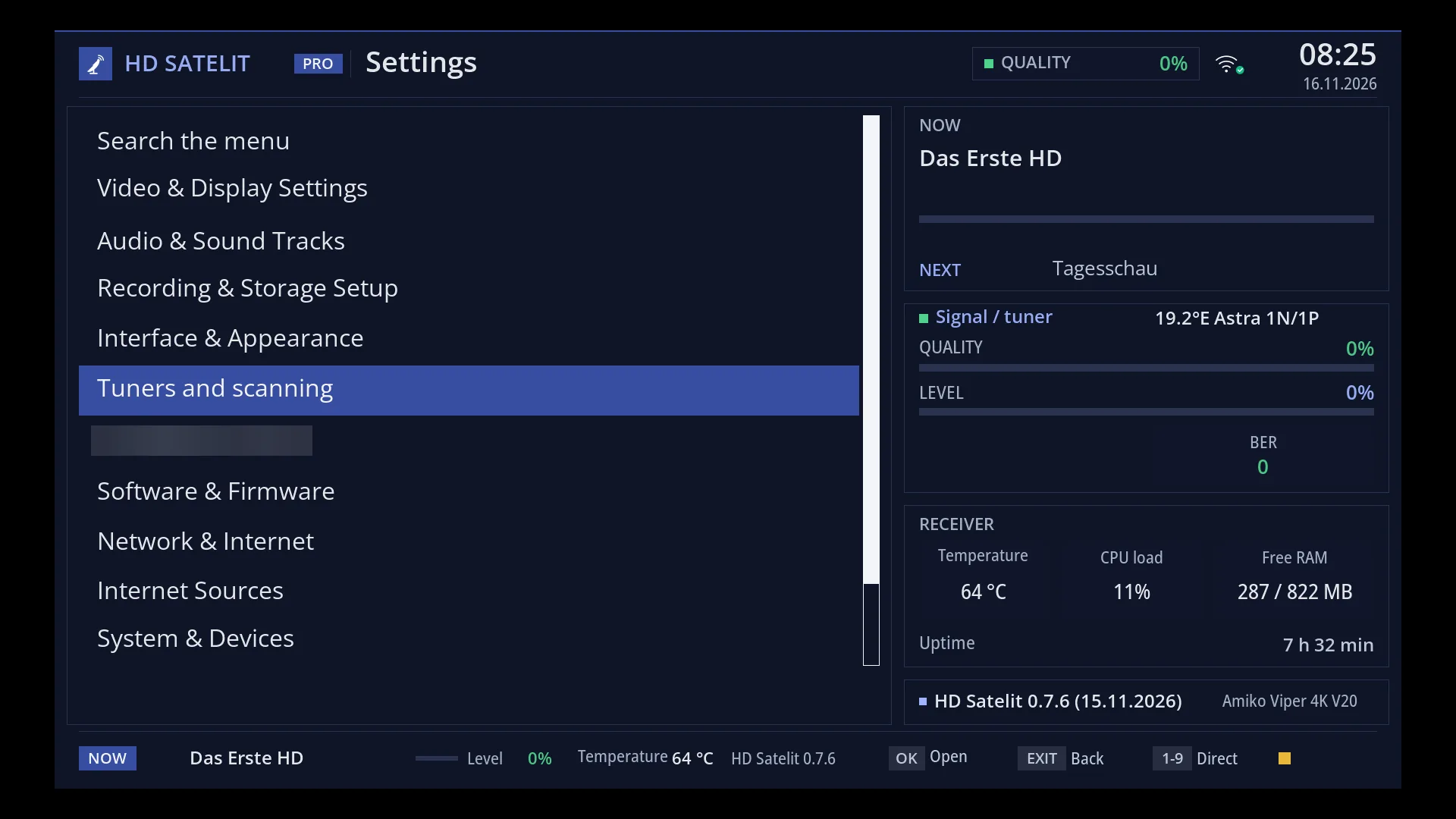
- 1 The selected row: “Tuners and scanning”; OK or its digit opens it.
What it is for
“Tuners and scanning” is the submenu in Settings with the places for the dish and the channel scan: Tuner settings, Network fallback tuner, Channel scan and Dish alignment and setup.
It is here for anyone who looks for the tuners in Settings, as in the usual OE-Alliance menu. Channel scan and Dish alignment lead to the same menus as the first two rows of the main menu (MENU 1 Channel scan, MENU 2 Dish alignment and setup); Network fallback tuner is only here (and as the last row in Tuner settings).
How to get here
Path: Main menu > Settings > Tuners and scanning (the fifth row).
Keys on the remote: MENU 6 5.
In the web interface: the same pages, /antena/tuner, /scanare and /antena.
What you see on the screen
The title “Tuners and scanning” and the list: at the top “Search the menu”, then the four rows, 1 Tuner settings, 2 Network fallback tuner, 3 Channel scan, 4 Dish alignment and setup.
Rows and settings
| Row | Values | Default | What it does |
|---|---|---|---|
| 1 Tuner settings | Which dish or cable is connected to each tuner: LNB, DiSEqC, motor, Unicable, cable, terrestrial. At the first installation or when you change the dish. | ||
| 2 Network fallback tuner | The receiver at home the channels come from when this receiver's tuners are busy or cannot receive the channel (from 0.7.7). When you have a second receiver at home. | ||
| 3 Channel scan | The channel scan menu, the same as MENU 1. When you look for new channels. | ||
| 4 Dish alignment and setup | The dish menu, the same as MENU 2: finding the signal, the motor, the angle calculator, the tuner settings. When you align or adjust the dish. |
Keys
| UP / DOWN | Move the cursor; UP from the first row goes to “Search the menu”. |
| OK | Opens the selected row. |
| 1 ... 4 | Open the row with that number directly. |
| EXIT | Back to Settings. |
| HELP | Opens this help page. |
Step by step
Reaching the tuner settings from Settings
- Press MENU 6 5 1: “Tuner settings” opens, the same screen as MENU 2 1.
Problems and solutions
I changed something here and it also changed in MENU 2.
That is normal: the rows in “Tuners and scanning” are the same screens as in the main menu, not separate copies.
Related topics
Differences between receivers
Since 0.7.5, the same on all receivers.