

Enter data manually (satellite)
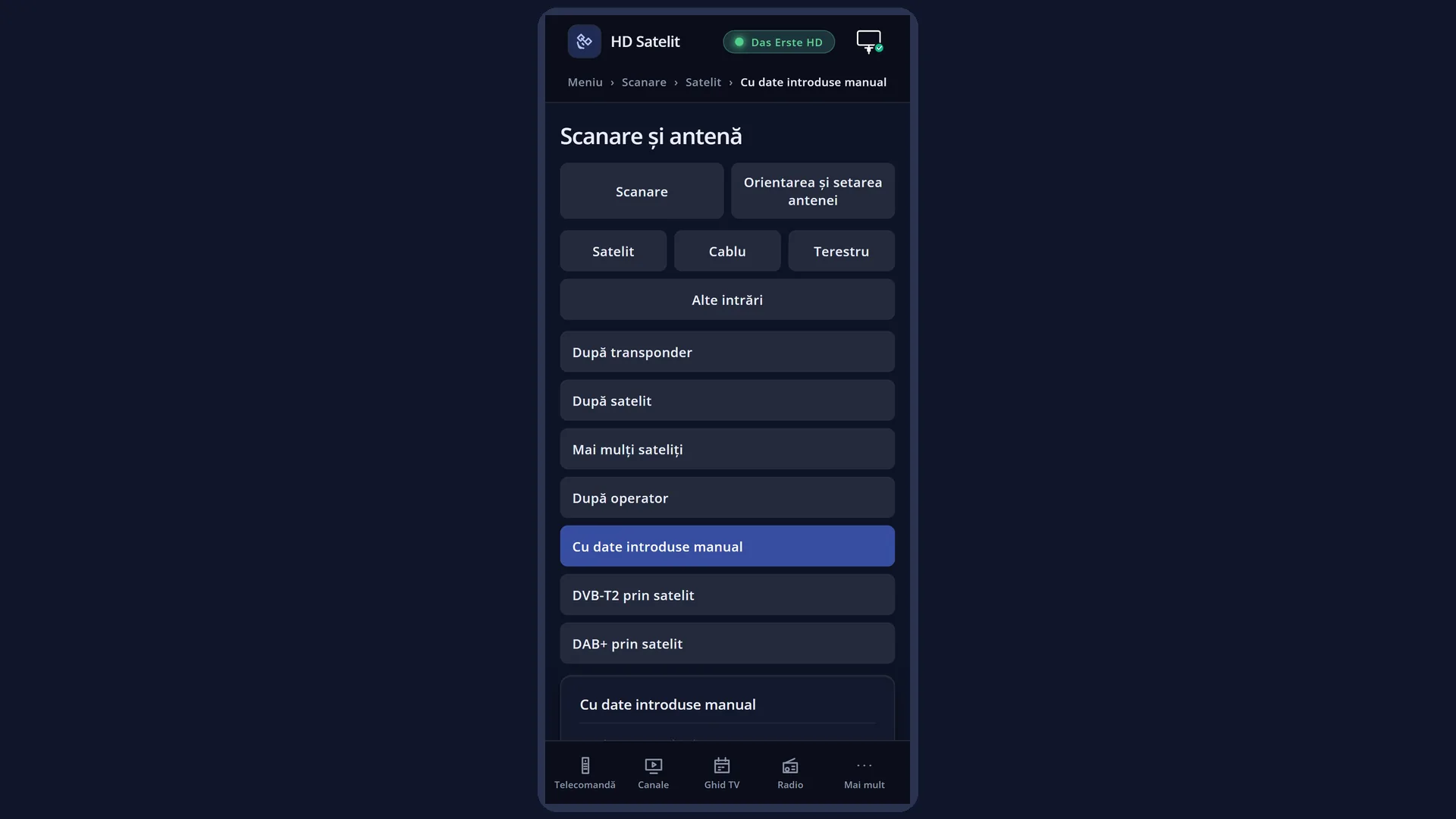
English screenshots coming: some of the pictures below still show the receiver and the web interface in Romanian. The rows, keys and steps described on this page are the English ones.
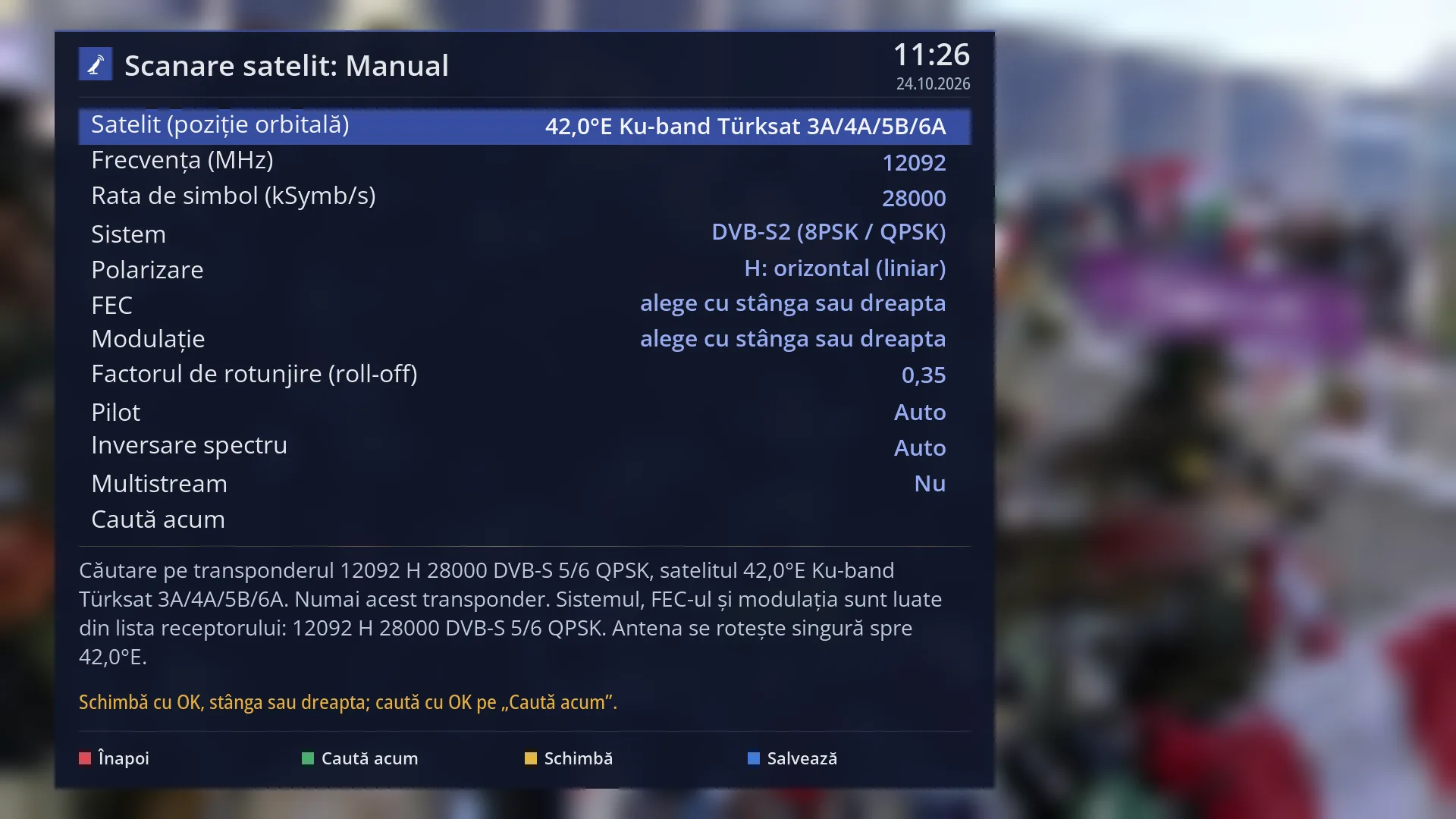
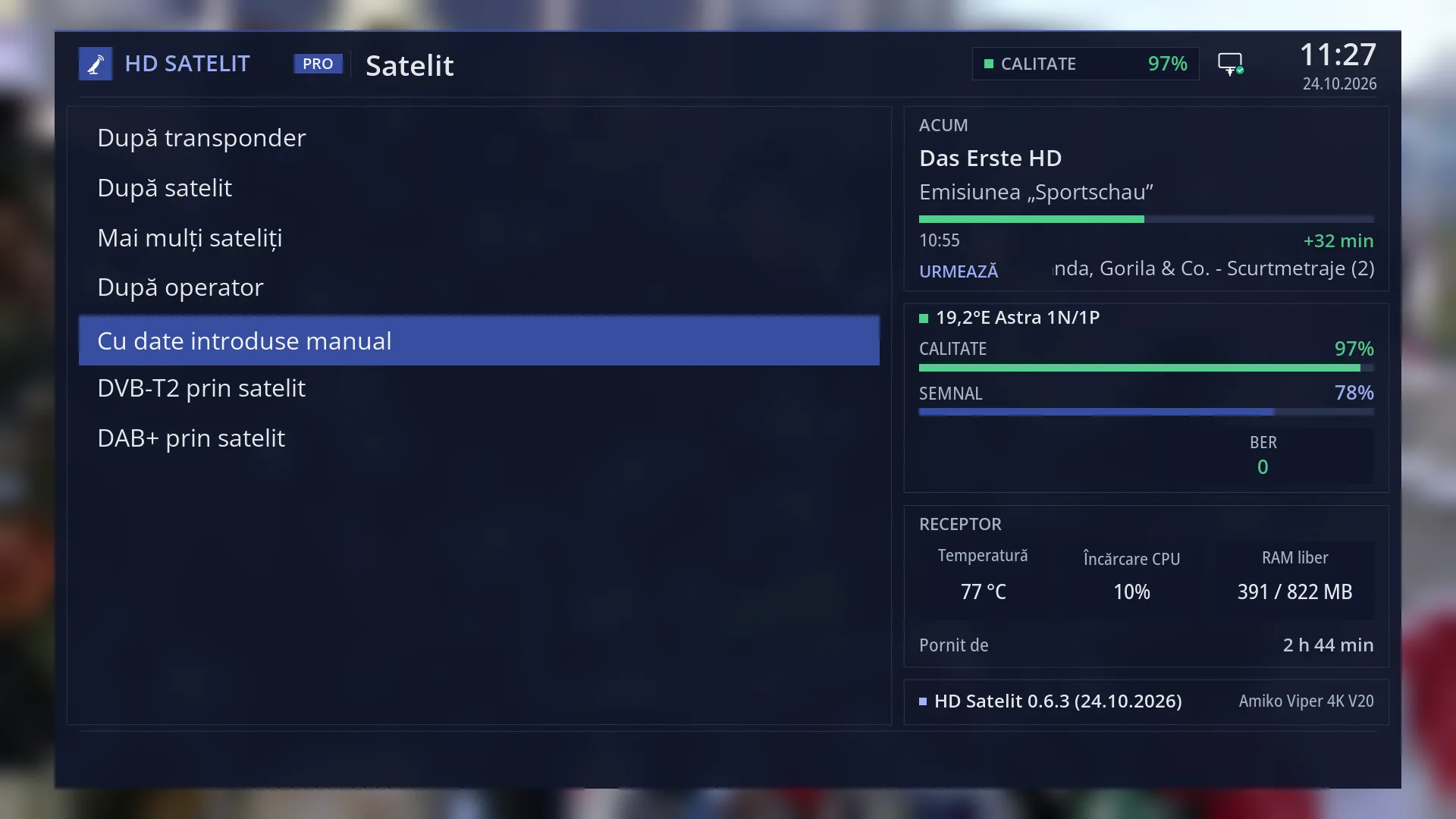
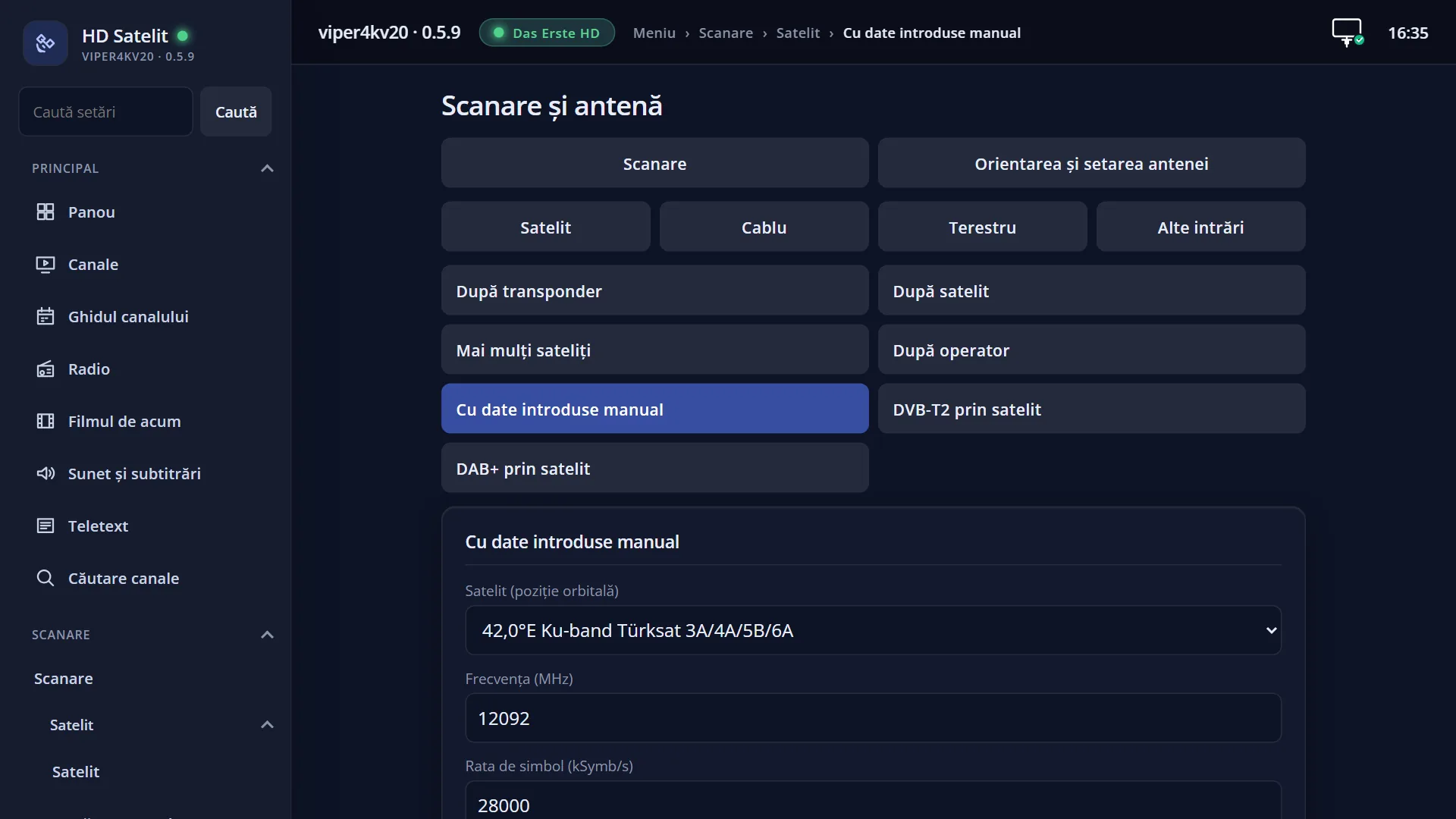
- 1 Kind of search: satellite, with data entered by hand.
- 2 The transponder's satellite.
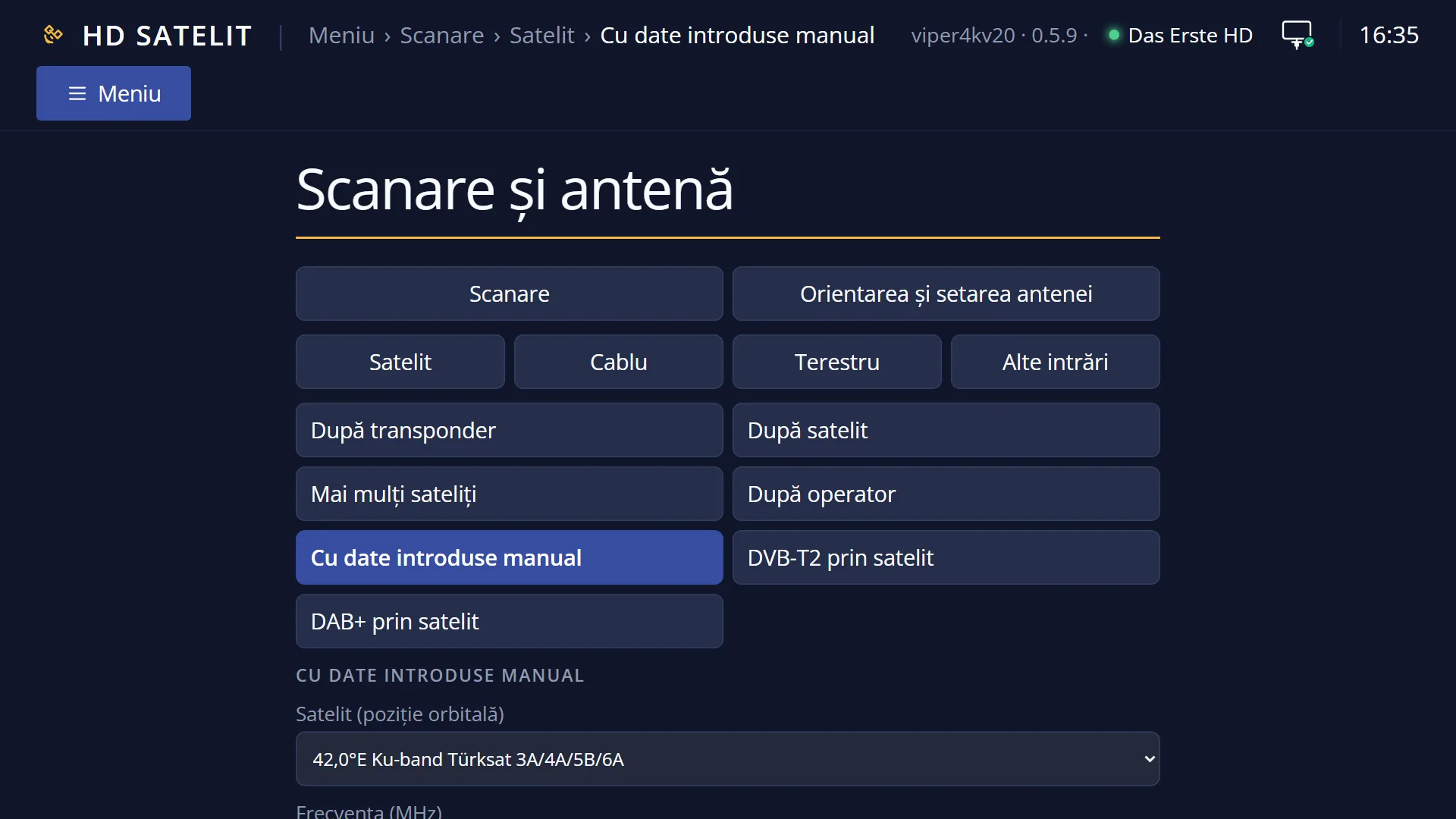
- 3 Frequency and symbol rate: OK opens the keyboard.
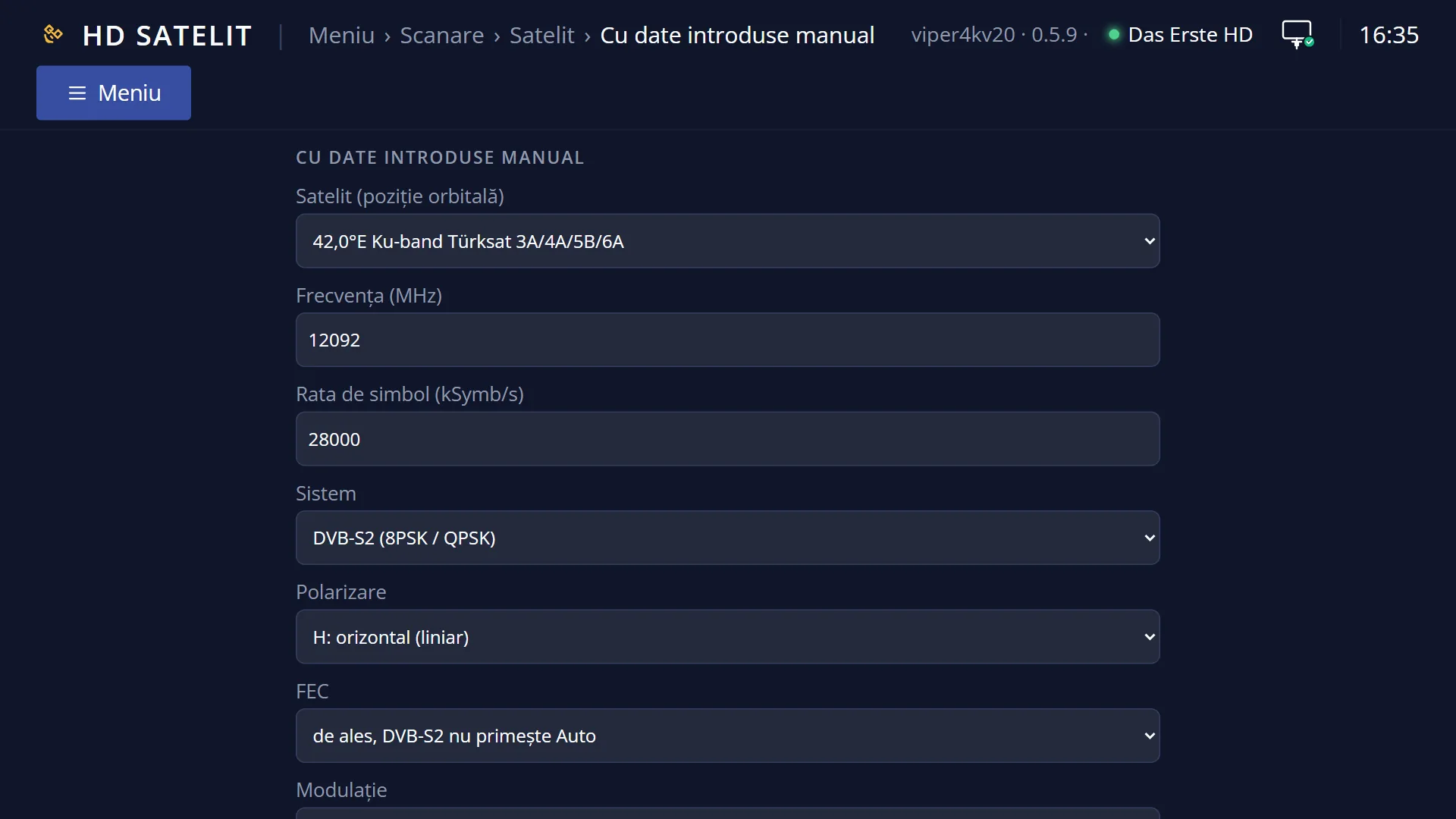
- 4 System, polarization, FEC and modulation; with DVB-S2 the FEC and the modulation cannot be Auto.
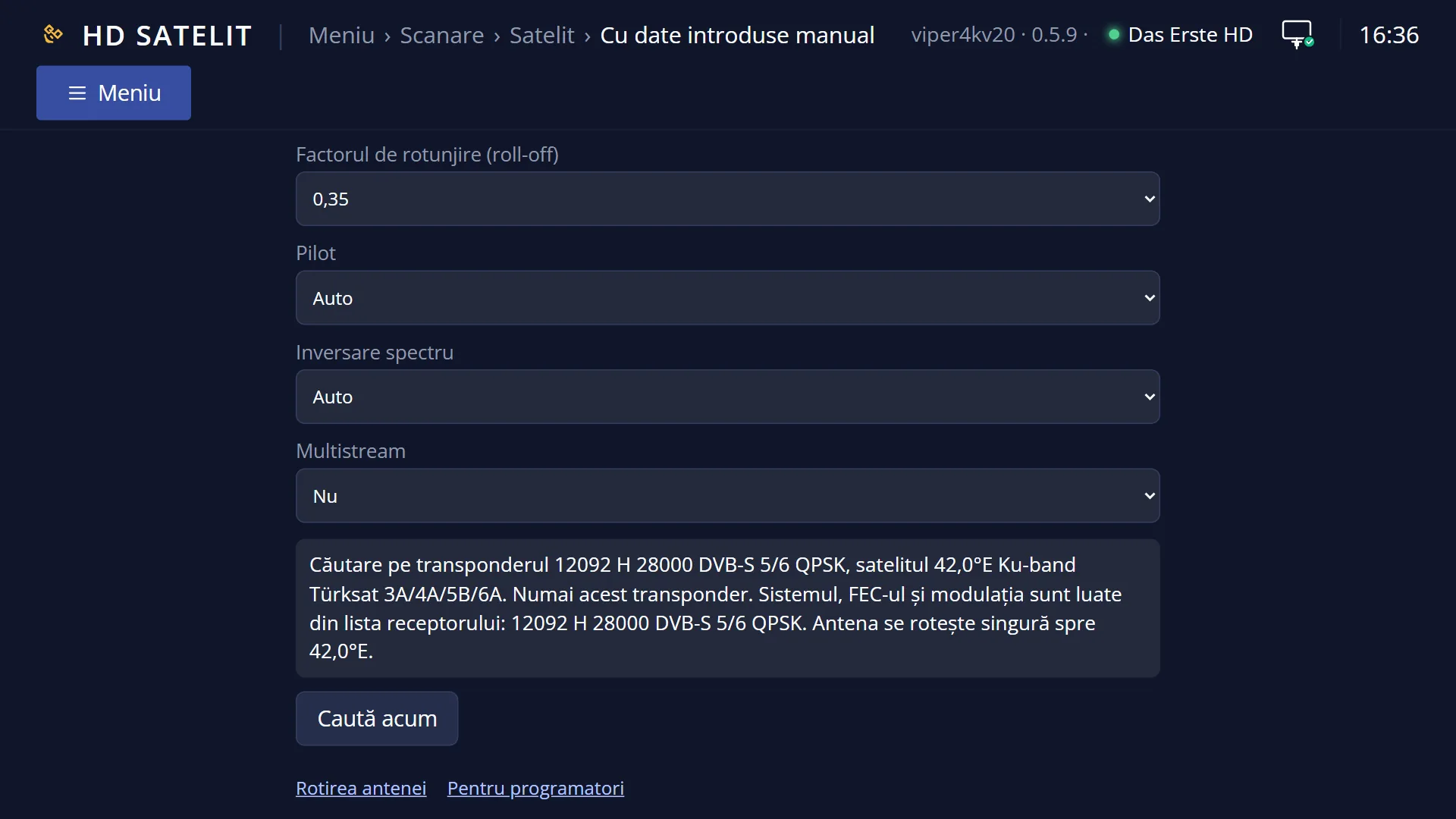
- 5 Roll-off, pilot, inversion and multistream: usually left as they are.
- 6 OK here starts the search.
- 7 What will be searched and what the receiver took from its list.
- 8 RED back, GREEN search, YELLOW change, BLUE save.
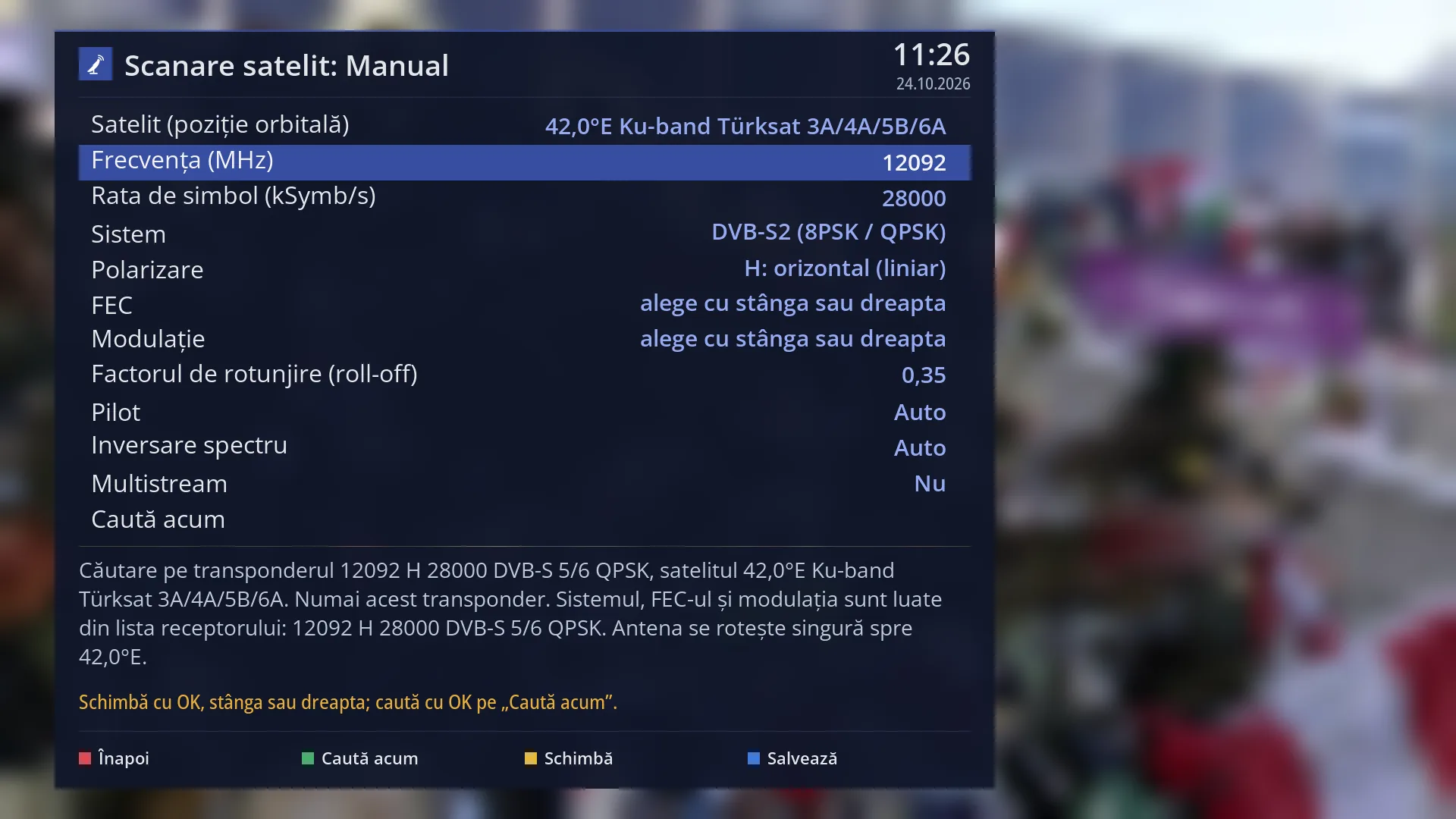
- 1 The selected row: “Frequency (MHz): 12092”.
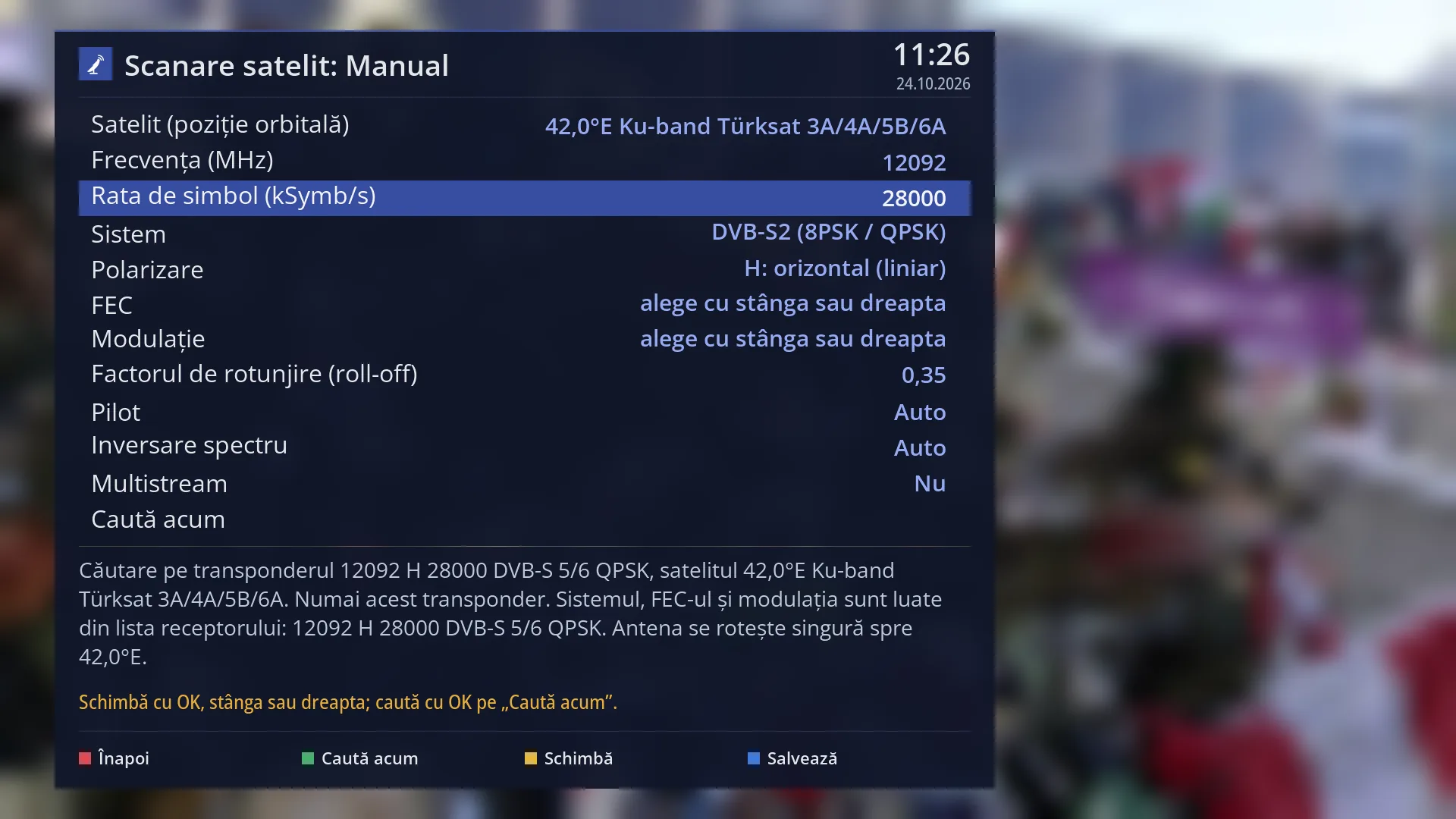
- 1 The selected row: “Symbol rate (kSymb/s): 28000”.
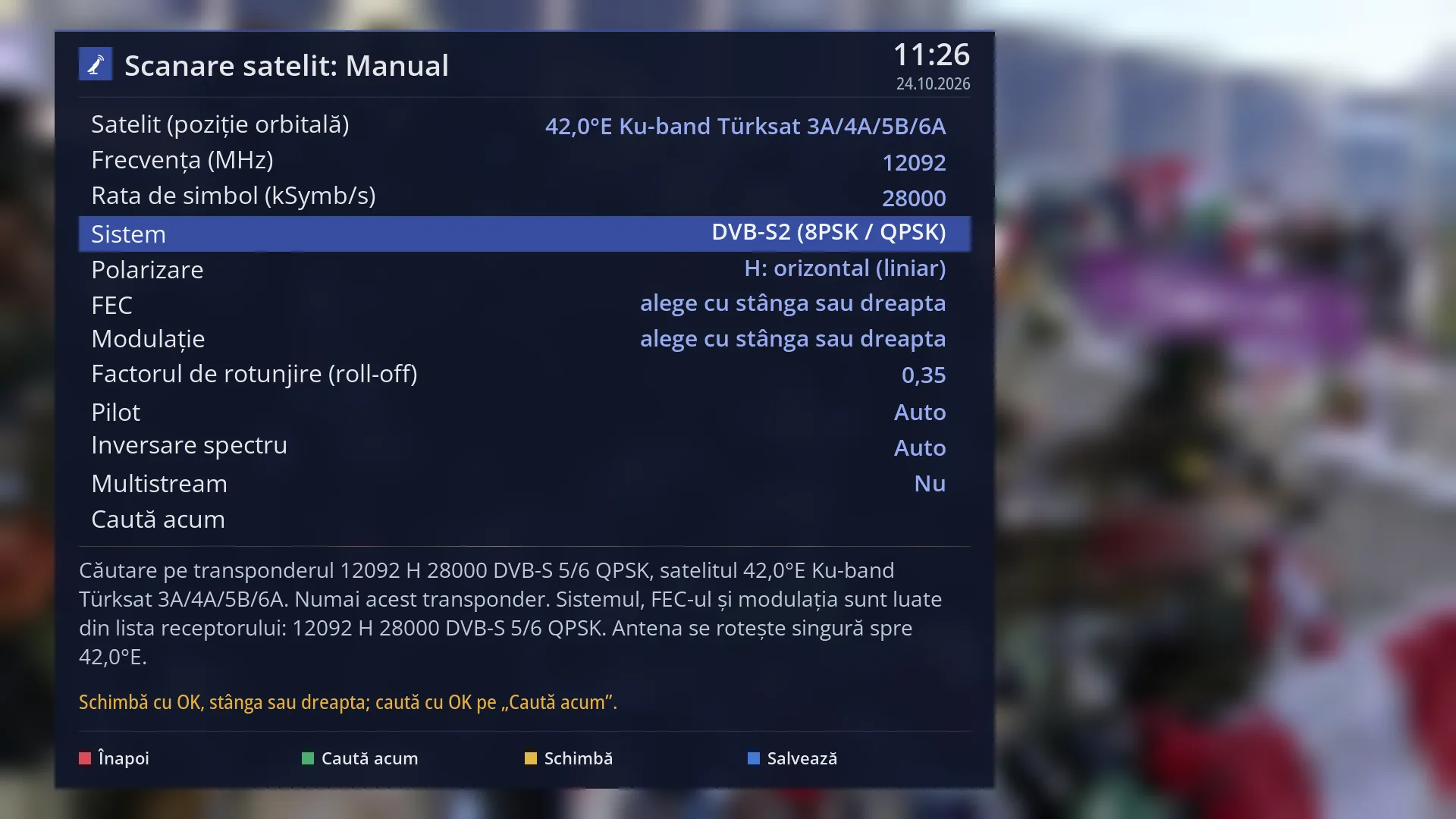
- 1 The selected row: “System: DVB-S2 (8PSK / QPSK)”.
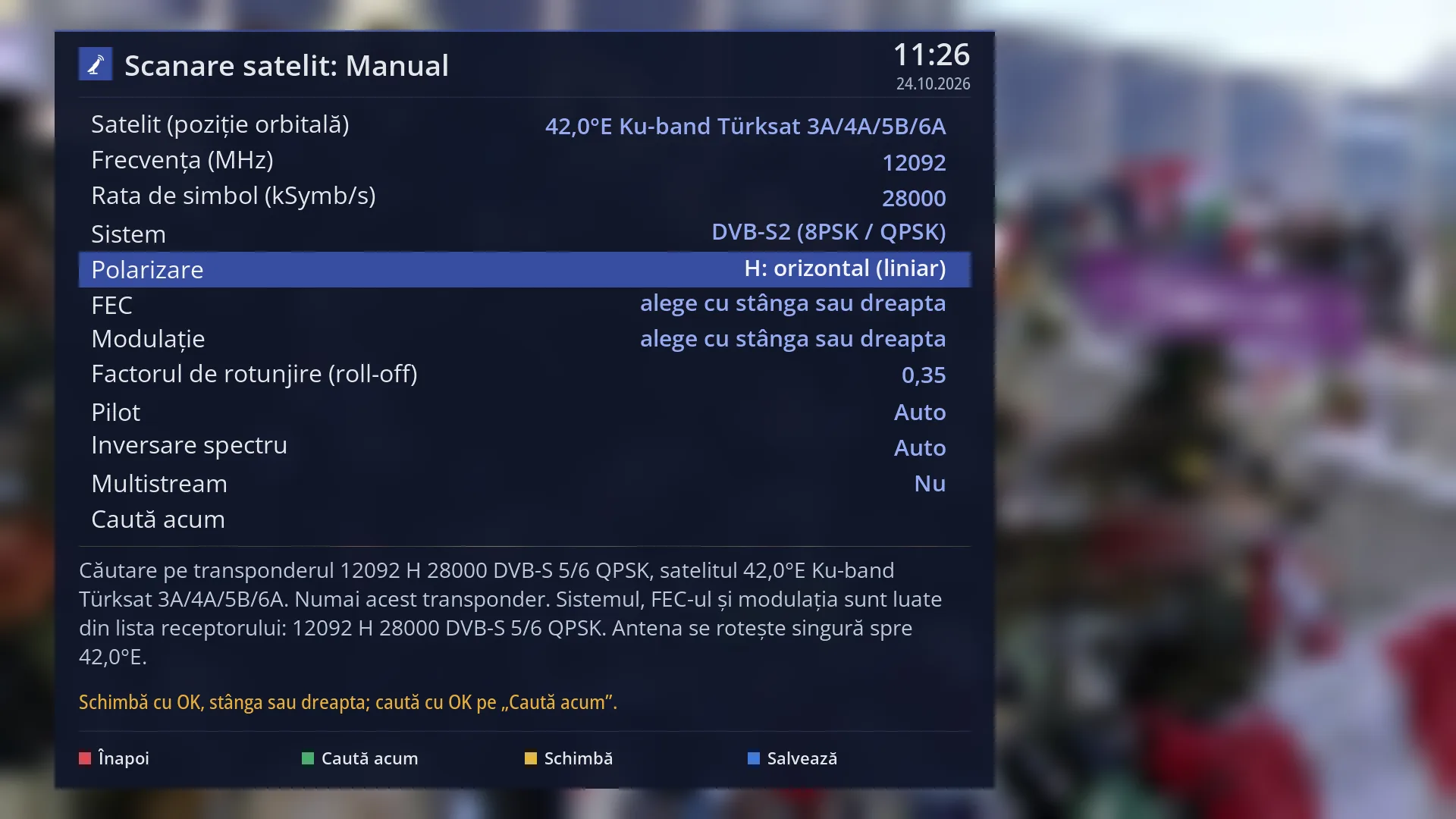
- 1 The selected row: “Polarization: H: horizontal (linear)”.
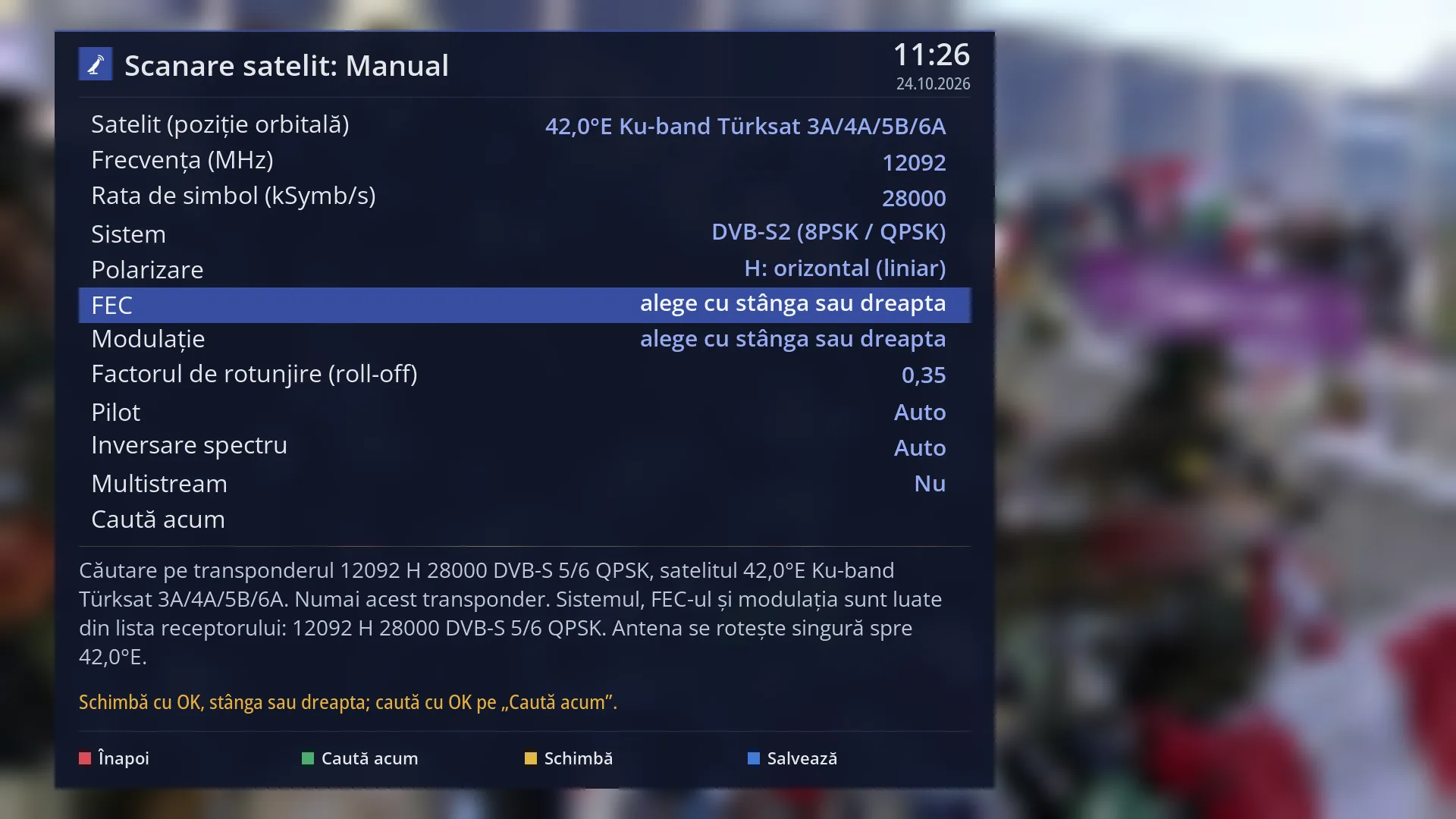
- 1 The selected row: “FEC: choose with left or right”.
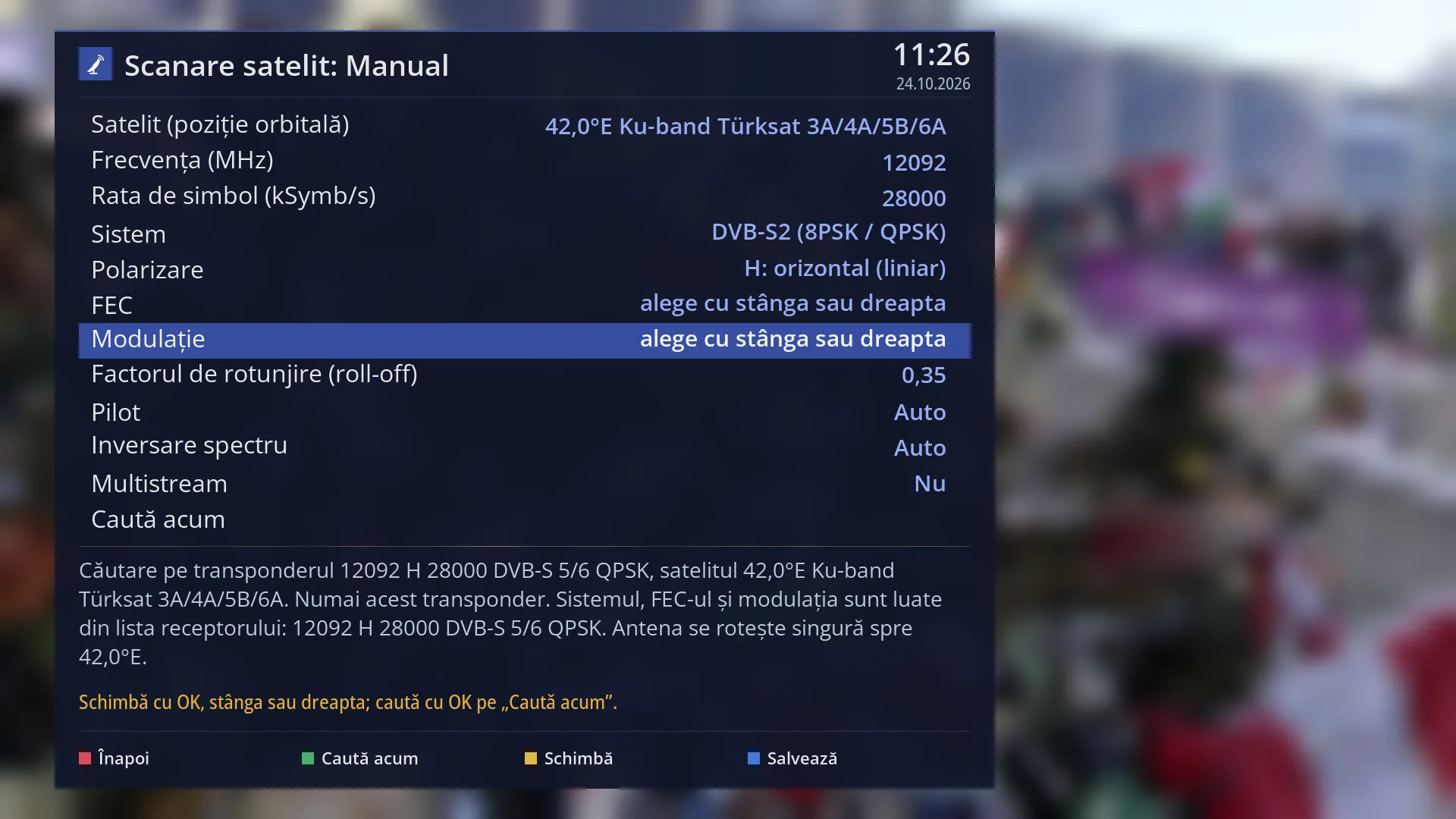
- 1 The selected row: “Modulation: choose with left or right”.
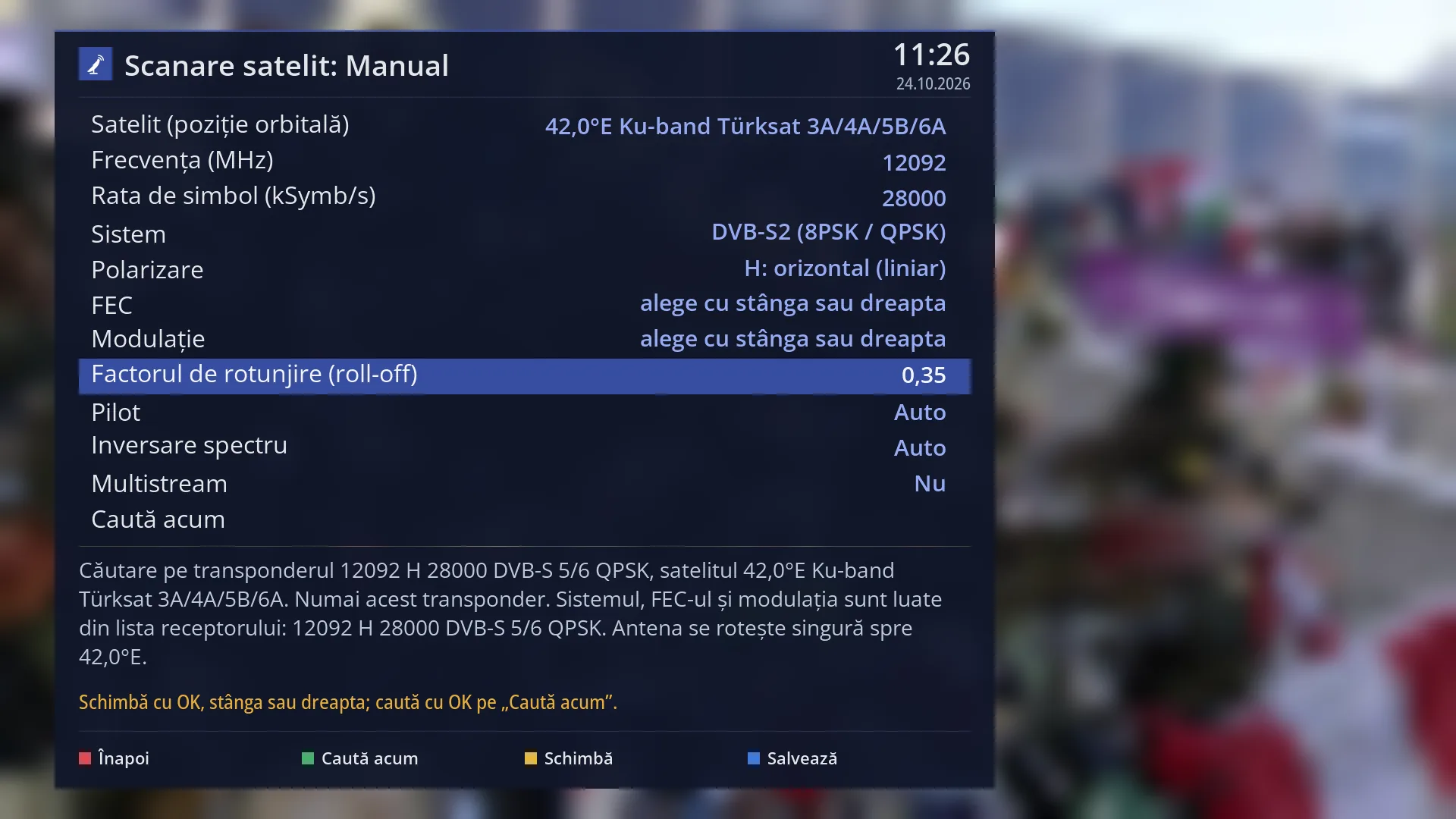
- 1 The selected row: “Roll-off factor: 0.35”.
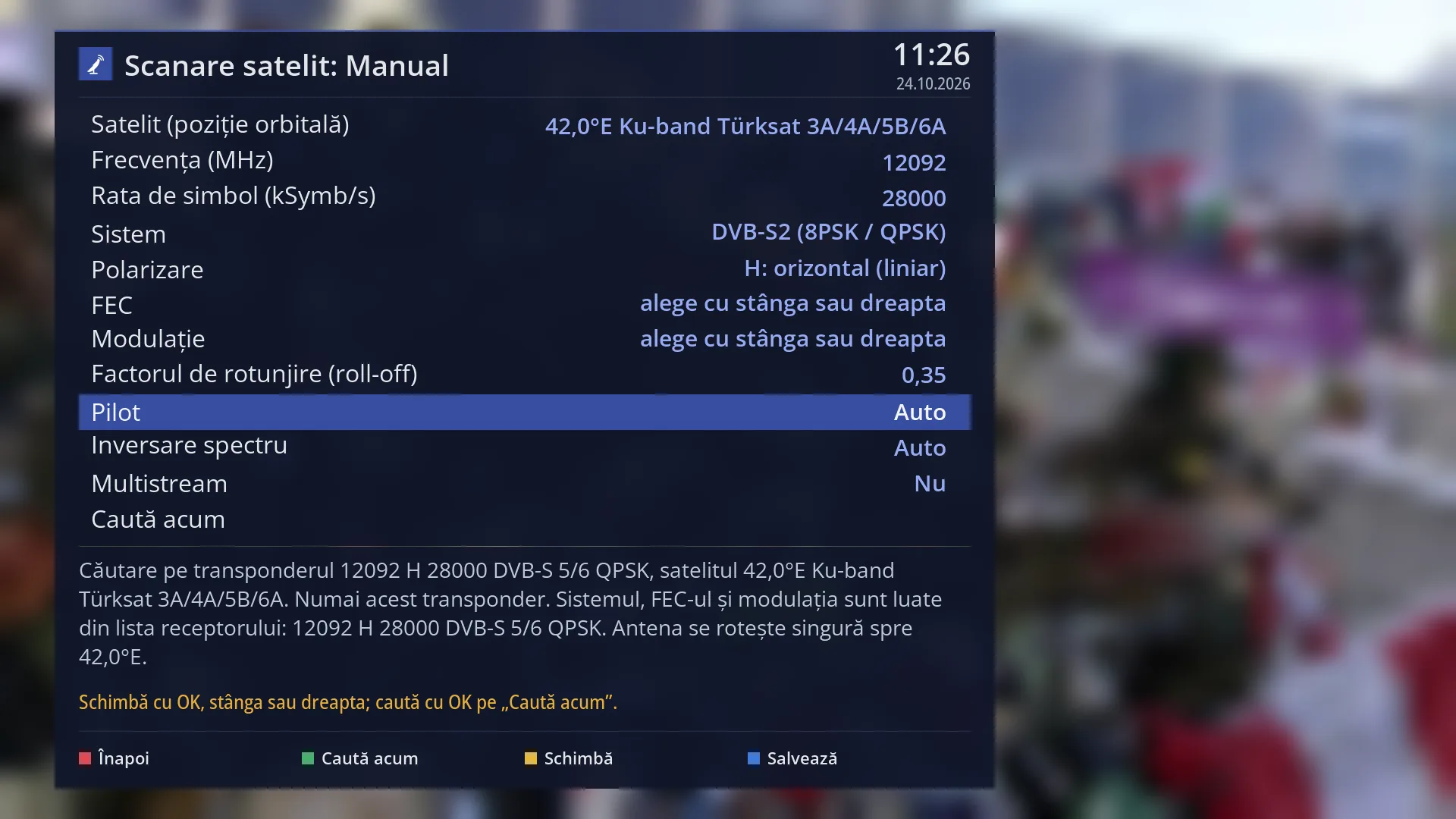
- 1 The selected row: “Pilot: Auto”.
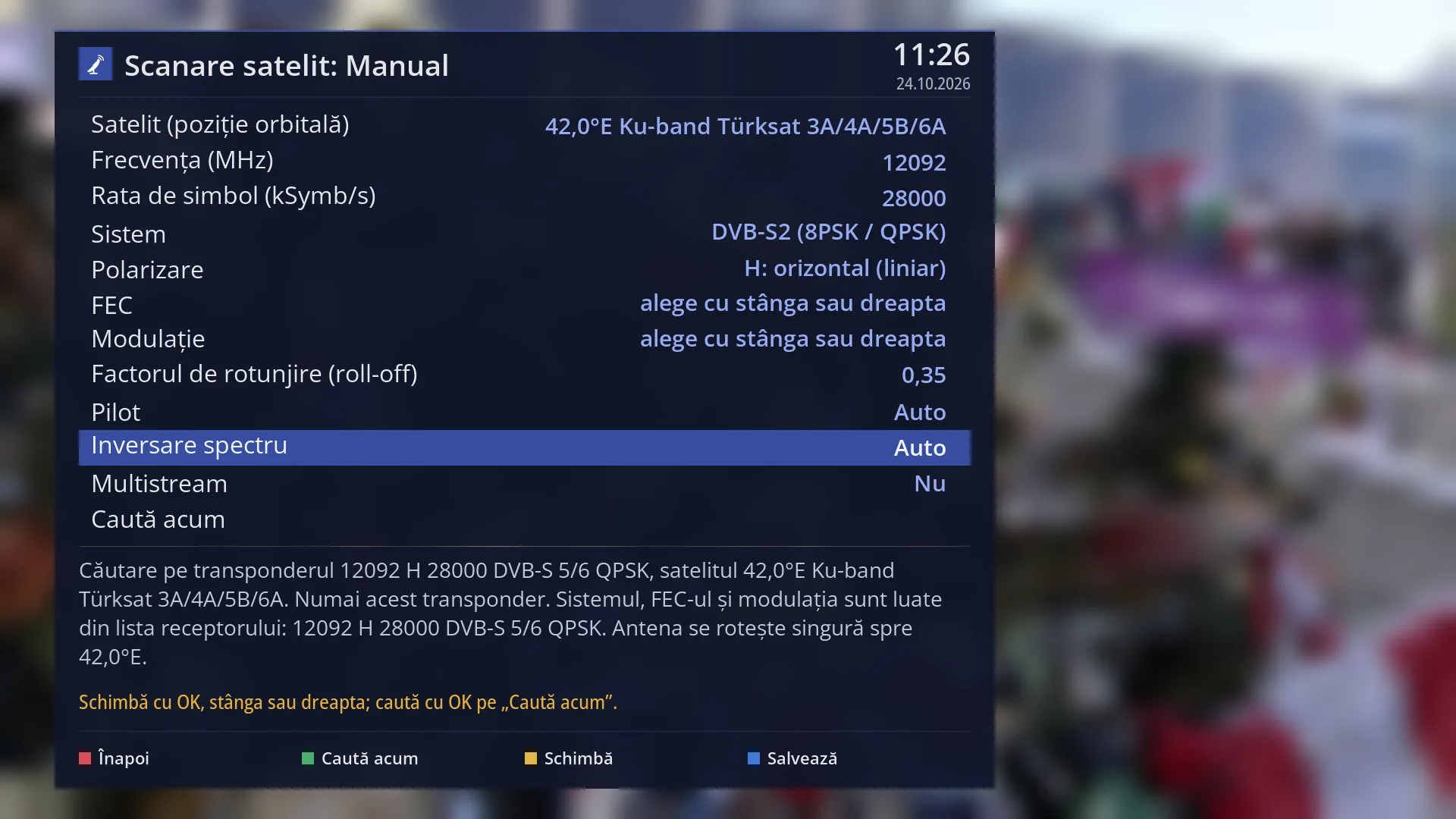
- 1 The selected row: “Spectral inversion: Auto”.
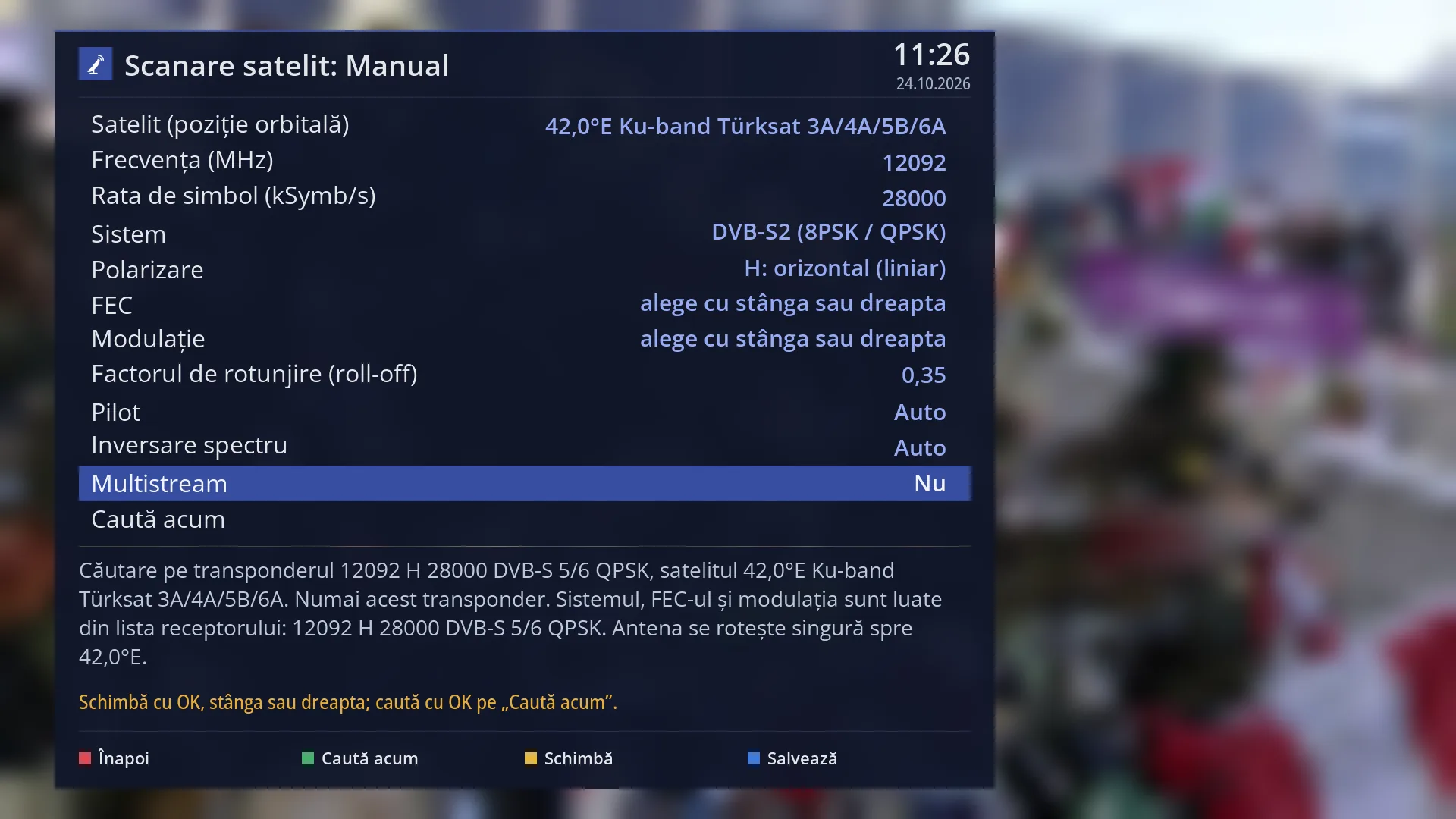
- 1 The selected row: “Multistream: No”.
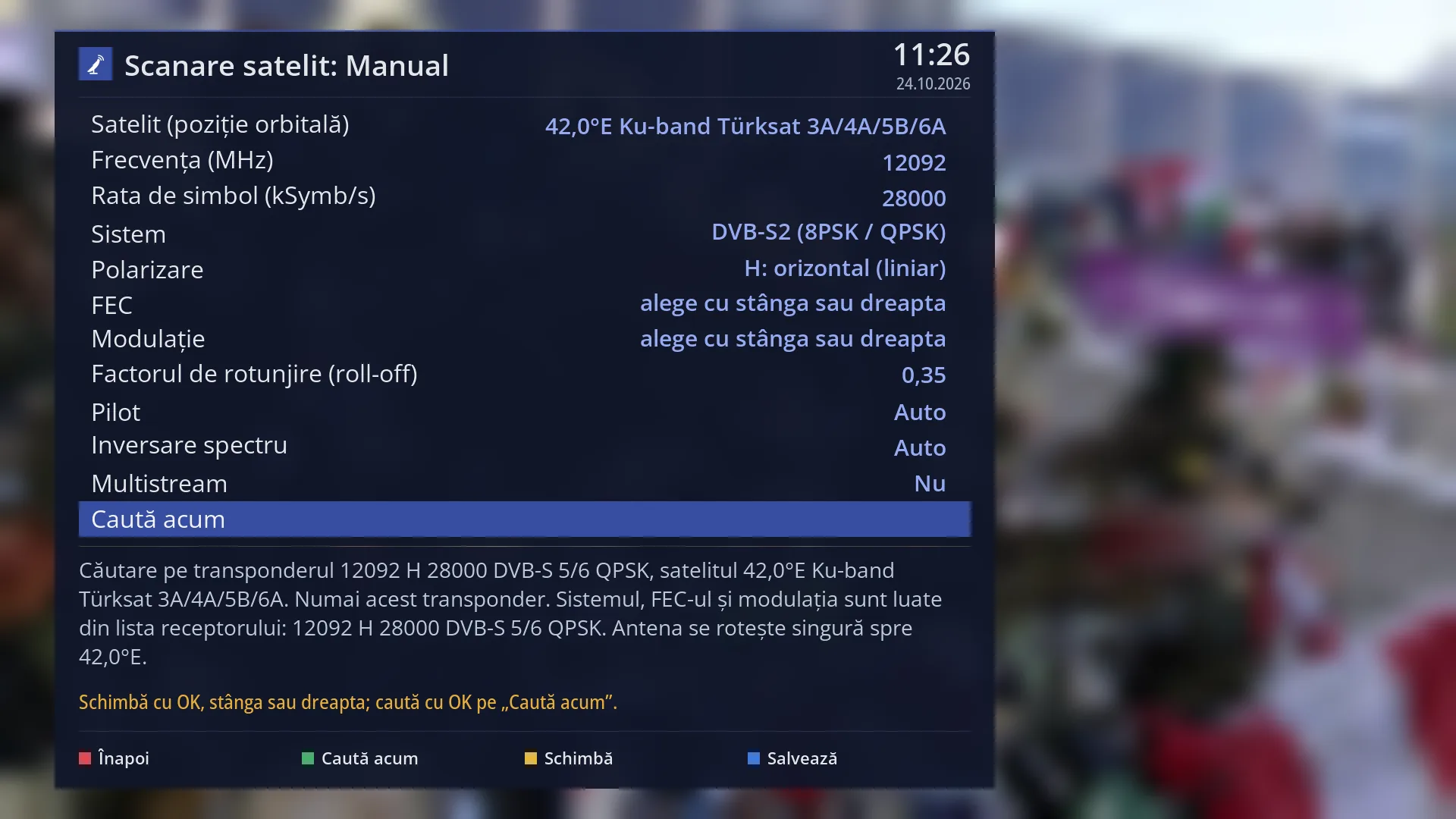
- 1 The selected row: “Search now”.
What it is for
“Enter data manually” searches a single transponder whose values you type in yourself: the frequency, symbol rate, system, polarization, FEC, modulation and the rest. Use it for a new transponder that is not yet in the receiver's list, or for one whose values you know from a website with satellite frequencies.
Enter the frequency as the providers publish it (for example 11766 MHz), not the frequency after the LNB. The receiver searches only this frequency, not the transponders announced in the signal.
The receiver helps you: if the frequency is in its list (within 3 MHz at most) and you left the FEC on Auto (for DVB-S2, the FEC or the modulation), it takes the system, FEC and modulation from there. For DVB-S2, where the FEC cannot be Auto, it lets you choose the modulation and FEC pair before the search. The preview tells you everything it has changed.
For broadcasts with several streams on the same transponder (multistream), set “Multistream” to Yes and enter the stream and the PLS sequence. This only works if the tuner can select the stream.
The same screen also opens from Signal finder, with the GREEN key, filled in with the values of the measured transponder. The channels found are added to the list; the existing ones are not deleted. In the web interface: /scanare/satelit/manual.
How to get here
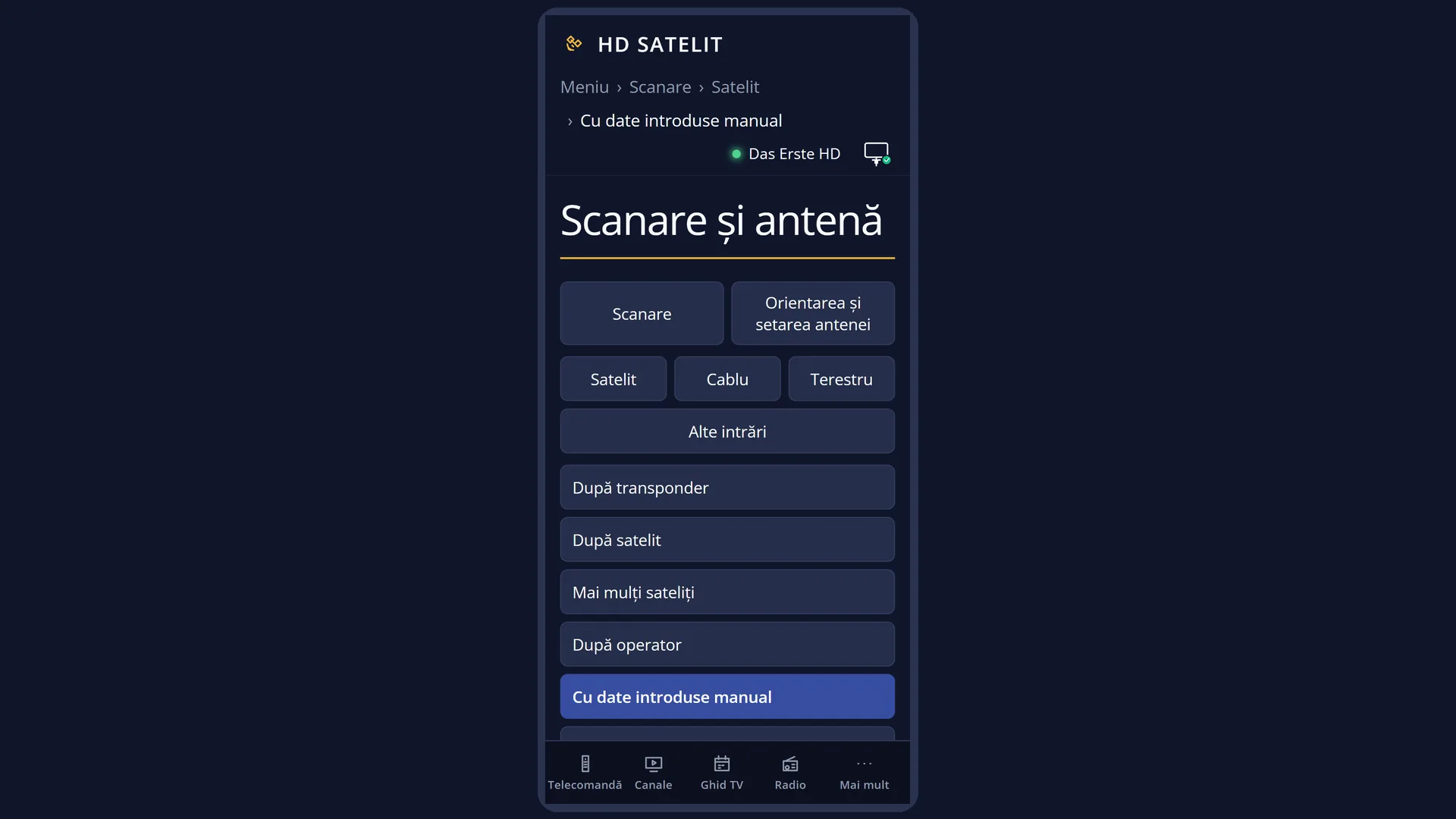
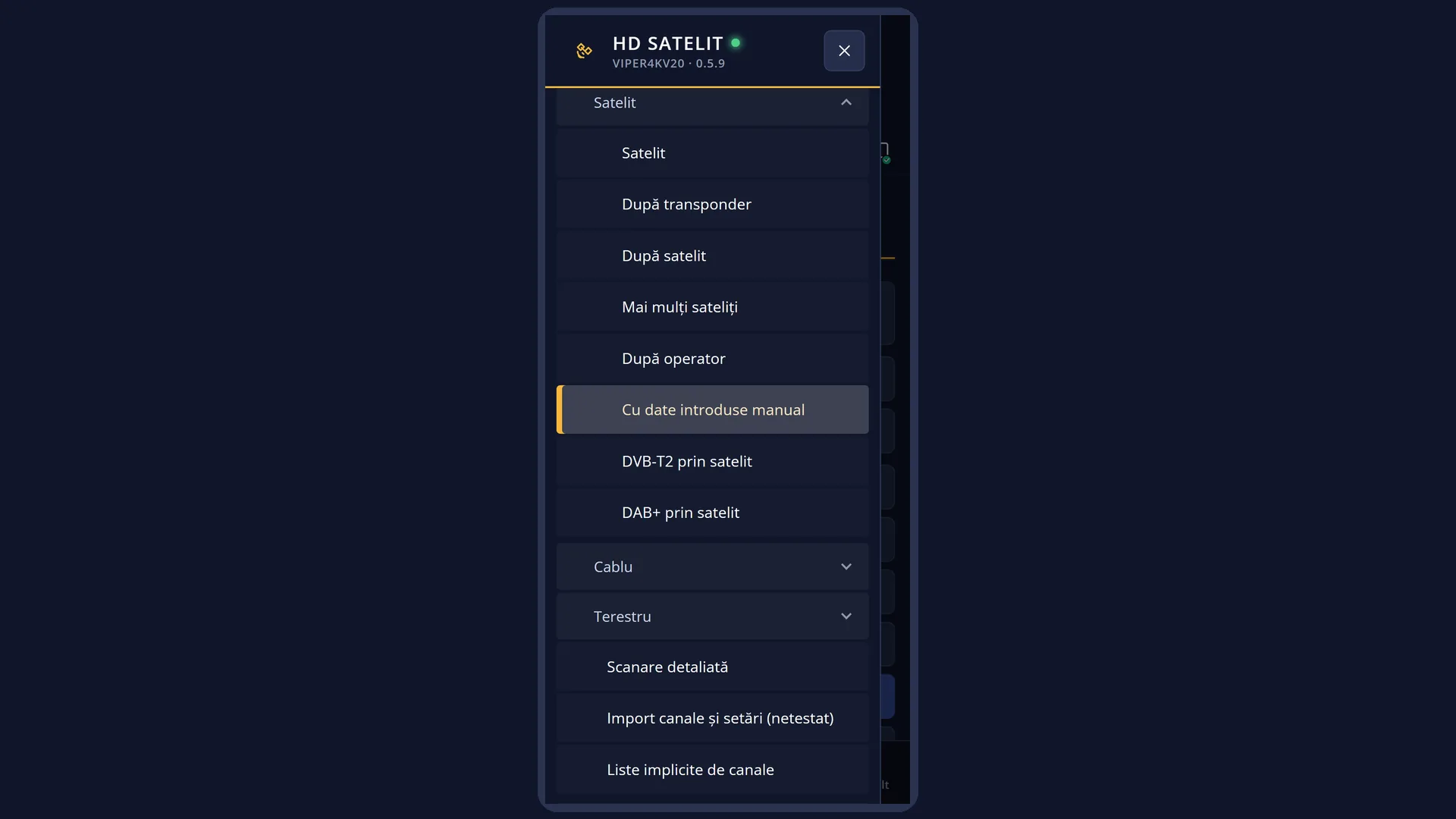
Path: Main menu > Channel scan > Satellite > Enter data manually
Keys on the remote: MENU 1 1 5
From Signal finder (MENU 2 6): the GREEN key (“Search channels”) opens the same screen with the measured transponder. There the screen has an extra first row, “Kind of scan”, set to “Enter data manually”.
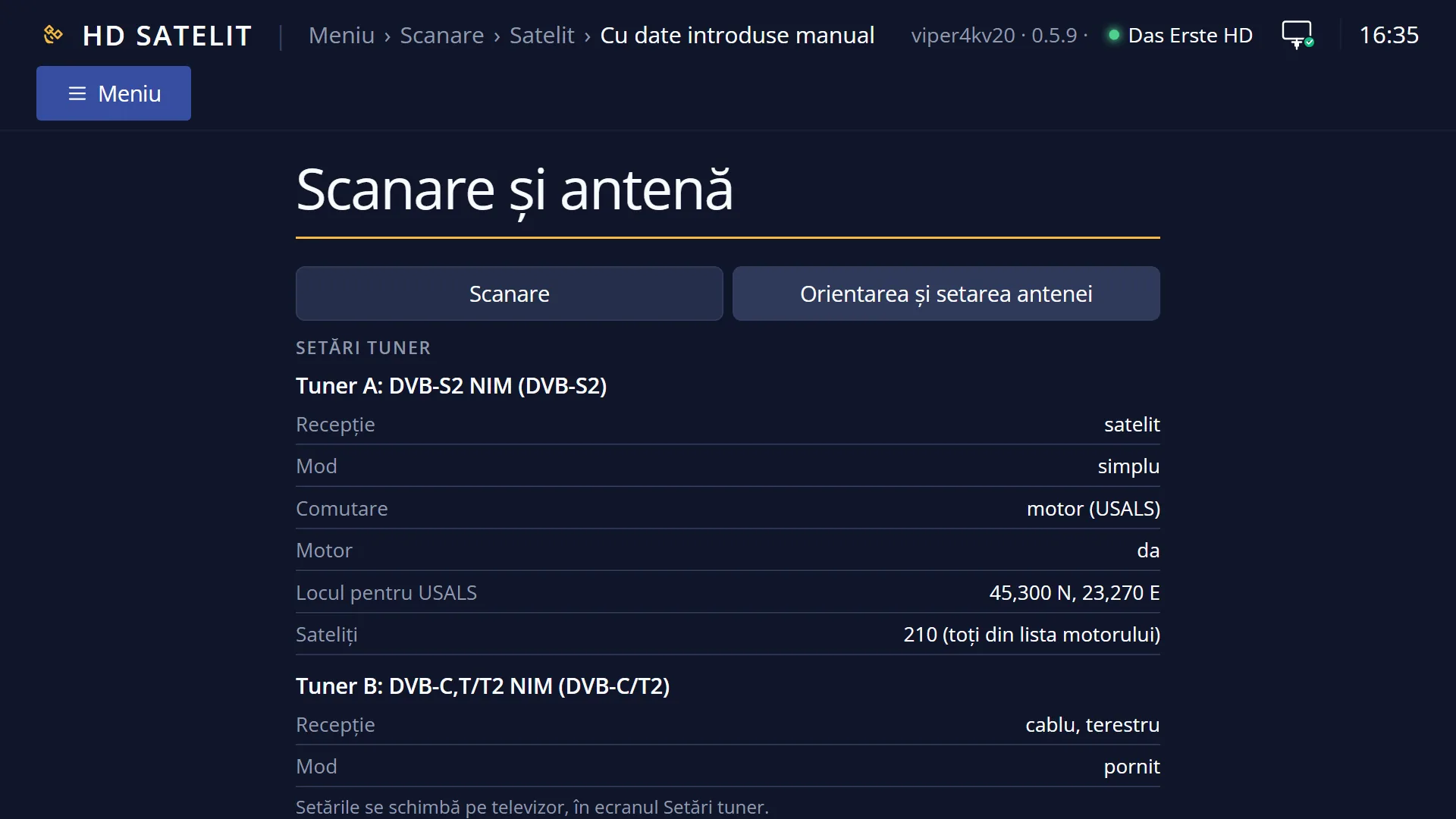
In the web interface: the /scanare/satelit/manual page (the “Channel scan” tab, the “Satellite” group, the “Enter data manually” button).
What you see on the screen
At the top, the title “Satellite scan: Manual”, the time and the date. In the Pro theme, the blue square with the logo is to the left of the title.
The list has twelve rows, all on one page: “Satellite (orbital position)”, “Frequency (MHz)”, “Symbol rate (kSymb/s)”, “System”, “Polarization”, “FEC”, “Modulation”, “Roll-off factor”, “Pilot”, “Spectral inversion”, “Multistream” and “Search now”. With “Multistream” set to Yes, three more appear before “Search now”: “Stream (ISI, 0-255)”, “PLS sequence”, “PLS code”.
With DVB-S2, while the FEC or the modulation is on Auto, “choose with left or right” is shown to the right of it: DVB-S2 does not accept Auto.
Below the list is the preview: “Search on transponder 11766 H 27500 DVB-S2 3/4 8PSK, satellite …. This transponder only.”, followed by what the receiver decided (for example “The system, FEC and modulation are taken from the receiver's list: …” or “… MHz is not in the receiver's list for this satellite, searching with the values entered.”) and, with a motor, “The dish turns by itself towards …”. When a search is not possible, the reason is shown here.
Underneath, in yellow, is the status line: what the keys do, the value you have just entered (for example “Frequency (MHz): 12092”) or an error (“Wrong value for …: it must be a number.”).
At the bottom, the colour keys: RED “Back”, GREEN “Search now”, YELLOW “Change”, BLUE “Save”.
OK on a row with a number opens the on-screen keyboard. OK on “FEC” (and on “Satellite”, with more than six satellites) opens the list of values in a full window.
Once the search starts, the “Channel search” screen opens, with the satellite and transponder, the percentage, the progress bar and, at the end, the summary (“Channels found”, how many are new, TV, HD, 4K, radio, “Transponders scanned”, “no signal”, “Satellite: …”, “Duration”).
Rows and settings
| Row | Values | Default | What it does |
|---|---|---|---|
| Satellite (orbital position) | the satellites of your dish, shown with their position; with a motor, all the satellites in the receiver's list | 19.2°E, if the dish can see it; otherwise the dish's first satellite | The transponder's satellite. With a motor, the dish turns towards it during the search. When the transponder is on another satellite. |
| Frequency (MHz) | a number, in MHz, for example 11766 | 11727 | The transponder frequency, as the providers publish it. For every new transponder. |
| Symbol rate (kSymb/s) | a number between 1000 and 60000 | 27500 | The transponder speed, in thousands of symbols per second (27500, 22000, 30000 and so on). Outside the tuner's limits the search does not start and tells you why. For every new transponder. |
| System | DVB-S (classic QPSK), DVB-S2 (8PSK / QPSK) | DVB-S2 (8PSK / QPSK) | The type of broadcast. It decides which values the FEC and the modulation can have. According to the transponder data. |
| Polarization | H: horizontal (linear), V: vertical (linear), L: circular left (LHCP), R: circular right (RHCP) | H: horizontal (linear) | The transponder polarization; in frequency lists it is the letter after the frequency. According to the transponder data. |
| FEC | with DVB-S: Auto, 1/2, 2/3, 3/4, 5/6, 7/8, None, with DVB-S2: 1/2, 3/5, 2/3, 3/4, 4/5, 5/6, 7/8, 8/9, 9/10 | Auto (with DVB-S2 the row shows “choose with left or right”) | The transponder's error correction. DVB-S2 has no Auto: you choose the value or the receiver takes it from its list; if it does not find it, it asks you for it before the search. According to the transponder data. |
| Modulation | with DVB-S: Auto, QPSK, with DVB-S2: QPSK, 8PSK | Auto (with DVB-S2 the row shows “choose with left or right”) | The transponder modulation. The image cannot tune APSK modulations. According to the transponder data. |
| Roll-off factor | 0,35, 0,25, 0,20 | 0,35 | A parameter of the DVB-S2 signal. The tuner does not accept the smaller values (0.15, 0.10, 0.05). Only if the transponder data says something other than 0.35. |
| Pilot | Auto, Off, On | Auto | The pilot signal of DVB-S2 broadcasts. On Auto, the tuner detects it. Rarely: only when a transponder does not tune on Auto. |
| Spectral inversion | Auto, Normal, Inverted | Auto | The signal spectrum; on Auto, the tuner detects it. Almost never. |
| Multistream | No, Yes | No | Yes shows the rows for a transponder with several streams: the stream and the PLS sequence. Multistream exists only with DVB-S2: if DVB-S is chosen, the search is done as DVB-S2. When you set No but the receiver's list has a single stream on that frequency, the receiver takes it by itself; if there are several streams, it tells you which they are. When the provider gives a stream (ISI) or a PLS code for the transponder. |
| Stream (ISI, 0-255) | empty, a number between 0 and 255 | empty | Only with “Multistream” set to Yes. The number of the stream in the transponder. Leave it empty if you only know the PLS code. According to the provider's data. |
| PLS sequence | Gold, Root, Combo | Gold | Only with “Multistream” set to Yes. The type of PLS code; providers usually publish it as Gold. According to the provider's data. |
| PLS code | a number between 0 and 262143 | 0 | Only with “Multistream” set to Yes. The code of the transponder's PLS sequence. According to the provider's data. |
| Search now | OK on this row starts the search, just like the GREEN key. The values are saved before the search starts. After you have entered the values. | ||
| Channels found | They are written to the channel list only at the end of the search. The existing channels are not deleted; those found again are updated. You will find them in the channel list under Satellites, under the satellite's name. |
Keys
| UP / DOWN | Moves the cursor to the row above or below. From the last row, DOWN goes to the first, and the other way round. |
| LEFT / RIGHT | On rows with values to choose from, they go to the previous or next value, only through those the chosen system accepts. On rows with a number they do nothing. |
| OK | On frequency, symbol rate, stream and code it opens the keyboard; on “FEC” (and on “Satellite”, with more than six satellites) it opens the list of values; on the other rows it goes to the next value; on “Search now” it starts the search. |
| GREEN | Starts the search from any row (the screen shows “Search now”). |
| YELLOW | Does what OK does on the selected row (the screen shows “Change”). On “Search now” it does nothing. |
| BLUE | Saves the values and shows “The configuration has been saved.” (the screen shows “Save”). |
| RED or EXIT | Closes the screen and takes you back to where you came from (the Satellite menu or Signal finder). The values are saved in this case too. |
| On the on-screen keyboard | The arrow keys move the cursor over the keys, OK types the selected key, RED deletes the last digit, GREEN confirms the number, EXIT closes the keyboard without changes. With a USB keyboard you type directly: Enter confirms, Esc cancels. |
| In the selection list: OK or GREEN | Chooses the highlighted value and closes the list. RED or EXIT close it without changes. |
| EXIT (on the “Channel search” screen) | During the search, it stops it; the channels found so far are not written to the list. After the end, it closes the result. |
| OK (on the “Channel search” screen) | After the end, it closes the result. While the search is running, it does nothing. |
Step by step
Searching a transponder with known values
- Press MENU 1 1 5 and choose the satellite on the first row.
- On “Frequency (MHz)” press OK, type the frequency and press GREEN on the keyboard; do the same on “Symbol rate (kSymb/s)”.
- Choose the system, polarization, FEC and modulation with OK, LEFT or RIGHT.
- Read the preview (it tells you what the receiver took from its list) and press GREEN. At the end, read the summary and press EXIT.
Searching a DVB-S2 transponder without knowing the FEC
- Enter the frequency and the symbol rate, set “System” to DVB-S2 and leave the FEC and the modulation as they are.
- Press GREEN. If the transponder is in the receiver's list, the values are taken from there and the search starts.
- If it is not, the list of modulation and FEC pairs opens: choose the pair from the provider's data and press OK. If you do not know it, try them one by one until the search finds channels.
Searching a transponder with several streams (multistream)
- Enter the frequency and the symbol rate, and set “System” to DVB-S2.
- Set “Multistream” to Yes; “Stream (ISI, 0-255)”, “PLS sequence” and “PLS code” appear.
- Enter the stream and the code given by the provider, choose the sequence (usually Gold) and press GREEN.
Problems and solutions
“Enter the frequency (MHz) and the symbol rate (kSymb/s) of the transponder.” appears
One of the two rows is empty. Press OK on it and enter the number.
“Cannot search: the symbol rate … kSymb/s is not accepted by the tuner (1000-60000 kSymb/s).” appears
Enter the symbol rate in kSymb/s: 27500, not 27500000. If the real symbol rate is below 1000 kSymb/s, the tuner cannot receive it.
“The transponder has multistream (…), and the satellite tuner of this receiver cannot choose the stream.” appears
The tuner cannot select the stream, so the transponder cannot be searched. Set “Multistream” to No if you made a mistake.
“The stream (ISI) is a number between 0 and 255. …” or “The PLS code is a number between 0 and 262143.” appears
Enter the number again, within the stated limits.
“Search stopped: no FEC was chosen.” appears
You closed the list of pairs without choosing. Choose the FEC and the modulation on their rows, or press GREEN again and choose a pair.
The preview shows a different system or FEC from the one I chose.
The receiver found the transponder in its list and took the values from there (it shows “The system, FEC and modulation are taken from the receiver's list: …”). This way it tunes reliably. If you want your own values, choose the FEC and the modulation on their rows.
“Your dish is fixed and only sees: …”, “The dish location is not set …” or “The satellite tuner has no satellite configured …” appears
Choose one of the dish's satellites, set the location in Dish location (MENU 2 4) or configure the dish in Tuner settings (MENU 2 1).
The summary says “No transponder had a signal.”
The values do not match what the satellite broadcasts, or the dish is not pointed at it. Check the transponder in Signal finder (MENU 2 6), where you see the quality straight away.
I stopped the search with EXIT and I have no new channels.
The channels are written to the list only at the end of the search. Start it again and let it finish.
Related topics
Differences between receivers
On the Amiko Viper 4K V20, the search uses the only satellite tuner, tuner A. The multistream rows only work if the tuner can select the stream; otherwise the search says it cannot.