

Manual (terrestrial)
English screenshots coming: some of the pictures below still show the receiver and the web interface in Romanian. The rows, keys and steps described on this page are the English ones.
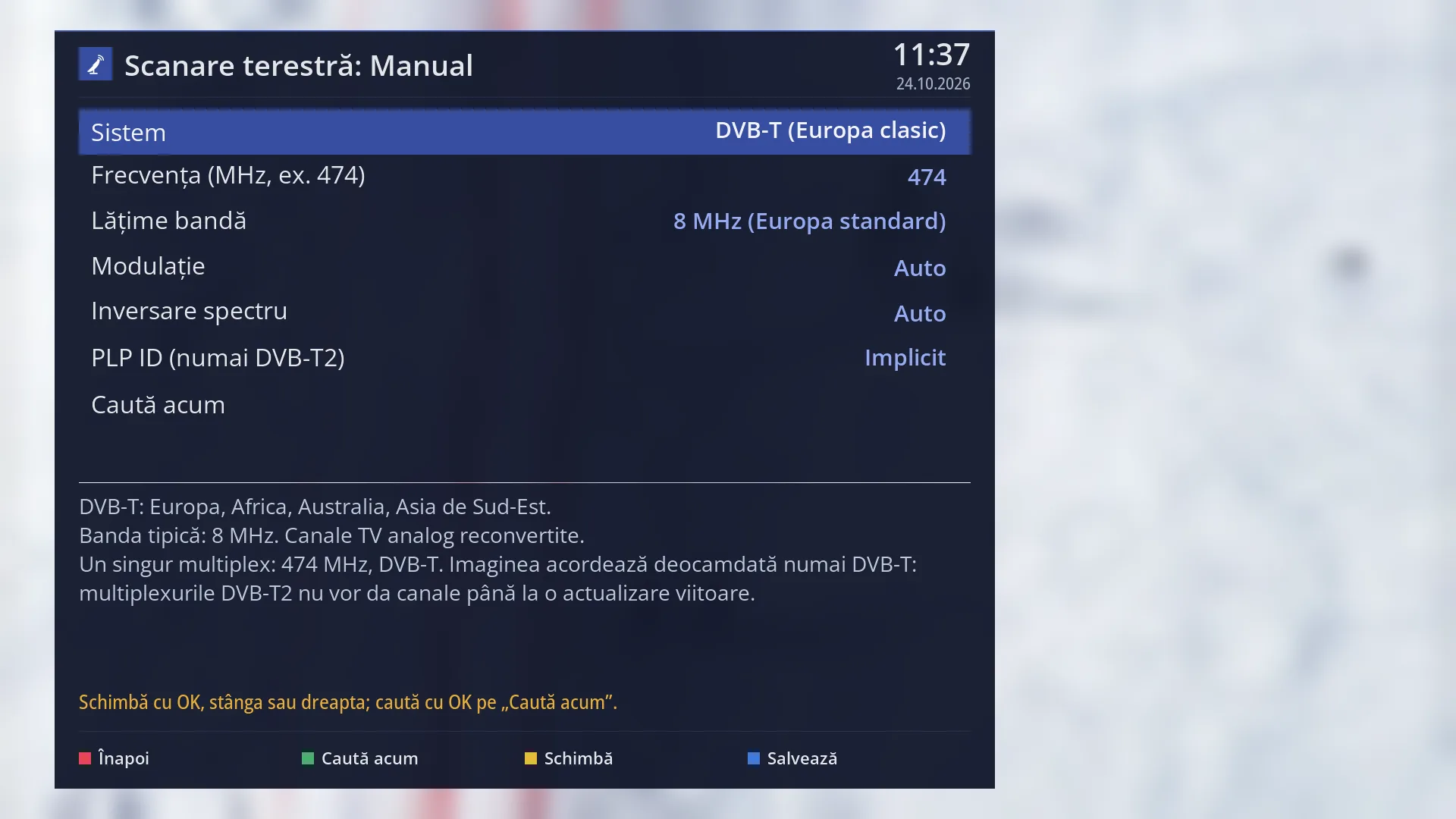
- 1 The system: DVB-T, DVB-T2 or a standard from another part of the world.
- 2 The frequency of the multiplex, in MHz (enter it with OK).
- 3 The bandwidth: 8 MHz in UHF, 7 MHz in VHF.
- 4 The modulation and spectral inversion: leave them on Auto.
- 5 PLP ID: DVB-T2 only; empty means the default one.
- 6 OK here starts the search.
- 7 The explanation of the system and what will be searched.
- 8 RED back, GREEN search, YELLOW change, BLUE save.
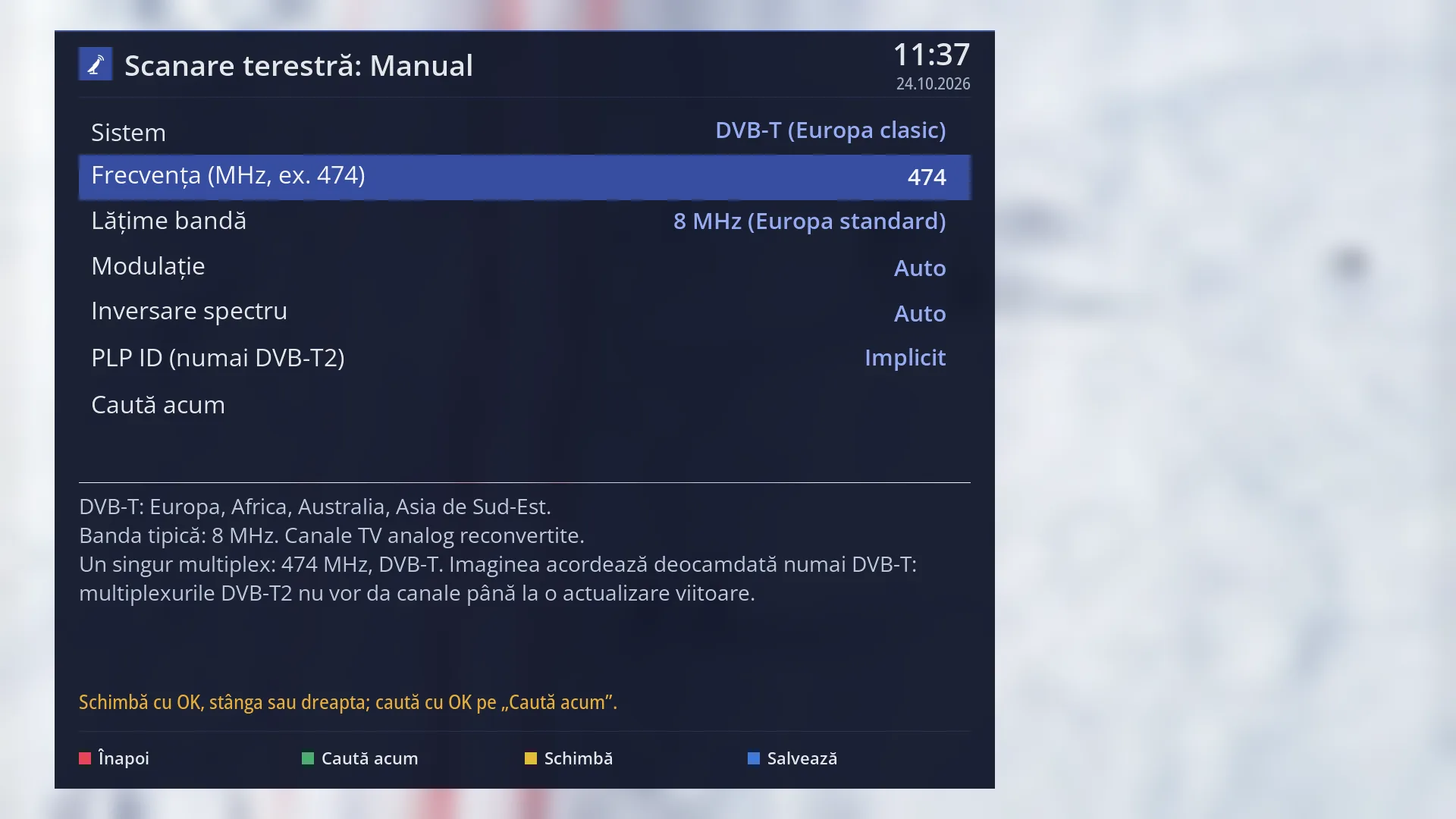
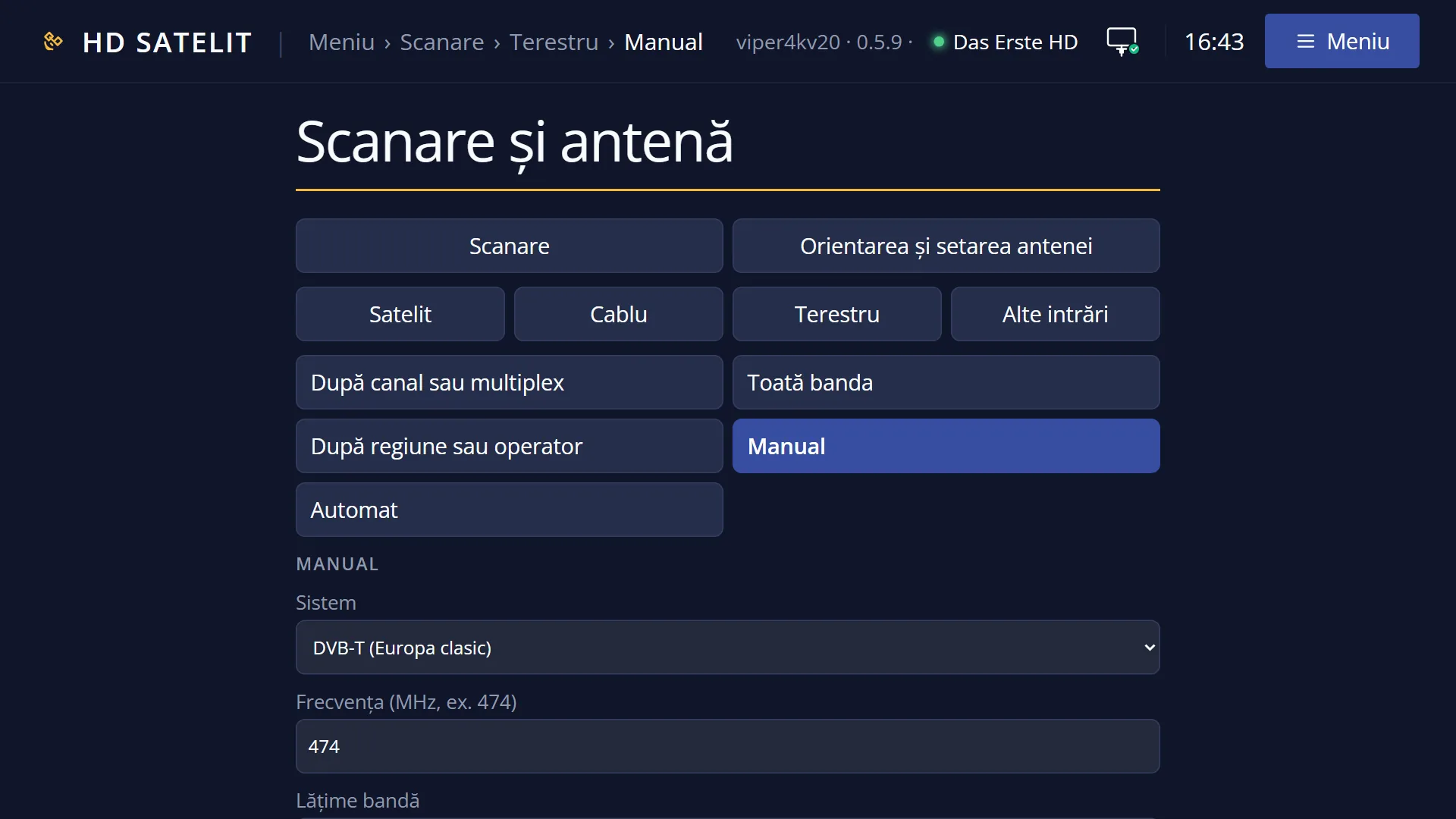
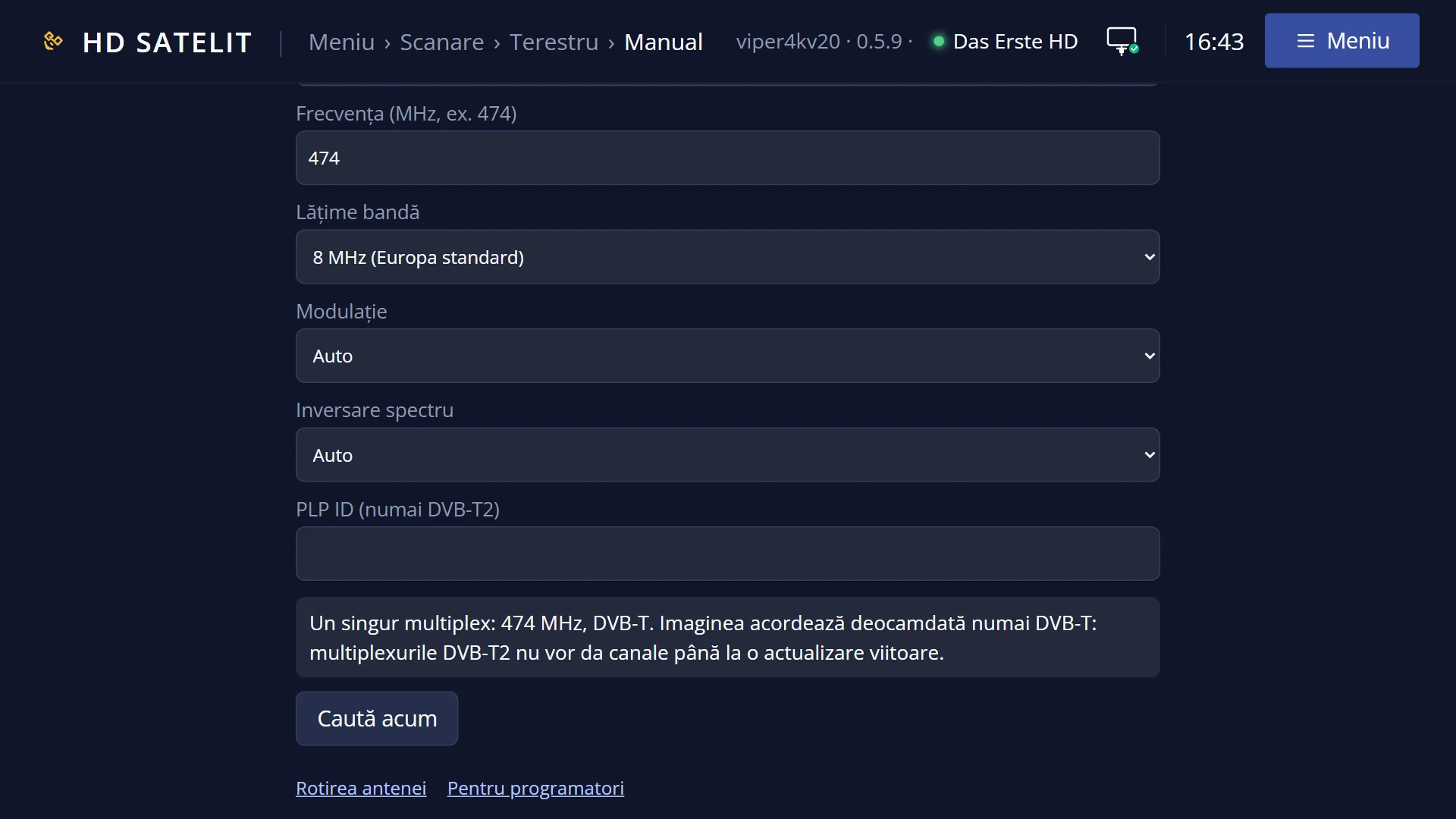
- 1 The selected row: “Frequency (MHz, e.g. 474): 474”.
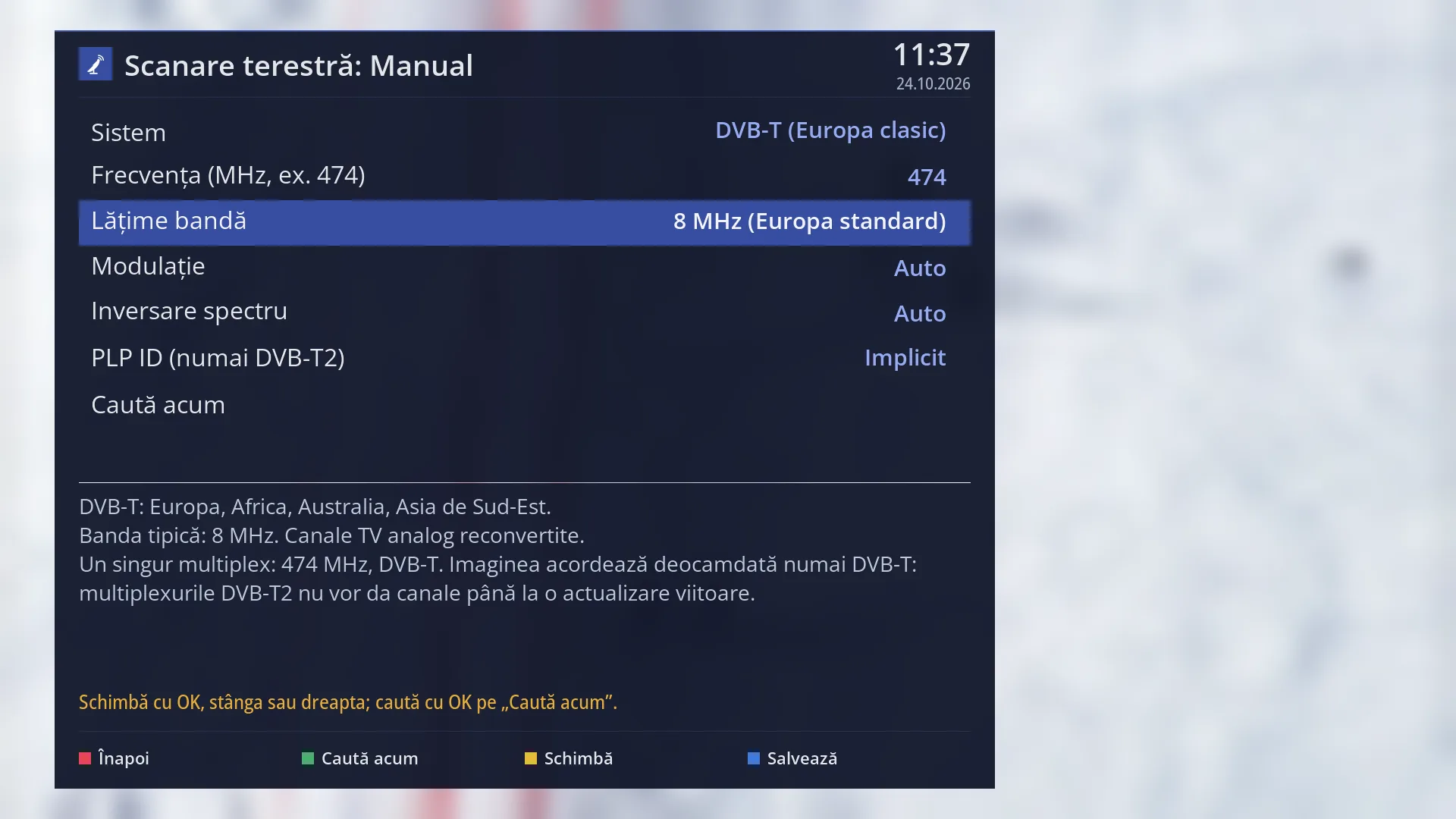
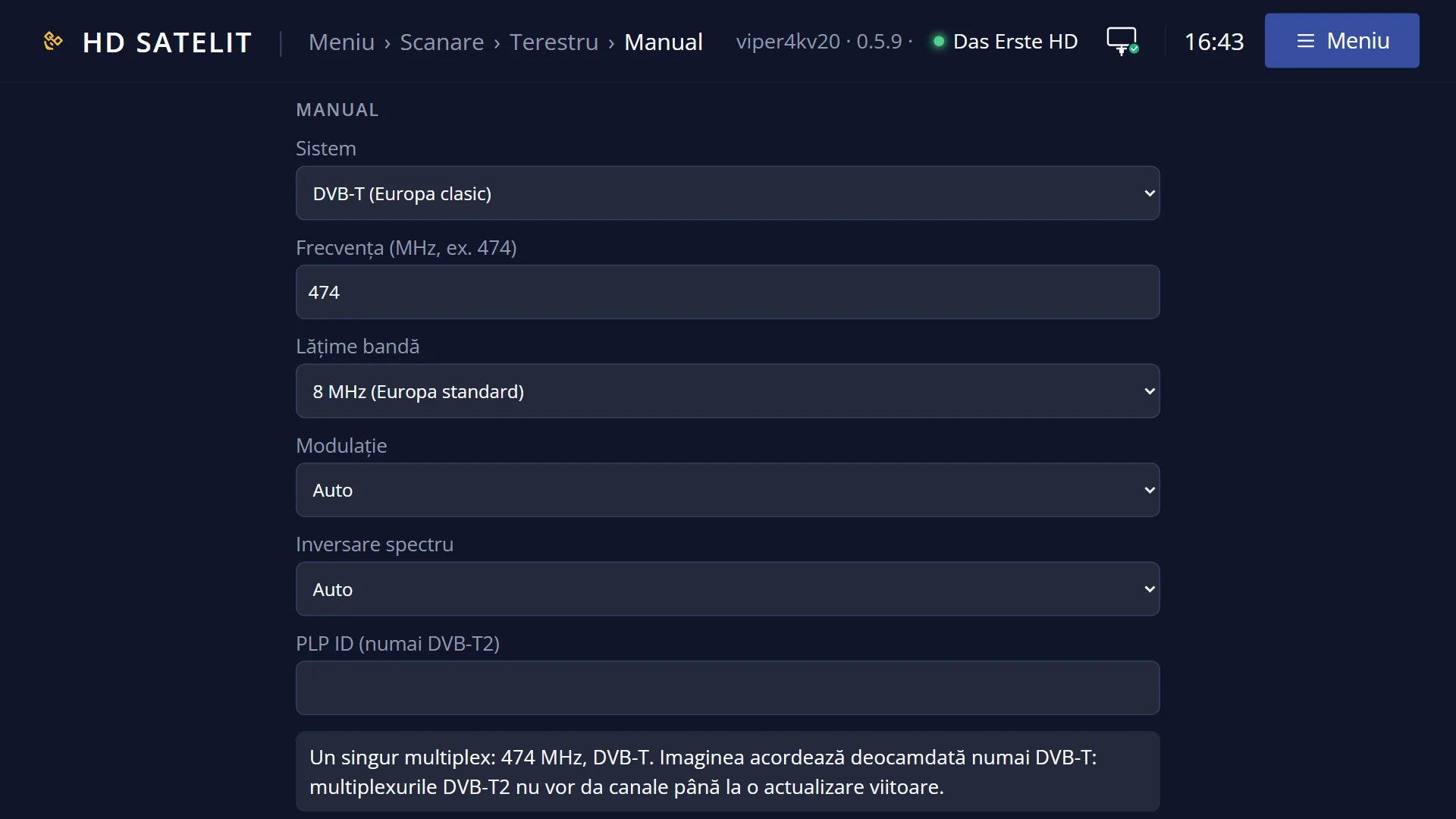
- 1 The selected row: “Bandwidth: 8 MHz (Europe standard)”.
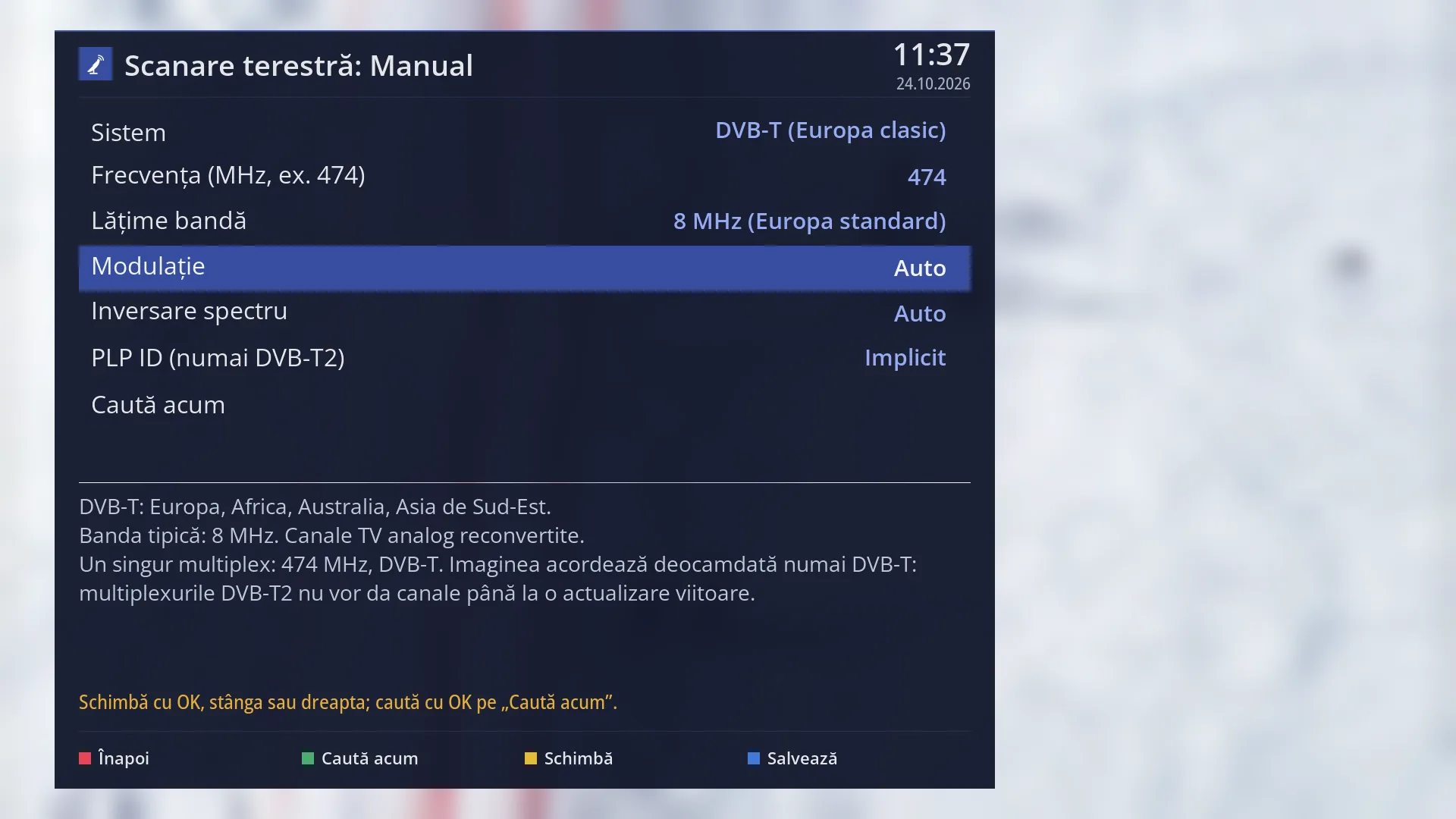
- 1 The selected row: “Modulation: Auto”.
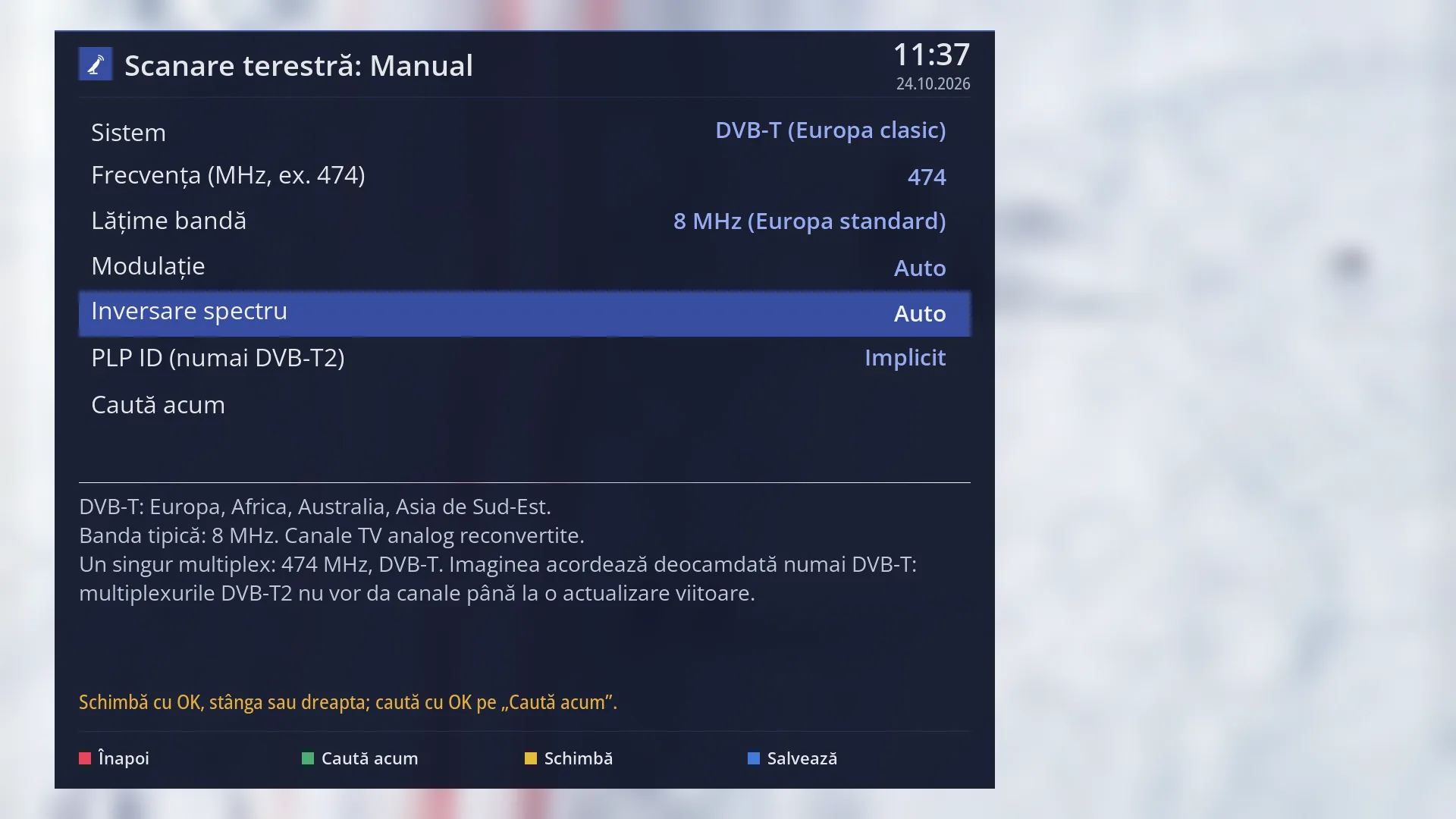
- 1 The selected row: “Spectral inversion: Auto”.
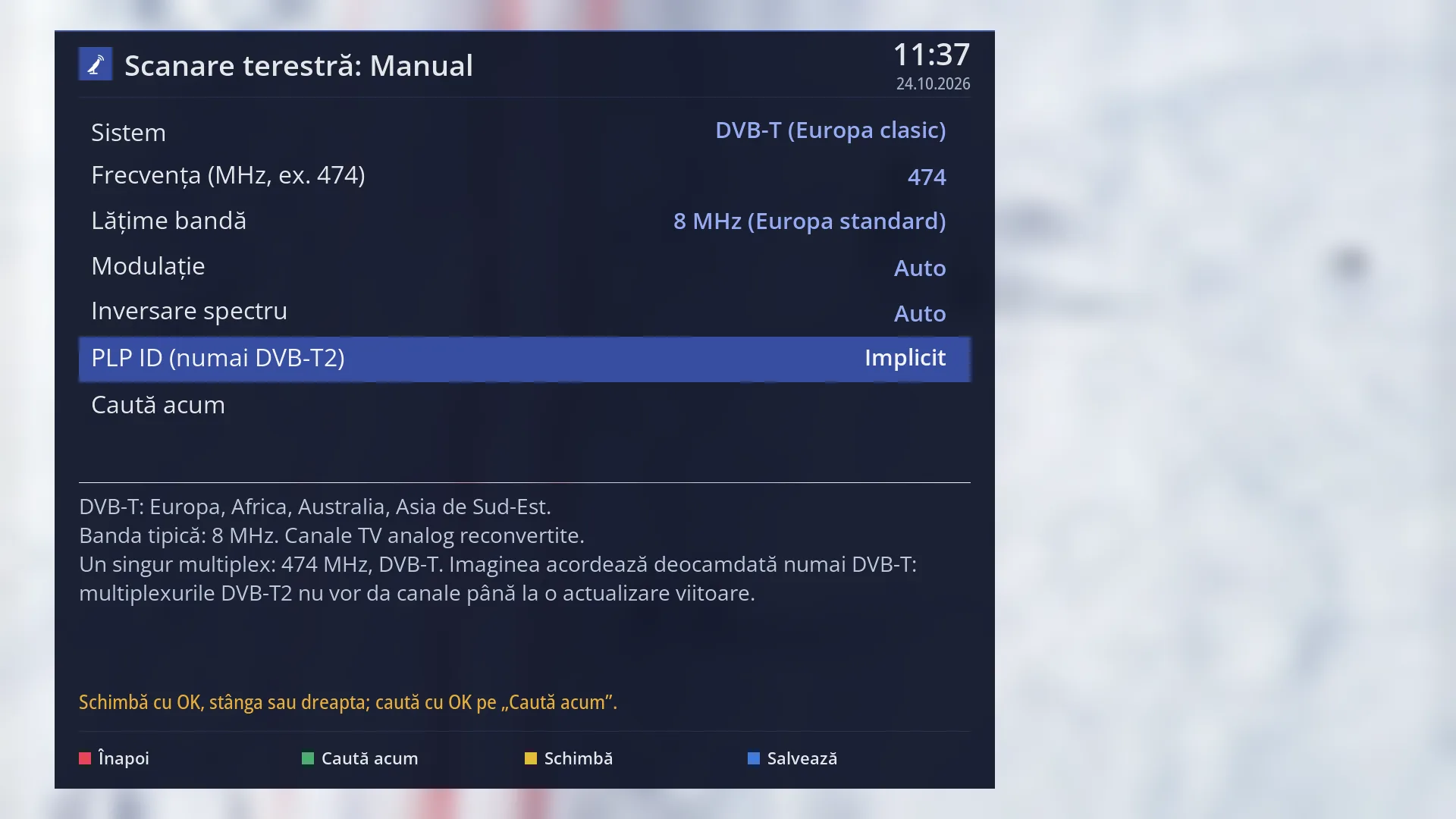
- 1 The selected row: “PLP ID (DVB-T2 only): Default”.
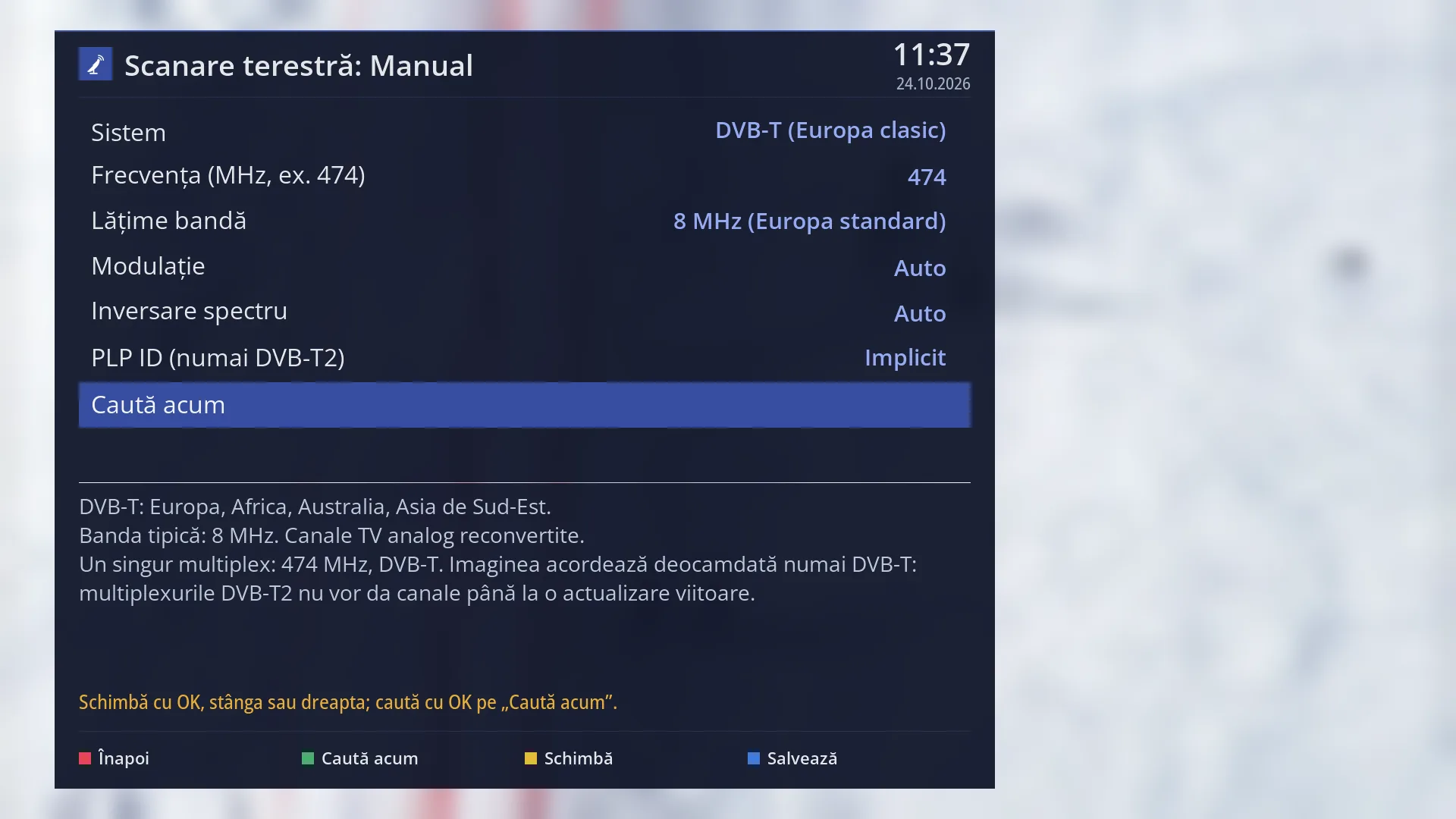
- 1 The selected row: “Search now”.
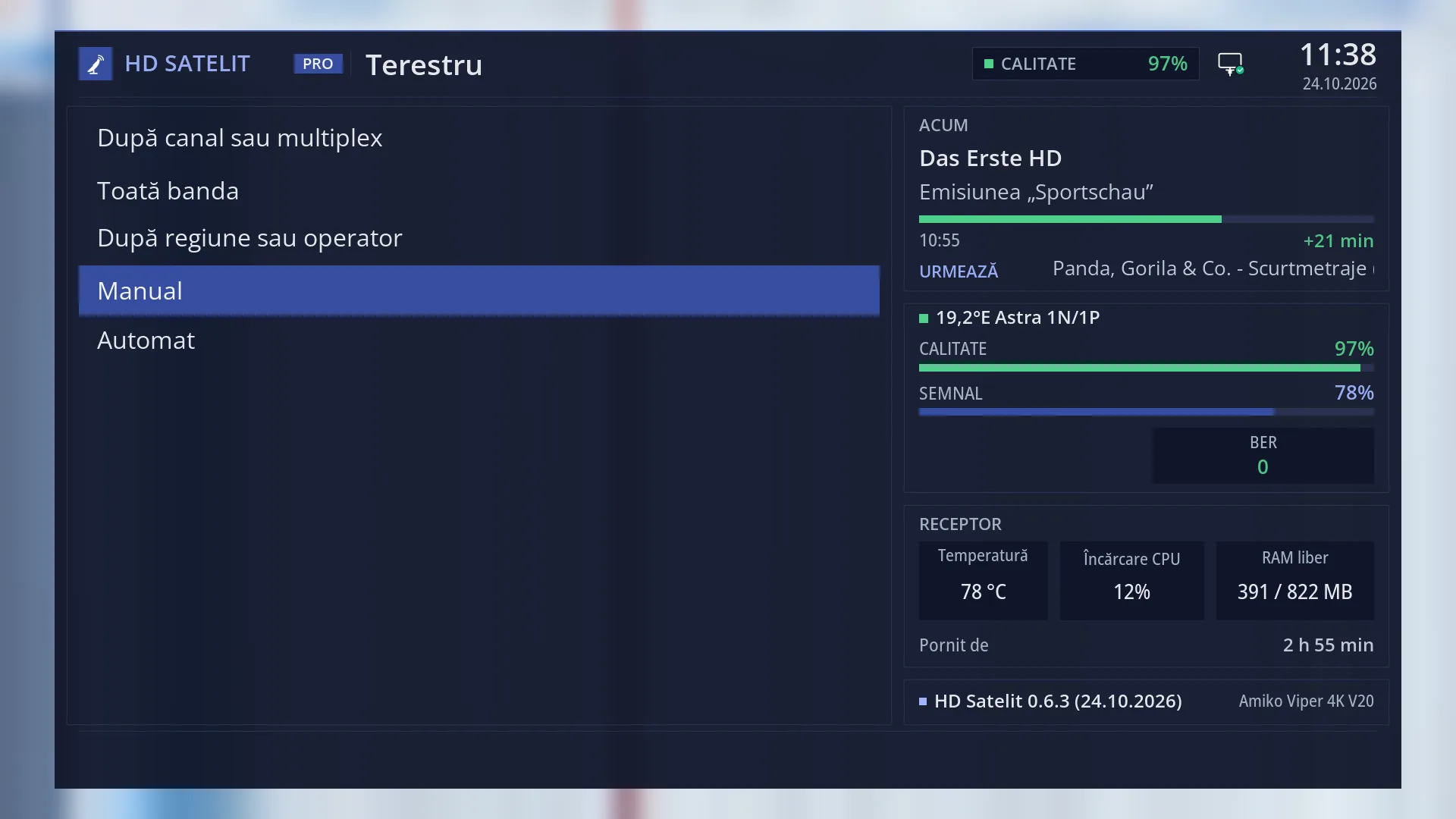
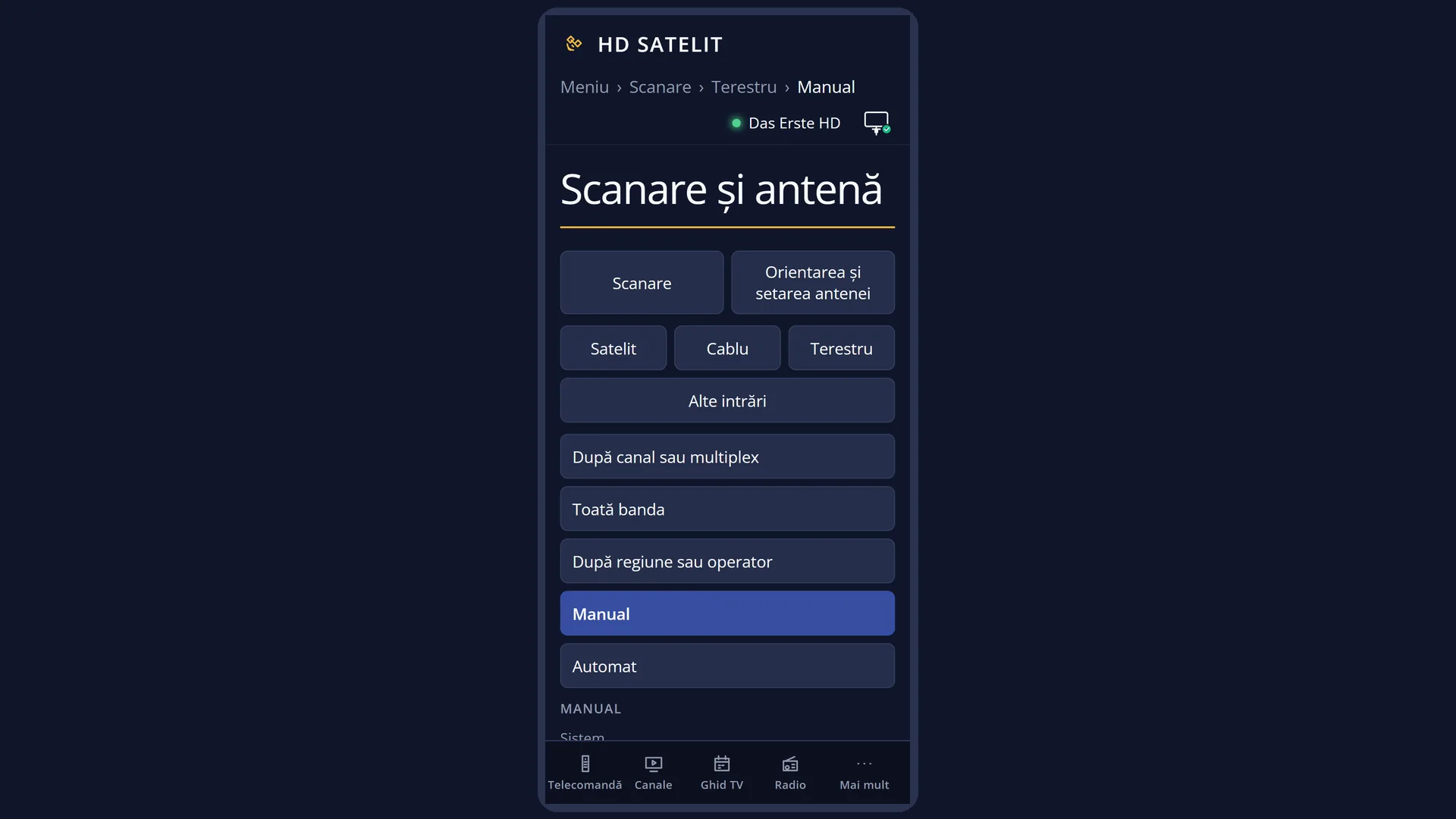
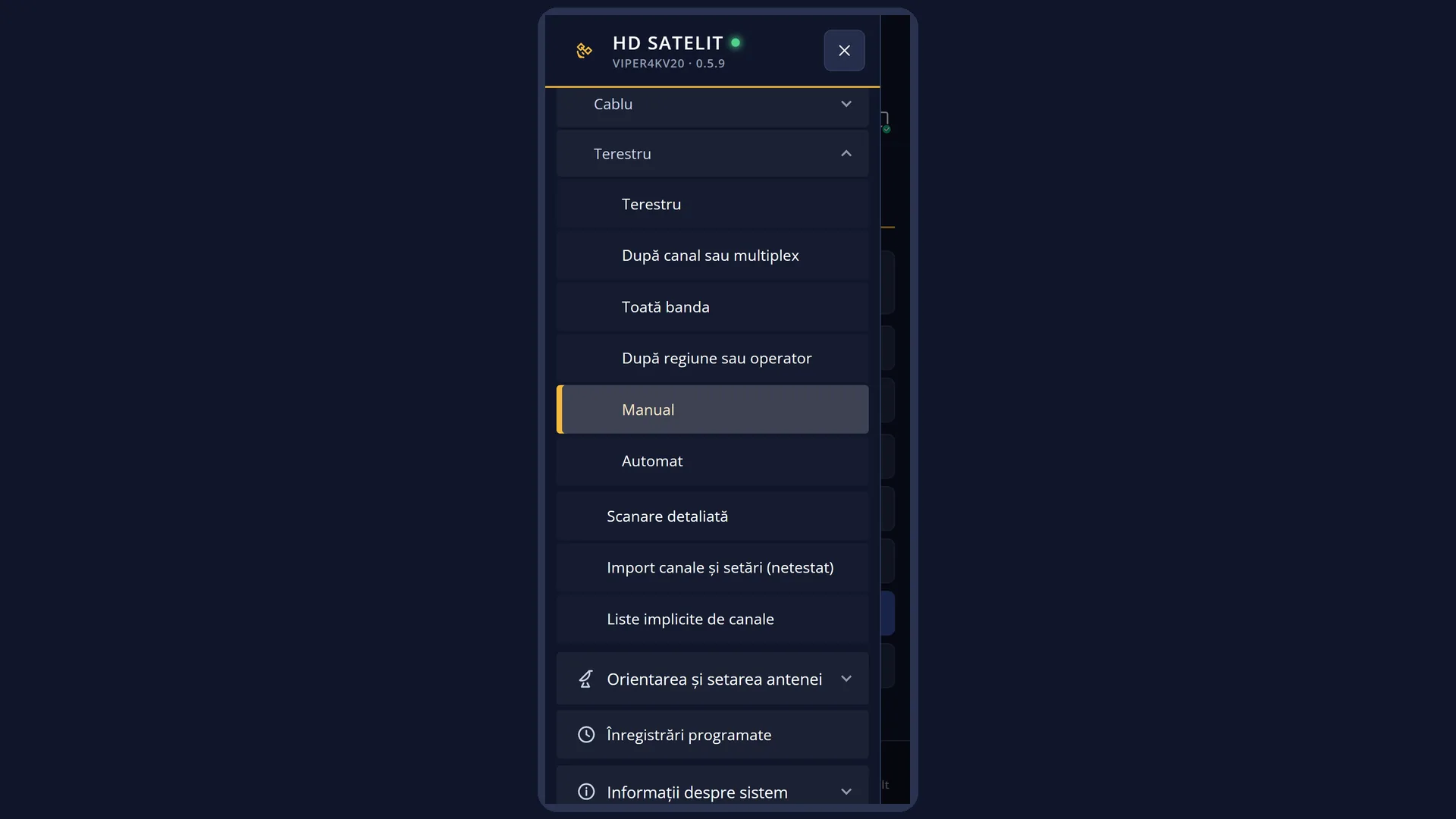
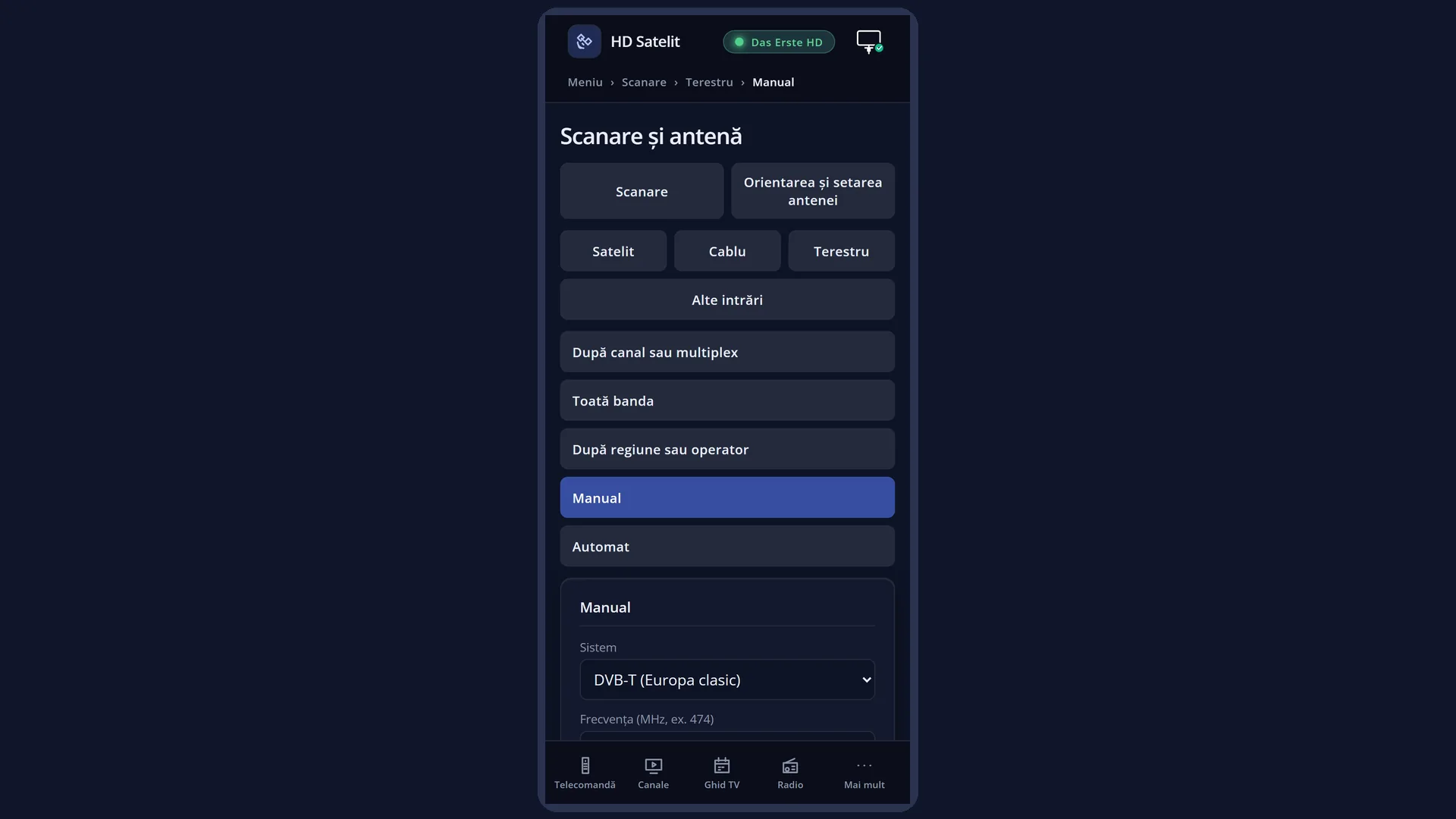
What it is for
“Manual” searches for the channels on a single terrestrial multiplex, using the data you enter: the system, the frequency, the bandwidth, the modulation, the spectral inversion and, for DVB-T2, the PLP.
Use it when you know the exact frequency of a transmitter (from the provider or its website) and you want only the channels on it, without going through the whole band. It is the shortest terrestrial search: a single attempt.
Below the list, the screen explains the chosen system (where it is used, what bandwidth it has) and tells you in advance what will be searched, or why the search cannot run.
NOTE: in this version the receiver tunes only DVB-T on the terrestrial aerial. A DVB-T2 multiplex (such as MUX1 in Romania) gives 0 channels until a future update of the image. The screen asks you before the search starts.
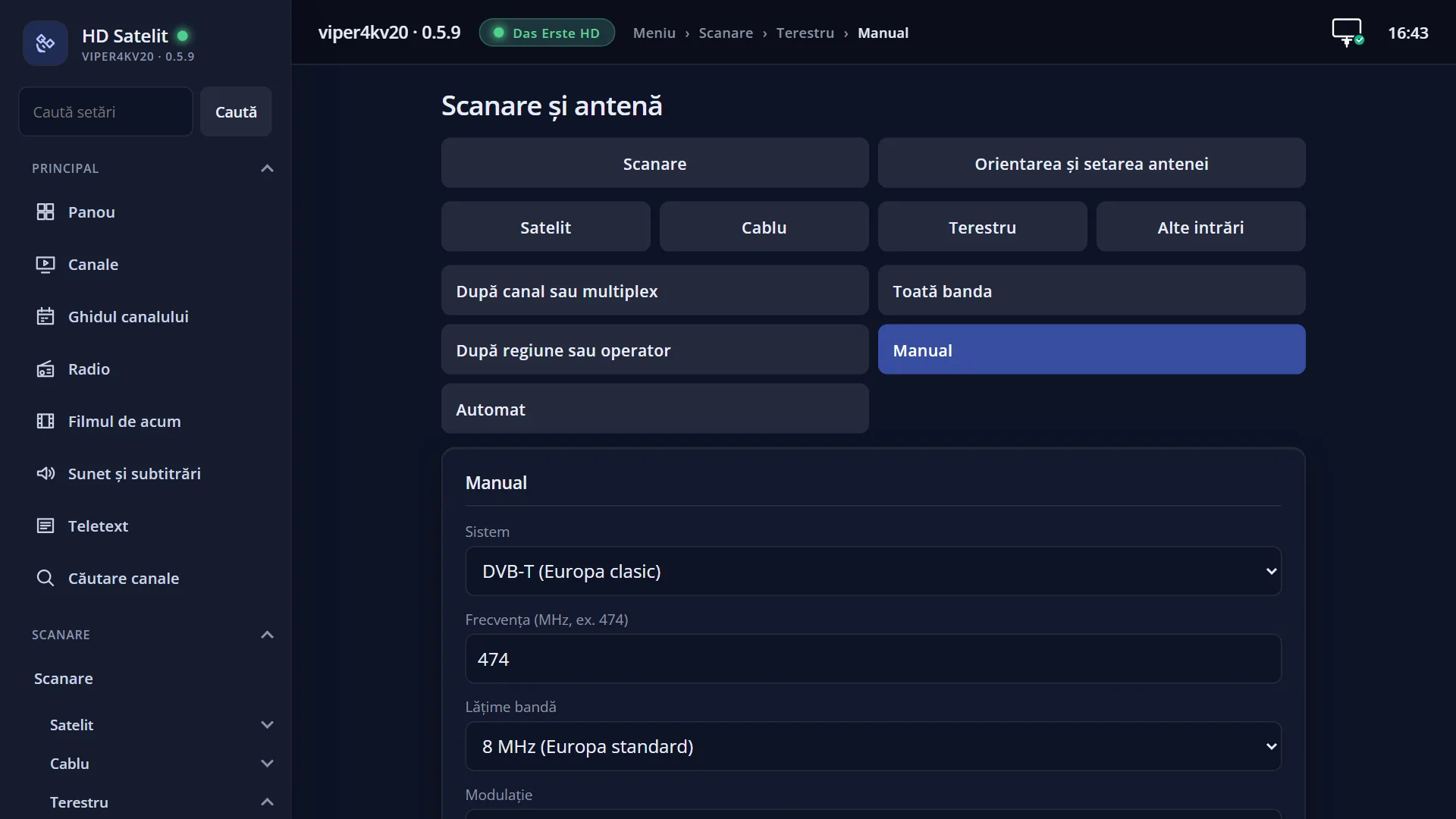
You can start the same kind of search from the web interface, on the page /scanare/terestru/manual.
How to get here
Path: Main menu > Channel scan > Terrestrial > Manual
Keys on the TV screen: MENU 1 3 4
In the web interface: the page /scanare/terestru/manual (the “Channel scan” tab, the “Terrestrial” group, the “Manual” button).
What you see on the screen
At the top, the title “Terrestrial scan: Manual”, the time and the date.
The list of rows: “System”, “Frequency (MHz, e.g. 474)”, “Bandwidth”, “Modulation”, “Spectral inversion”, “PLP ID (DVB-T2 only)” and, last, “Search now”. To the right of each row is its current value, in light blue. An empty PLP is shown as “Default”.
Below the list is the preview, in two parts. At the top, the explanation of the chosen system, for example for DVB-T: “DVB-T: Europe, Africa, Australia, South-East Asia. Typical band: 8 MHz. Converted analogue TV channels.”. Below it, what will be searched: “A single multiplex: 474 MHz, DVB-T.”, followed by the note “The image can only tune DVB-T for now: DVB-T2 multiplexes will give no channels until a future update.”.
When a value does not work, the preview tells you why, for example “ISDB-T: this receiver's terrestrial tuner is DVB-T/T2, it has no demodulator for this standard.” or “The frequency 900 MHz is outside the terrestrial band (47-862 MHz). Enter it in MHz, for example 474.”.
Below that, in yellow, is the status line (“Change with OK, left or right; search with OK on “Search now”.”, “Saved.”, “Invalid value: a number goes here.”).
At the bottom, the colour keys: RED “Back”, GREEN “Search now”, YELLOW “Change”, BLUE “Save”.
Once the search starts, the “Service Scan” screen opens, followed by the summary with “Channels found”, “Transponders scanned” and “Duration”.
Rows and settings
| Row | Values | Default | What it does |
|---|---|---|---|
| System | DVB-T (classic Europe), DVB-T2 (new Europe, Asia), ISDB-T (Japan, Brazil, South America), DTMB (China, Hong Kong, Cuba), ATSC 1.0 (USA, Canada, Mexico, Korea), ATSC 3.0 (USA, new generation) | DVB-T (classic Europe) | The terrestrial TV standard of the multiplex. The receiver's tuner supports only DVB-T and DVB-T2. ISDB-T, DTMB and ATSC are in the list so that you can see clearly that they cannot be received, with their explanation below the list. When you know the multiplex is DVB-T2. In Europe it is DVB-T or DVB-T2. |
| Frequency (MHz, e.g. 474) | a number from 47 to 862, with decimals after a comma or a point (for example 474 or 177.5) | 474 | The centre frequency of the multiplex, in MHz. In Europe, UHF channel 21 is on 474 MHz and each following channel is 8 MHz higher (channel 22 on 482 MHz and so on). VHF channels 5-12 start at 177.5 MHz, in steps of 7 MHz. OK opens the on-screen keyboard. Each time you search a different multiplex. |
| Bandwidth | 8 MHz (Europe standard), 7 MHz (Australia, Caribbean), 6 MHz (Americas, Japan, Caribbean), Auto | 8 MHz (Europe standard) | How wide the TV channel is. In Europe, UHF channels are 8 MHz wide. “Auto” lets the tuner find out by itself, but not all tuners can. For a VHF channel (5-12) in Europe, set 7 MHz. Otherwise, leave 8 MHz. |
| Modulation | QPSK, 16QAM, 64QAM, Auto | Auto | The way the data is carried on the signal. Leave it on “Auto”: the tuner finds it by itself. 256QAM exists only with DVB-T2 and is not in the list. Only when the provider gives you the modulation and Auto finds nothing. |
| Spectral inversion | Auto, Normal, Inverted | Auto | A technical setting of the signal, which the tuner usually finds by itself. Almost never; only if the provider asks you to. |
| PLP ID (DVB-T2 only) | empty (Default), a number | Default | With DVB-T2, one frequency can carry several streams, each with its own number (PLP). Empty means the default stream of the multiplex. With DVB-T the row has no effect. OK opens the keyboard. To go back to “Default”, delete the number and press GREEN. Only when the provider gives you a specific PLP. |
| Search now | OK on this row starts the search, just like the GREEN key. The values are saved before the search starts. After you have entered the multiplex data. |
Keys
| UP / DOWN | Moves the cursor to the row above or below. From the last row, DOWN goes to the first, and the other way round. |
| LEFT / RIGHT | On System, Bandwidth, Modulation and Spectral inversion, they go to the previous or next value. On the frequency and the PLP they do nothing: there you type with OK. |
| OK | On the frequency and the PLP, opens the on-screen keyboard. On the other rows, goes to the next value. On “Search now”, starts the search. |
| GREEN | Starts the search from any row (the screen shows “Search now”). |
| YELLOW | The same as OK on the selected row (the screen shows “Change”). On “Search now” it does nothing. |
| BLUE | Saves the values and shows “Saved.” (the screen shows “Save”). |
| RED or EXIT | Closes the screen and takes you back to the Terrestrial menu. The values are saved in this case too. |
| The on-screen keyboard | The arrow keys choose a key, OK types it. GREEN keeps the text, RED deletes the last letter, EXIT cancels. With a USB keyboard you type directly (Enter keeps, Esc cancels). |
| Yes / No (for the DVB-T2 question) | Choose with the arrow keys and press OK. EXIT means No. |
| EXIT (on the “Service Scan” screen) | During the search, stops it without adding the channels to the list. Once it has finished, closes the result (OK does the same). |
Step by step
Search for a DVB-T multiplex by frequency
- Press MENU 1 3 4. Leave “System” on DVB-T (classic Europe).
- Press DOWN, press OK on the frequency, enter the frequency in MHz (for example 482 for channel 22) and press GREEN.
- Leave “Bandwidth” on 8 MHz (for a VHF channel 5-12, set 7 MHz) and the rest on Auto.
- Press GREEN. At the end, read the summary and press EXIT.
Work out the frequency from a channel number
- UHF channel (21-69): frequency = 474 + 8 × (channel − 21) MHz. For example, channel 30 is on 474 + 72 = 546 MHz.
- VHF channel (5-12): frequency = 177.5 + 7 × (channel − 5) MHz. For example, channel 8 is on 198.5 MHz, with a bandwidth of 7 MHz.
- An easier way: “By channel or multiplex” (MENU 1 3 1) gives you the list of channels already worked out.
Start the search from your phone
- Open the receiver's web interface and go to /scanare/terestru/manual.
- Choose the system, enter the frequency and, if needed, the PLP. The preview changes after each field.
- Press “Search now”. For the DVB-T2 question, choose “Search anyway” or “Cancel”.
Problems and solutions
The DVB-T2 multiplex (for example MUX1 in Romania) gives 0 channels.
This version of the image tunes only DVB-T on the terrestrial aerial. DVB-T2 channels will appear after an image update that adds DVB-T2.
The preview says “…: the terrestrial tuner of this receiver is DVB-T/T2, it has no demodulator for this standard.”
You chose ISDB-T, DTMB or ATSC, standards used in other parts of the world. Set “System” to DVB-T or DVB-T2.
The preview says “The frequency … MHz is outside the terrestrial band (47-862 MHz). Enter it in MHz, for example 474.”
Enter the frequency in MHz: 474, not 474000. The terrestrial band runs from 47 to 862 MHz.
The preview says “Enter the frequency in MHz, for example 474.”
The frequency row is empty. Press OK on it and enter the frequency.
With “Bandwidth” on Auto you get 0 channels.
Not all tuners can find the bandwidth by themselves. Set 8 MHz (UHF) or 7 MHz (VHF).
You see “The terrestrial tuner (…) is set to “not connected” in Tuner settings…” or “The receiver has no terestru tuner.”
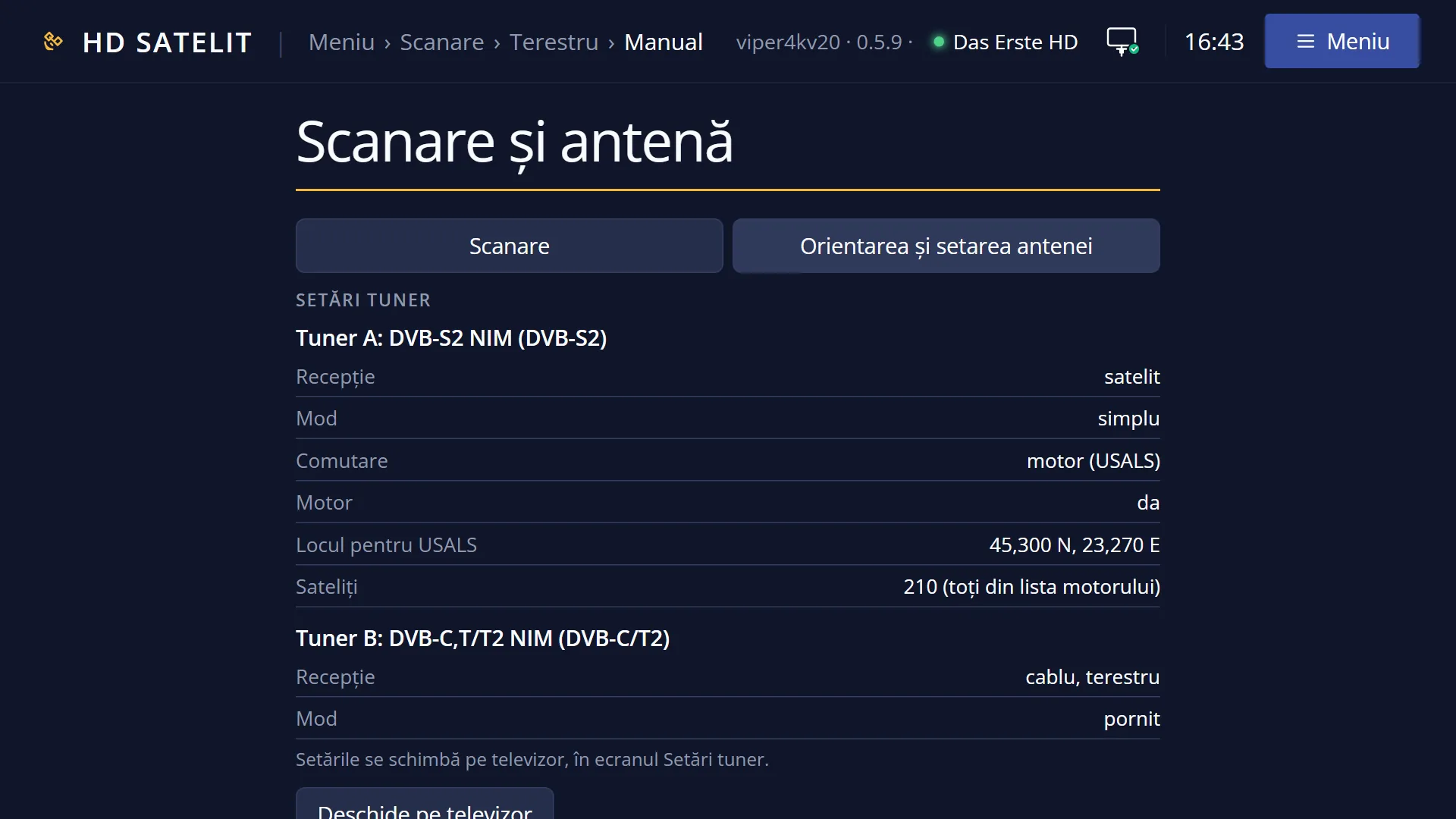
Turn on the terrestrial tuner in Menu > Dish alignment and setup > Tuner settings (MENU 2 1). Without a terrestrial tuner, the receiver cannot search on the terrestrial aerial.
The summary says “No transponder had a signal…”.
Check the frequency and the terrestrial aerial, which must be connected to the receiver's terrestrial input. Also try “Whole band” (MENU 1 3 2), which goes through all the channels.
Related topics
- Terrestrial, all types of search
- By channel or multiplex (terrestrial)
- Whole band (terrestrial)
- Automatic (terrestrial)
- Tuner settings
- The matching web page: /scanare/terestru/manual.
Differences between receivers
On the Amiko Viper 4K V20, the terrestrial tuner is tuner B, a combined cable and terrestrial tuner. It supports DVB-T and DVB-T2, but this version of the image uses it on the terrestrial aerial only for DVB-T. ISDB-T, DTMB and ATSC cannot be received on it.