

Tuner settings
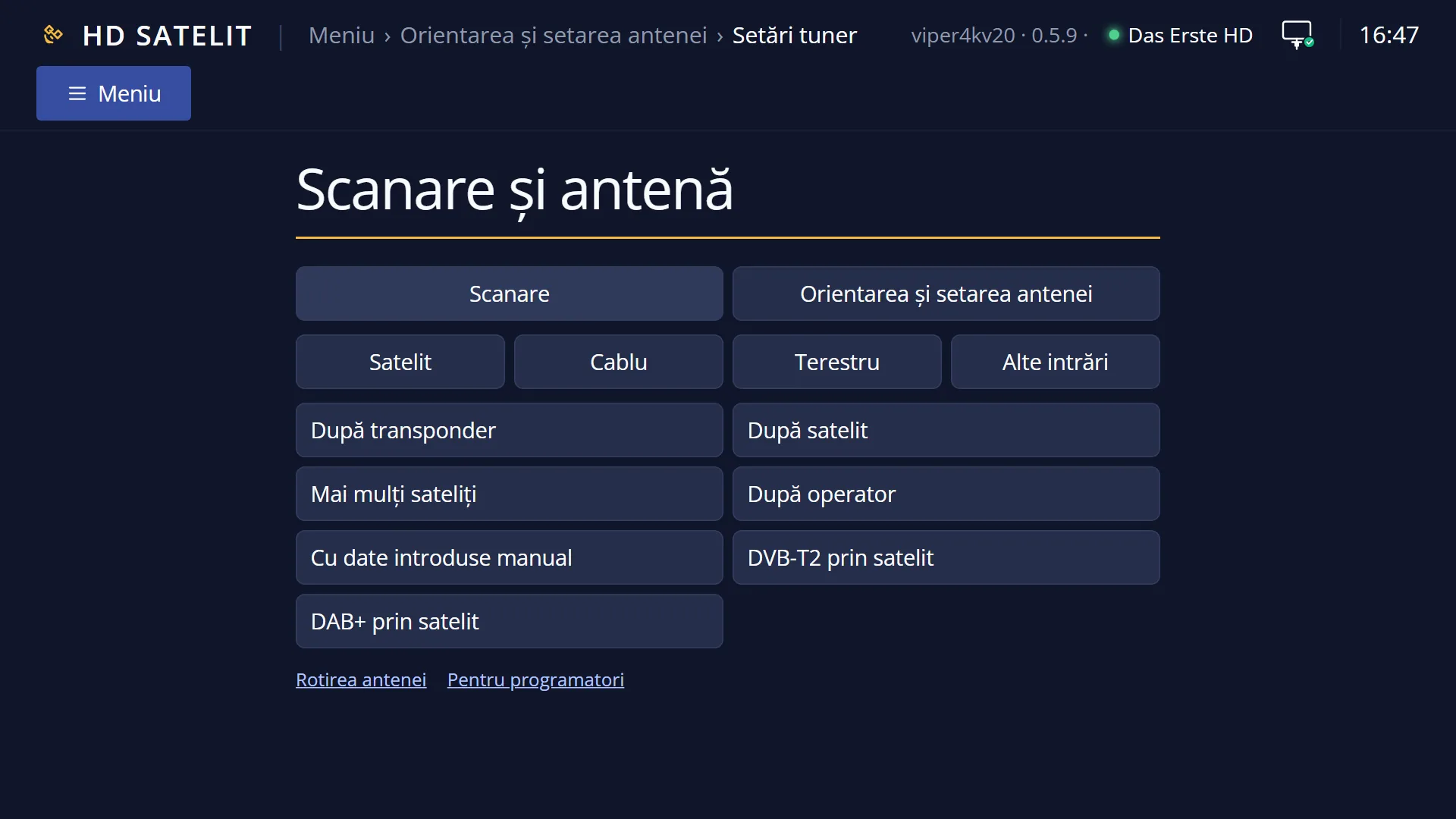
Screenshots are being added: so far 3 from the receiver and 9 from the web interface; the aim is at least 5 of each, with arrows and frames, and, where a setting changes what you see, a before and after comparison.
English screenshots coming: some of the pictures below still show the receiver and the web interface in Romanian. The rows, keys and steps described on this page are the English ones.
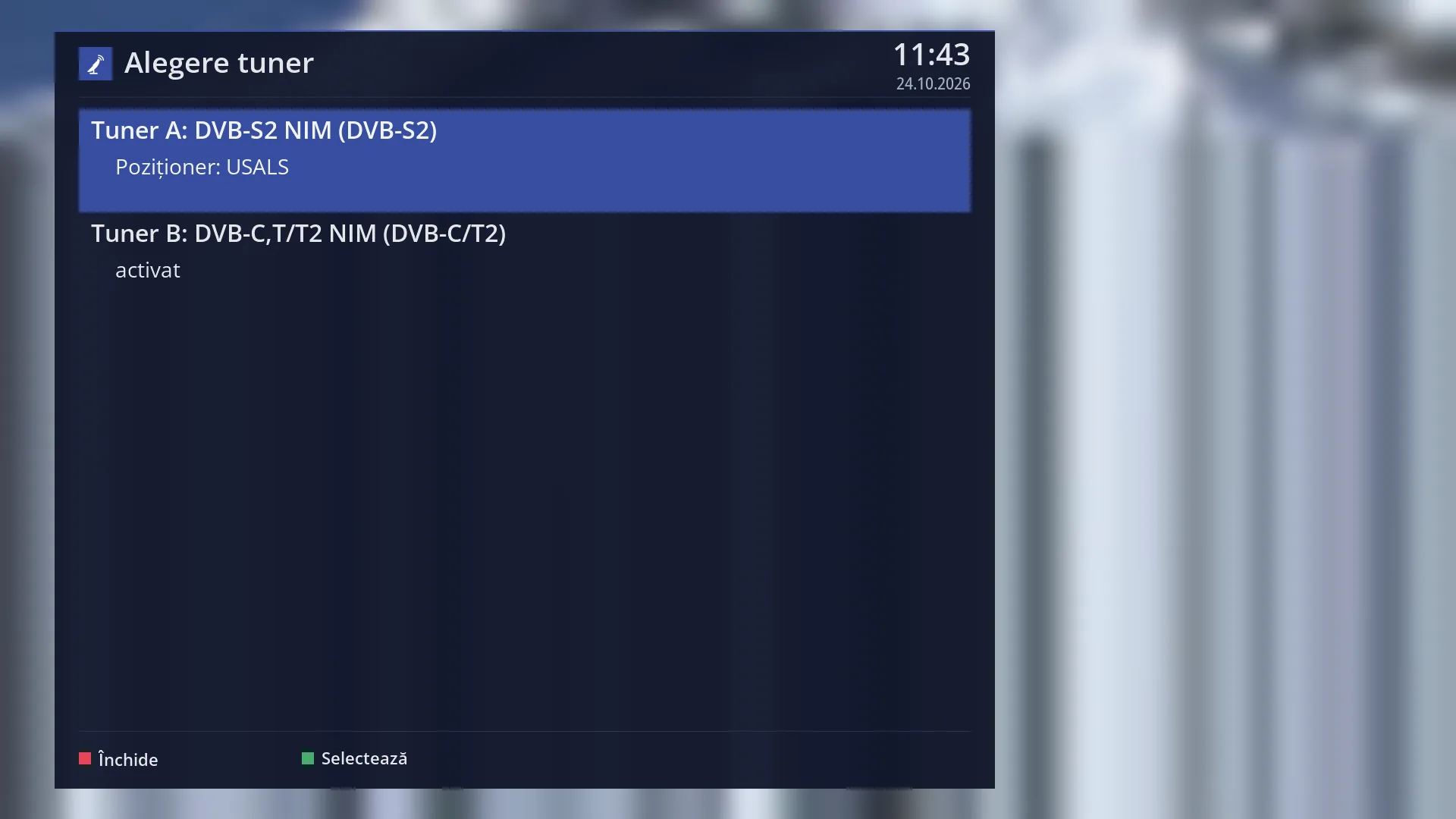
- 1 The satellite tuner and how it is currently set up.
- 2 The cable and terrestrial tuner and its status.
- 3 RED closes, GREEN opens the settings of the selected tuner.
What it is for
“Tuner settings” is where you tell the receiver how the dish is connected to each tuner: a single LNB, a DiSEqC switch with several satellites, a motor, or nothing. Without this setting, satellite scans have nothing to search and channels do not play.
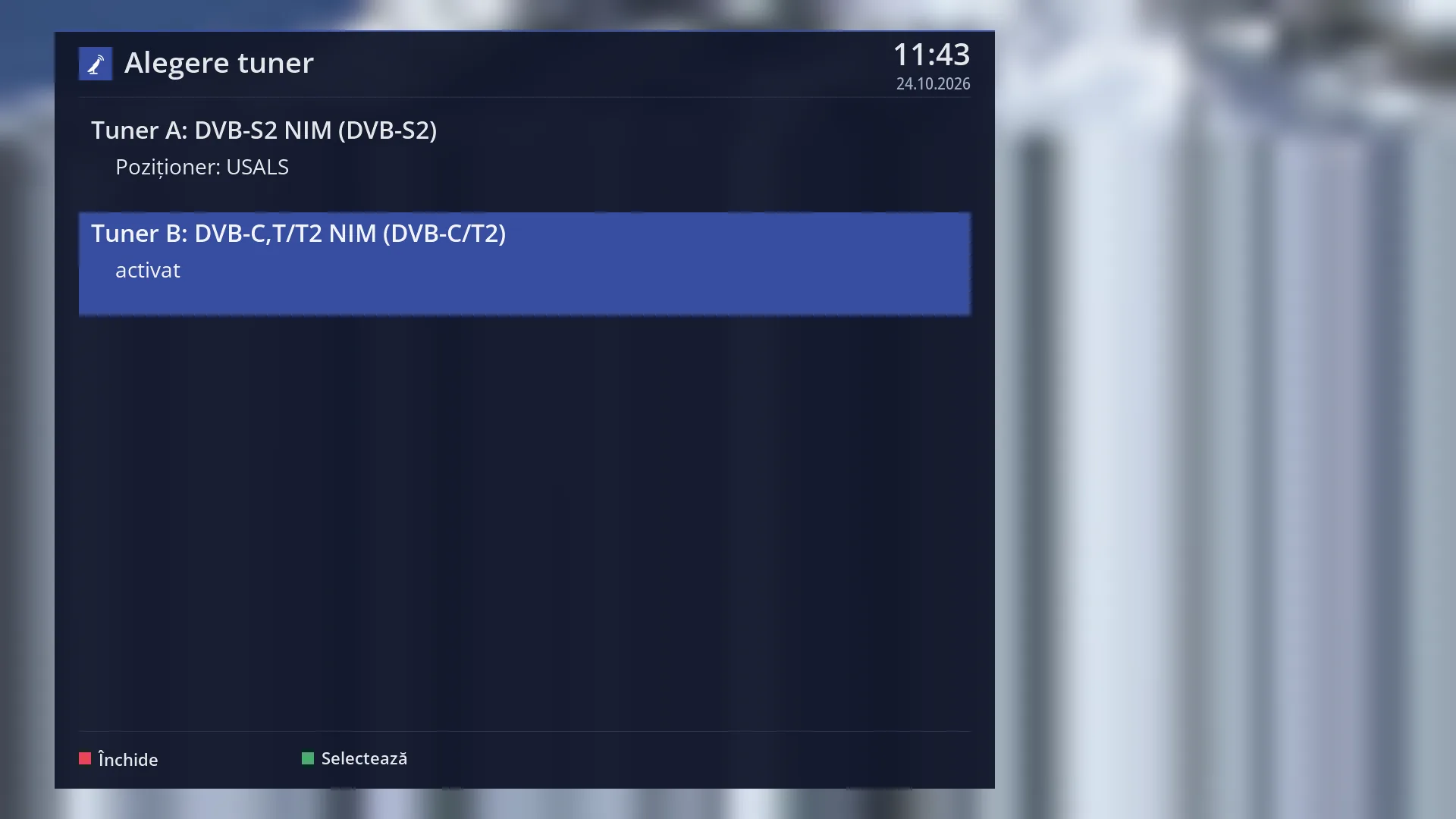
The first screen, “Choose Tuner”, shows the receiver's tuners and, under each one, how it is currently set up (for example “DiSEqC A/B” with the satellites, “Positioner: USALS” or “enabled”). OK on a tuner opens “Tuner configuration” with its rows.
Simple mode covers almost any home installation: one satellite, two or four satellites on a DiSEqC switch, or a motor. Advanced mode lets you set any LNB and any command satellite by satellite.
While “Tuner configuration” is open, the programme on the TV is stopped (so the tuner is free to be set up). When you exit, the receiver asks whether you want to go back to the previous channel.
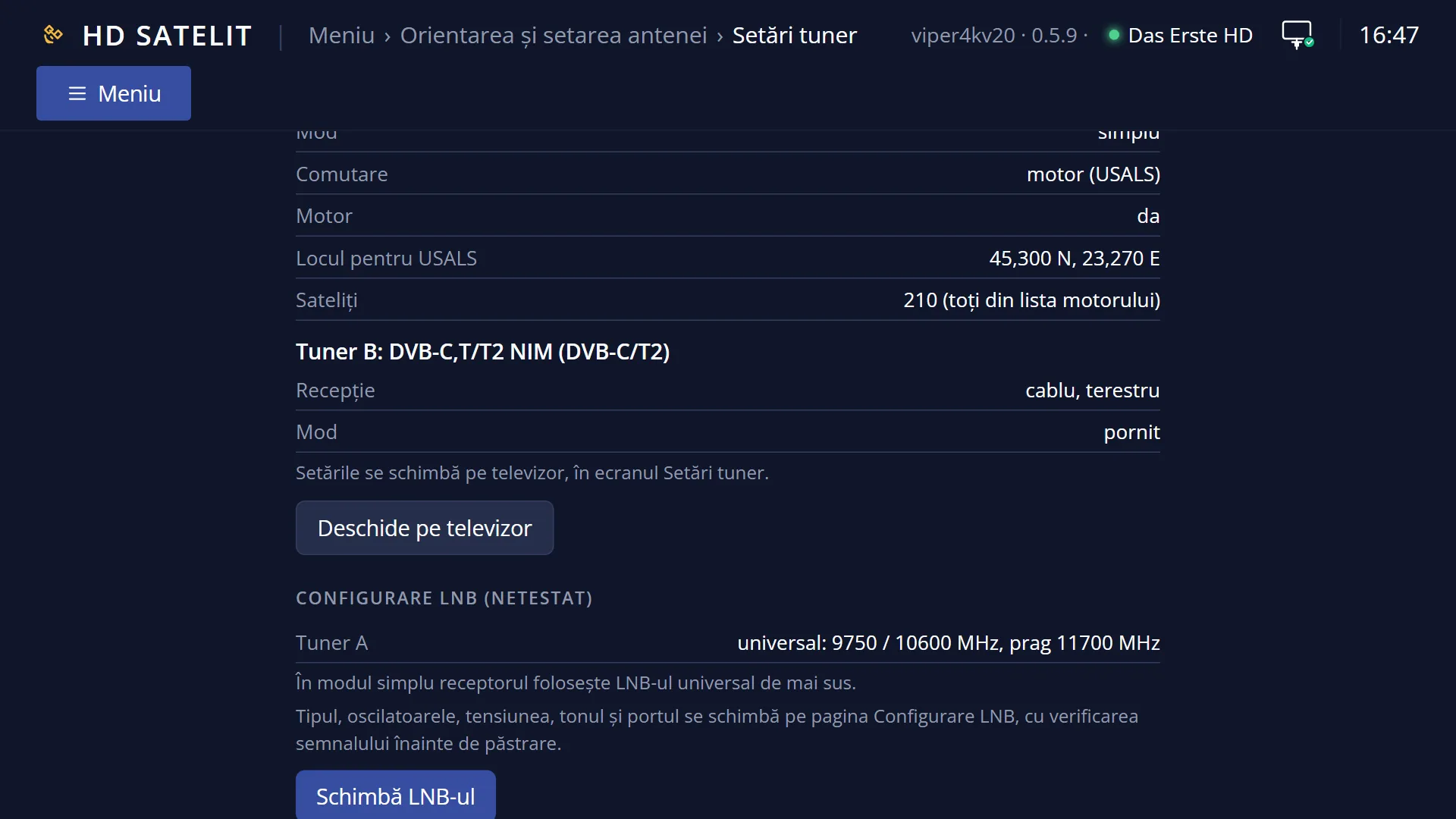
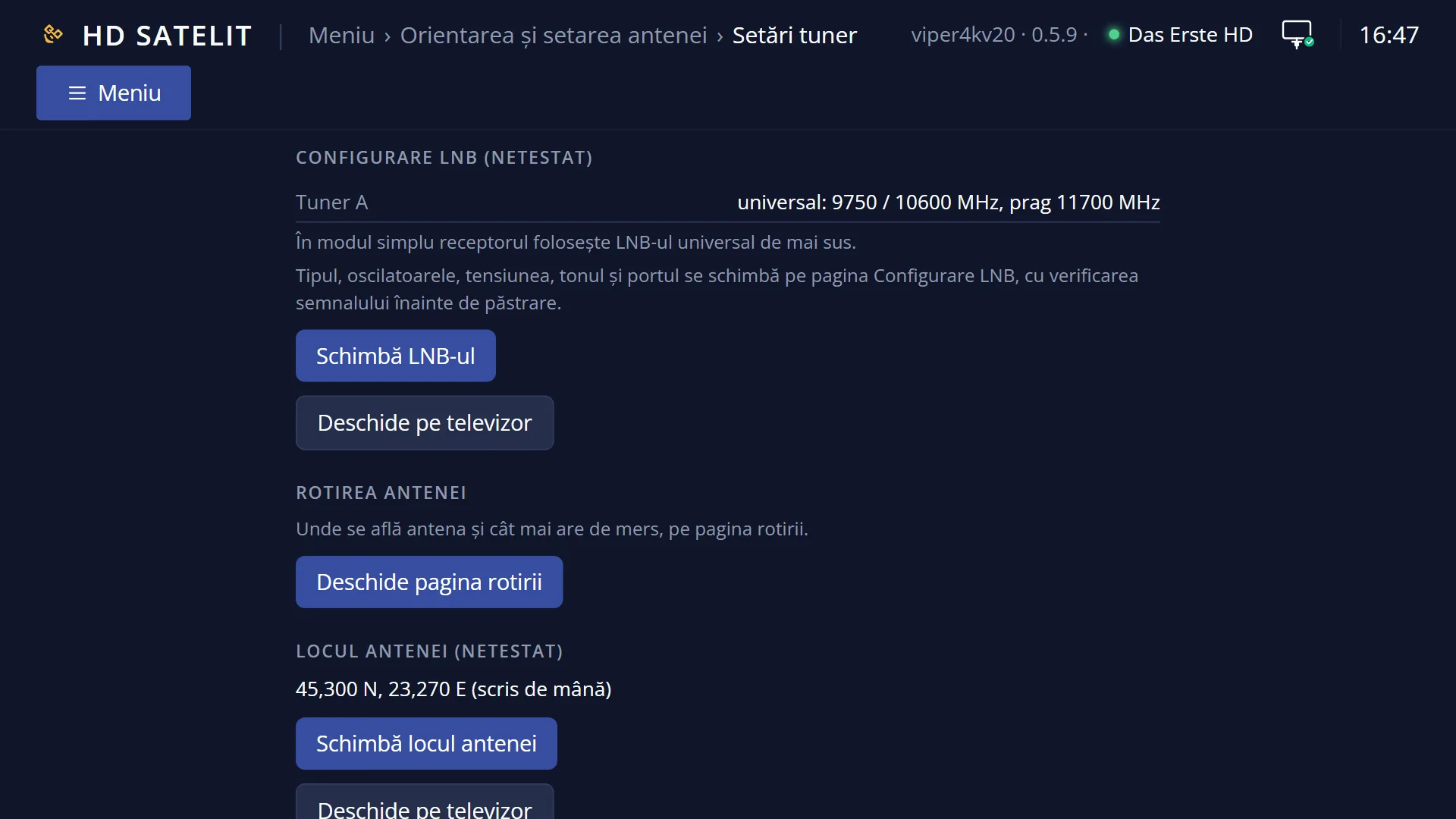
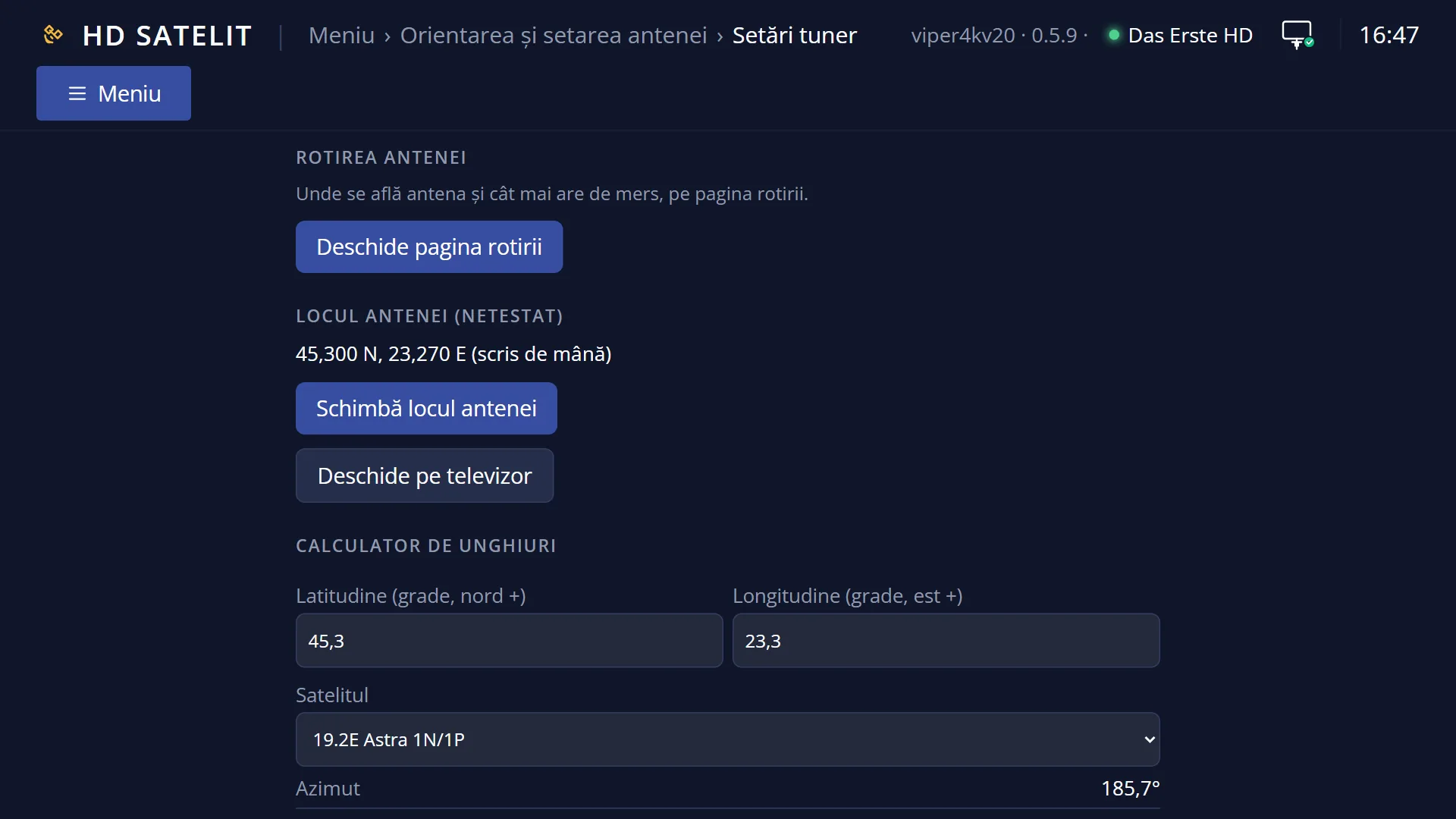
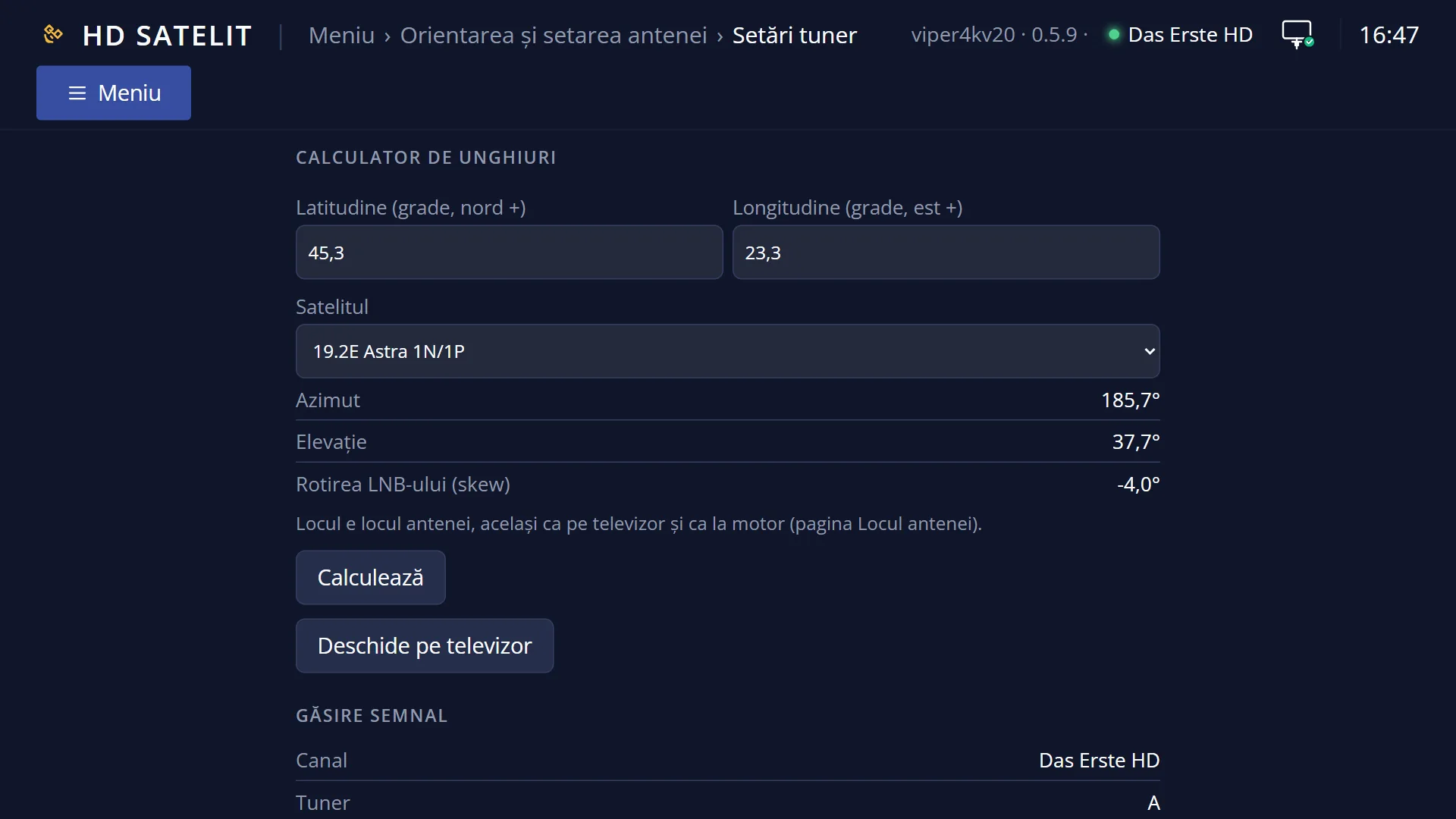
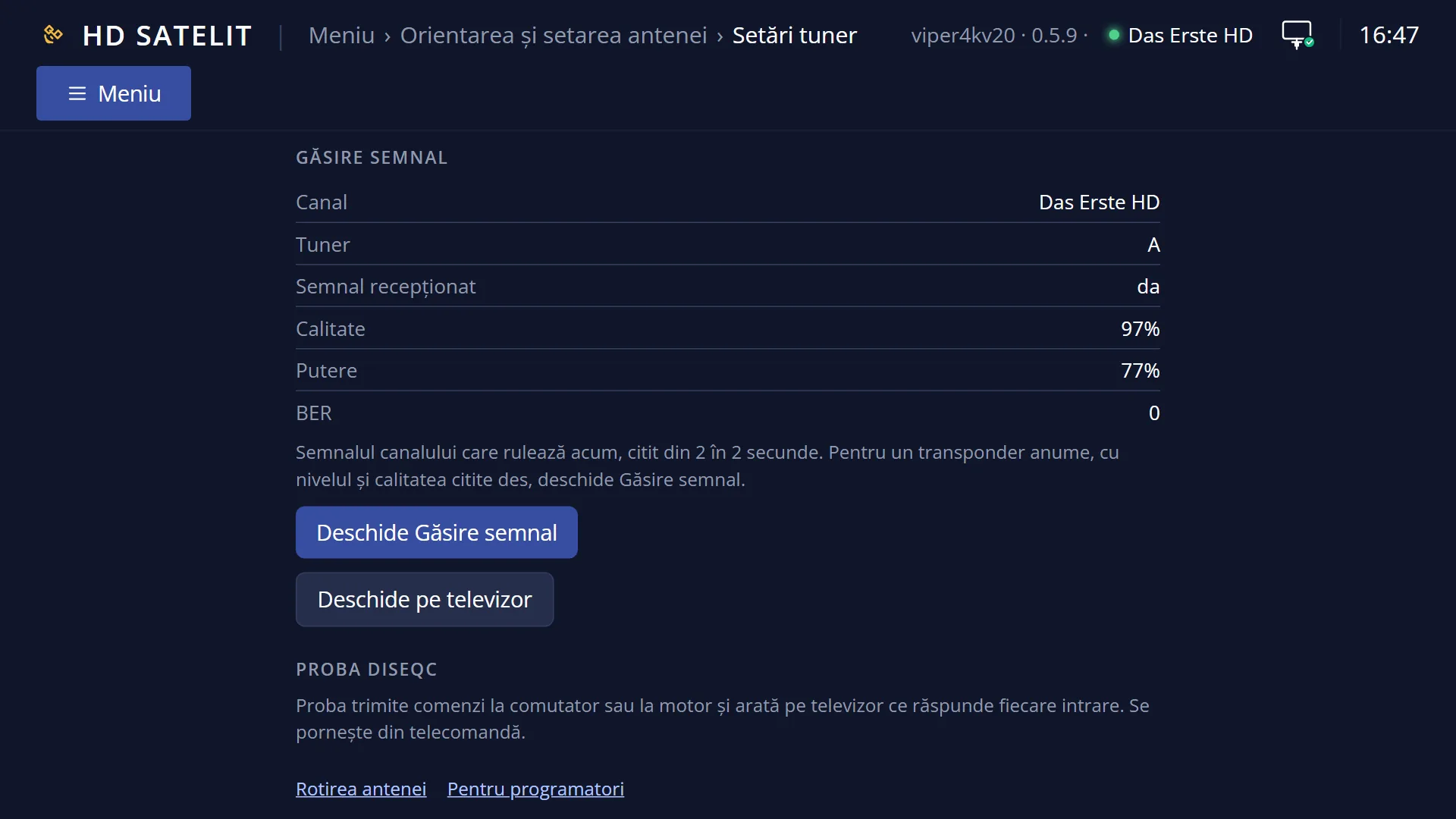
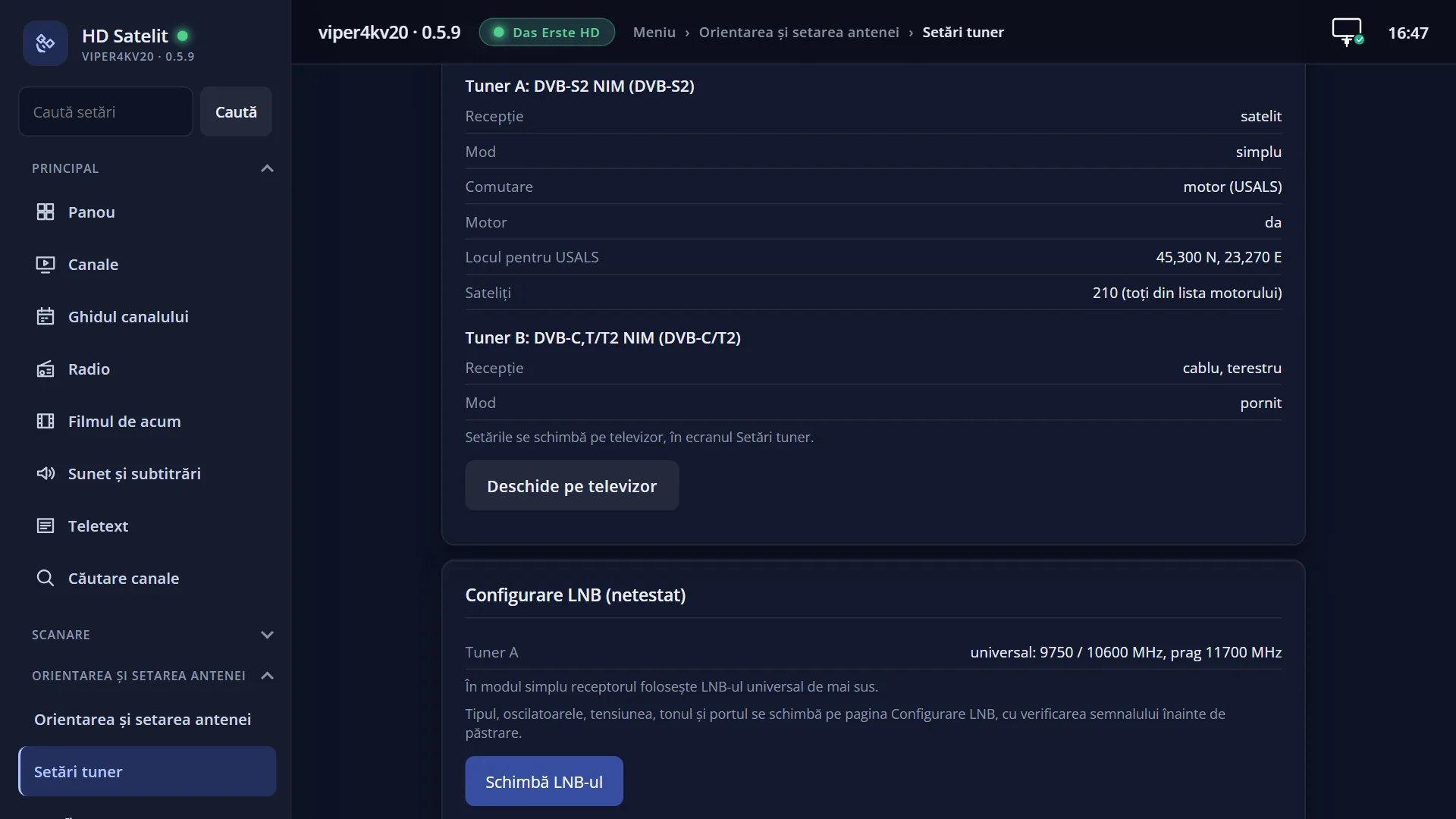
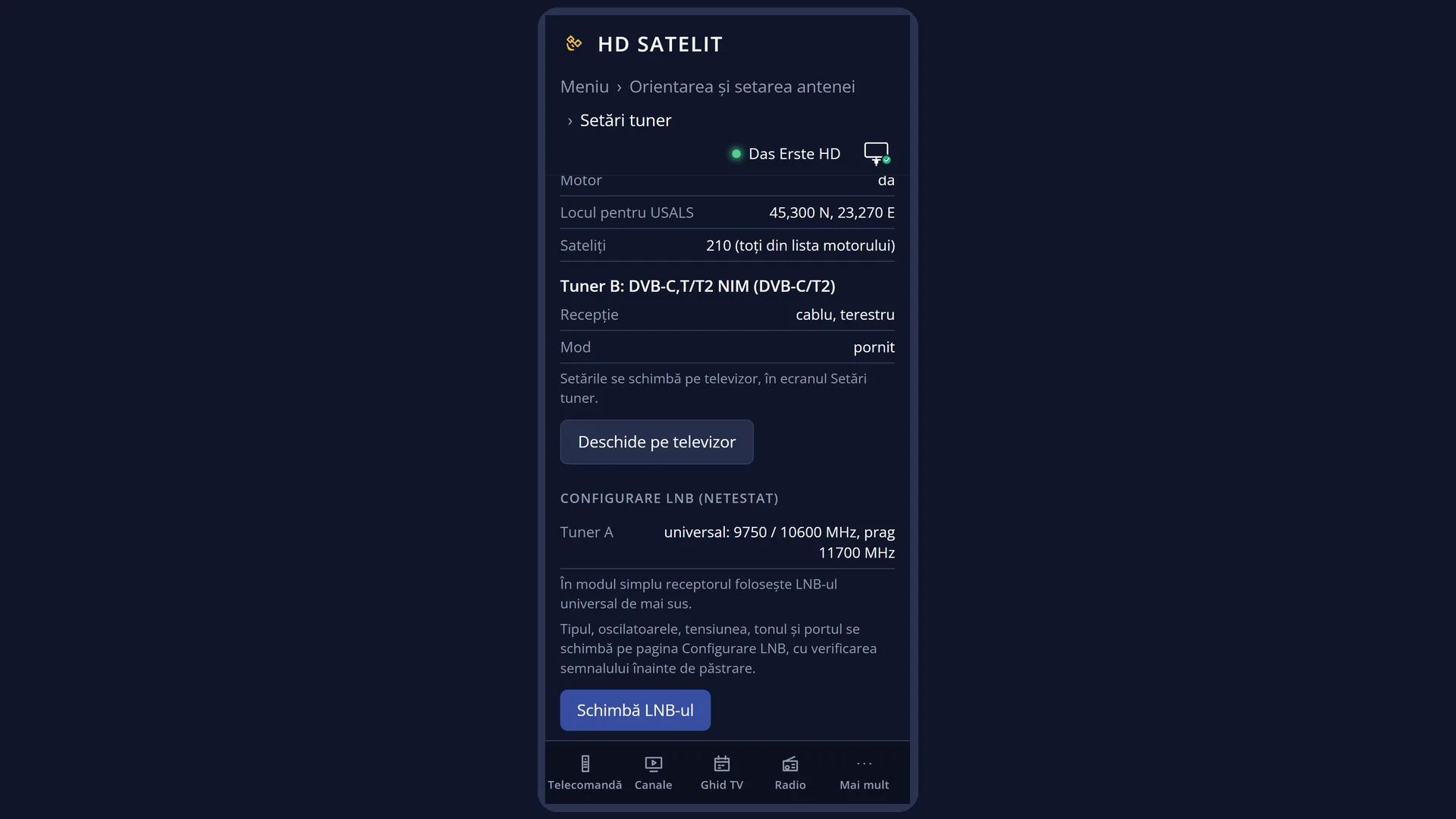
In the web interface, the /antena/tuner page shows the same tuners with their settings (read only) and opens the screen on the TV.
How to get here
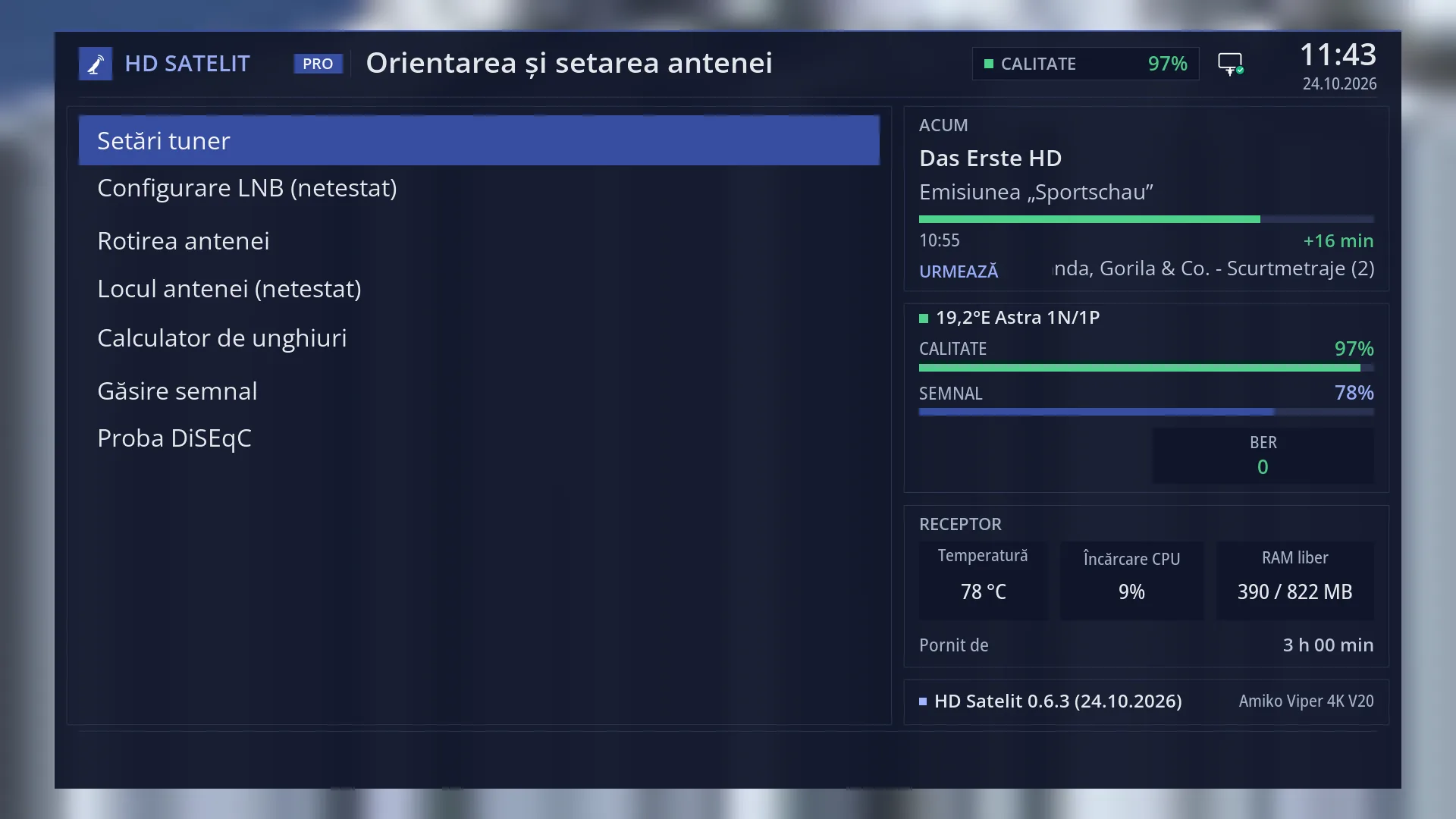
Path: Main menu > Dish alignment and setup > Tuner settings
Keys on the TV: MENU 2 1
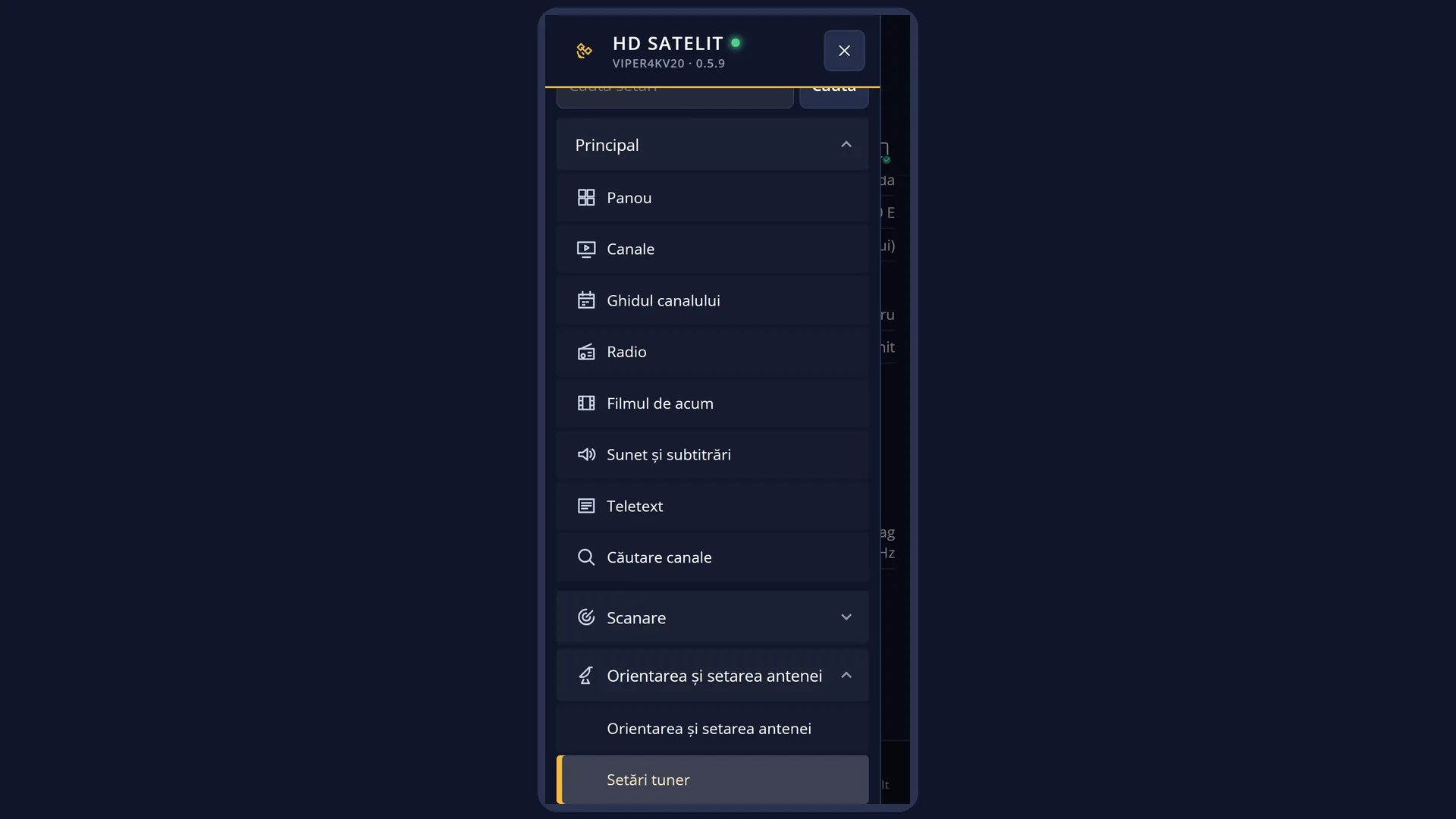
In the web interface: the /antena/tuner page (the “Tuner settings” card in /antena).
What you see on the screen
“Choose Tuner”: one row per tuner, with its name (for example “Tuner A: DVB-S2 NIM (DVB-S2)”) and, below it, the type of connection: “not configured” (satellite tuner not set up), “nothing connected” (cable and terrestrial tuner switched off), “DiSEqC A/B” and “Satellites: …”, “Positioner: USALS”, “advanced”, “enabled” and others. At the bottom: RED “Close” and GREEN “Select”.
“Tuner configuration”: the rows of the chosen tuner, with the value on the right. The rows change depending on the values you choose (for example, setting “Mode” to Positioner adds the “Dish location” row). At the bottom: RED “Cancel” and GREEN “Save”.
For a satellite tuner, the first row is “Configuration Mode”. In simple mode, “Mode” and its rows follow (the satellites on the ports or the dish location). In advanced mode, you see the satellite and its LNB, with all the technical rows.
For the cable and terrestrial tuner, the first row is also “Configuration Mode” (enabled or nothing connected). When it is enabled, the cable scan rows follow.
When you save after removing a satellite, the receiver asks “Delete the satellite that is no longer configured …?” (Yes, No, Yes to all, No to all). Then, when you exit, it asks “Zap back to service before tuner setup?”.
Rows and settings
| Row | Values | Default | What it does |
|---|---|---|---|
| Configuration Mode (satellite tuner) | not configured, simple, advanced, equal to / second cable of motorized LNB / loopthrough to (only with several satellite tuners) | not configured | “not configured”: the tuner is not used. “simple”: you choose the type of installation from a short list. “advanced”: you set up each satellite with its LNB and commands. The other values link the tuner to another satellite tuner and only appear on receivers that have more than one. At first installation: set it to “simple”. |
| Mode (in simple mode) | Single, Toneburst A/B, DiSEqC A/B, DiSEqC A/B/C/D, Positioner | DiSEqC A/B | Single: one LNB, one satellite. Toneburst A/B: two satellites on a small switch, controlled by a tone. DiSEqC A/B and A/B/C/D: two or four satellites on a DiSEqC switch. Positioner: a motorised dish, turned according to the dish location (USALS). Depending on how your dish is installed. |
| Satellite / Port A, Port B, Port C, Port D | a satellite from the list, nothing connected | Port A (and Satellite): 19.2°E; Port B: 13.0°E; Port C and D: nothing connected | The satellite seen by the dish connected to each input of the switch (or, with “Single”, the only satellite). The BLUE key sets the selected row to “nothing connected”. When a switch input has a different satellite or nothing on it. |
| Send DiSEqC (with “Single”) | yes, no | no | “yes”: the receiver still sends the DiSEqC command for port A, even though there is only one satellite. Useful when the LNB goes through a switch of which only one input is used. When you have a switch fitted but only one satellite. |
| Set Voltage and 22KHz (DiSEqC A/B and A/B/C/D) | yes, no | yes | “yes”: on each switch, the receiver also sets the voltage (13 V or 18 V, depending on polarisation) and the 22 kHz tone (depending on band) that suit the satellite. Leave it on “yes”, unless the switch manufacturer says otherwise. |
| Send DiSEqC only on satellite change | yes, no | no | “yes”: the switch command is only sent when you move to another satellite, so changing channels on the same satellite is slightly faster. Set it to “yes” only if, after testing, the channels work just as well. |
| Locul antenei (not tested) (with Positioner and DiSEqC 1.2) | the current location (city, coordinates) or “not set” | not set | The location from which the USALS motor calculates the angle to the satellites. It is the same location as in “Dish location”. OK on the row opens the location choice. While it is not set, the receiver does not turn the dish towards satellites that need the calculation. When you fit the motor. |
| Use power measurement, Power threshold in mA, Rotor turning speed, Begin time, End time | yes / no, 0-100 mA, Fast / Slow / Fast epoch, time (in 15-minute steps) | yes; 50 mA; Fast; 07:00 and 19:00 | These appear for a motor only on receivers that can measure the current drawn by the motor: the receiver uses the current to tell when the motor has stopped. “Fast epoch” turns the dish quickly only between the begin time and the end time. Rarely; the factory values work for most motors. |
| Advanced mode: Satellite, LNB and the LNB rows | Satellite (one from the list or All satellites 1-4), LNB (1-32), Priority, LOF: Universal LNB / Unicable / C-Band / User defined, LOF/L, LOF/H, Threshold, Voltage mode: Polarization / 13 V / 18 V, Increased voltage, Tone mode: Band / On / Off, DiSEqC mode: None / 1.0 / 1.1 / 1.2, Toneburst, Committed DiSEqC command and Uncommitted DiSEqC command, Fast DiSEqC, Sequence repeat, Command order, DiSEqC repeats, Use usals for this sat, Stored position | Universal LNB, Polarization, Band | You choose a satellite, then the LNB it comes through and how it is reached: the LNB oscillators (LOF), the voltage, the tone, DiSEqC 1.0 / 1.1 commands for cascaded switches, or DiSEqC 1.2 for a motor (with USALS or with a position stored in the motor). For ordinary LNBs, the “LNB configuration” screen is simpler. For unusual installations: different LNBs on different satellites, cascaded switches, Unicable, a motor with stored positions. |
| Configuration Mode (cable and terrestrial tuner) | enabled, nothing connected | enabled | “nothing connected” switches the tuner off: cable and terrestrial scans then report that the tuner is set to “nothing connected”. When it is enabled, the cable scan rows follow (“Used service scan type”, the bands, the QAM types, the symbol rates). The scans in the Channel scan > Cable menu do not use them; they have their own rows. Set it to “nothing connected” only if you do not use cable or a terrestrial aerial at all. |
Keys
| UP / DOWN | Select the tuner or the row. |
| OK or GREEN (Choose Tuner) | Opens “Tuner configuration” for the selected tuner (on screen: “Select”). |
| RED or EXIT (Choose Tuner) | Closes the screen (“Close”). |
| LEFT / RIGHT | Change the value of the selected row; some changes rebuild the rows below. |
| Digits | Enter numeric values (for example the LNB oscillators or the threshold). |
| GREEN | Saves and closes (on screen: “Save”). |
| OK | On “Dish location”, opens the location choice. On any other row, saves and closes, like GREEN. |
| BLUE | On a satellite row (Satellite, Port A ... D), sets it to “nothing connected”. |
| RED or EXIT (Tuner configuration) | Closes without saving. If you have changed something, it first asks “Really close without saving settings?”. |
Step by step
Setting up a fixed dish on a single satellite
- Press MENU 2 1 and OK on the satellite tuner (Tuner A).
- “Configuration Mode”: RIGHT until “simple”. “Mode”: RIGHT until “Single”.
- “Satellite”: choose the satellite the dish is pointed at (for example 19.2°E).
- Press GREEN, then Yes to the question about the previous channel.
Setting up two satellites on a DiSEqC switch
- MENU 2 1, OK on Tuner A, “Configuration Mode” set to “simple”.
- “Mode” set to “DiSEqC A/B”.
- “Port A”: the satellite connected to input 1 of the switch; “Port B”: the one on input 2.
- GREEN. Then use DiSEqC test (MENU 2 7) to check that the ports are correct.
Setting up a motorised dish
- MENU 2 1, OK on Tuner A, “Configuration Mode” set to “simple”, “Mode” set to “Positioner”.
- On the “Dish location” row, press OK and choose the country and city (or the coordinates).
- GREEN. Then test the dish in Dish rotation (MENU 2 3), with “Go to satellite”.
Problems and solutions
The satellite scan says “The satellite tuner has no satellite configured…”.
Tuner A is “not configured” (this is how it comes from the factory). Set “Configuration Mode” to “simple” and choose the satellites, then press GREEN.
The picture disappeared when I opened Tuner configuration.
This is normal: while you set up the tuner, the programme is stopped. When you exit, answer Yes to the question “Zap back to service before tuner setup?”.
I pressed OK and the screen closed.
In Tuner configuration, OK saves and closes (except on the “Dish location” row). You change values with LEFT and RIGHT.
After saving, the receiver asks whether to delete a satellite.
You have removed a satellite from the settings. Yes deletes its channels from the list; No keeps them (they will not work while the satellite is not set up). “Yes to all” and “No to all” answer for all the removed satellites.
The motor does not turn the dish.
Check the “Dish location” row: while it is not set, the receiver does not turn the dish towards satellites that need the USALS calculation. Choose the location, then save.
The cable scan says the tuner is set to “nothing connected”.
Open the cable and terrestrial tuner (Tuner B) and set “Configuration Mode” to “enabled”, then press GREEN.
The channels from one of the satellites on the switch do not work.
Check that the satellite is on the correct port (Port A = input 1 of the switch, Port B = input 2, and so on). DiSEqC test (MENU 2 7) shows which port is not responding.
Related topics
- Dish alignment and setup
- LNB configuration
- Dish location
- Dish rotation
- DiSEqC test
- Tuner Overview (information)
- Matching web page: /antena/tuner.
Differences between receivers
The Amiko Viper 4K V20 has two tuners: Tuner A, for satellite (DVB-S2), and Tuner B, a combined cable and terrestrial tuner (DVB-C, T/T2). With only one satellite tuner, the values “equal to”, “second cable of motorized LNB” and “loopthrough to” do not appear.