

Whole band (terrestrial)
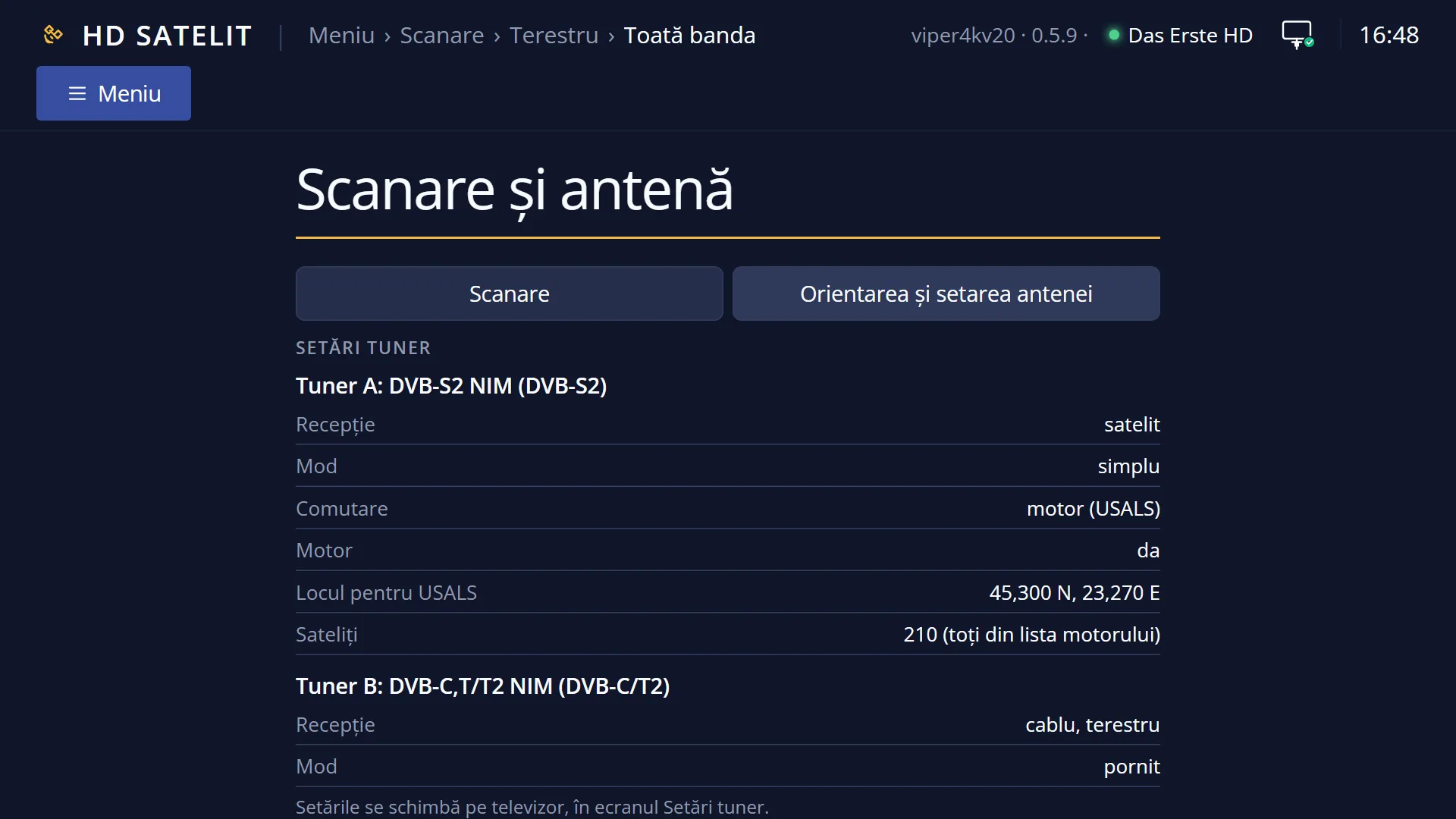
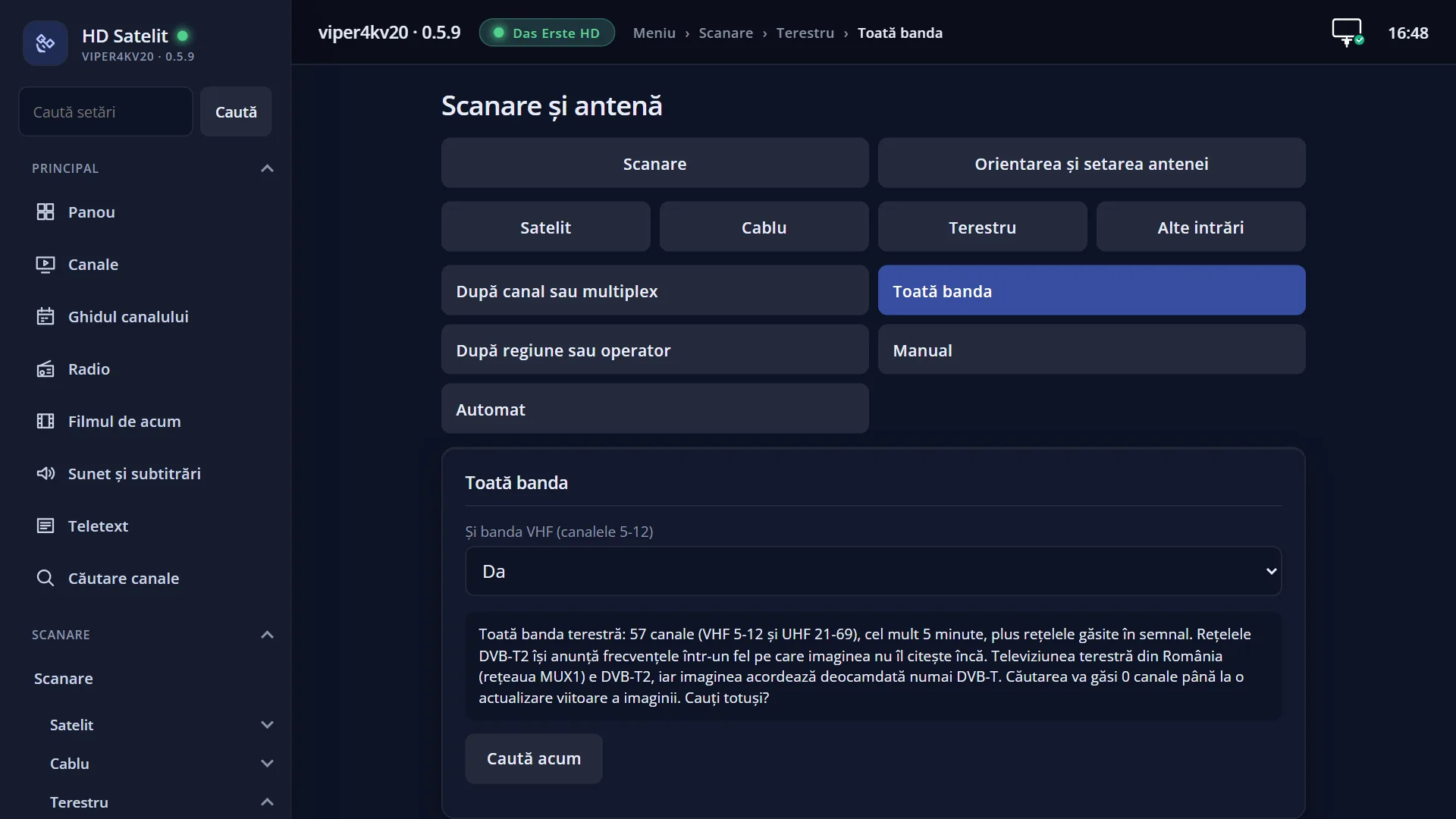
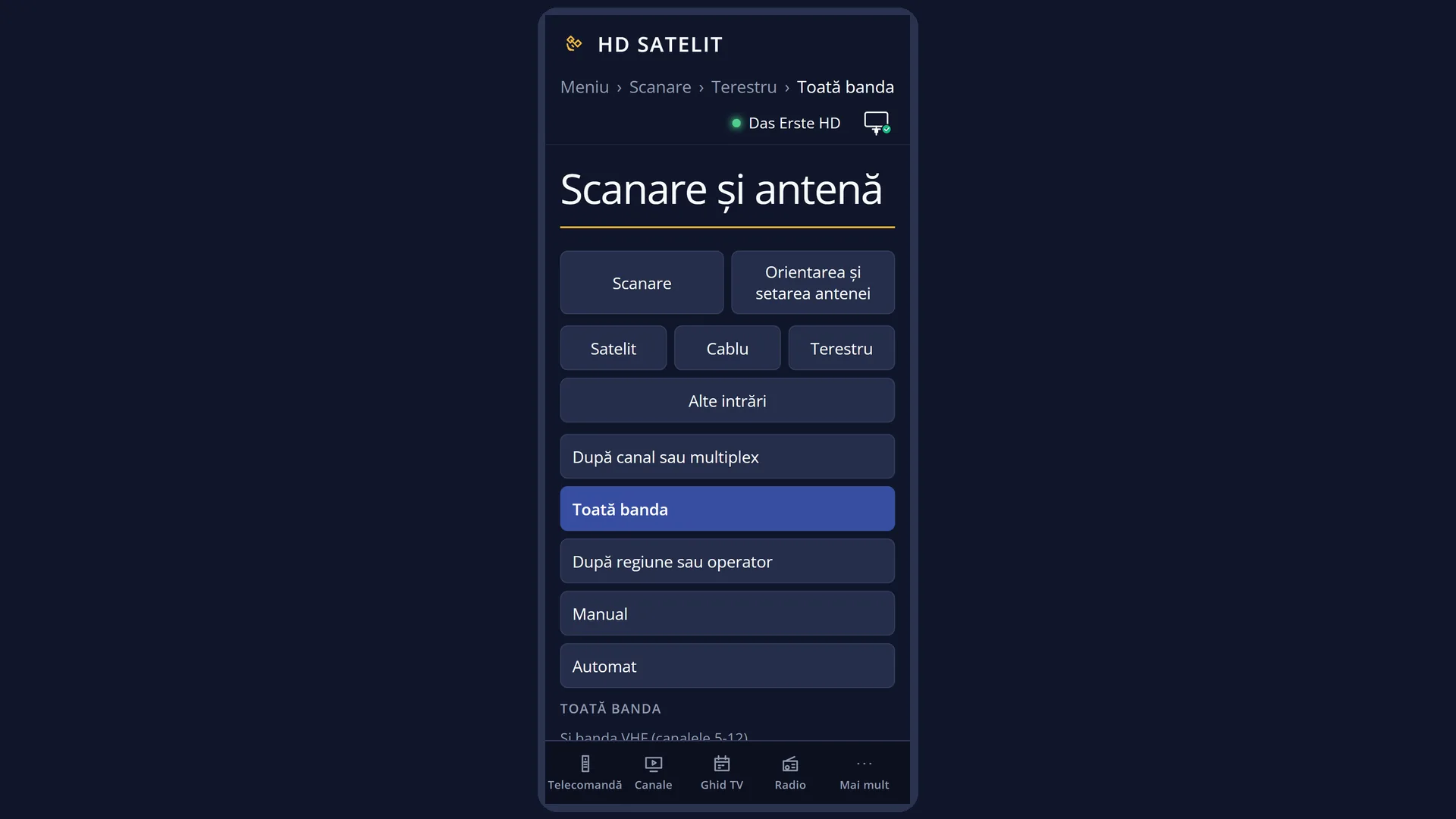
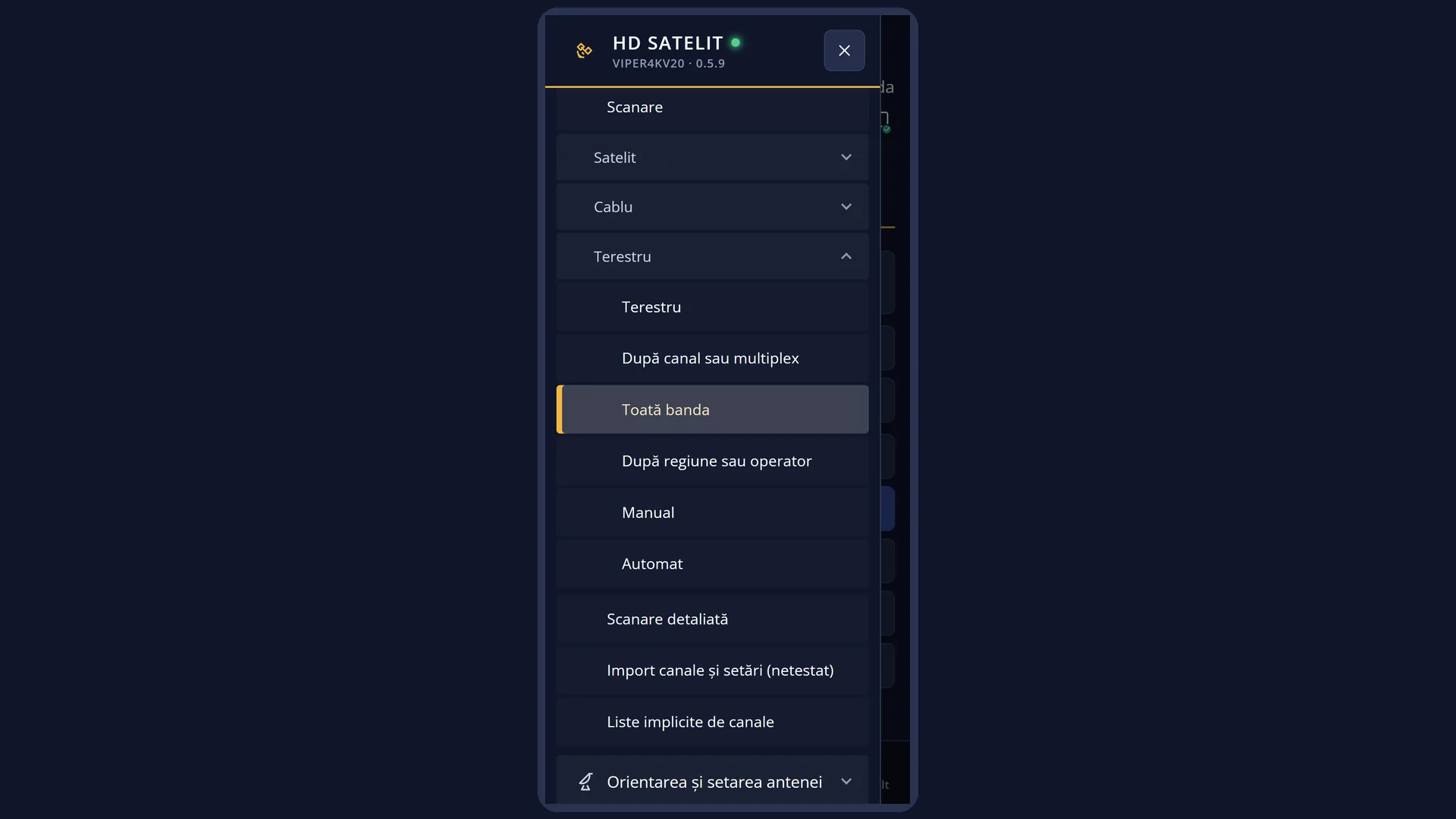
Screenshots are being added: so far 3 from the receiver and 7 from the web interface; the aim is at least 5 of each, with arrows and frames, and, where a setting changes what you see, a before and after comparison.
English screenshots coming: some of the pictures below still show the receiver and the web interface in Romanian. The rows, keys and steps described on this page are the English ones.
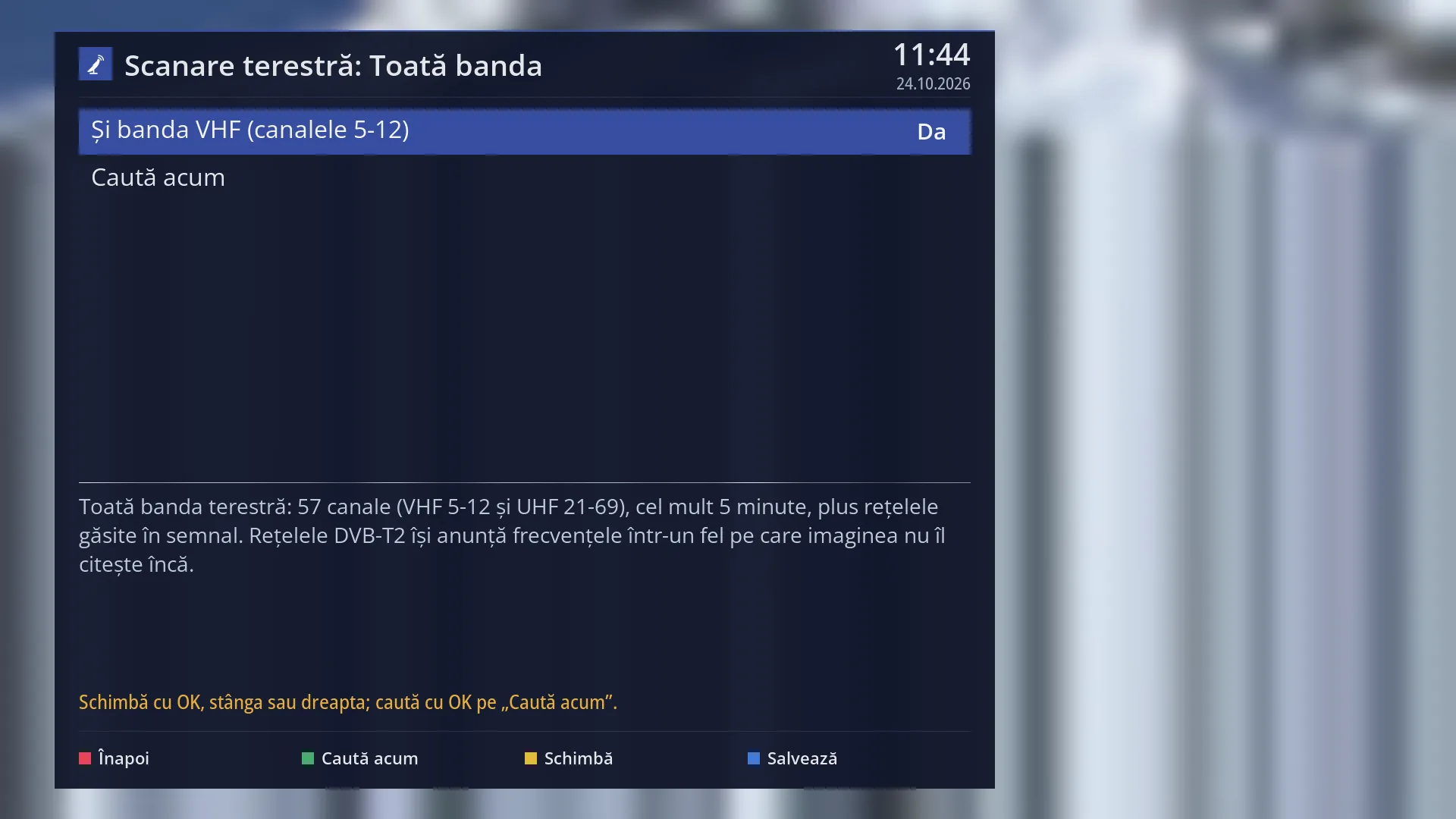
- 1 Type of search: terrestrial, whole band.
- 2 Yes: VHF channels 5-12 as well; No: only UHF 21-69.
- 3 OK here starts the search.
- 4 How many channels are tried, how long it takes and the note about DVB-T2.
- 5 The status line: what the keys do, or the last message.
- 6 RED back, GREEN search, YELLOW change, BLUE save.
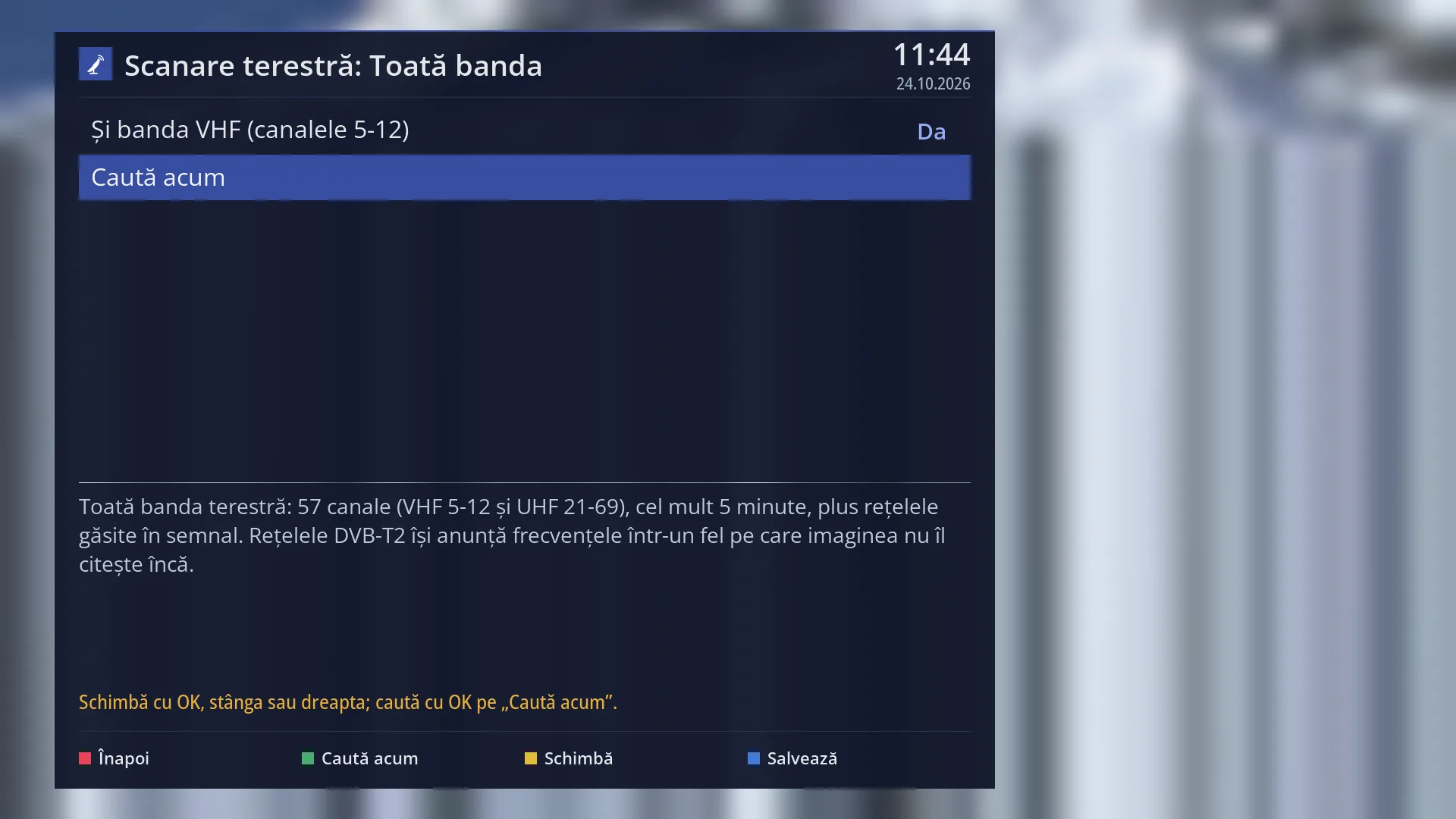
- 1 The selected row: “Search now”.
What it is for
“Whole band” searches for channels from the terrestrial aerial (roof aerial or indoor aerial) on all European television channels: the UHF band, channels 21-69, and, if you choose, the VHF III band, channels 5-12. You do not need to know which channel the transmitter in your area uses.
On each channel with a signal, the receiver also reads the network announced in the signal and adds its multiplexes. The search is short: 5 minutes at most.
WARNING: in this version the receiver tunes only DVB-T signals on the terrestrial aerial. Terrestrial television in Romania (the MUX1 network) is DVB-T2, so in Romania the search finds 0 channels until a future update of the image. The screen tells you this before the search starts and asks you to confirm.
The channels found are added to your list. Existing channels are not deleted; channels found again are updated.
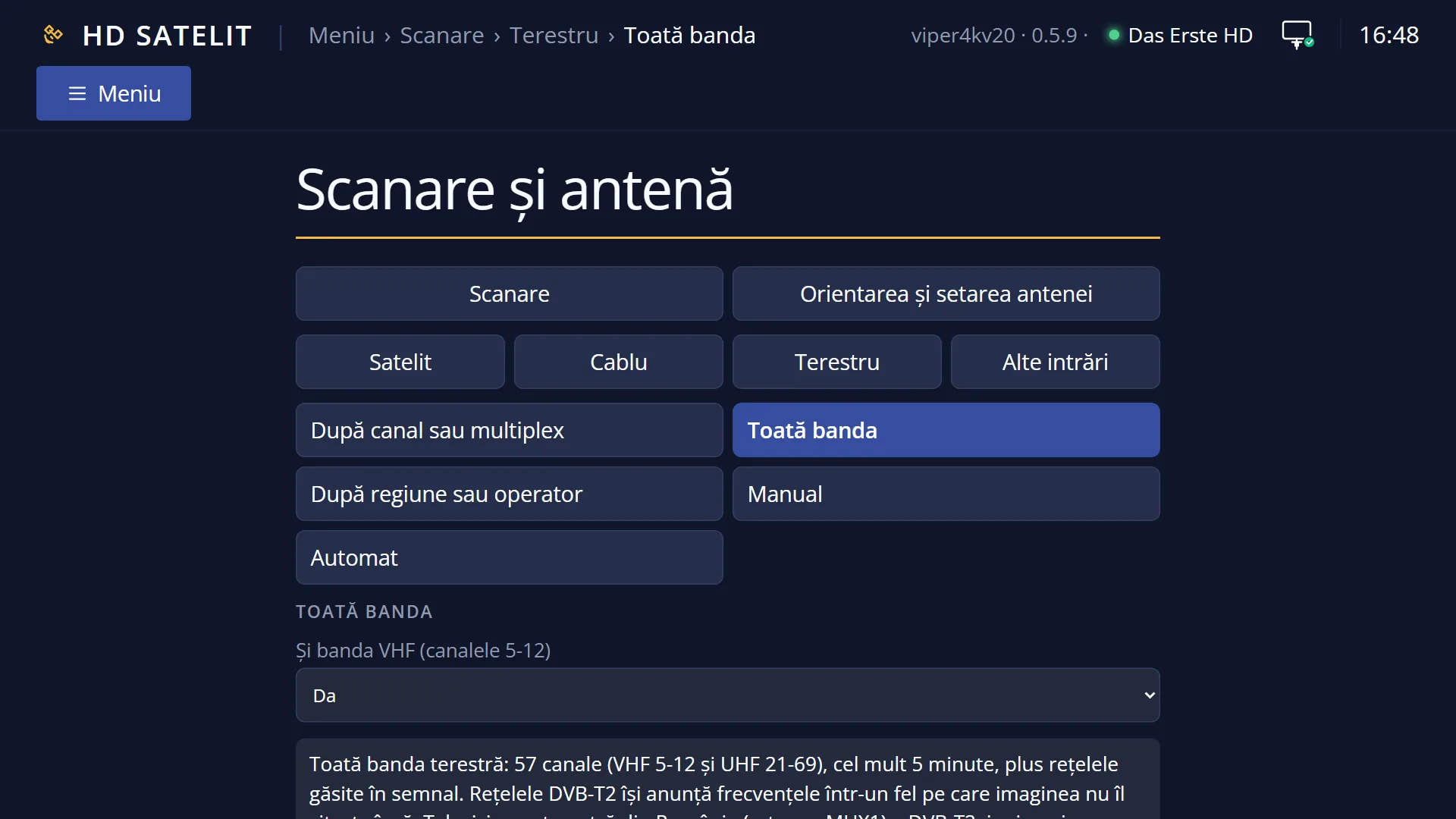
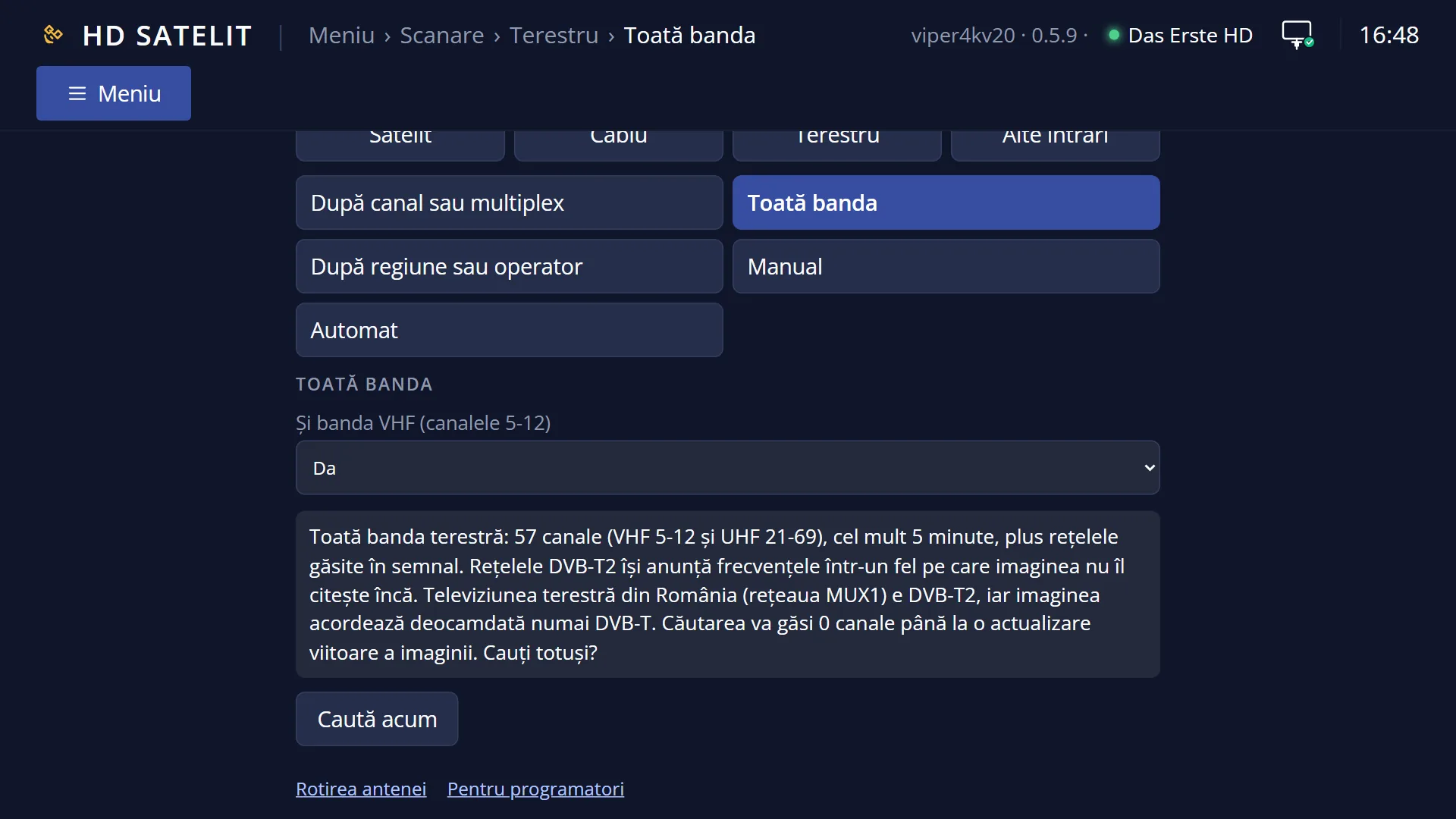
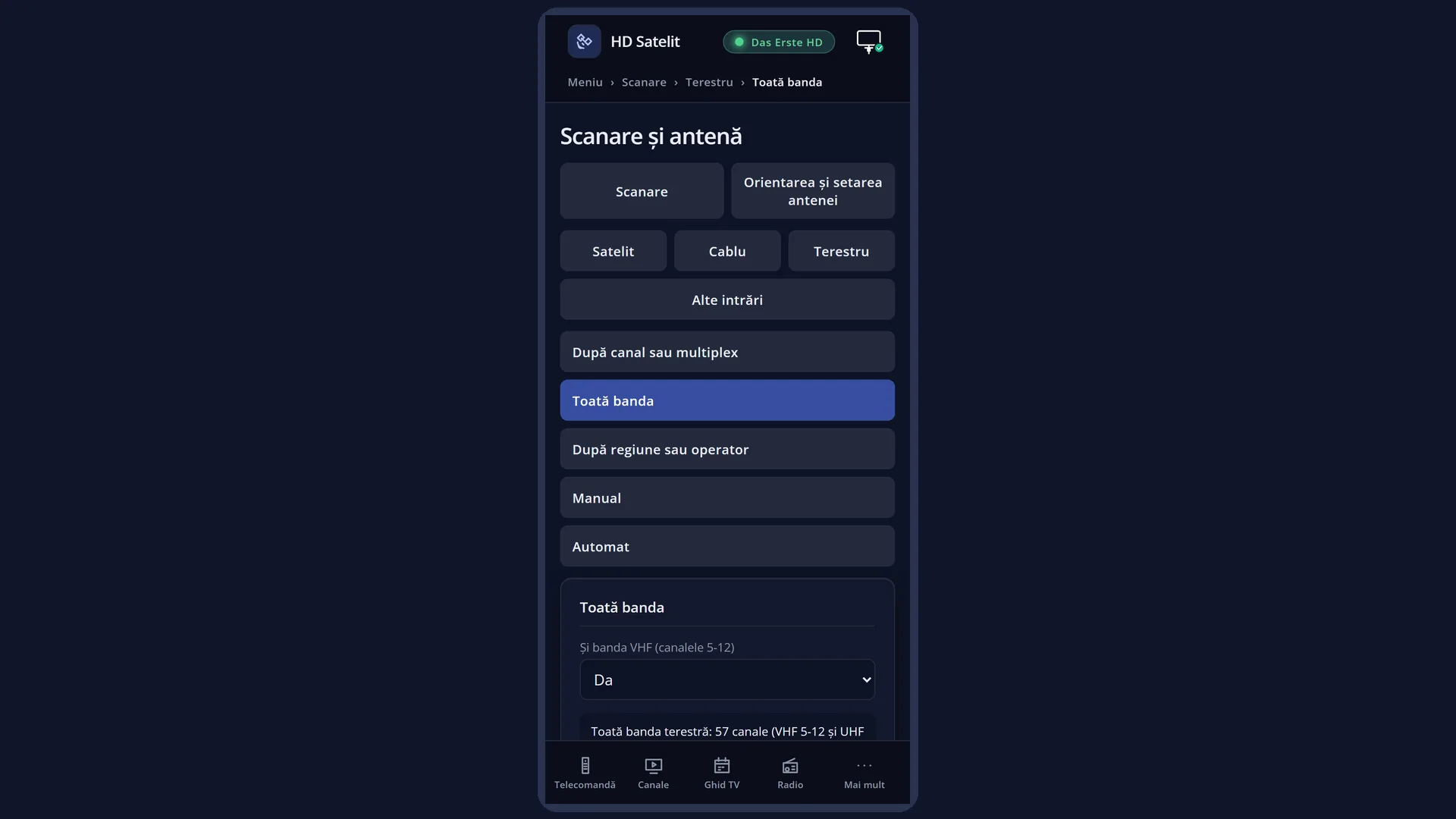
You can start the same kind of search from the web interface, on the /scanare/terestru/banda page.
How to get here
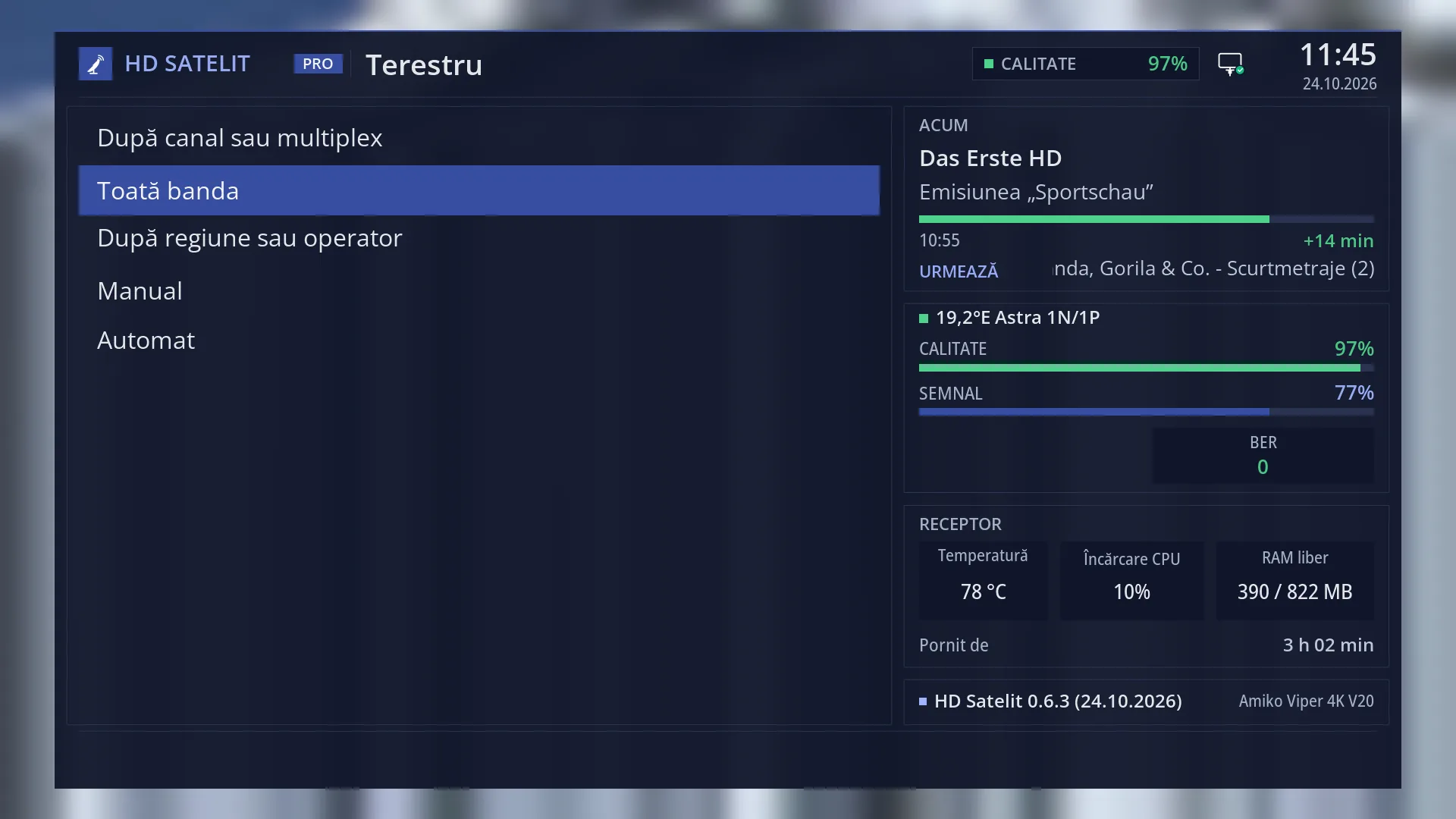
Path: Main menu > Channel scan > Terrestrial > Whole band
Keys on the remote: MENU 1 3 2
In the web interface: the /scanare/terestru/banda page (“Channel scan” tab, “Terrestrial” group, “Whole band” button).
What you see on the screen
At the top, the title “Terrestrial scan: Whole band”, the time and the date.
The list of rows: “Also the VHF band (channels 5-12)”, with its value on the right (Yes or “No, only UHF 21-69”), and “Search now”. The selected row has a blue background.
Below the list, the preview: “Whole terrestrial band: 57 channels (VHF 5-12 and UHF 21-69), 5 minutes at most, plus the networks found in the signal.”. After it comes a note about DVB-T2: with the menu in Romanian, “DVB-T2 networks announce their frequencies in a way the image cannot read yet.”; in other languages also “The image can only tune DVB-T for now: DVB-T2 multiplexes will give no channels until a future update.”.
Underneath, in yellow, the status line: “Change with OK, left or right; search with OK on “Search now”.”, “Saved.” after the BLUE key, or “The search did not start.” after a question you answered No to.
At the bottom, the colour keys: RED “Back”, GREEN “Search now”, YELLOW “Change”, BLUE “Save”.
With the menu in Romanian, this question appears when you start: “Terrestrial television in Romania (the MUX1 network) is DVB-T2, and for now the image tunes only DVB-T. The search will find 0 channels until a future update of the image. Search anyway?”.
Once the search starts, the “Channel search” screen opens: the channel being tried, the progress bar, “Time left” and “Transponders: x of y”, then the summary (“Channels found”, “Transponders scanned”, how many with “no signal”, “Duration”) and, when the signal announces a network, the “Operator network” box.
Rows and settings
| Row | Values | Default | What it does |
|---|---|---|---|
| Also the VHF band (channels 5-12) | Yes, No, only UHF 21-69 | Yes | Yes: the VHF III channels 5-12 are tried too (from 177.5 MHz, in 7 MHz steps), then the UHF channels 21-69 (from 474 MHz, in 8 MHz steps): 57 channels. No: only the 49 UHF channels. Set No when you know nothing is broadcast on VHF in your area; the search then has 8 fewer channels. |
| Search now | OK on this row starts the search, the same as the GREEN key. The chosen value is remembered before the search starts. After you have chosen whether to include the VHF band. | ||
| Which signals it finds (DVB-T or DVB-T2) | DVB-T: yes, DVB-T2: no, in this version | The receiver's tuner supports DVB-T and DVB-T2, but for now the image asks it only for DVB-T. DVB-T2 multiplexes (for example MUX1 in Romania) give no channels, and DVB-T2 networks do not announce their frequencies in a way the image can read. It cannot be changed from the menu; it comes with a new version of the image. |
Keys
| UP / DOWN | Moves the cursor to the row above or below. From the last row, DOWN goes to the first, and the other way round. |
| LEFT / RIGHT | On the VHF row, switches between Yes and “No, only UHF 21-69”. |
| OK | On the VHF row, changes the value. On “Search now”, starts the search. |
| GREEN | Starts the search from any row (the screen shows “Search now”). |
| YELLOW | Changes the value of the VHF row (the screen shows “Change”); on “Search now” it does nothing. |
| BLUE | Remembers the value and shows “Saved.” in the status line (the screen shows “Save”). |
| RED or EXIT | Closes the screen and takes you back to the Terrestrial menu. The value is remembered in this case too. |
| Yes / No (at the DVB-T2 question) | Choose with the arrow keys and press OK: Yes starts the search anyway, No cancels it. EXIT also means No. |
| EXIT (on the “Channel search” screen) | During the search, stops it without writing the channels to the list. After the search ends, closes the result (OK does the same). |
Step by step
Search for all DVB-T terrestrial channels in your area
- Connect the terrestrial aerial to the receiver's terrestrial input.
- Press MENU 1 3 2. Leave “Also the VHF band” on Yes if you do not know what is broadcast in your area.
- Press GREEN. If the DVB-T2 question appears, choose Yes only if you know DVB-T is broadcast in your area.
- Let the search finish (5 minutes at most), read the summary and press EXIT.
Shorten the search to UHF only
- Press MENU 1 3 2.
- On “Also the VHF band (channels 5-12)”, press RIGHT: the value becomes “No, only UHF 21-69” and the preview shows 49 channels.
- Press GREEN.
Start the search from your phone
- Open the receiver's web interface and go to /scanare/terestru/banda.
- Choose whether to include the VHF band; below the list you see the preview and, with the receiver's menu in Romanian, the DVB-T2 question.
- Press “Search now”, then “Search anyway” (or “Cancel”). You can follow the search in the “The search on the TV” card.
Problems and solutions
In Romania the search finds 0 channels.
The terrestrial network in Romania (MUX1) is DVB-T2, and this version of the image tunes only DVB-T on the terrestrial aerial. The channels will appear after an image update that adds DVB-T2. DVB-T2 multiplexes sent via satellite (not the ones on the terrestrial aerial) are searched separately, with “DVB-T2 via satellite” (MENU 1 1 6), if you have a satellite dish.
The message “The terestru tuner (…) is set to “not connected” in Tuner settings. Turn it on there, then come back here.” appears.
The terrestrial tuner is turned off. Open Menu > Dish alignment and setup > Tuner settings (MENU 2 1), turn on the tuner for terrestrial reception, then come back.
The message “The receiver has no terestru tuner.” appears.
Your receiver has no tuner for a terrestrial aerial.
The summary says “No transponder had a signal…”.
Check the terrestrial aerial and its cable, which must be plugged into the receiver's terrestrial input (not the satellite one). An indoor aerial only works close to the transmitter; try an outdoor aerial pointed at the transmitter.
The summary says “The transponders had a signal, but did not send any channels.”
The signal arrives, but it is probably DVB-T2, which this version cannot read yet.
I stopped the search with EXIT and have no new channels.
Channels are written to the list only when the search ends. Start it again and let it finish.
Related topics
- Terrestrial, all kinds of search
- By channel or multiplex (terrestrial)
- By region or provider (terrestrial)
- Manual (terrestrial)
- DVB-T2 via satellite
- Tuner settings
- Matching web page: /scanare/terestru/banda.
Differences between receivers
On the Amiko Viper 4K V20, the terrestrial tuner is tuner B, the same as the cable tuner (a combined cable and terrestrial tuner that supports DVB-T and DVB-T2); for now the image uses it only for DVB-T.