

Dish rotation
Screenshots are being added: so far 2 from the receiver and 5 from the web interface; the aim is at least 5 of each, with arrows and frames, and, where a setting changes what you see, a before and after comparison.
English screenshots coming: some of the pictures below still show the receiver and the web interface in Romanian. The rows, keys and steps described on this page are the English ones.
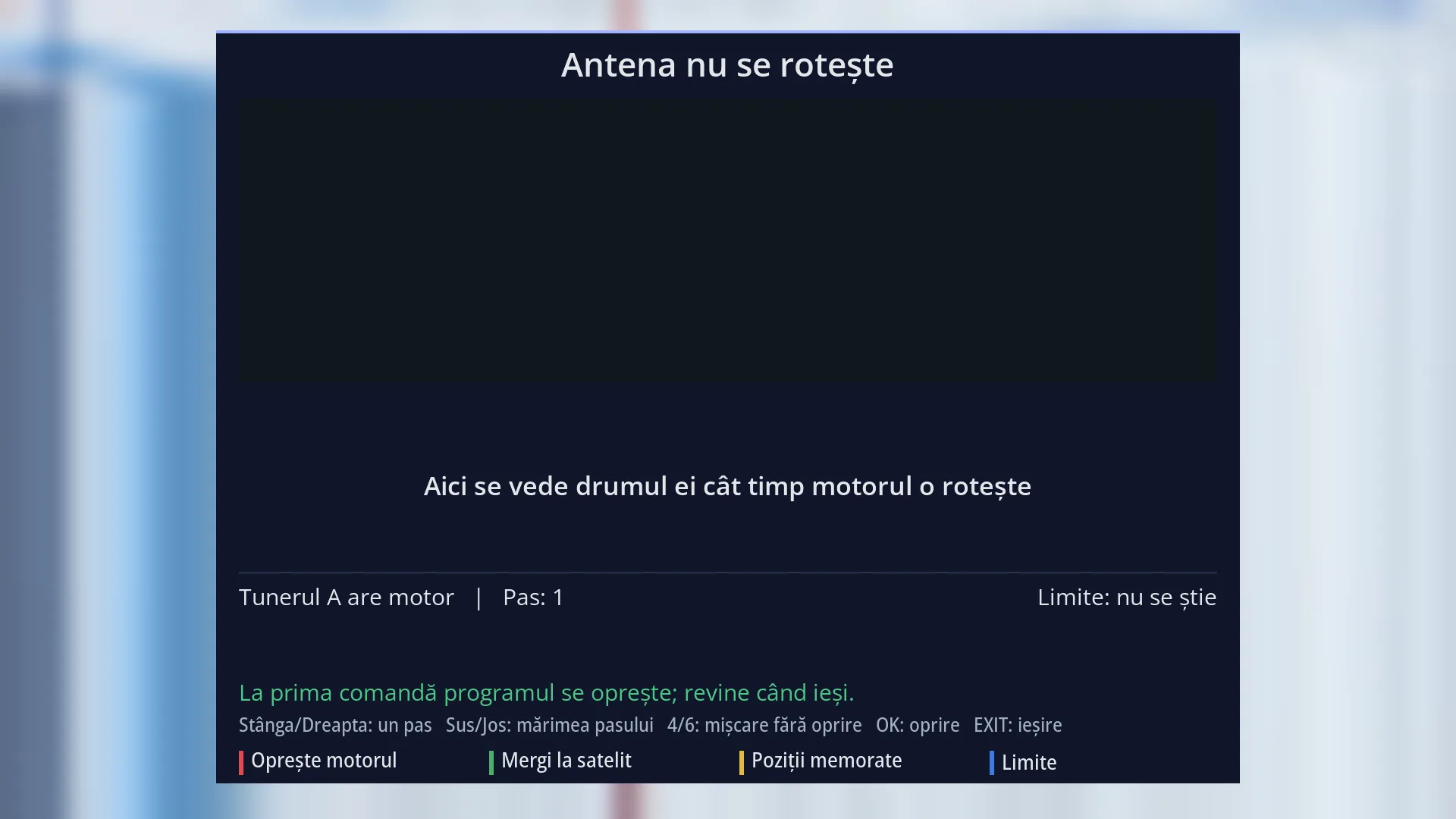
- 1 Status: the dish is idle, or the current movement.
- 2 The satellite arc drawing; empty while the motor is idle.
- 3 How far it still has to go (here: what is shown while it turns).
- 4 The tuner with the motor, the step size, the state of the limits.
- 5 The signal and the keys: the arrow keys, 4/6, OK, EXIT.
- 6 RED stops, GREEN goes to a satellite, YELLOW positions, BLUE limits.
What it is for
“Dish rotation” shows and controls a motorised dish (DiSEqC 1.2 or USALS). At the top you see the satellite arc: where the dish starts, where it is going, where it is now and how far it still has to go. At the bottom are the motor controls: steps east or west, continuous movement, go to a satellite, stored positions and limits.
All figures come from the actual state of the motor. No motor reports its position while it is moving, so that position is calculated between start and destination and is marked “estimated”.
The screen only takes over the tuner at the first command. If you open it just to watch the rotation, the programme keeps playing. When you leave, the motor stops, the limits are switched on, and the tuner and the programme come back.
The same drawing, without the controls, appears on screen by itself whenever the dish turns, for example when you switch to a channel on another satellite.
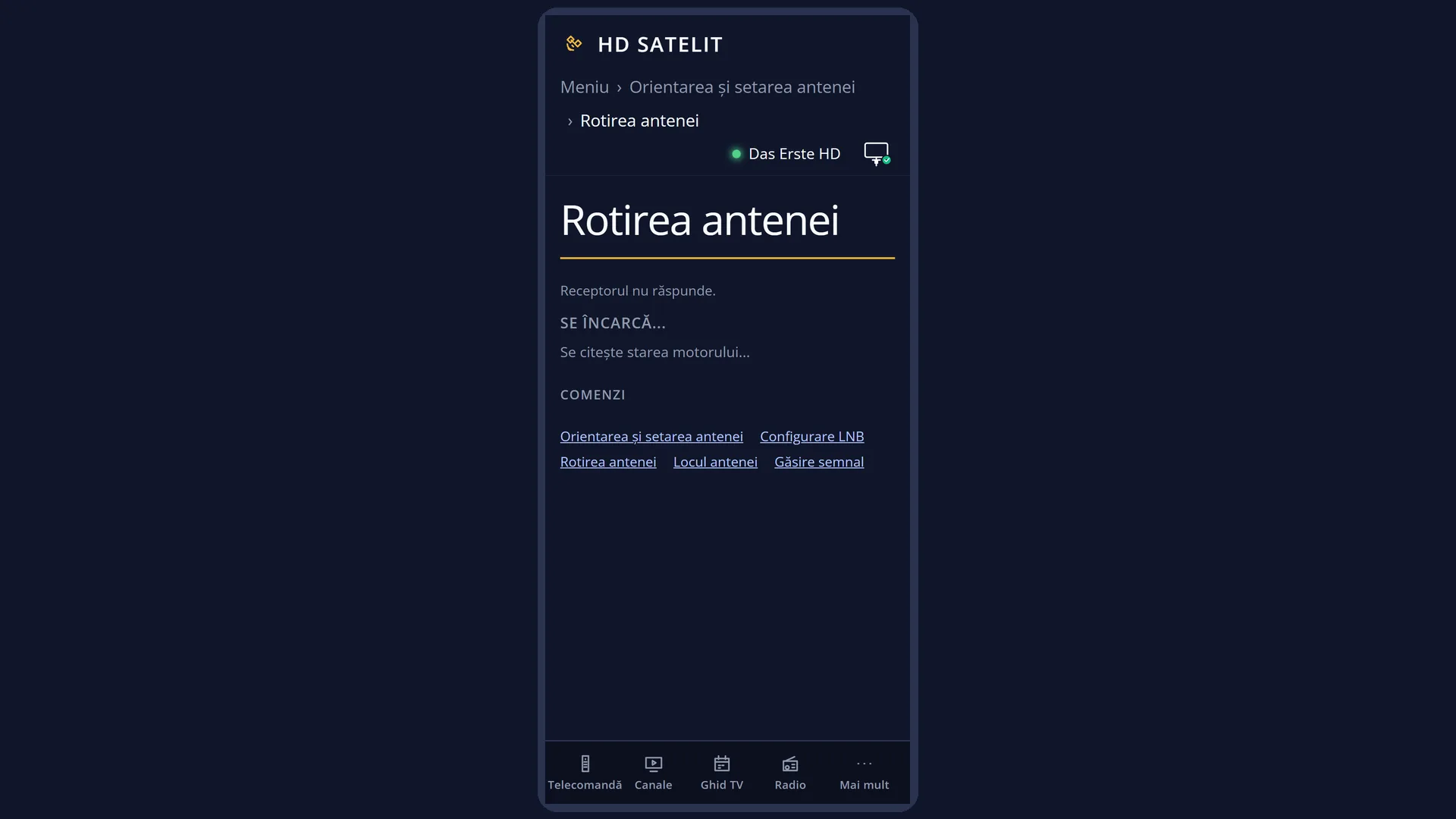
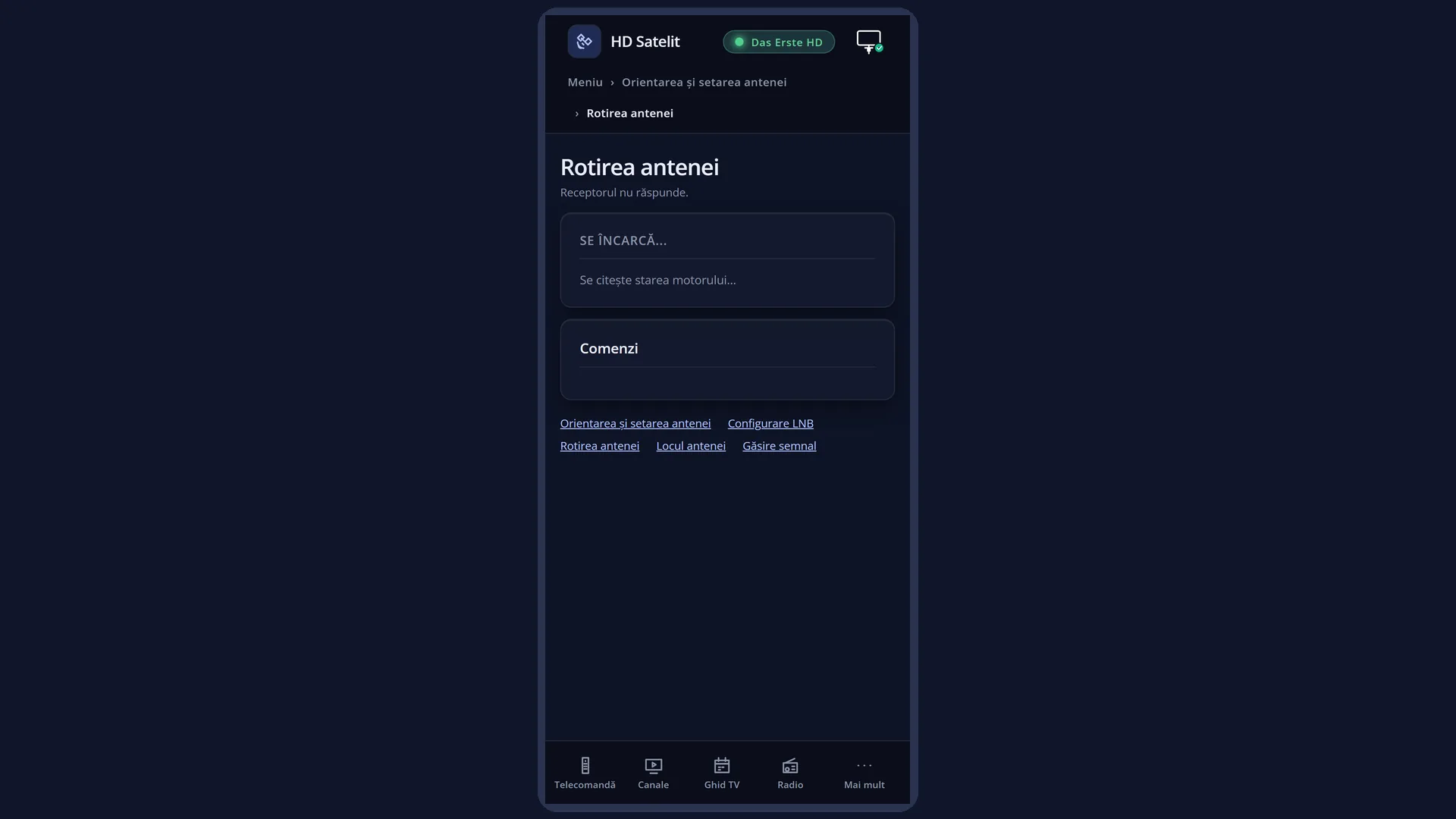
The same controls are also in the web interface, on the /motor page, with the same drawing.
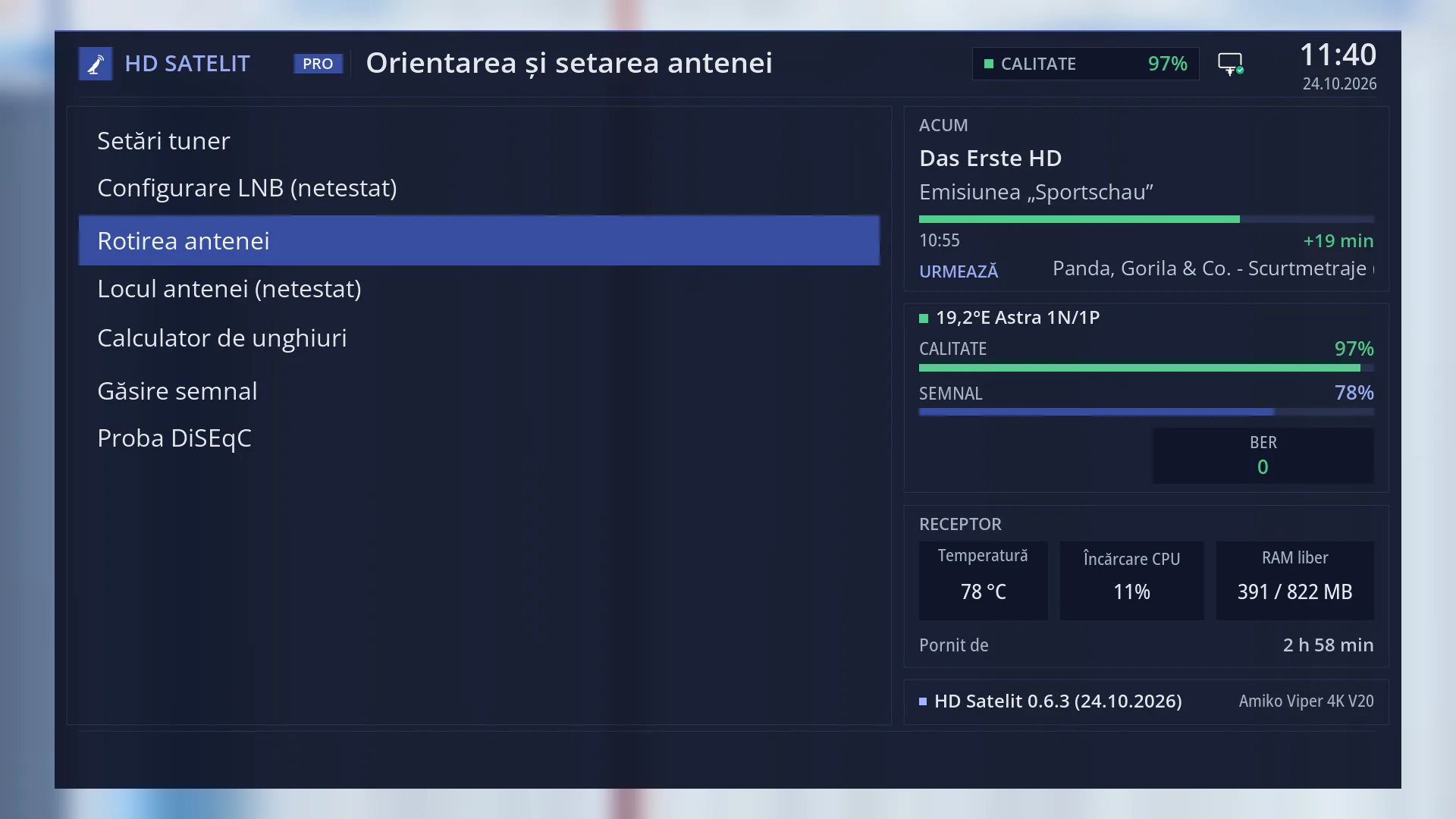
How to get here
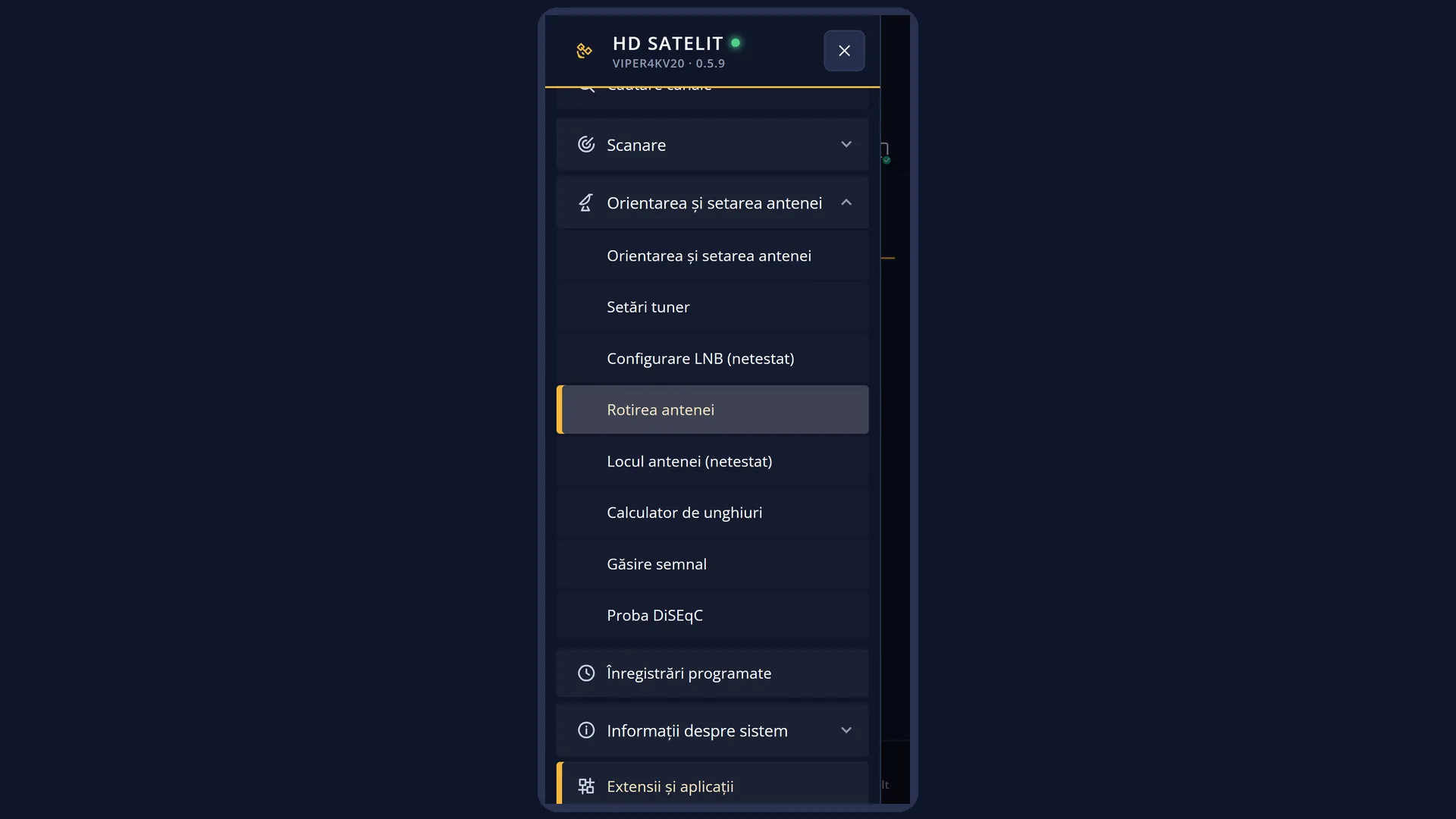
Path: Main menu > Dish alignment and setup > Dish rotation
Keys on the remote: MENU 2 3
In the web interface: the /motor page (and the “Open the rotation page” button on /antena).
What you see on the screen
At the top, the title: “The dish is not turning” while the motor is idle, otherwise the current movement.
The drawing: the satellite arc as a dome, with the satellites from the tuner's list as dots. The start is a violet dot, the destination a gold dot with a ring, and the dish in the middle turns with the motor. The signal beam is blue while the dish is moving and gold once it has arrived. While the motor is idle, the drawing is empty and below it you see “Its path is shown here while the motor turns it” and, when known, “The dish is on …”.
Below the drawing are three texts in the drawing's colours: “From” (violet), “Now (estimated)” (blue) and “Up to” (gold), with the degrees. Below them, how far it still has to go: “Still … degrees to go, about …”, “The motor is running, the time cannot be estimated”, “Almost done, waiting for the signal on the new satellite” or “The motor has stopped”. Then a small line with the command, the motor angle, the tuner and the speed.
The control bar: “Tuner A are motor | Pas: 1” (“Automatic stop in …” while the motor is running), and on the right the state of the limits (“Limits: on”, “Limits: unknown” or, in red, “The limits are off. They switch on by themselves when you exit.”).
Below, in yellow, the last message from the controls (for example a refusal), then, in green, the signal: before the first command “At the first command the channel stops; it comes back when you exit.”, after it “Signal on …: received, quality 85 %” or “no signal”.
The help line: “Left/Right: one step Up/Down: step size 4/6: continuous move OK: stop EXIT: exit”.
At the bottom, the keys: RED “Stop the motor”, GREEN “Go to satellite”, YELLOW “Stored positions”, BLUE “Limits”. If no tuner has a motor, the bar says why (“No tuner is set up with a motor. The motor is chosen in Tuner settings (DiSEqC 1.2 or USALS).”) and only “EXIT: exit” remains.
Rows and settings
| Row | Values | Default | What it does |
|---|---|---|---|
| Step size | 1, 2, 5, 10, 20 | 1 | How many small motor steps one press of LEFT or RIGHT makes. Step 1 is the finest, for the final adjustment on the signal. 20 moves the dish a long way at once. Use large steps to get close to the satellite quickly, then switch to 1 to find the best signal. |
| Go to satellite (GREEN) | Change the dish location (not tested), the satellites in the tuner's list, with their degrees | The list of satellites for the tuner with the motor. The cursor is on the satellite the dish is on now, and the title shows the dish location. OK on a satellite turns the dish there. The first row opens the dish location choice. If the location is not set, the receiver first asks you for it, then shows the list. When you want the dish on a particular satellite without changing the channel. | |
| Stored positions (YELLOW) | Go to stored position..., Store the position here..., Go to position 0 (motor reference) | DiSEqC 1.2 motors remember positions numbered from 1 to 255. You can send the dish to a position, store the current position under a number (you are asked first, because it replaces what was there; if the number is used for a satellite in Tuner settings, the question says so) or send it to position 0, the motor reference. After you have fine-tuned the dish on a satellite with a DiSEqC 1.2 motor, you store the position. | |
| Limits (BLUE) | East limit is here, West limit is here, Switch the limits on, Switch the limits off (dangerous) | The limits stop the motor before the end stops, so the dish does not pull on the cable. The first two move the east or west limit to the current position (you are asked first). Use “Disable limits” only to set new limits, while watching the dish. The question warns you that the dish can go all the way to the end stop and break the cable. The list title shows the last known limits command. When you install the motor or after you have moved the dish on its mount. | |
| Continuous movement (4 and 6) | 4: west, 6: east | The dish keeps moving until you press the key again, press OK or RED, or until it stops by itself after at most 30 seconds (10 seconds with the limits off). While the motor is moving, any other command only stops it. When you want to move the dish a long way while watching the signal. |
Keys
| LEFT / RIGHT | One step west (LEFT) or east (RIGHT), of the chosen size. Holding the key does not repeat: each step is one press. |
| UP / DOWN | Increases or decreases the step (1, 2, 5, 10, 20). |
| 4 / 6 | Continuous movement west (4) or east (6); a second press stops it. |
| OK or RED | Stops the motor (on screen: “Stop the motor”). |
| GREEN | The “Go to satellite” list. |
| YELLOW | The “Stored positions” menu. |
| BLUE | The limits menu (“Limits”). |
| EXIT | Leaves the screen: the motor stops, the limits switch on, and the tuner and the programme come back. |
| POWER | Puts the receiver into standby. Before that, the motor stops, the limits switch on and the tuner is released. |
| While the motor is moving | Any control key (and opening a list) only stops the motor, except one more step in the same direction. |
Step by step
Sending the dish to a satellite
- Press MENU 2 3, then GREEN.
- Choose the satellite from the list and press OK.
- Follow the path and the remaining time on the drawing. When the dish arrives, the signal beam turns gold.
Fine-tuning the dish on the signal
- Put the dish on the satellite, as above.
- Use UP / DOWN to choose step 1.
- Press LEFT or RIGHT, one press at a time, and watch the line “Signal on …: received, quality …”. Stop where the quality is highest.
- With a DiSEqC 1.2 motor, store the position: YELLOW, “Store the position here...”, its number, Yes.
Setting the motor limits
- Watch the dish (or ask someone to watch it). Press MENU 2 3, BLUE, “Switch the limits off (dangerous)”, Yes.
- Using 4 or 6 and steps, move the dish east until it is close to the end, then BLUE, “East limit is here”, Yes.
- Do the same towards the west, with “West limit is here”. At the end, BLUE, “Switch the limits on” (they switch on anyway when you leave).
Problems and solutions
The bar says “No tuner is set up with a motor. The motor is chosen in Tuner settings (DiSEqC 1.2 or USALS).”
In Menu > Dish alignment and setup > Tuner settings (MENU 2 1), set the satellite tuner to simple mode with “Positioner” or to advanced mode, with DiSEqC 1.2 or USALS.
“A recording is using the dish now. The commands start after it ends.” appears
A recording needs the dish on its satellite. Wait until the recording ends.
“Switch the limits on first: without them, the dish can go all the way into the end stop.” appears
The limits are off. Press BLUE, “Switch the limits on”, then try again.
“Go to satellite” opens the dish location choice.
The dish location is not set, so the USALS motor does not know which way to turn it. Choose the country and city or enter the coordinates. The list of satellites then appears.
“There is no transponder for the chosen satellite in the satellite list, so the receiver has nothing to tune.” appears
The receiver has no transponders for that satellite. Choose another satellite or move the dish with steps.
The dish gets close to the satellite, but the signal is weak.
Fine-tune with step 1 and watch the quality. If the error is large on all satellites, check the dish location (MENU 2 4) and compare the dish adjustment with the angles in the Angle calculator (MENU 2 5).
The programme stopped when I pressed an arrow key.
The first command takes over the tuner, so the programme stops. It comes back by itself when you leave with EXIT.
Related topics
- Dish alignment and setup
- Tuner settings (choosing the motor)
- Dish location
- Angle calculator
- Signal finder
- Matching web page: /motor.
Differences between receivers
The Amiko Viper 4K V20 has only one satellite tuner (A), so the “Choose the tuner with the motor” choice does not appear. On receivers with several motorised tuners, the first command asks you which one.