

Terrestrial
English screenshots coming: some of the pictures below still show the receiver and the web interface in Romanian. The rows, keys and steps described on this page are the English ones.
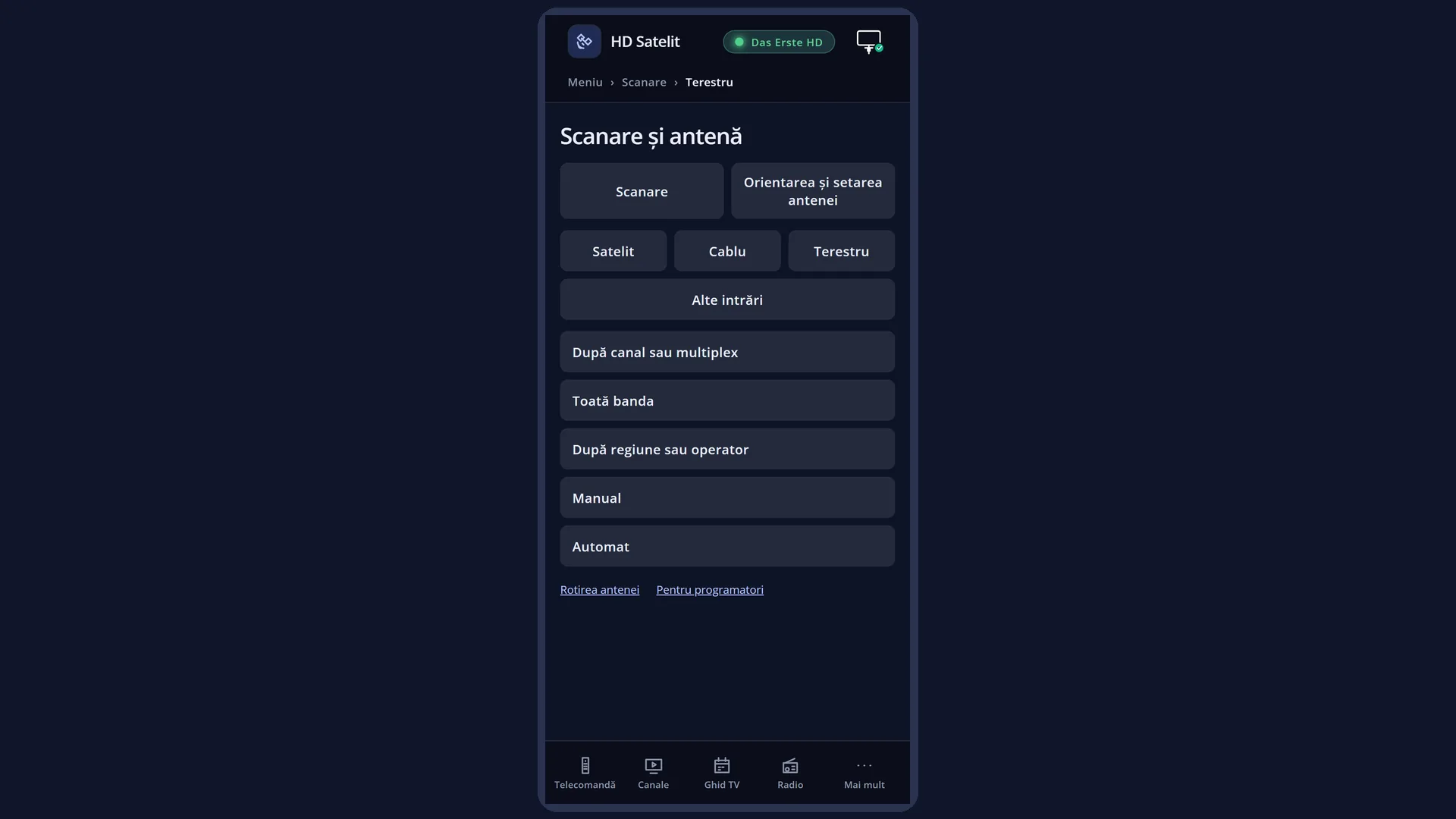
What it is for
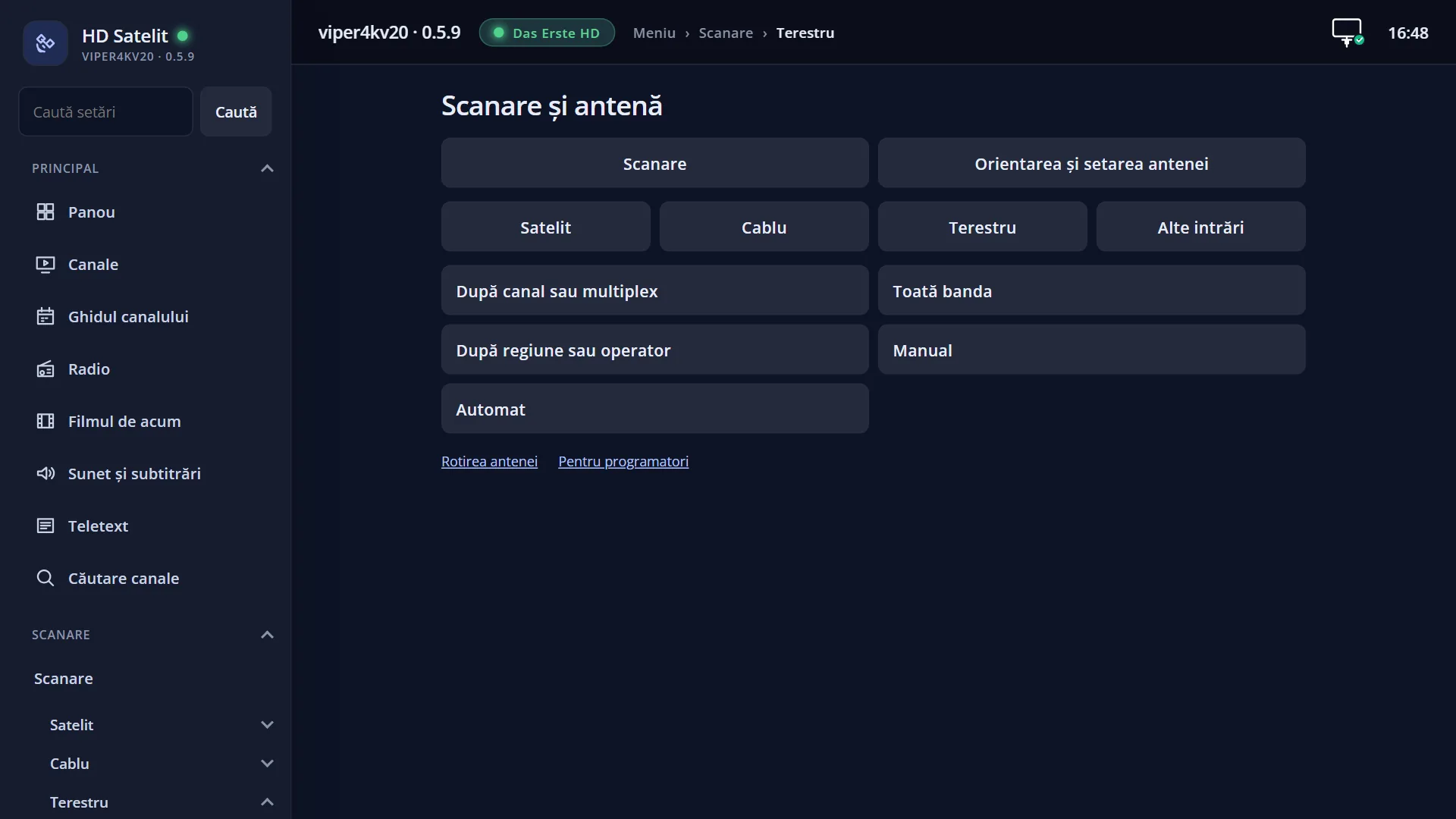
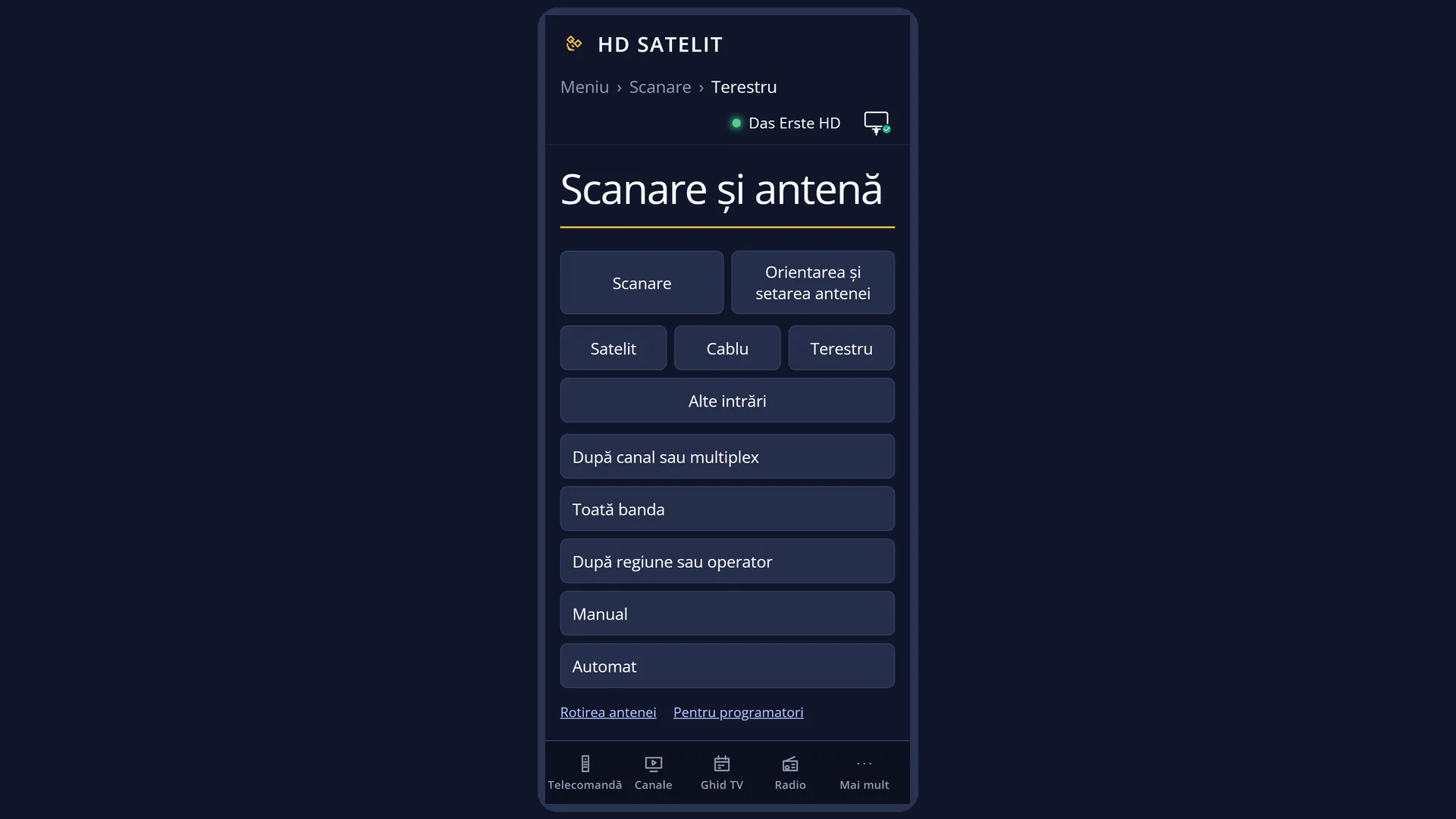
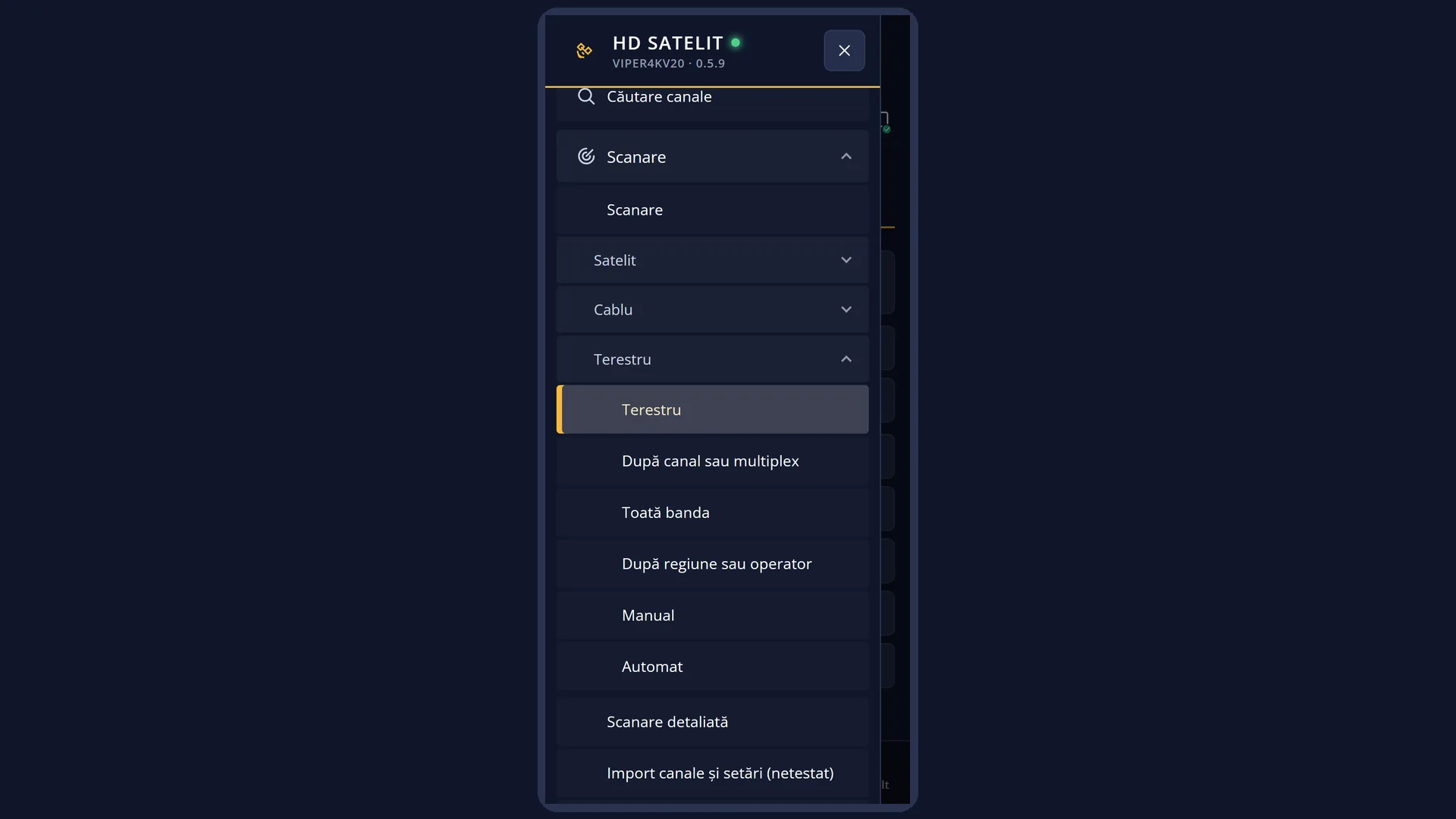
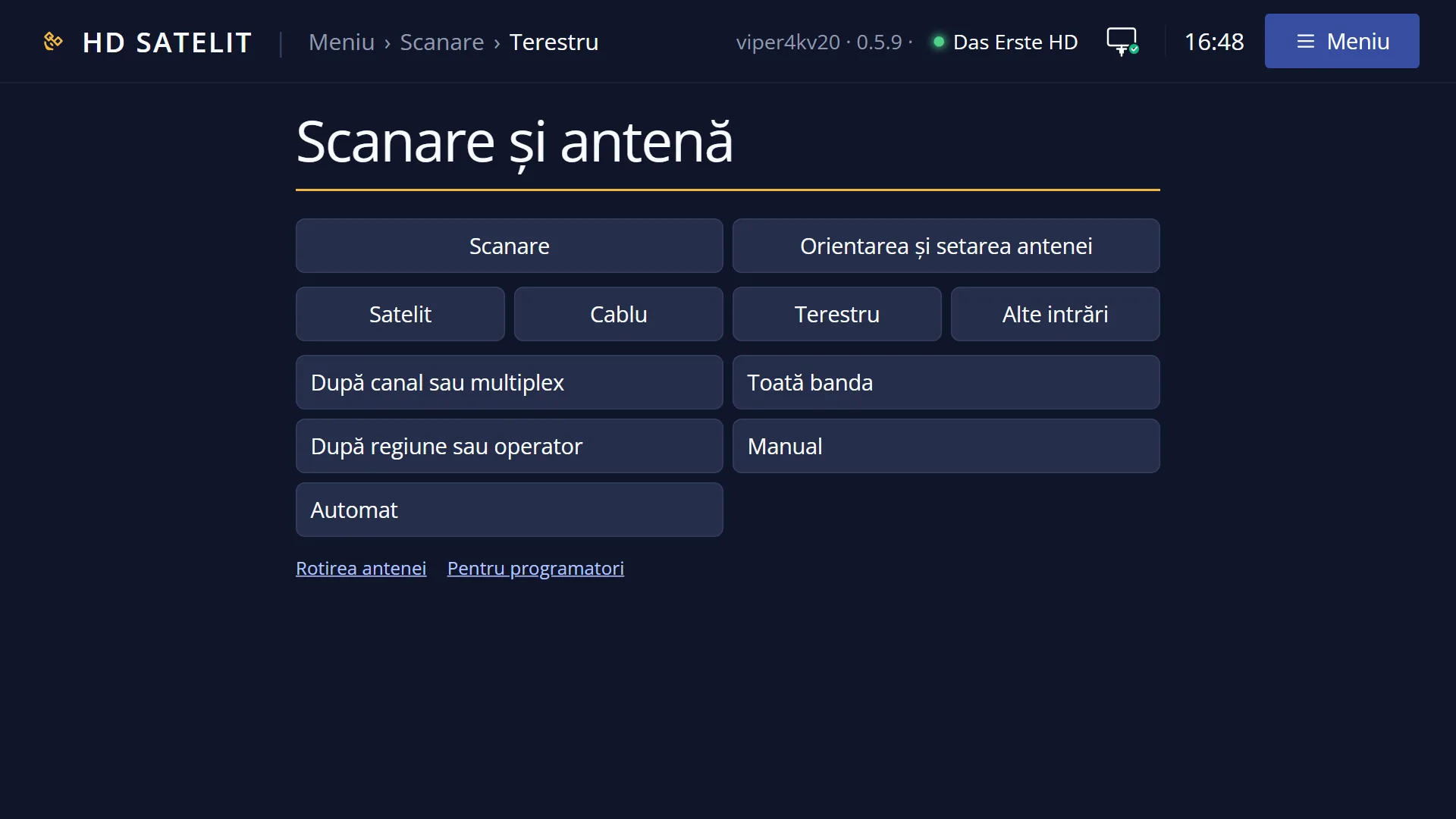
The “Terrestrial” submenu groups the five types of search for a terrestrial aerial (a rooftop or indoor aerial connected to the receiver's terrestrial input).
You choose the type based on what you know: a specific channel (“By channel or multiplex”), nothing at all (“Whole band”), the area or the provider (“By region or provider”), the technical data of a multiplex (“Manual”), or a start channel from which the receiver finds the rest of the network by itself (“Automatic”).
Each type opens the same search screen, with its own rows: at the top, what you choose; below the list, what will be searched and how long it takes; at the bottom, the keys. You start the search with GREEN, or with OK on “Search now”.
WARNING: in this version the receiver tunes only DVB-T on the terrestrial aerial. Terrestrial television in Romania (MUX1) is DVB-T2, so there every type of terrestrial search finds 0 channels until an update of the image. Each screen tells you this before you start.
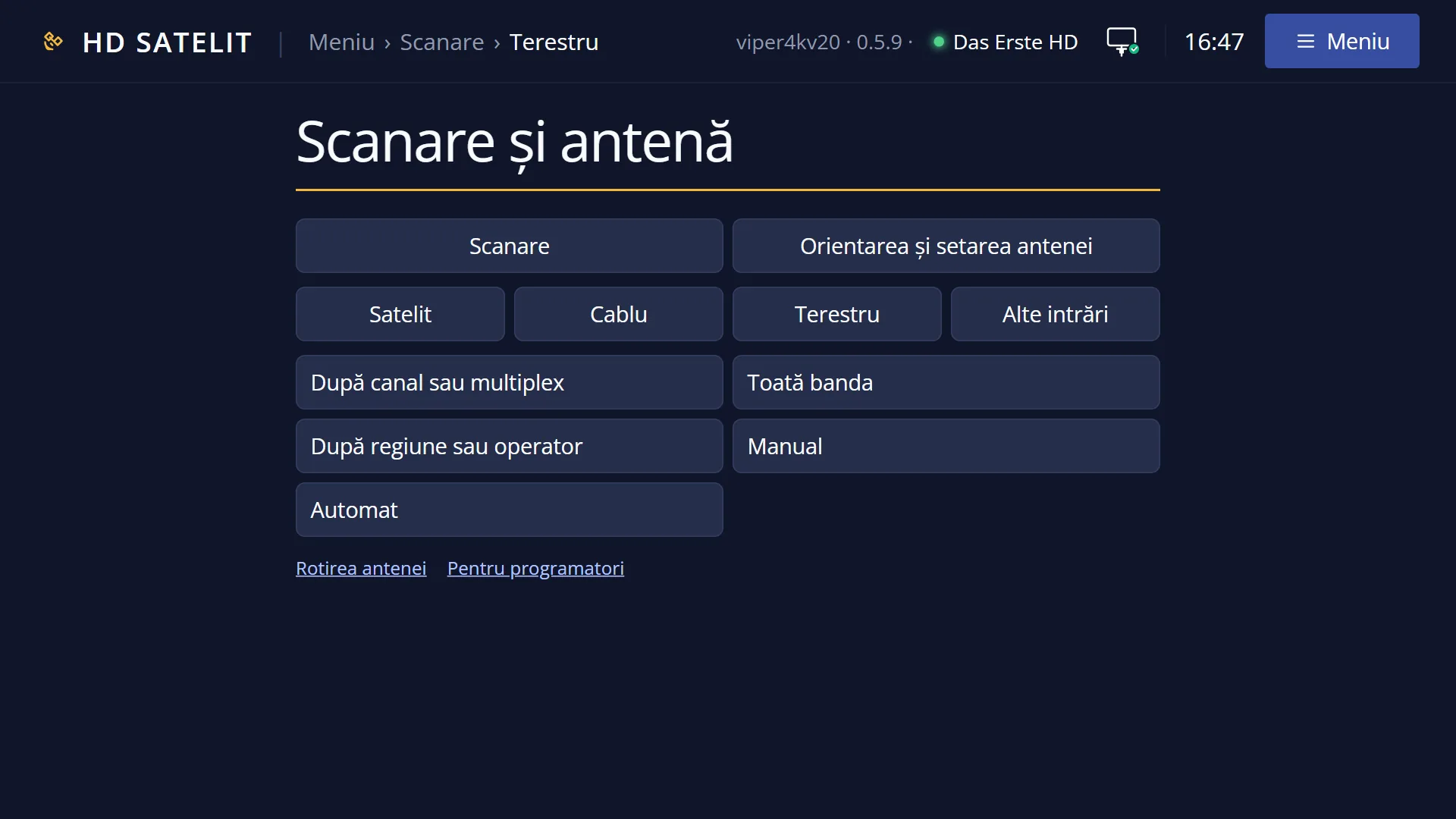
The same submenu is also in the web interface, on the /scanare/terestru page, with the same types and the same rows.
How to get here
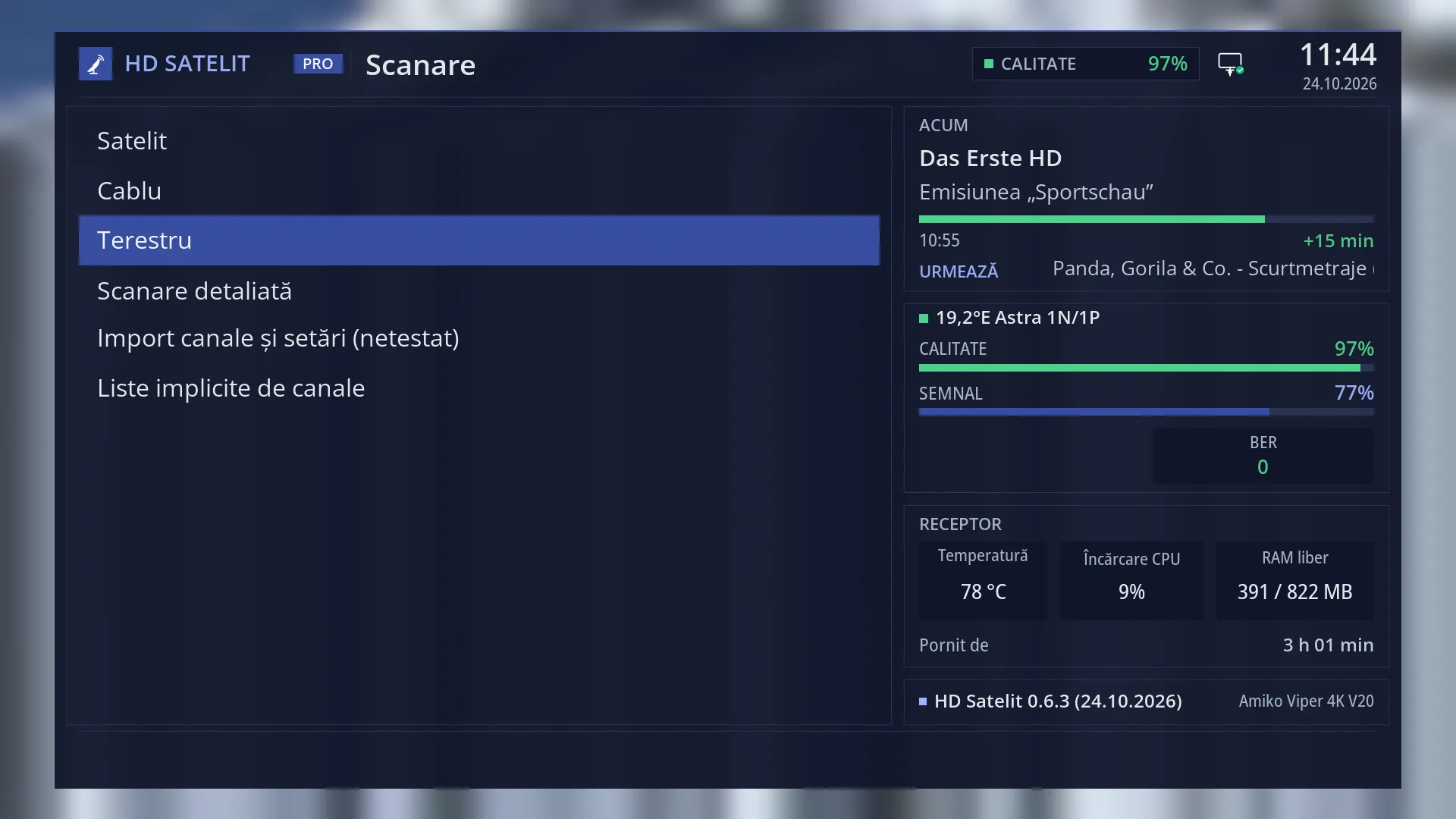
Path: Main menu > Channel scan > Terrestrial
Keys on the TV: MENU 1 3
In the web interface: the /scanare/terestru page (“Channel scan” tab, “Terrestrial” group).
What you see on the screen
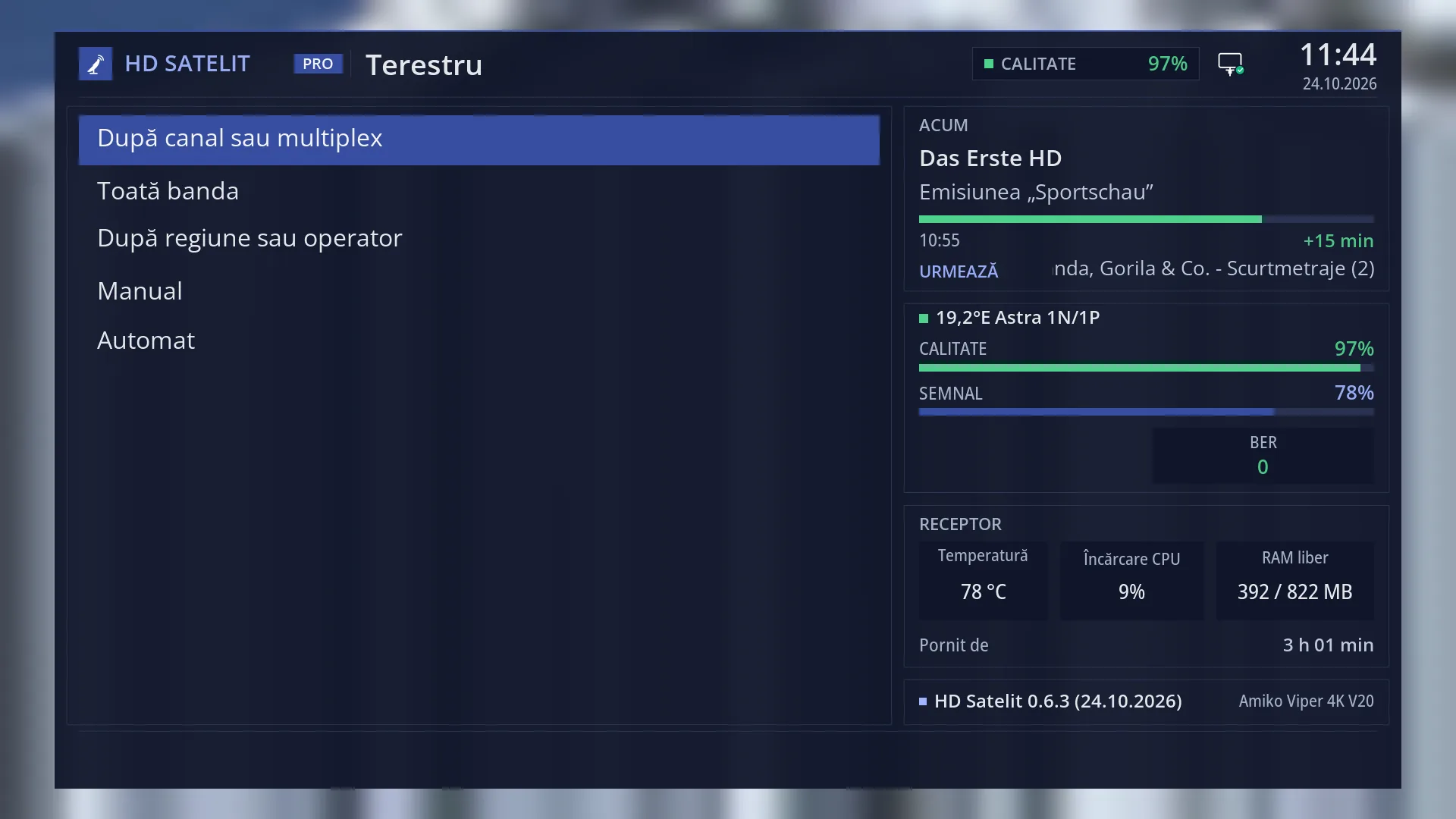
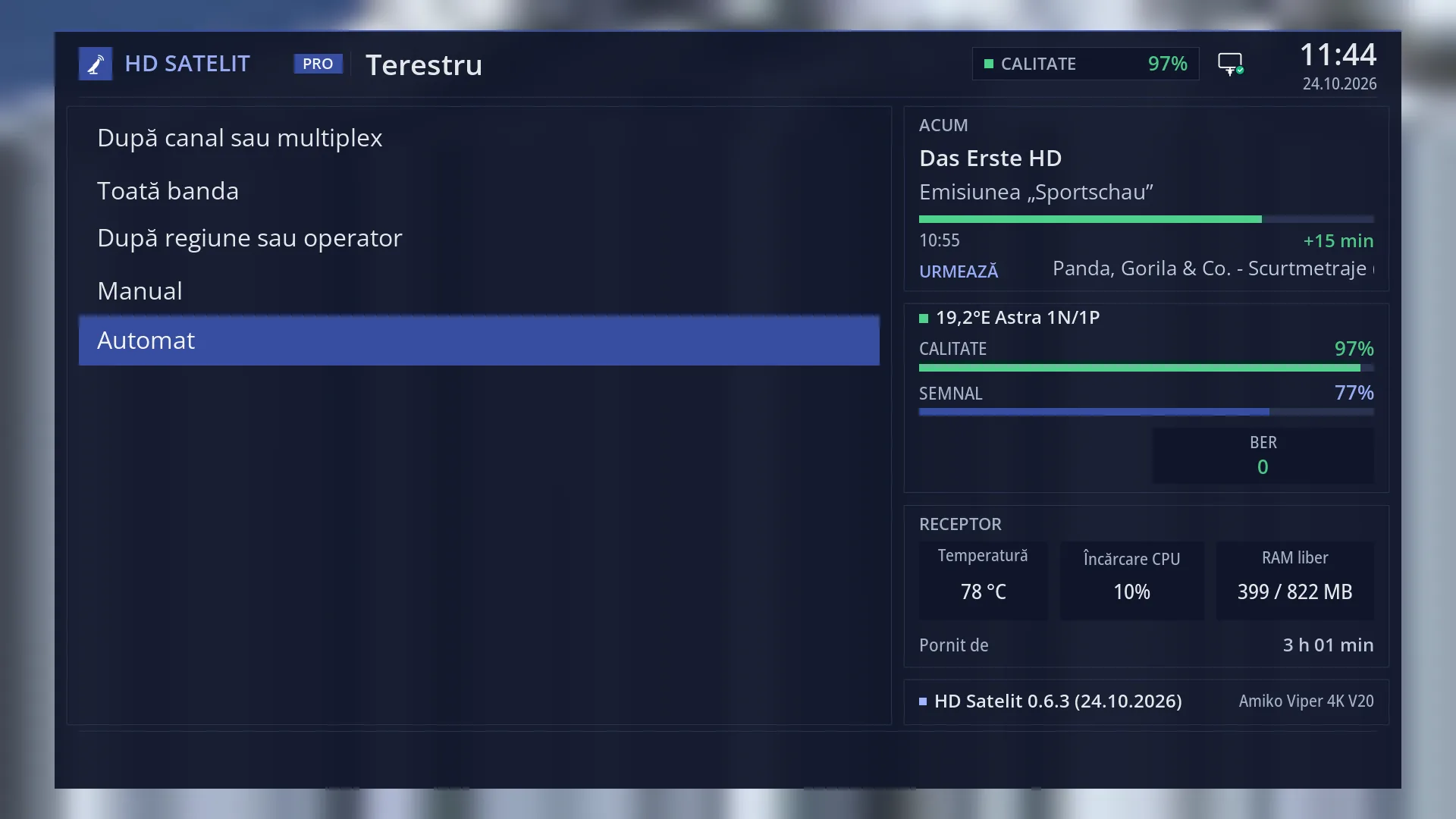
At the top: the title “Terrestrial”, the clock and the date. In the Pro theme, “HD SATELIT” with the “PRO” label appears on the left, and the signal quality of the current channel and the network icon appear on the right.
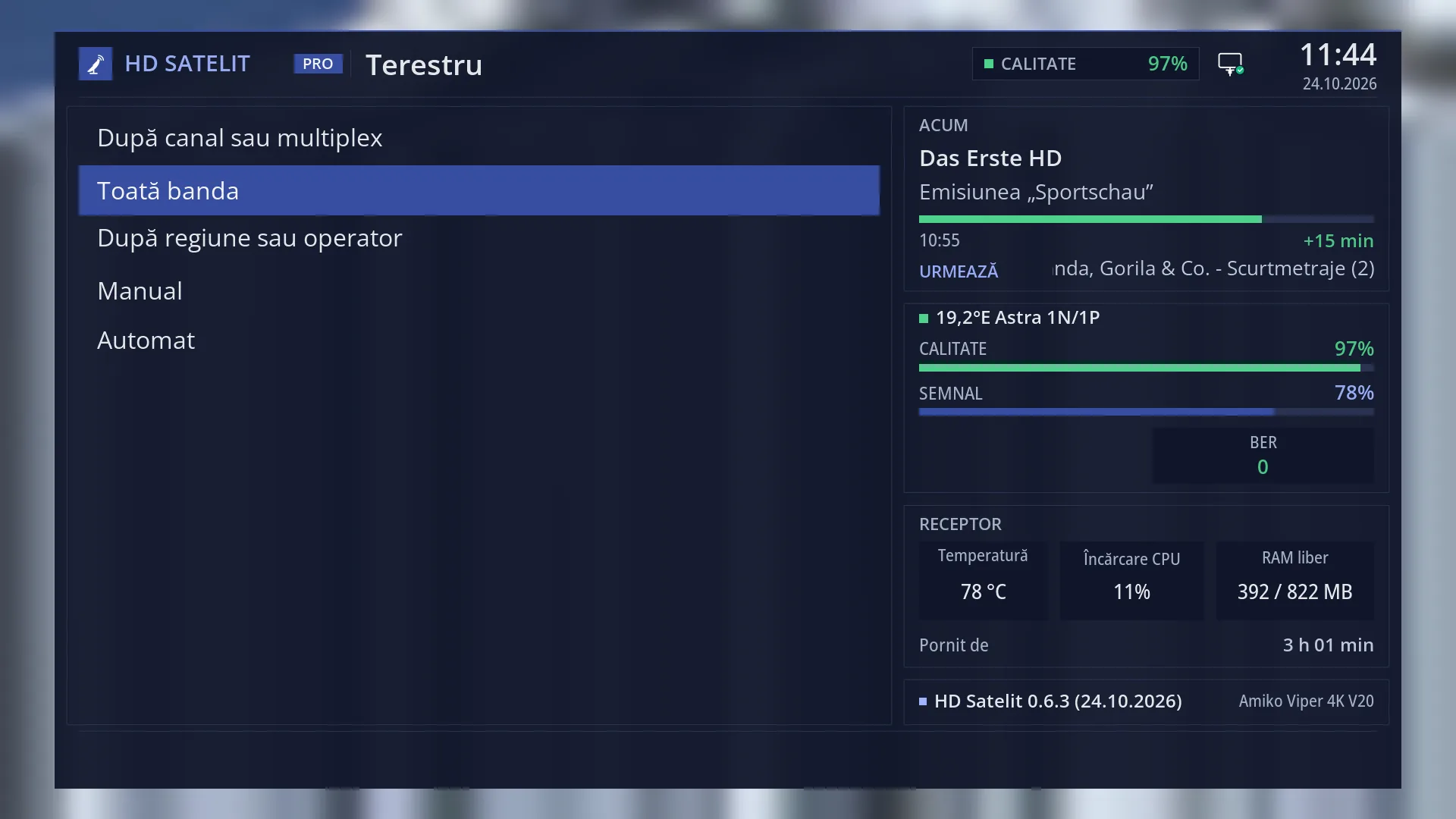
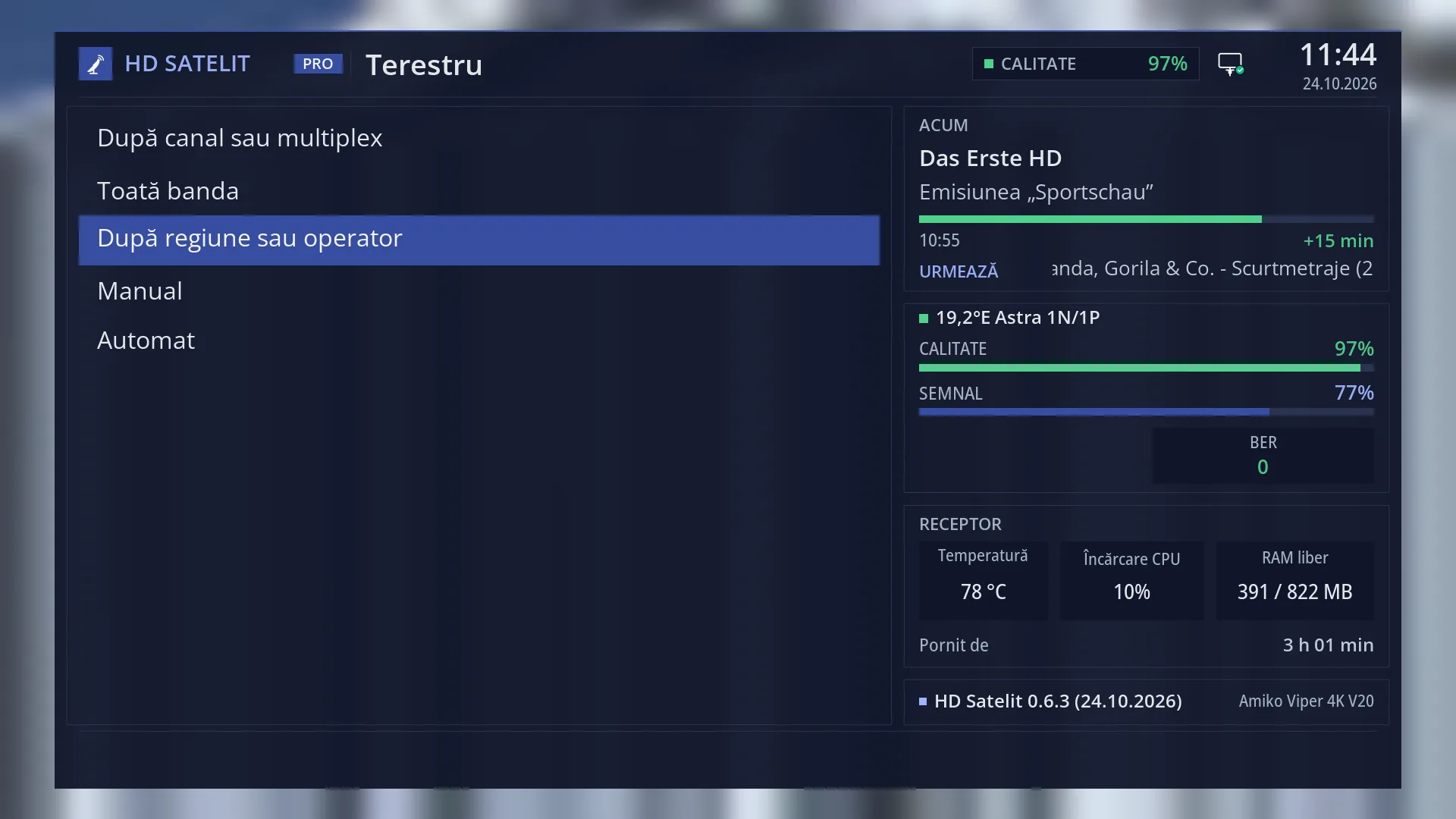
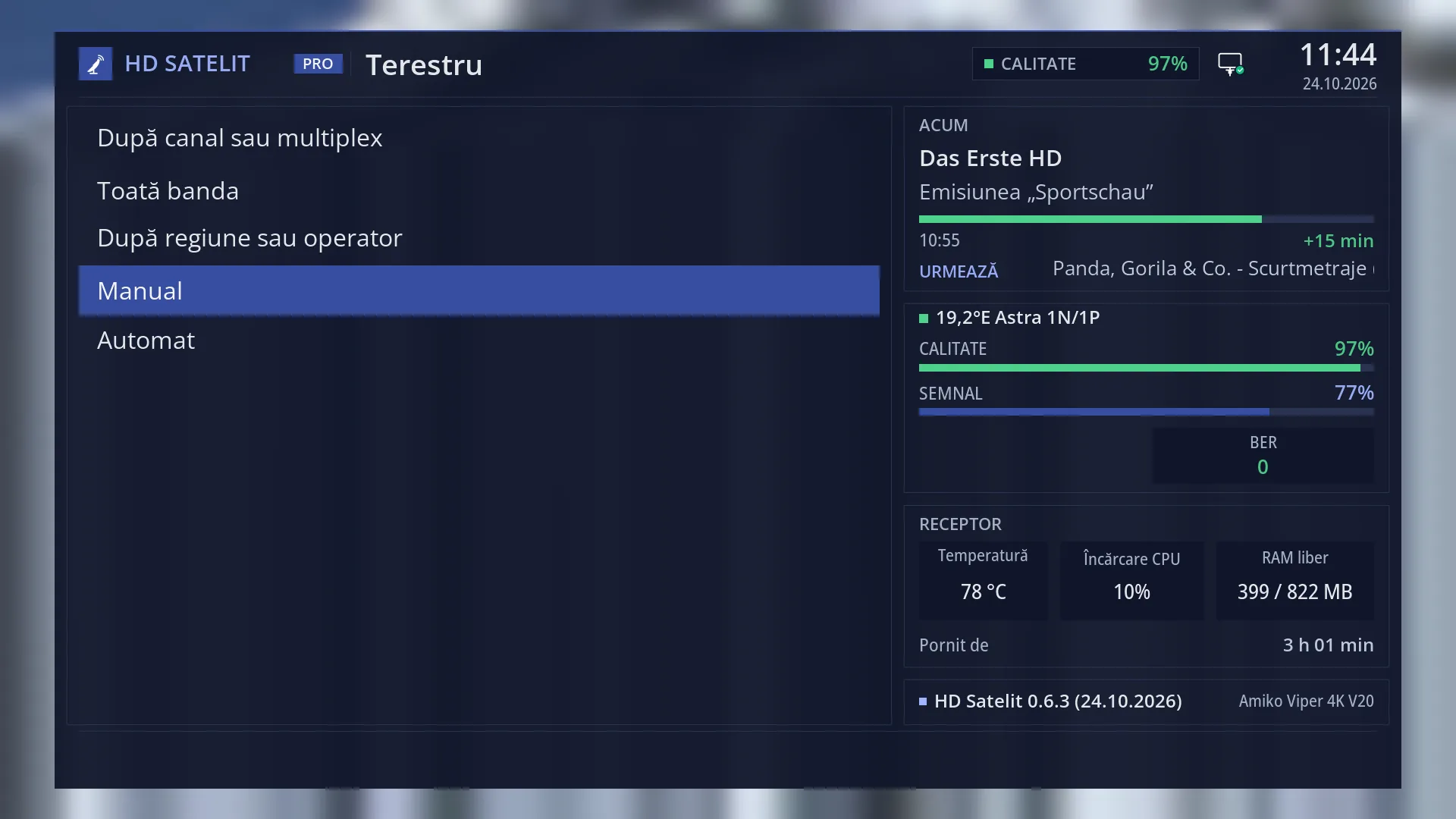
On the left: the list of the five types of search: “By channel or multiplex”, “Whole band”, “By region or provider”, “Manual” and “Automatic”. The selected row has a blue background.
In the Pro theme, the right side shows the same four boxes as the main menu: the current programme (“NOW”, “Next”), the satellite and the signal of the current channel (“Quality”, “Signal”, “BER”), the receiver (temperature, processor load, memory, how long it has been on) and the image version with the receiver name.
In the tile view (YELLOW key), each type is a tile with its icon, name and number.
Rows and settings
| Row | Values | Default | What it does |
|---|---|---|---|
| 1 By channel or multiplex | You choose a channel from the list (VHF III 5-12, UHF 21-69), with its frequency shown next to it. With the menu in Romanian, you see the counties next to each channel that MUX1 broadcasts on. Only that channel is searched. When you know which channel the transmitter in your area uses. | ||
| 2 Whole band | Goes through all 57 channels (or only the 49 UHF ones) and reads the networks found in the signal. It takes at most 5 minutes. When you know nothing about the transmitter in your area. | ||
| 3 By region or provider | You choose the area or the provider from a list sorted by country: first your country (in Romania, the MUX1 transmitters by county), then the regions of the other countries. The multiplexes of the chosen area are searched. When you know the area or the network, but not the channels. | ||
| 4 Manual | You enter the system, frequency, bandwidth, modulation, spectral inversion and PLP of a multiplex by hand. When you have the exact technical data of a multiplex. | ||
| 5 Automatic | You choose a start channel. The receiver searches there, then adds by itself all the multiplexes that the network announces in the signal. When you know only one channel of the network and want all the others. |
Keys
| UP / DOWN | Moves the cursor to the row above or below. From the last row, DOWN goes to the first row, and the other way round. |
| LEFT / RIGHT | Jump one page up or down. The submenu fits on one page, so you go to the first or the last row. In the tile view, they move the cursor to the tile on the left or right. |
| OK | Opens the selected type of search. |
| 1 ... 5 | Open the type with that number directly, without OK: 1 By channel or multiplex, 2 Whole band, 3 By region or provider, 4 Manual, 5 Automatic. |
| YELLOW | Switches the menu from list to tiles or back, straight away. The choice is remembered for all menus. |
| TTX (TEXT on the screen) | Opens “Search settings”. |
| EXIT | Takes you back to the Channel scan submenu. |
| MENU | Closes the whole menu and takes you back to the TV. |
Step by step
Choosing the right type of terrestrial search
- Press MENU 1 3.
- If you know nothing about the transmitter, press 2 (Whole band). If you know the channel, press 1. If you know the county or the network, press 3.
- On the screen that opens, check the preview below the list and press GREEN.
Finding the whole network from one channel
- Press MENU 1 3 5 (Automatic).
- On “Start channel”, press OK and choose the channel you know from the list.
- Press GREEN: the receiver searches there, then adds by itself the multiplexes announced in the signal.
Choosing the type from your phone
- Open the receiver's web interface and go to /scanare/terestru.
- Press the button for the type you want: the form with the same rows as on the TV appears below it.
- Press “Search now”. The search runs on the TV, and the page shows its progress.
Problems and solutions
In Romania every terrestrial search finds 0 channels.
The MUX1 network is DVB-T2, and this version of the image tunes only DVB-T on the terrestrial aerial. The channels will appear after an image update that adds DVB-T2.
The search screen says the terrestrial tuner is set to “nothing connected”.
Turn on the terrestrial tuner in Menu > Dish alignment and setup > Tuner settings (MENU 2 1), then come back.
A number opens a different type from the one I expected.
The numbers follow the order of the rows in the submenu: 1 By channel or multiplex, 2 Whole band, 3 By region or provider, 4 Manual, 5 Automatic.
I do not know which type to choose.
“Whole band” (MENU 1 3 2) works without you knowing anything and takes at most 5 minutes.
Related topics
Differences between receivers
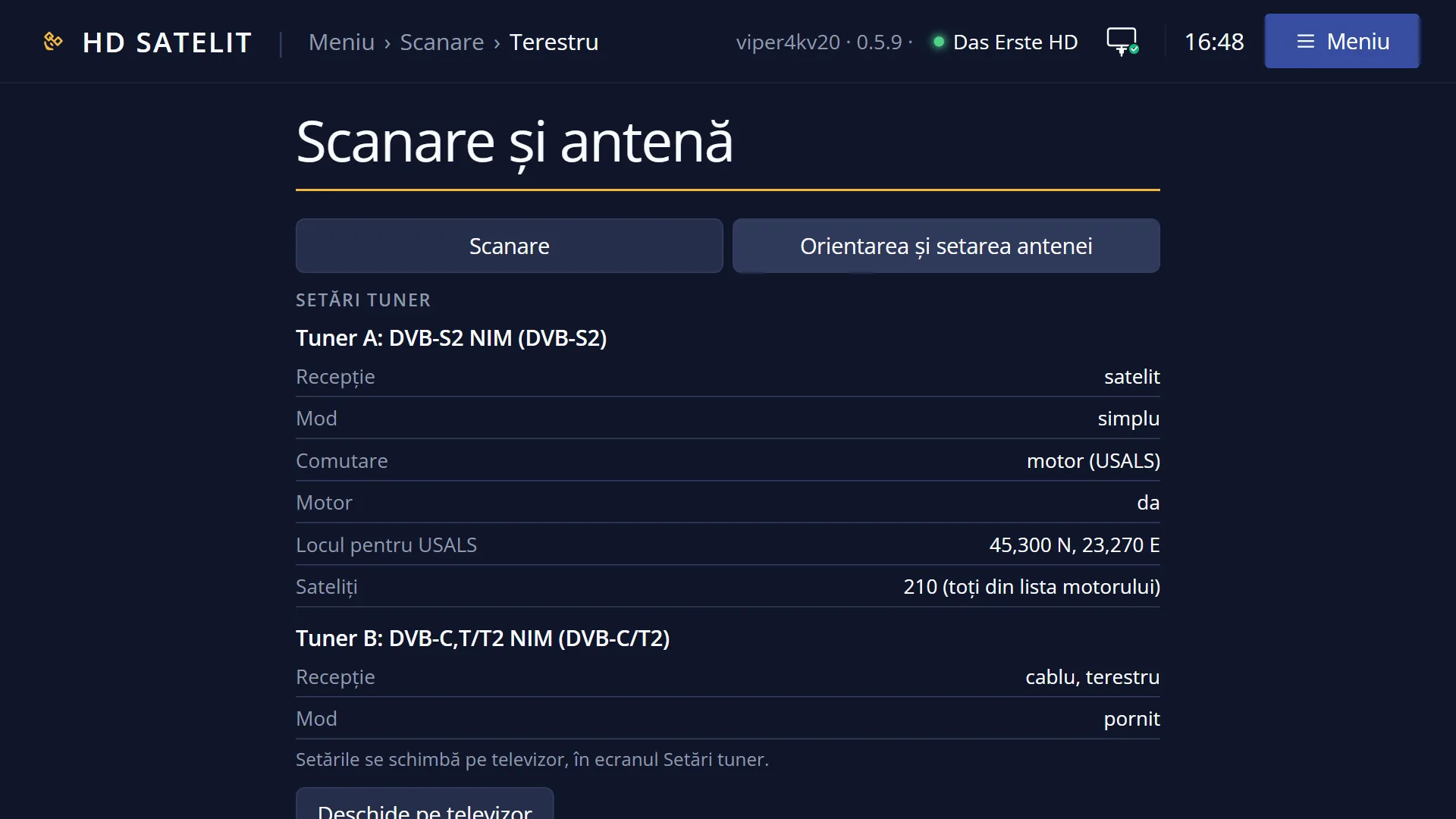
On the Amiko Viper 4K V20, the terrestrial search uses tuner B, a combined cable and terrestrial tuner.