

DiSEqC test
Screenshots are being added: so far 2 from the receiver and 6 from the web interface; the aim is at least 5 of each, with arrows and frames, and, where a setting changes what you see, a before and after comparison.
English screenshots coming: some of the pictures below still show the receiver and the web interface in Romanian. The rows, keys and steps described on this page are the English ones.
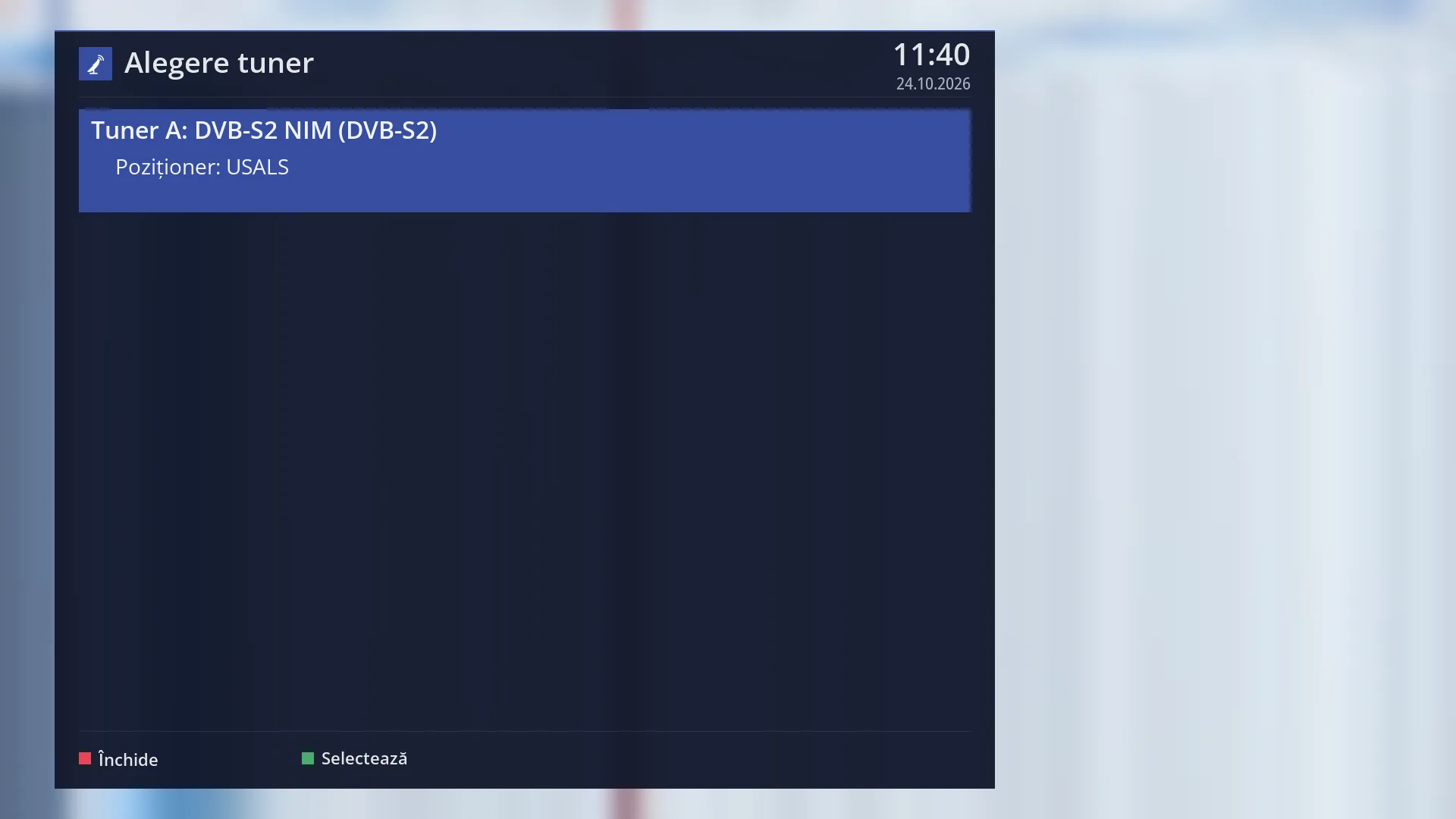
- 1 The satellite tuner and its type of connection (switch, satellites, motor).
- 2 RED closes, GREEN selects the tuner.
What it is for
The “DiSEqC test” checks whether the receiver reaches each satellite connected through the DiSEqC switch (or through a motor) correctly, and whether it receives the right signal from there. For each satellite of the tuner, on each band (low, high) and polarisation (H, V), in other words on each “plane”, it tunes to transponders one after another and checks that the transponder received is really the one expected.
Use it when some channels do not work, when one satellite stops working after you switch from another, or after you have installed a switch. The test shows on which planes the signal arrives correctly and on which it does not, and where the switch sends the dish to the wrong place.
The test takes over the tuner. If the current channel is using the tuner, the channel stops while the test runs and starts again when you leave. With a motor, the dish turns towards each satellite.
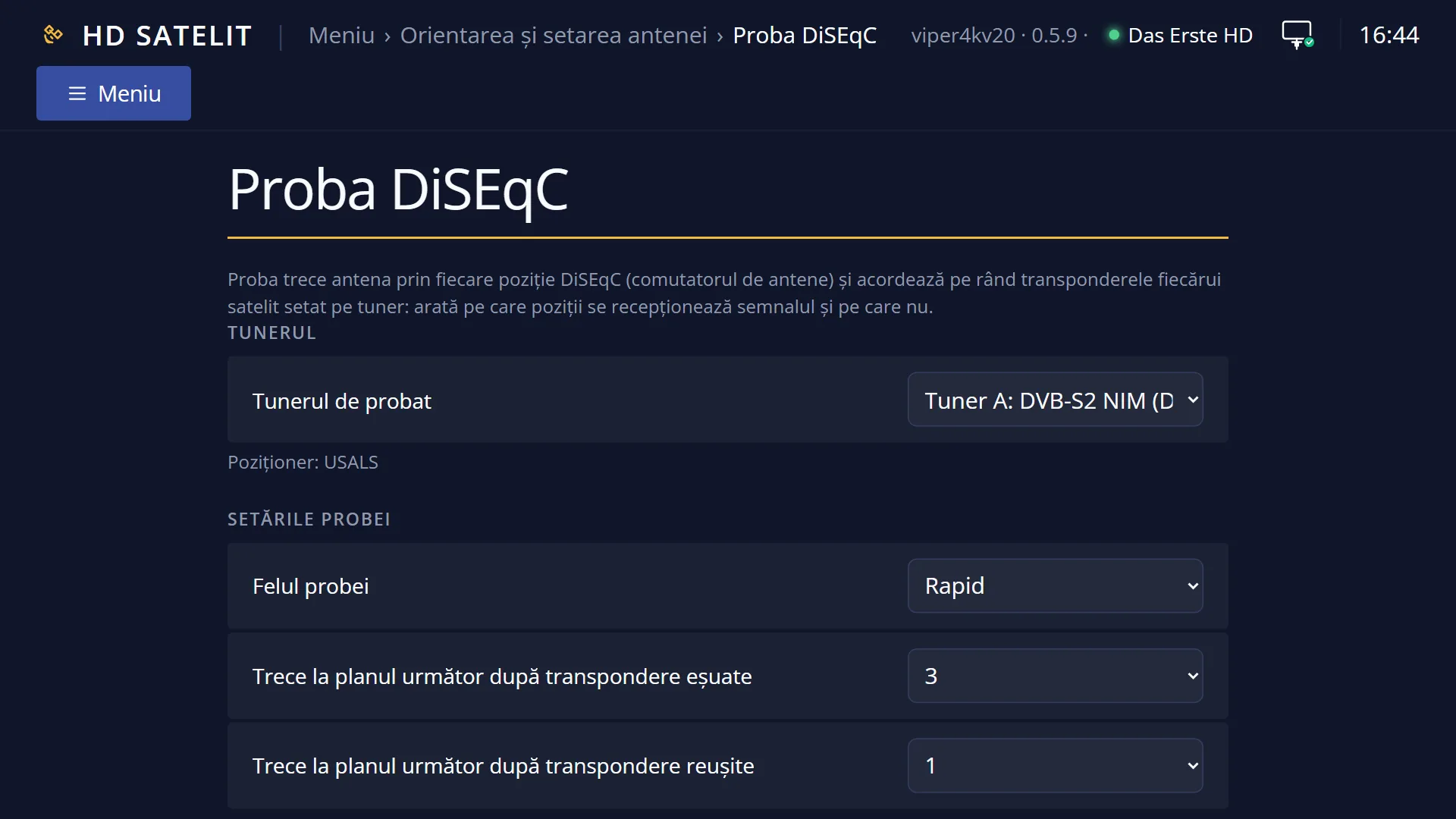
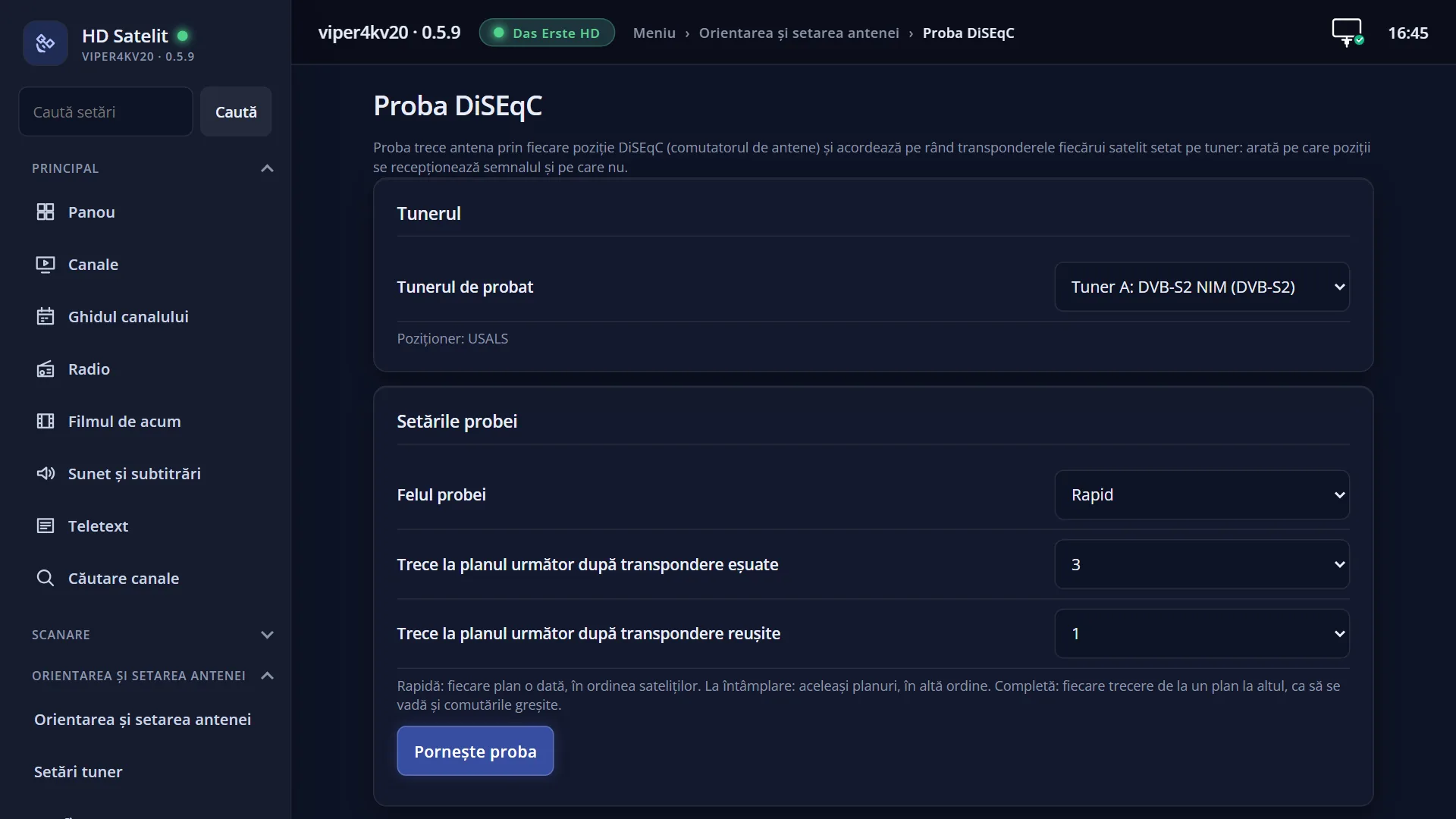
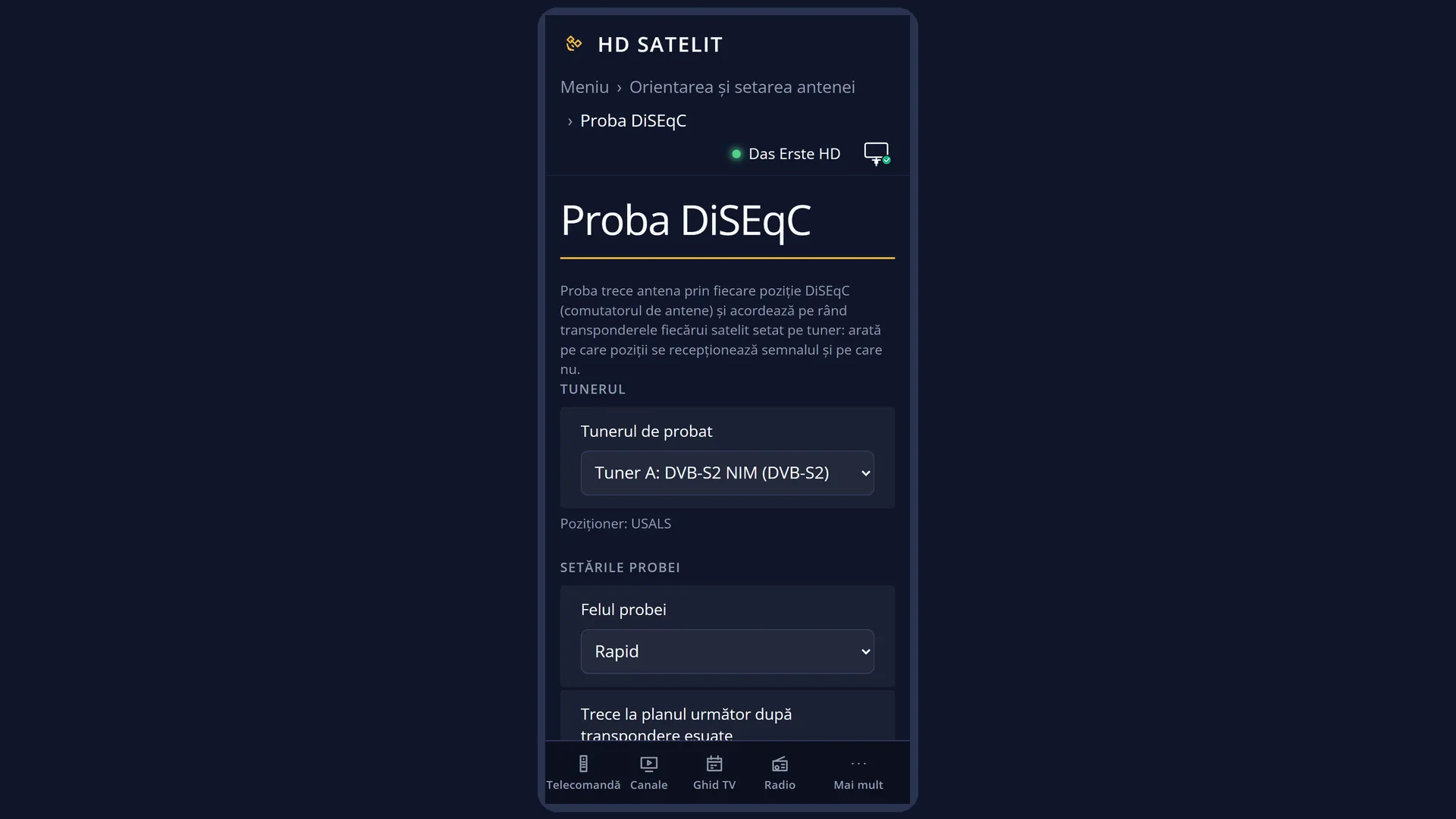
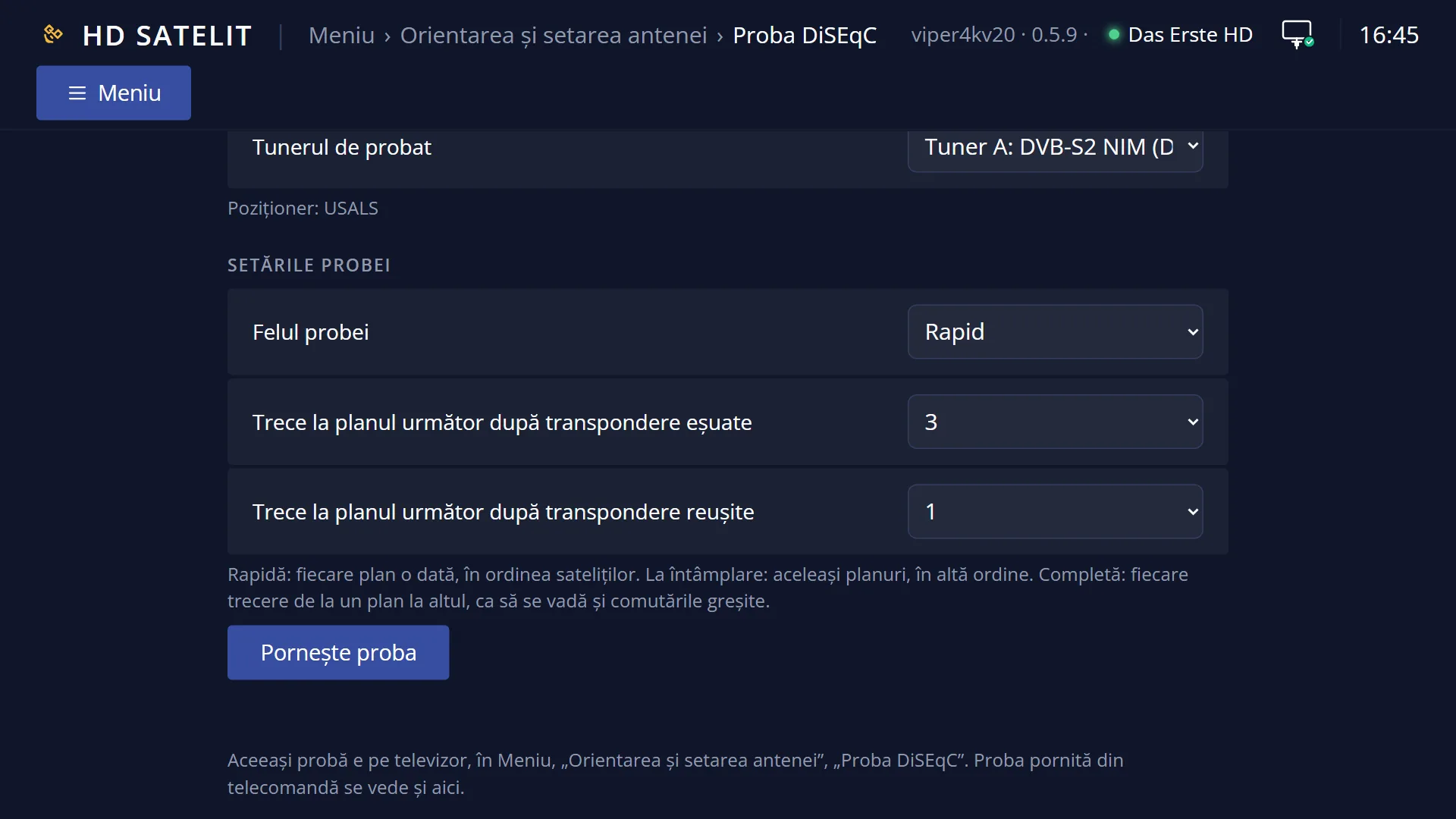
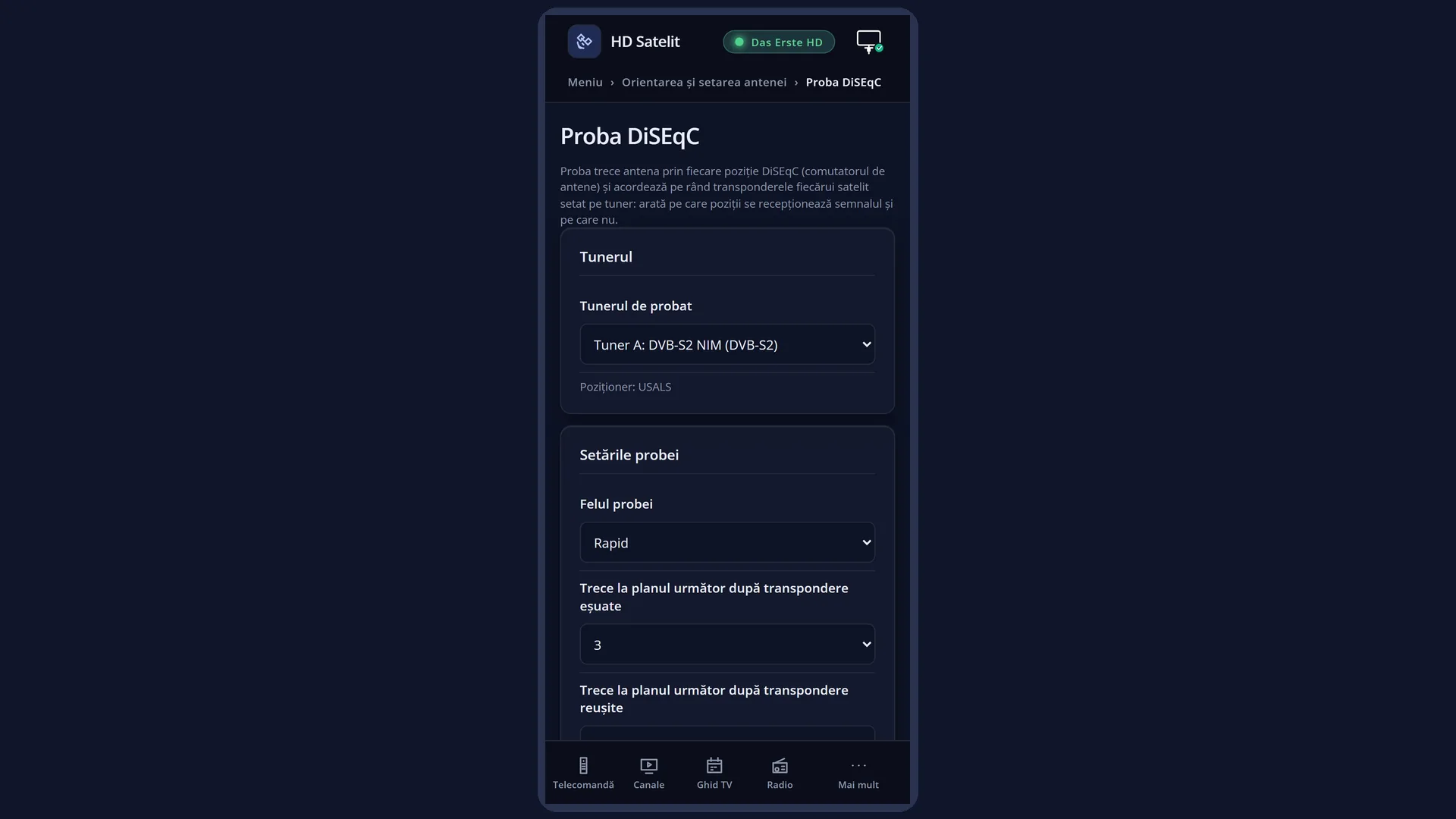
You can also start the test from the web interface, on the /proba-diseqc page. The test runs on the TV, and the page shows its planes and status.
How to get here
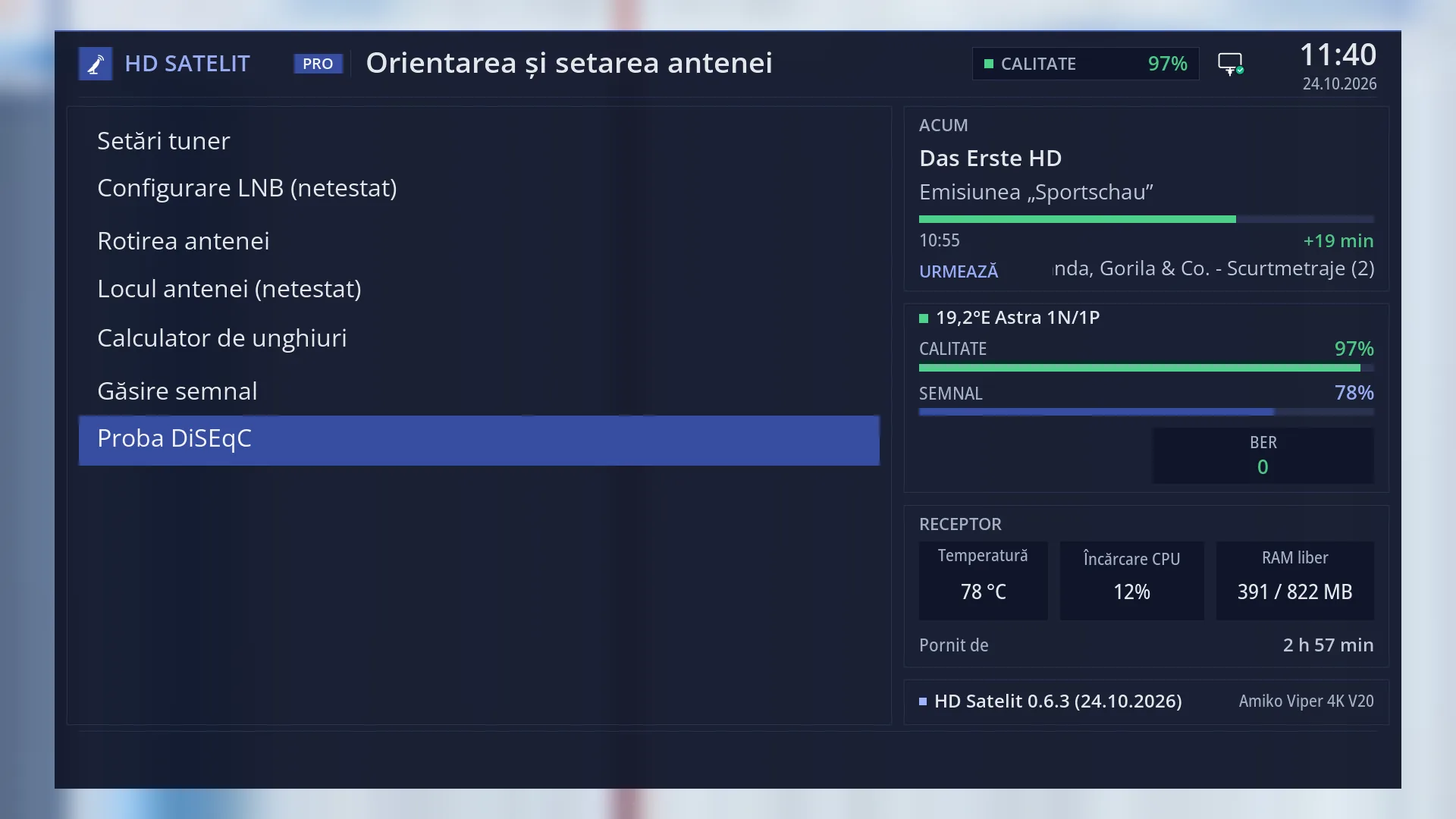
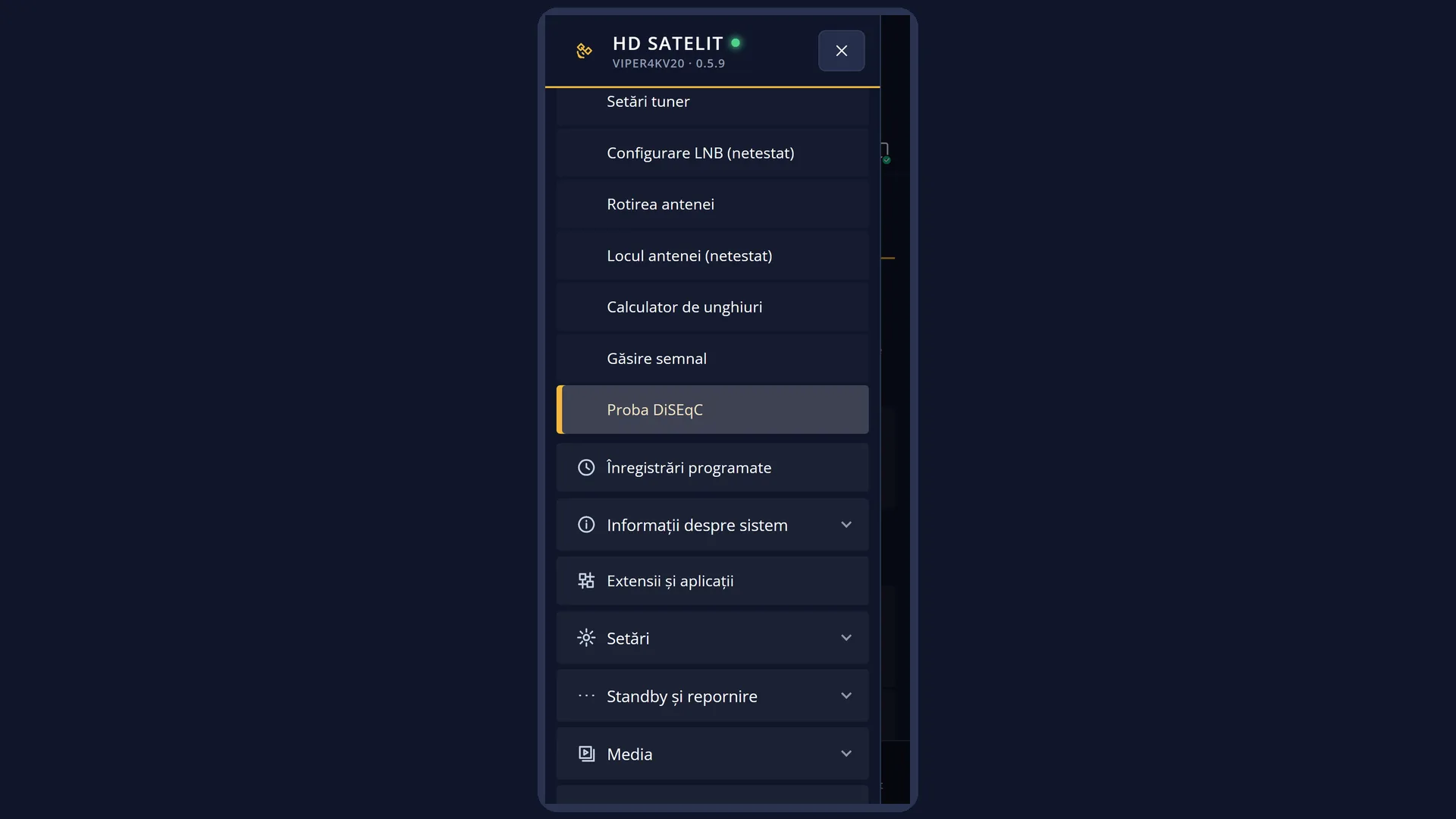
Path: Main menu > Dish alignment and setup > DiSEqC test
Keys on the remote: MENU 2 7
In the web interface: the /proba-diseqc page.
What you see on the screen
The first screen, “Choose Tuner”, lists the satellite tuners that can be tested (those that are set up, not those linked to another tuner). Under each one you see the type of connection, for example “DiSEqC A/B” and “Satellites: …” or “Positioner: USALS”.
The second screen, “DiSEqC-Tester settings”, has “Test Type”, “Stop testing plane after # failed transponders”, “Stop testing plane after # successful transponders” and, only when a disk is present, “Log results to harddisk”. At the bottom: RED “Cancel” and GREEN “OK”.
The test screen shows the list of planes, each with its satellite, band and polarisation (for example “19.2°E Astra 1N/1P, Low Band, H”) and its status on the right. Below are two progress bars (the whole test and the current plane), four numbers (planes successful, with errors, failed and not tested) and a text: first “Please wait while scanning is in progress...”, and at the end “Press OK to get further details for …”.
After the test, pressing OK on a plane opens its result: how many transponders were tested, how many succeeded and how many failed, why, and which plane the receiver was coming from when it went wrong.
On the TV, the plane names, statuses and result text are in English for now (Low Band / High Band, successful, failed, with errors, not tested). The web page shows them in Romanian.
Rows and settings
| Row | Values | Default | What it does |
|---|---|---|---|
| The tuner (first screen) | the satellite tuners that are set up | You choose the tuner connected to the dish you want to test. Tuners that are “not configured” or linked to another tuner do not appear. Only on receivers with more than one satellite tuner. | |
| Test Type | Quick, Random, Complete | Quick | Quick: each plane once, in satellite order. Random: the same planes, in a random order. Complete: every change from one plane to another, so that wrong switching also shows up (this takes the longest). Complete, when you suspect a switch sends the dish to the wrong place after certain satellite changes. |
| Stop testing plane after # failed transponders | Every known, 1 ... 8 | 3 | The number of failed transponders on a plane after which the test considers it finished and moves on to the next one. Higher, for a more reliable test. Lower, for a shorter one. |
| Stop testing plane after # successful transponders | Every known, 1 ... 8 | 1 | The number of successful transponders on a plane after which the test moves on to the next one. “Every known” tries all the known transponders of the plane. Higher, to see whether the signal is good across the whole plane, not just on one transponder. |
| Log results to harddisk | yes, no | no | Writes the full test result to a log on the receiver. At the end, a message tells you where. The row only appears when the receiver has a disk. When you want to send the result to someone. |
| Status of a plane | successful, with errors, failed, not tested | Successful: all the transponders tried came through correctly. With errors: some did, some did not. Failed: none did. Not tested: none could be tried. |
Keys
| UP / DOWN | Select the tuner, the settings row or the plane in the list. |
| OK or GREEN (choosing the tuner) | Opens the test settings for the selected tuner (on screen: “Select”). |
| LEFT / RIGHT (settings) | Changes the value of the selected row. |
| OK or GREEN (settings) | Starts the test (on screen: “OK”). |
| OK (after the test) | Opens the result of the selected plane. It does nothing while the test is running. |
| EXIT | Stops the test and closes the screen. The tuner is released and the previous channel starts again. From the settings and from the tuner choice, it takes you back one step (RED does the same). |
Step by step
Testing the DiSEqC switch
- Press MENU 2 7 and choose the satellite tuner (OK).
- Leave “Test Type” on Quick and press OK.
- Wait for the test to finish. Each plane gets a status, and the numbers at the bottom show how many succeeded and how many did not.
- Go to a failed plane or one with errors and press OK to see why. When you have finished, press EXIT.
Looking for wrong switching
- Start the test as above, but with “Test Type” set to Complete.
- In the result of a failed plane, you can see which plane the receiver was coming from. This tells you after which satellite the switch does not change over correctly.
Starting the test from your phone
- Open the receiver's web interface and go to /proba-diseqc.
- Choose the tuner and the test settings, then “Start the test”, and confirm the question.
- The table of planes fills up as the test runs. “Stop the test” ends it, and the previous channel starts again.
Problems and solutions
The test screen says “The tuner cannot be used now: a recording or another screen is holding it.”
The tuner is busy. Wait for the recording to end or close the screen that is using it, then start the test again.
The tuner list is empty (on the web page: “No satellite tuner suitable for the test.”).
The test only works on a satellite tuner that has been set up. Set it up in Menu > Dish alignment and setup > Tuner settings (MENU 2 1).
All the planes of one satellite come out “failed”.
The receiver cannot reach that satellite. Check the switch port in Tuner settings and the cable from the switch to that satellite's LNB. With “Signal finder” (MENU 2 6) you can check the signal on one of its transponders.
Only the “High Band” planes, or only the “H” planes, come out badly.
For the high band the receiver sends the 22 kHz tone, and for horizontal polarisation (H) it sends 18 V (13 V for V). A switch or LNB that does not receive these properly causes exactly this. Check the connections and, in Tuner settings, the “Set Voltage and 22KHz” row.
Planes come out “not tested”.
The receiver could not try any transponder on those planes. Check that the satellite has transponders in the receiver's list.
The test texts are in English.
On the TV, the test screen is not yet fully translated. The /proba-diseqc web page shows the same statuses in Romanian.
Related topics
- Dish alignment and setup
- Tuner settings (the switch ports)
- Signal finder
- LNB configuration
- Matching web page: /proba-diseqc.
Differences between receivers
The Amiko Viper 4K V20 has only one satellite tuner (A), so the tuner list has only one row.