

Standby
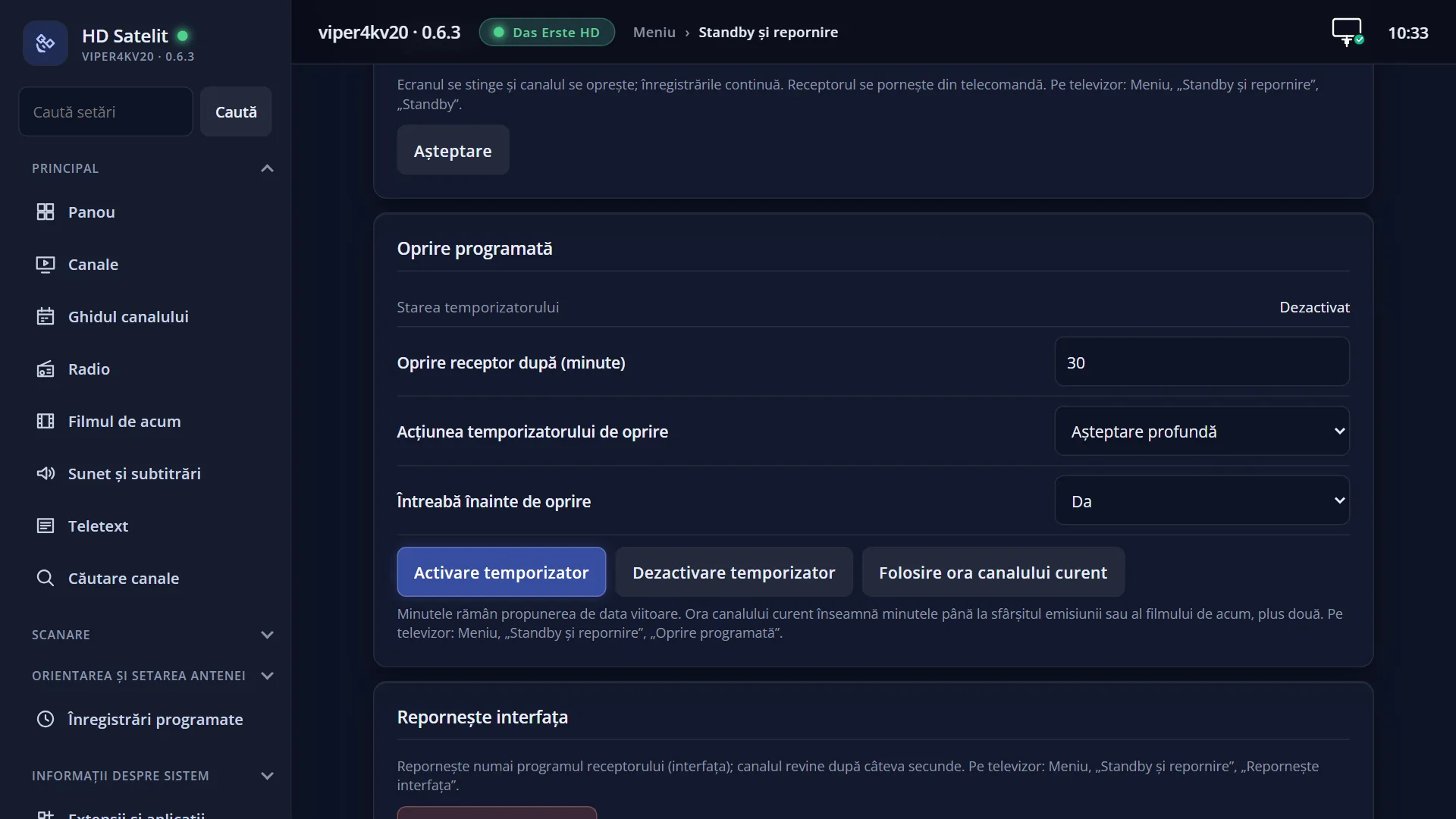
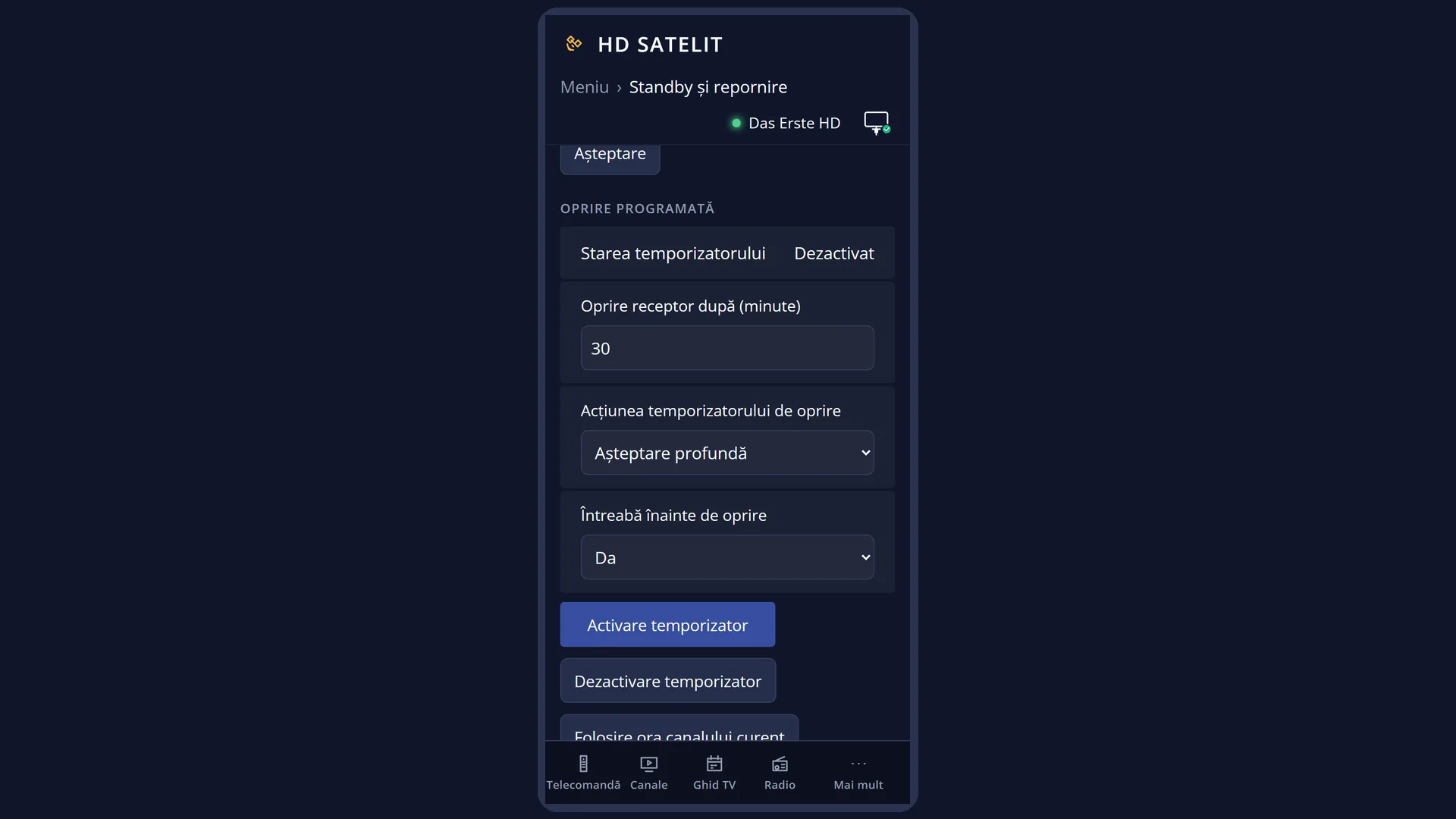
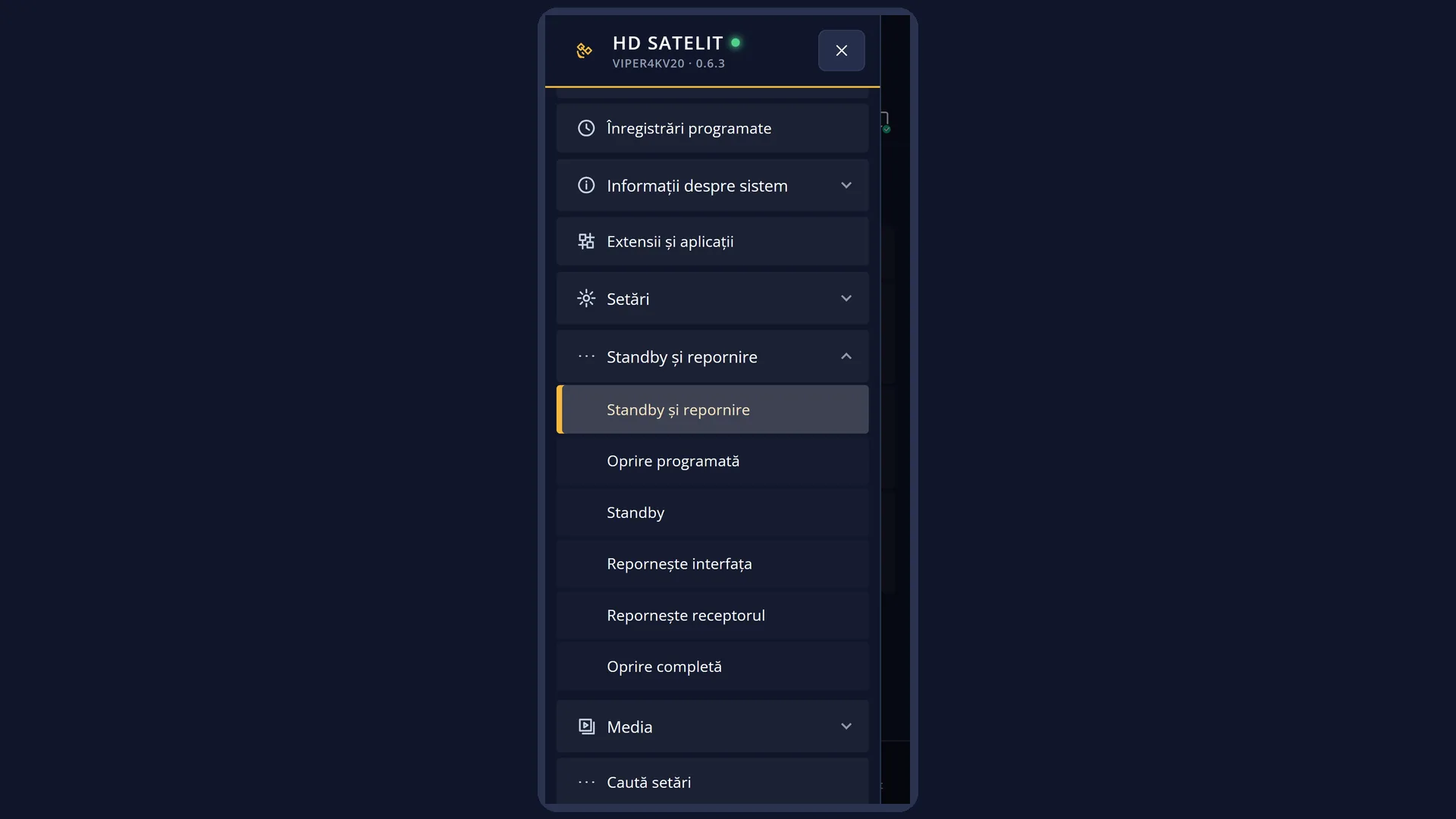
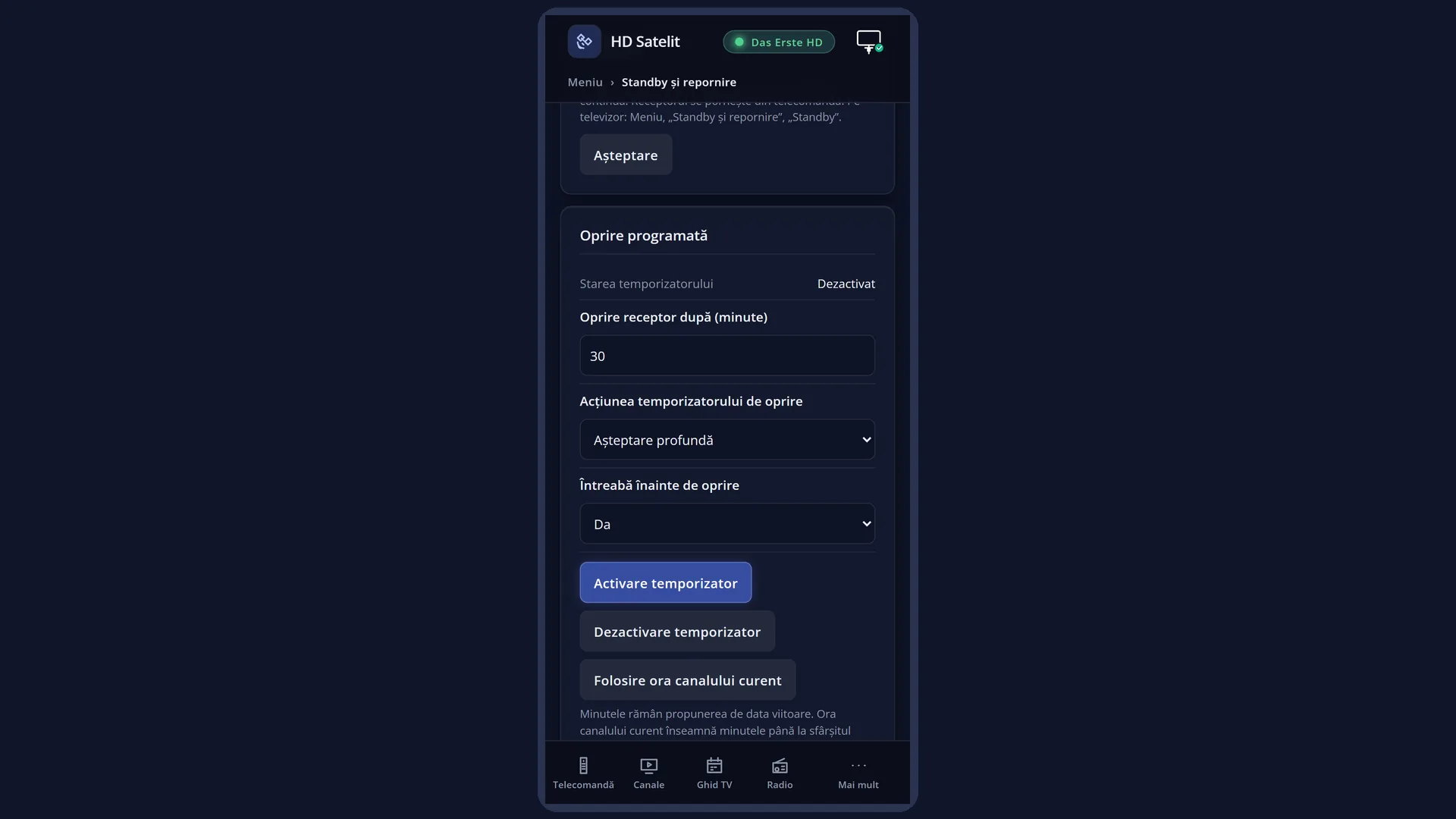
English screenshots coming: some of the pictures below still show the receiver and the web interface in Romanian. The rows, keys and steps described on this page are the English ones.
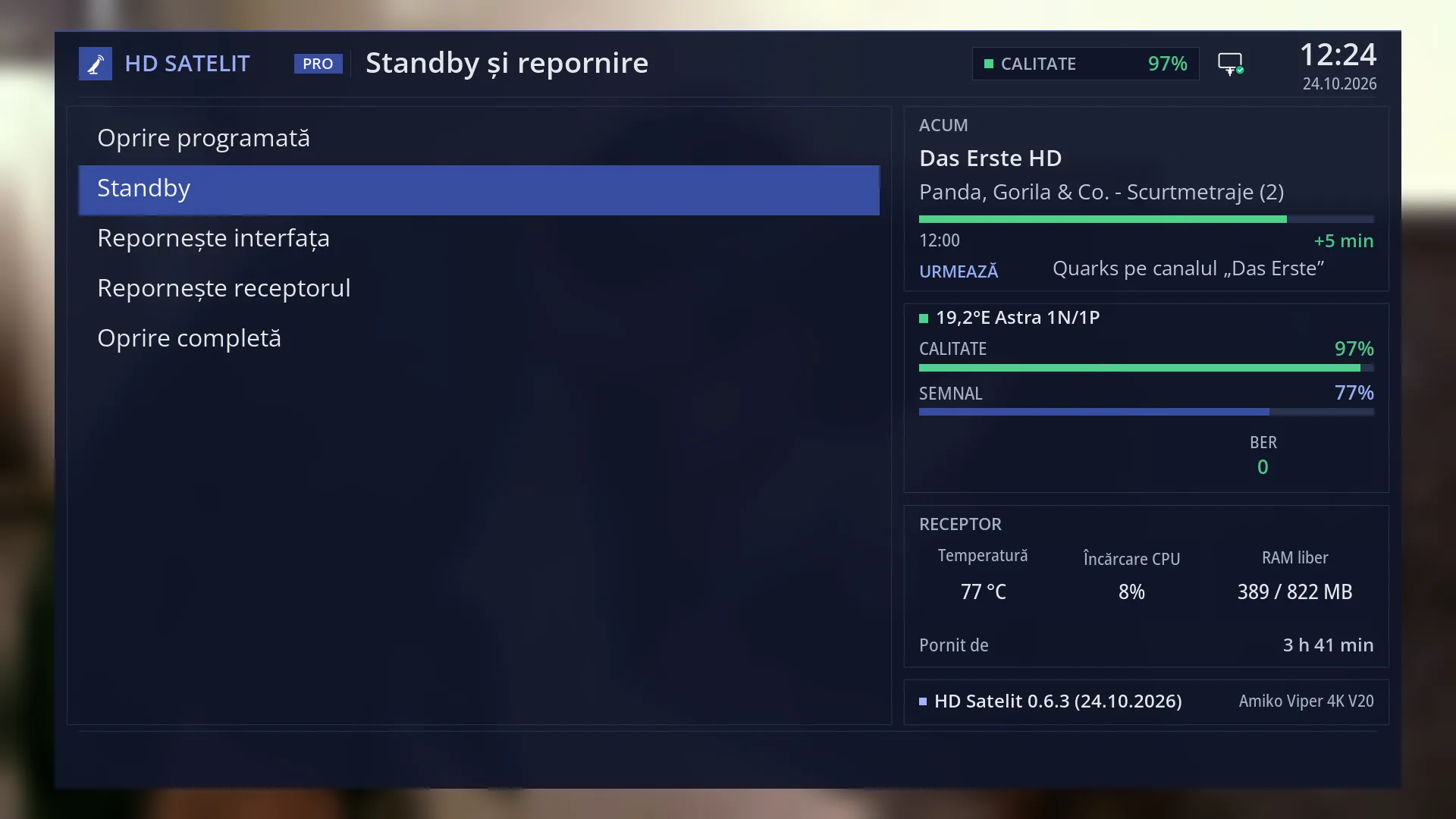
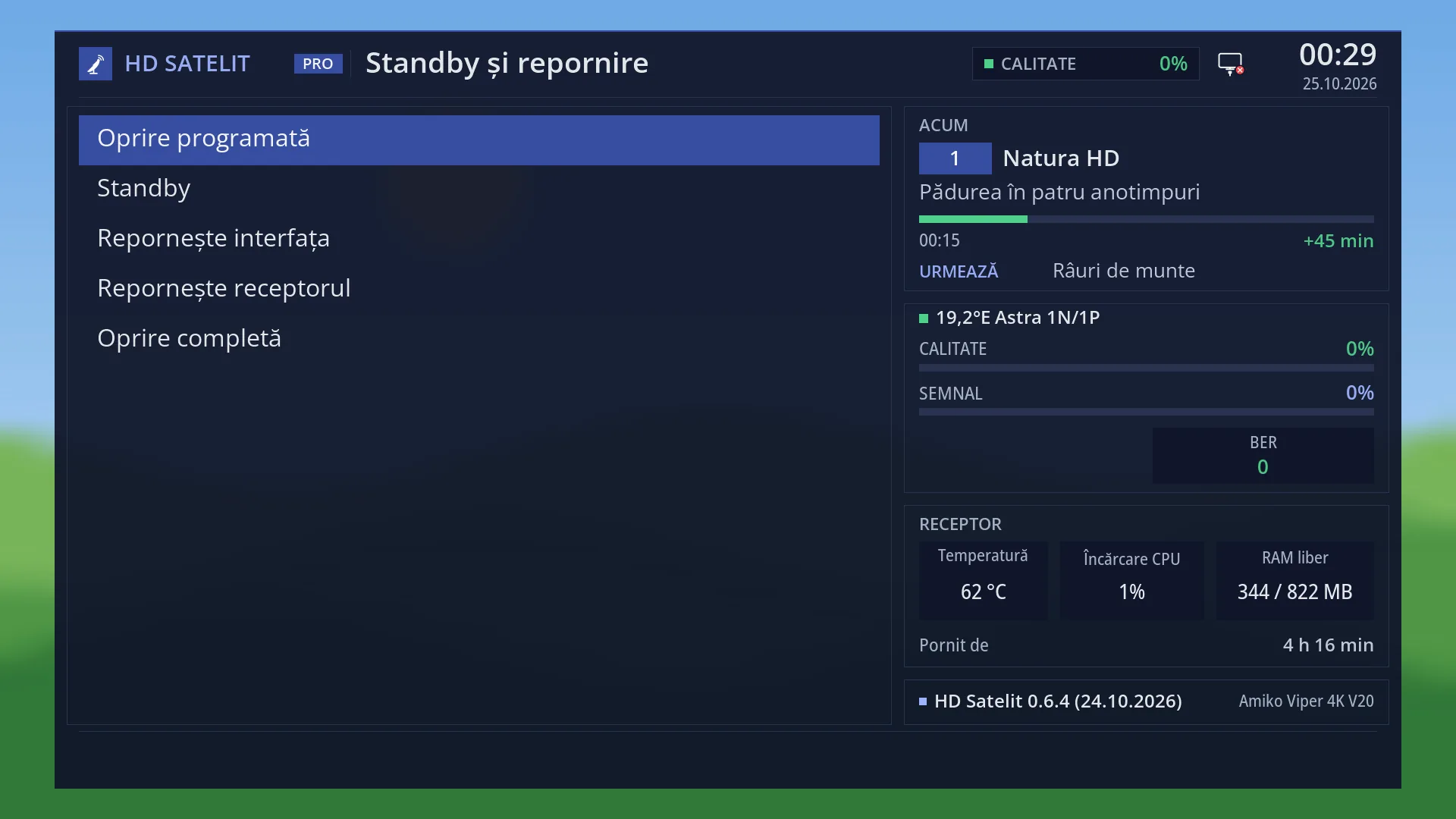
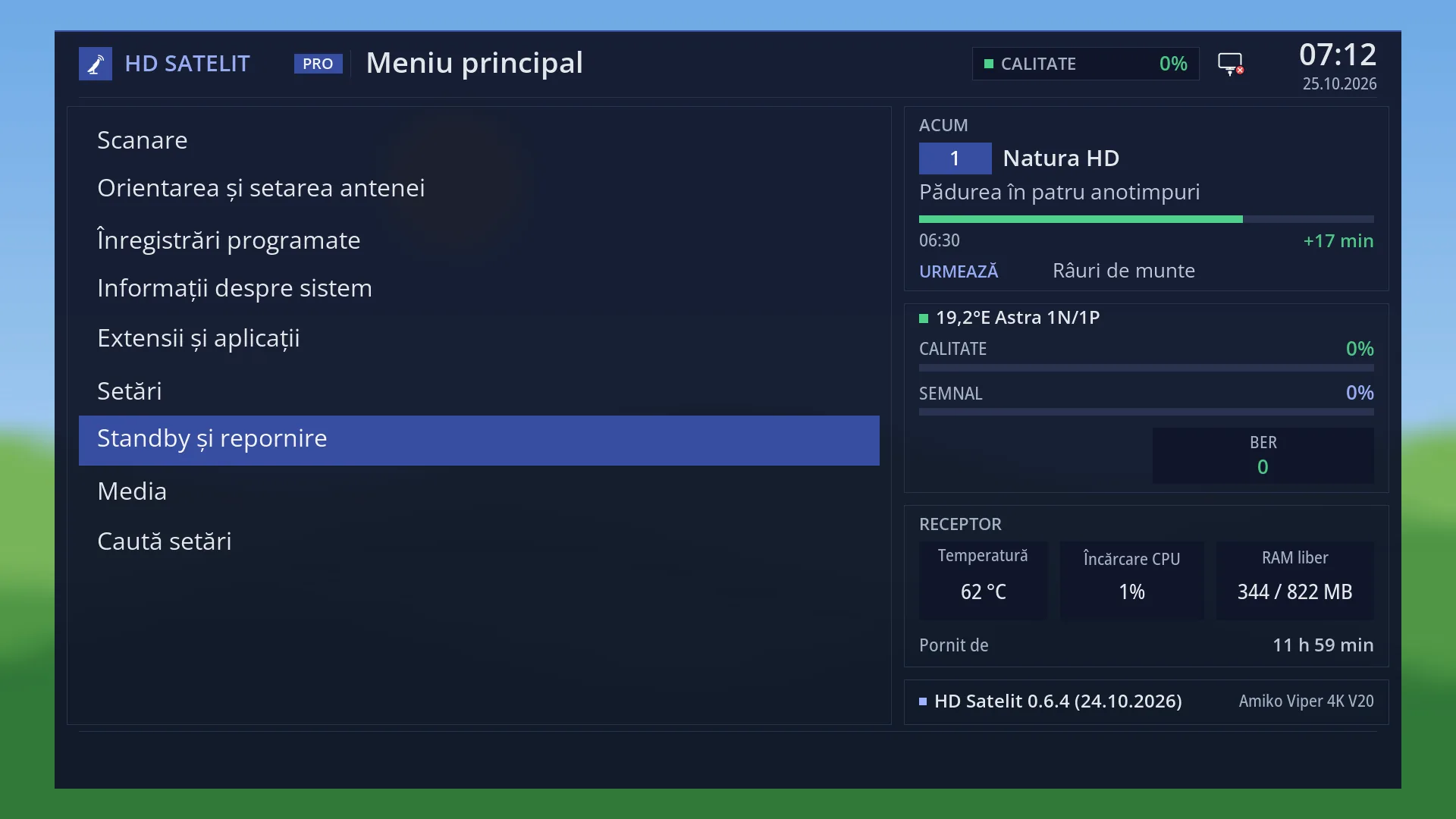
- 1 The “Power & Restart” menu.
- 2 The selected row: OK or 2 puts the receiver in standby straight away.
What it is for
Standby puts the receiver to sleep. The channel and the sound stop, and the HDMI output switches off, so the TV no longer gets a picture. Inside, the receiver stays on.
In standby the receiver still makes scheduled recordings and finishes the ones already running, and the web interface still works: from your phone you can see its status and wake it up.
It wakes up quickly with the POWER key, and the channel you were watching starts again. For the night, or when you go out for a short while, standby is usually the right choice. A full power off is for long absences.
By default, a short press of the POWER key puts the receiver in standby, so you rarely need the menu row.
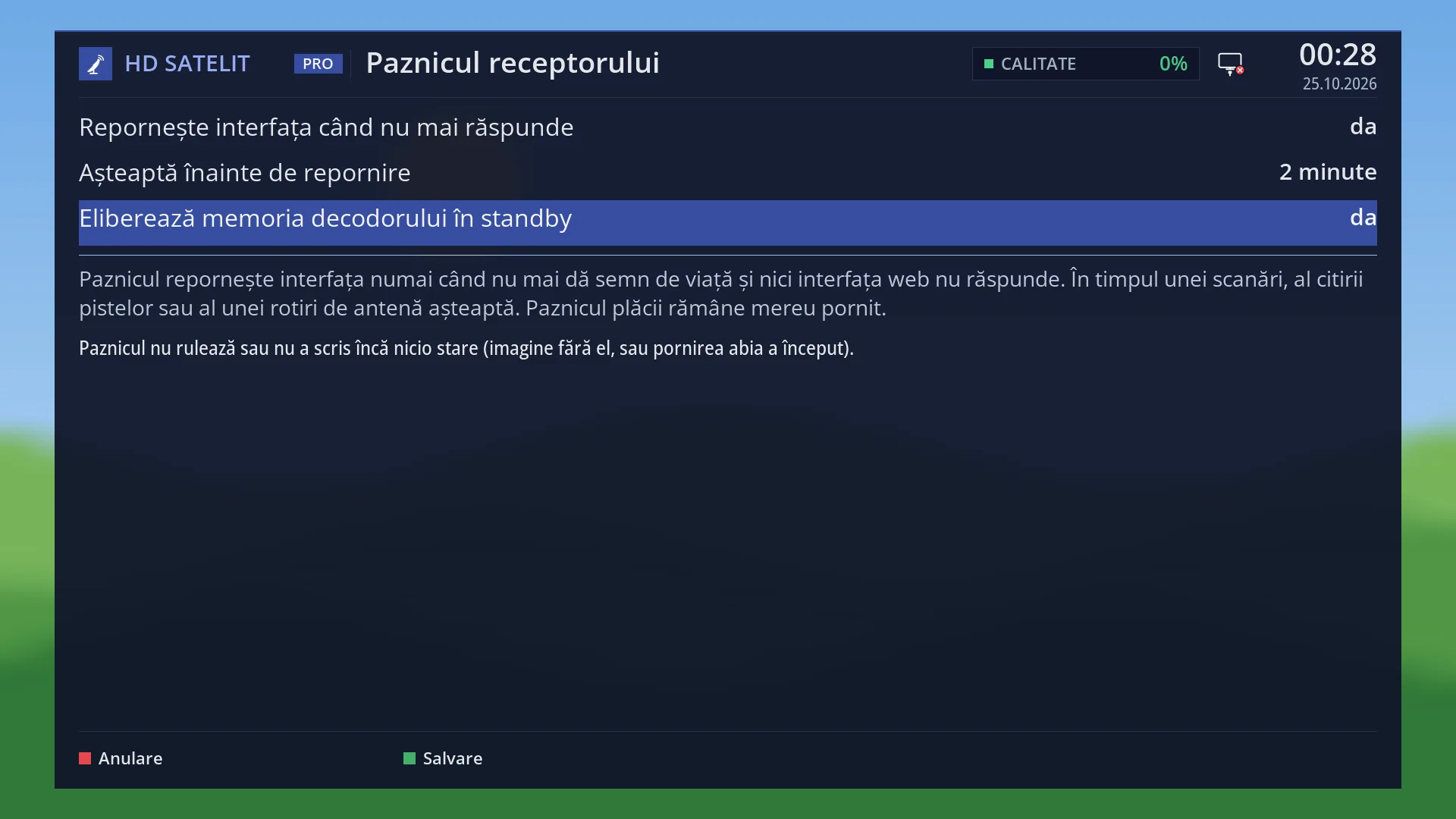
While it is in standby, the receiver frees the video decoder memory by itself when needed, with a full restart you do not see: the TV does not switch on, no message appears on the screen and the receiver stays in standby. The setting is “Free the decoder memory in standby”, in Receiver watchdog.
How to get here
Path: Main menu > Power & Restart > Standby Mode.
Keys while watching TV: MENU 7 2 (the receiver goes into standby straight away).
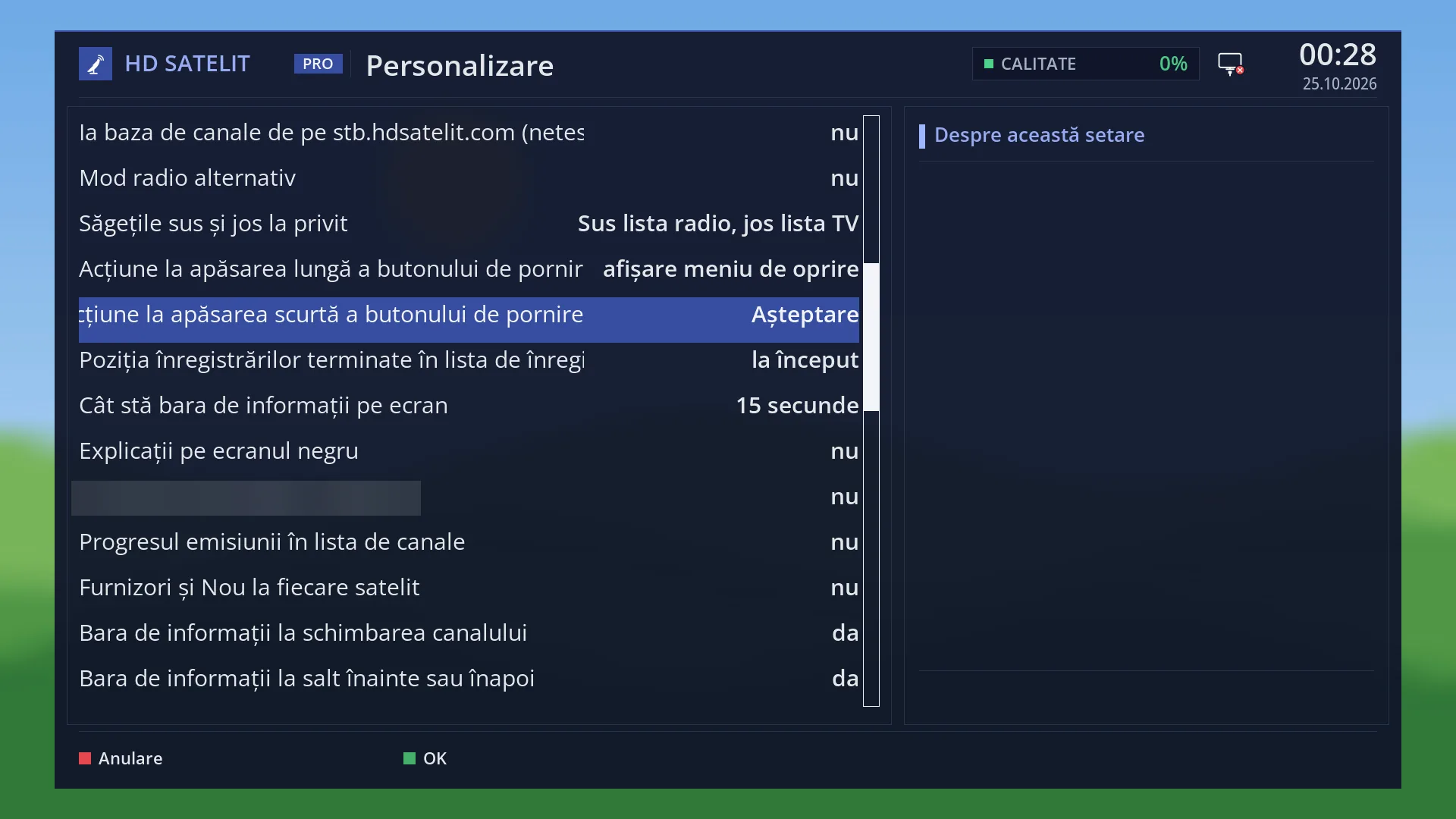
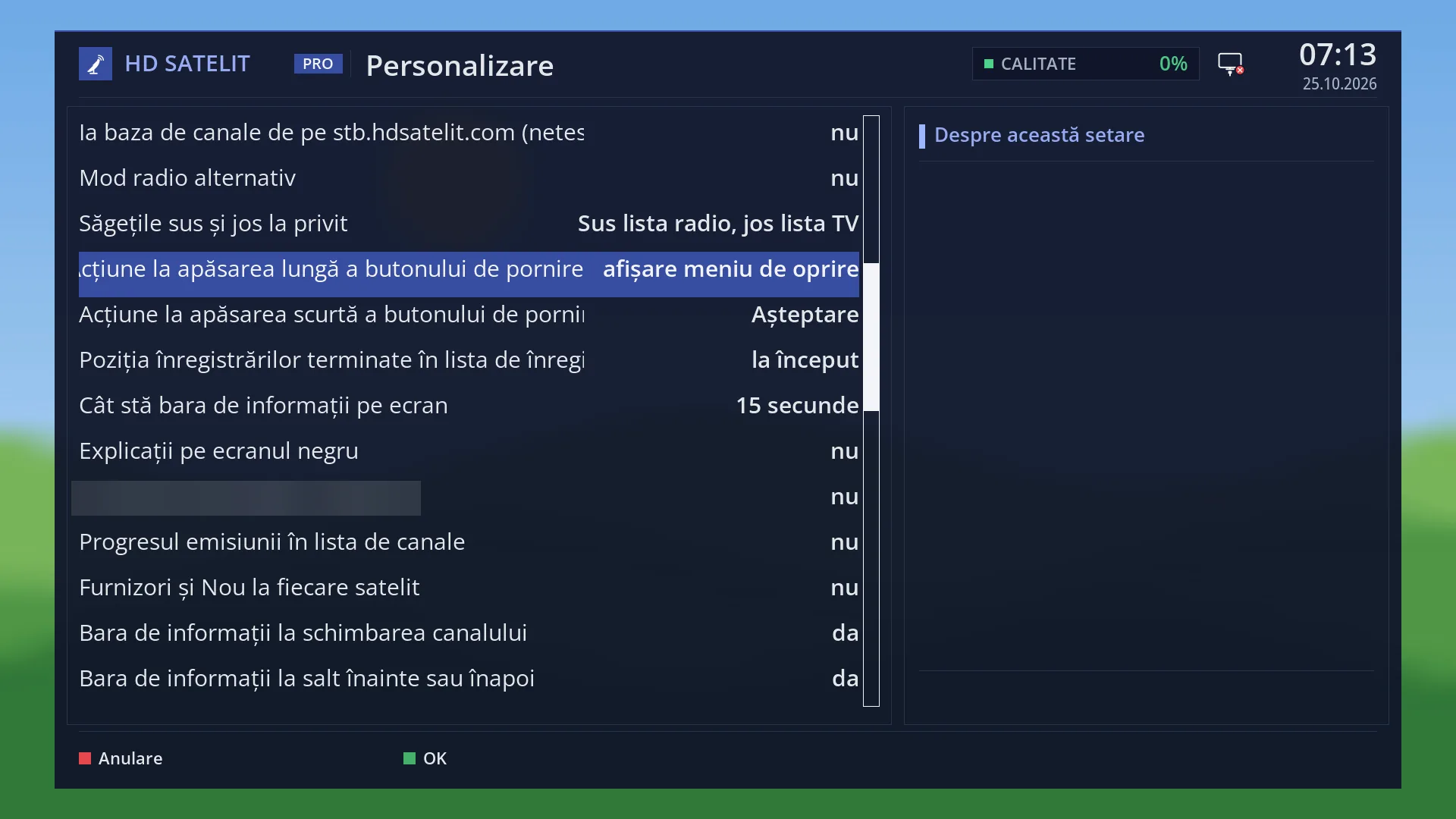
Quicker: a short press of the POWER key (by default, “Action on short powerbutton press” in OSD Preferences is set to “Standby”).
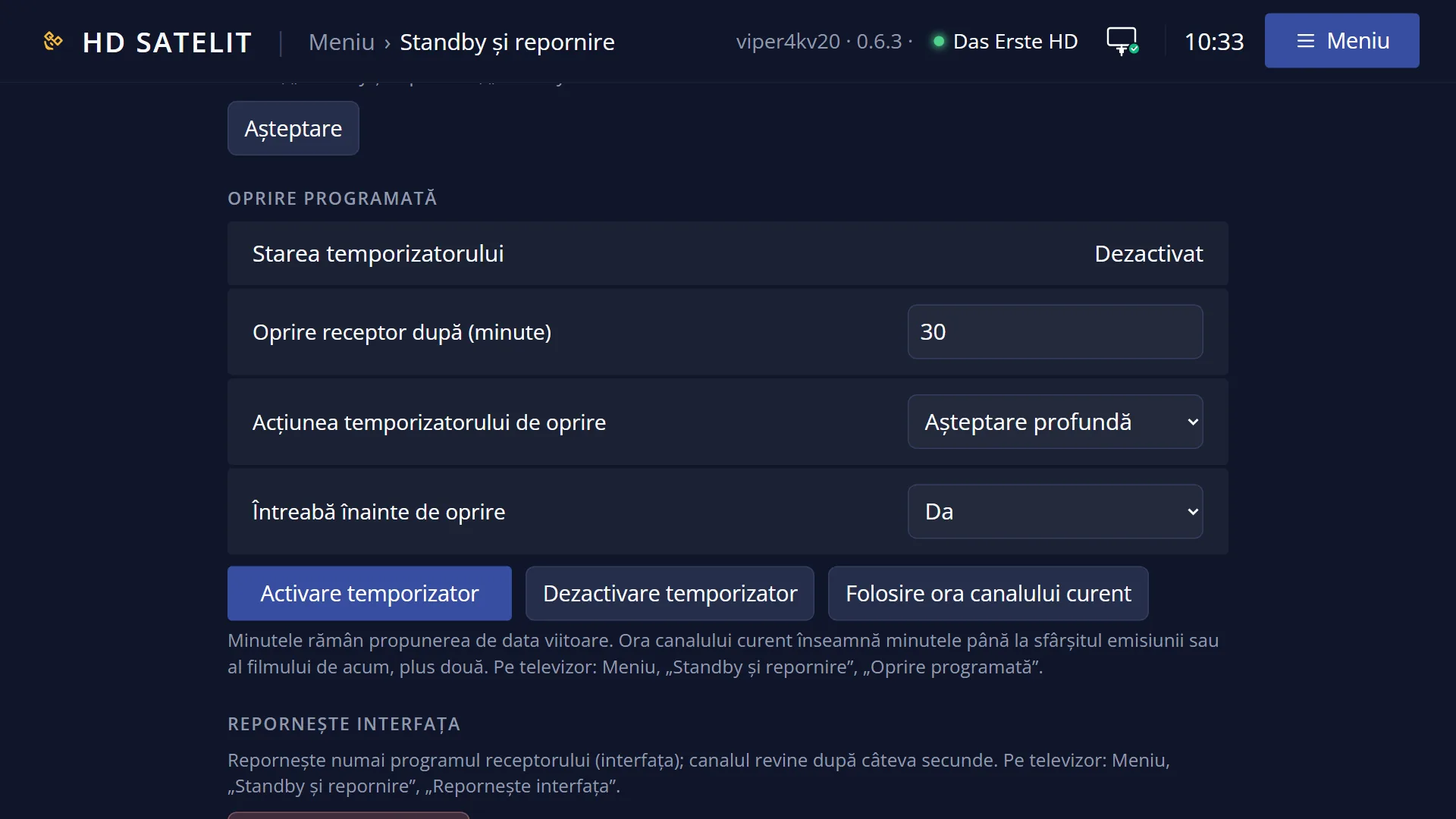
From the Sleep Timer, with the “Standby” action (GREEN key on its screen).
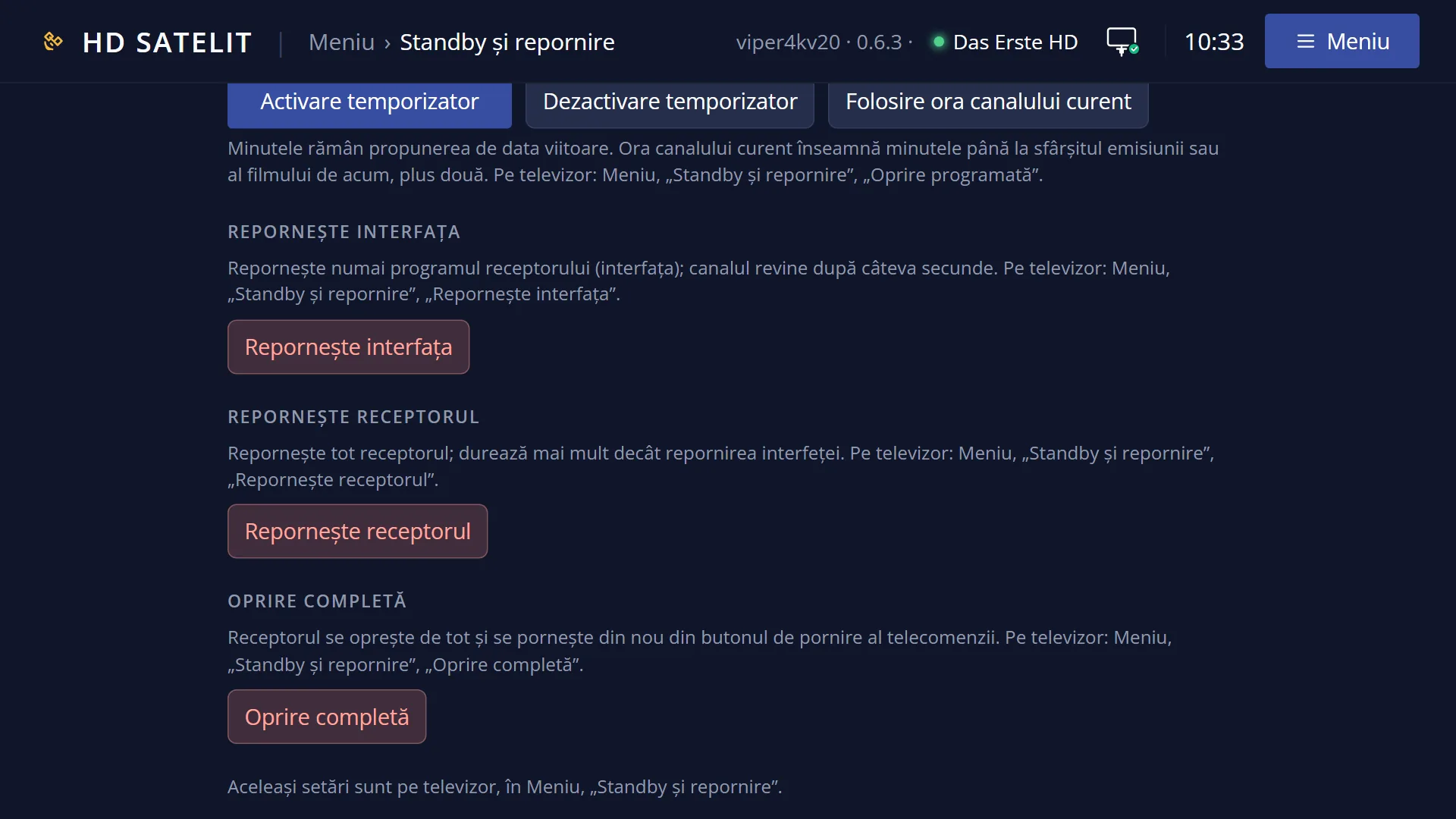
In the web interface: the /alimentare?f=standby page, the “Standby” button, then the confirmation “Yes, put it in standby”.
To wake it up: the POWER key on the remote, or the POWER key on the remote shown on the main page of the web interface.
What you see on the screen
Standby has no screen with rows. The TV first gets a black screen, then the HDMI output switches off: the TV shows that it has no signal, and many TVs switch themselves off after a while. With “Turn off HDMI in standby” set to No, the TV keeps getting a black screen.
The TV only switches off together with the receiver if you turn on “Also turn off the TV (CEC)” in Standby and TV (it is No by default).
The display on the front of the receiver shows the time (by default). You change this in Front display, in the “In standby” group: the time, the time and date in turn, the time and the next recording, or nothing.
The sound stops. When the receiver wakes up, it comes back as it was (if you had muted it with MUTE before, it stays muted).
When the receiver wakes up, the channel starts again and you are back to live TV, even if you put it in standby from the menu.
In the web interface, on /alimentare, the “The receiver now” box shows “Status: In standby”, and the “Standby” button is grey.
Rows and settings
| Row | Values | Default | What it does |
|---|---|---|---|
| Action on short powerbutton press (OSD Preferences) | show shutdown menu, immediate shutdown, Standby | Standby | What a short press of POWER does while you watch TV: Standby puts the receiver in standby, “show shutdown menu” opens the “Power & Restart” menu, “immediate shutdown” powers it off completely. In standby, POWER wakes the receiver up regardless. When you want POWER to switch the receiver off completely or to ask you through the menu. |
| Free the decoder memory in standby (Receiver watchdog) | Yes, No | Yes | Yes: when the video decoder memory runs low, the receiver does a full restart while in standby and goes back into standby by itself. This only happens after at least 5 minutes of uninterrupted standby and 2 hours since it was switched on, with no recordings running or due in the next 30 minutes, no background tasks, at most once per power-on and at least 6 hours after the previous one. No: the memory is only freed when the receiver restarts, either by you or after an update is installed. Leave it on Yes. Set it to No only if you do not want the receiver to restart by itself at night. |
| Front display, “In standby” (Front display) | Time, Time and date, in turn, Time and next recording, Nothing (display off) | Time | What the display on the front of the receiver shows while it is in standby. When you want the display off at night, or want to see the time of the next recording. |
Keys
| POWER (in standby) | Wakes the receiver up: the HDMI output switches on, the sound comes back and the channel starts again. |
| Other keys (in standby) | They do nothing while the receiver is in standby, not even the volume or the digits. |
| POWER, short press (while watching TV) | Puts the receiver in standby (by default). |
| POWER, held down (while watching TV) | Opens the “Power & Restart” menu (its title is then “Standby / Restart”). |
| OK or 2 (in Power & Restart) | Puts the receiver in standby straight away, without asking. |
Step by step
Putting the receiver in standby and waking it up
- Press POWER briefly (or MENU 7 2).
- The TV has no picture, and the receiver's display shows the time.
- To wake it up, press POWER with the remote pointed at the receiver. The channel starts again.
From your phone
- Open the receiver's web interface and go to /alimentare?f=standby.
- Press “Standby”, then “Yes, put it in standby”. After 1.5 seconds the receiver goes into standby.
- To wake it up from your phone, open the main page of the web interface and press POWER on the remote shown there.
The TV switches off together with the receiver
- Press MENU 6, then UP and OK (System & Devices), then 9 (Standby and TV).
- Set “Also turn off the TV (CEC)” to Yes. If you like, do the same with “Turn on the TV on wake-up (CEC)”.
- The CEC function must be switched on in the TV (LG calls it SIMPLINK, Samsung calls it Anynet+).
Problems and solutions
The TV shows that it has no signal and does not switch off.
This is the default: the receiver switches off the HDMI output and leaves the TV as it is. To have the TV switch off too, turn on “Also turn off the TV (CEC)” in Standby and TV, and the CEC function of the TV.
POWER does not put the receiver in standby.
In some windows, for example a question on the screen, the key does nothing: close the window with EXIT and press it again. Also check “Action on short powerbutton press” in OSD Preferences.
The receiver does not wake up from the remote.
Point the remote at the receiver and press POWER once. Also try the POWER key on the remote on the main page of the web interface. If the web interface does not respond either, the receiver is switched off completely, not in standby, or it is restarting by itself to free its memory: wait a minute and try again.
In standby, the web interface did not respond for a minute, then the receiver was still in standby.
The receiver freed its video decoder memory with a full restart that you do not see. This does not happen while a recording is running or when one starts within 30 minutes. You can turn it off in Receiver watchdog, “Free the decoder memory in standby”.
Are scheduled recordings made while the receiver is in standby?
Yes. To be sure a recording is made, leave the receiver in standby, not powered off completely.
The Sleep Timer did not run while the receiver was in standby.
The Sleep Timer (and its question) waits until you wake the receiver up. If you want the receiver to sleep anyway, put it straight into standby, without the Sleep Timer.