

Restart Box
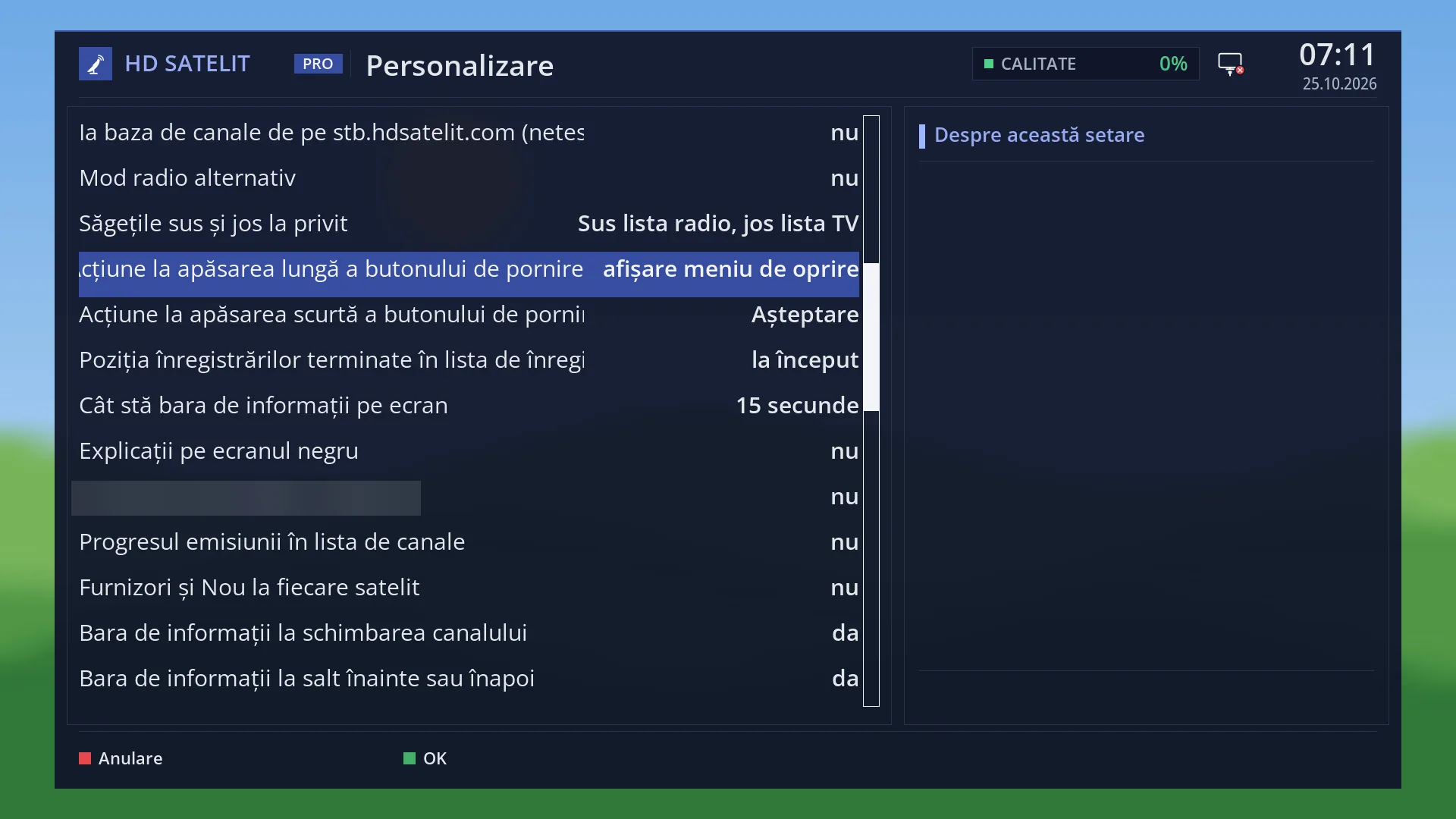
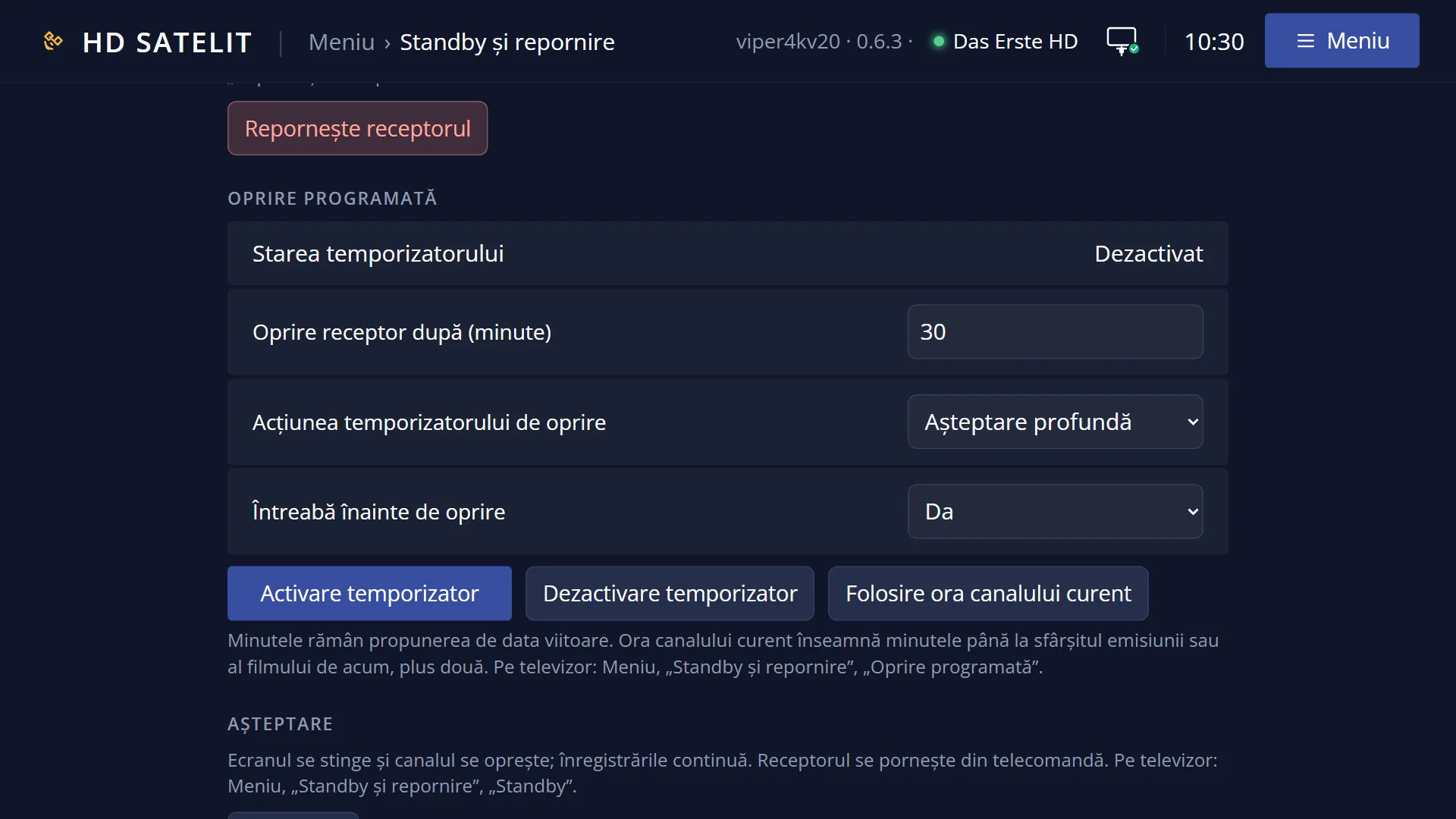
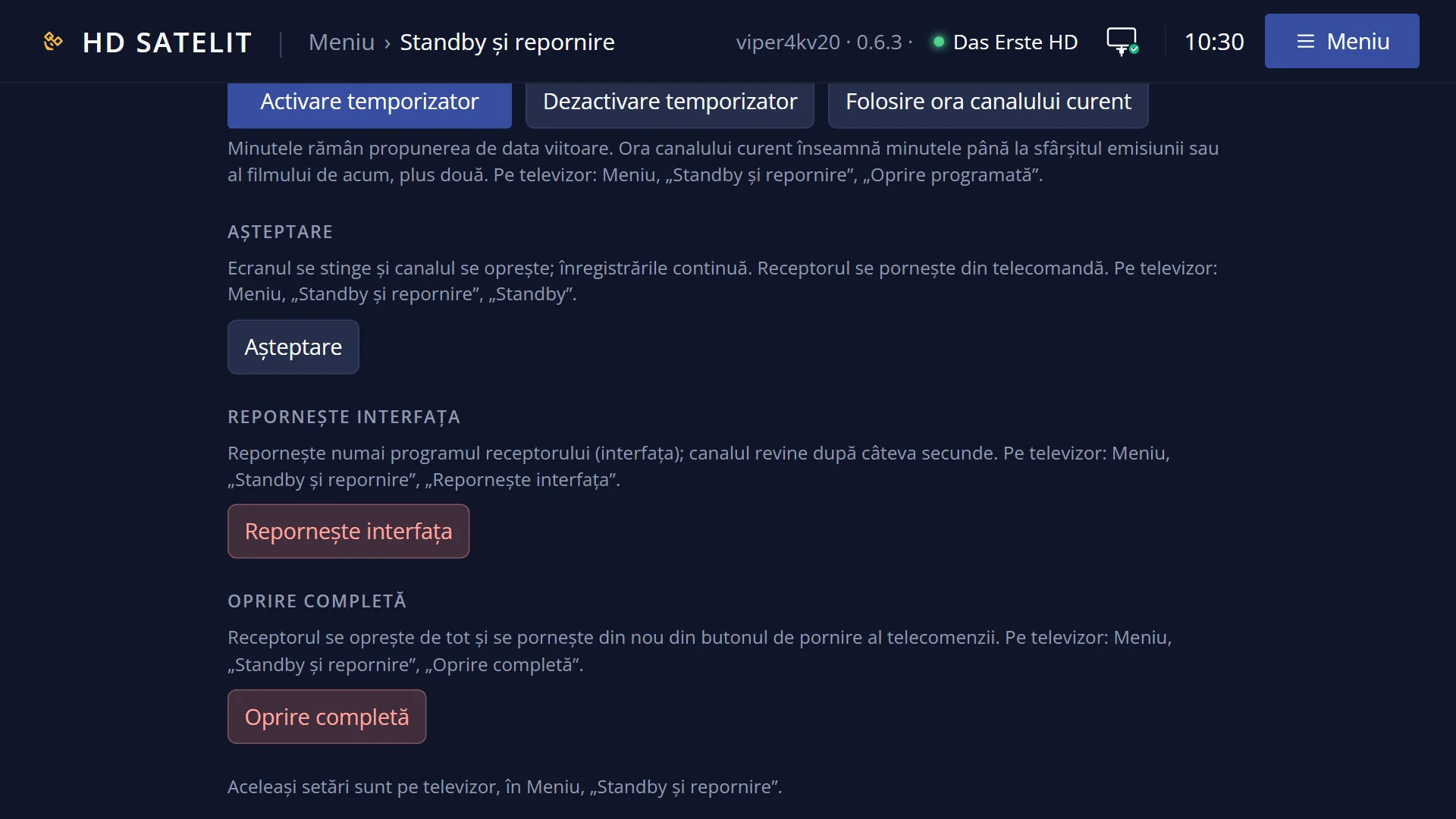
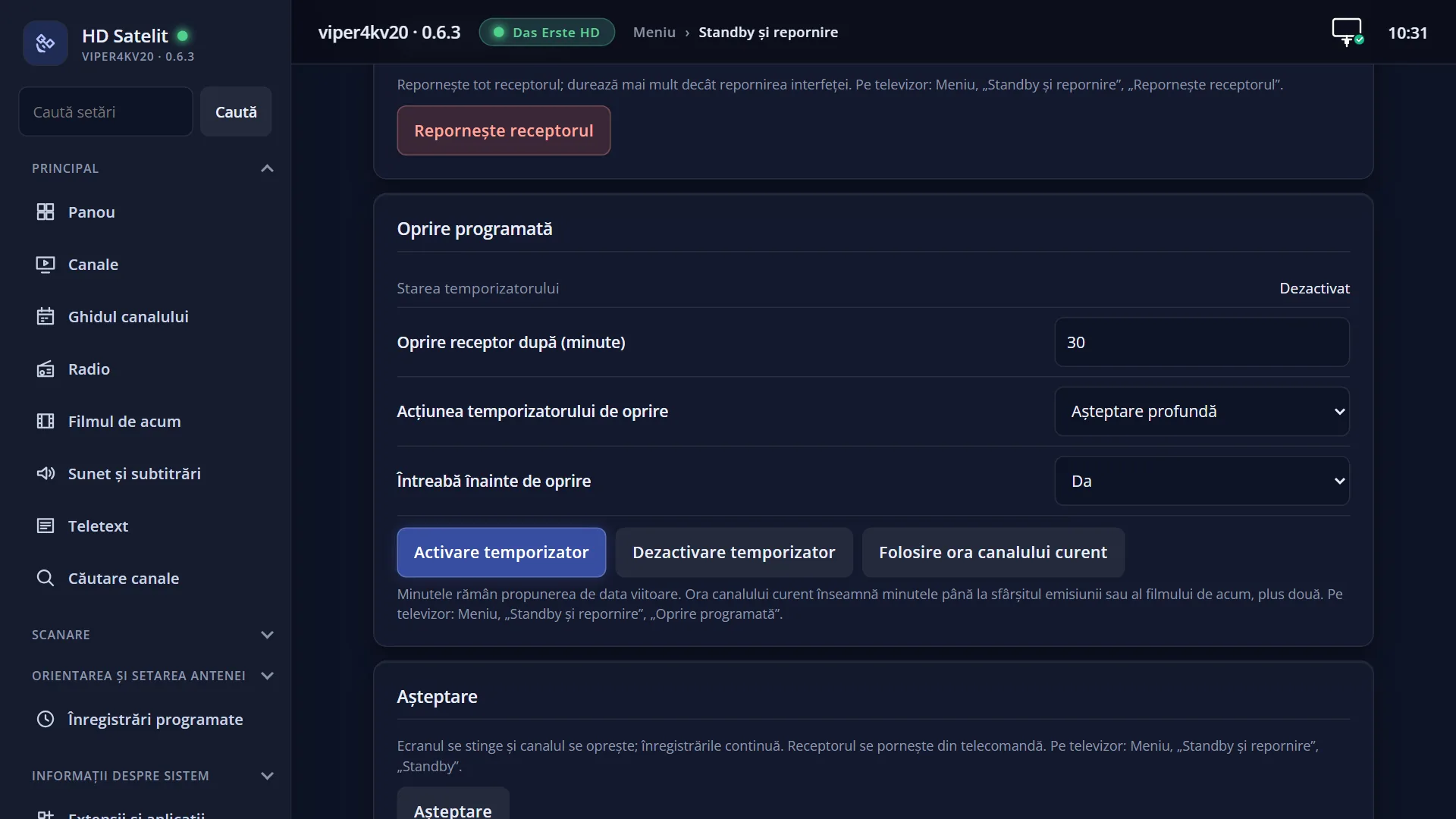
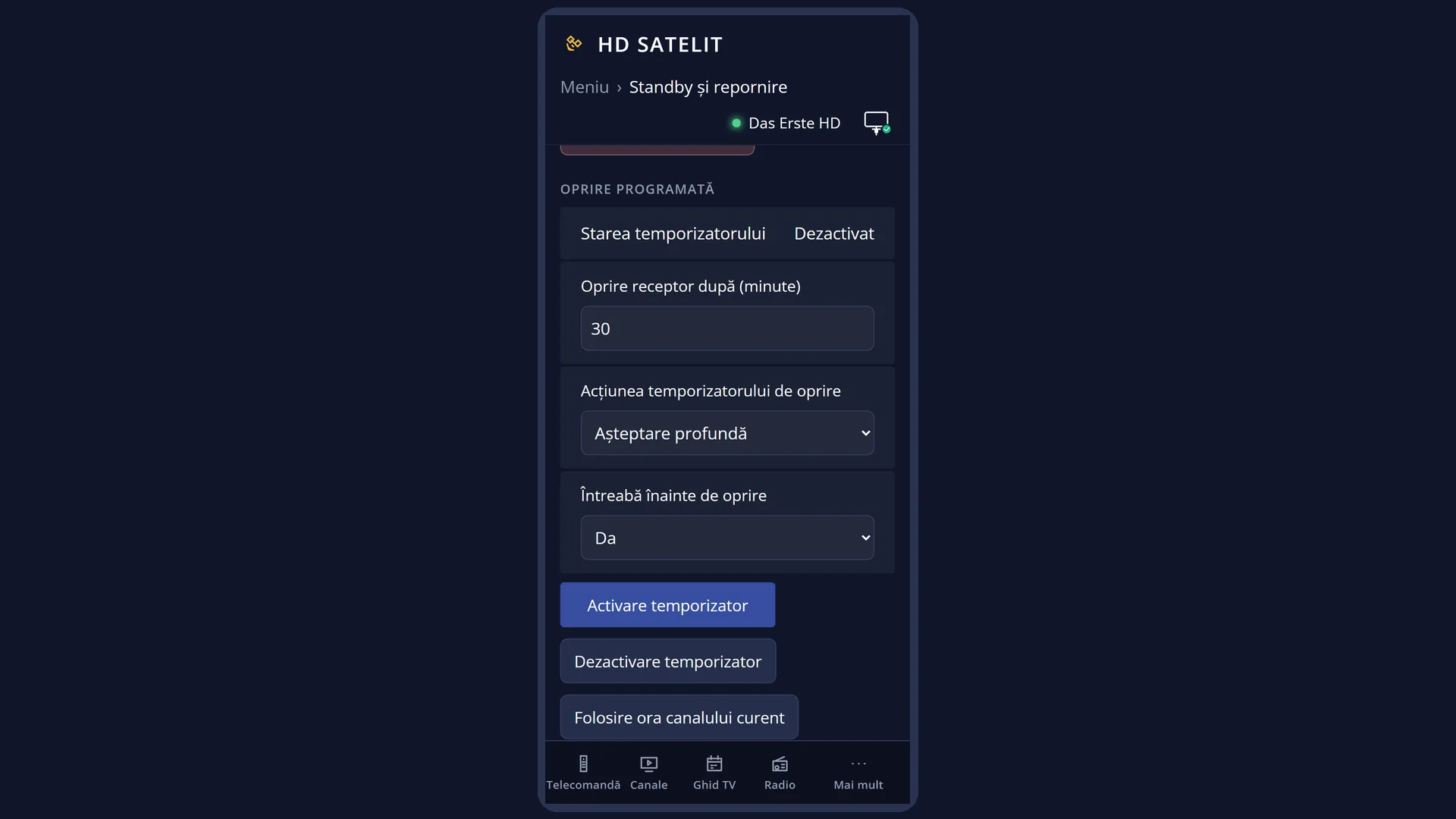
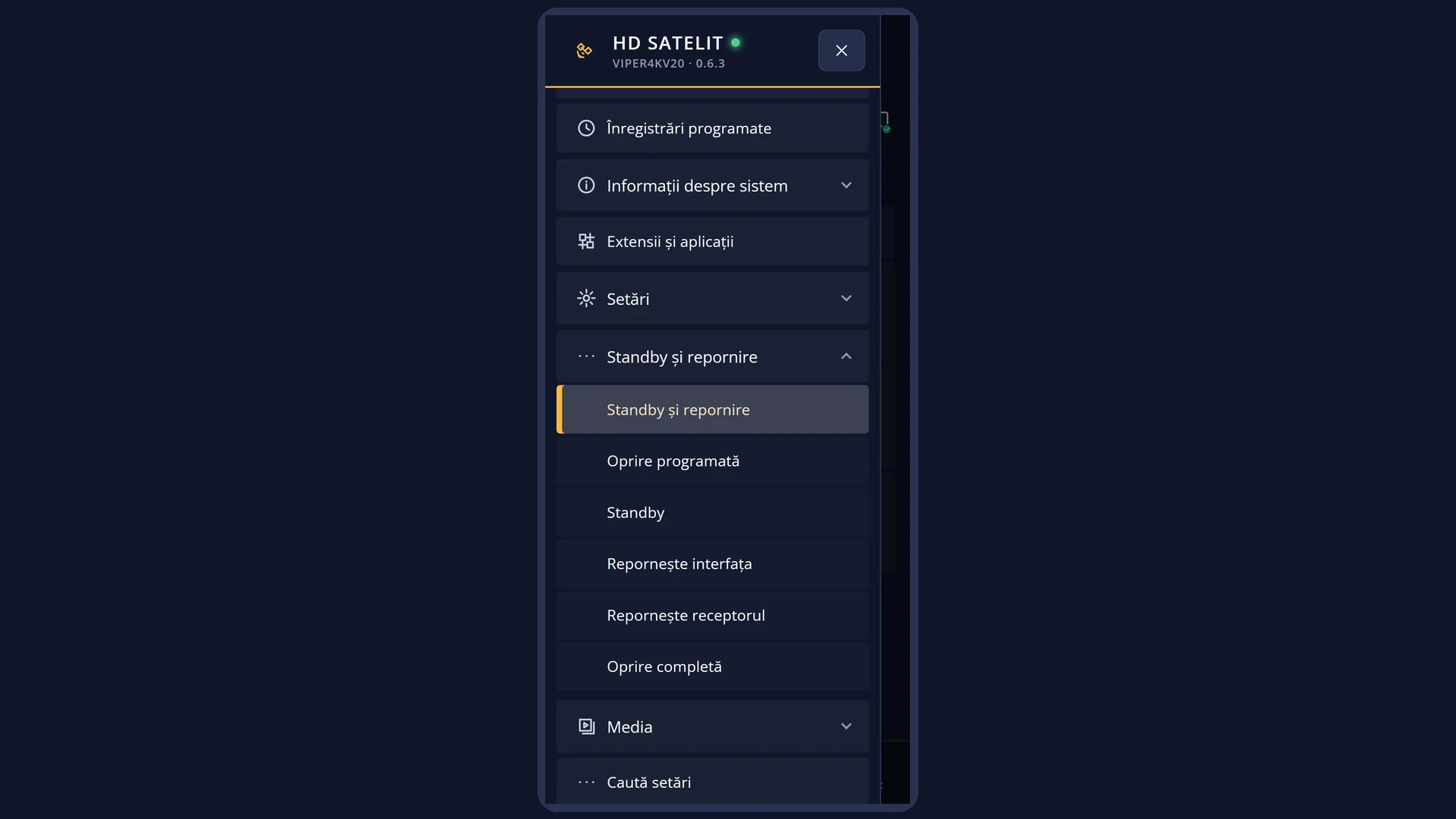
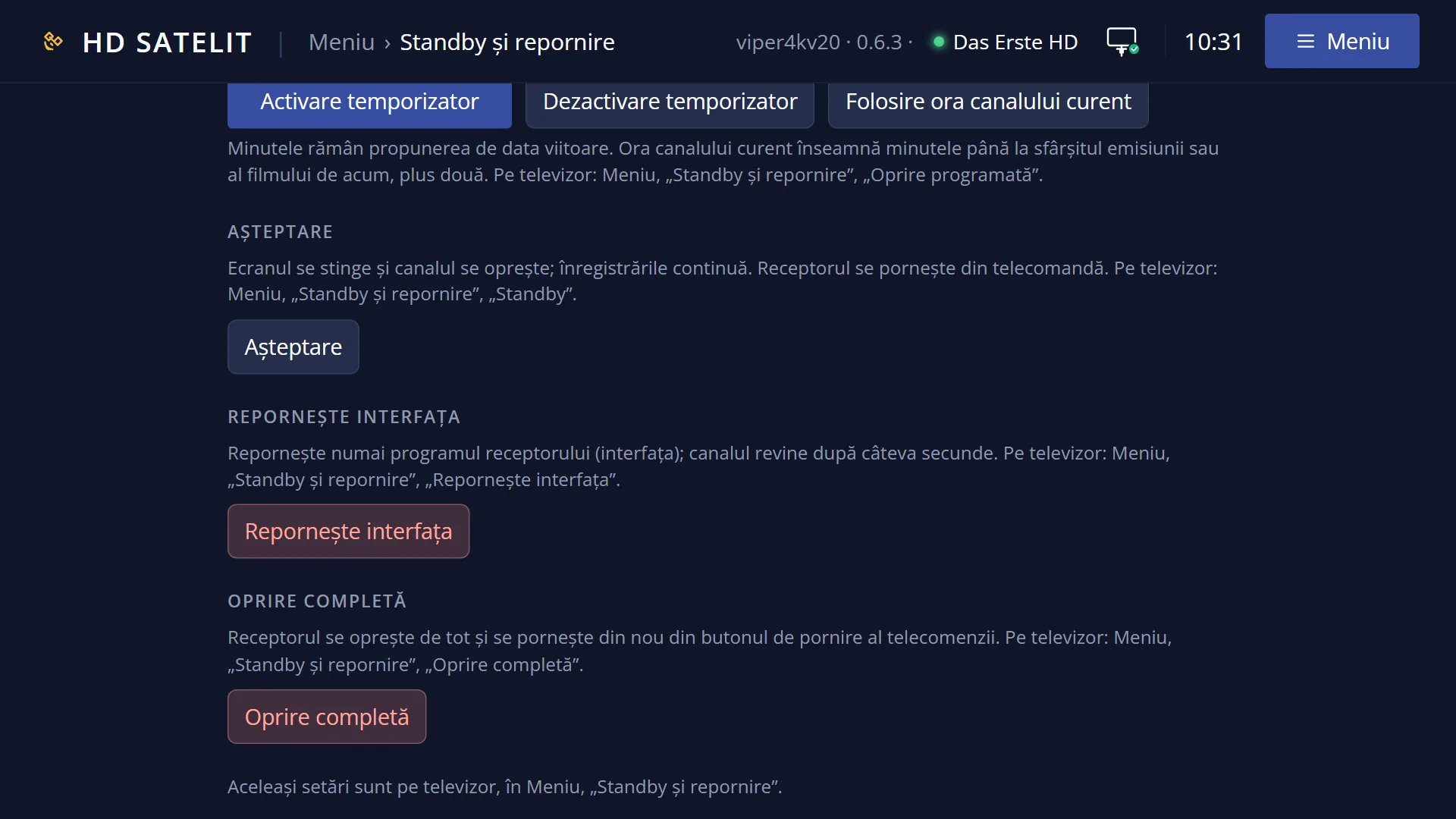
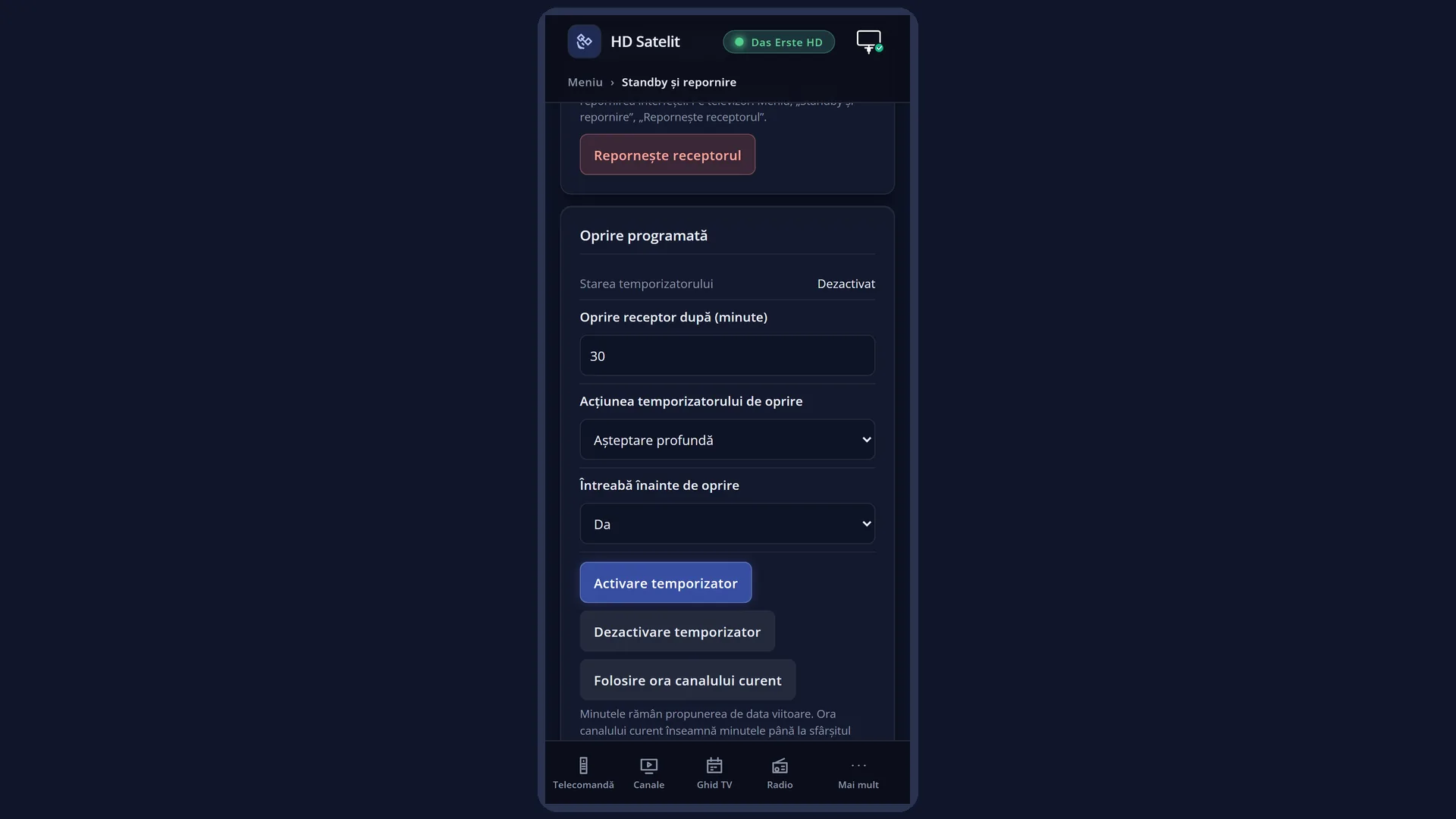
English screenshots coming: some of the pictures below still show the receiver and the web interface in Romanian. The rows, keys and steps described on this page are the English ones.
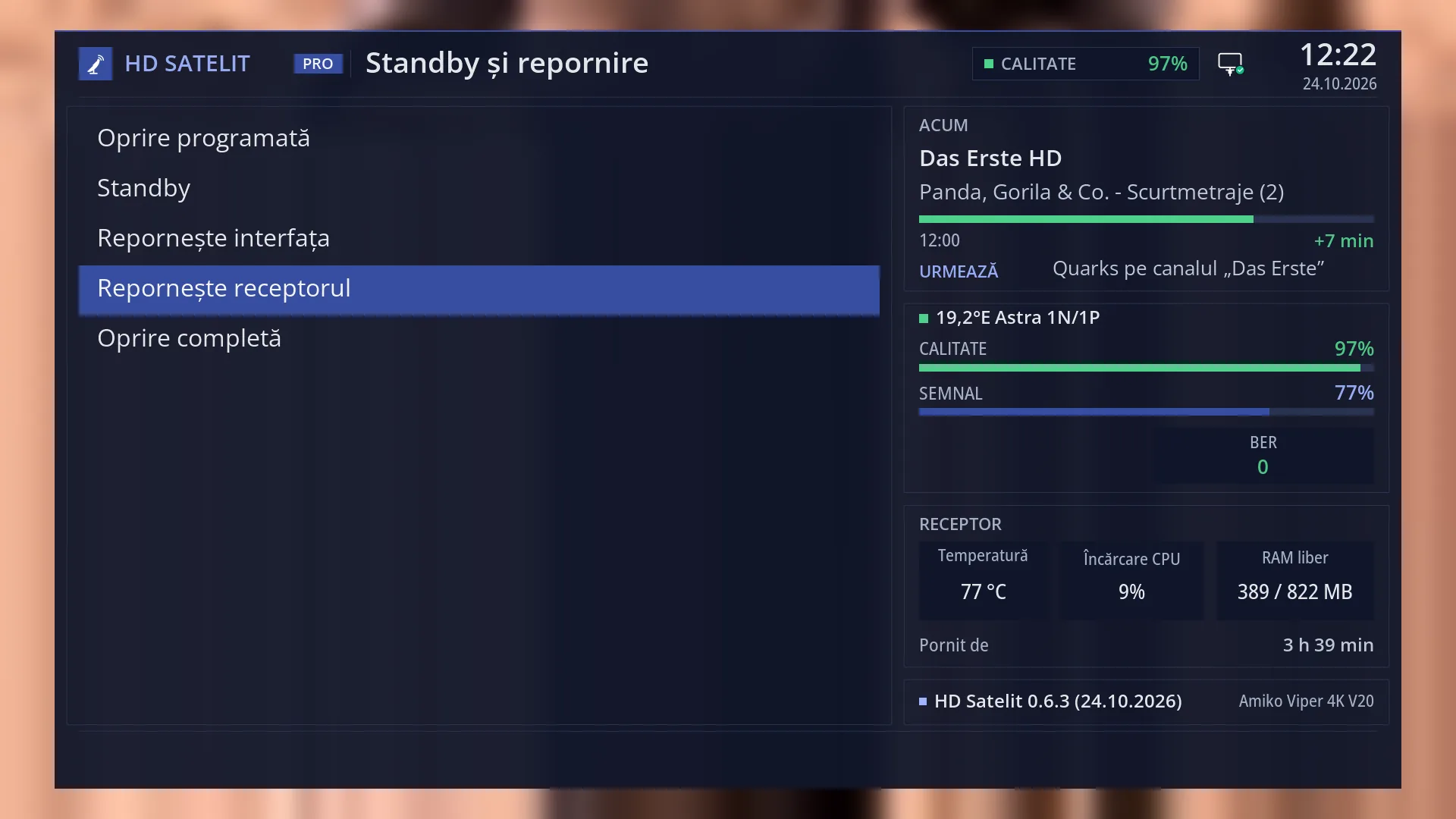
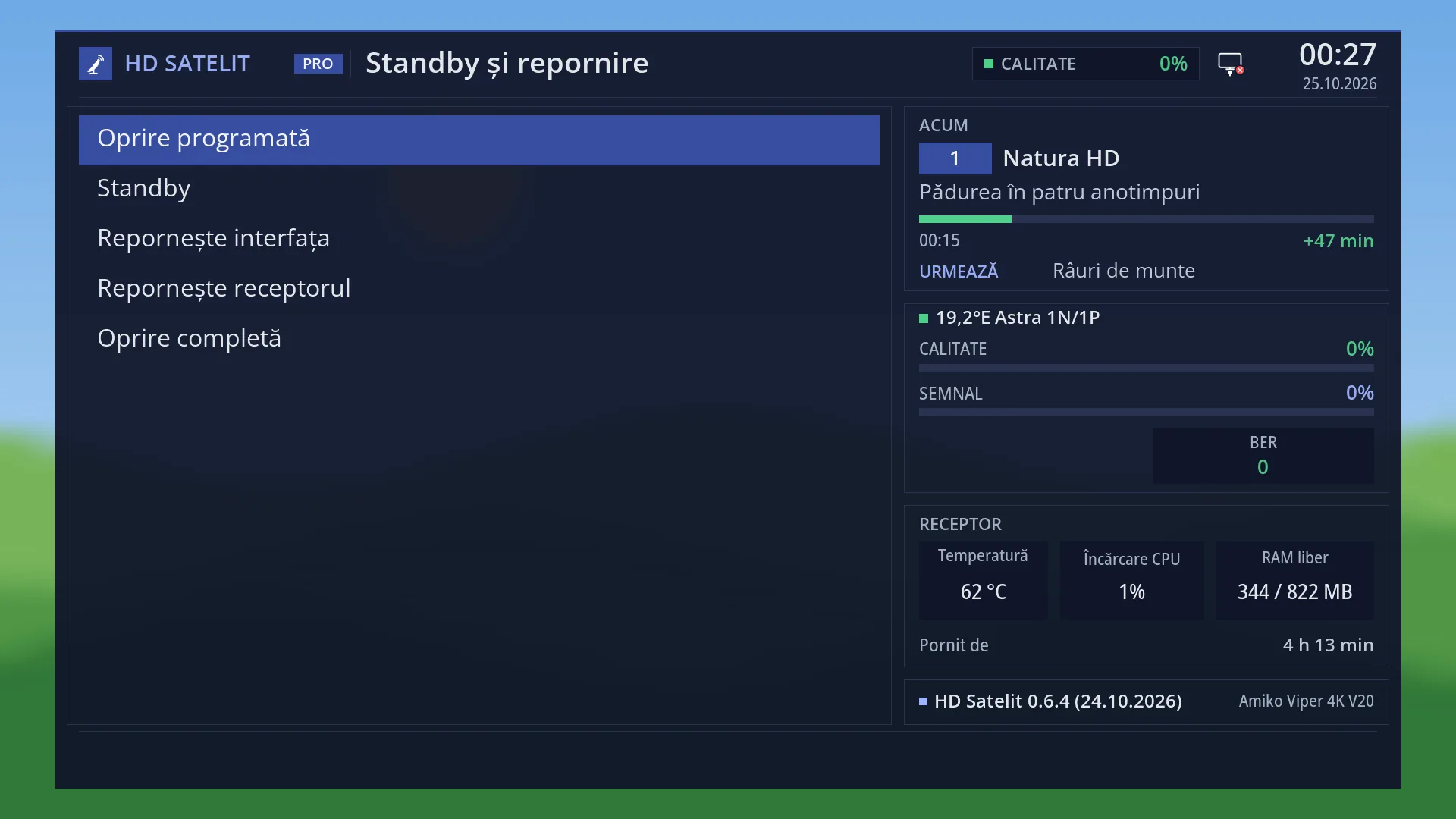
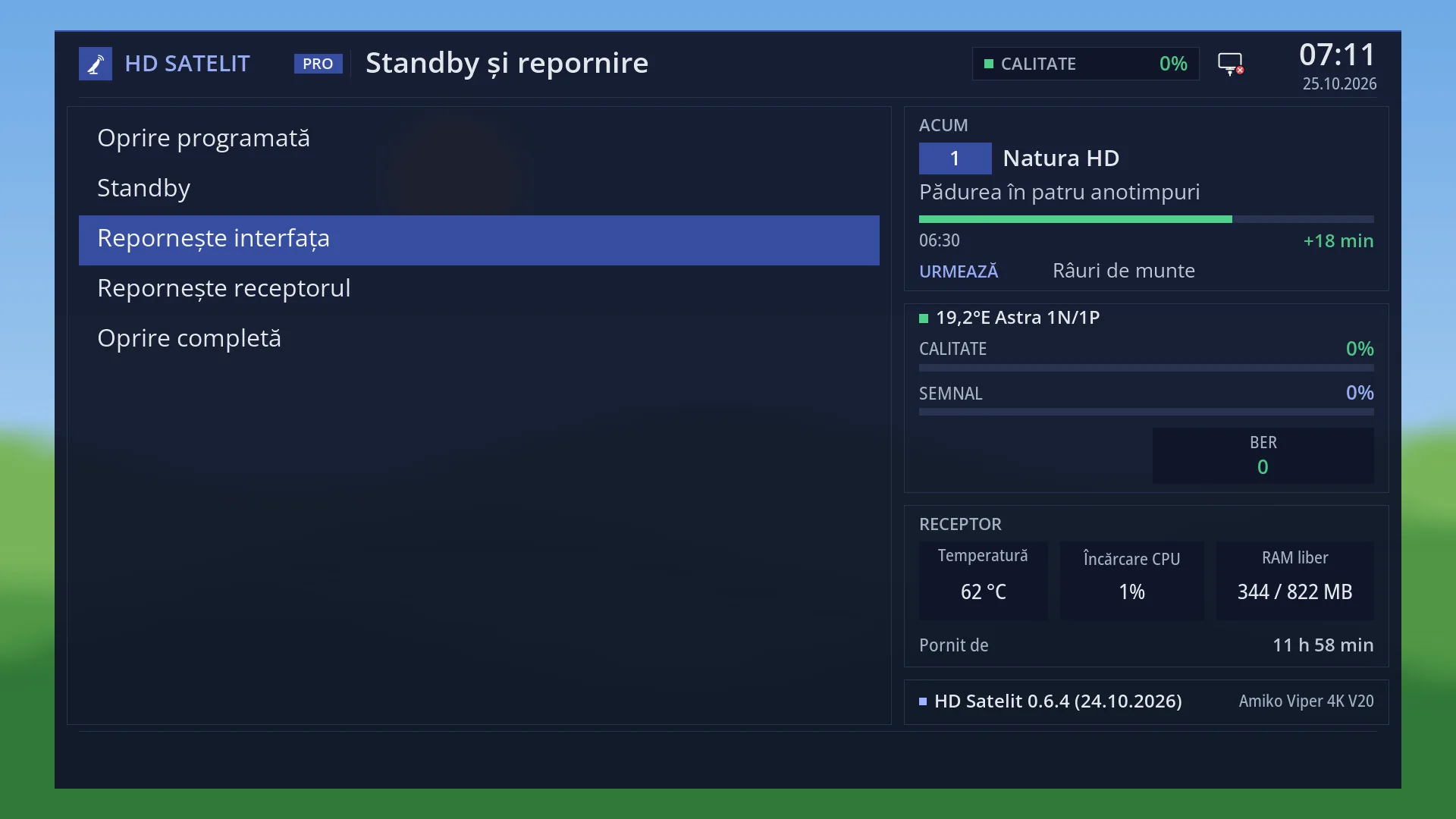
- 1 The “Power & Restart” menu.
- 2 The selected row: OK or 4 restarts the whole receiver straight away.
- 3 “Running for” starts from zero after the restart.
What it is for
“Restart Box” restarts the whole receiver, as if you unplugged it and plugged it back in, but cleanly: first your settings and the current channel are saved, then the receiver starts from scratch.
It frees everything, including the video decoder memory, which restarting the interface does not free. It takes longer than restarting the interface: it is a full start, as after unplugging.
Use it when restarting the interface does not help, when films or radio station pictures no longer start, or to install a new image from a USB stick: while starting, with the USB stick in the blue USB port, the receiver gives you a moment to enter its update mode (the front display shows MENU and you press GREEN).
With no recordings in progress and no background tasks, the restart happens straight away, without a question. From the web interface, on /alimentare, it only happens after you confirm.
How to get here
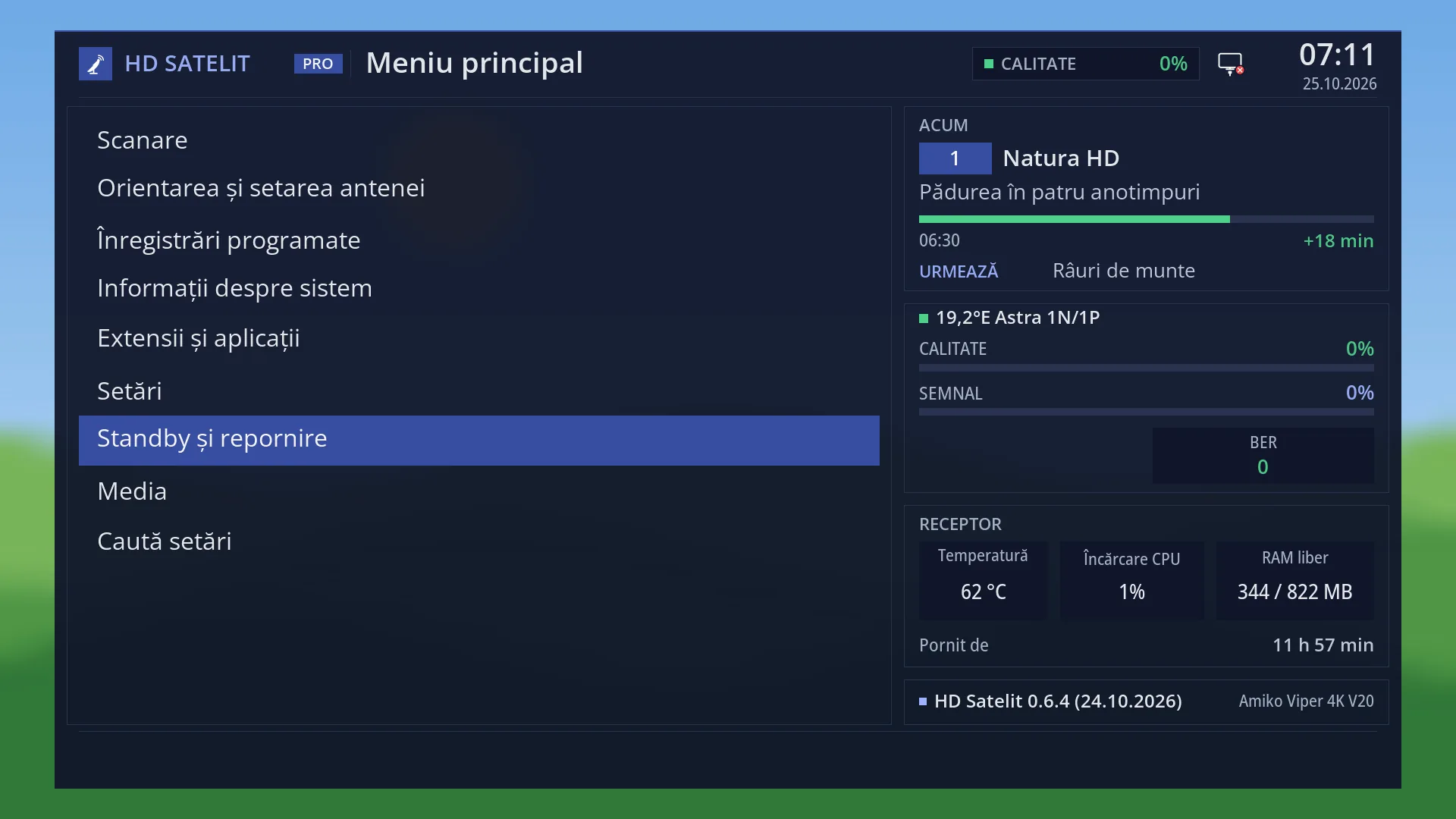
Path: Main menu > Power & Restart > Restart Box.
Keys on the TV: MENU 7 4 (restarts straight away).
In the web interface: the /alimentare?f=receptor page, the “Restart the receiver” button, then “Yes, restart”.
What you see on the screen
Usually no window: the screen goes blank and the TV has no picture for a while, as the receiver starts from scratch.
If a recording is in progress or starts in less than 6 minutes, you see the question “Recording(s) are in progress or coming up in few seconds!”, with “Really reboot now?” below it and Yes selected. If a task is running in the background, the question also shows that task.
The display on the front of the receiver goes blank when the interface stops. During start-up it briefly shows MENU: this is the moment when GREEN starts writing a new image from the USB stick. Without GREEN, the receiver carries on starting with the current image.
Then the image's startup picture appears and, at the end, the channel you were watching (or what you chose under “What to show at startup”).
In the Pro theme, “Running for” in the menu's “Receiver” box starts again from zero.
Rows and settings
| Row | Values | Default | What it does |
|---|---|---|---|
| The “Really reboot now?” question | Yes, No | Yes (selected) | It only appears if a recording is in progress or starts in less than 6 minutes, or if a task is running in the background. Yes: the receiver restarts now and the recording in progress stops. No or EXIT: nothing happens and you go back to live TV (the menu closes). If you leave it on screen, the restart happens by itself once the recording ends. When it is on screen. |
| What remains after the restart | Your settings, the channel list, the timers and the current channel remain. A running sleep timer and any text left in “Search settings” are lost. The video decoder memory is fully free again. | ||
| USB stick with an image in the blue port | GREEN when the display shows MENU, no key | no key | With a USB stick prepared as in the installation steps (the archive extracted to its root), pressing GREEN while the display shows MENU starts writing the new image: the display shows UPDT, the receiver writes for a few minutes and restarts by itself with the new image. Without GREEN, it starts normally with the current image. Only when you want to install a new image from a USB stick. |
Keys
| 4 or OK (in Power & Restart) | Restarts the receiver straight away (or shows the question if a recording is running). |
| UP / DOWN (in the question) | Choose between Yes and No. |
| OK (in the question) | Does what is selected: Yes restarts, No cancels. |
| EXIT (in the question) | Same as No: the receiver does not restart and you go back to live TV. |
| GREEN (while the display shows MENU) | Starts writing the image from the USB stick in the blue port. Point the remote at the receiver. |
Step by step
Restarting the receiver
- Press MENU 7 4 (or MENU 7, DOWN three times and OK).
- The screen goes blank; the receiver starts from scratch.
- After the startup picture, the channel you were watching appears.
Installing a new image from a USB stick
- Prepare the USB stick on a computer, as in the installation steps on the website: 32 GB at most, FAT32, with the archive extracted directly to its root.
- First make a settings copy on the same USB stick: MENU 6 8 3, set “Copy location” to the USB stick, then “Make the copy now”.
- Insert the USB stick into the receiver's blue USB port (USB 3.0).
- Press MENU 7 4: the receiver restarts completely.
- Watch the front display. When it shows MENU, press GREEN, with the remote pointed at the receiver.
- The display shows UPDT: the receiver writes the image for a few minutes. Do not press anything, do not cut the power and do not remove the USB stick.
- At the end the receiver restarts by itself with the new image; with the USB stick in the receiver, the settings copy is restored automatically. Full steps: /ajutor/11-actualizari-siguranta-informatii-si-alimentare/imagine-noua-de-pe-stick/ and the installation page /receptoare/amiko-viper-4k-v20/descarca/.
From your phone
- Open the receiver's web interface and go to /alimentare?f=receptor.
- Press “Restart the receiver”, then “Yes, restart”.
- The page says “The receiver is restarting. The page reloads by itself when it answers again.” and reloads by itself after start-up.
Problems and solutions
The display never showed MENU, or the receiver started with the old image.
Restart once more (MENU 7 4 or at the power socket) and press GREEN as soon as the display shows MENU, with the remote pointed at the receiver.
The display shows UPDT, but the receiver quickly restarts with the old image.
The receiver did not find the image on the USB stick. Check on a computer that the folders from the archive are right in the root of the USB stick, not inside a folder named after the archive.
The USB stick is not read.
Use a USB stick of 32 GB at most, with a single FAT32 partition, inserted into the blue port.
The restart did not happen; a question appeared.
A recording is running, one starts in less than 6 minutes, or something is working in the background. Answer Yes to restart now, or No to leave things as they are.
Films or radio station pictures no longer start.
Restart the receiver: this frees the video decoder memory. In standby the receiver also does this by itself when needed.
The web interface does not load during the restart.
While the receiver is restarting, it does not respond on the network. The /alimentare page you requested the restart from waits and reloads by itself when the receiver responds again (it tries every few seconds). A page opened in the meantime will not load: wait a little and reload it.
Related topics
- Power & Restart
- Restart Interface
- New image from USB stick
- Settings copy
- Installation page for the Amiko Viper 4K V20: /receptoare/amiko-viper-4k-v20/descarca/
- Memory Status
- Startup screen (the picture)
- Matching web page: /alimentare?f=receptor.