

Crash logs
Screenshots are being added: so far 4 from the receiver and 6 from the web interface; the aim is at least 5 of each, with arrows and frames, and, where a setting changes what you see, a before and after comparison.
English screenshots coming: some of the pictures below still show the receiver and the web interface in Romanian. The rows, keys and steps described on this page are the English ones.
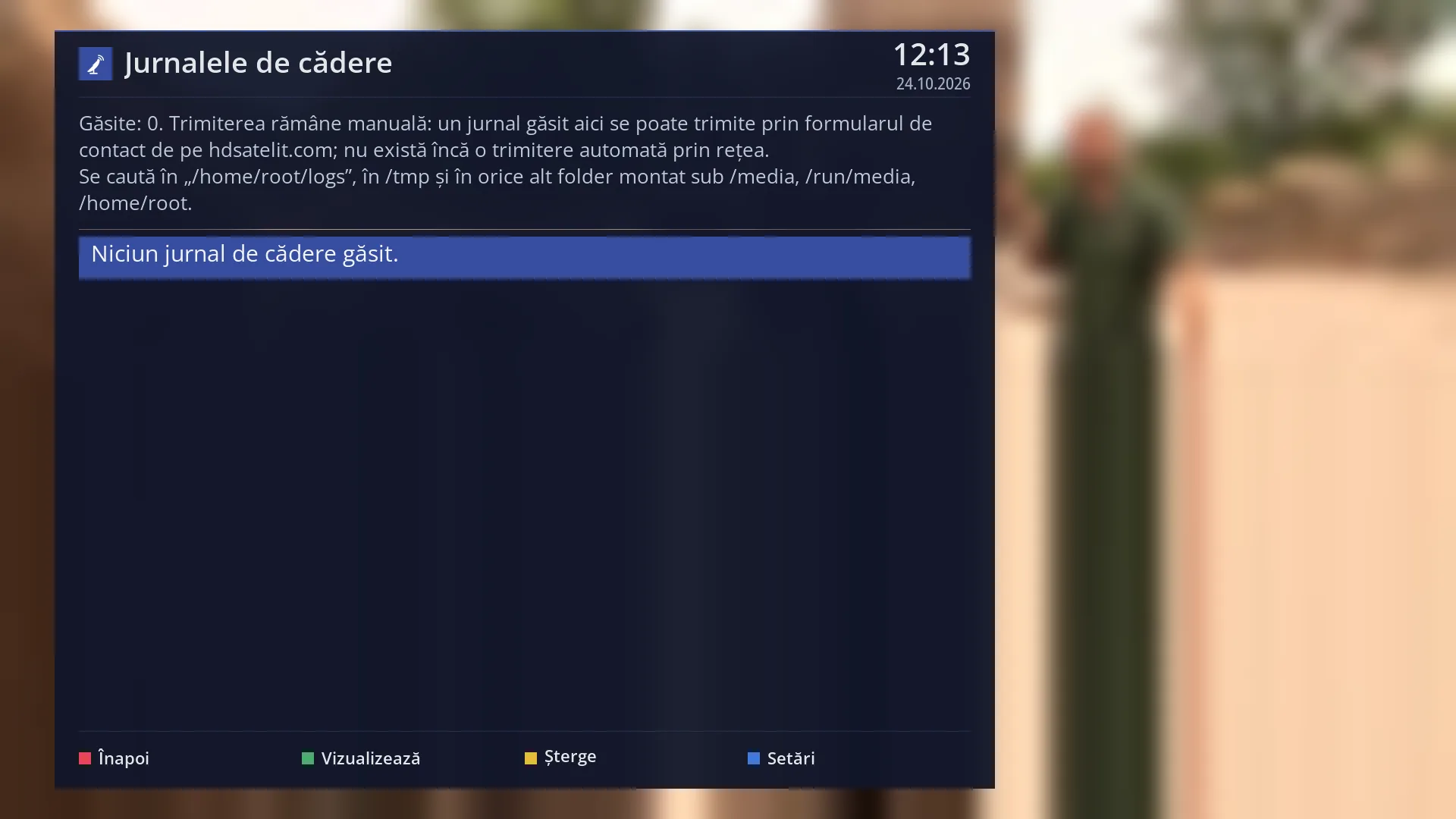
- 1 The selected row.
What it is for
When the interface program crashes (it stops because of an error and starts again by itself) or a screen cannot open, the receiver writes a crash log. The log contains what happened just before, the error and the programs that are installed. This screen finds the crash logs and lets you read or delete them.
If you want HD Satelit to find out why the receiver crashed, send them the crash log through the contact form on hdsatelit.com. You send it yourself: the receiver does not send anything over the network on its own.
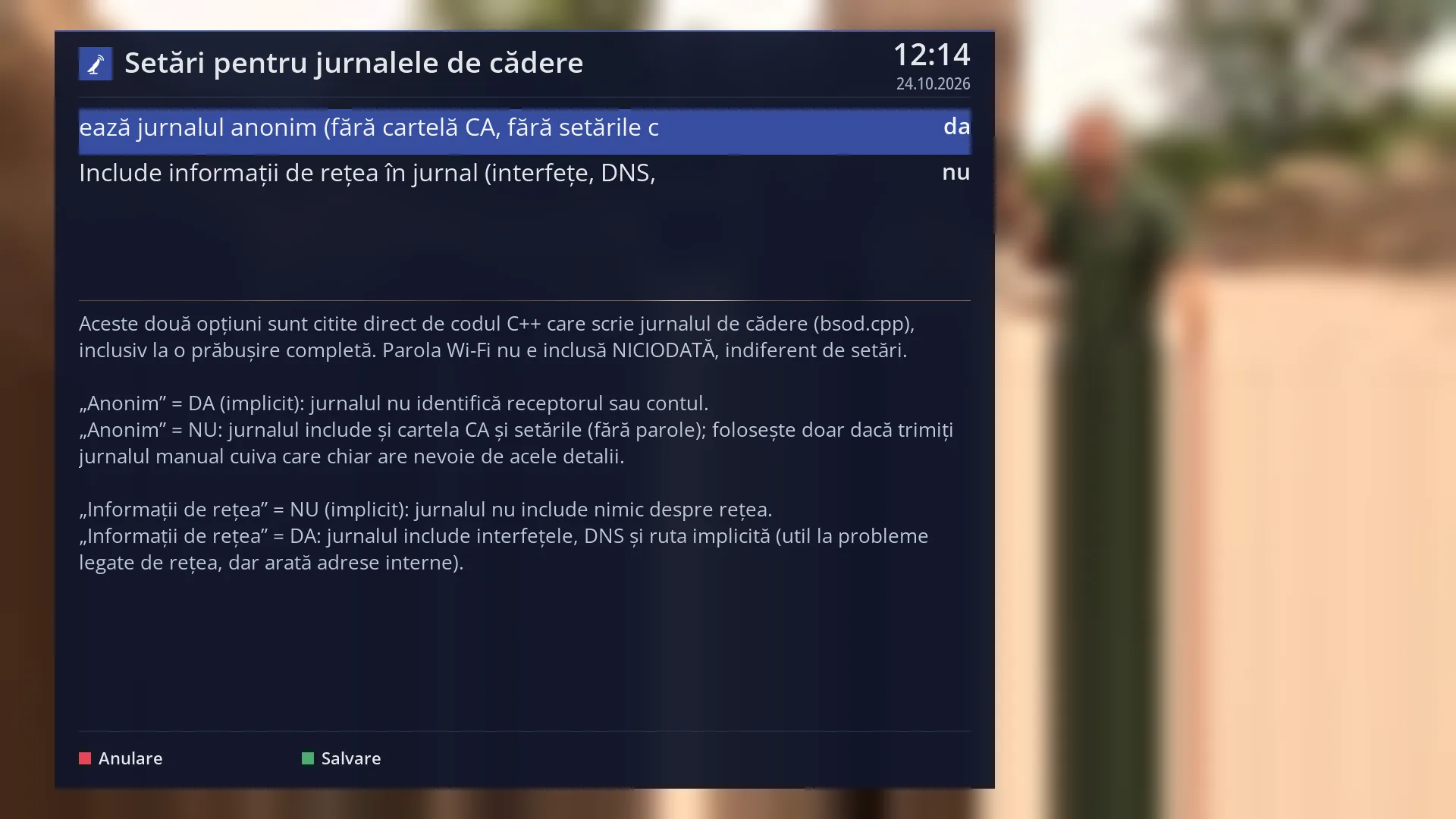
There are also two settings here that decide what goes into a crash log: whether it stays anonymous and whether it includes network information.
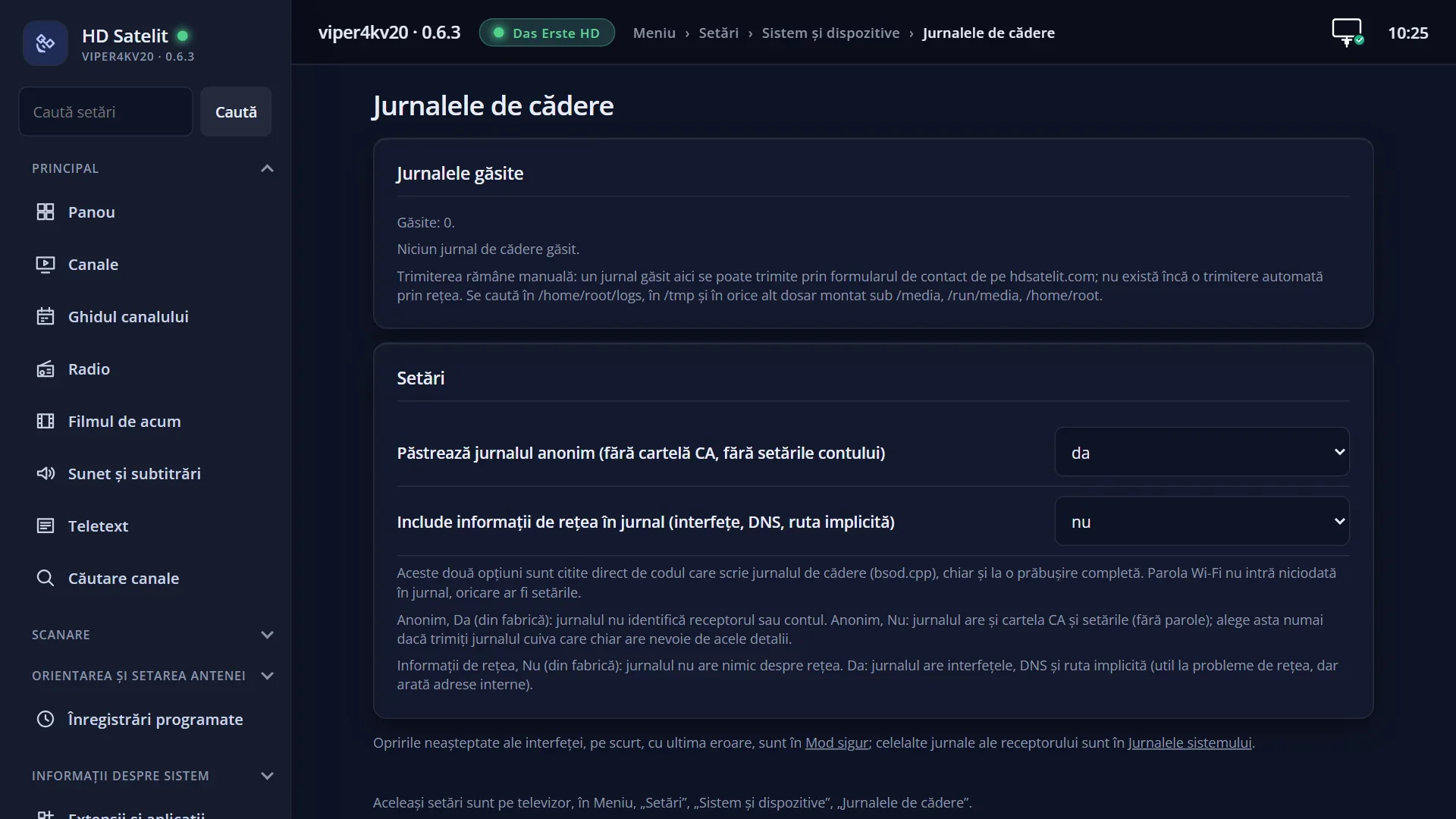
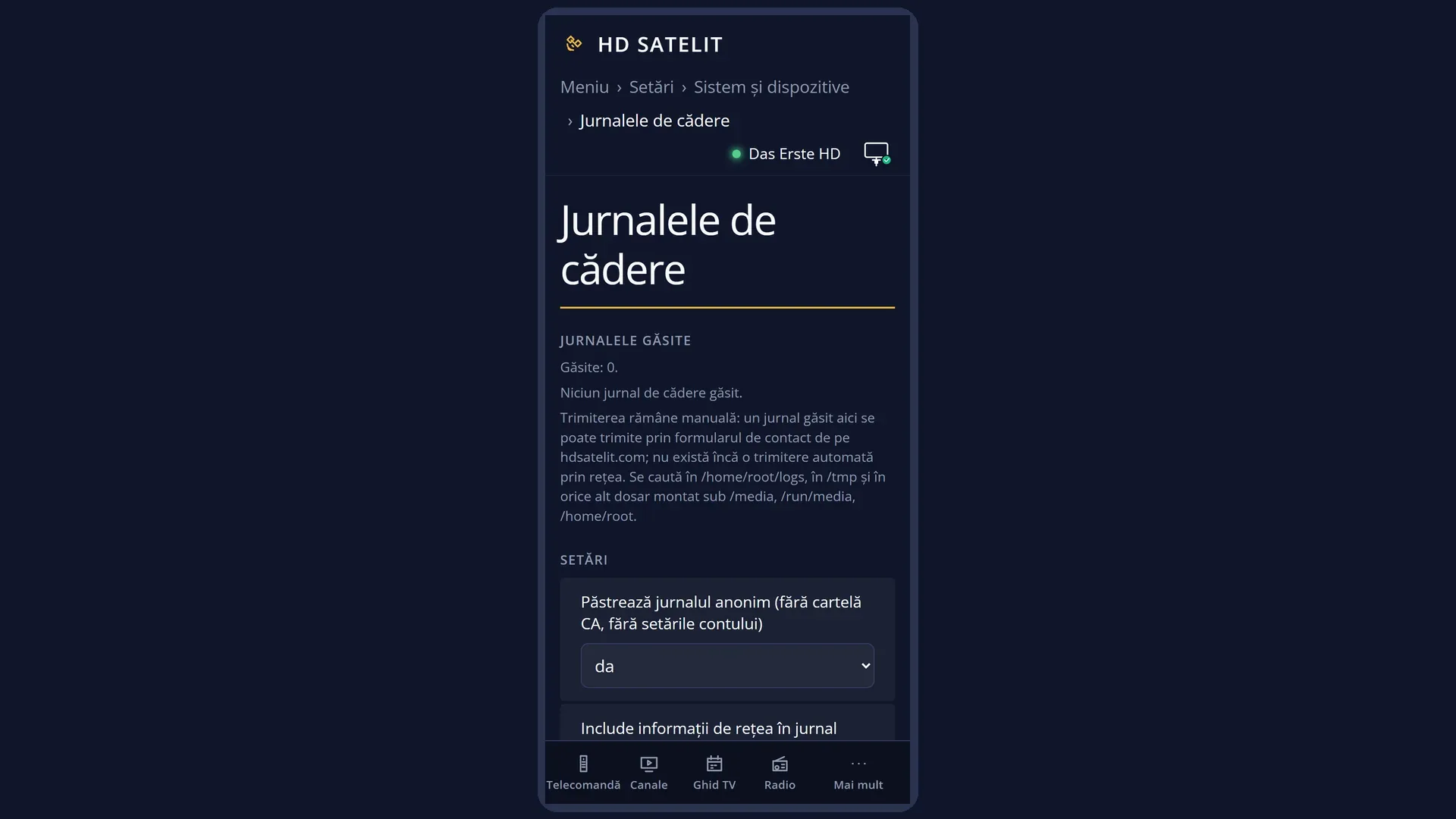
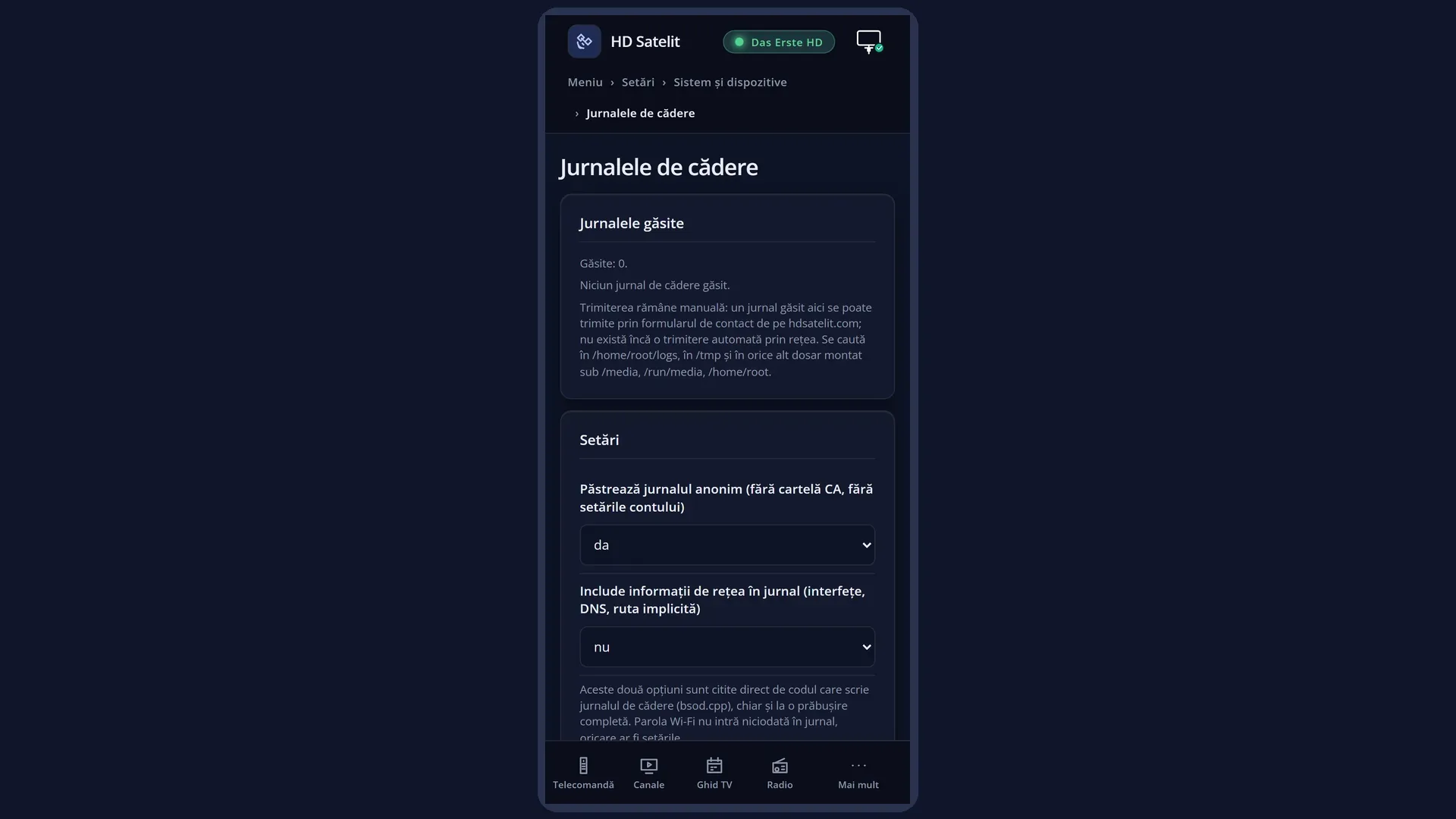
The same list and the same settings are in the web interface, on the /jurnale-cadere page.
How to get here
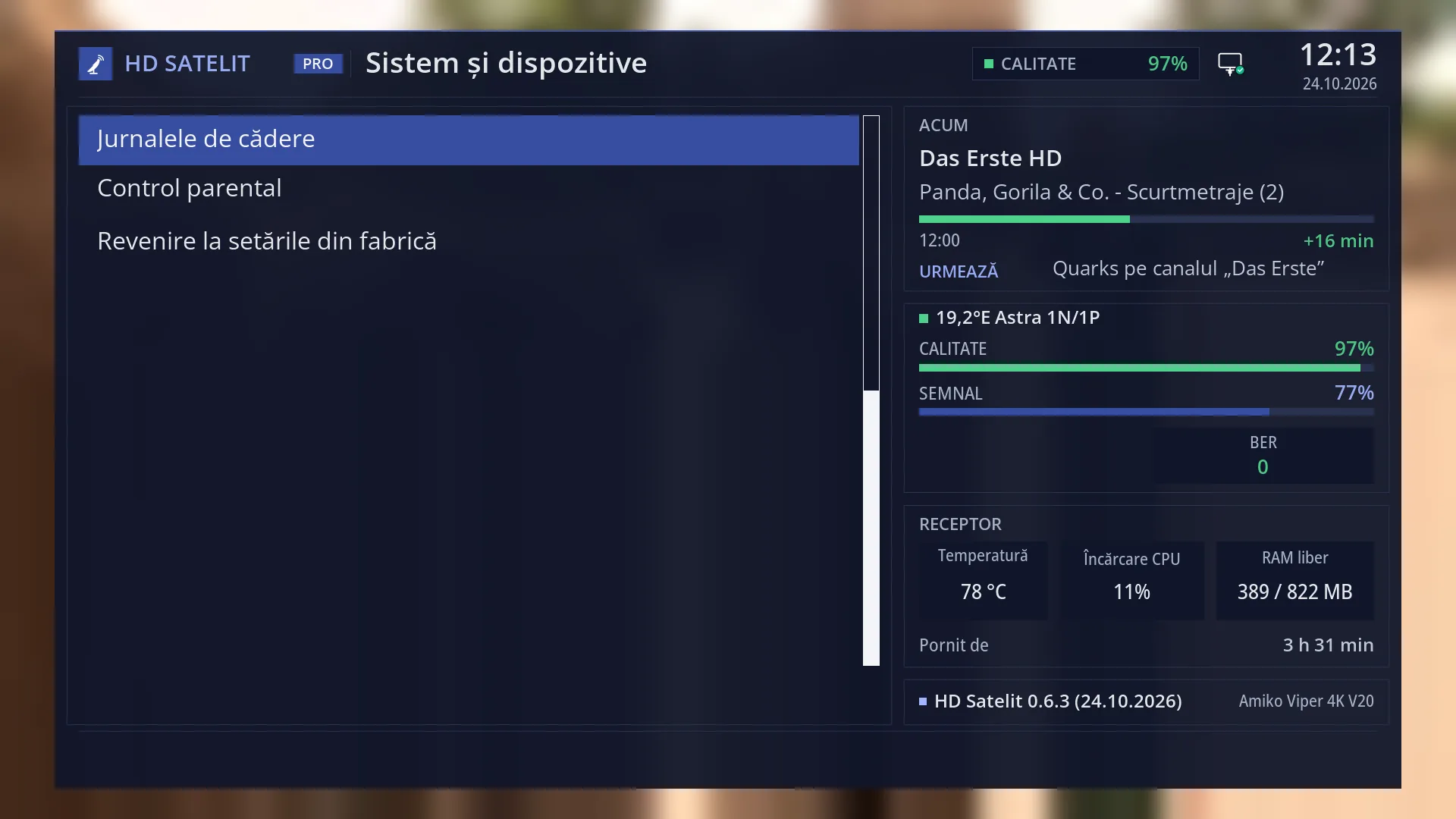
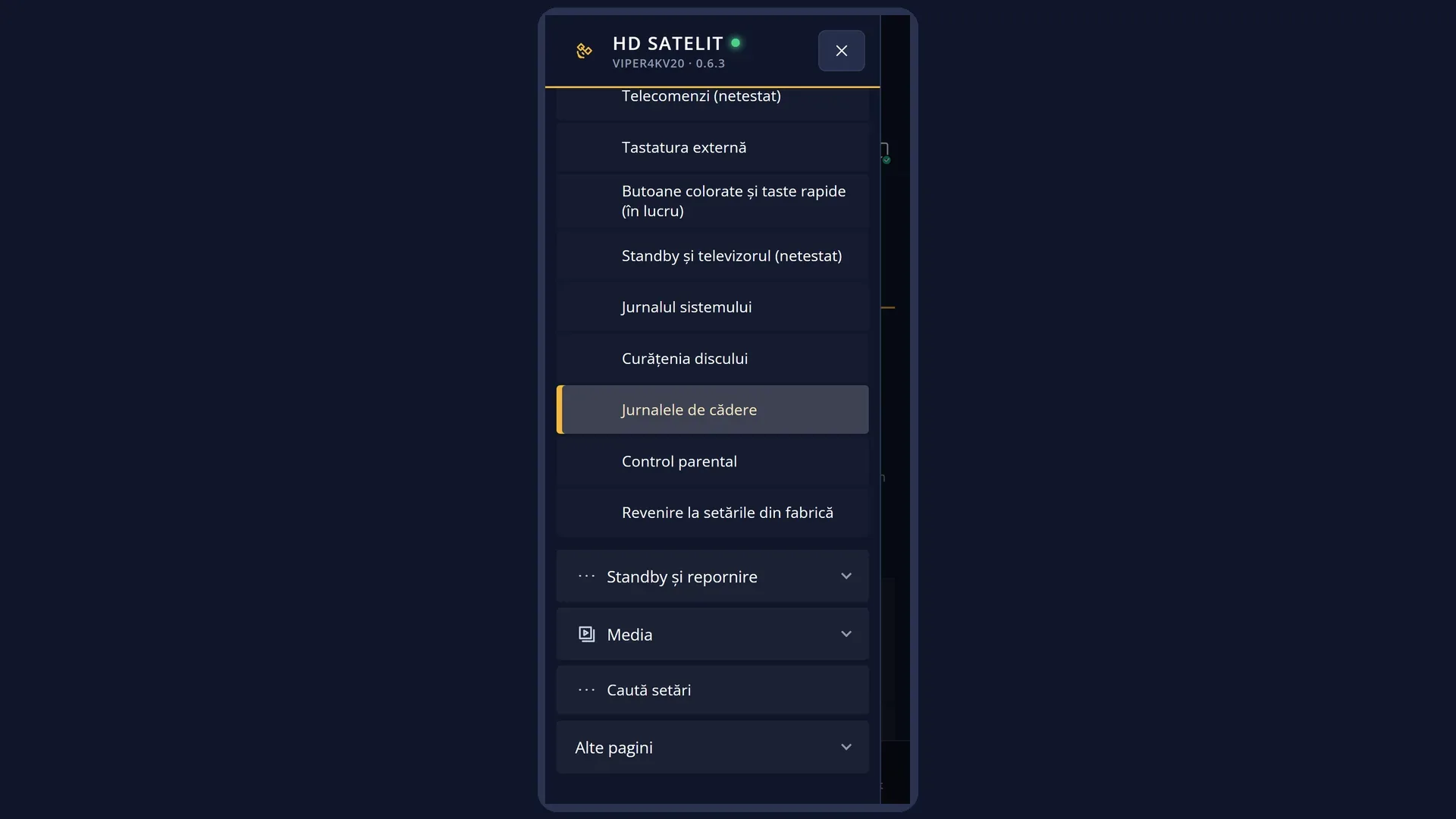
Path: Main menu > Settings > System & Devices > Crash logs (third row from the bottom).
Keys on the remote: MENU 6 UP UP UP OK UP UP UP OK.
The row is shown from the Intermediate menu level, the factory setting. With “Setup Mode” set to Simple, it is not there.
In the web interface: the /jurnale-cadere page.
What you see on the screen
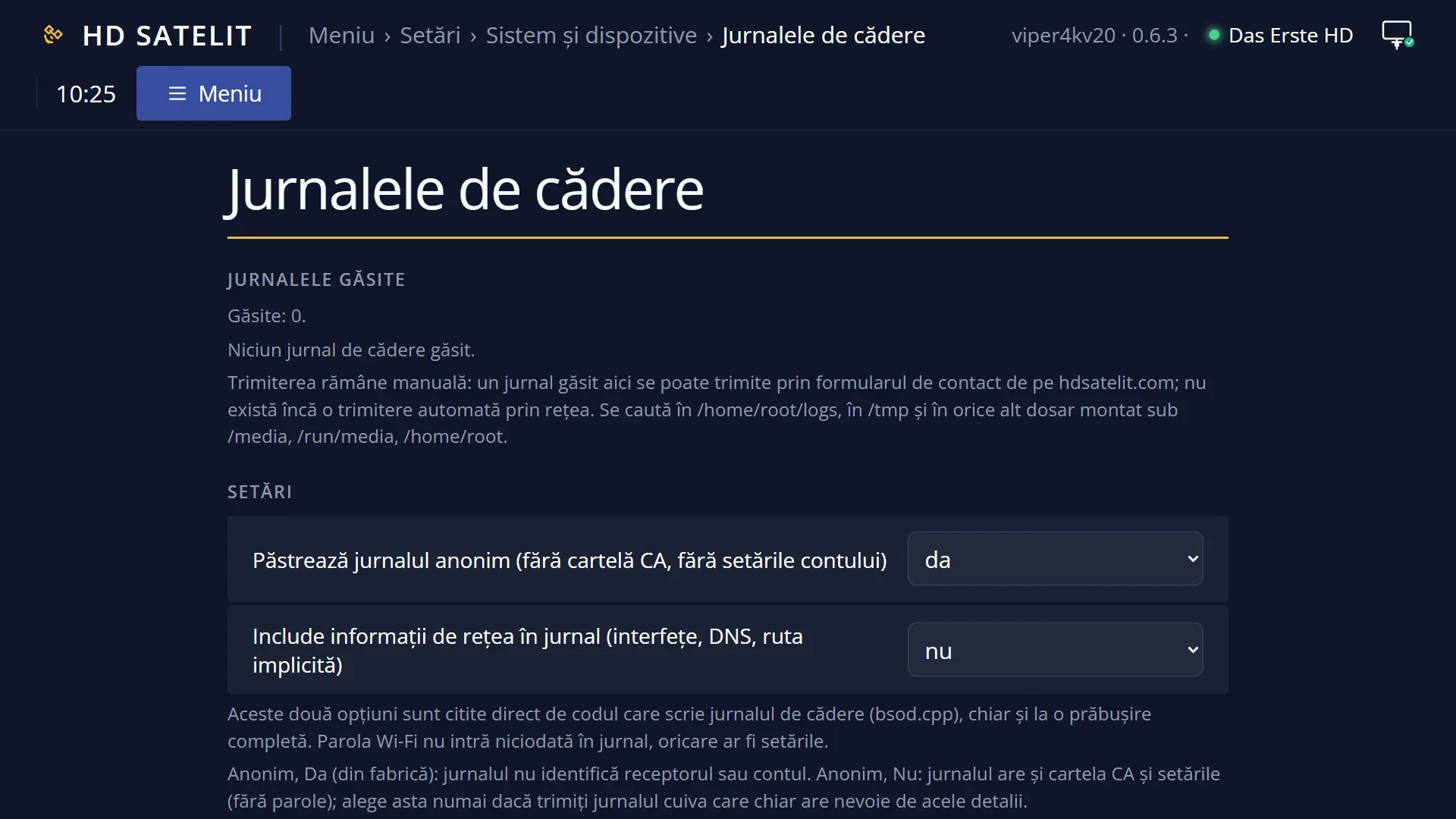
At the top, the title “Crash logs”, with the time and date.
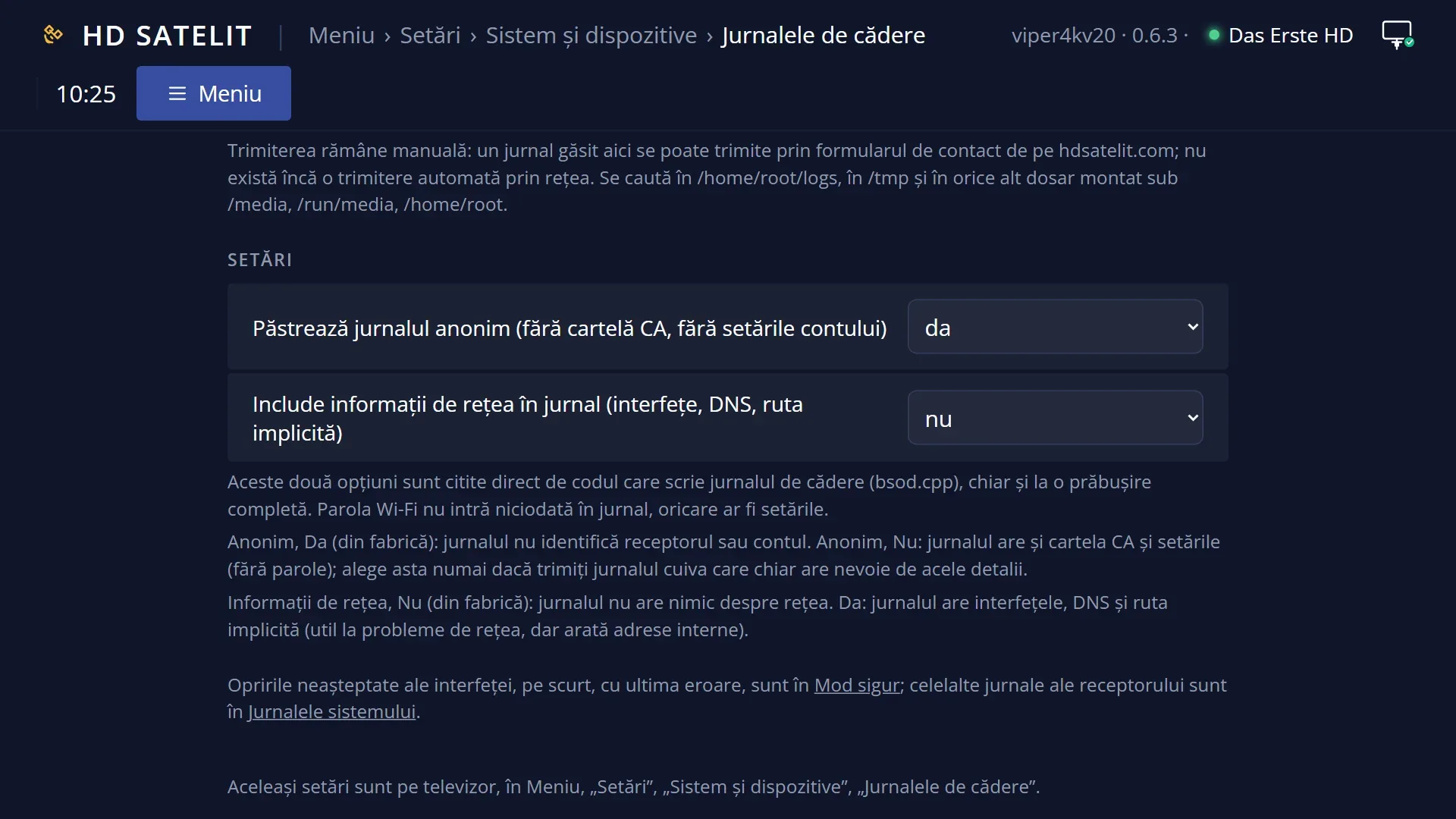
Below the title, the text “Found:” and the number of logs, then “Sending remains manual: a log found here can be sent through the contact form on hdsatelit.com; there is no automatic sending over the network yet.” and where the receiver looks: in the log folder in the internal memory, in the temporary memory and on any USB stick or disk connected to the receiver.
The list of crash logs, newest first: the file name and, in brackets, the size in KB and the day and time it was written. When there are none: “No crash log found.”
At the bottom, the colour keys: RED “Back”, GREEN “View”, YELLOW “Delete”, BLUE “Settings”.
An open log fills the whole screen, as in the System Log Viewer: at the top “Log:” and the file name, with the text below.
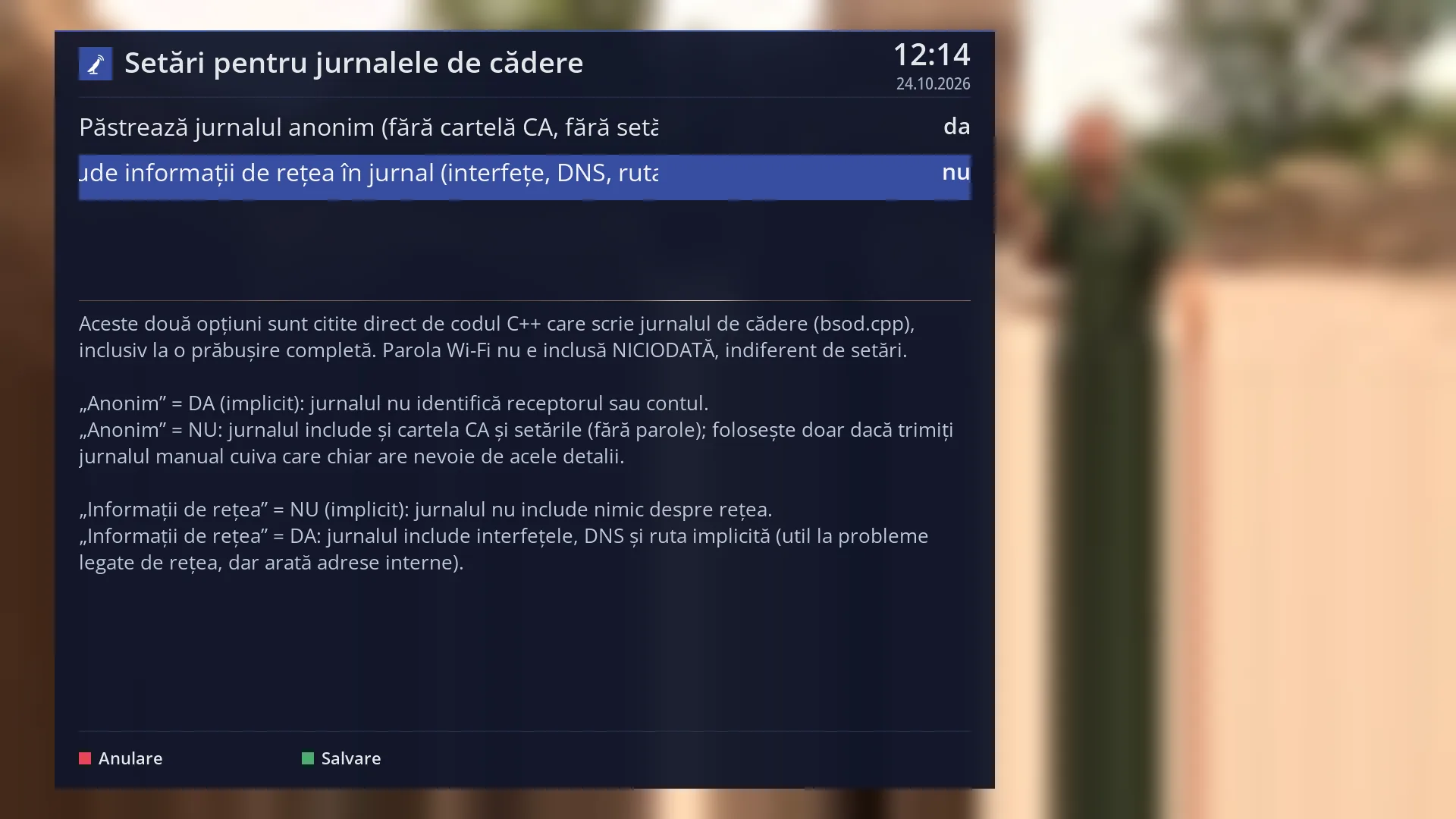
The “Crash log settings” screen has two rows with yes / no and, below them, an explanation of each value. At the bottom: RED “Cancel” and GREEN “Save”.
Rows and settings
| Row | Values | Default | What it does |
|---|---|---|---|
| A crash log in the list | the file name, the size, in KB, the day and time of the crash | OK or GREEN opens it full screen. YELLOW deletes it, after asking you. The receiver keeps only the last five crash logs in the internal memory. It deletes older ones by itself, so that repeated crashes do not fill the memory. | |
| What a crash log contains | interface program crash, error opening a screen | When the interface program crashes, the log is long. First comes what the interface wrote just before the crash (the most useful part), then the receiver model, the image version and the list of installed programs. When a screen fails to open, the log is short. It starts with “HD Satelit: error report, protected screen”, followed by the screen name and the error. The interface then goes back to the previous menu. You can also see the last error in short, with the plugin it occurred in, on the /mod-sigur web page. | |
| Keep the log anonymous | yes, no | yes | With “yes”, the crash log contains nothing that identifies your receiver or your account. With “no”, the log also contains all the receiver settings (without the rows with passwords) and some identification data of the receiver. The text in brackets in the row on screen says what the anonymous log leaves out. Set it to “no” only when someone repairing the receiver specifically asks you for the settings in the log, and set it back to “yes” afterwards. |
| Include network information in the log (interfaces, DNS, default route) | yes, no | no | With “yes”, the crash log also contains the network settings: the receiver's network connections, the DNS servers and the default route. This helps with a network problem, but it shows the addresses on your network. With “no”, the log contains nothing about the network. The Wi-Fi password never goes into the log, however you set these options. When someone is helping you with a network-related crash and asks you for this data. |
| Deleting a crash log | Yes, No | No | YELLOW asks “Delete the log …?” with the file name. With “Yes”, the file is deleted and the list is read again. With “No”, nothing changes. After you have sent the log or when you know the problem has gone. |
Keys
| UP / DOWN | In the list: moves the cursor to another log. In an open log: scrolls one page at a time. In Settings: moves from one row to another. |
| OK or GREEN | In the list: opens the selected log (View). |
| YELLOW | Deletes the selected log, after asking you. |
| BLUE | Opens “Crash log settings”. |
| LEFT / RIGHT | In Settings: changes the value of the selected row (yes / no). In an open log: one page up or down. |
| GREEN (in Settings) | Save: keeps the two settings and closes the window. |
| RED or EXIT | In the list: back to System & Devices. In an open log: back to the list. In Settings: Cancel, without keeping the changes. |
Step by step
Sending a crash log to HD Satelit
- Press MENU 6 UP UP UP OK, then UP three times and OK.
- Look at the first row: it is the log of the last crash, with the day and time.
- Open the same list on your phone or computer, on the /jurnale-cadere page, press “Open” and copy the text.
- Send the text through the contact form on hdsatelit.com, with a few words about what you were doing at the time.
Reading a crash log on the TV
- In the list, move the cursor to the log and press OK.
- Scroll with DOWN. For an interface crash, the most useful part is at the beginning.
- Press EXIT to go back to the list.
Adding network information to crash logs
- In the list, press BLUE.
- Press DOWN to go to “Include network information in the log”, then RIGHT: the value changes to “yes”.
- Press GREEN. The next crash will also write the network settings.
Problems and solutions
The list says “No crash log found.”
The interface has not crashed since the image was installed (or the logs have been deleted). You can also see a short summary of unexpected shutdowns on the /mod-sigur web page.
The receiver crashed, but I cannot find the log.
Not every shutdown writes a crash log: a power cut or a forced restart of the receiver does not leave one. For these, look in the System Log Viewer, at the copy of the log from before the sudden shutdown. An interface restart done by the watchdog shows up in the watchdog log.
Only a few old logs are left.
The receiver keeps only the last five crash logs and deletes older ones by itself. If you want to keep a log, copy it from the web interface.
A message appeared on screen saying that a screen could not be opened.
The interface went back to the previous menu by itself and wrote a short log, which appears first in the list. If it happens again with the same screen, send the log to HD Satelit.
I changed a setting and left with EXIT.
In Settings, EXIT and RED cancel the change. Leave with GREEN to keep it.
The log text is hard to read on the TV.
Open it in the web interface, on the /jurnale-cadere page. Rows with passwords or codes are not shown there.
Related topics
- System Log Viewer
- Safe mode (shutdowns and the last error, in short)
- Receiver watchdog
- System & Devices
- OSD Preferences (Setup Mode)
- Matching web page: /jurnale-cadere.