

Deep Standby (Power Off)
Screenshots are being added: so far 4 from the receiver and 7 from the web interface; the aim is at least 5 of each, with arrows and frames, and, where a setting changes what you see, a before and after comparison.
English screenshots coming: some of the pictures below still show the receiver and the web interface in Romanian. The rows, keys and steps described on this page are the English ones.
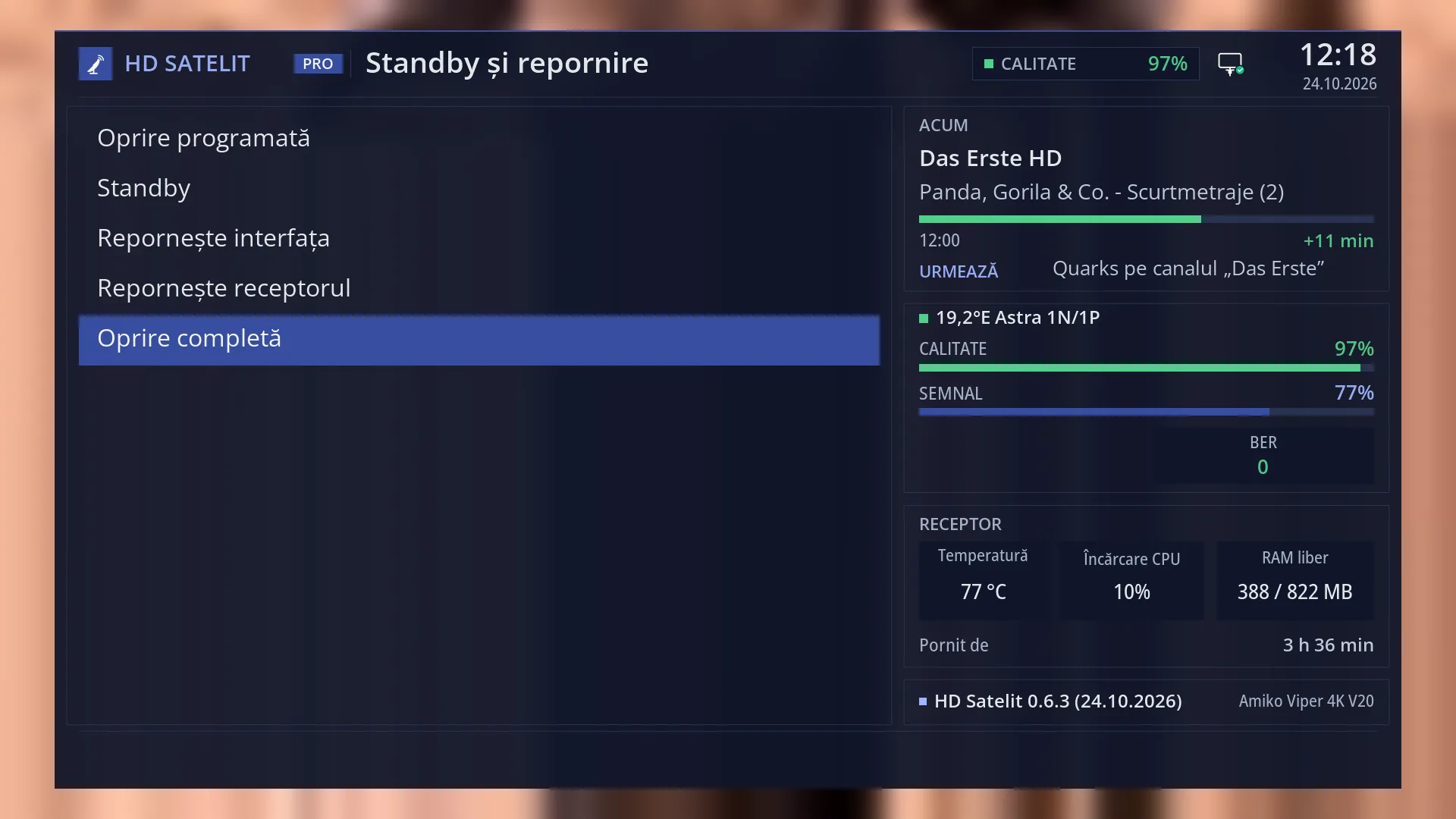
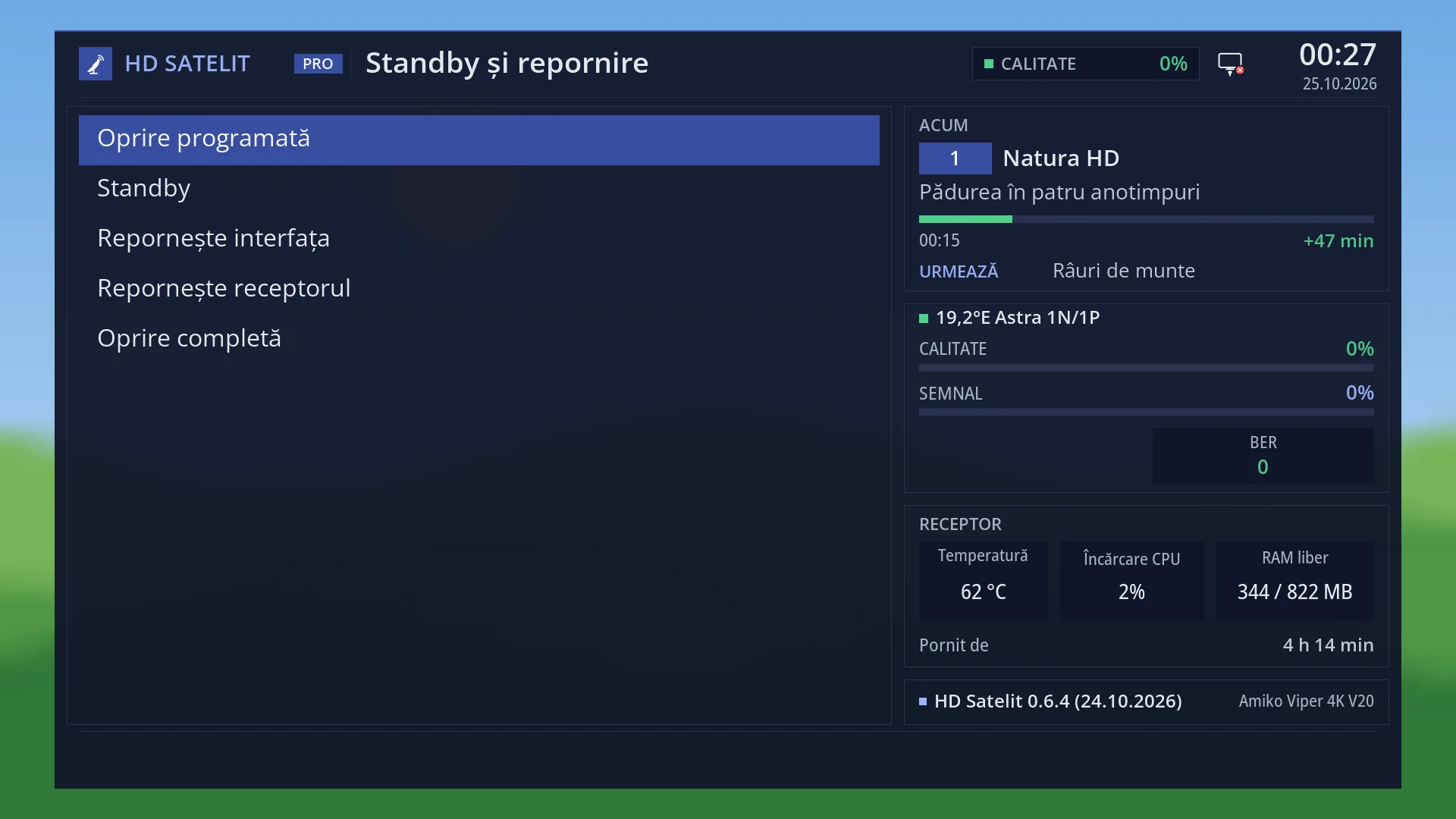
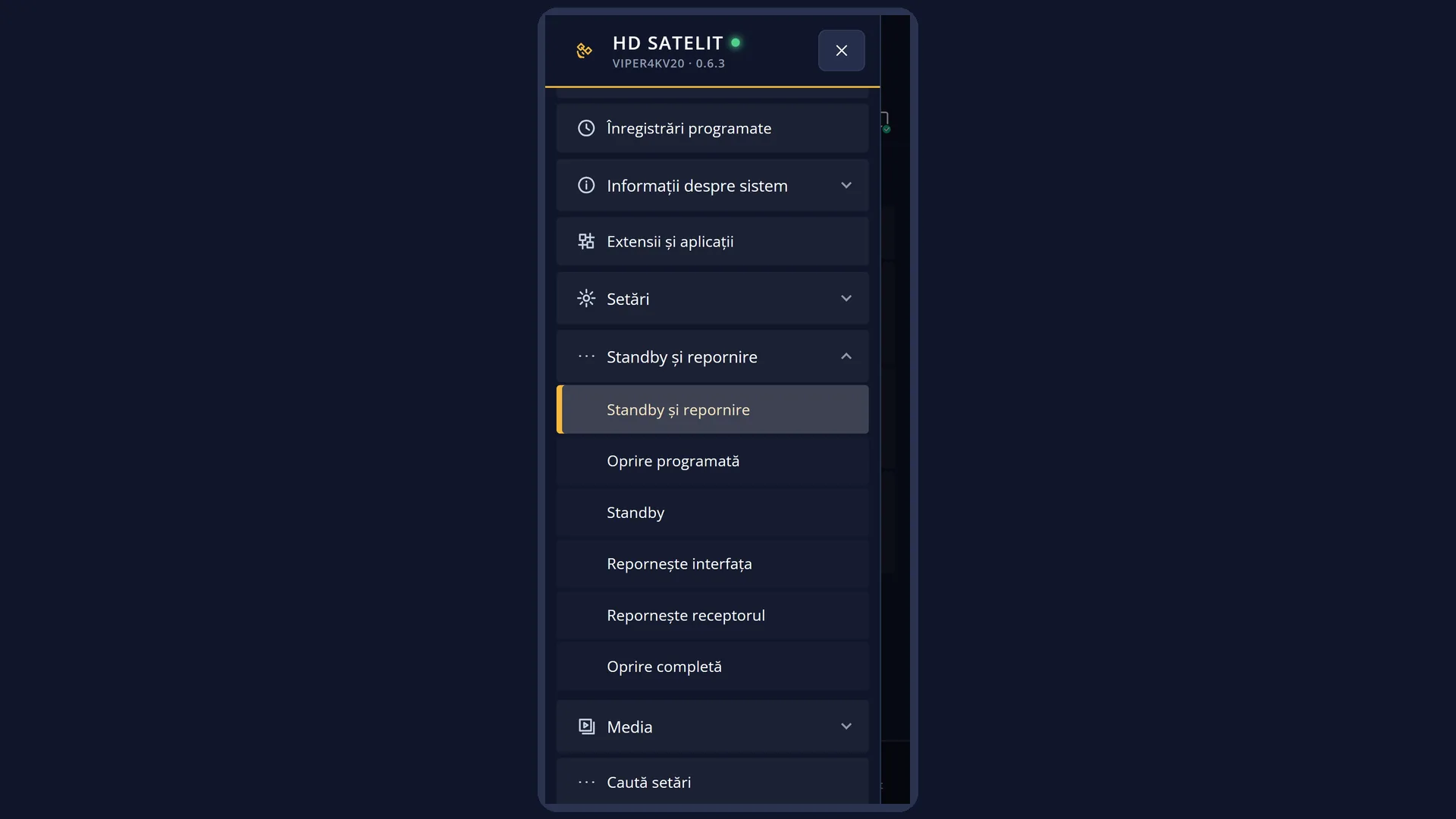
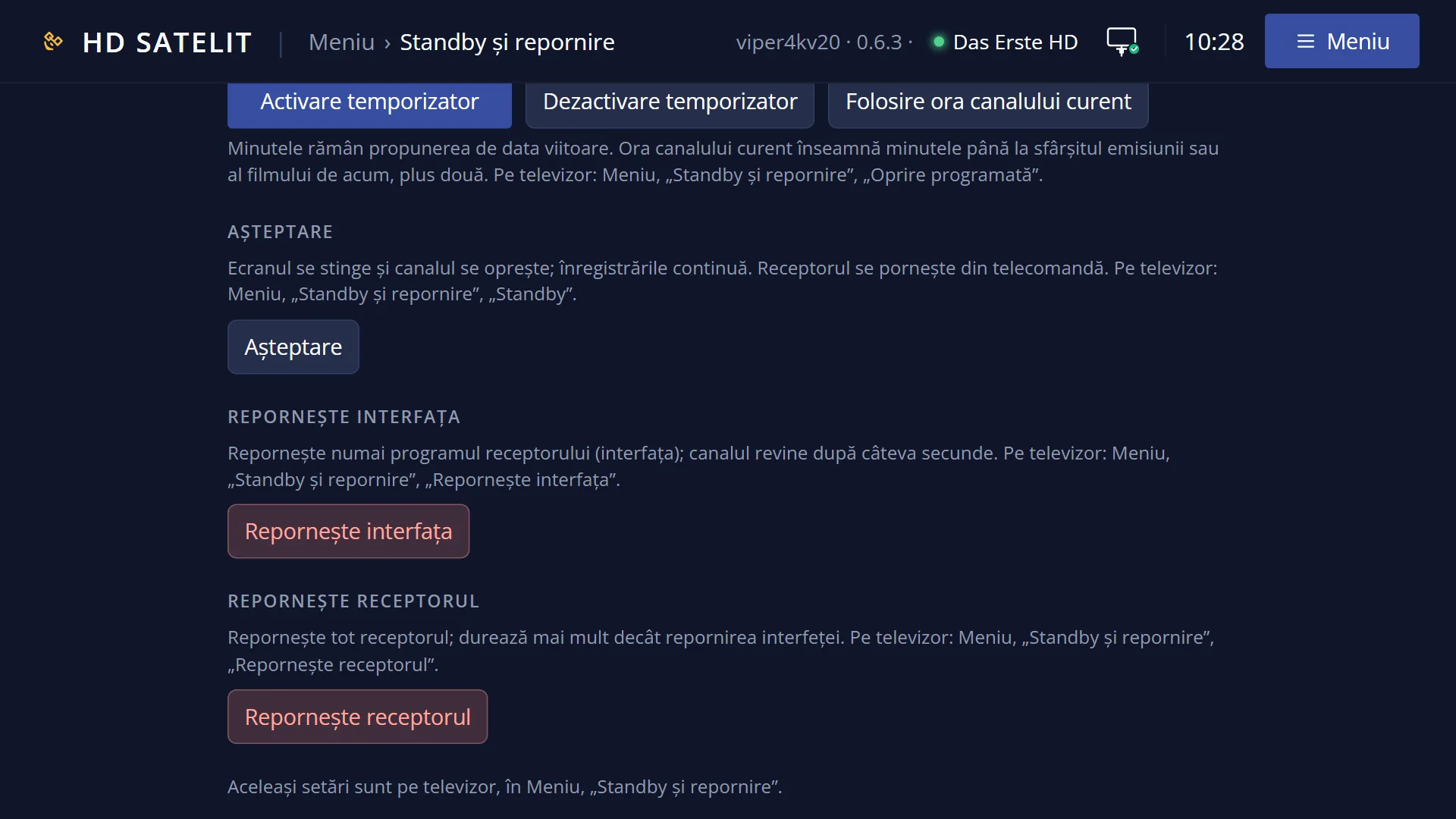
- 1 The “Power & Restart” menu.
- 2 The selected row: OK or 5 turns the receiver off completely, at once.
What it is for
“Deep Standby (Power Off)” turns the receiver off completely: the interface, the HDMI output and the network connection. While it is off, it does nothing: no recordings and no web interface.
Use it when you go away for a longer time or before you unplug the receiver. For the night, standby is usually better: the receiver makes the timer recordings, responds on the network and wakes up quickly.
You turn it on again with the POWER key on the remote. It starts from scratch, as after being plugged in, and goes to the channel you were watching (or to what you chose in “What to show at startup”).
Timer recordings: when it shuts down, the image leaves the receiver the time of the next recording, so that it turns itself on a few minutes before. On the Amiko Viper 4K V20 this automatic start has not been tested yet. If you want to be sure of a recording, leave the receiver in standby.
With no recordings in progress and no background tasks, it shuts down at once, without asking. From the web interface, on /alimentare, it only shuts down after you confirm, and the receiver cannot be turned on again from there.
How to get here
Path: Main menu > Power & Restart > Deep Standby (Power Off).
Keys while watching TV: MENU 7 5 (shuts down at once).
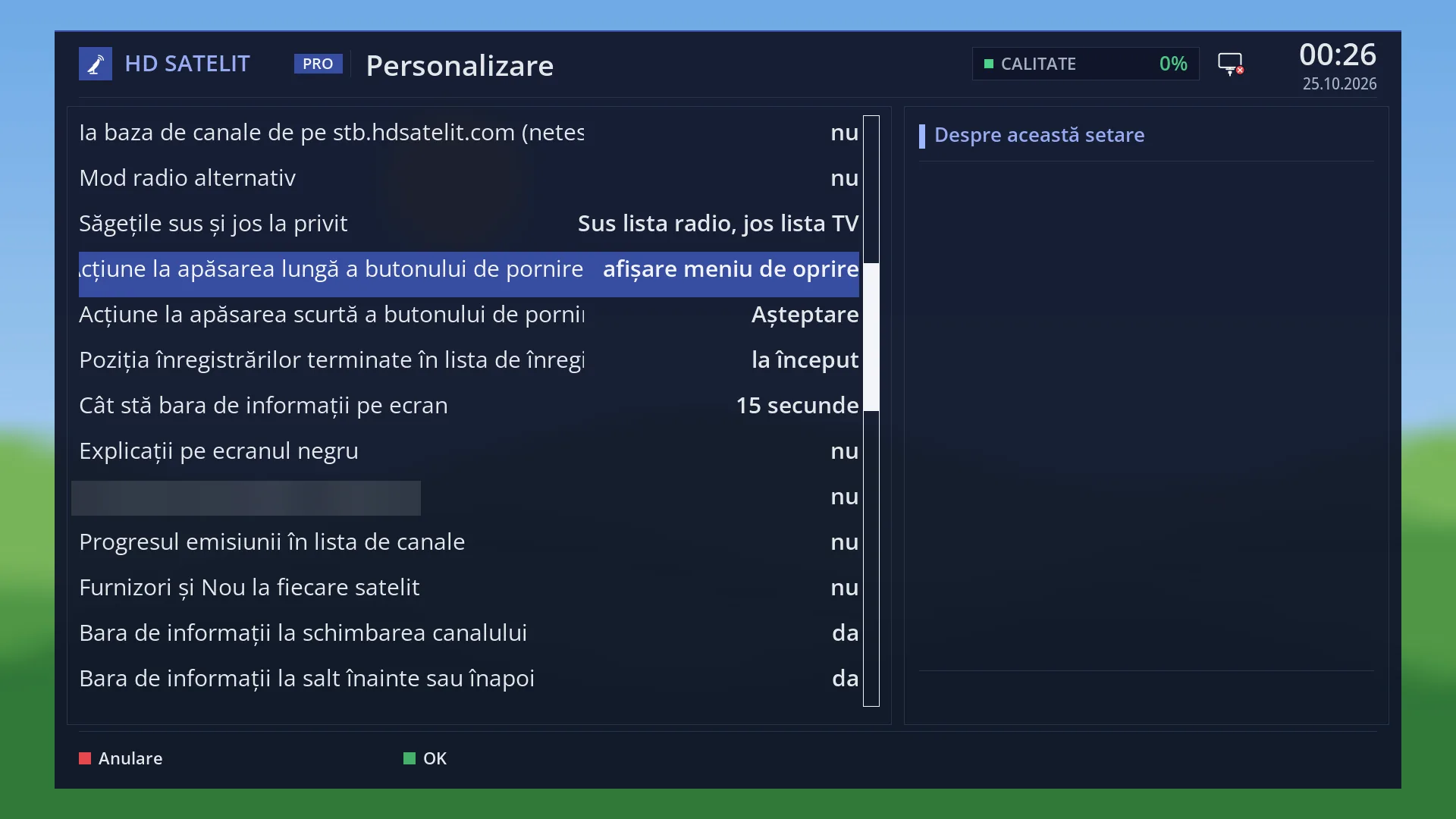
Holding down POWER opens the “Power & Restart” menu, where Deep Standby is key 5. With “Action on long powerbutton press” set to “immediate shutdown” (OSD Preferences), holding down POWER shuts down directly.
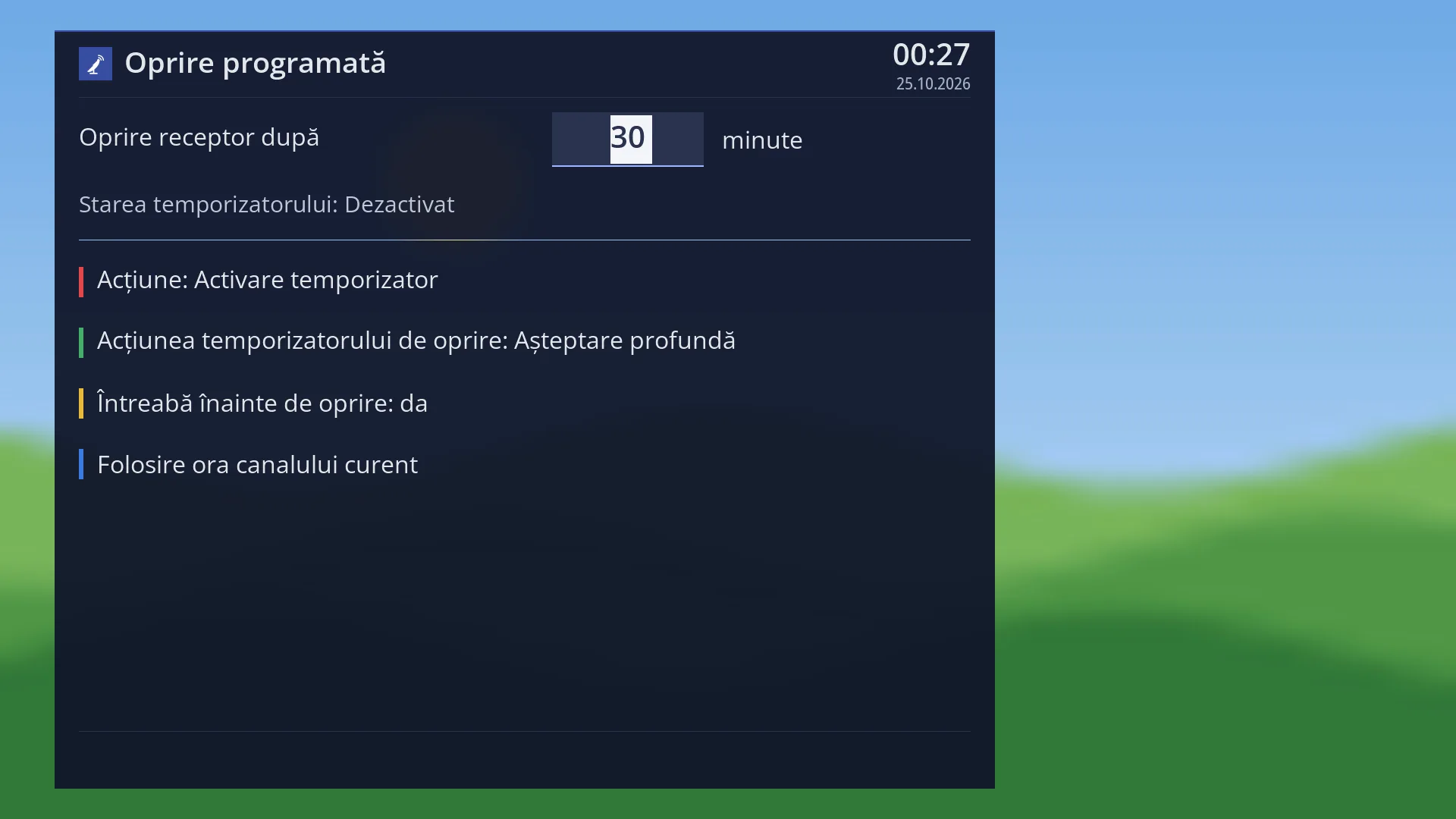
From the Sleep Timer, with the “Deep Standby” action (the factory setting).
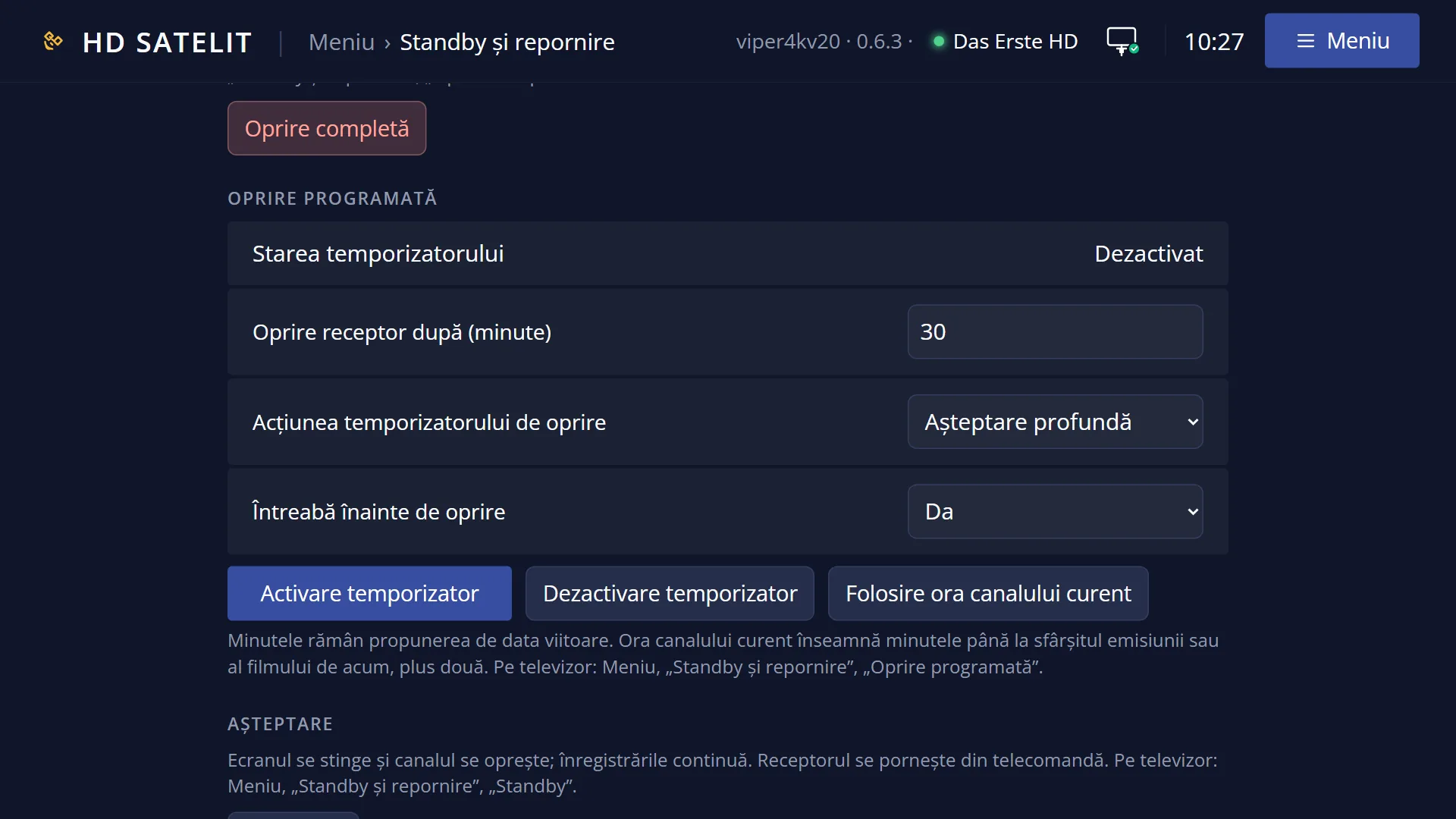
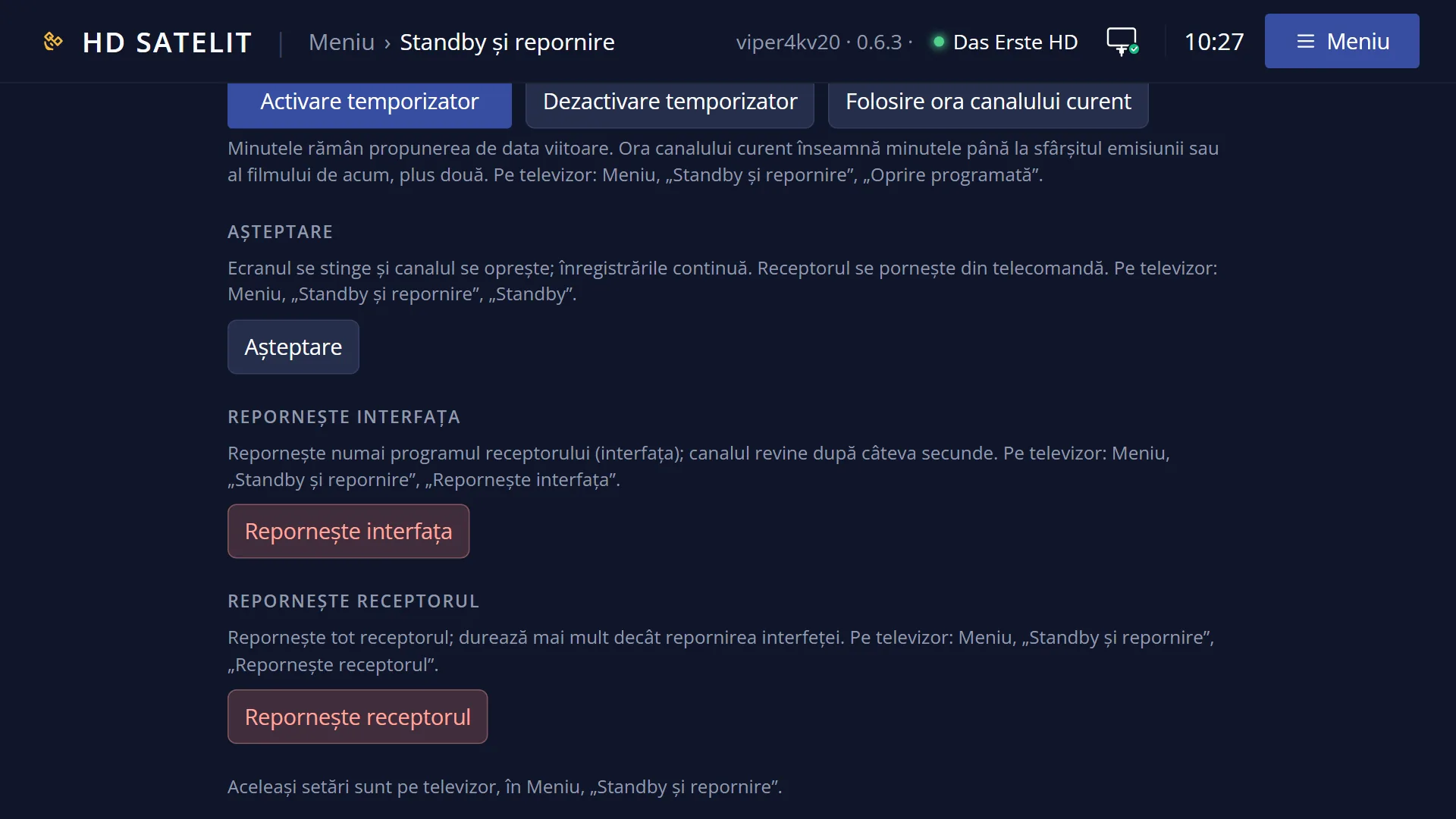
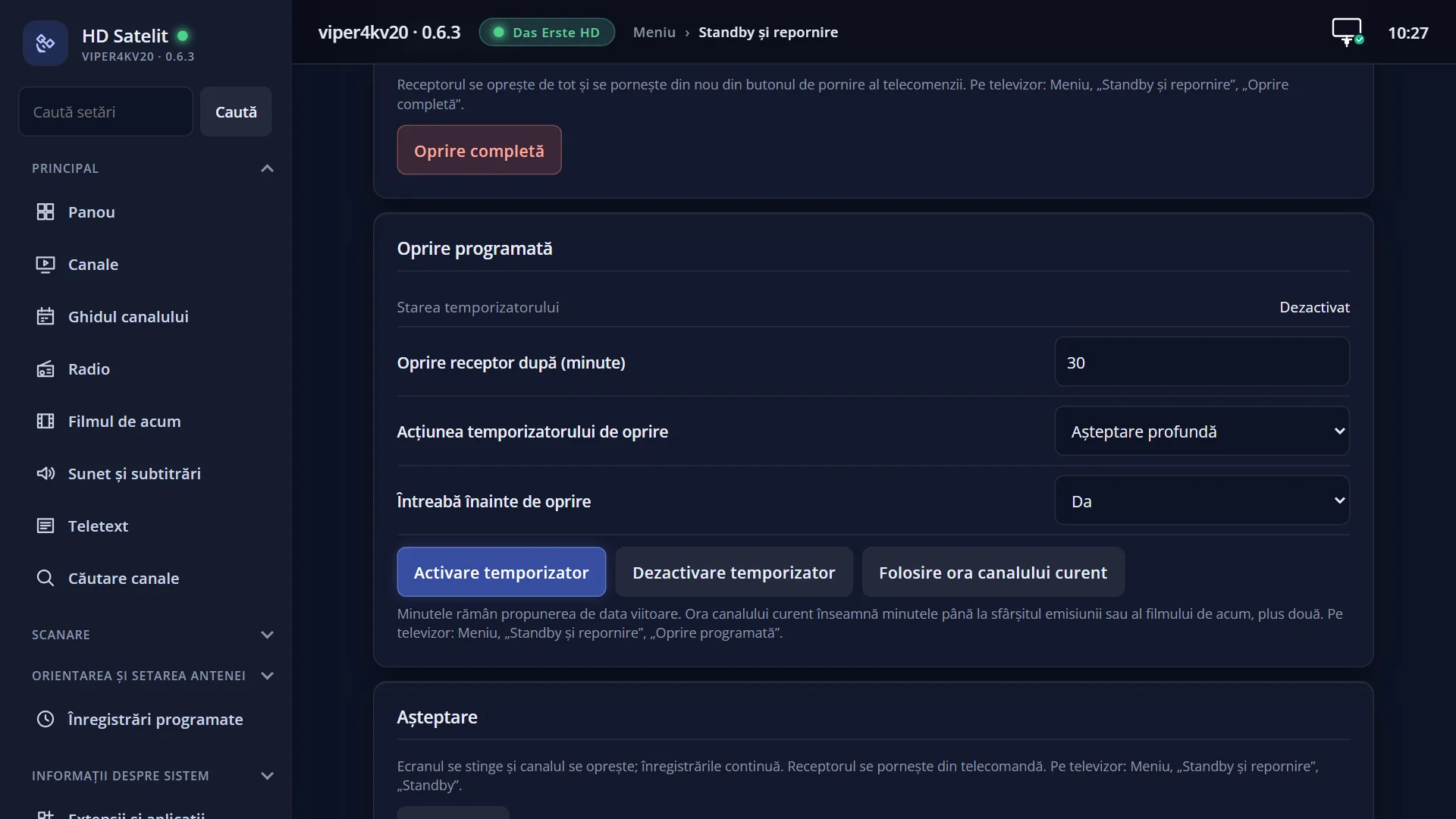
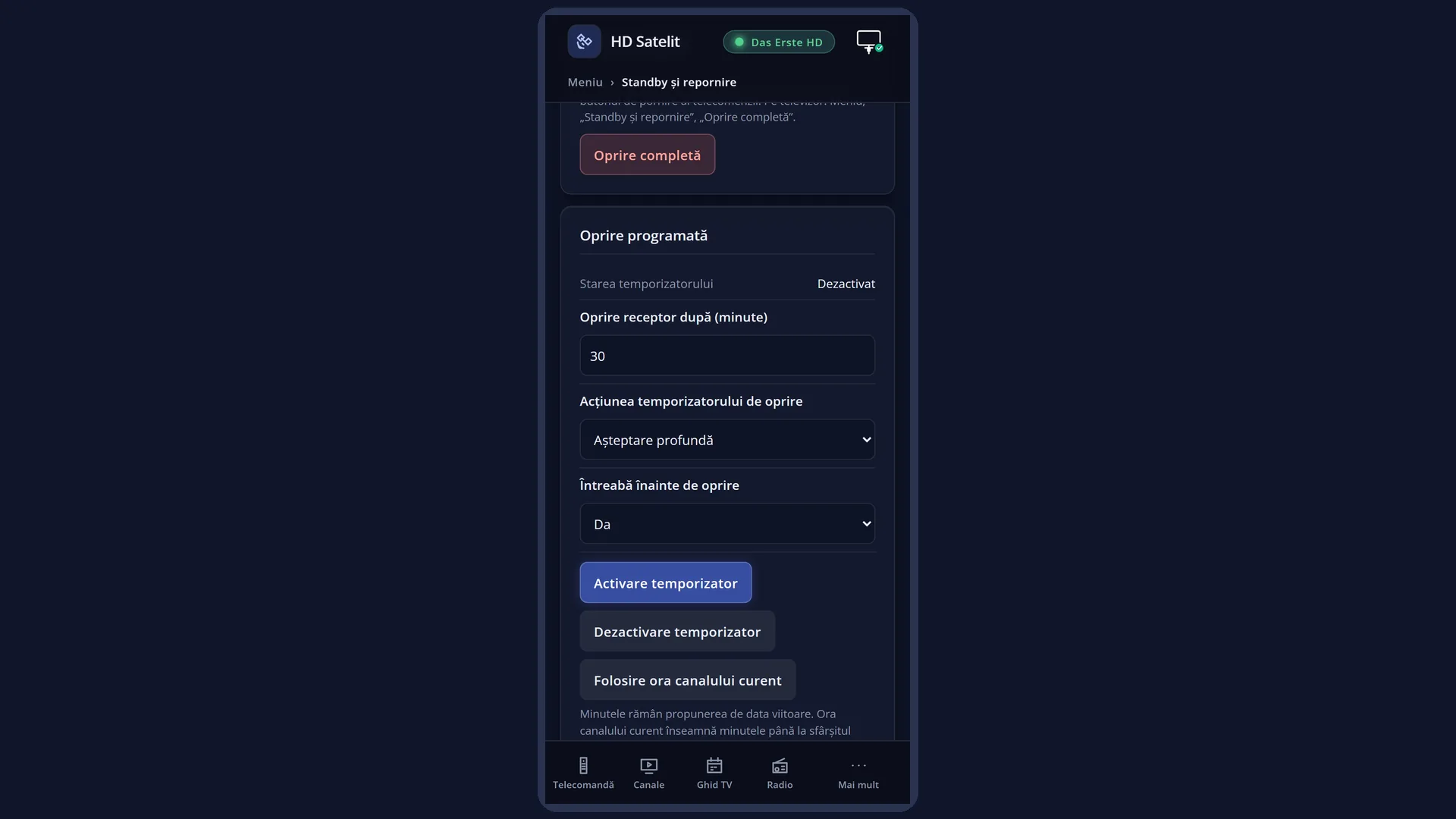
In the web interface: the /alimentare?f=oprire page, the “Full shutdown” button, then “Yes, turn off the receiver”.
What you see on the screen
Usually no window: the screen goes blank and the TV has no signal.
If a recording is in progress or starts in less than 6 minutes, the question “Recording(s) are in progress or coming up in few seconds!” appears, with “Really shutdown now?” below it and Yes selected. If a background task is running, the question also shows the task.
The display on the front of the receiver goes blank when the interface stops.
The web interface does not respond until you turn the receiver on again: the /alimentare page you shut down from keeps the message “The receiver is shutting down.”, and a page you open again does not load.
When it starts, the receiver goes through the full start-up: the startup picture, then the channel. In the Pro theme, “Running for” in the menu's “Receiver” box starts again from zero.
Rows and settings
| Row | Values | Default | What it does |
|---|---|---|---|
| The “Really shutdown now?” question | Yes, No | Yes (selected) | It only appears when a recording is in progress or starts in less than 6 minutes, or when a background task is running. Yes: the receiver shuts down now and the recording in progress stops. No or EXIT: nothing happens and you go back to TV (the menu closes). If you leave it on the screen, the receiver shuts down by itself when the recording ends. When it is on the screen. |
| Timer recordings | When it shuts down, the image leaves the receiver the time of the next timer recording, so that it turns itself on a few minutes before (or after half a minute, if the recording is very close). On the Amiko Viper 4K V20 the automatic start has not been tested yet. | ||
| Action on long powerbutton press (OSD Preferences) | show shutdown menu, immediate shutdown, Standby | show shutdown menu | What holding down POWER does while watching TV: it opens the “Power & Restart” menu, shuts down completely at once (“immediate shutdown”, with the same question when a recording is running) or puts the receiver in standby (“Standby”). When you want to shut down completely with one press. |
| The action of the sleep timer (Sleep Timer) | Deep Standby, Standby | Deep Standby | “Deep Standby” in the Sleep Timer also means a complete shutdown: at the set time the receiver turns off completely. Choose “Standby” if you want the Sleep Timer to leave it in standby. |
Keys
| 5 or OK (in Power & Restart) | Shuts the receiver down at once (or shows the question, if a recording is running). |
| POWER (receiver off) | Turns the receiver on again. Point the remote at the receiver. |
| UP / DOWN (in the question) | Choose between Yes and No. |
| OK (in the question) | Does what is selected: Yes shuts down, No cancels. |
| EXIT (in the question) | Like No: the receiver does not shut down and you go back to TV. |
Step by step
Turning the receiver off completely
- Press MENU 7 5 (or hold down POWER and press 5).
- If the question about recordings appears, choose No to let the recording finish, or Yes to shut down now.
- The screen goes blank. The receiver is off.
Turning it on again
- Press POWER on the remote, pointed at the receiver.
- Wait for the full start-up: it takes longer than waking up from standby.
- After the startup picture, the channel you were watching appears.
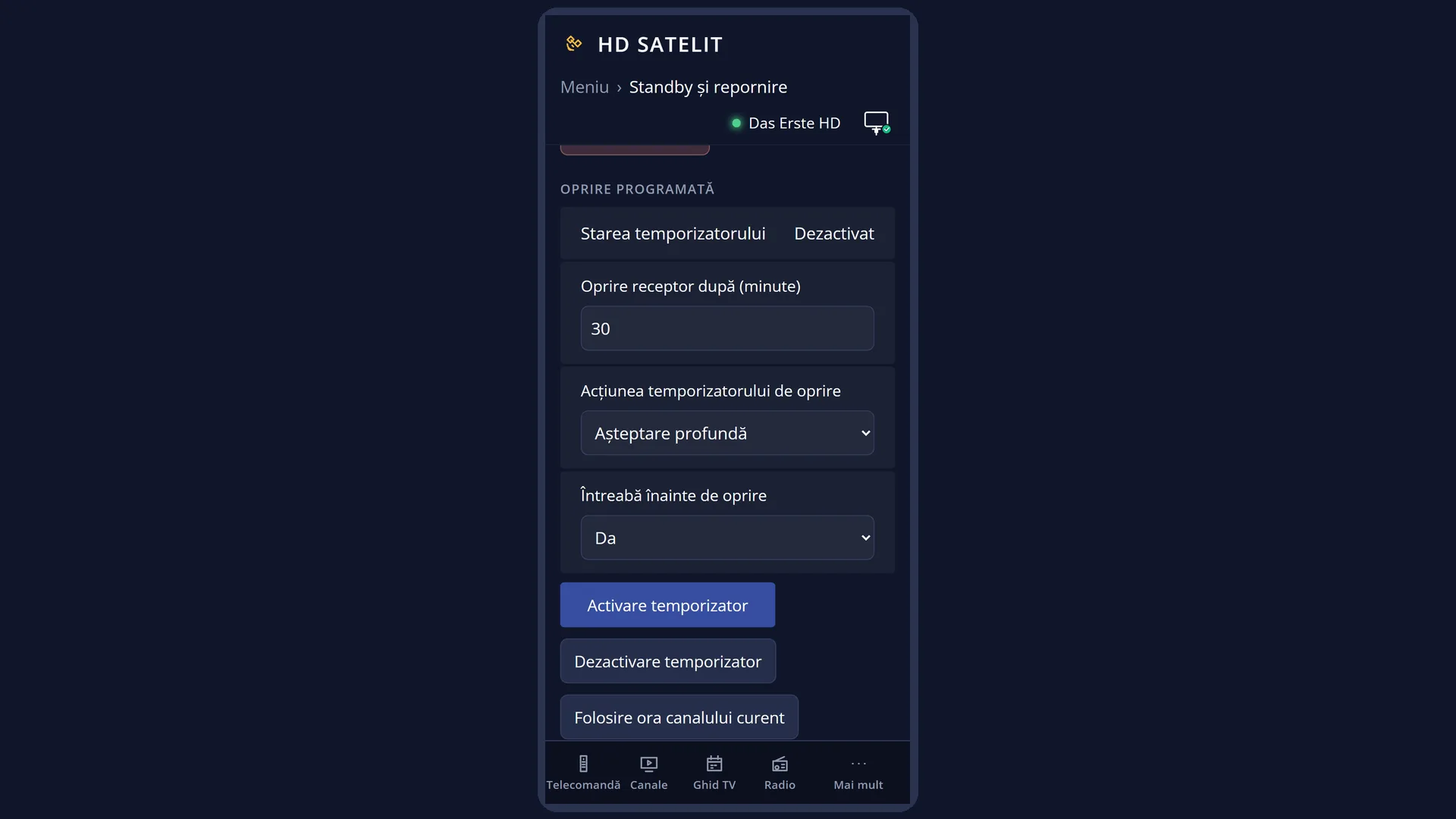
From your phone
- Open the receiver's web interface and go to /alimentare?f=oprire.
- Press “Full shutdown”. The confirmation says “The receiver is turned on again with the power button on the remote.”.
- Press “Yes, turn off the receiver”. After 1.5 seconds the receiver shuts down, and you can no longer turn it on from your phone.
Problems and solutions
The receiver does not turn on from the remote after a complete shutdown.
Point the remote at the receiver, press POWER once and wait: the full start-up takes longer than waking up from standby. If it still does not start, unplug the receiver for a few seconds and plug it back in.
I cannot turn the receiver on from the web interface.
When it is completely off, the receiver is not on the network, so the web interface does not respond. If you want to turn it on from your phone, put it in standby, not Deep Standby.
A timer recording was missed while the receiver was off.
The automatic start for recordings has not been tested yet on the Amiko Viper 4K V20. For recordings, leave the receiver in standby.
A question appears when shutting down.
A recording is running, one starts in less than 6 minutes or something is running in the background. No does not leave the receiver on. If you leave the question on the screen, the receiver shuts down by itself when the recording ends.
The Sleep Timer turned the receiver off completely, but I only wanted standby.
In Sleep Timer (MENU 7 1), press GREEN until it shows “Standby”, then start the timer with OK.
When I held down POWER, the receiver shut down directly, without a menu.
“Action on long powerbutton press” in OSD Preferences is set to “immediate shutdown”. Set it back to “show shutdown menu”.
Related topics
- Power & Restart
- Standby
- Sleep Timer
- Restart Box
- Scheduled recordings
- OSD Preferences (POWER key)
- Matching web page: /alimentare?f=oprire.