

What's new
English screenshots coming: some of the pictures below still show the receiver and the web interface in Romanian. The rows, keys and steps described on this page are the English ones.
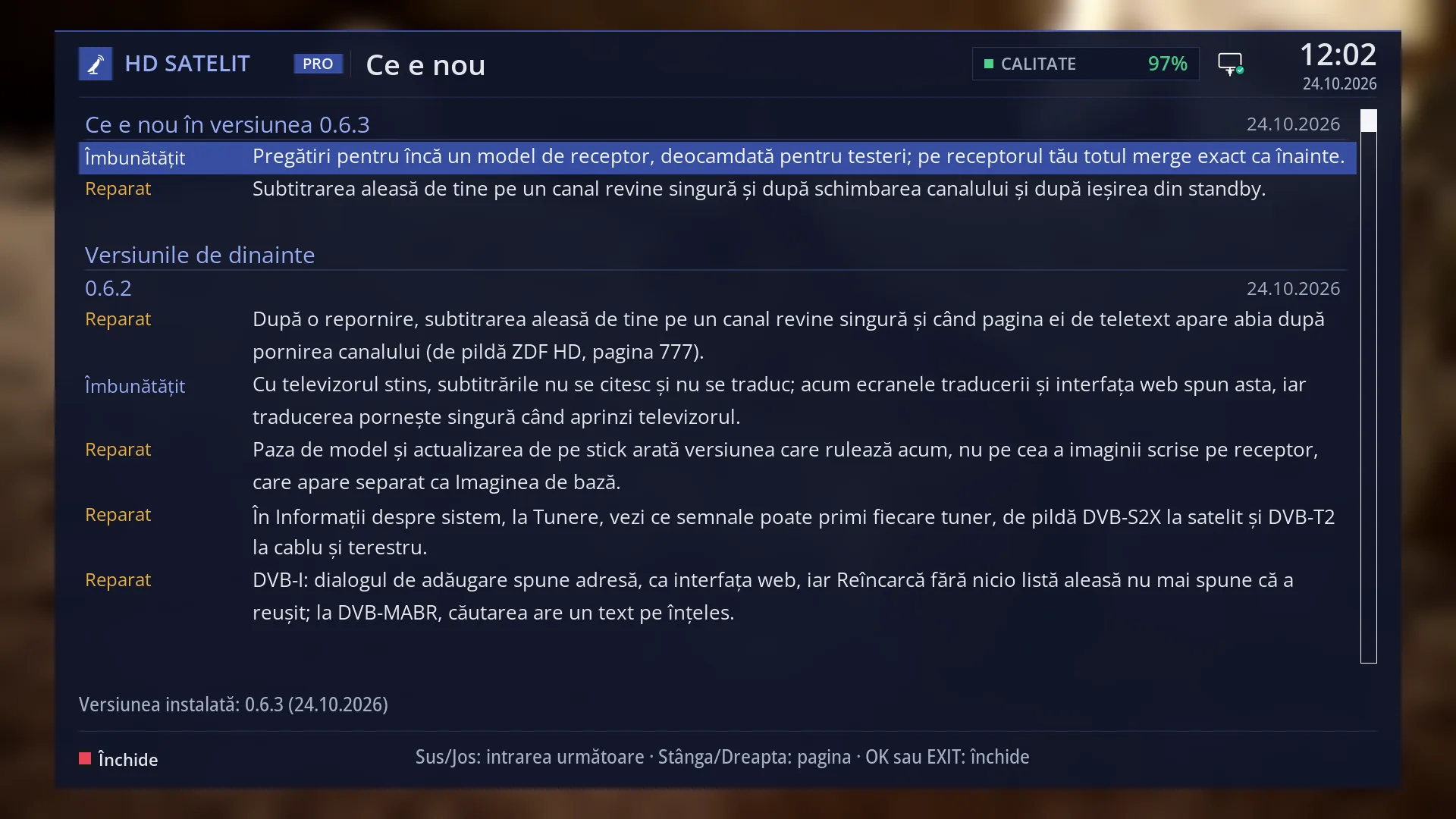
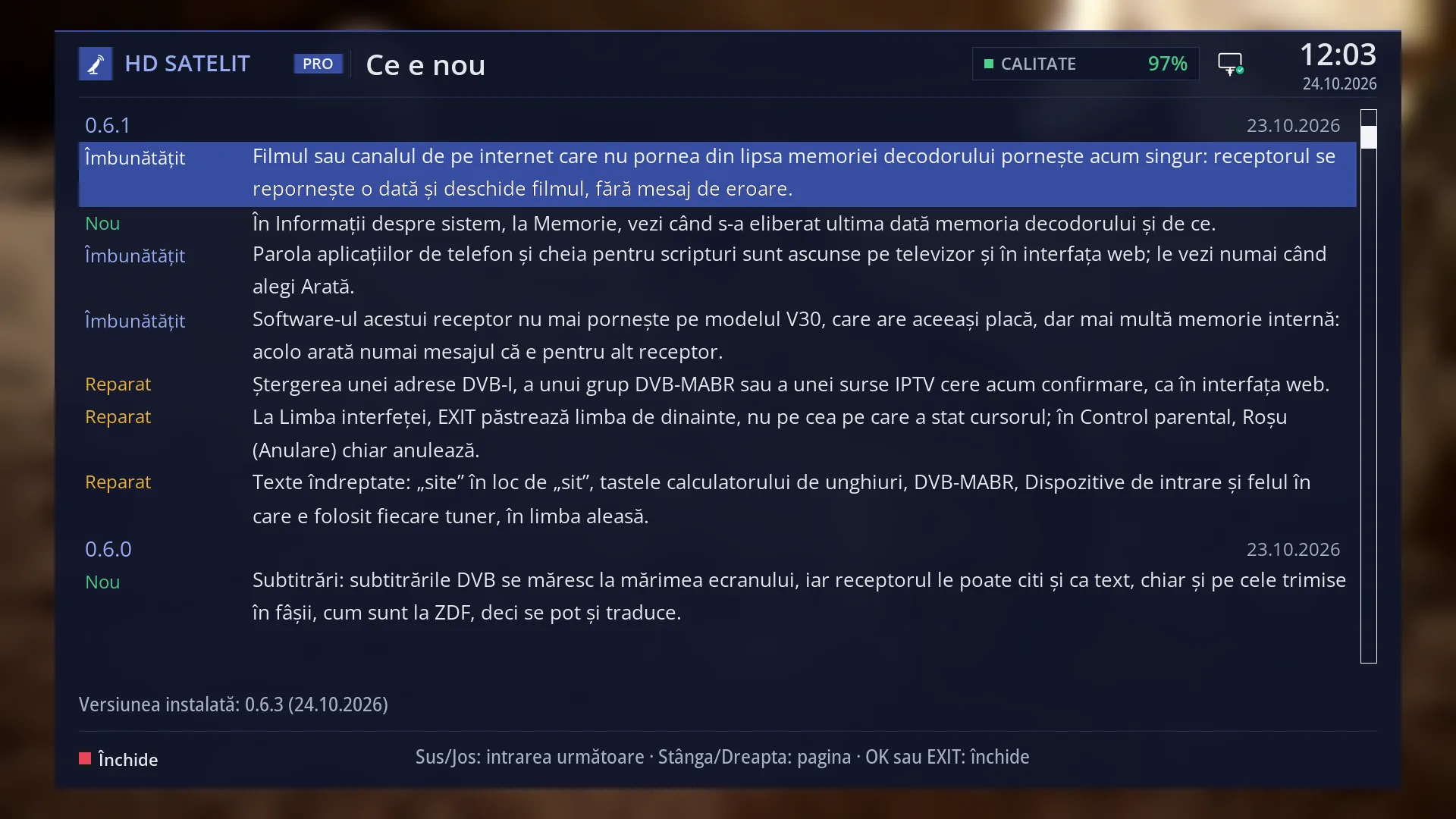
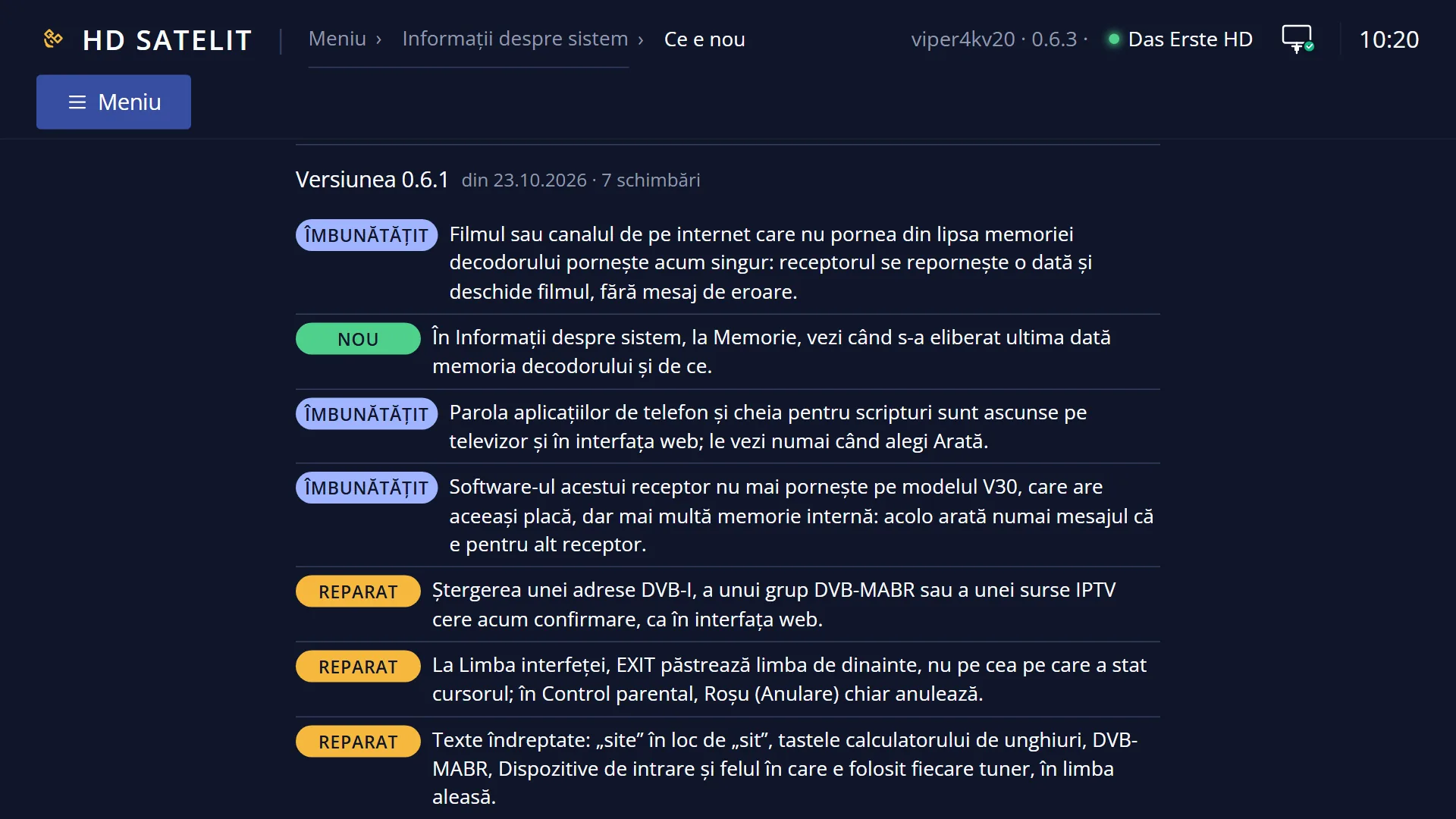
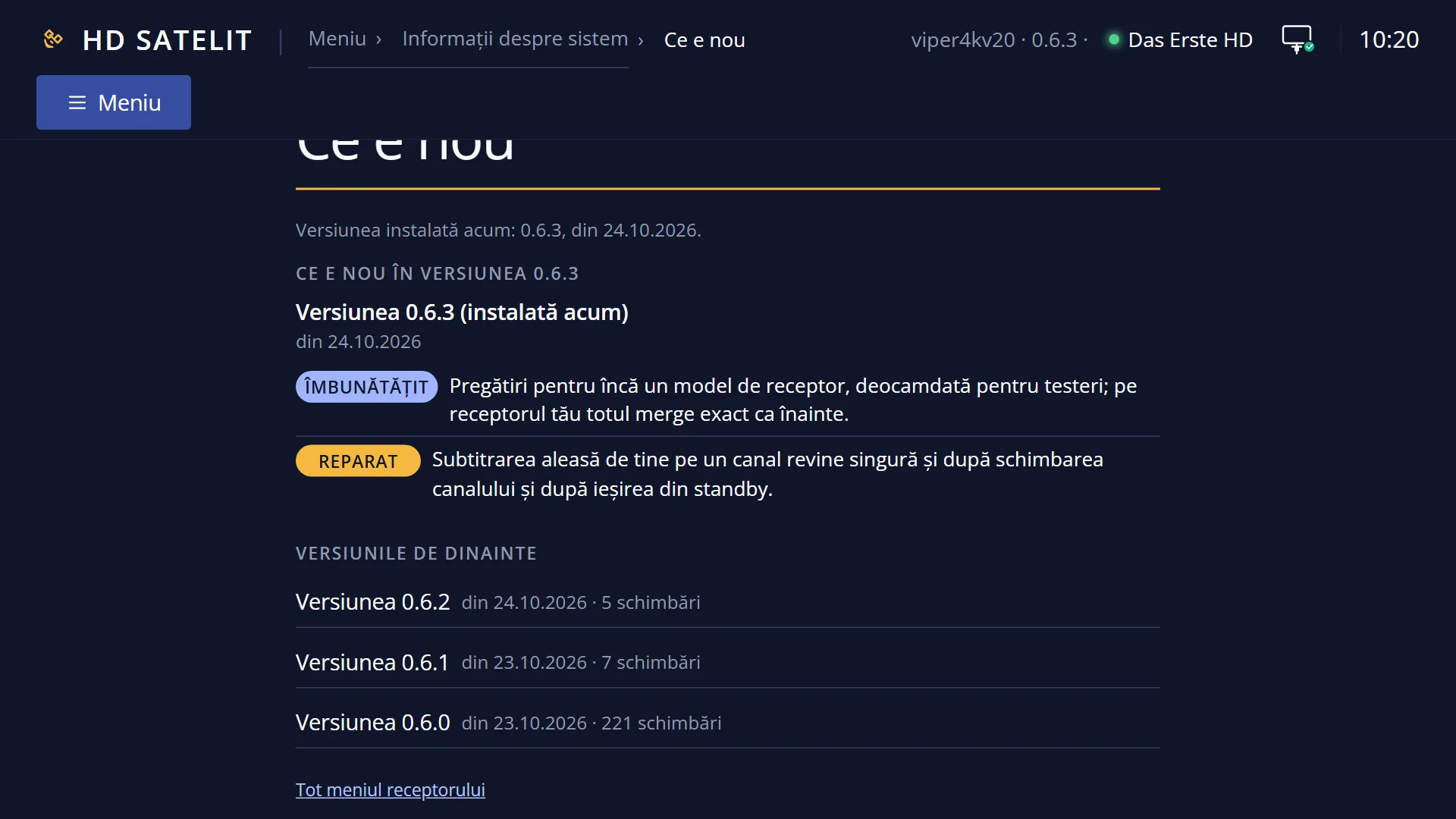
- 1 The title: the version shown and, on the right, its date.
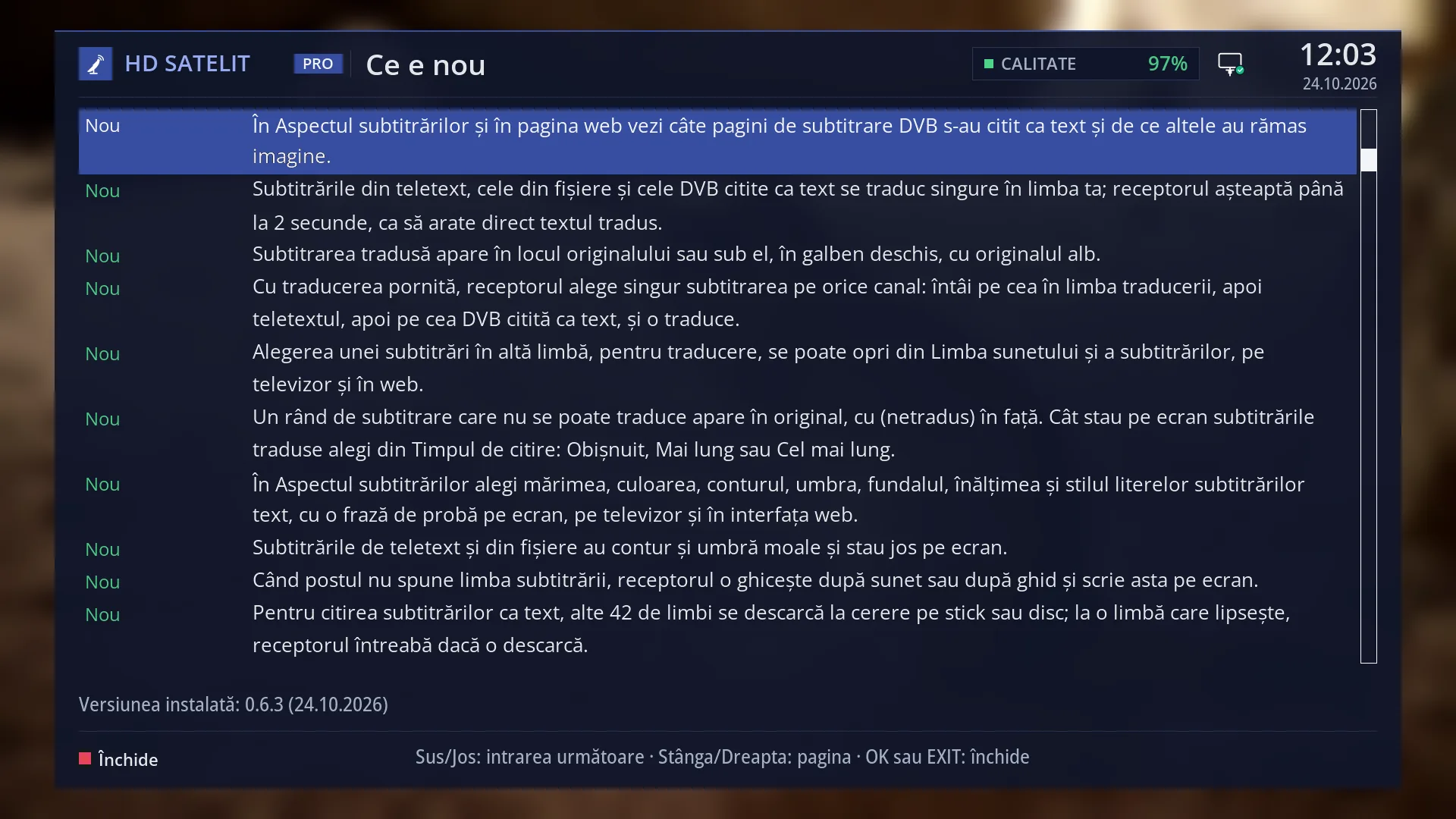
- 2 The type of change: New (green), Fixed (yellow), Improved (light blue).
- 3 What changed. The selected entry has a blue background on all its rows.
- 4 The scroll bar: where you are in the log.
- 5 The installed version, its date and how many new entries you have.
- 6 RED: Close.
- 7 The keys: Up/Down entry, Left/Right page, OK or EXIT close.
What it is for
“What's new” shows what has changed in the HD Satelit image, version by version, in plain language: what is new, what has been fixed and what has been improved.
At the top you see what you have not seen yet: the versions that have arrived since you last opened the screen. Once you have seen them all, the top shows the version now running on the receiver.
The screen also opens by itself, once, at the first start after an update or a new image, when it has something new to show. You close it and it does not appear again until the next version.
The entry texts are in Romanian when the menu is in Romanian and in English in all other languages. The type names (New, Fixed, Improved) and the rest of the screen are in the menu language.
As of version 0.6.0, the version the image was launched with, the log has a single version, 0.6.0, with all the launch changes gathered in one place.
How to get here
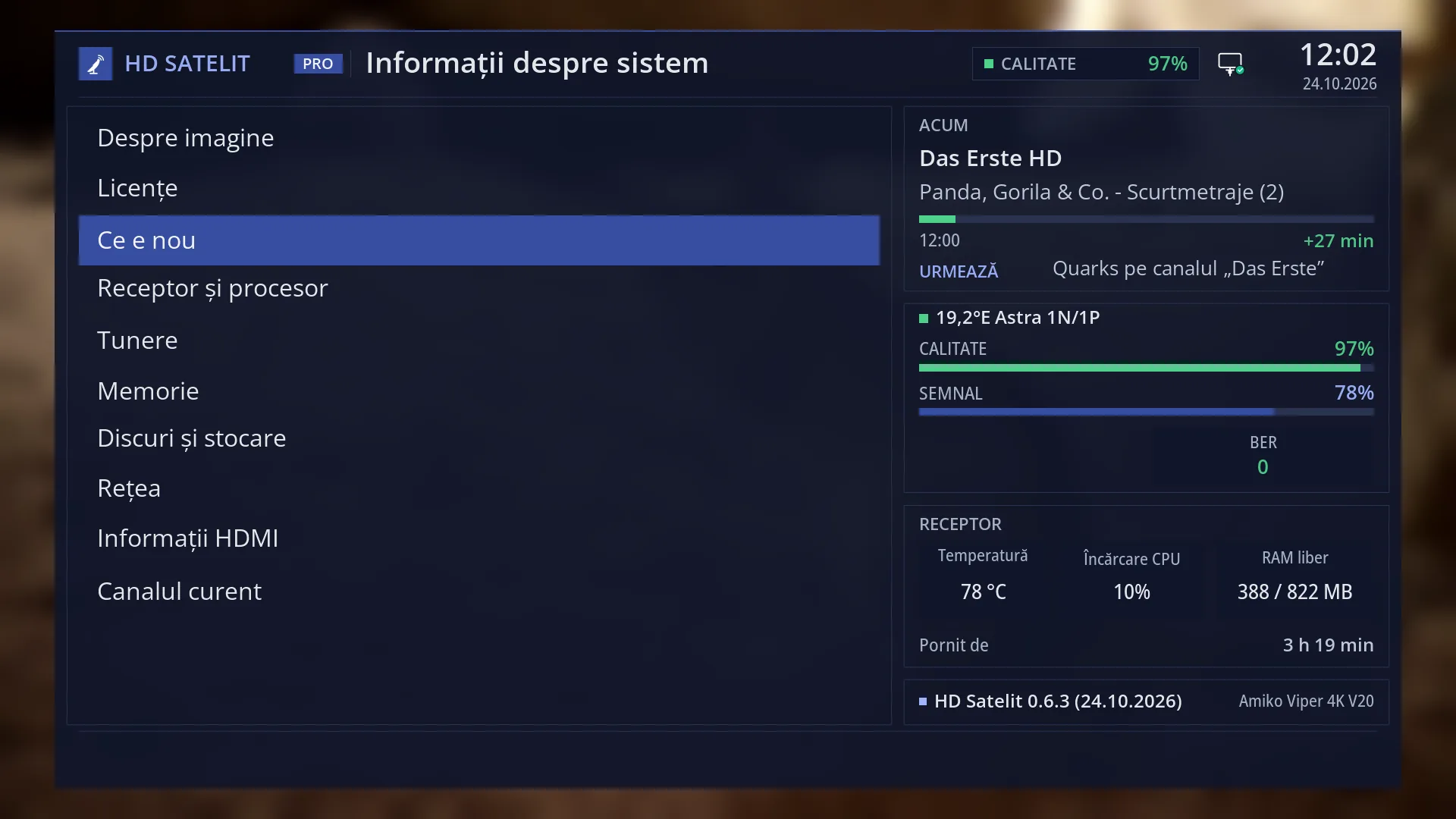
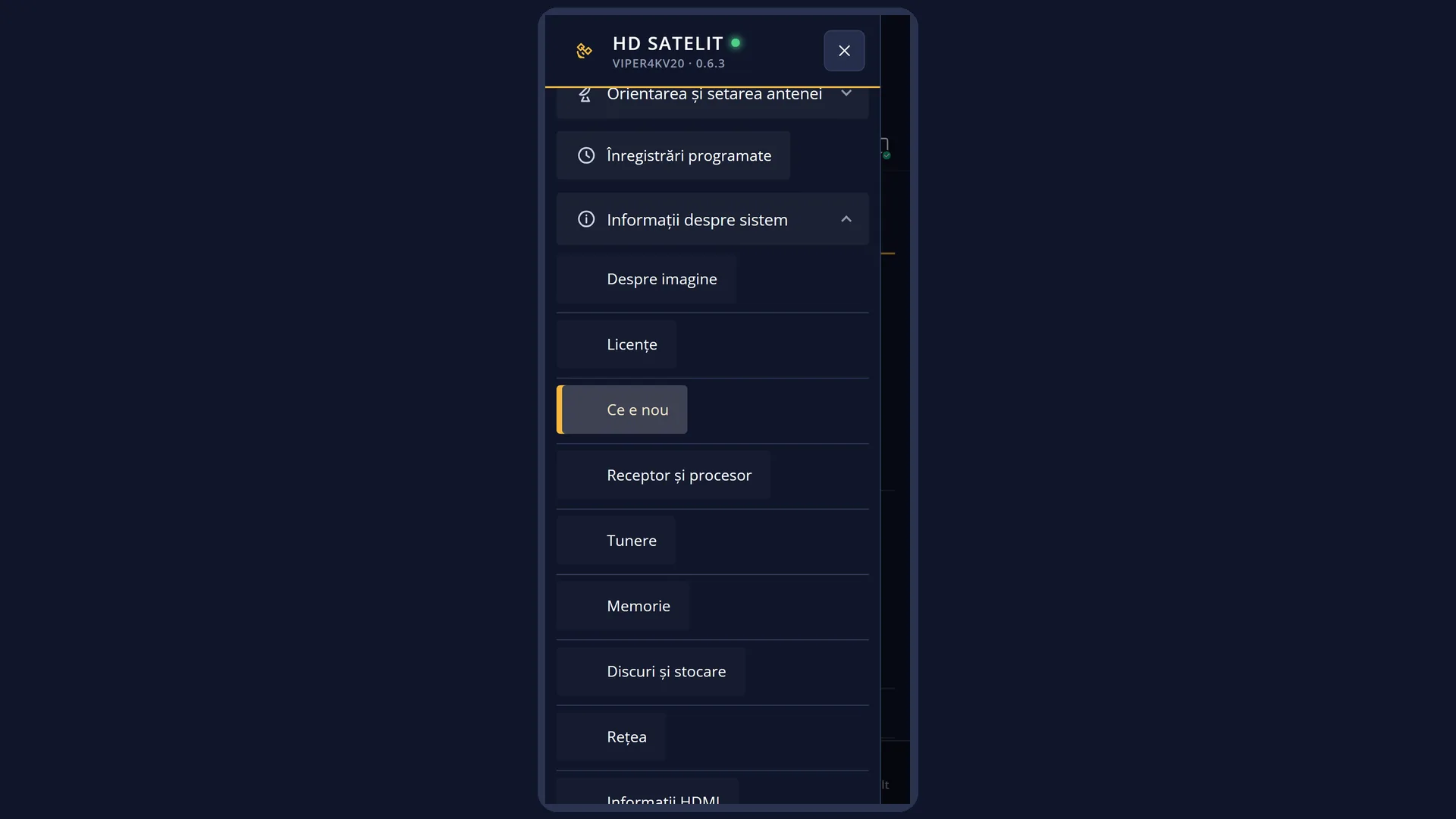
Path: Main menu > System Information > What's new (third row).
Keys on the remote: MENU 4 3.
By itself: at the first start after an update or a new image, once the interface has started (and after the startup wizard, if it appears).
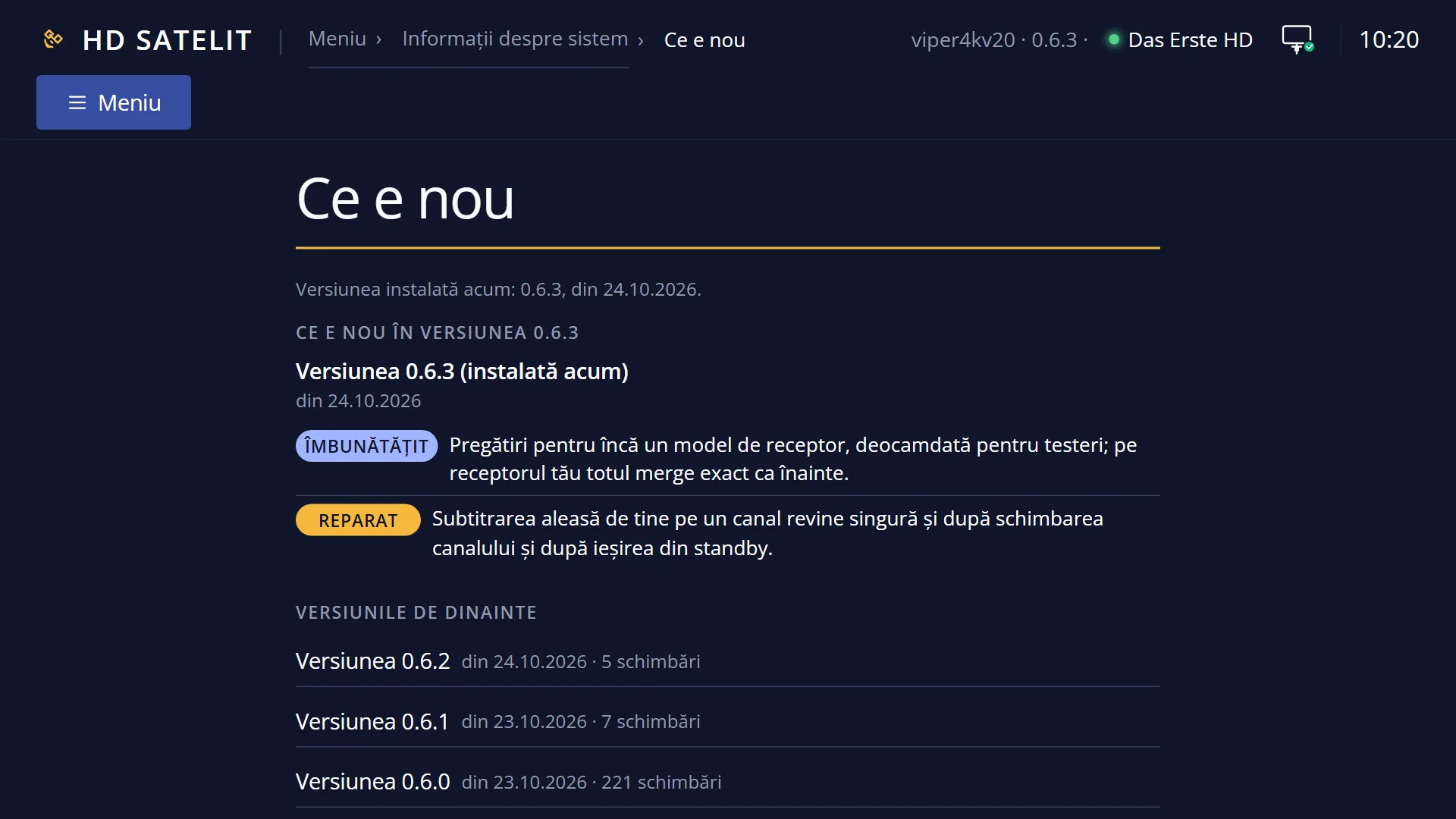
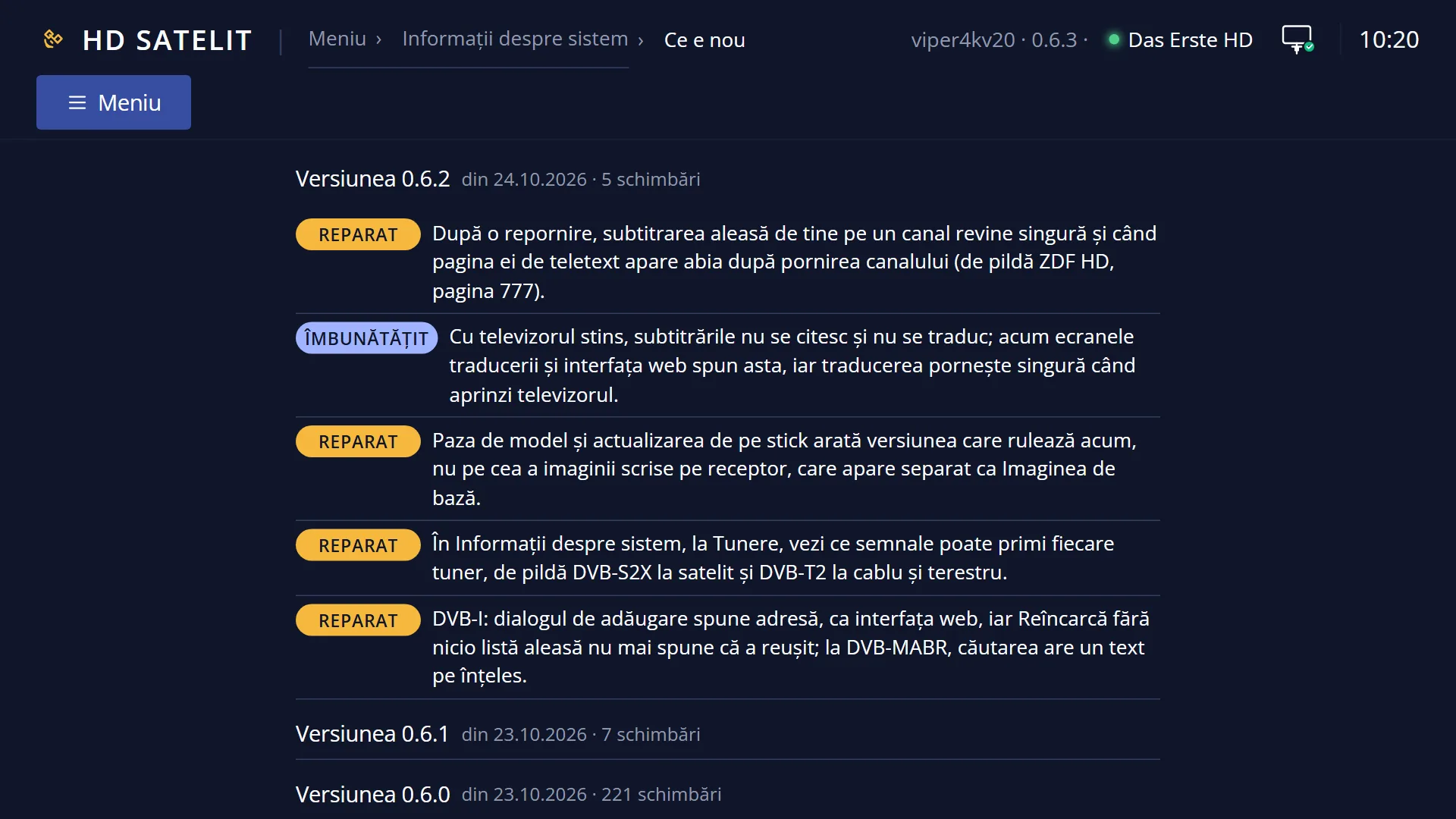
In the web interface: the /jurnal page, or /meniu, under “System Information” > “What's new”.
Before you install, you can also see the changes in the version on the server in “Software update” (MENU 6 8 1), below the list.
What you see on the screen
At the top, the title “What's new”. With the Pro theme, on the same row: the HD SATELIT logo with the PRO mark, the signal quality, the network icon, the time and the date.
The first row of the list is the title of the top section: “What's new in version 0.6.0”, with the version date on the right. When you have several versions to see, the title is “What's new since the last update”, and each version has its own row, with its number and date.
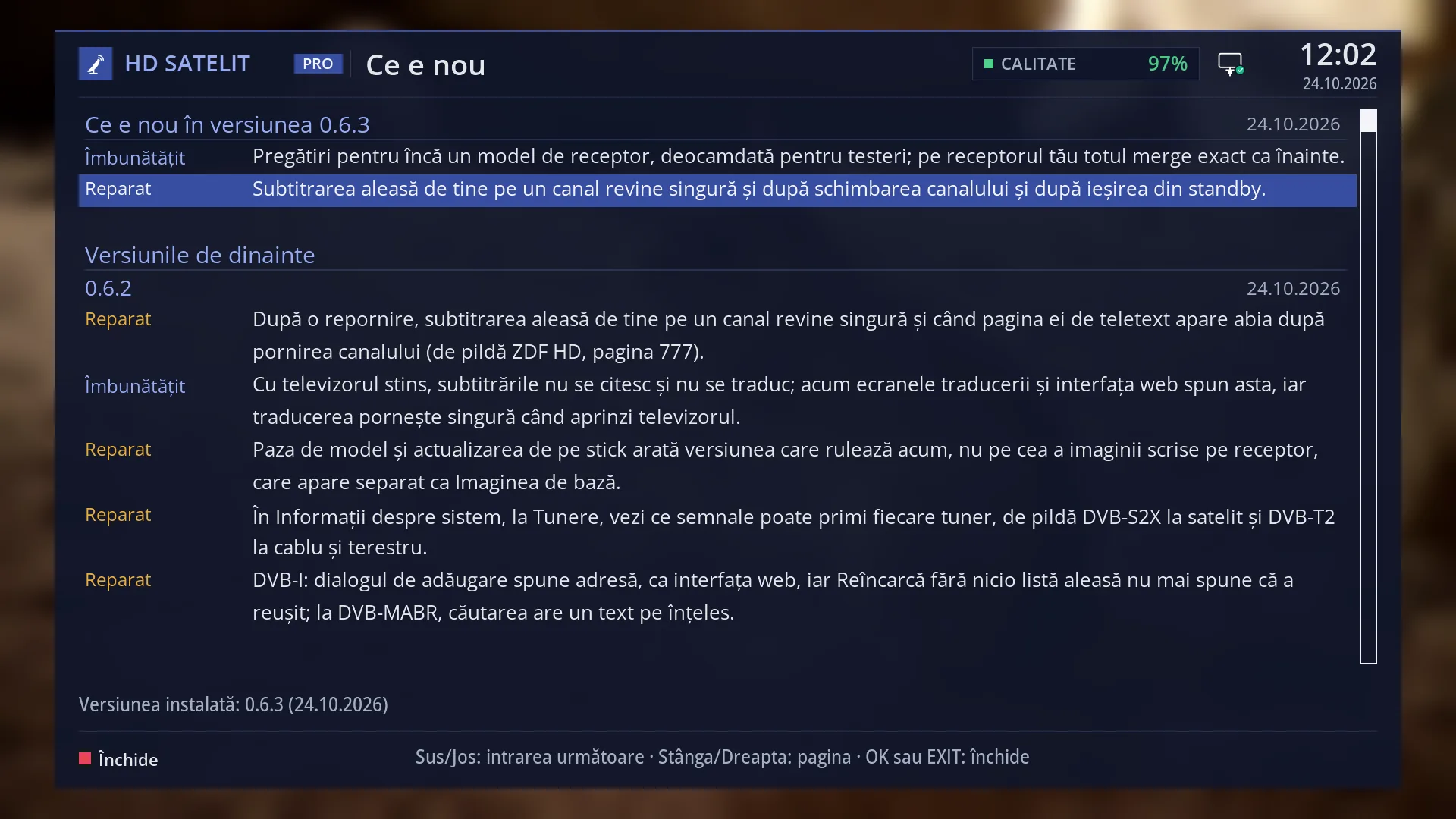
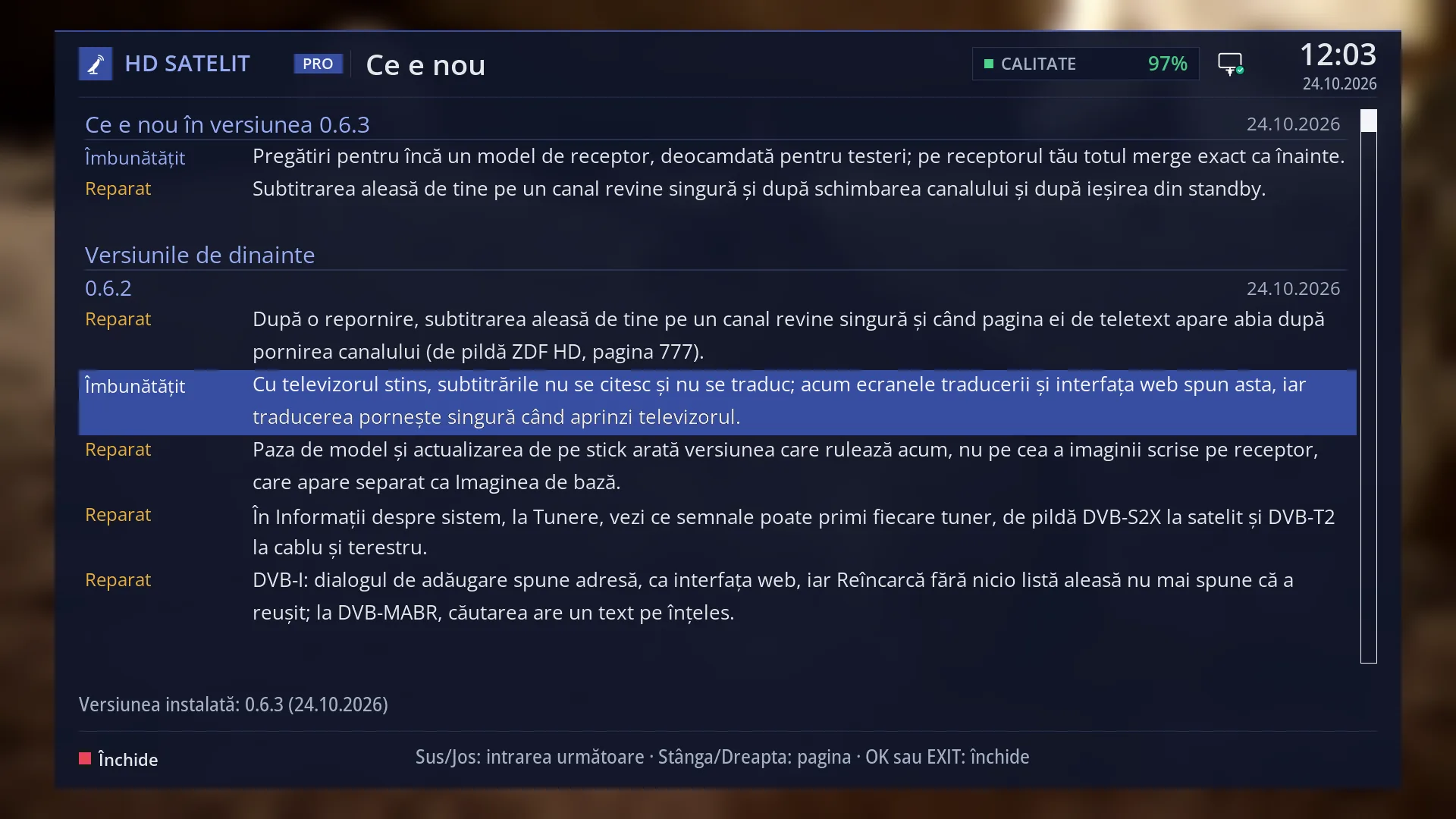
Below the title come the entries. On the left, the type of each one, in colour: “New” green, “Fixed” yellow, “Improved” light blue. On the right, its text, split over several rows when it is long. The selected entry has a blue background on all its rows.
Below that, when the log also has older versions you have already seen, the “Earlier versions” section, from newest to oldest. On 0.6.0 it does not appear, because the log has only one version.
To the right of the list, the scroll bar shows where you are in the log. On 0.6.0 the log has many pages.
Below the list, the status row: “Installed version: 0.6.0 (23.10.2026)”, followed by “· 221 new entries for you” when you have entries you have not seen yet.
At the bottom, the RED key “Close” and the key hint: “Up/Down: next entry · Left/Right: page · OK or EXIT: close”.
If the log is missing from the receiver or has no version up to yours, the screen shows “The version log is not available.” and “The file listing the changes is missing from this installation.”.
Rows and settings
| Row | Values | Default | What it does |
|---|---|---|---|
| Title of the top section | What's new in version 0.6.0, What's new since the last update | Tells you what the top section shows: a single version (with its date on the right) or several versions that have arrived since you last opened the screen. | |
| An entry | New, Fixed, Improved | One change to the image: its type on the left and what changed on the right, in plain language for the person watching TV. On 0.6.0 all 221 entries are “New”. | |
| Earlier versions | The older versions installed on the receiver that you have already seen, each with its number, date and entries. It appears only when the log has more than one version. | ||
| Status row | Installed version: 0.6.0 (23.10.2026), … · 221 new entries for you, The installed version is not in the log., The installed version cannot be read. | The version now running on the receiver and its date, plus how many entries you have not seen yet. The number of new entries appears only until you close the screen once. “The installed version is not in the log.” means the version on the receiver is older than the first one in the log. “The installed version cannot be read.” means the receiver cannot find its version number, and in that case the whole log is shown. | |
| What you have seen (remembered) | nothing seen | When you close the screen, the receiver remembers that you have seen the version now running. From then on the top shows the current version, without “new entries”, and the screen does not open by itself again until the next version. The /jurnal web page only reads: it does not mark anything as seen. With new settings (for example after a new image without a settings copy), only the running version counts as “New”. You do not change it by hand. It is remembered automatically when you close the screen. |
Keys
| UP / DOWN | Moves the cursor to the entry above or below, skipping titles and continuation rows. When the cursor leaves the page, the next page is shown. |
| LEFT / RIGHT | Go back or forward a whole page. Each page starts with a complete entry, never with half of one. |
| OK | Closes the screen. |
| EXIT | Closes the screen. |
| RED | “Close”: closes the screen. |
| HELP | Shows the list of keys for this screen and what each one does. OK on a key in the list also presses it. |
Step by step
Reading what your version brings
- Press MENU 4 3.
- Read the entries. Press RIGHT for the next page and LEFT to go back.
- Press DOWN to move from entry to entry if you want to follow a particular one.
- Press OK or EXIT when you have finished.
After an update
- After the restart at the end of the update, “What's new” opens by itself, with the changes in the new version at the top.
- Read them and close the screen with OK. It will not appear by itself again until the next version.
- You can open it again at any time with MENU 4 3.
Reading on your phone
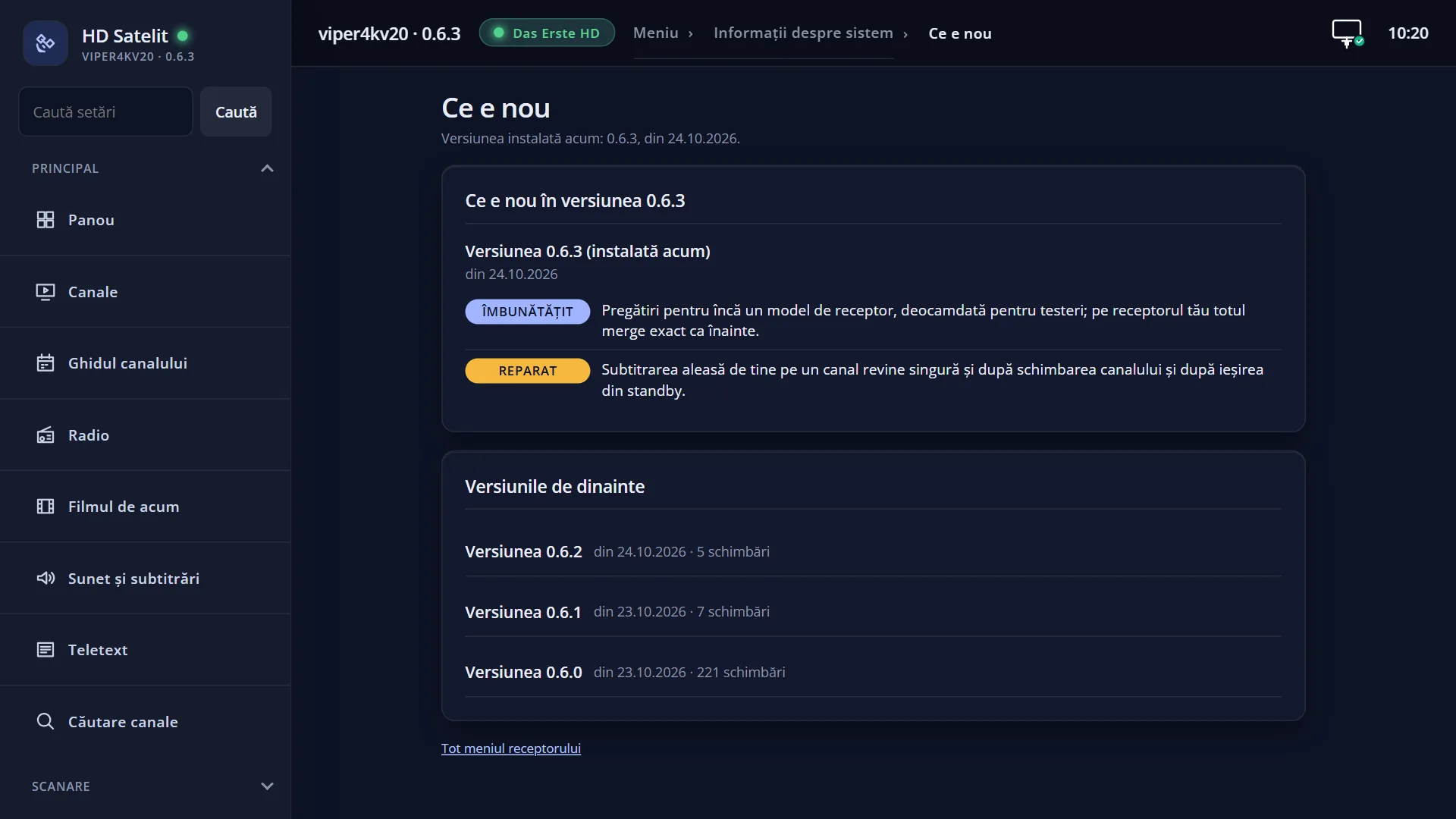
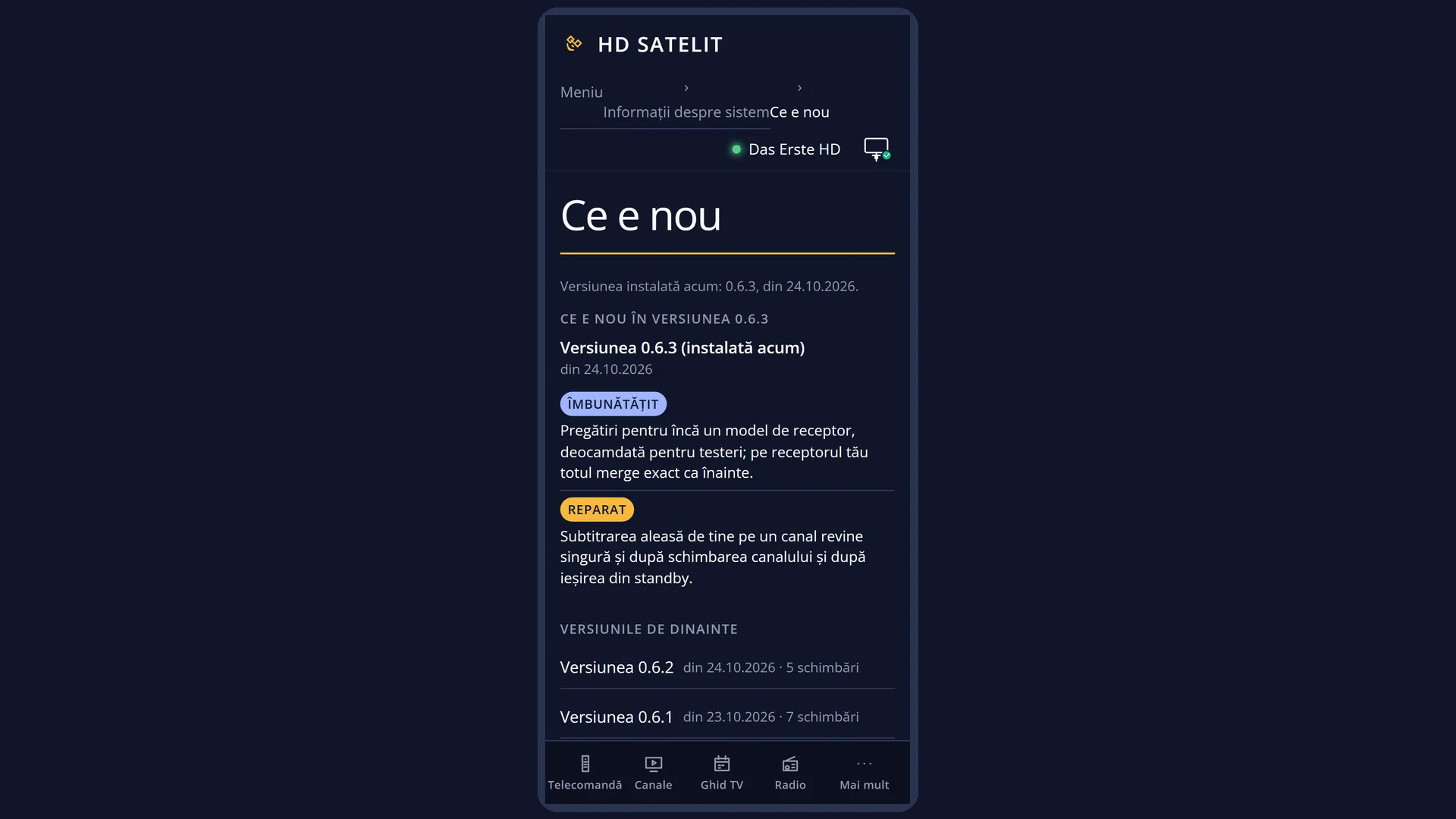
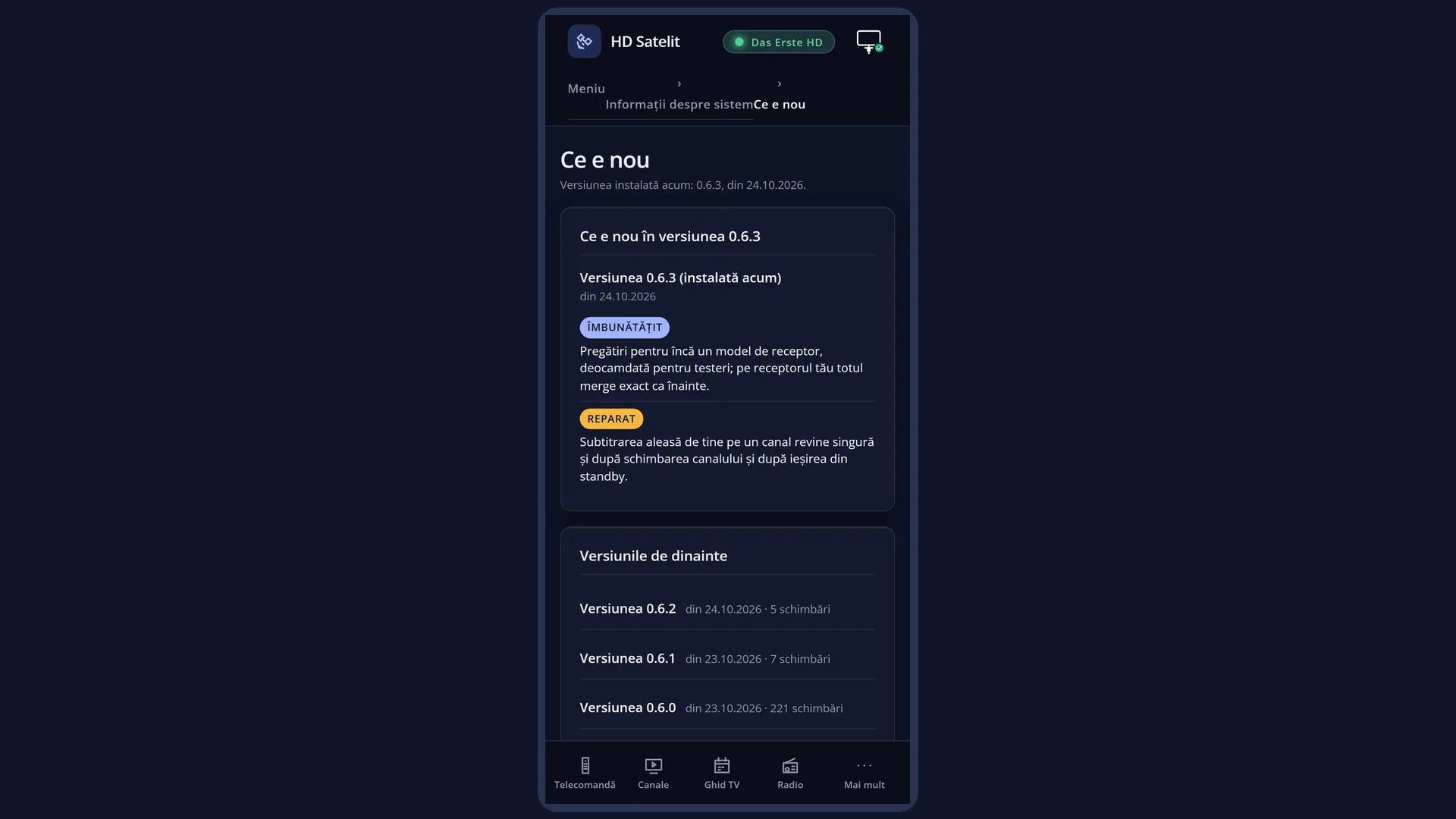
- Open the receiver's web interface, for example http://192.168.1.50, and go to /jurnal.
- At the top you see the version now installed and its changes, each with its type in colour.
- The page only reads: the screen on the TV will still open by itself at the first start after the update if you have not closed it there.
Problems and solutions
The screen opens by itself after starting.
This is normal: it appears once after an update or a new image, with its changes. Close it with OK or EXIT and it will not appear again until the next version.
The menu is in another language, but the entries are in English.
The entry texts are written in Romanian and in English: in Romanian when the menu is in Romanian, in English in all other languages. The type names and the rest of the screen are in the menu language.
On the /jurnal web page the entries are in Romanian, although the menu is in another language.
The web page shows the log entries in Romanian. On the TV you get them in English. The rest of the page is in the receiver's language.
It says “The version log is not available.”.
Either the log is missing from the image on the receiver, or the version on the receiver is older than the first version in the log (in that case the bottom row says “The installed version is not in the log.”). Check which version you have in “About the image” (MENU 4 1) and install the HD Satelit image from the website.
I no longer see “new entries for you”.
The number appears only until you close the screen for the first time after a new version. The entries are still there, at the top.
I cannot find “Earlier versions”.
On 0.6.0 the log has a single version, with all the launch changes, so this section does not appear. It will appear after the first update.
MENU 4 3 opens a different screen.
When the receiver has started in safe mode, the first row in System Information is “Safe mode” and all the others move down by one. In that case “What's new” is MENU 4 4.
Related topics
- System Information
- About the image
- Software update
- Safe mode
- What you see at startup
- System Language
- Matching web page: /jurnal