

System Log Viewer
English screenshots coming: some of the pictures below still show the receiver and the web interface in Romanian. The rows, keys and steps described on this page are the English ones.
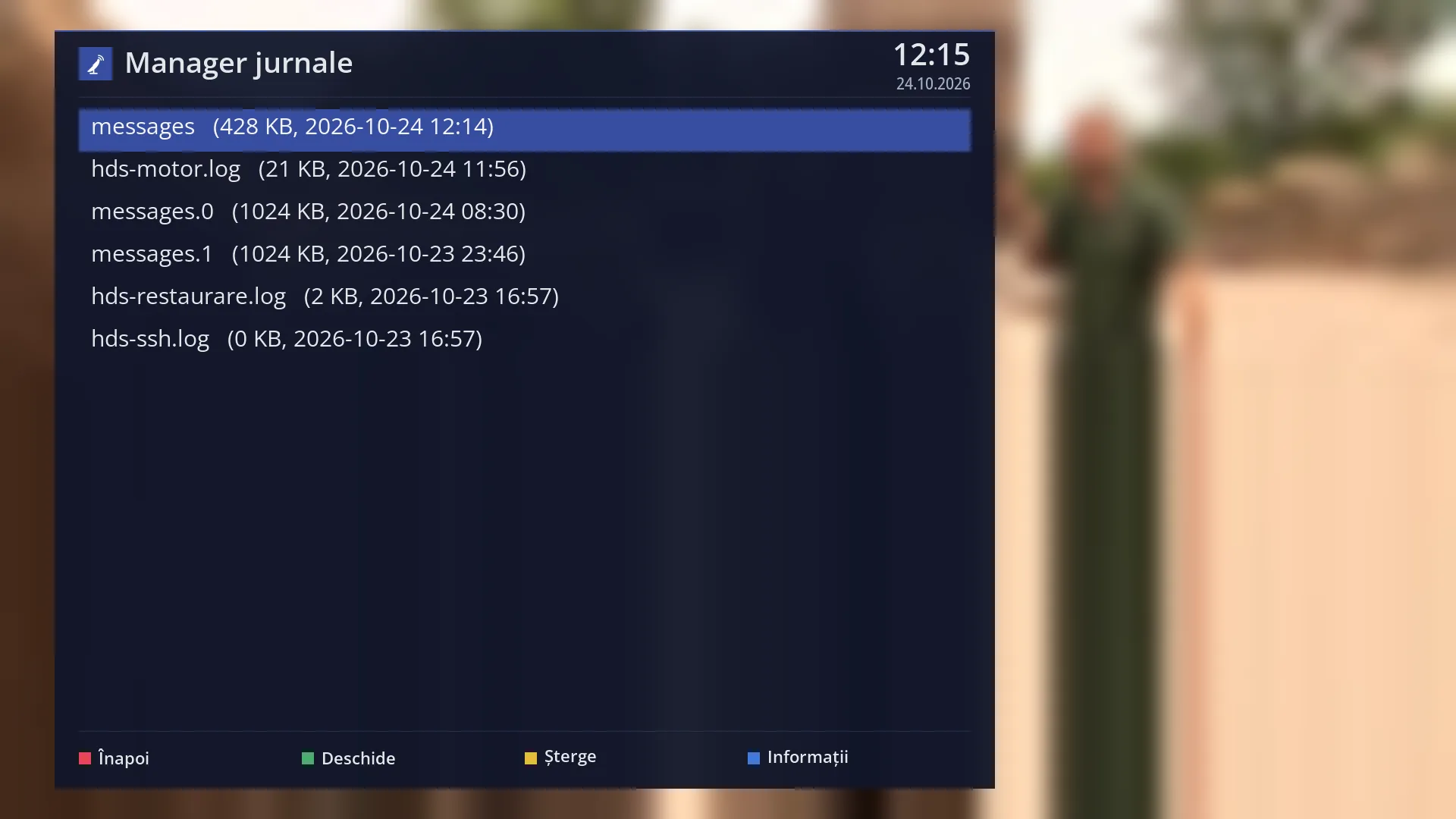
- 1 The selected row.
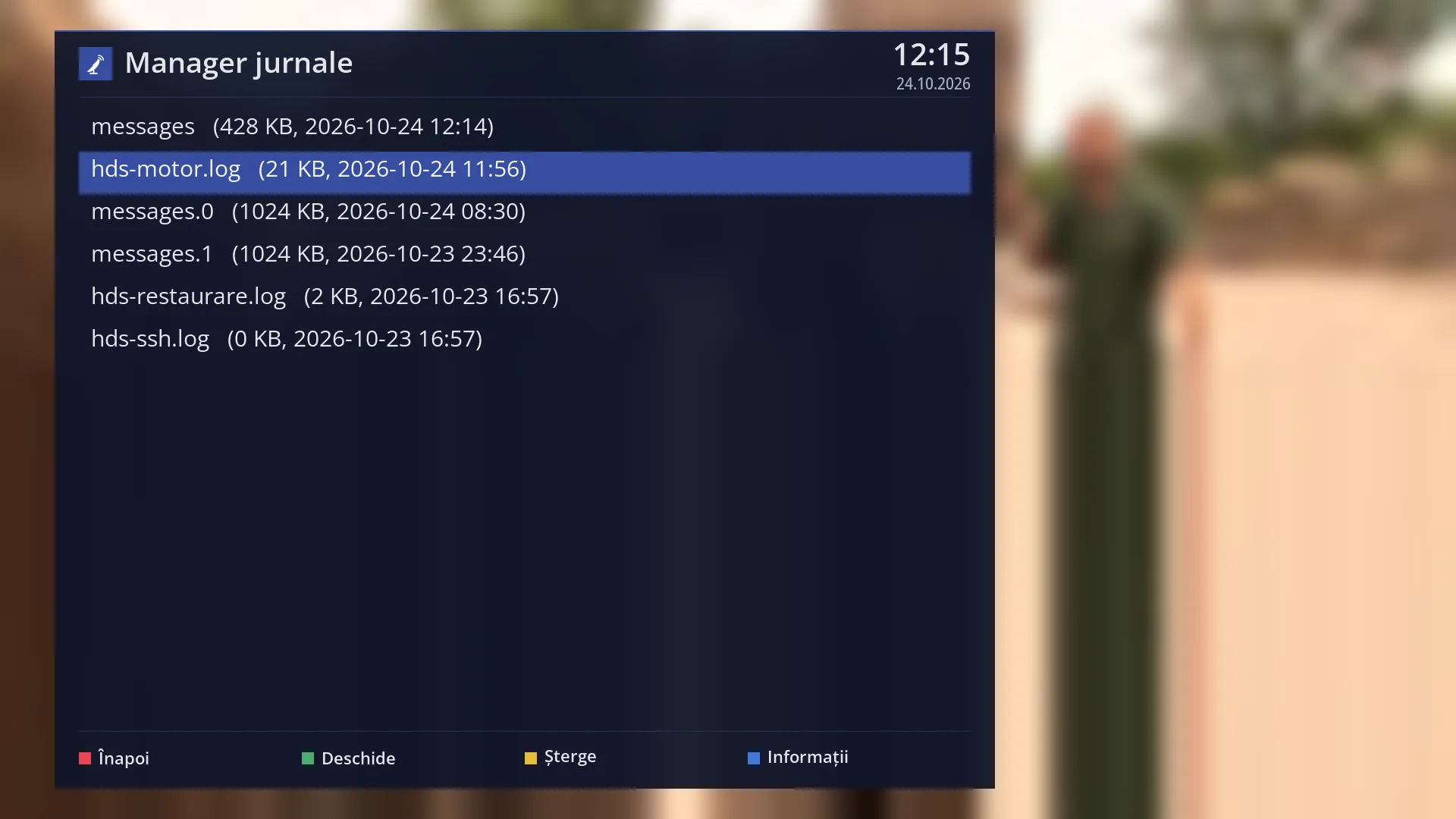
- 1 The selected row.
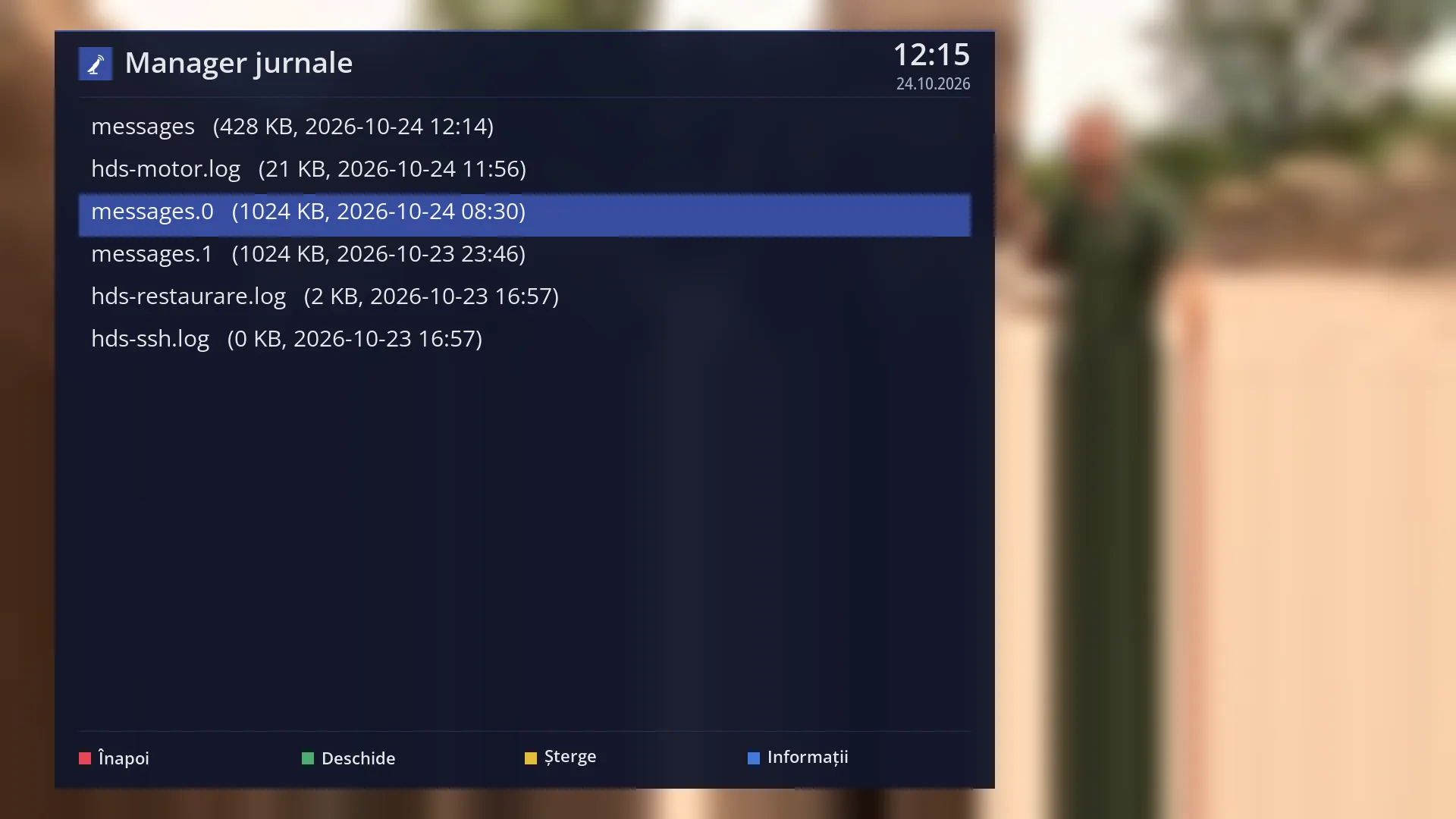
- 1 The selected row.
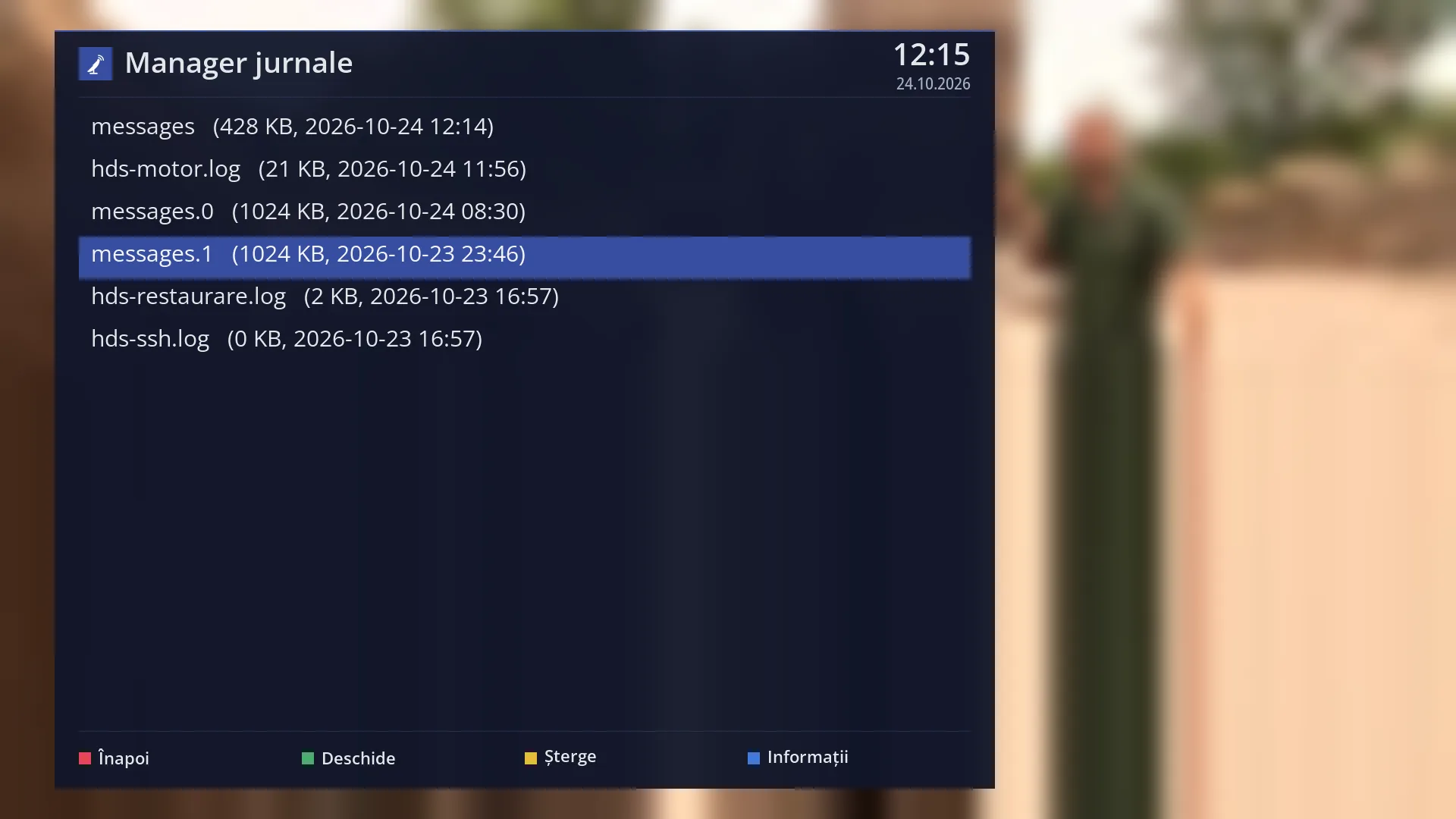
- 1 The selected row.
- 1 The selected row.
- 1 The selected row.
- 1 The selected row.
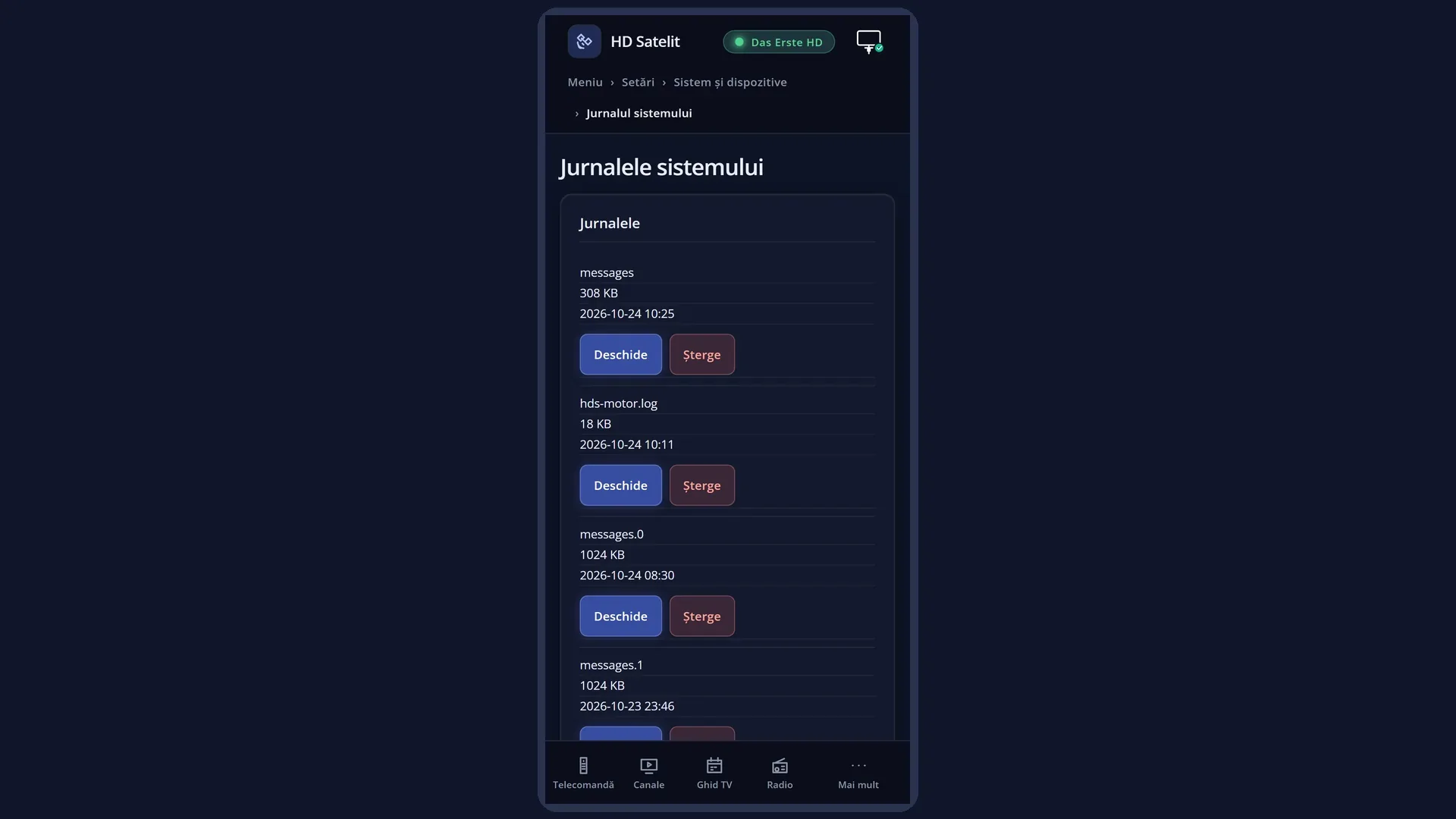
What it is for
The System Log Viewer shows the log files that the receiver writes to its internal memory. They record what happened in the system, with the date and time on each line. You read them directly on the TV, without a computer.
It helps when you are tracing a problem (an unexpected shutdown, a restart, a motorised dish that does not reach its position) or when someone who looks after your receiver asks you for a log.
You can delete a log you no longer need, after a confirmation question. The “Information” window shows how many files there are and how much space they take up.
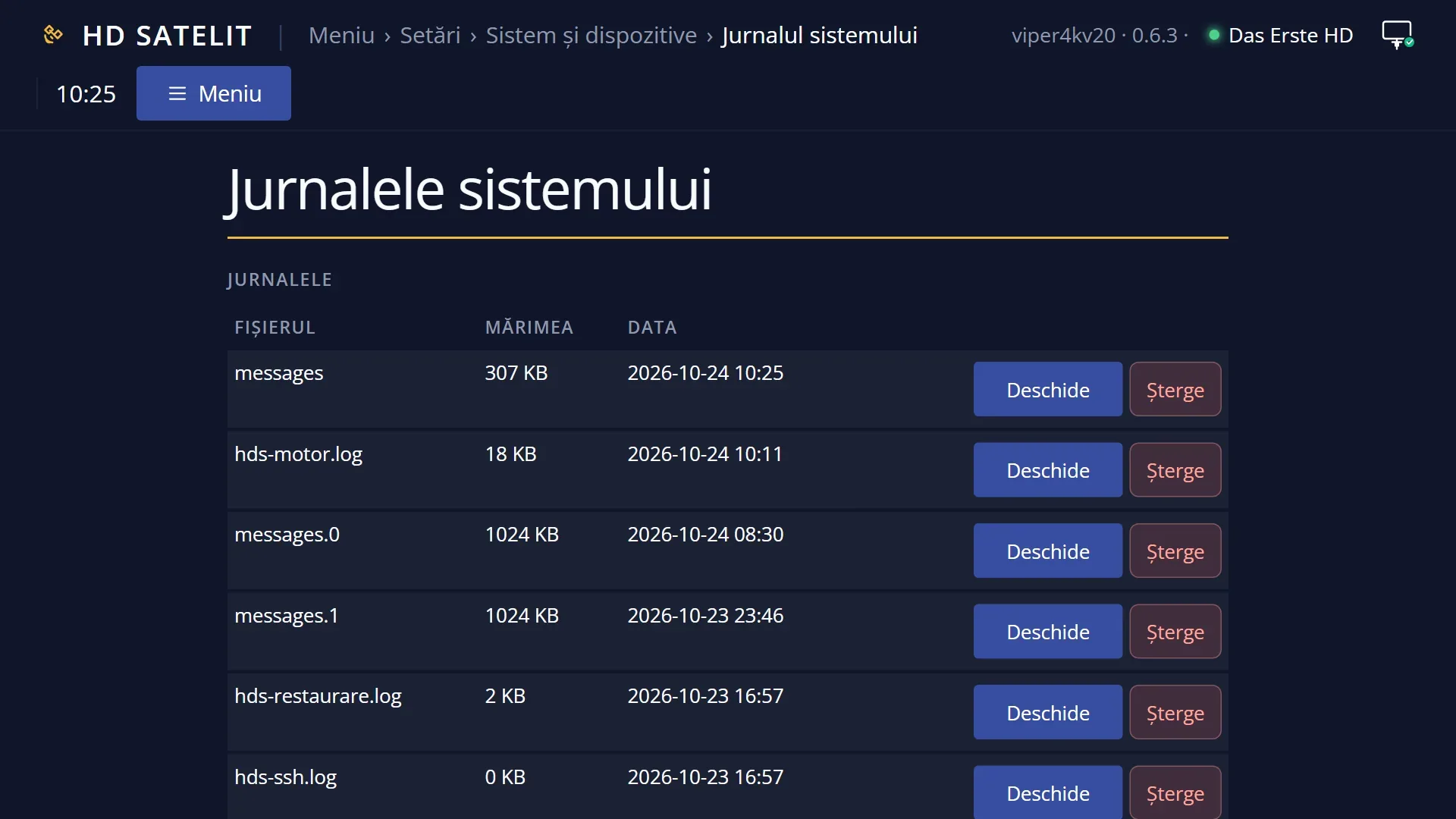
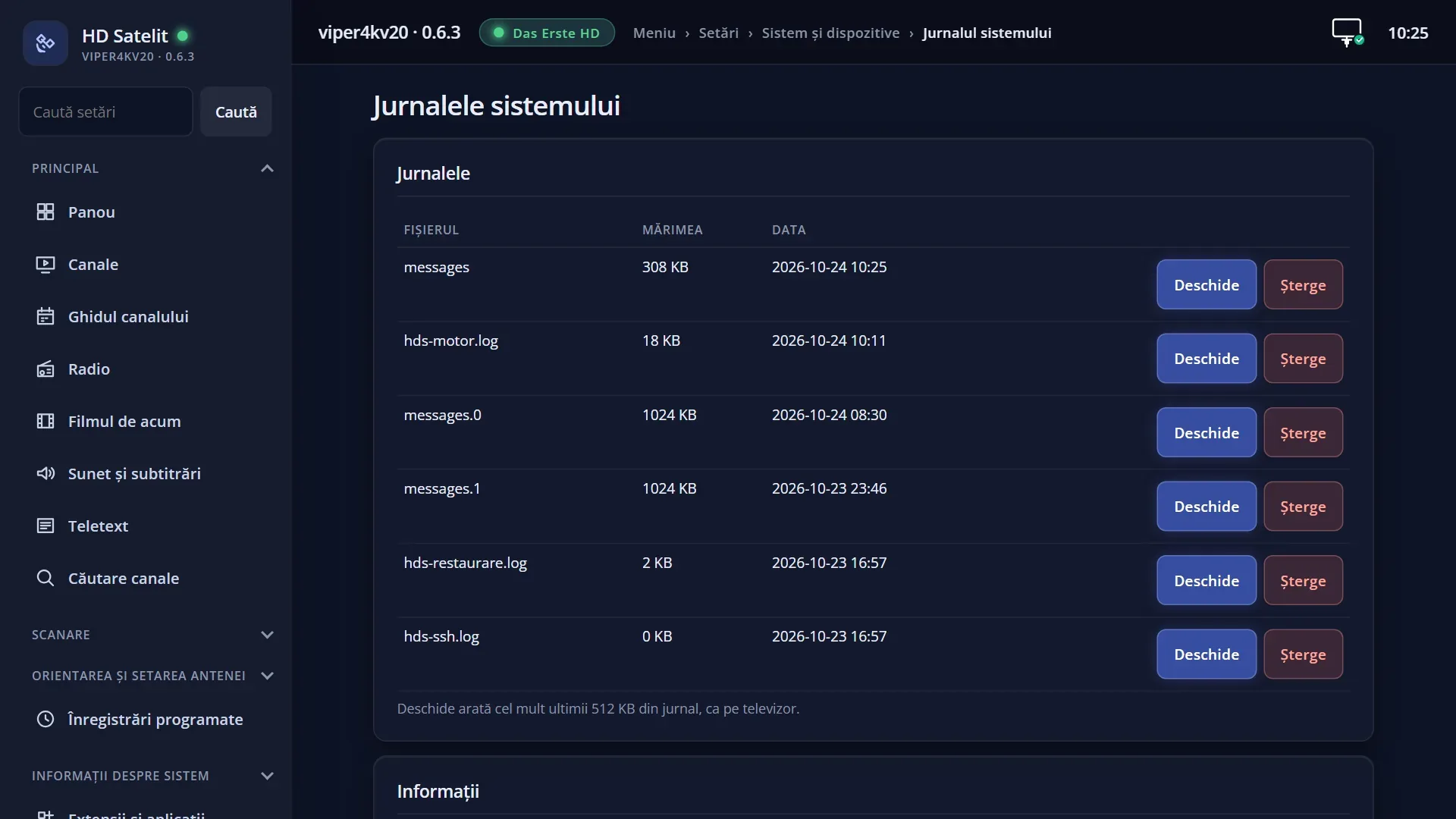
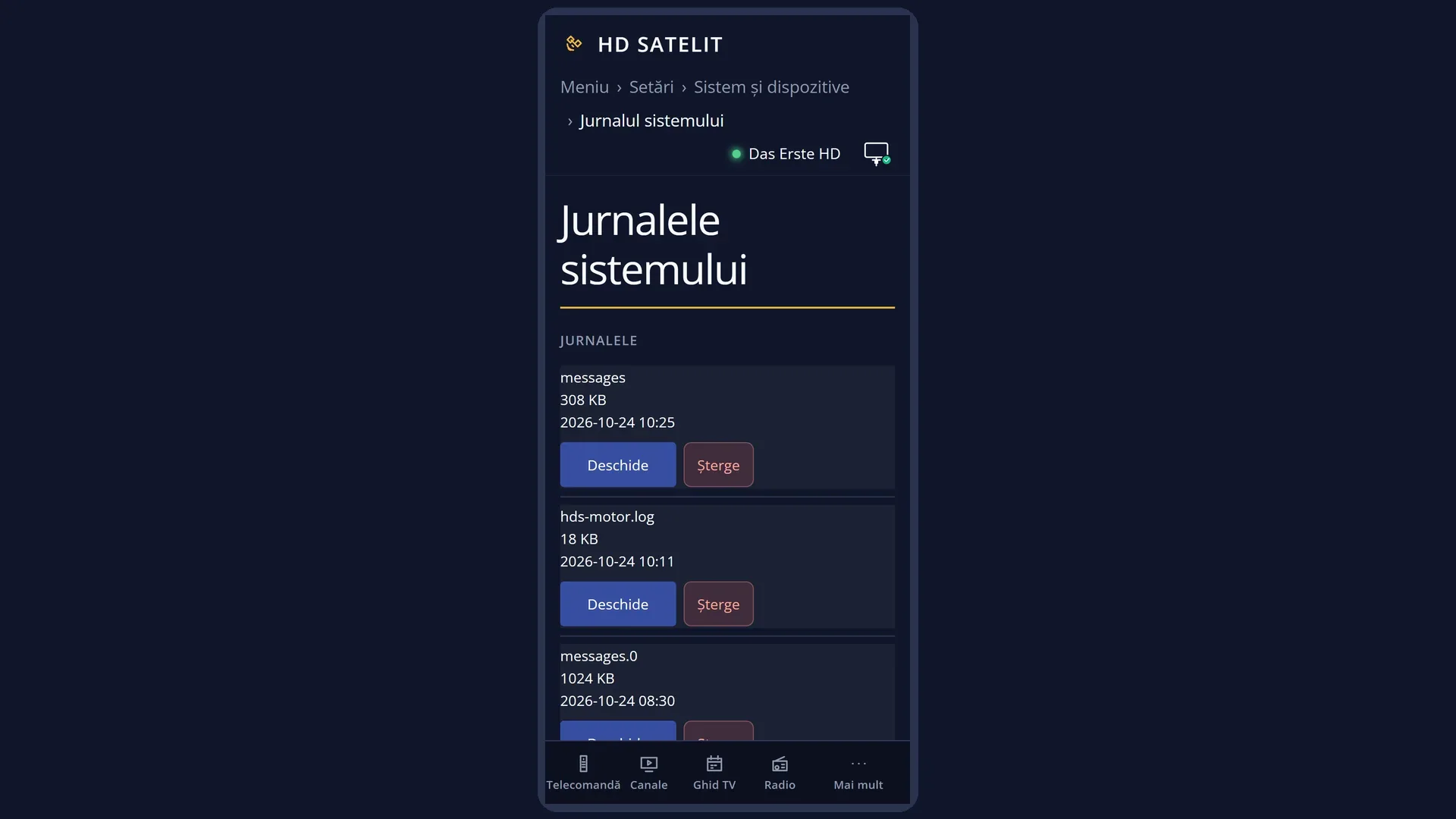
The logs are written in technical language, for whoever looks after the receiver, and usually without Romanian diacritics. The same list is in the web interface, on the /jurnale-sistem page, where a log is easier to read on a large screen.
How to get here
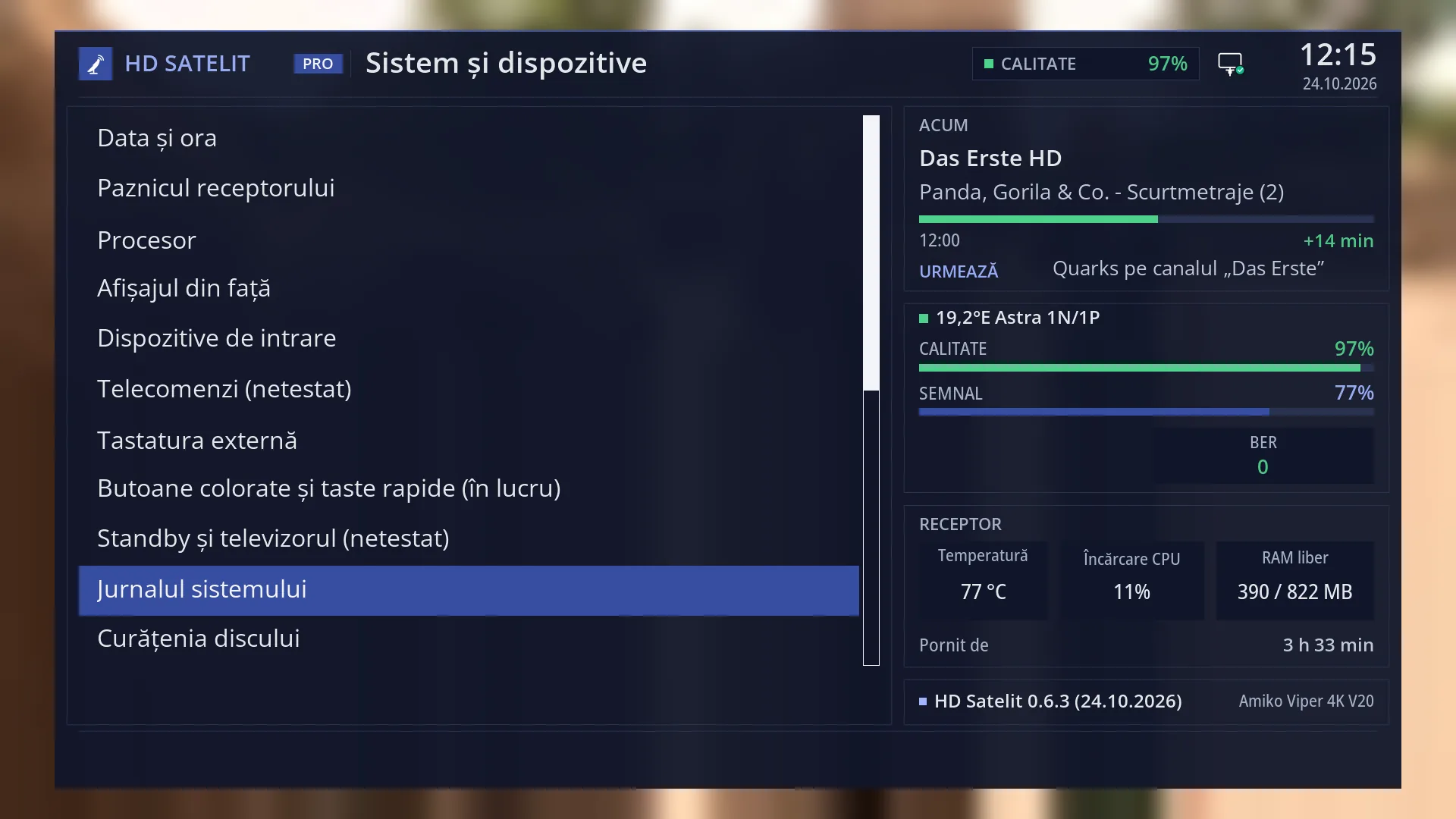
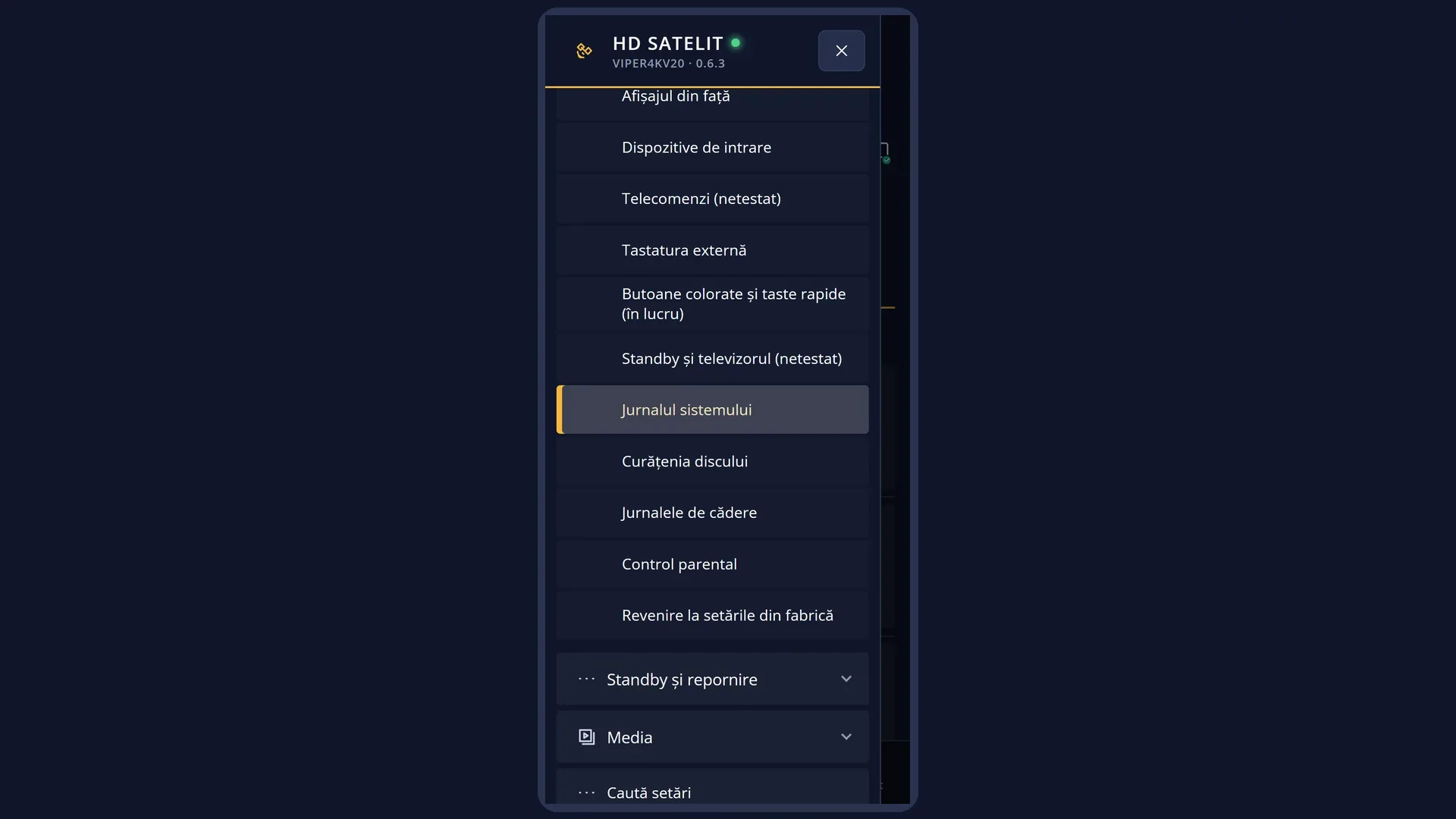
Path: Main menu > Settings > System & Devices > System Log Viewer (the fifth row from the bottom).
Keys on the remote: MENU 6 UP UP UP OK UP UP UP UP UP OK.
With “Search settings” (MENU 9): type “jurnal”.
In the web interface: the /jurnale-sistem page.
What you see on the screen
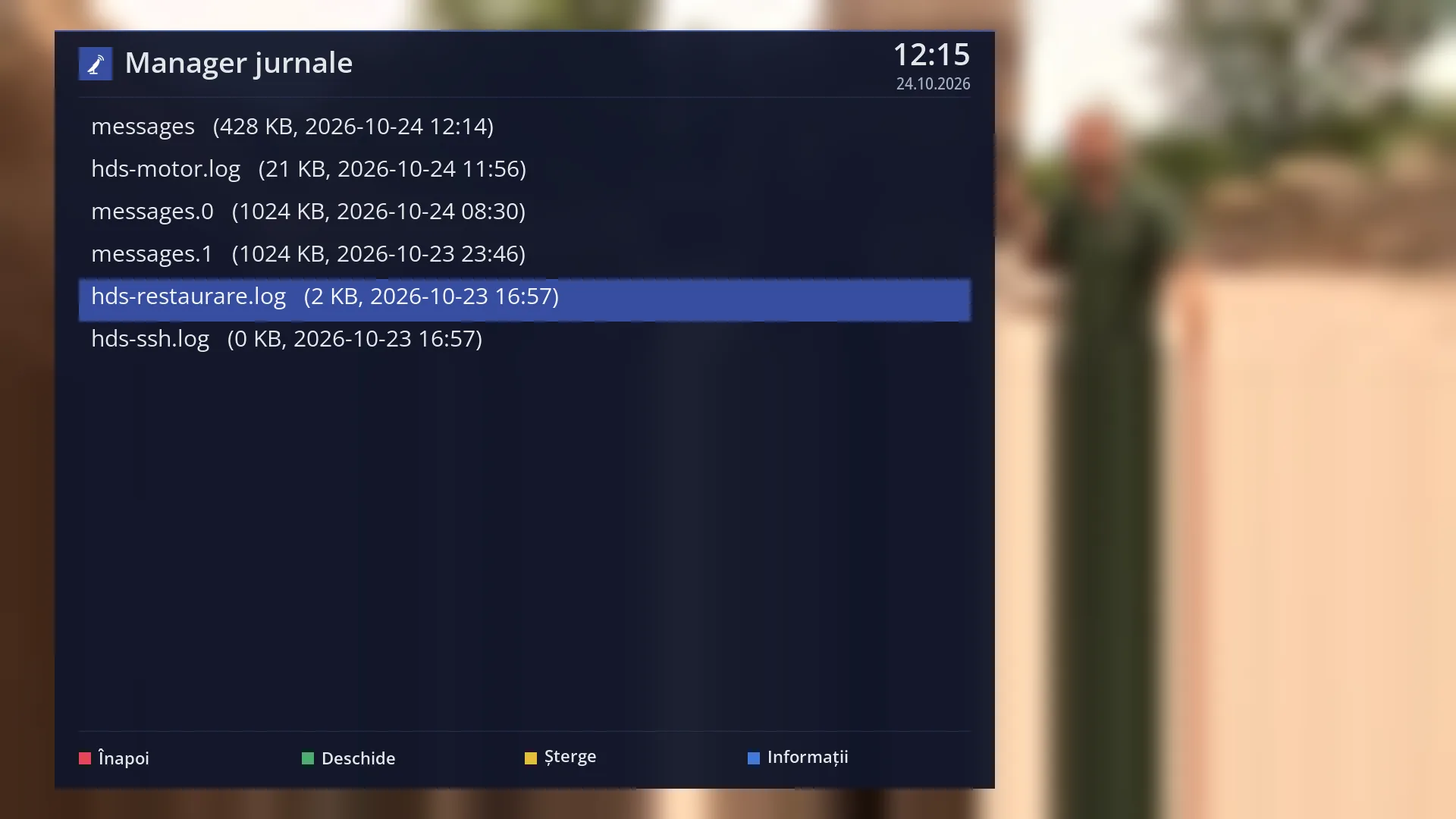
At the top, the screen title, “Log manager”, with the time and date.
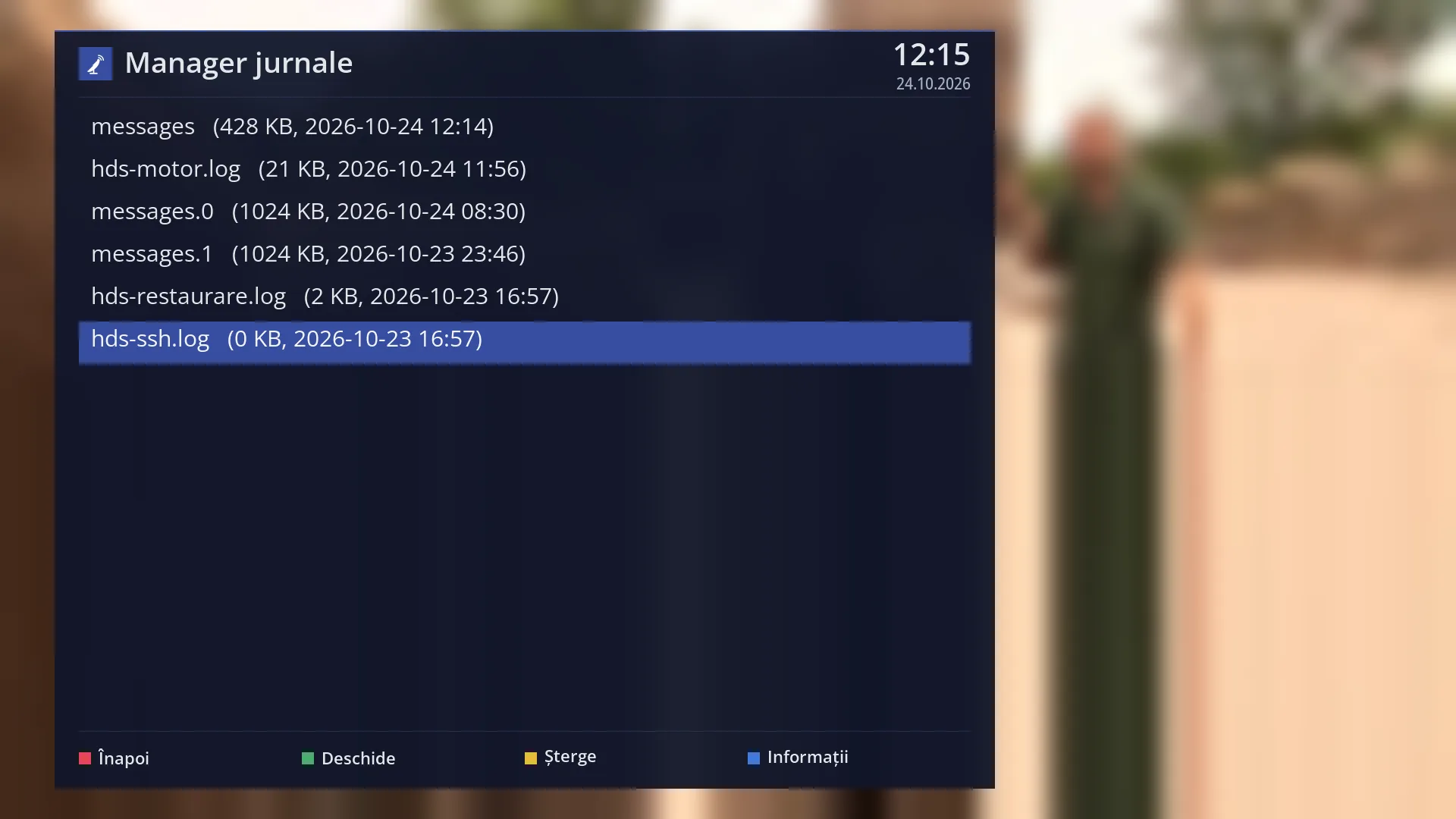
The list of logs, most recently written first. Each row shows the file name and, in brackets, the size in KB and the date and time it was last written. A page holds 14 rows. The selected row has a blue background.
When the log folder is empty, the list has a single row: “No log file found in” followed by the folder.
At the bottom, the colour keys: RED “Back”, GREEN “Open”, YELLOW “Delete”, BLUE “Information”.
An open log fills the whole screen: at the top “Log:” and the file name, below it the text, in a narrow font so that long lines fit. For a log larger than 512 KB only the last part is shown, and the first line says “[... the beginning of the log is omitted, file too large ...]”. An empty log shows “(empty log)”.
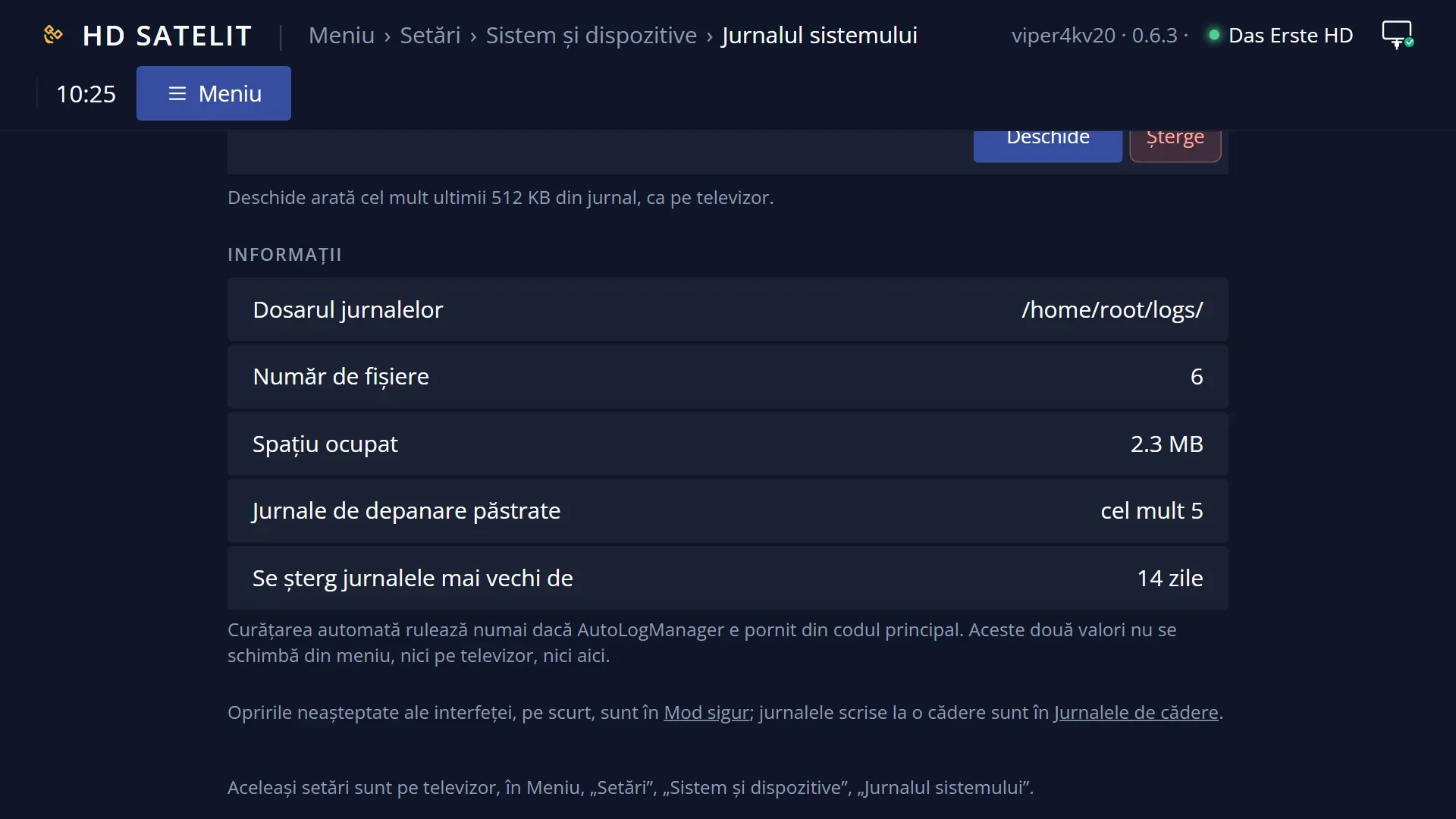
The “Log information” window shows the log folder, the number of files, the space they take up in MB and two values: how many debug logs are kept (at most 5) and after how many days old ones are deleted (14).
Rows and settings
| Row | Values | Default | What it does |
|---|---|---|---|
| A log in the list | the file name, the size, in KB, the date and time of the last write | OK or GREEN opens it full screen. YELLOW deletes it, after a confirmation question. The date and time show when the receiver last wrote to it, so logs it is writing to now show the current time. | |
| Which logs are in the list | the general system log, its older copies, the copy from before a sudden shutdown, the logs of some image functions, the crash logs and the shutdown log | The general system log holds everything the system and the drivers write. When it fills up, it moves into a copy, and the receiver keeps four copies, each with a number in its name. After a sudden shutdown (a power cut, a forced restart), the next time it starts the receiver keeps the previous log in a separate file so that it is not lost (those from the last two sudden shutdowns). Some functions of the image have their own log (for example the motorised dish). The logs written when the interface crashes and the log of unexpected shutdowns are also here. You can see a summary of these in Crash logs and in Safe mode. | |
| The open log | at most the last 512 KB | The text of the file, from top to bottom. For a larger file only the last 512 KB are read, so that the screen opens quickly. The newest lines are at the bottom, so you scroll with DOWN to the end. The log is read once, when you open it: to see what was written after that, open it again. | |
| Deleting a log | Yes, No | No | YELLOW asks “Delete the log …?” with the file name. With “Yes”, the file is deleted from the receiver's memory and disappears from the list. It can no longer be read after that. With “No” (the option selected when the question appears), nothing changes. When an old log takes up a lot of space and you no longer need it. |
| Log information | Log directory, Number of files, Total space, debug logs kept: 5, days: 14 | 5 debug logs, 14 days | How many files are in the log folder and how much space they take up together. The two values at the end cannot be changed from any menu, neither on the TV nor in the web interface, and in this version they do not delete anything by themselves. The logs are kept small in another way: the general log has only four copies, and only the last five crash logs are kept. |
Keys
| UP / DOWN | In the list: moves the cursor to the log above or below. In an open log: scrolls one page at a time. |
| LEFT / RIGHT | In an open log: one page up or down, like UP and DOWN. |
| CH+ / CH- | In an open log: one page up or down (|<< and >>| do the same). |
| OK or GREEN | Opens the selected log. |
| YELLOW | Deletes the selected log, after the question “Delete the log …?”. |
| BLUE | Opens the “Log information” window. |
| EXIT or RED | Closes the open log or the “Information” window. From the list, it takes you back to System & Devices. |
Step by step
Reading what has just happened
- Press MENU 6 UP UP UP OK, then UP five times and OK.
- The first row is the log the receiver wrote to most recently. Press OK.
- Press DOWN as many times as needed to reach the end of the text: the newest lines are at the bottom.
- Press EXIT to return to the list.
Deleting an old log
- In the list, move the cursor to the log you no longer need.
- Press YELLOW.
- At “Delete the log …?” select “Yes” and press OK. The log disappears from the list.
Reading a log on your phone or computer
- Open the receiver's web interface (for example http://192.168.1.50) and go to /jurnale-sistem.
- Press “Open” next to the log. The text appears below the list, without the lines containing passwords or codes.
- Press “Close” when you have finished.
Problems and solutions
The list says “No log file found”.
The receiver has not written any log yet (for example straight after you installed the image) or the logs have been deleted.
The open log starts with “[... the beginning of the log is omitted, file too large ...]”.
The file is larger than 512 KB, so only its last part is shown, which has the newest lines. You will find the beginning in its older copy, in the list.
I cannot find the current lines in the open log.
The newest lines are at the end of the text: press DOWN until you reach the bottom. You only see what was written after you opened the log if you close it and open it again.
The text is hard to read on the TV.
Open the same log in the web interface, on the /jurnale-sistem page, on your phone or computer.
I deleted a log by mistake.
A deleted log cannot be recovered. Next time, after pressing YELLOW, check the name in the question: the option selected at first is “No”.
I am looking for traces of an interface crash.
You will find a summary in Crash logs and, with the last error, on the /mod-sigur web page. The full log is here.
Related topics
- Crash logs
- Safe mode (interface crashes, in brief)
- Receiver watchdog (has its own log, on its own screen)
- Disk space cleanup
- System & Devices
- Matching web page: /jurnale-sistem.