

Restart Interface
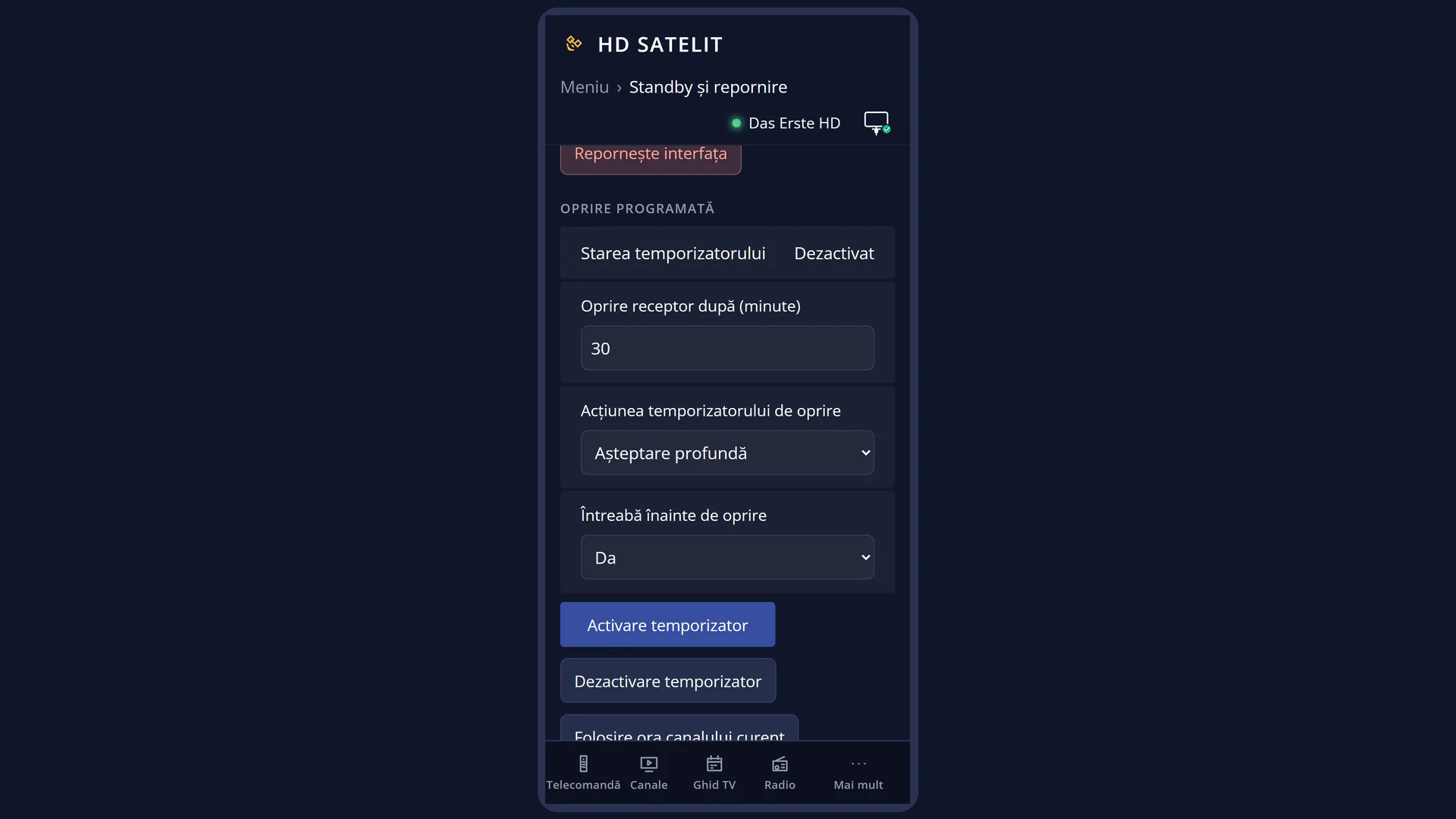
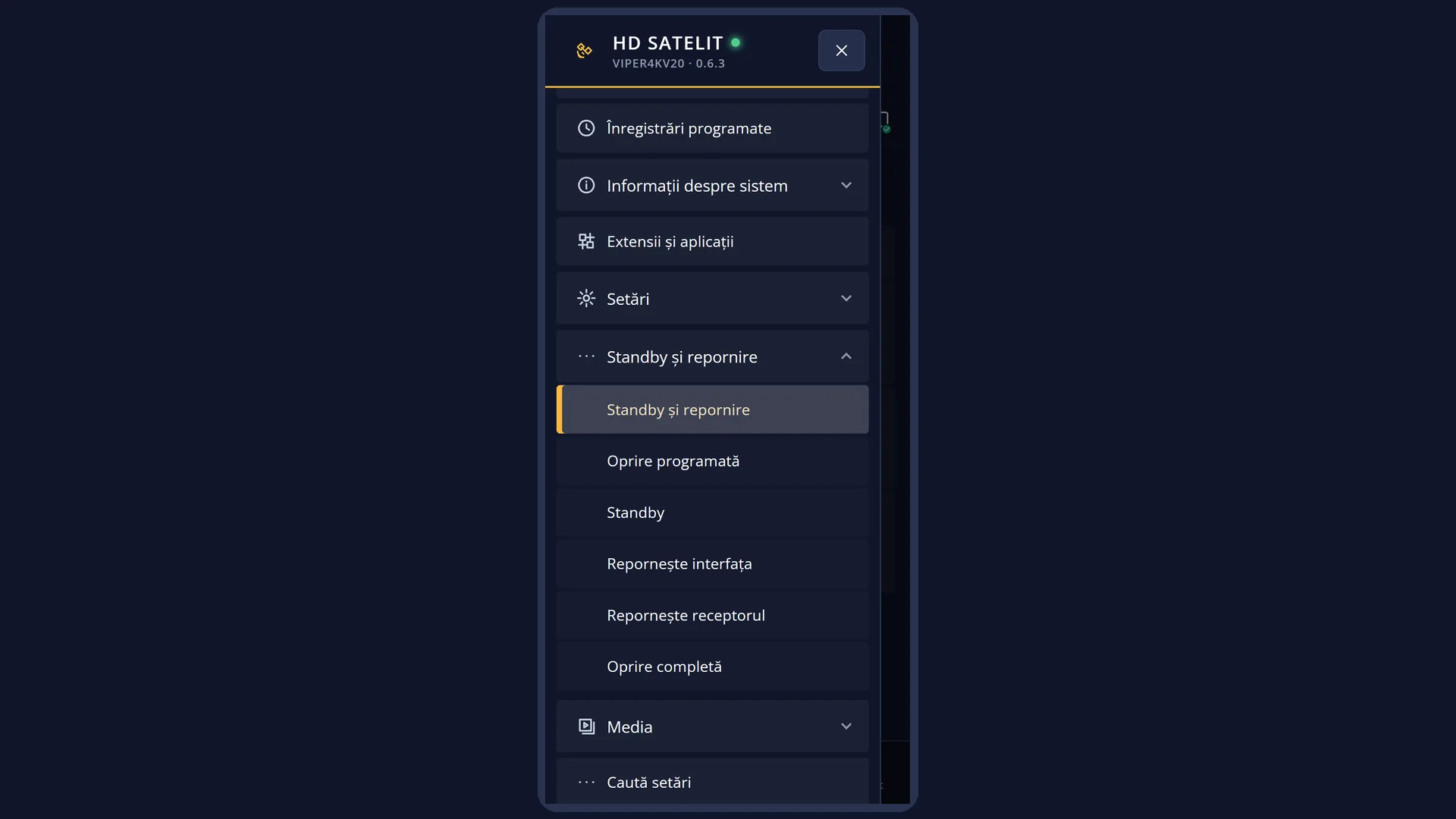
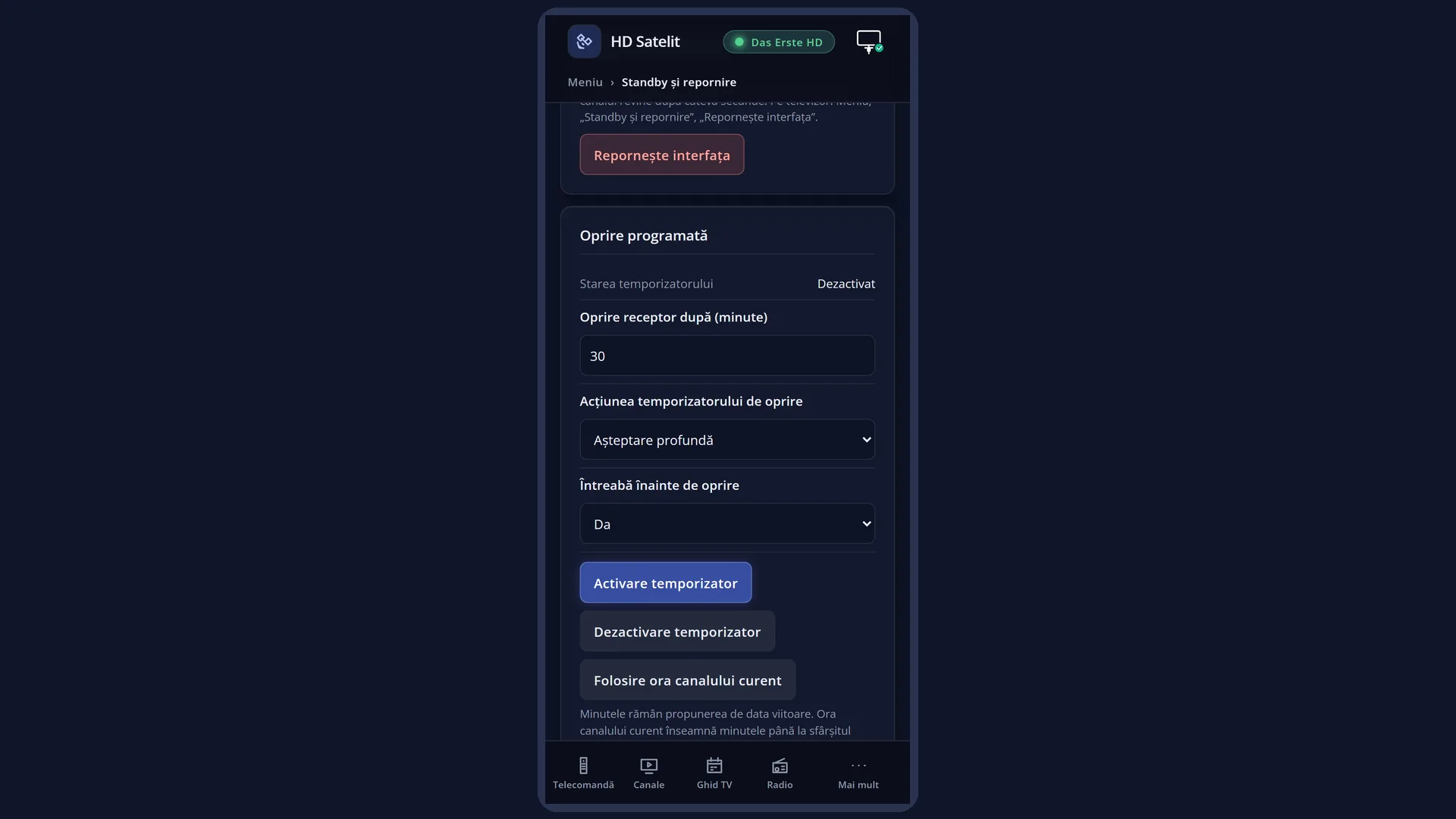
English screenshots coming: some of the pictures below still show the receiver and the web interface in Romanian. The rows, keys and steps described on this page are the English ones.
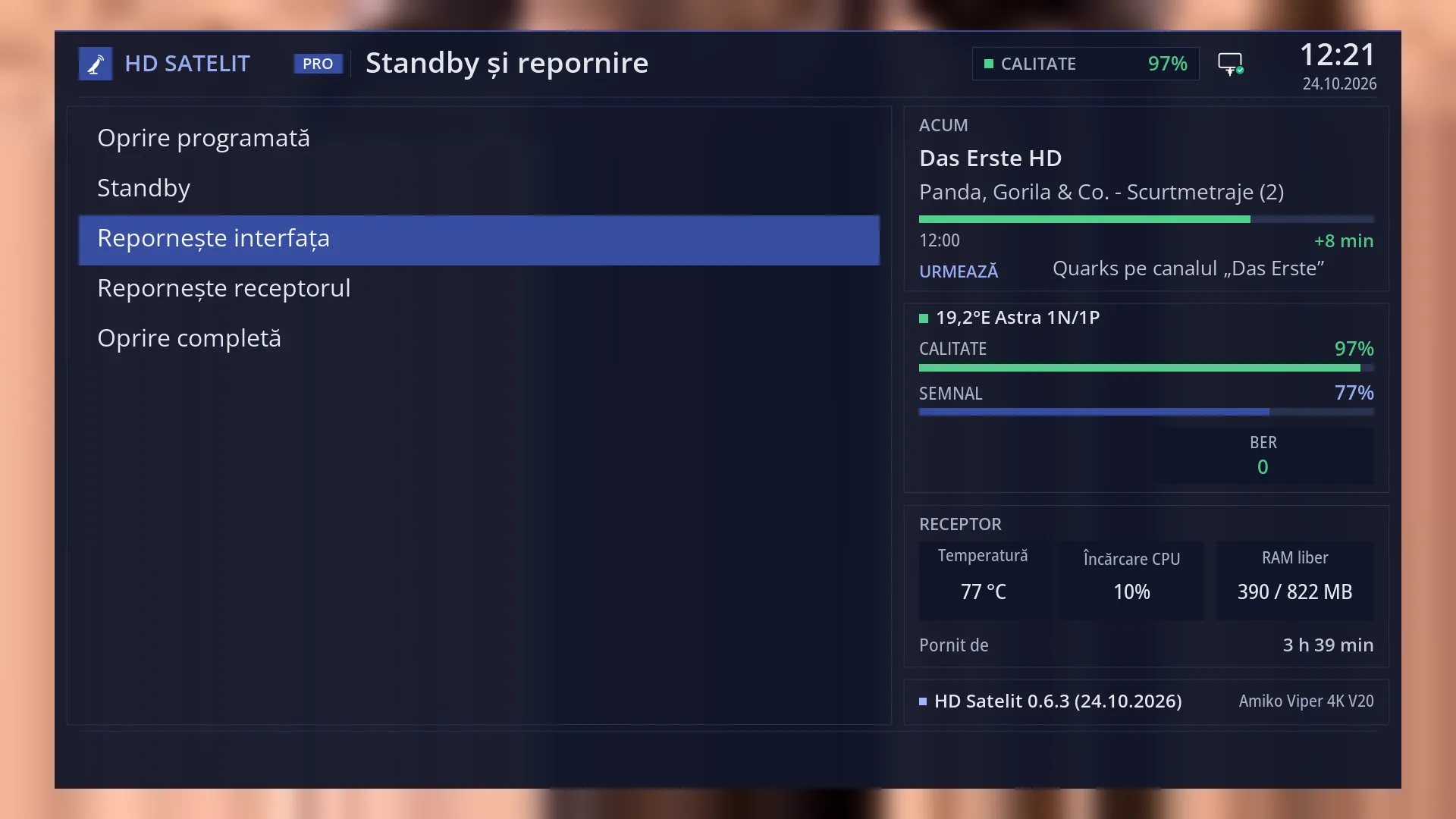
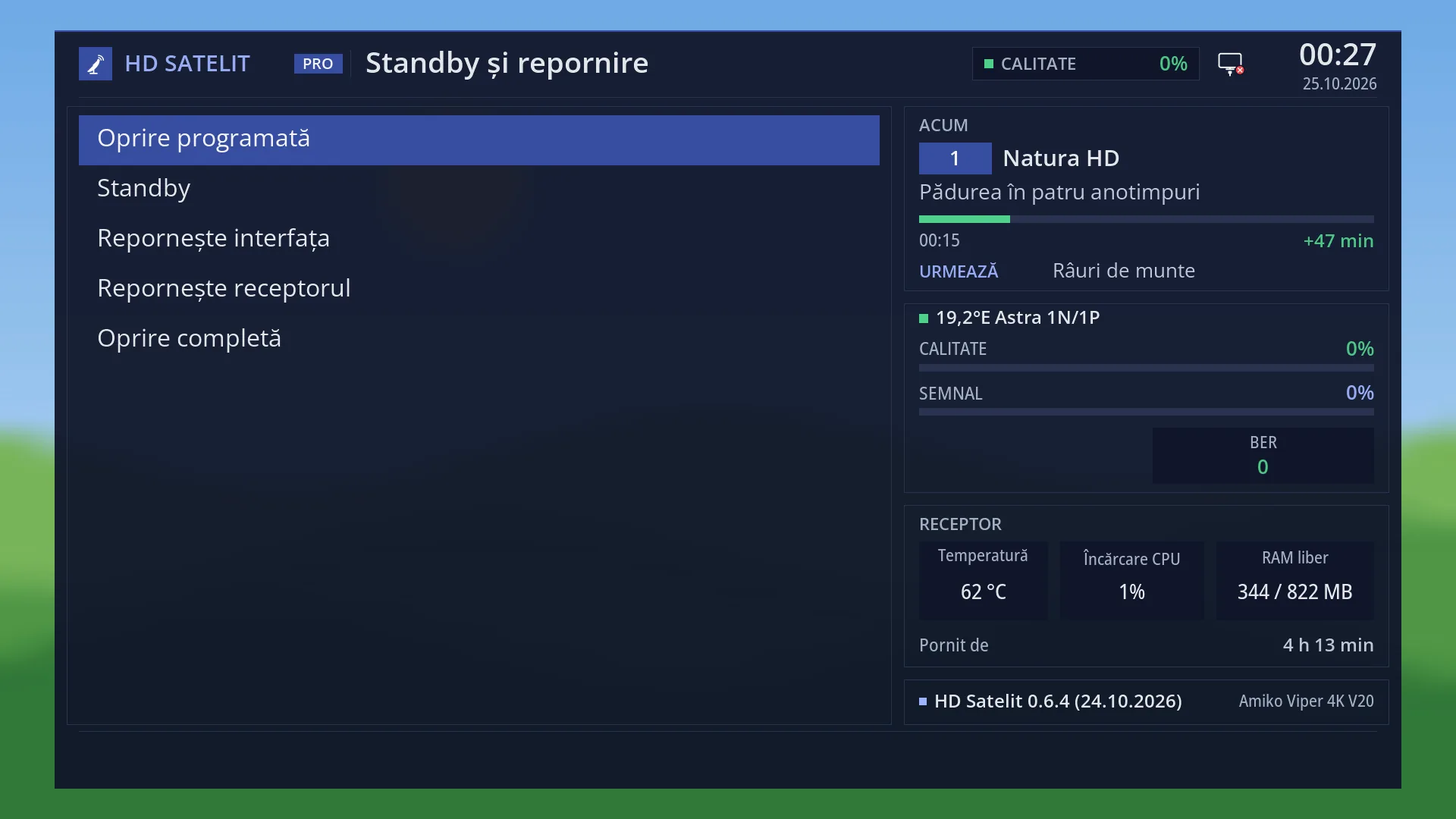
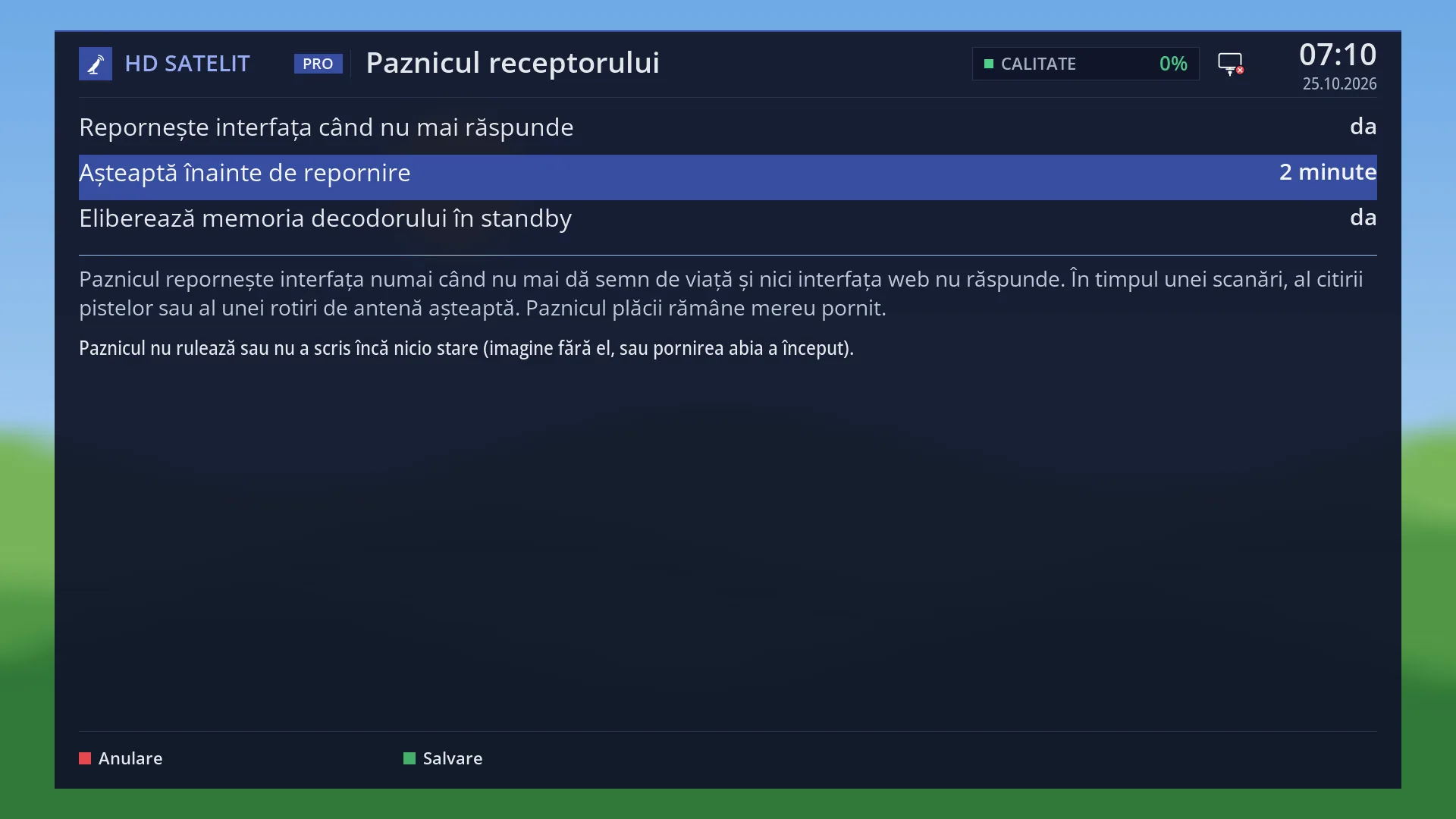
- 1 The “Power & Restart” menu.
- 2 The selected row: OK or 3 restarts the interface straight away.
- 3 “Running for” keeps counting after the interface restarts.
What it is for
“Restart Interface” restarts only the receiver program that shows the menus and channels. The receiver itself does not switch off: the underlying system, the network and the disk keep running, so the whole thing takes a few seconds.
Use it when a menu, a plugin or the channel behaves oddly, when the picture or sound does not come back after a change, or from the web interface when something on the TV no longer responds to the remote.
While it restarts, the TV shows the image's startup picture. Then the channel you were watching starts (or whatever you chose under “What to show at startup”). Your settings, the channel list and your timers are kept. An active Sleep Timer is lost.
Restarting the interface does not free the video decoder's memory. For that, use “Restart Box”. In standby the receiver also does this by itself when needed.
If no recordings are running and no background jobs are active, the restart happens straight away, without a question. From the web interface, on /alimentare, it only happens after you confirm.
How to get here
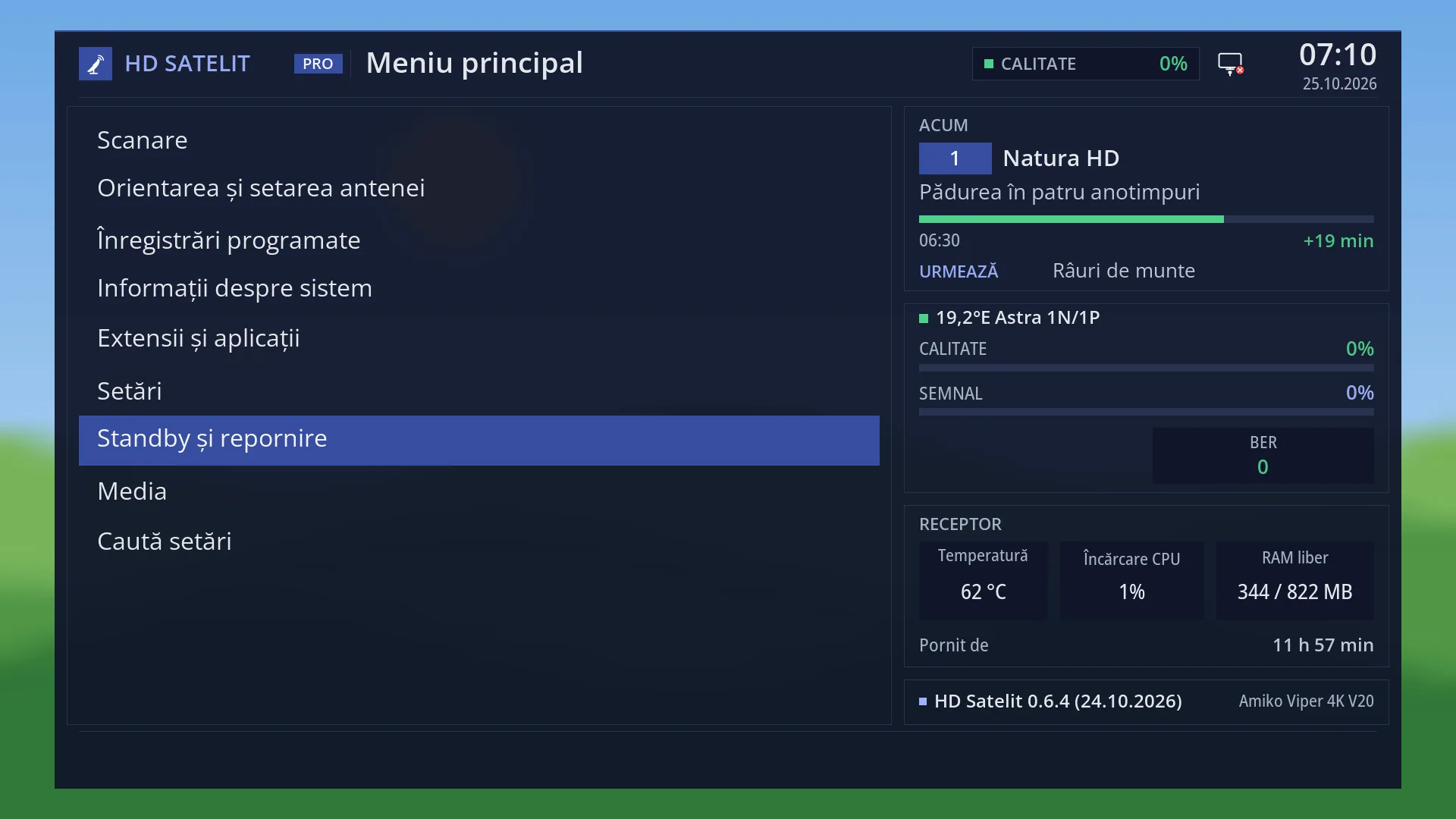
Path: Main menu > Power & Restart > Restart Interface.
Keys on the TV: MENU 7 3 (restarts straight away).
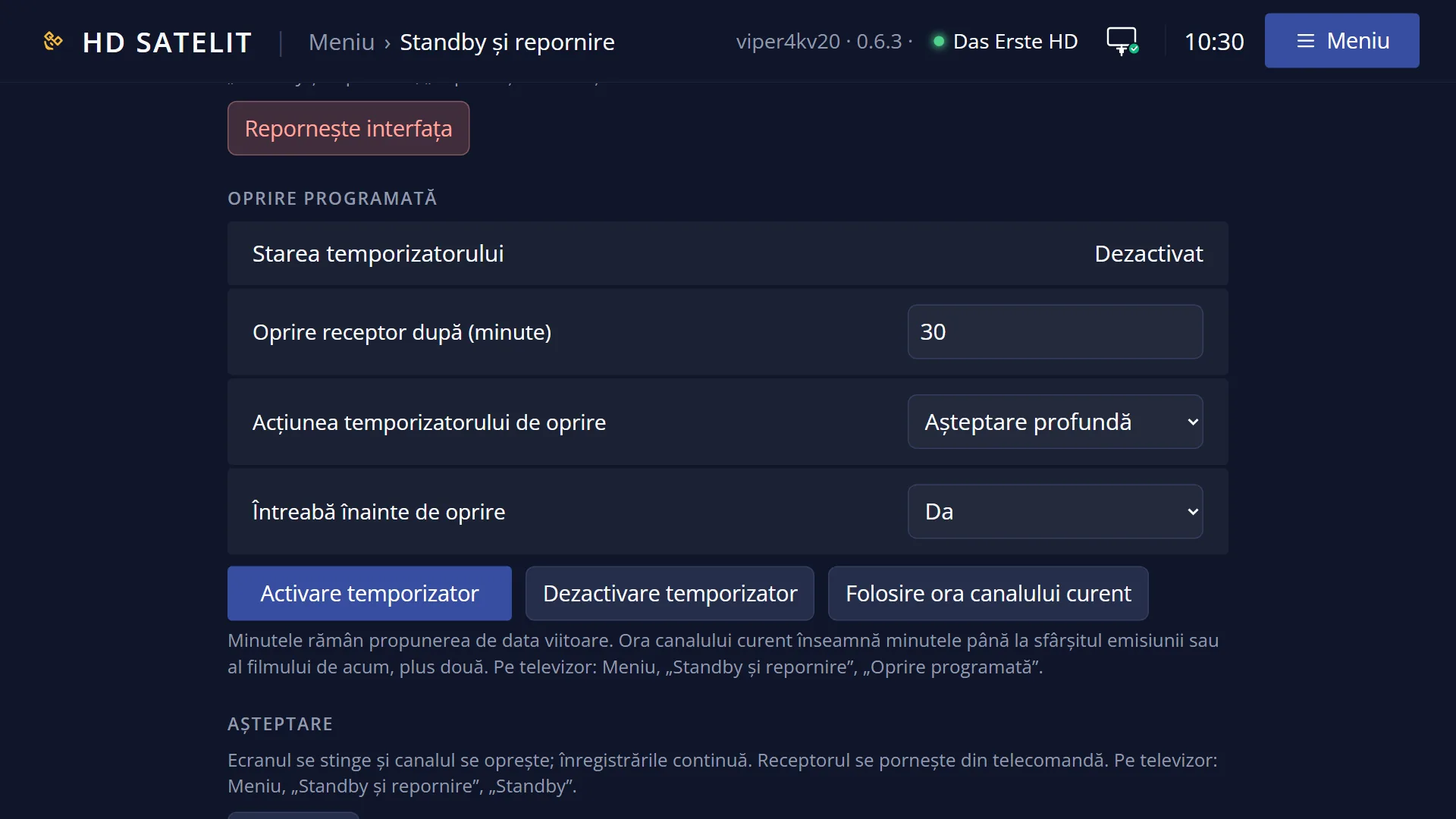
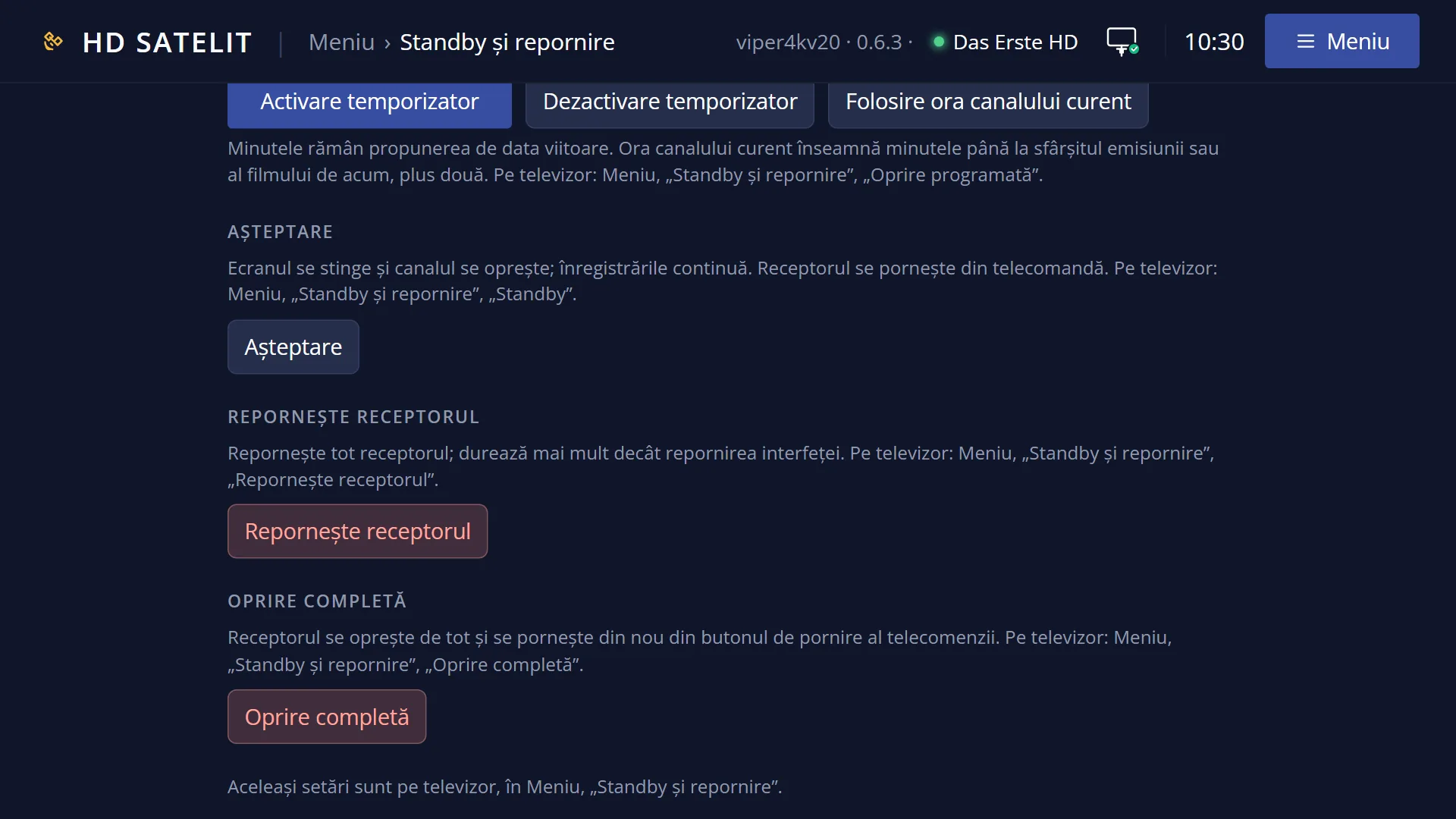
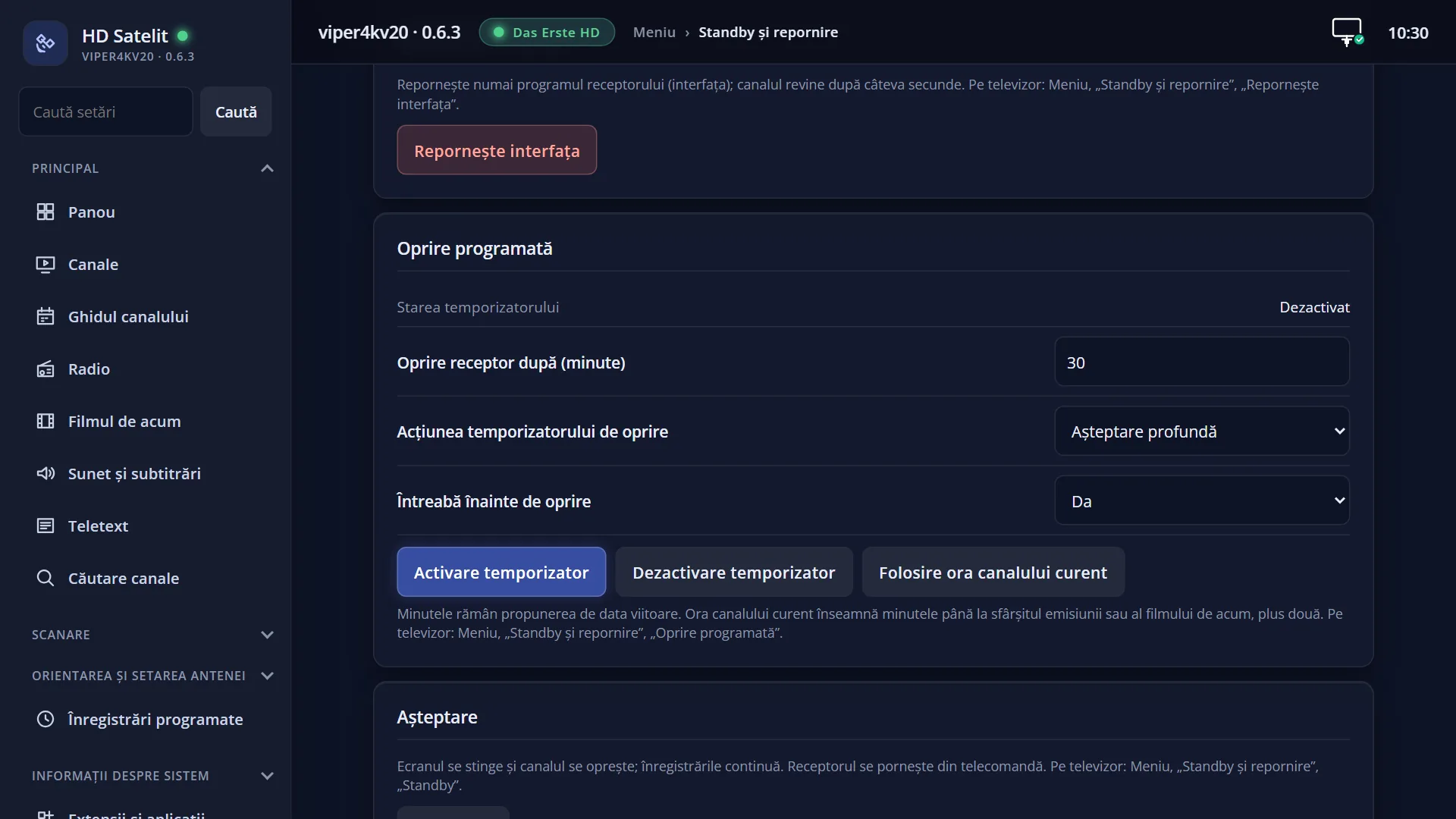
In the web interface: the /alimentare?f=interfata page, the “Restart the interface” button, then “Yes, restart”.
What you see on the screen
Usually no window appears: the screen goes blank, the startup picture appears and, after a few seconds, the channel.
If a recording is running or starts in less than 6 minutes, you see the question “Recording(s) are in progress or coming up in few seconds!”, with “Really restart now?” below it and Yes selected.
If a background job is running (for example one started by a plugin), the question also shows the job, with its name and how far it has got as a percentage, or a line such as “2 jobs are running in the background!”.
The display on the front of the receiver goes blank while the interface is stopped and comes back when it starts.
In the Pro theme, “Running for” in the menu's “Receiver” box does not go back to zero: it counts from the last start of the whole receiver.
Rows and settings
| Row | Values | Default | What it does |
|---|---|---|---|
| The “Really restart now?” question | Yes, No | Yes (selected) | Appears only if a recording is running or starts in less than 6 minutes, or if a background job is running. Yes: the interface restarts now and the running recording stops. No or EXIT: nothing happens and you go back to TV (the menu closes). When it is on screen. |
| Question left on screen | If you do not answer and the recording ends, the restart happens by itself. If another recording starts less than 6 minutes after it, the question waits another 6 minutes. If the next recording starts in the meantime, it also waits for that one to end. | ||
| What is kept after the restart | Your settings (saved on exit), the channel list, your timers and the current channel are kept. An active Sleep Timer and any text left in “Search settings” are lost. | ||
| Video decoder memory | Each time the interface stops, the video decoder loses a small part of its memory, which only comes back when the whole receiver restarts. When there is no longer enough, films and radio station pictures no longer start. No message appears on screen: the receiver frees it by itself in standby, and after an update it then restarts the whole receiver, not just the interface. You can see the value in System Information > Memory Status and in Receiver watchdog. |
Keys
| 3 or OK (in Power & Restart) | Restarts the interface straight away (or shows the question if a recording is running). |
| UP / DOWN (in the question) | Choose between Yes and No. |
| OK (in the question) | Does what is selected: Yes restarts, No cancels. |
| EXIT (in the question) | Same as No: nothing restarts and you go back to TV. |
Step by step
Restart the interface from the TV
- Press MENU 7 3 (or MENU 7, DOWN twice and OK).
- The startup picture appears on the TV.
- After a few seconds the channel you were watching starts.
From your phone, when the TV no longer responds
- Open the receiver's web interface and go to /alimentare?f=interfata.
- Press “Restart the interface”, then “Yes, restart”.
- The page says “The interface is restarting. The page reloads by itself in a few seconds.” and reloads by itself when the receiver responds again.
With a recording running
- Press MENU 7 3: the question about recordings appears.
- Choose No to let the recording continue, or Yes to restart now (the recording stops).
- If you leave the question on screen, the restart happens by itself once the recording has finished.
Problems and solutions
The restart did not happen; a question appeared.
A recording is running, one starts in less than 6 minutes, or something is working in the background. Answer Yes to restart now, or No to leave things as they are.
Films or radio station pictures still do not start, even after restarting the interface.
Restarting the interface does not free the video decoder's memory. Restart the receiver: MENU 7 4.
The web page says “A shutdown or restart question is already waiting on the TV. Answer it there.”
The restart or shutdown question is already on the TV. Answer Yes or No there, with the remote.
The web page did not reload after the restart.
The page tries every few seconds and reloads by itself when the receiver responds again after the restart (or, if it missed the moment, after a minute and a half in which the receiver responds). If it does not, reload it yourself.
After the restart, the Sleep Timer is no longer active.
The Sleep Timer does not survive a restart. Set it again from MENU 7 1.
The interface restarted by itself without me asking.
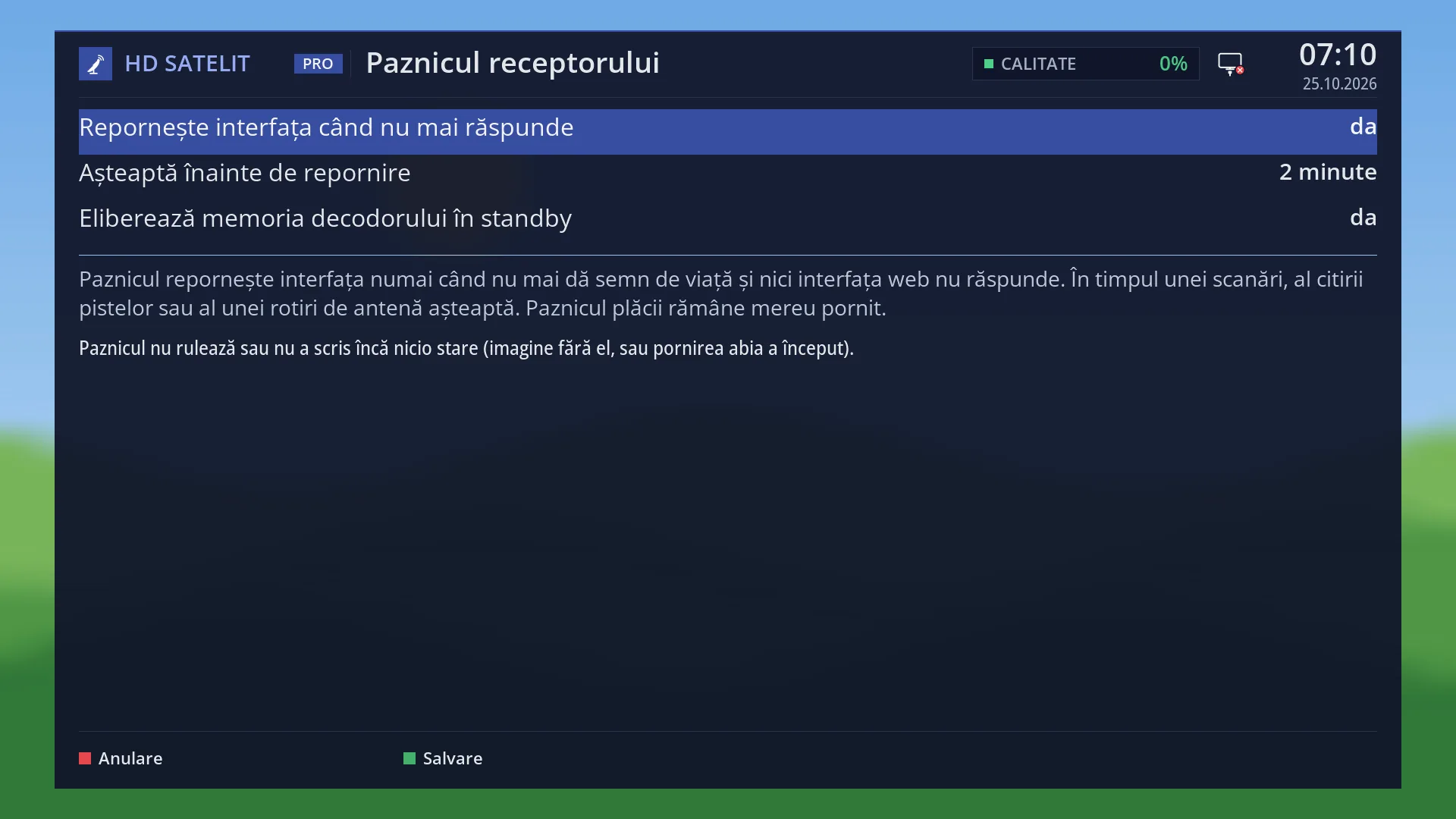
Receiver watchdog restarts the interface when it stops responding, and after an update is installed the interface restarts by itself. Check Receiver watchdog and System Log Viewer.
Related topics
- Power & Restart
- Restart Box
- Receiver watchdog
- Memory Status
- System Log Viewer
- Startup screen (the picture)
- Matching web page: /alimentare?f=interfata.