

Programme details
English screenshots coming: some of the pictures below still show the receiver and the web interface in Romanian. The rows, keys and steps described on this page are the English ones.
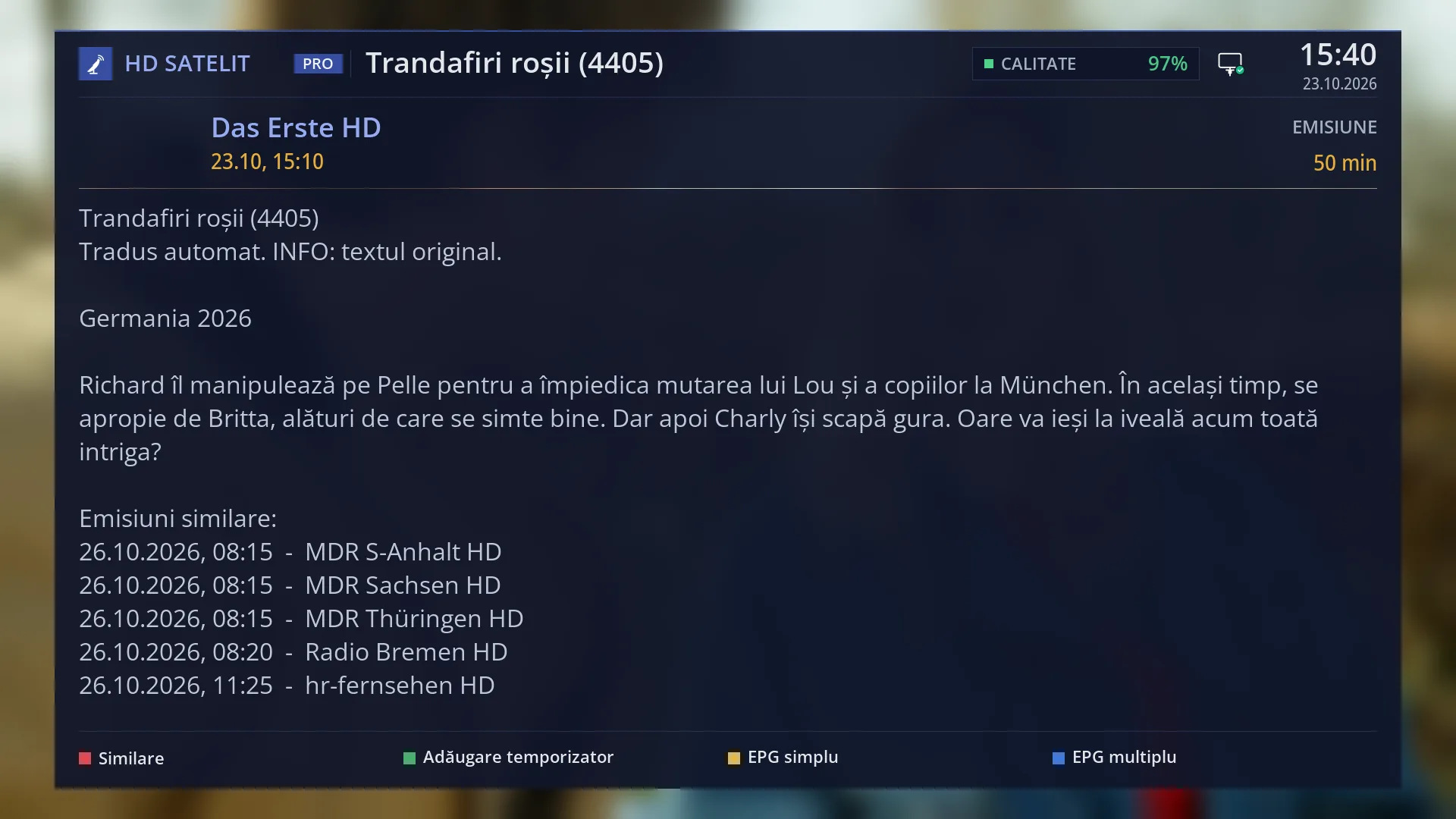
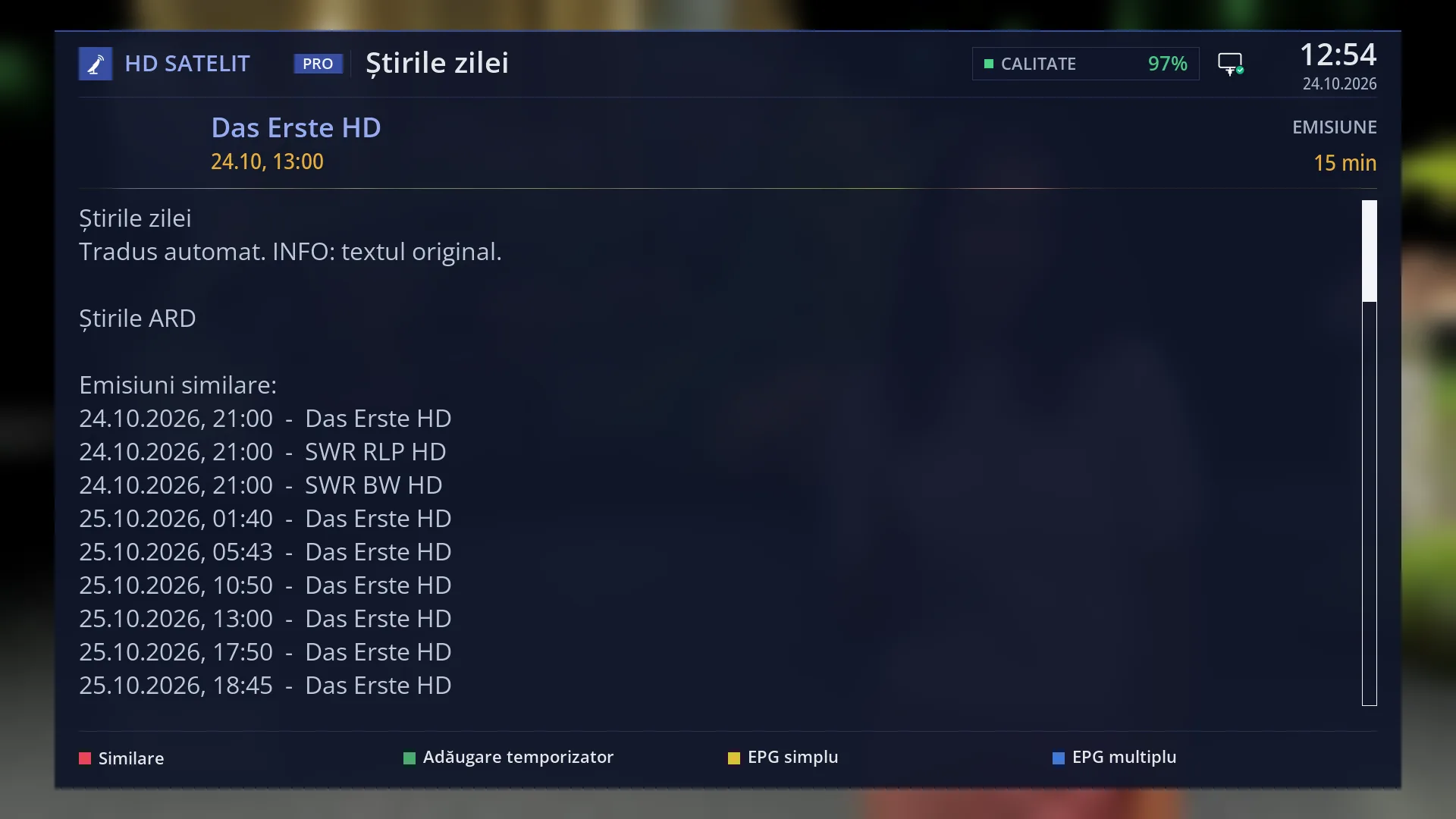
- 1 Window title: the programme name.
- 2 The channel.
- 3 Start day and time.
- 4 Duration.
- 5 Title, short and long description. UP / DOWN scrolls.
- 6 RED Similar, GREEN the timer, YELLOW Single EPG, BLUE Multi EPG.
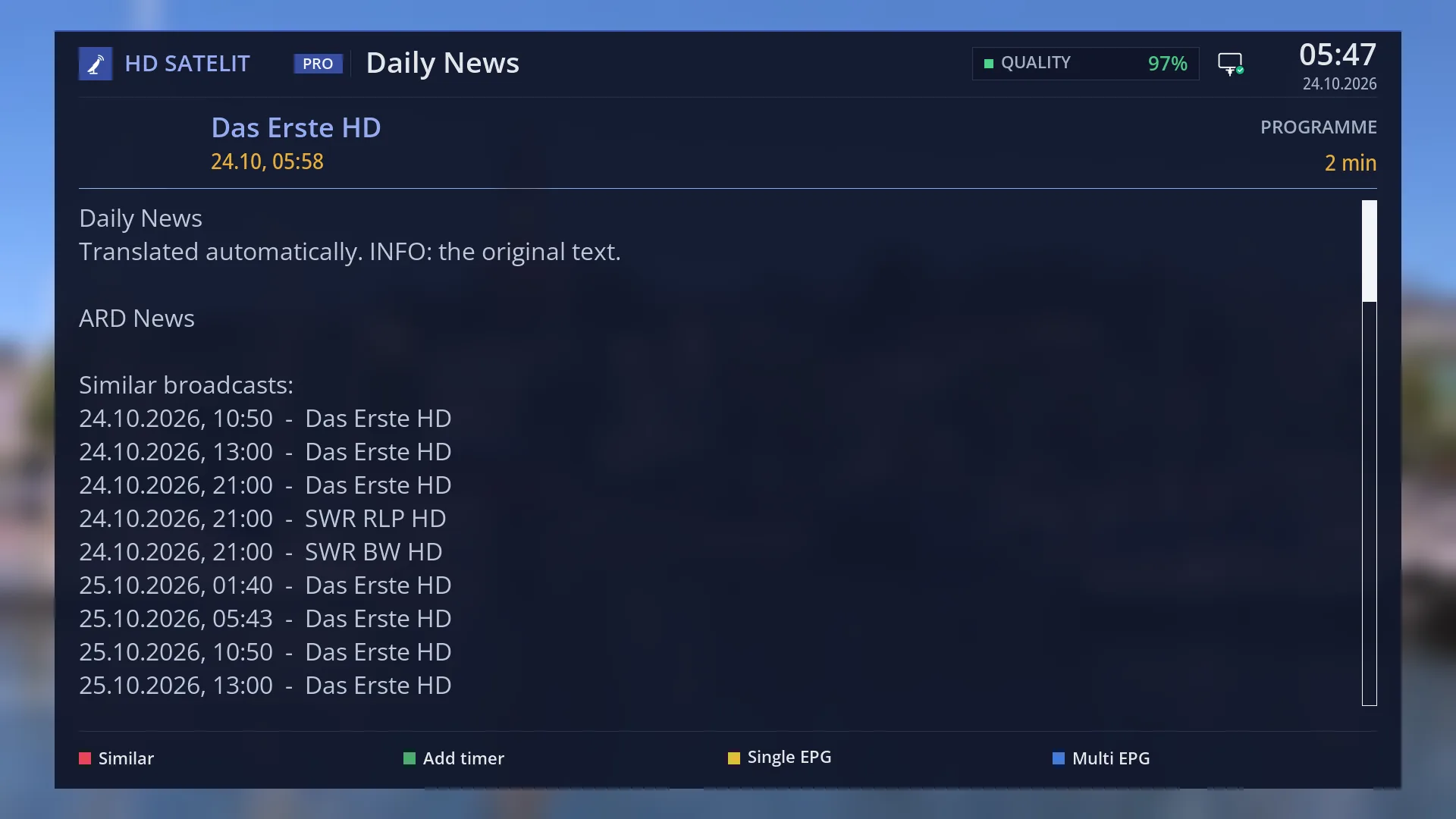
- 1 Time of the next programme.
- 2 GREEN: record it, through the timer window.
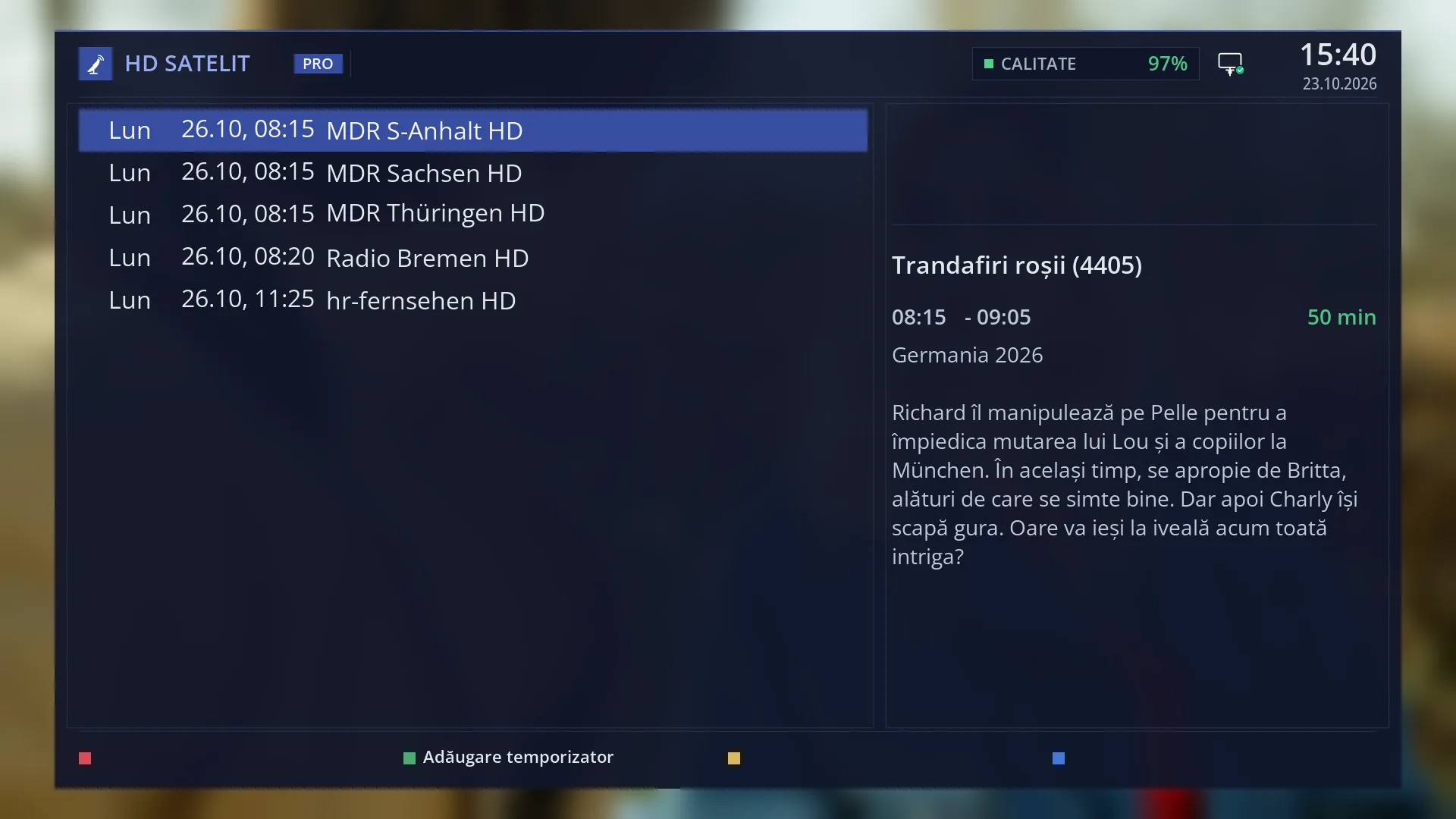
- 1 The selected row.
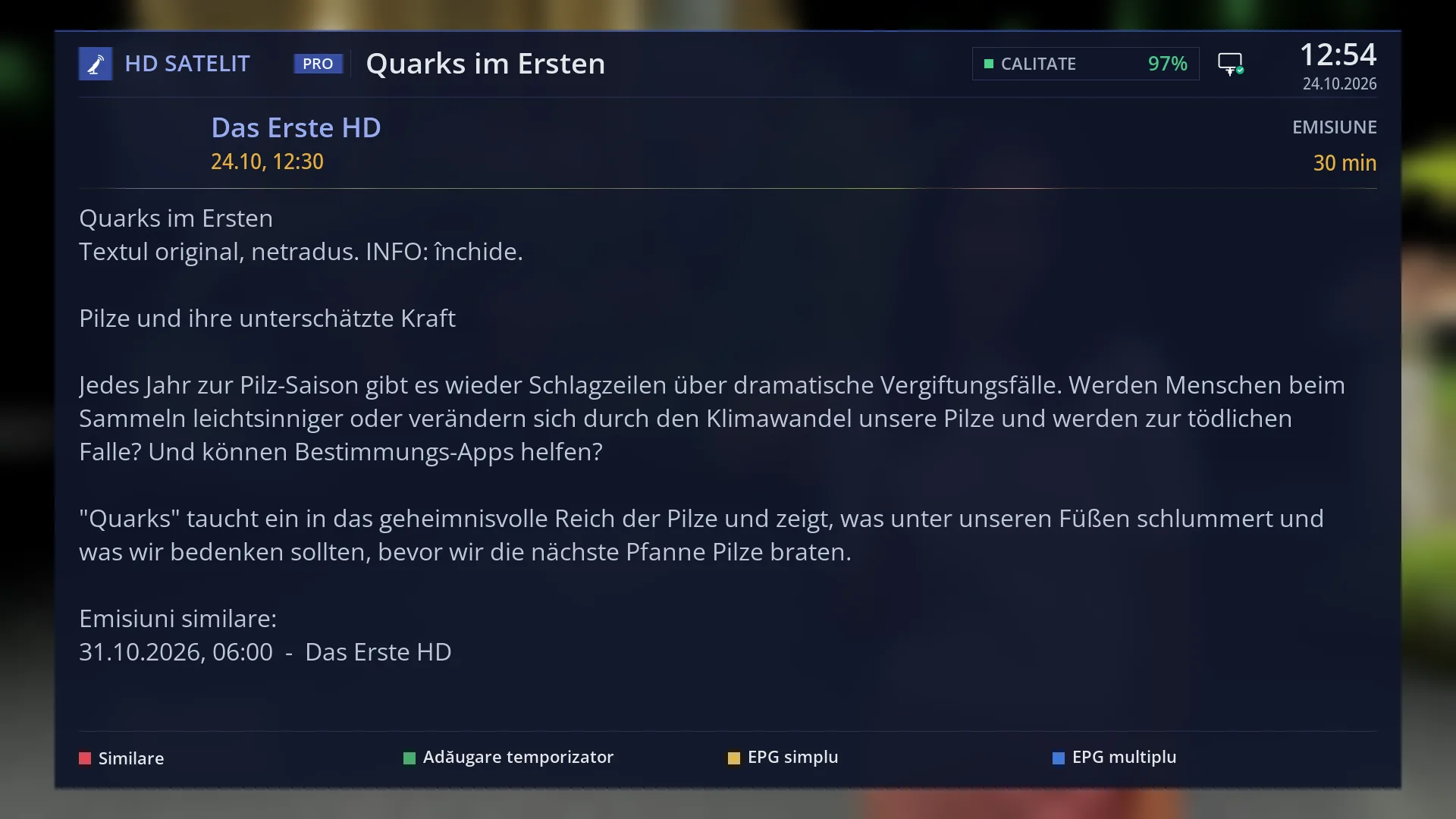
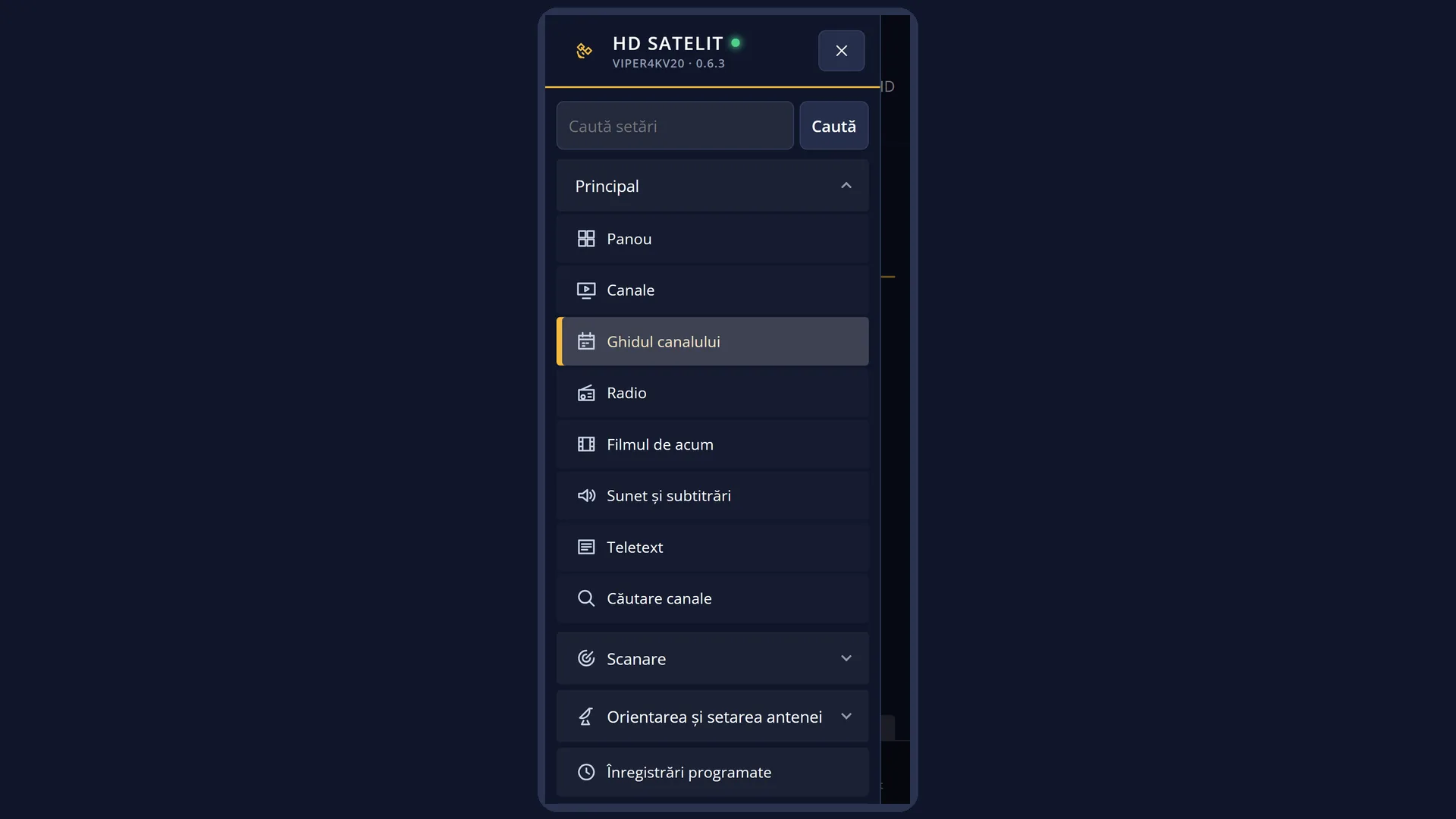
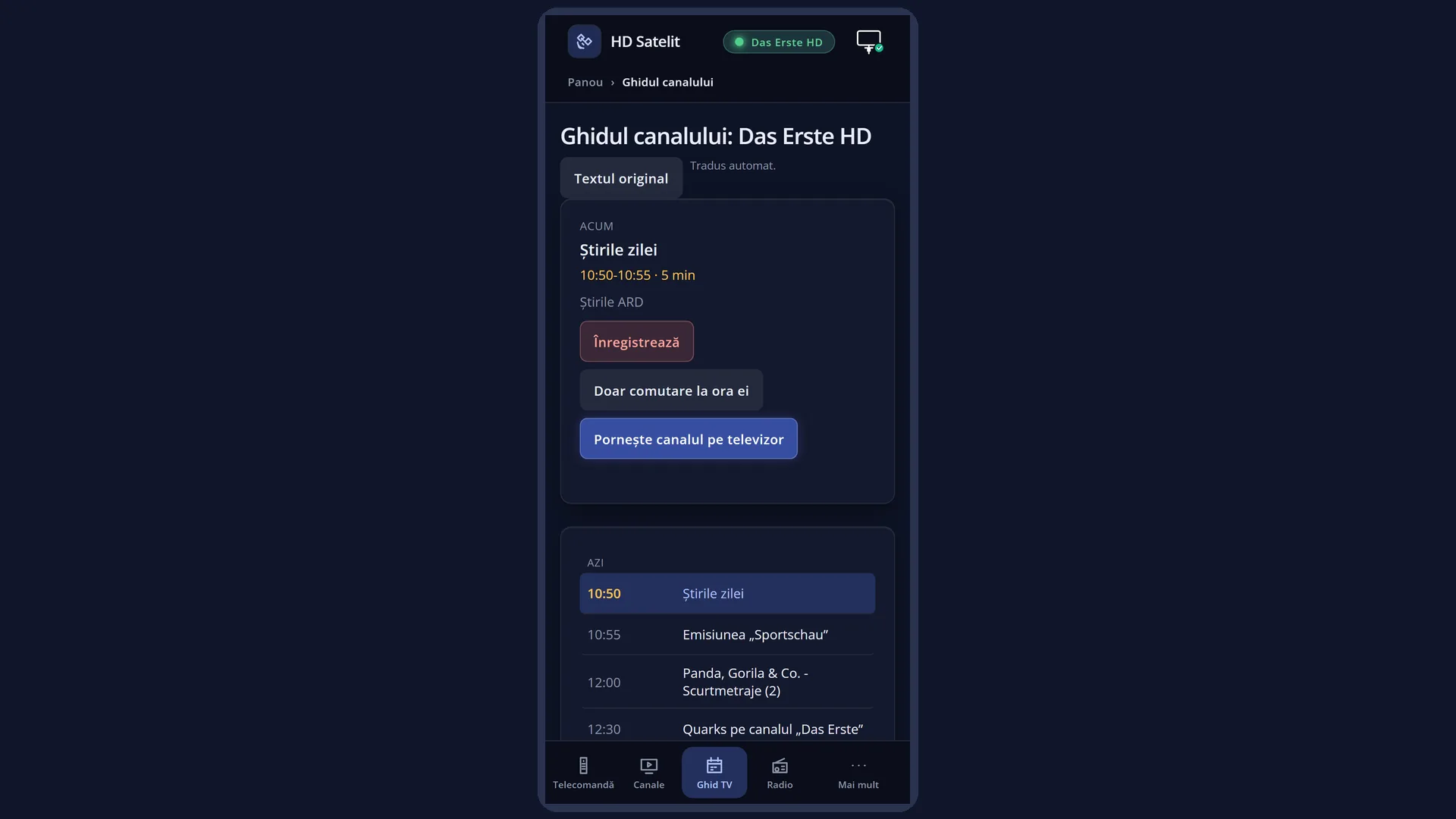
What it is for
The programme details show everything the channel sends about the current programme: the title, the day and time, the duration and the full description. Press RIGHT to move to the next programme.
From here you can also set up a recording of the programme (GREEN) and find out when the same programme is on again (“Similar programmes”).
With guide translation switched on, the title and description appear translated into your language. INFO shows the original text.
How to get here
From live TV: press INFO (short press).
If the channel does not send the current programme, INFO opens the guide for all channels instead of the details.
The same screen also opens when you press OK or INFO on a programme in the channel guide.
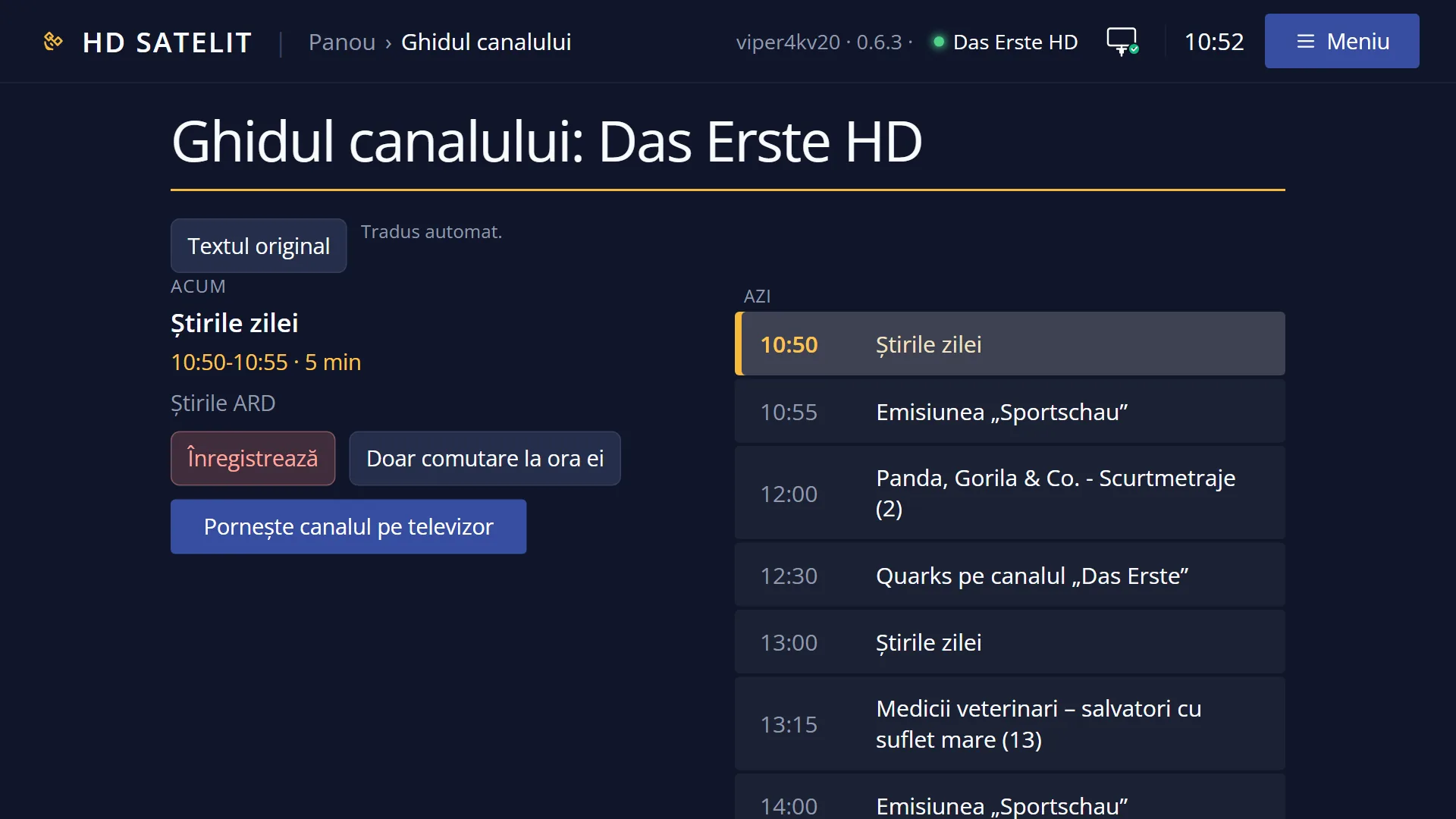
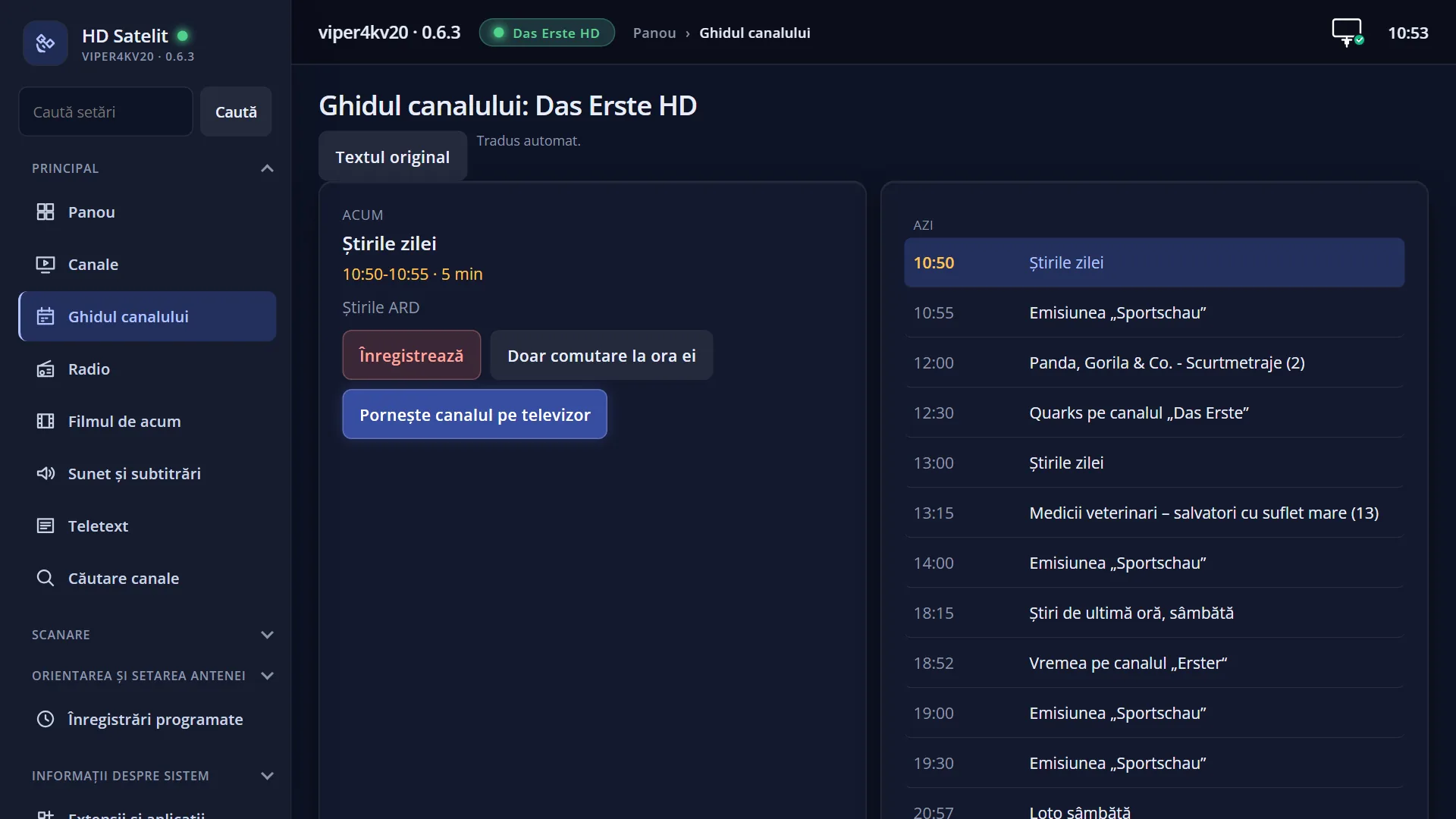
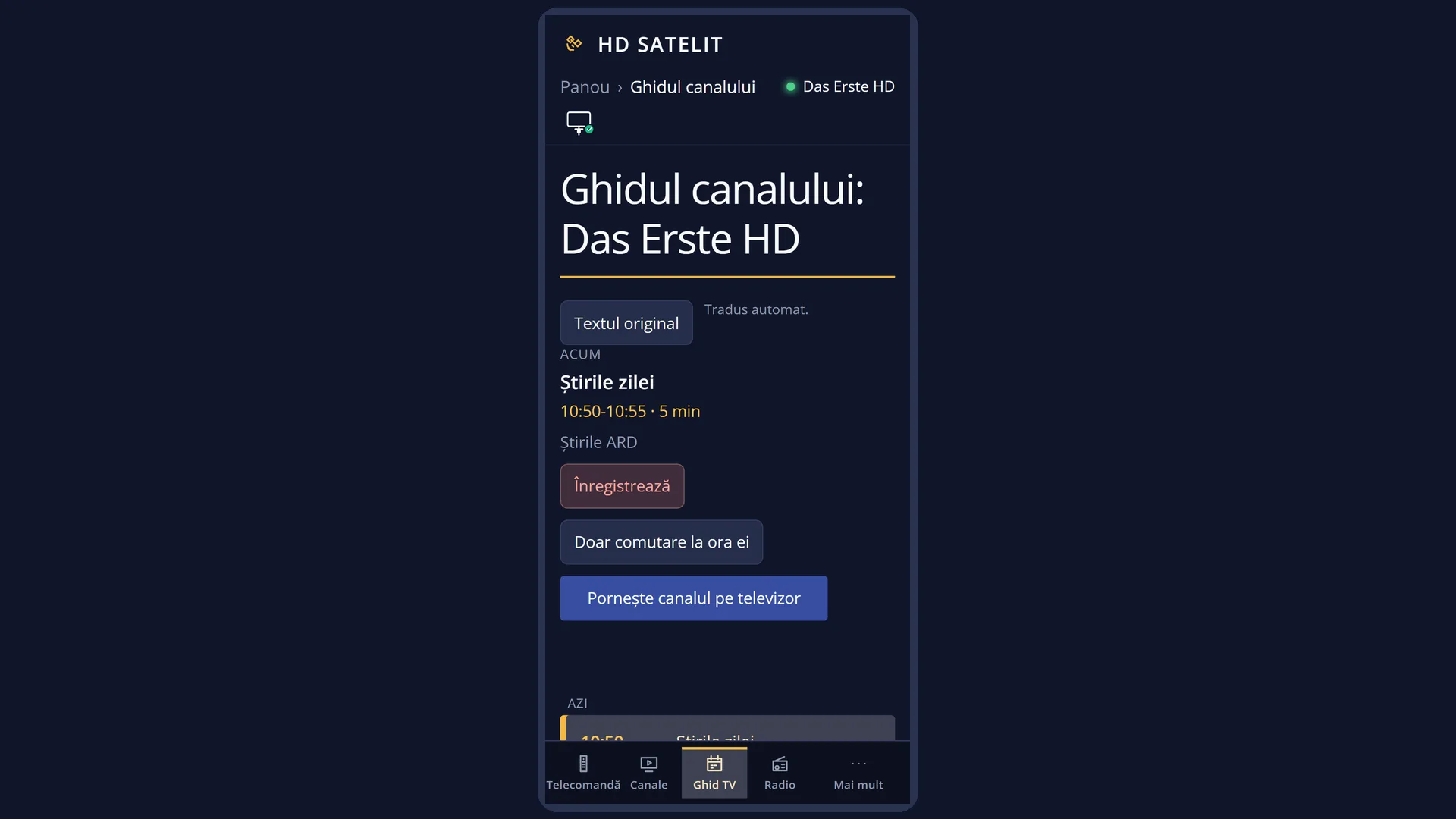
In the web interface: the guide at /ghid, with the description of each programme.
What you see on the screen
At the top, the window title: the programme name, and the clock.
Below it: the channel name (for a recording being played back it says “Recording”) and, on the right, the label PROGRAMME. Underneath are the start day and time and, on the right, the duration (for example “45 min”).
The large text: the title, then, when guide translation is switched on, a line that tells you what you are seeing (“Translated automatically. INFO: the original text.” or “Original text, not translated. INFO: close.”), then the short and the long description.
After a moment, the list “Similar programmes:” may appear at the end of the text, with the date and time when the programme is on again.
At the bottom, the colour keys: RED “Similar” (only when similar programmes have been found), GREEN “Add timer” or “Remove timer”, YELLOW “Single EPG”, BLUE “Multi EPG”.
Rows and settings
| Row | Values | Default | What it does |
|---|---|---|---|
| Translate EPG | yes, no | no | The title and description of programmes in the guide and in the programme details are translated automatically into the translation language. INFO shows the original. It also works with subtitle translation switched off, but it needs a translation service. The row is in Menu > Settings > Audio & Sound Tracks > Subtitle translation (MENU 6 4 6). When you watch channels in another language and want to understand the programme descriptions. |
| Translate the bottom bar | yes, no | yes | While subtitle translation is switched on, the titles of the current and the next programme in the first bar are translated. The programme details then keep the original text, with the line “Original text. On the bottom bar, the title is translated automatically.” (unless “Translate EPG” is also switched on). This row is also in Subtitle translation. When you want translated titles in the bar but the description in the original language. |
Keys
| LEFT / RIGHT | Switch between the current programme and the next one. |
| UP / DOWN | Scroll the text, one page at a time. |
| GREEN | “Add timer”: opens the timer window with the programme already filled in, so you can record it. On a programme that already has a timer: “Remove timer”, with the question “Do you really want to delete ...?”. For a recording being played back, the key does nothing. |
| RED | “Similar”: the list of matching programmes (the same programme at other times or on other channels), when any have been found. |
| YELLOW | “Single EPG”: the guide for the channel. |
| BLUE | “Multi EPG”: the guide for all channels in the bouquet. |
| INFO | With translated text: shows the original. Otherwise it closes the window. |
| OK / EXIT | Close the window. |
Step by step
Reading the description of the current programme
- Press INFO.
- If the text is long, press DOWN to scroll.
- OK, EXIT or another press of INFO closes the window.
Recording the next programme
- Press INFO, then RIGHT: you see the next programme.
- Press GREEN “Add timer”.
- In the timer window, check the details and save. The green key now says “Remove timer”.
Problems and solutions
INFO opens the guide for all channels, not the details.
The channel is not currently sending the current and next programme. The details appear when the channel has a programme guide.
The description is in a language I do not understand.
Switch on “Translate EPG” in Subtitle translation (it needs a translation service and internet).
RED does nothing.
The key only works once similar programmes have been found (it then says “Similar”).
GREEN does nothing.
You cannot set a timer for a recording being played back: there the green key has no text.