

The TV remote
English screenshots coming: some of the pictures below still show the receiver and the web interface in Romanian. The rows, keys and steps described on this page are the English ones.
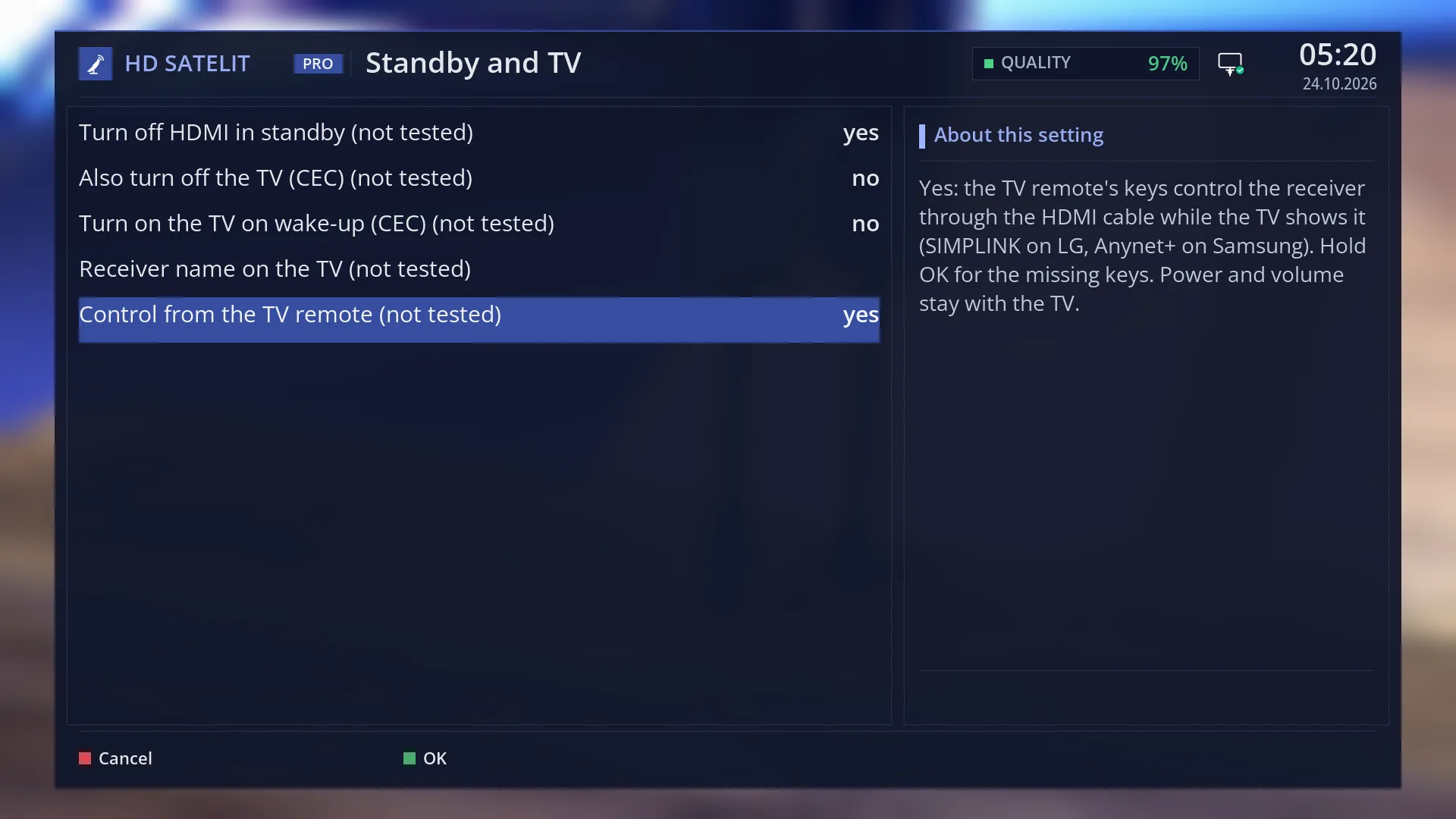
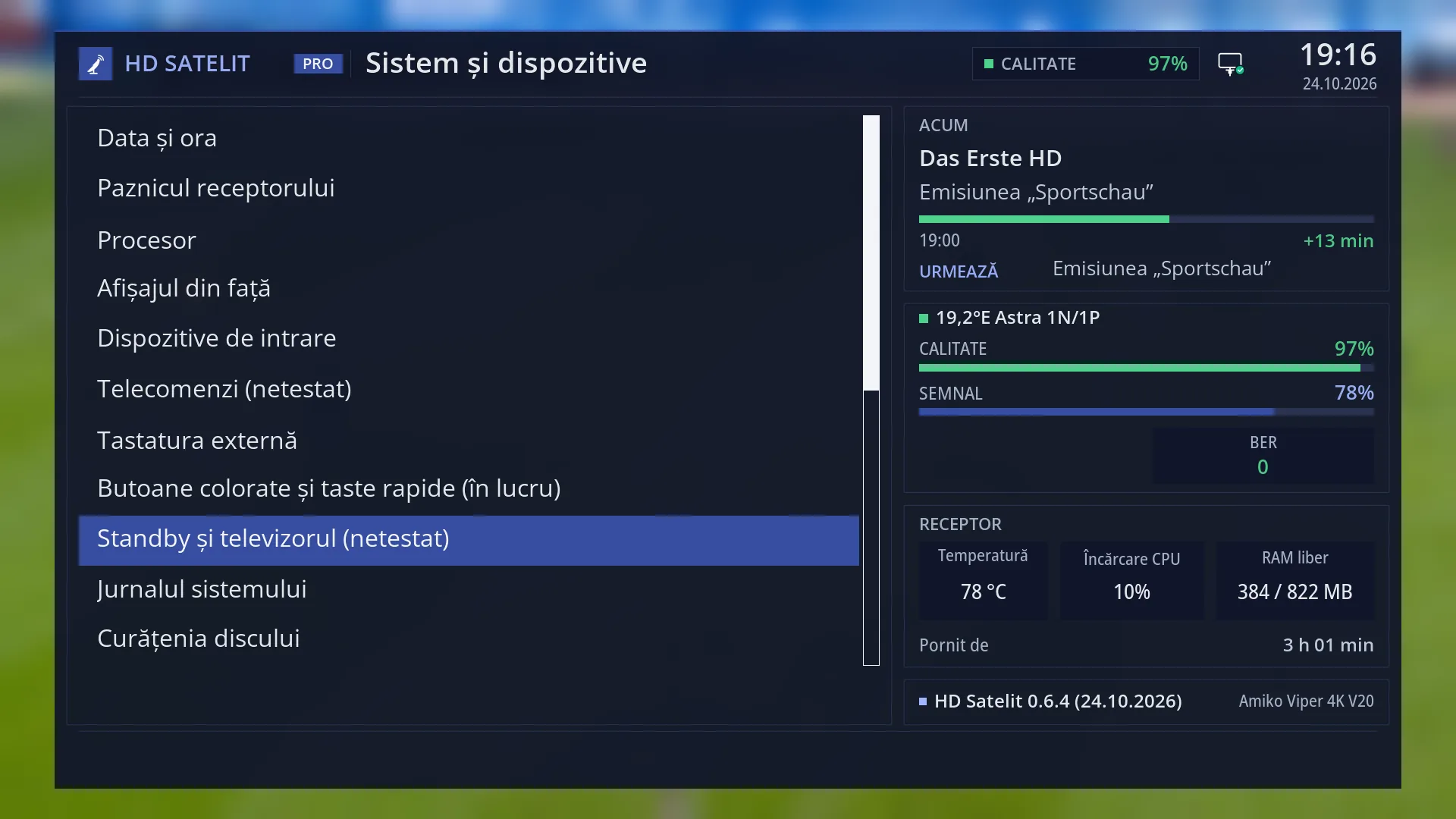
- 1 The selected row.
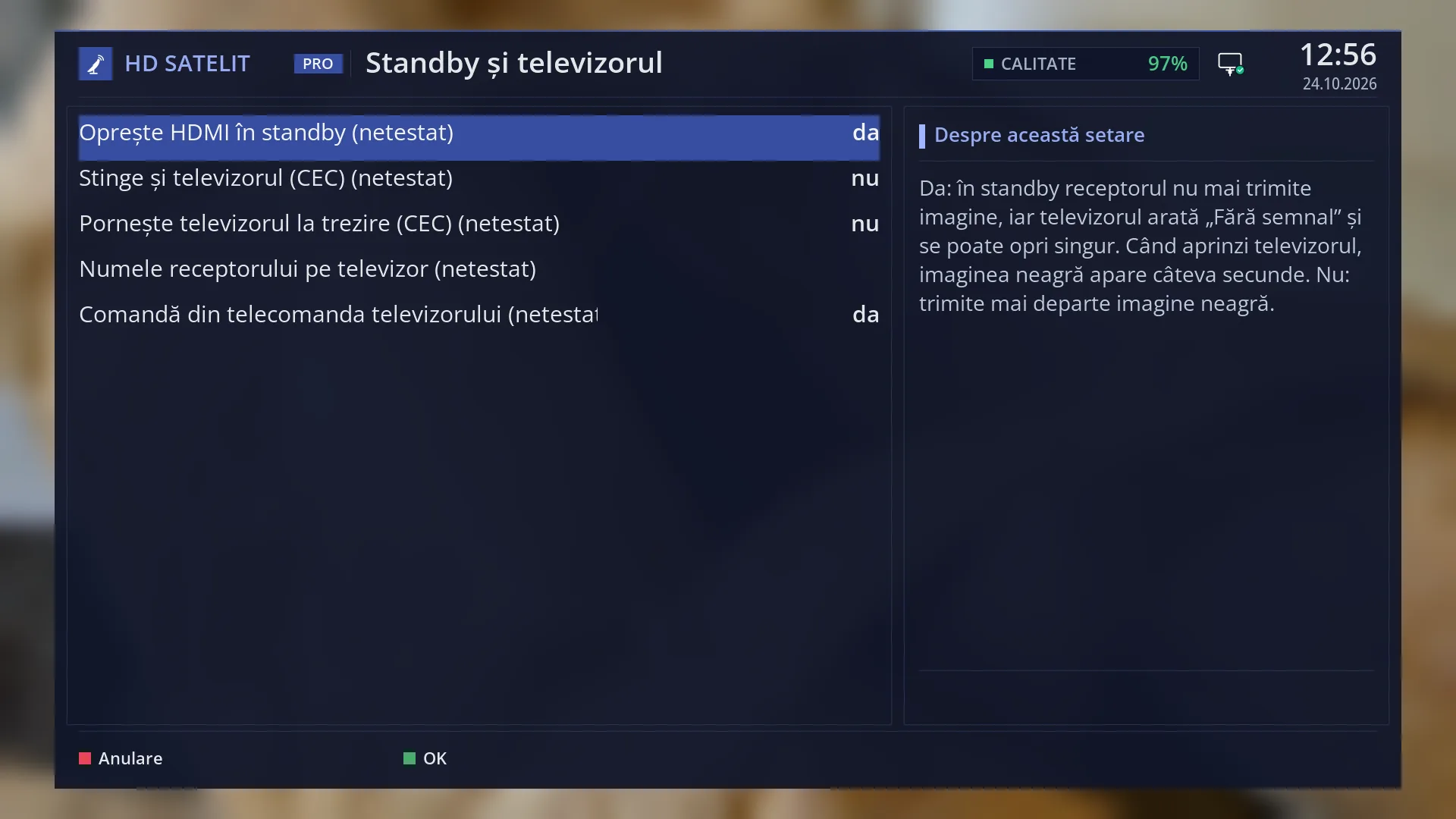
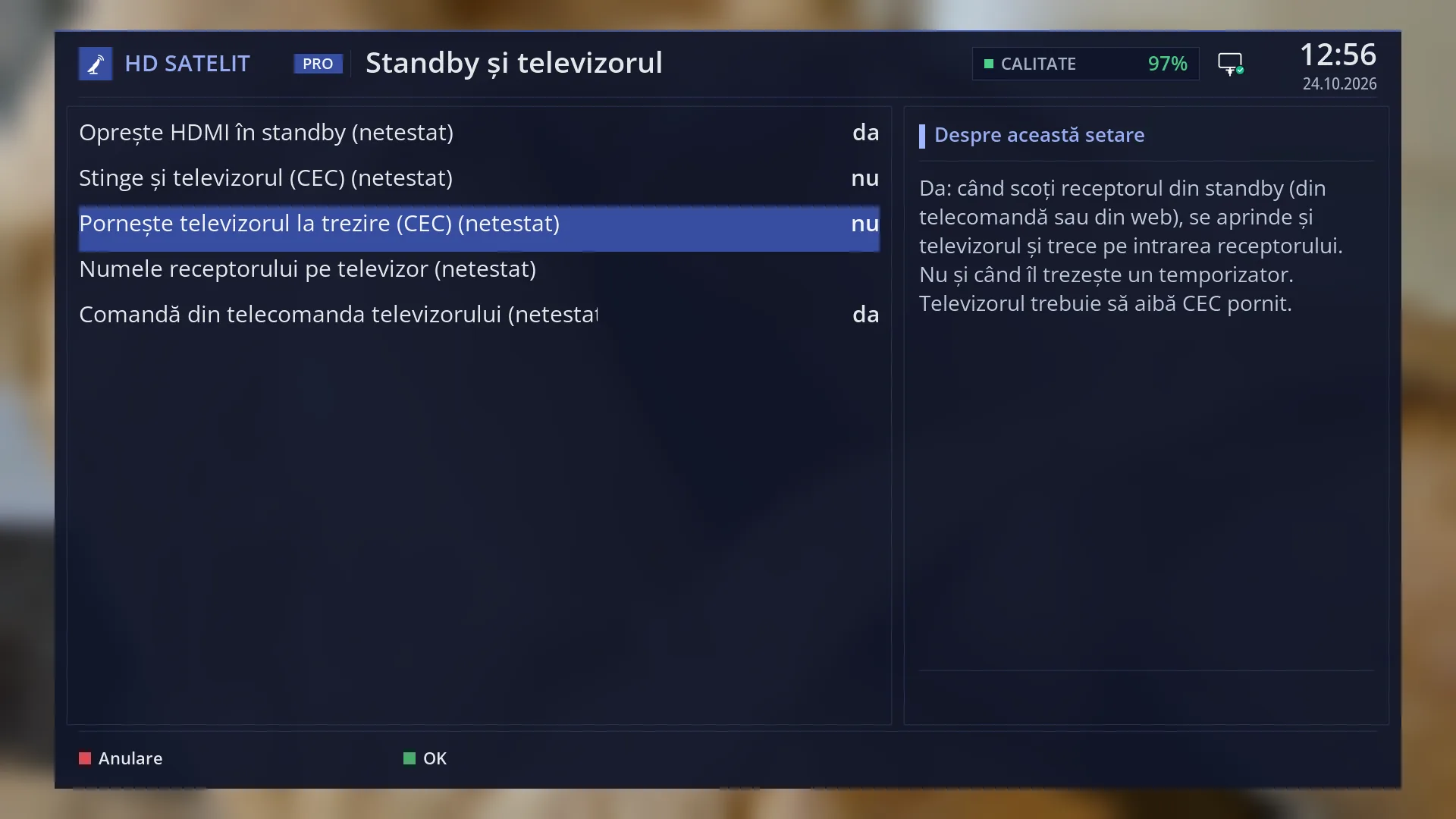
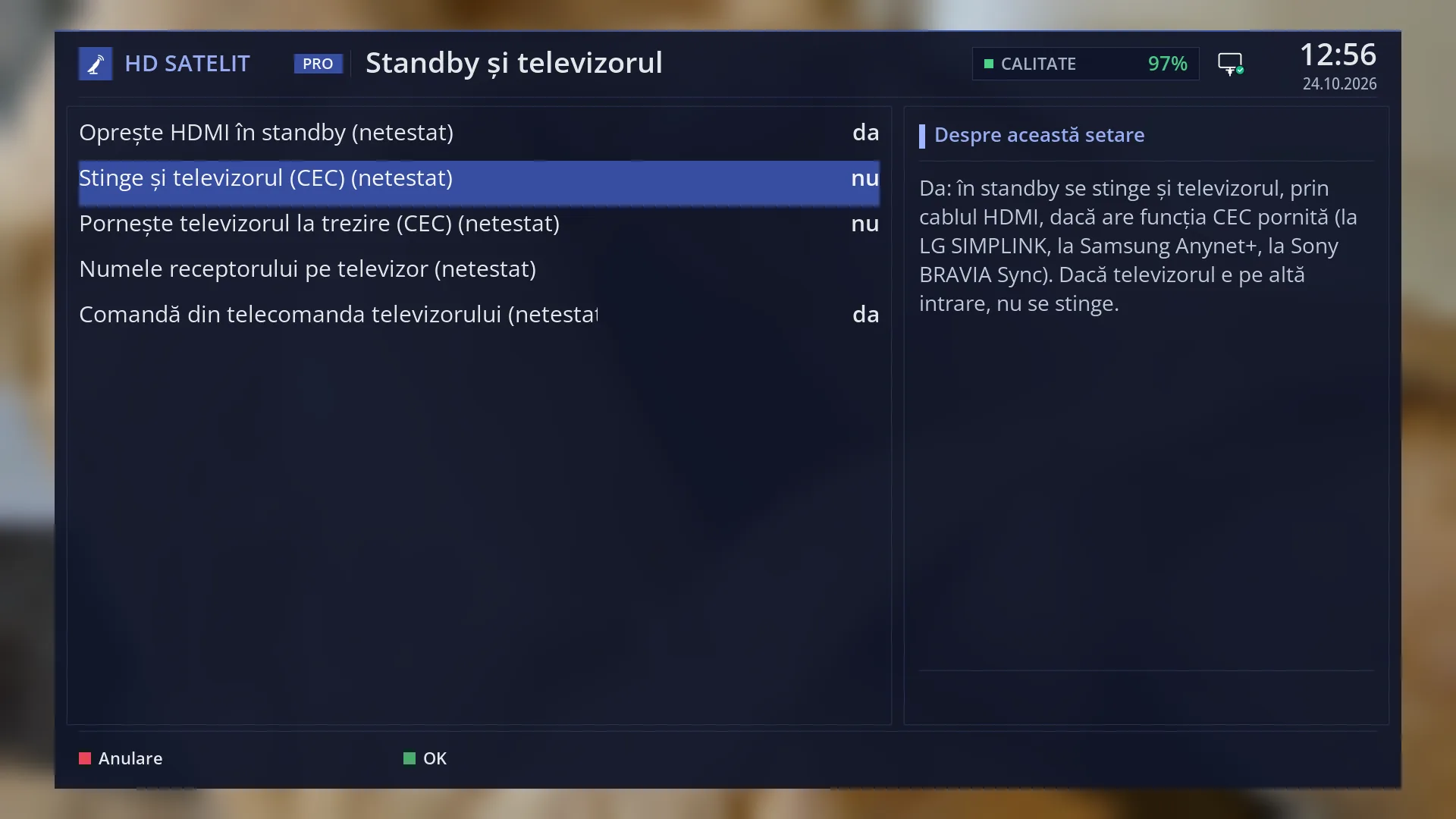
What it is for
You can control the receiver with the TV remote through the HDMI cable (the TV's CEC function: SIMPLINK on LG, Anynet+ on Samsung). You can change channels, move through the menu and choose the sound and subtitles without the receiver's remote.
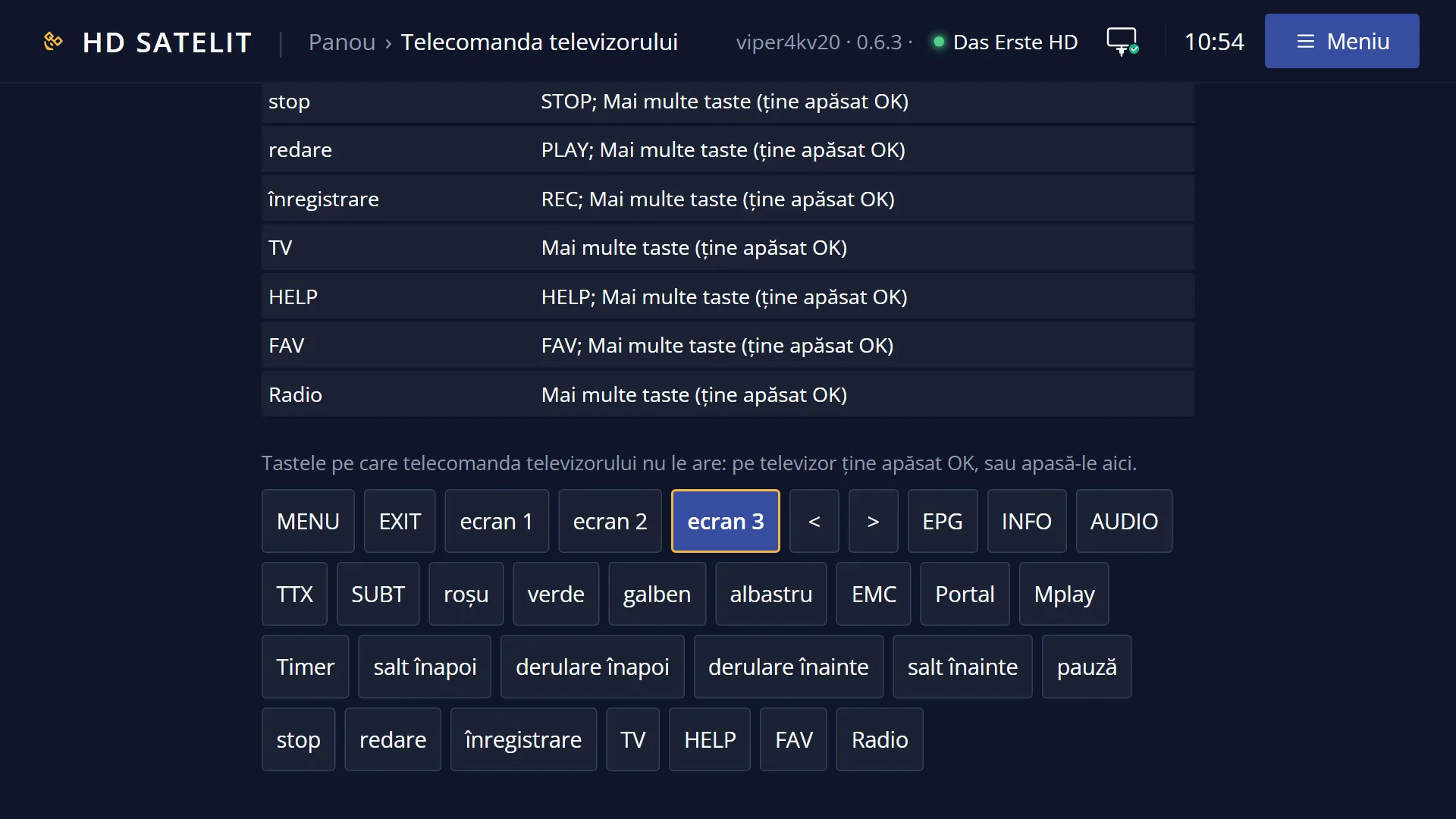
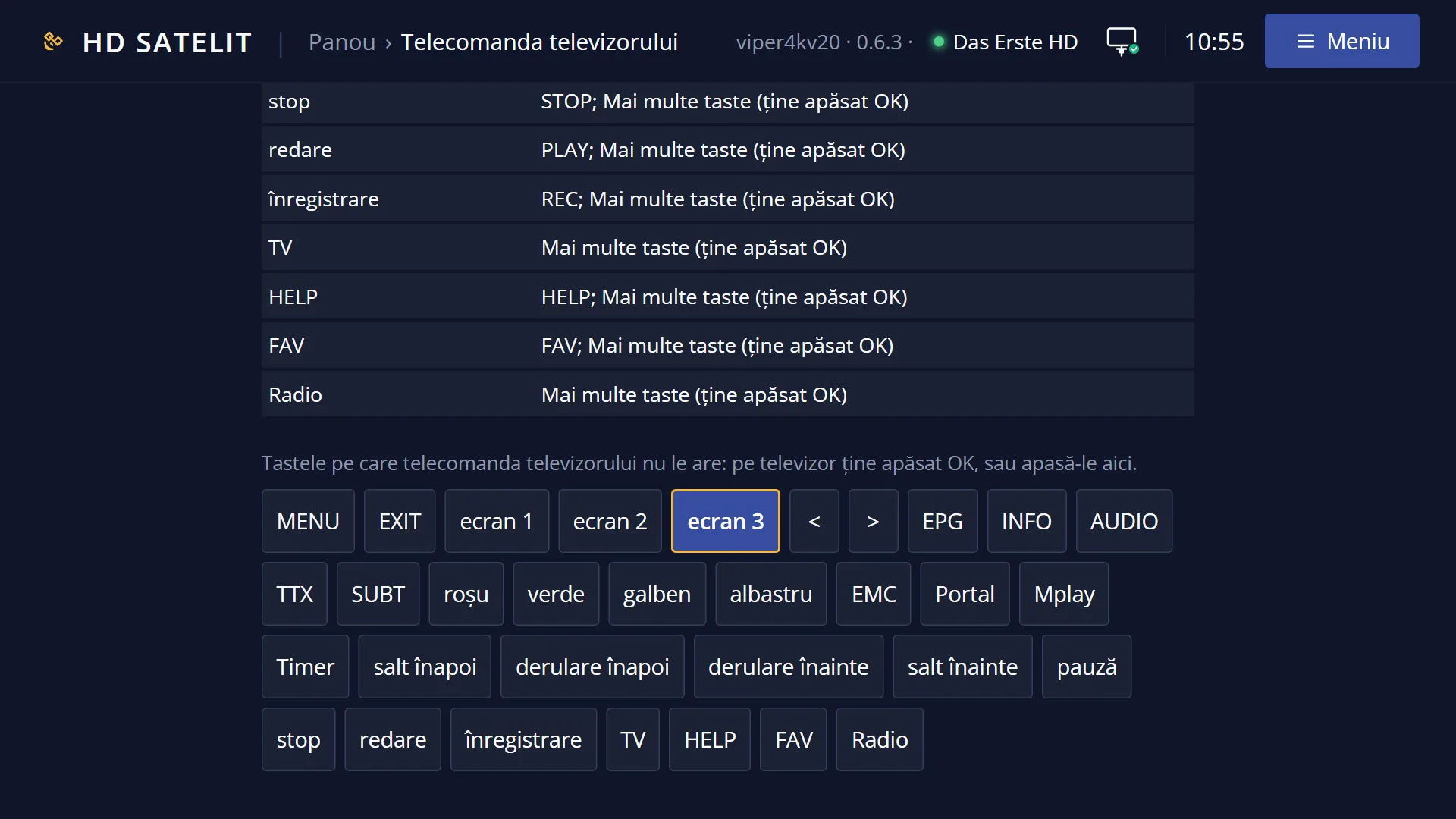
For keys the TV remote does not have (for example screen 1, Portal, Timer), hold down OK: the “More keys” panel opens.
Power and volume stay with the TV: they are not sent to the receiver.
How to get here
It works by itself while the TV shows the receiver's input, if CEC is on on the TV and the “Control from the TV remote” setting is set to yes (the factory setting).
The setting: Menu > Settings > System & Devices > Standby and TV (MENU 6, UP, OK, 9).
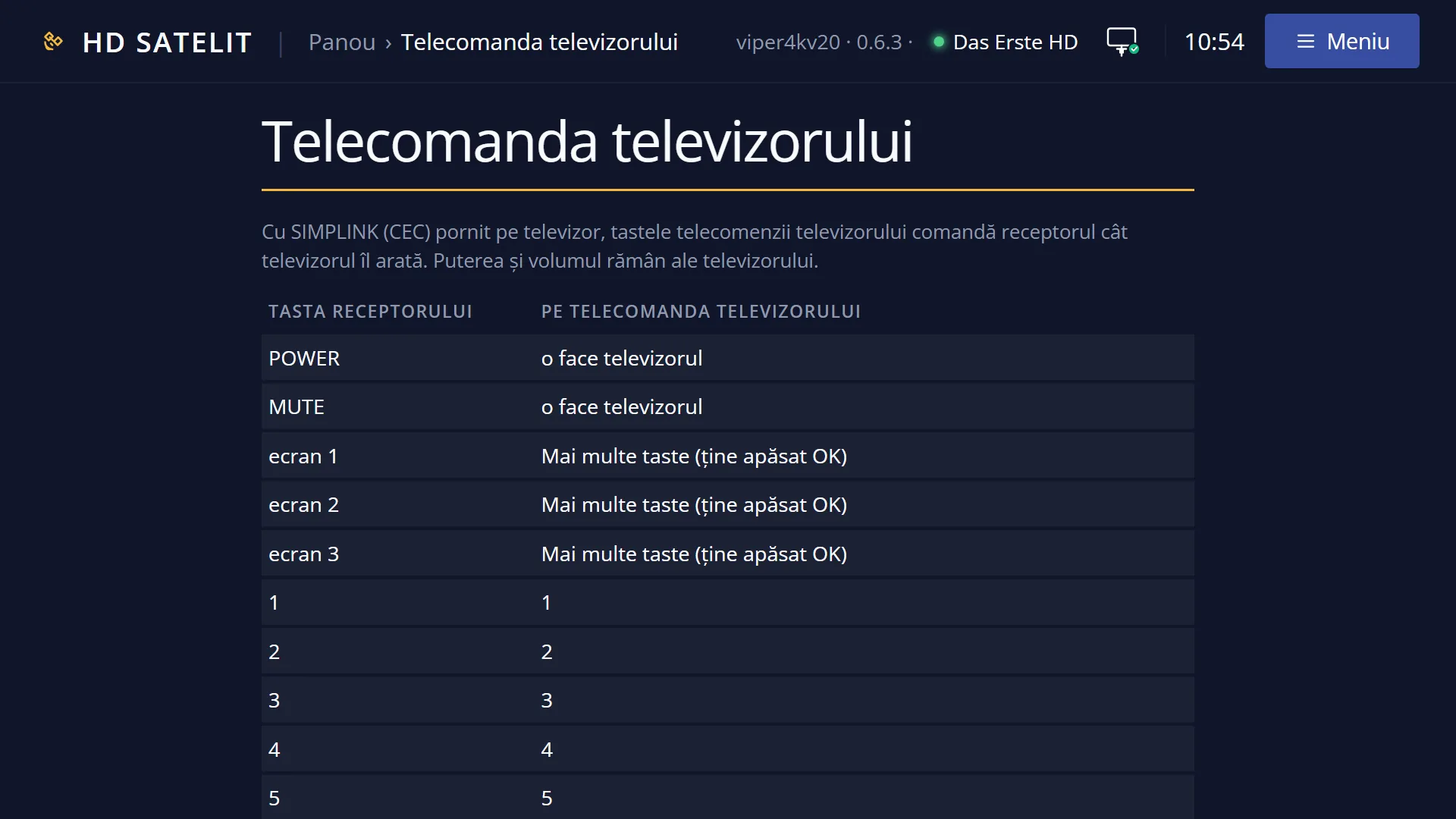
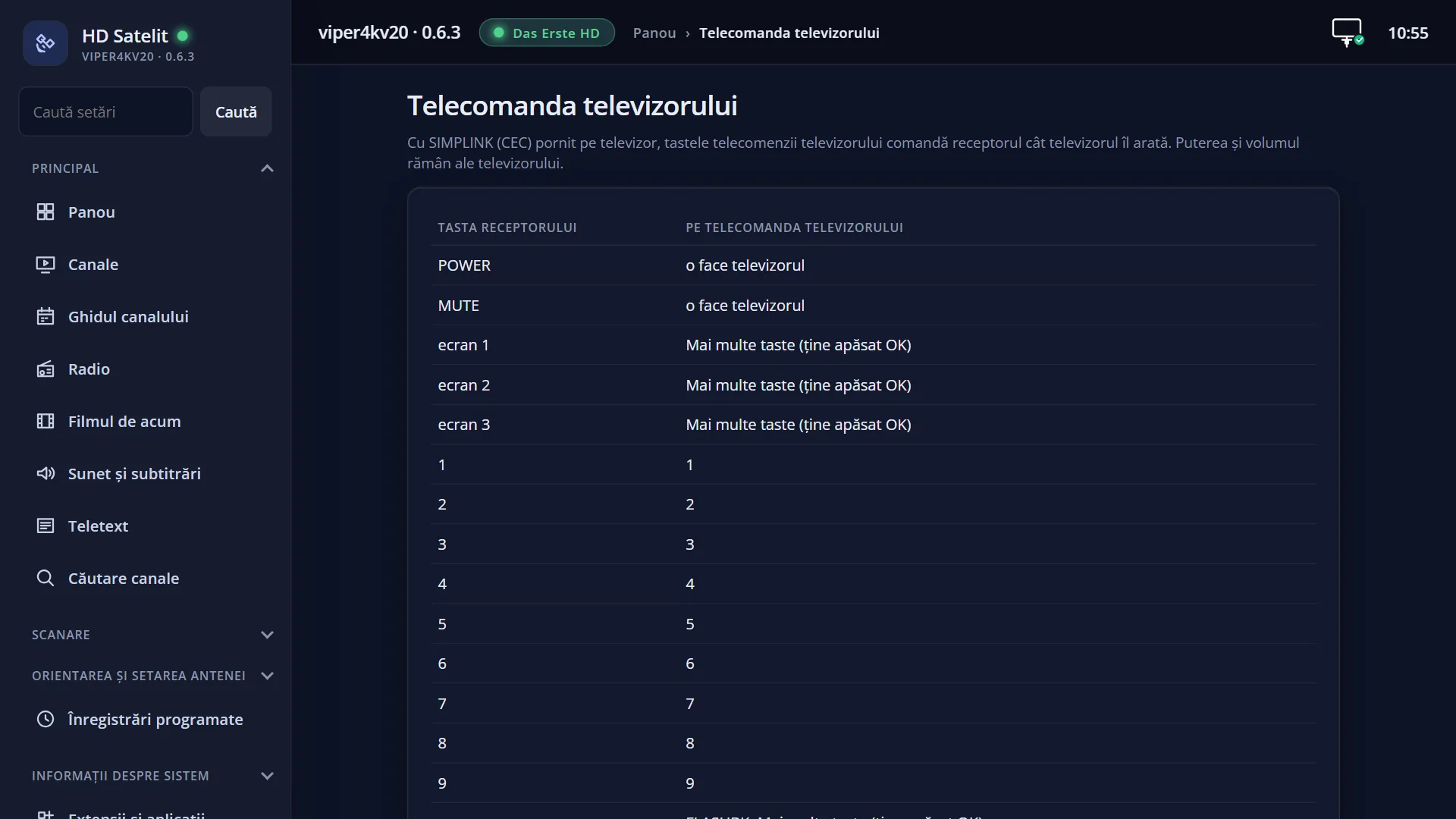
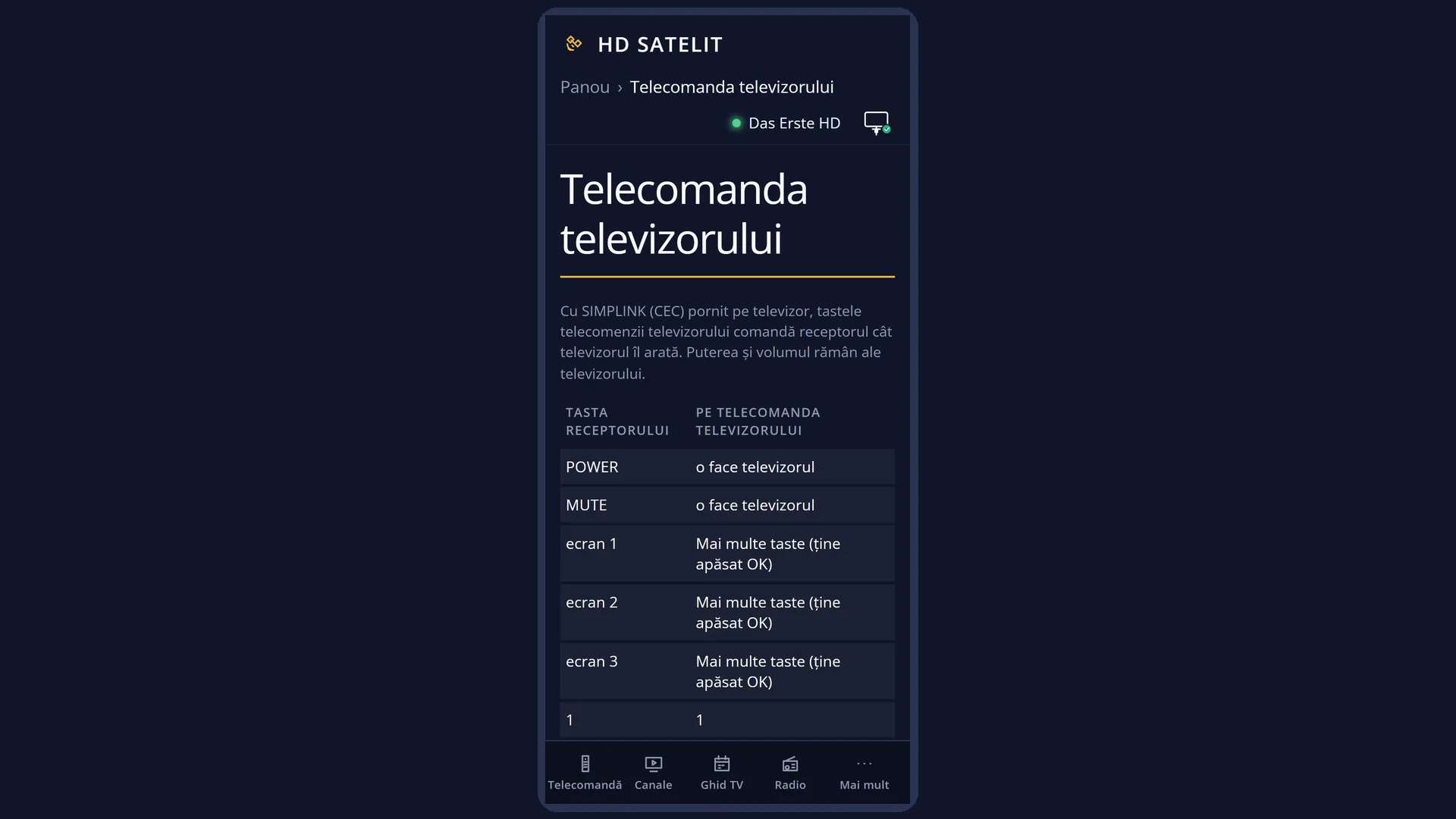
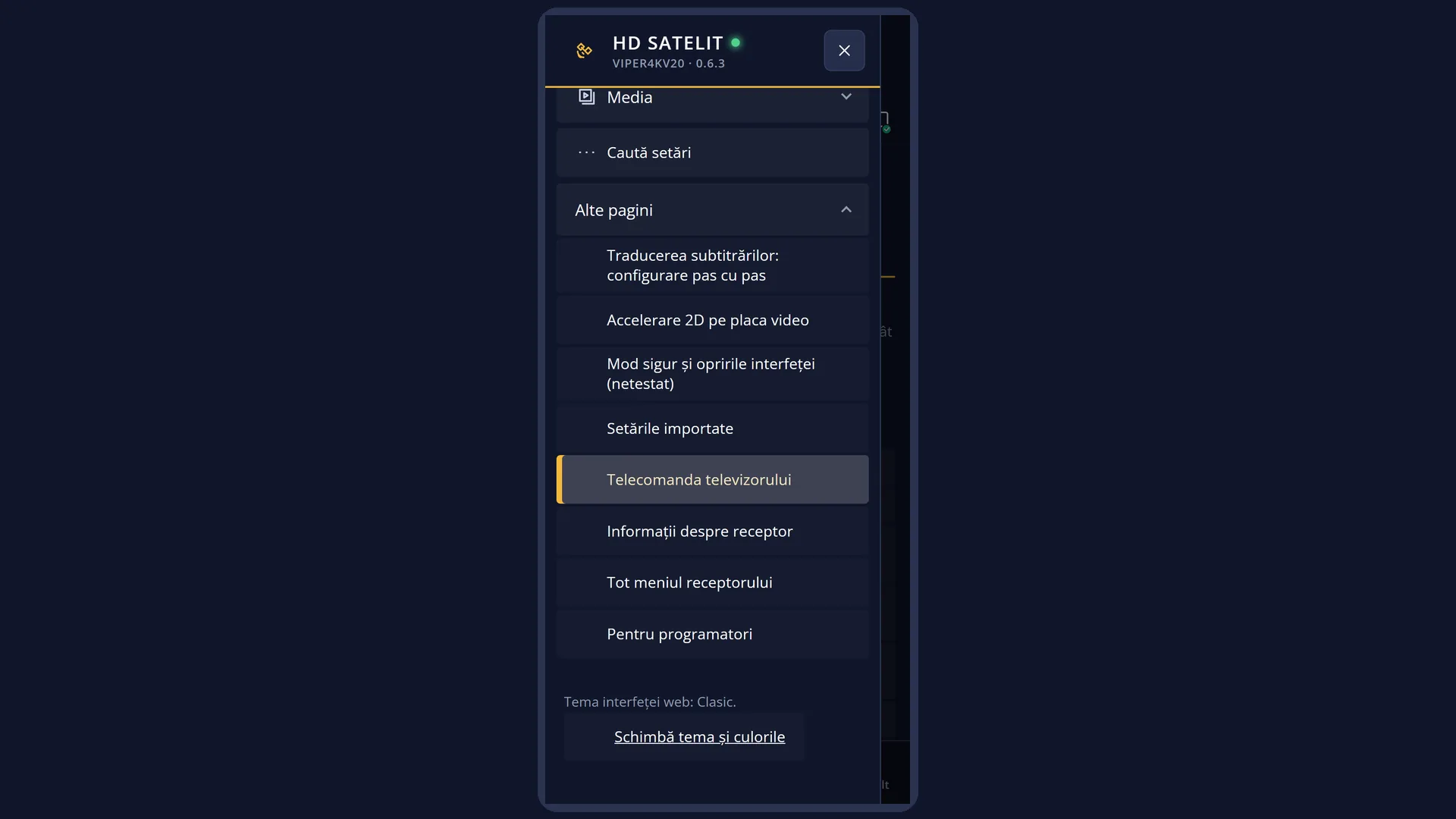
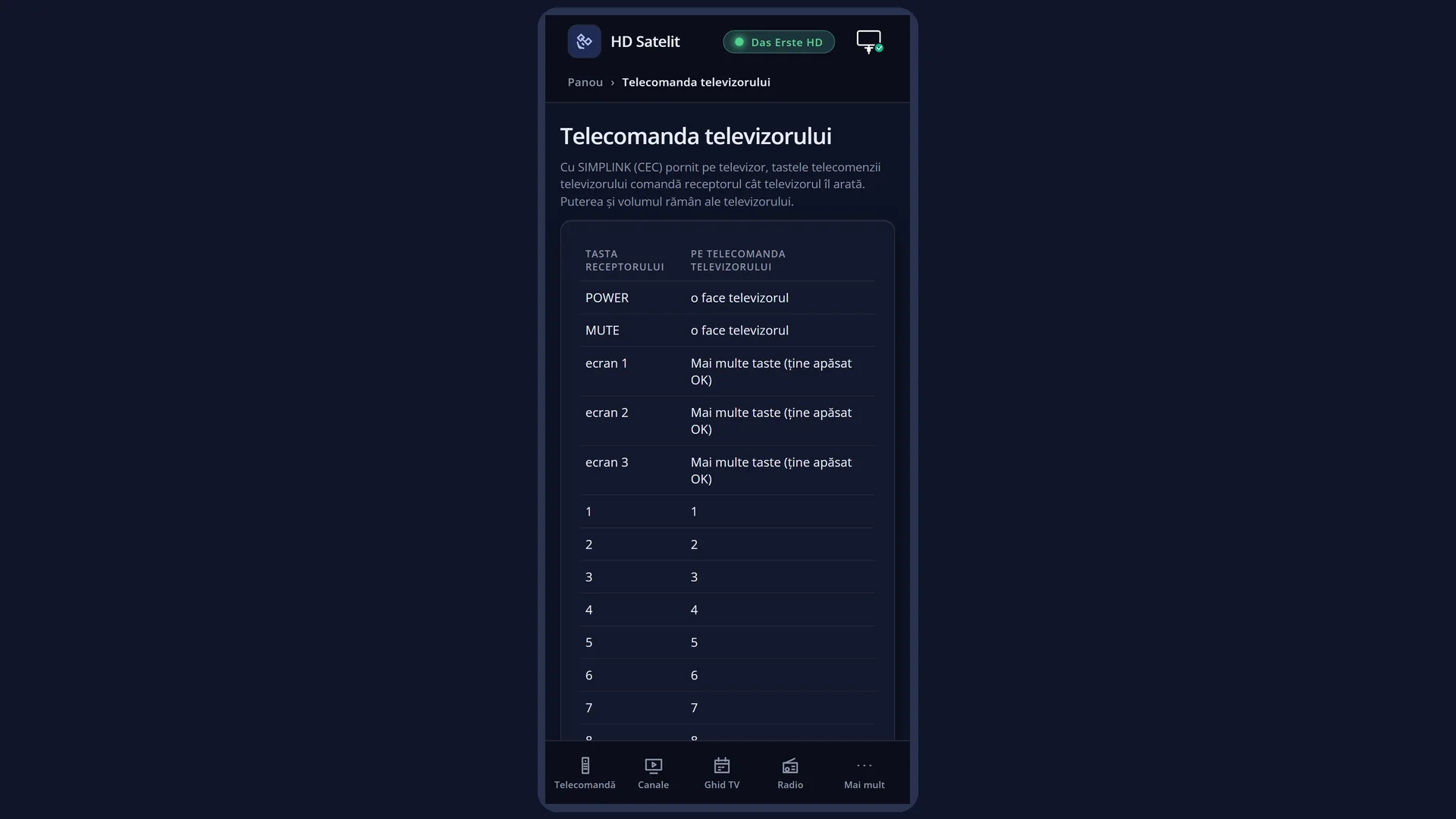
In the web interface: /telecomanda-tv, with the “Which TV key does what” table.
What you see on the screen
Nothing new appears on screen when you press the usual keys: the receiver does exactly what it would do for its own key.
Hold OK for almost a second: the “More keys” window opens. The first row, “Which TV key does what”, opens the table of all the keys. Below it are the receiver keys that the TV remote does not have, with their names from the receiver's remote: MENU, EXIT, screen 1, screen 2, screen 3, <, >, EPG, INFO, AUDIO, TTX, SUBT, red, green, yellow, blue, EMC, Portal, Mplay, Timer, skip back, rewind, fast forward, skip forward, pause, stop, play, record, TV, HELP, FAV, Radio.
For each receiver key, the table shows what you press on the TV remote (for example BACK for EXIT, GUIDE for EPG) or “More keys (hold OK)”. For POWER, MUTE and volume it shows “the TV does it”.
Rows and settings
| Row | Values | Default | What it does |
|---|---|---|---|
| Control from the TV remote | yes, no | yes | Yes: the TV remote keys control the receiver through the HDMI cable while the TV shows it (SIMPLINK on LG, Anynet+ on Samsung). Hold OK for the missing keys. Power and volume stay with the TV. The row is in Standby and TV (MENU 6, UP, OK, 9) and in the web interface, /setari. When you do not want the TV keys to reach the receiver. |
| Receiver name on the TV | a text of up to 14 letters, without diacritics | empty: the receiver's model (for example “Viper 4K V20”) | The name the TV shows in its list of HDMI inputs, through CEC. On the TV you type it with the digit keys, like a text message. This row is also in Standby and TV. When you have several devices on HDMI and want to recognise the receiver easily. |
Keys
| The TV's arrow keys and OK | The receiver's arrow keys and OK (ENTER also works as OK). |
| OK held down | The “More keys” panel. |
| Digits 0-9 | The receiver's digits. |
| CH + / CH - | Next / previous channel. |
| BACK (Exit) | EXIT. |
| MENU / SETTINGS | MENU (the main menu). |
| LIST | EMC: films and recordings. |
| FAV | FAV. |
| FLASHBK (the previous channel) | The previous channel. |
| AUDIO, INFO, HELP, GUIDE, SUBTITLE, TEXT | AUDIO, INFO, HELP, EPG, SUBT, TTX. |
| The colour keys | Red, green, yellow and blue, the same as on the receiver's remote. |
| PLAY, PAUSE, STOP, REC, REW, FF, |<<, >>| | Play, pause, stop, record, rewind and fast forward, skip back and skip forward. |
| Power, volume, MUTE | These stay with the TV. |
Step by step
Turning on control from the TV remote
- On the TV, turn on the CEC function (LG: SIMPLINK, Samsung: Anynet+, Sony: BRAVIA Sync) in the TV's menu.
- On the receiver, in Standby and TV, check that “Control from the TV remote” is set to yes.
- Switch the TV to the receiver's input and press an arrow key on the TV remote.
Using a key the TV remote does not have
- Hold down OK on the TV remote for almost a second.
- In “More keys”, choose the key (for example “Timer”) and press OK.
- The receiver does what it would do for that key.
Problems and solutions
The TV remote does nothing on the receiver.
Check that CEC is on on the TV, the “Control from the TV remote” setting is set to yes, the TV is on the receiver's input and the HDMI cable goes directly to the TV.
The volume on the TV remote does not change the receiver's volume.
This is normal: volume and power stay with the TV.
I do not know which TV key does EPG or EXIT.
Hold down OK and choose “Which TV key does what”, or open /telecomanda-tv in the web interface.
The receiver appears on the TV under a different name.
Type the name you want in “Receiver name on the TV”.
Related topics
- Standby and TV
- Remote controls
- The first info bar (what each key does in live TV)
- The matching web page: /telecomanda-tv.