

Network notice
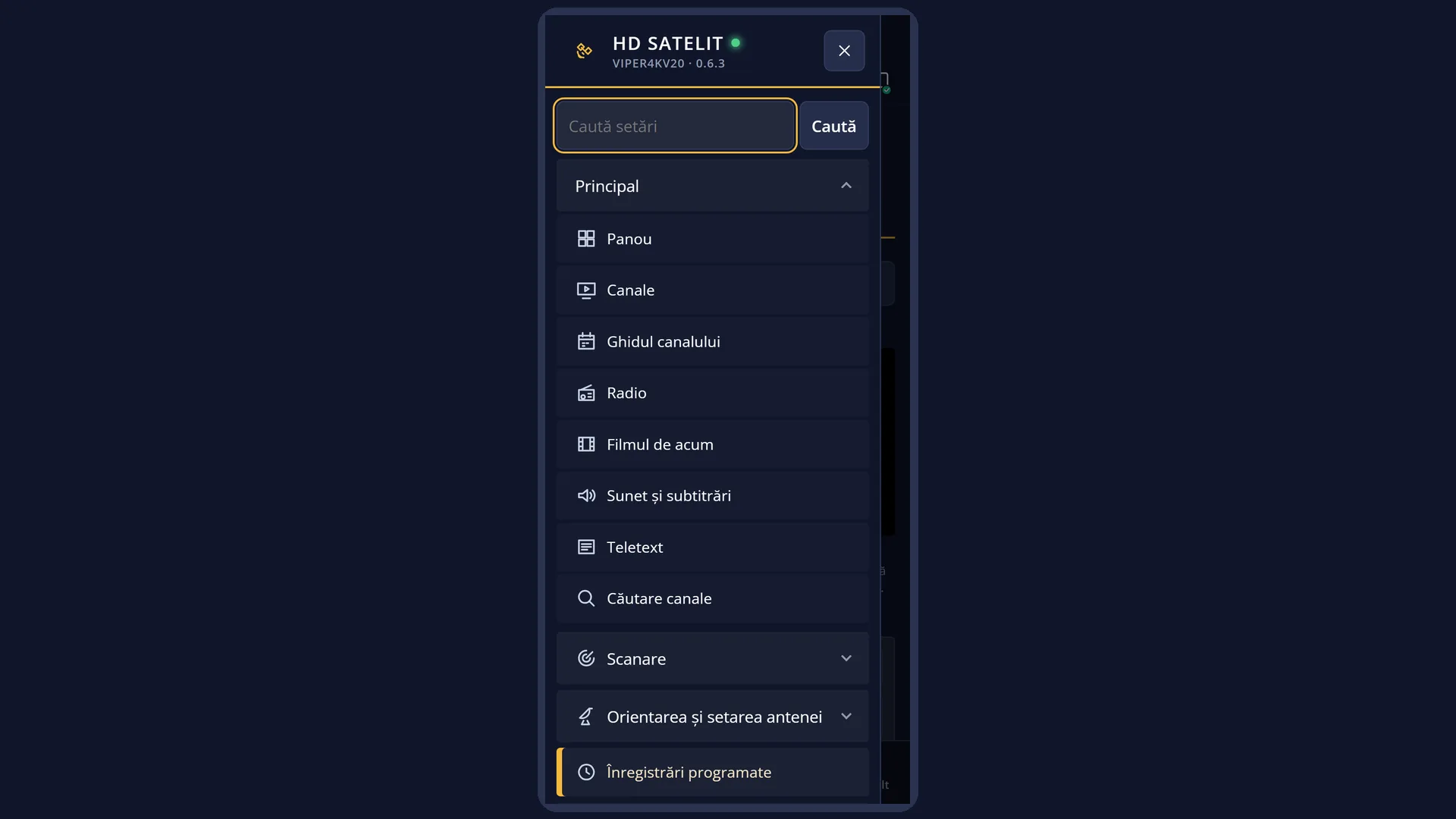
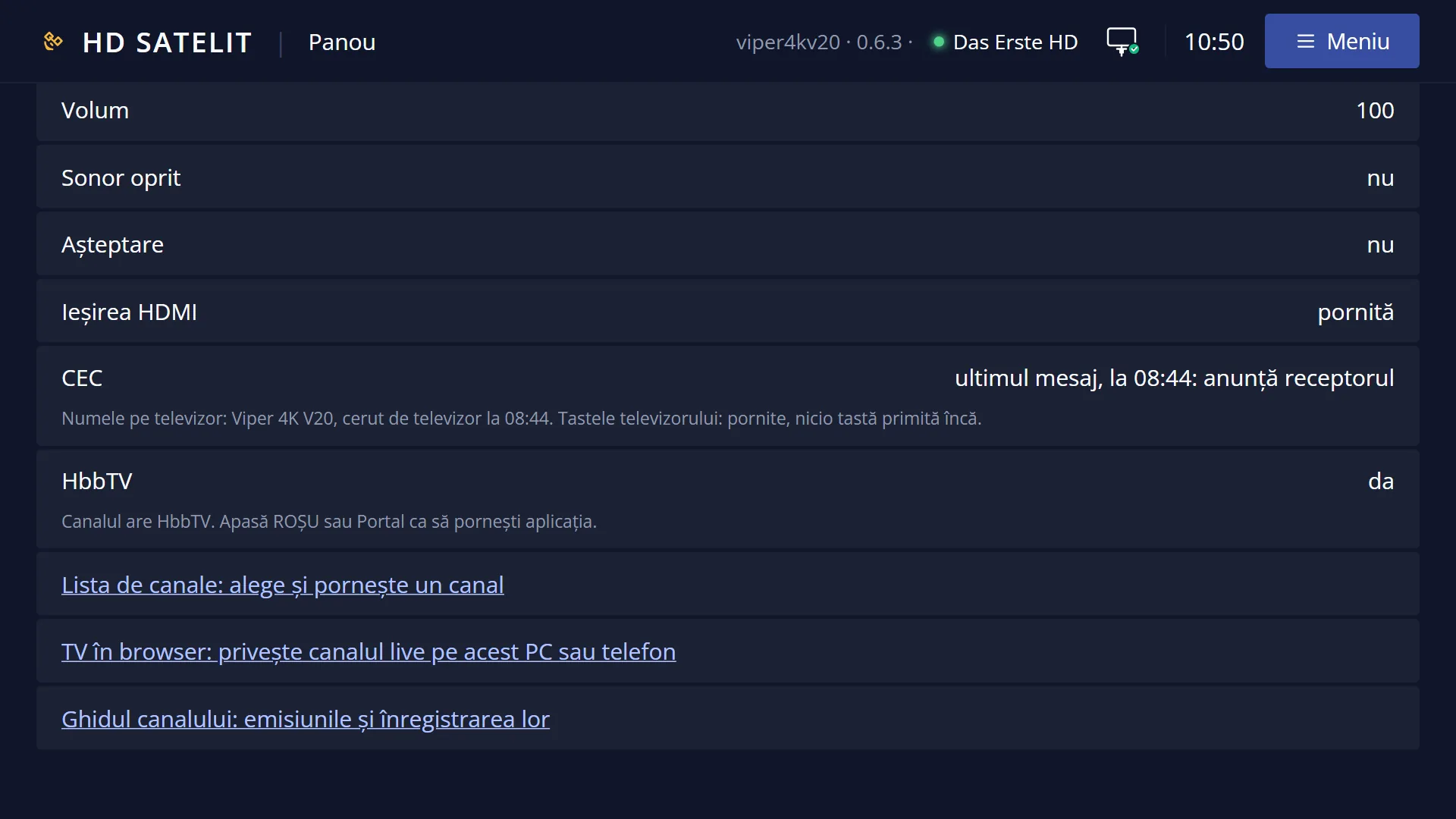
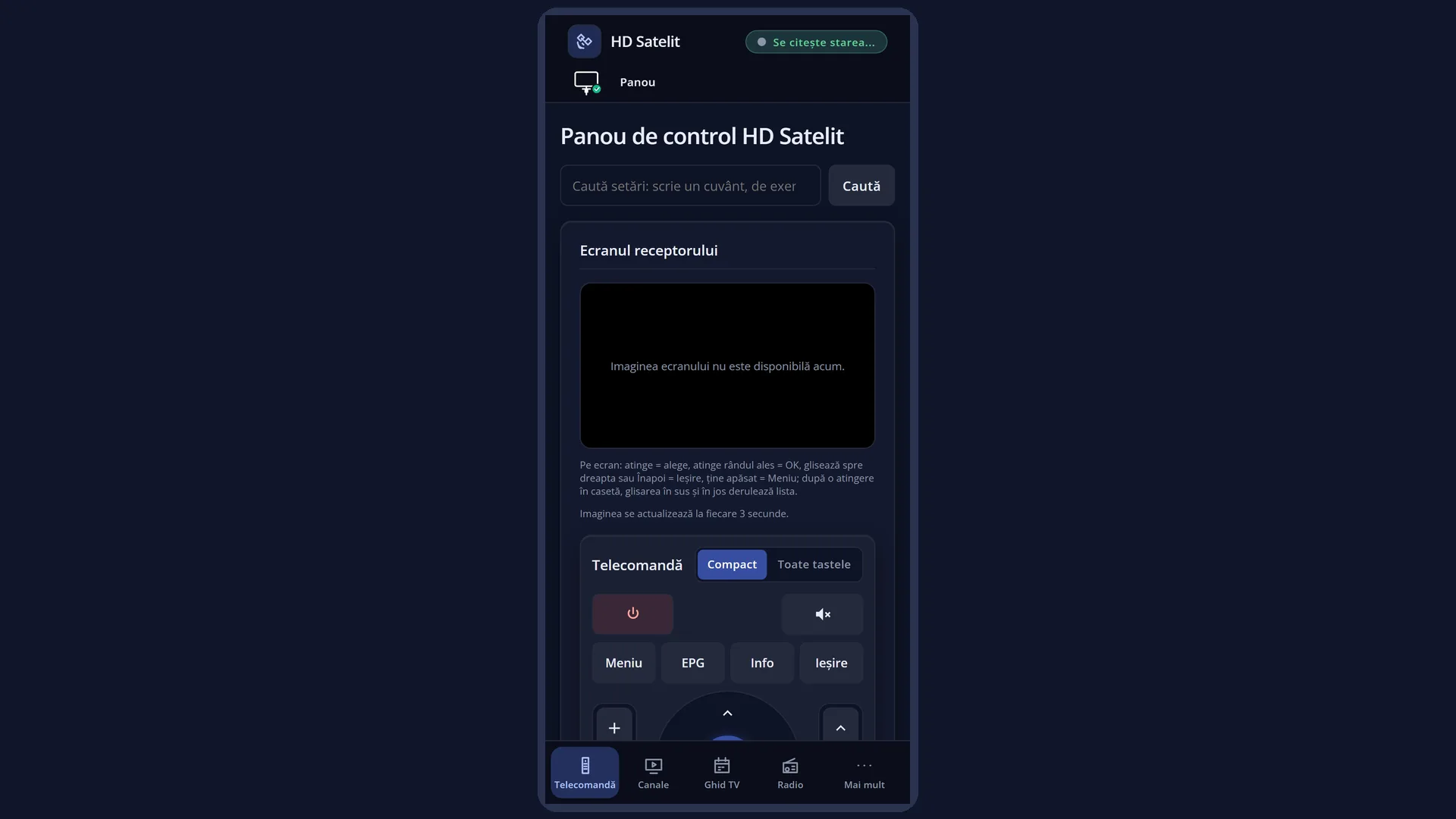
Screenshots are being added: so far 0 from the receiver and 7 from the web interface; the aim is at least 5 of each, with arrows and frames, and, where a setting changes what you see, a before and after comparison.
English screenshots coming: some of the pictures below still show the receiver and the web interface in Romanian. The rows, keys and steps described on this page are the English ones.
What it is for
The network notice is a small message in the middle of the screen. It tells you that the receiver has lost the internet and, later, that the internet is working again.
This way you find out straight away why things that need the internet (internet channels, HbbTV, translation, updates) have stopped working, without searching through menus. Satellite channels keep working.
The message also tells you where the problem is: in the connection to the router (the cable or the Wi-Fi network) or in the router's internet.
How to get here
No key opens it. It appears by itself when the receiver loses the internet and when the internet comes back.
It appears only once per loss, and only when the network icon is not already on screen (for example in the first or second bar) and the receiver is not in standby.
“The internet works again.” appears only if the loss was shown on screen.
In the web interface: the same status is shown in the icon in the header of every page and in the “The internet” box in /retea.
What you see on the screen
On the left is a large network icon: cable or Wi-Fi, with a status mark (red when the receiver is not connected to the router, orange when the router has no internet, green when the internet is working again).
On the right is the text. The messages are: “The receiver is not connected to the router (cable). Check the cable or the router.”, “The receiver is not connected to the router (Wi-Fi). Check the Wi-Fi network or the router.”, “The receiver is connected to the router, but the router has no internet. The problem is probably with the internet provider.” and “The internet works again.”.
The message disappears by itself after 6 seconds or when you press any key.
Rows and settings
| Row | Values | Default | What it does |
|---|---|---|---|
| How often the internet is checked | 30 seconds, a minute, 2 minutes, 5 minutes | a minute | How often the receiver checks in the background whether it has internet (a small DNS query to the public servers 1.1.1.1, 9.9.9.9 and 8.8.8.8, with no data about you). Whenever the network changes (cable, Wi-Fi, address), it checks straight away. The row is in Menu > Settings > Network & Internet > Internet check (MENU 6 9 2); in the web interface, it is in the “The internet” box in /retea. When you want to find out sooner that the internet has been lost (30 seconds) or when you want fewer checks (5 minutes). |
| Show the internet icon in the bars | yes, no | yes | With “yes”, the message does not appear while the network icon is already visible in a bar. With “no”, the icon is no longer shown in the bars and the message appears even when a bar is open. This row is also in Internet check. When you do not want the icon in the bars. |
Keys
| Any key | Hides the message straight away. The key also does its usual job (for example OK shows the bar, CH+ changes the channel): the message does not block it. |
Step by step
You saw “The receiver is not connected to the router”
- Check the network cable at the back of the receiver and the router (or, with Wi-Fi, whether the router is switched on and close by).
- Wait for one check at most (a minute by default). When the connection comes back, “The internet works again.” appears.
- If it does not come back, open Menu > Settings > Network & Internet > Network Connection Setup.
You saw “the router has no internet”
- The receiver is properly connected to the router; the problem is with the router's internet.
- Check whether the internet works on your phone over the same Wi-Fi network. If it does not work there either, call your internet provider.
Problems and solutions
The message does not appear even though the internet has gone down.
The message does not appear while the network icon is already on screen (in a bar) or while the receiver is in standby; in that case the icon in the bar shows the status. It also appears only once per loss.
The message appears often, every few minutes.
The internet keeps dropping and coming back: usually the Wi-Fi signal is weak or the router is restarting. See “How busy the Wi-Fi is” or connect the receiver with a cable.
I do not see “The internet works again.”
It appears only if the loss was shown on screen. The current status is shown in the icon in the bar (OK) and in /retea.
The channels work, but the message says there is no internet.
This is normal: satellite, cable and terrestrial channels do not need the internet. Without the internet, internet channels, HbbTV, translations and updates do not work.
Related topics
- The first info bar (the network icon)
- Internet check
- Network Connection Setup
- Switch to another network by itself
- How busy the Wi-Fi is
- Matching web page: /retea (the “The internet” box) and the icon in the header of the web pages.