

Playlists for the players at home
English screenshots coming: some of the pictures below still show the receiver and the web interface in Romanian. The rows, keys and steps described on this page are the English ones.
What it is for
The “Playlists” page (/playlisturi) makes ready-made channel lists for the players in your home: VLC, Kodi, Emby, Jellyfin or a smart TV with an IPTV app. The channels come straight from the receiver, as they arrive from the dish.
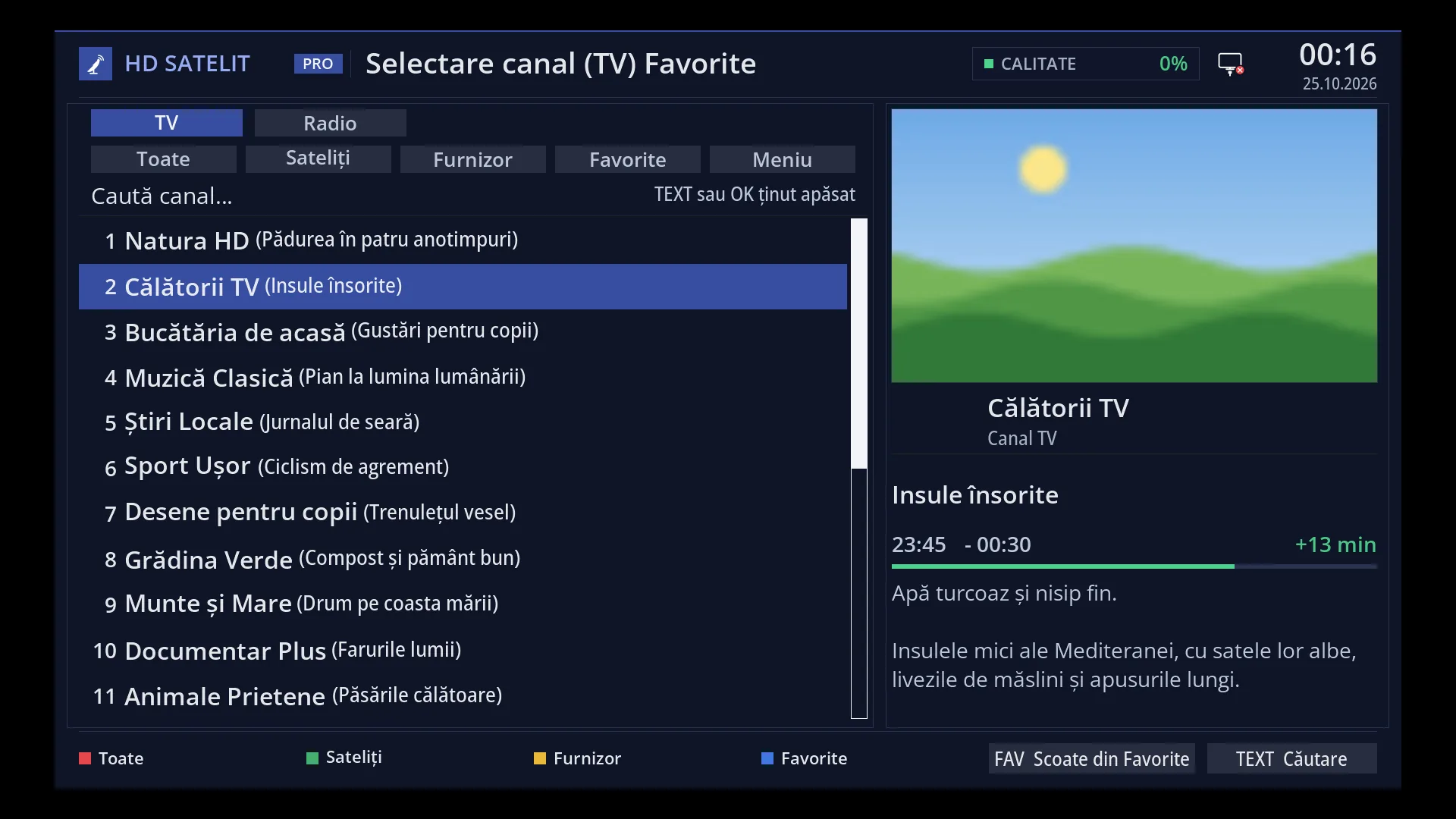
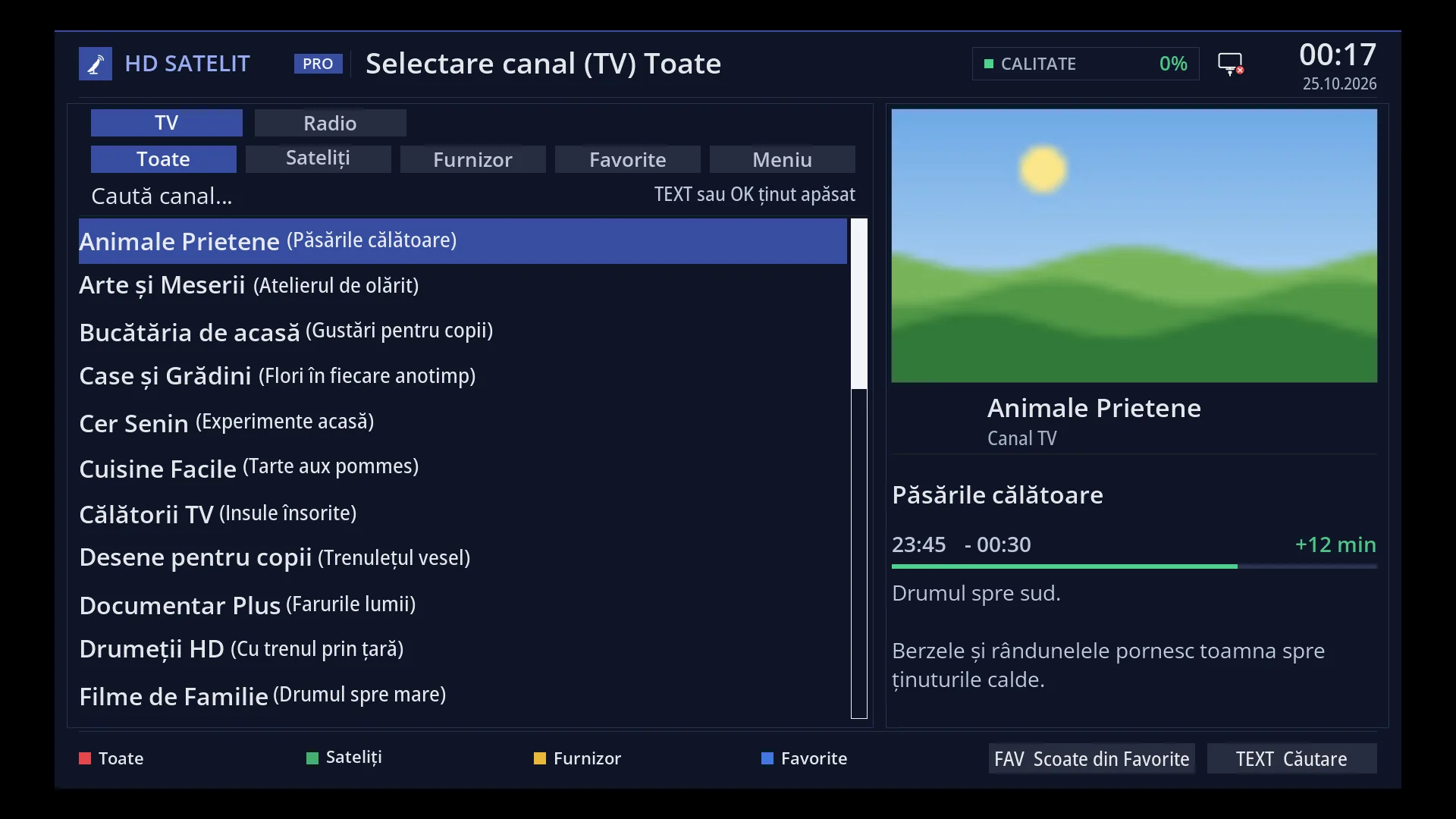
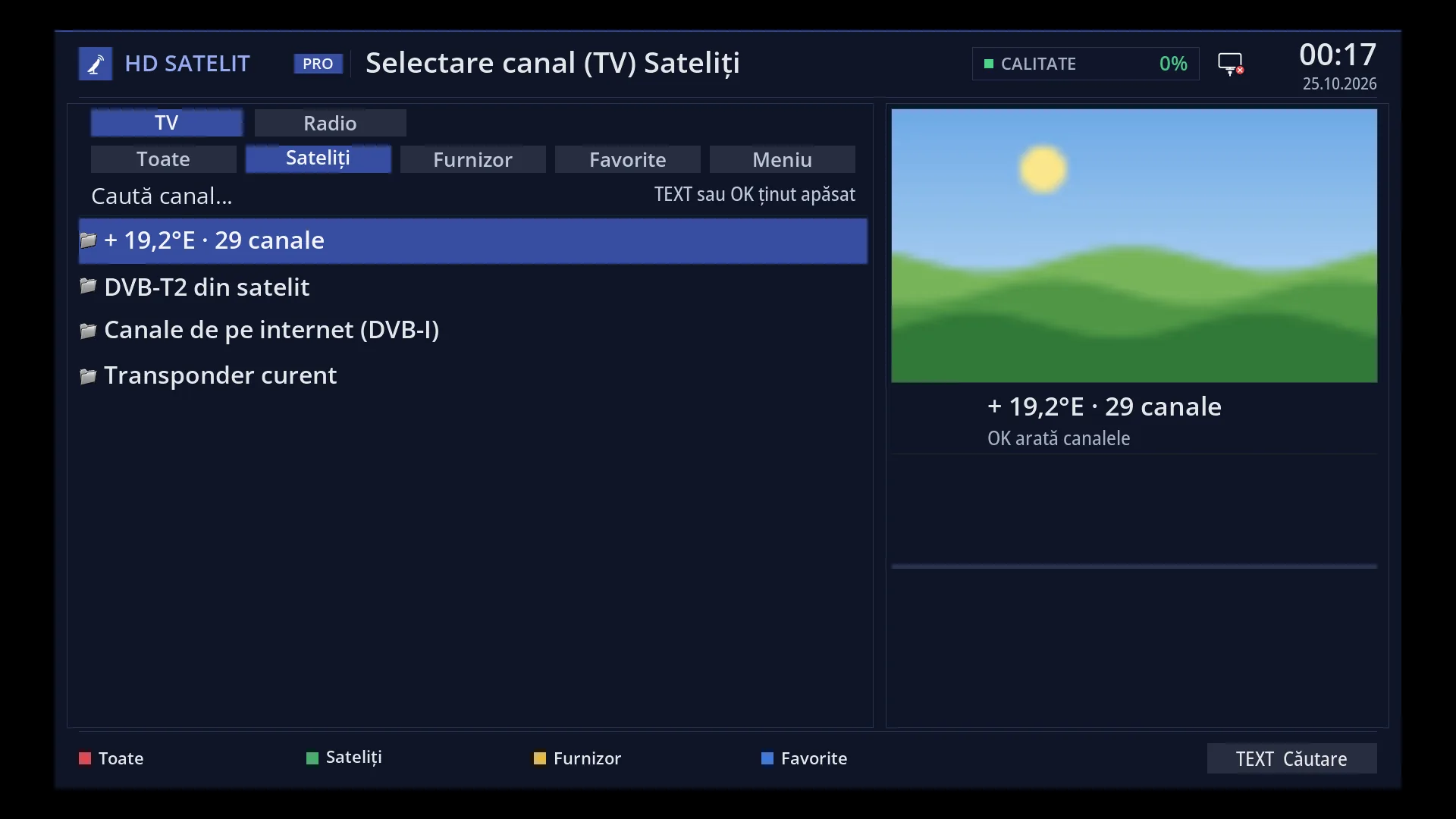
The lists are by satellite, by provider, by features (4K, HD, SD, H.265, H.264, MPEG-2, audio or subtitles in the receiver's language, DVB subtitles, teletext, HbbTV, 5.1 sound), your lists from the TV (for example Favourites) and radio.
You can download each list as an M3U file (the addresses in it work for 30 days), or give it to a device at home as a fixed address that does not expire, together with the TV guide for those channels. A device's list is read again on every request, so new matching channels appear by themselves.
Everything works only on your home network.
How to get here
In the web interface: the /playlisturi page (and the “Playlists” button on the /canale page).
From /canale: “Export playlist (M3U)” and “Fixed address for a device” for the list you have chosen and filtered there.
You can see, rename and revoke the devices you have added on the TV in browser page (/tv), under “Devices at home”.
What you see on the screen
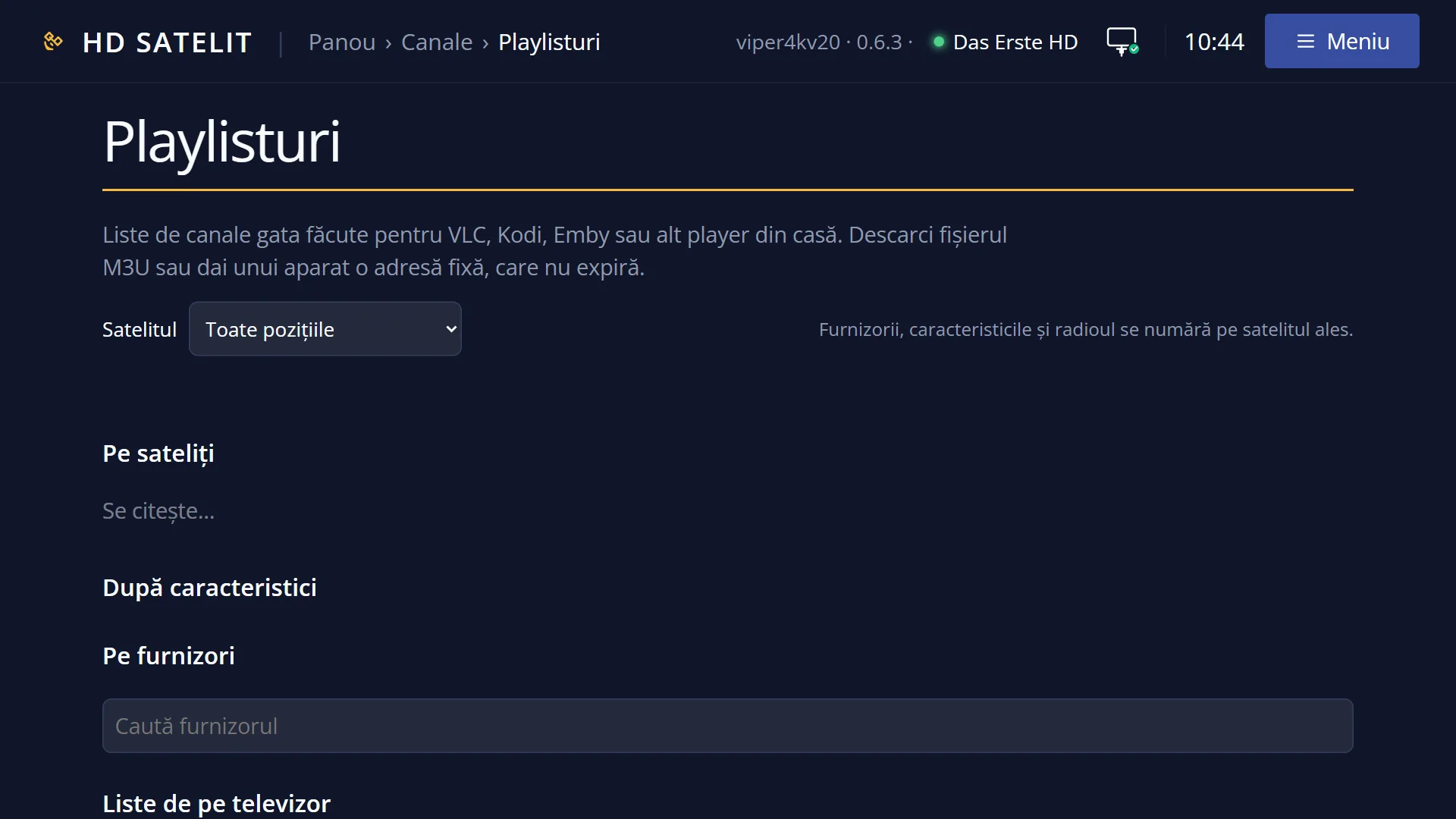
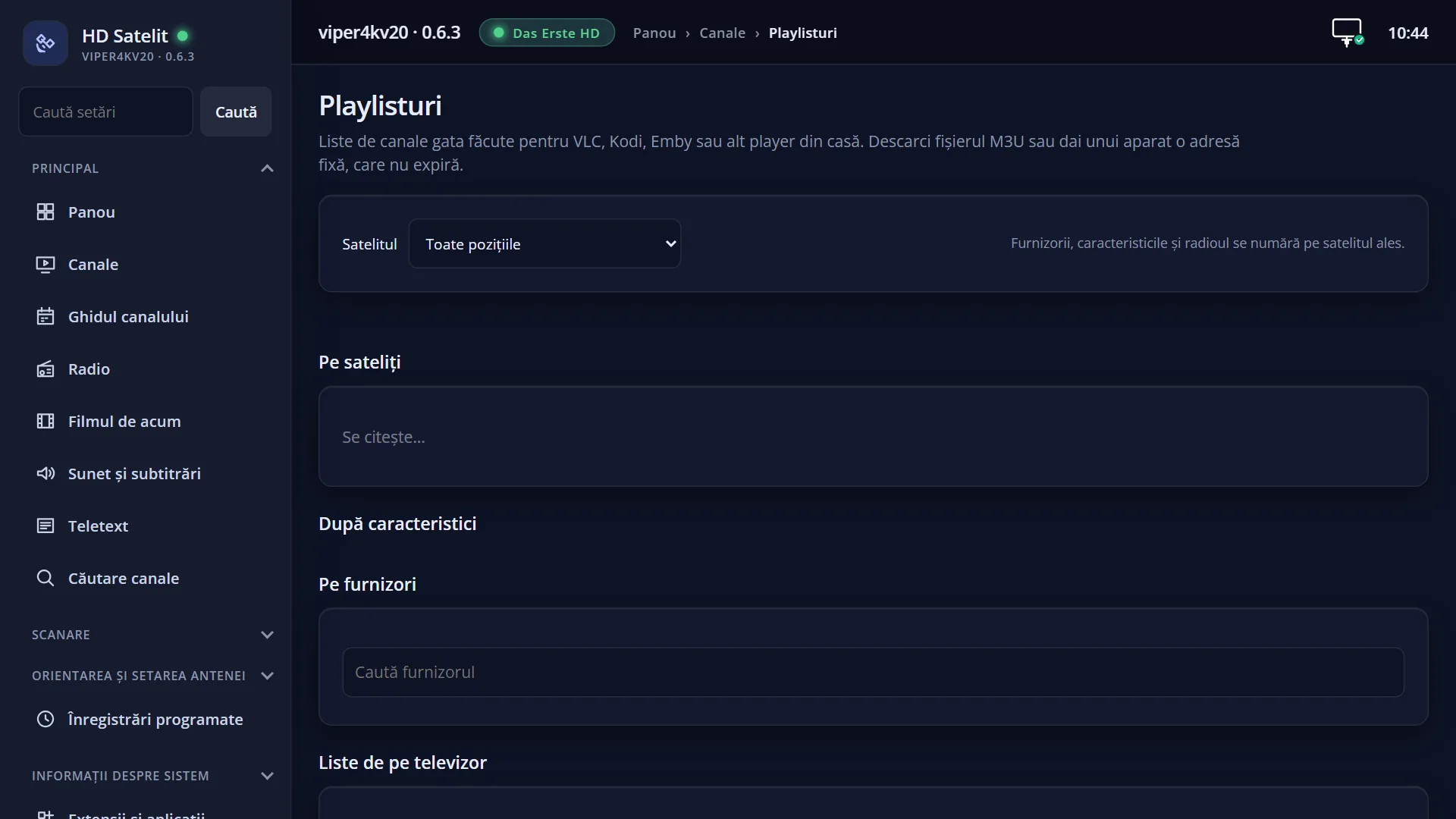
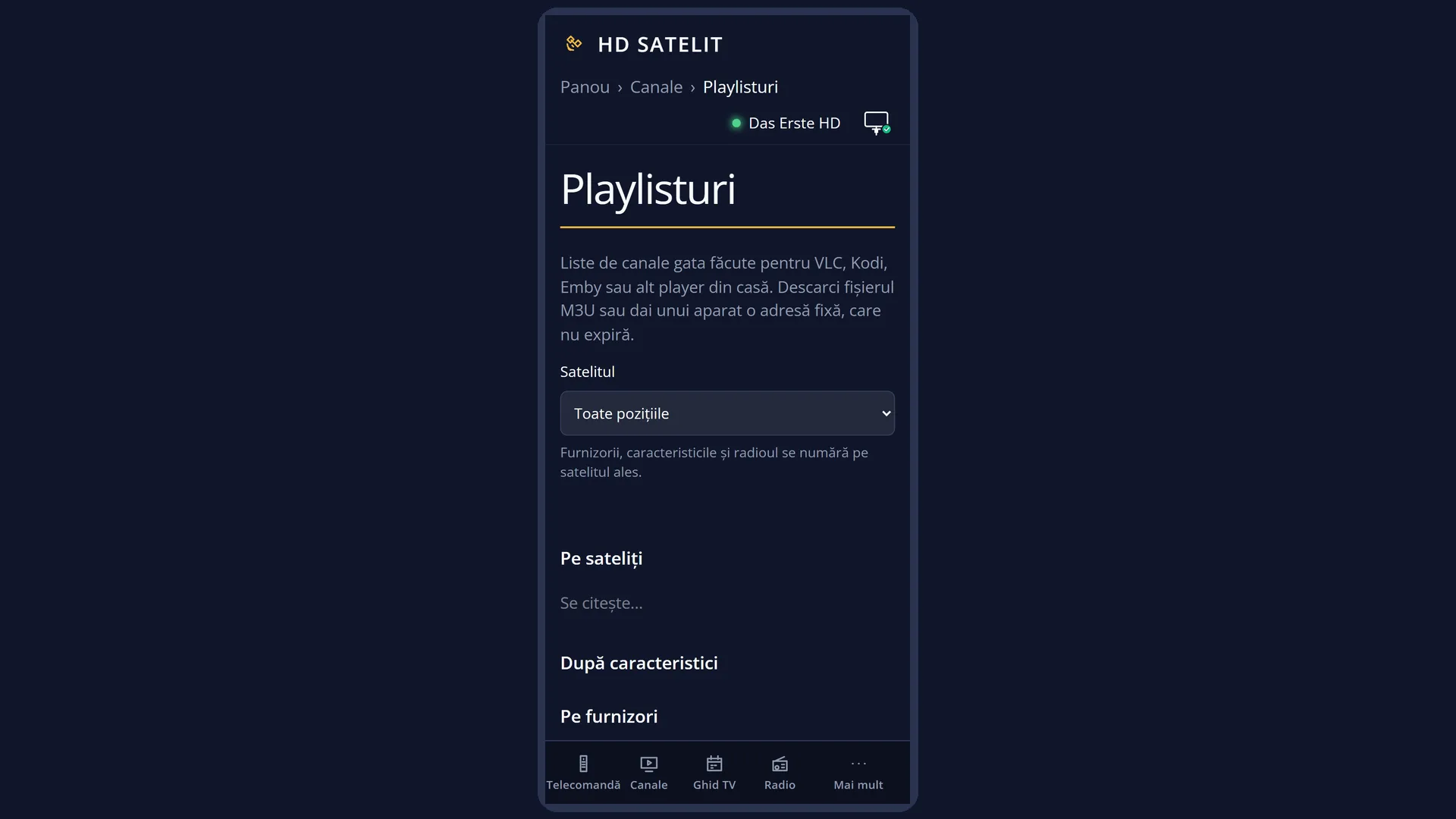
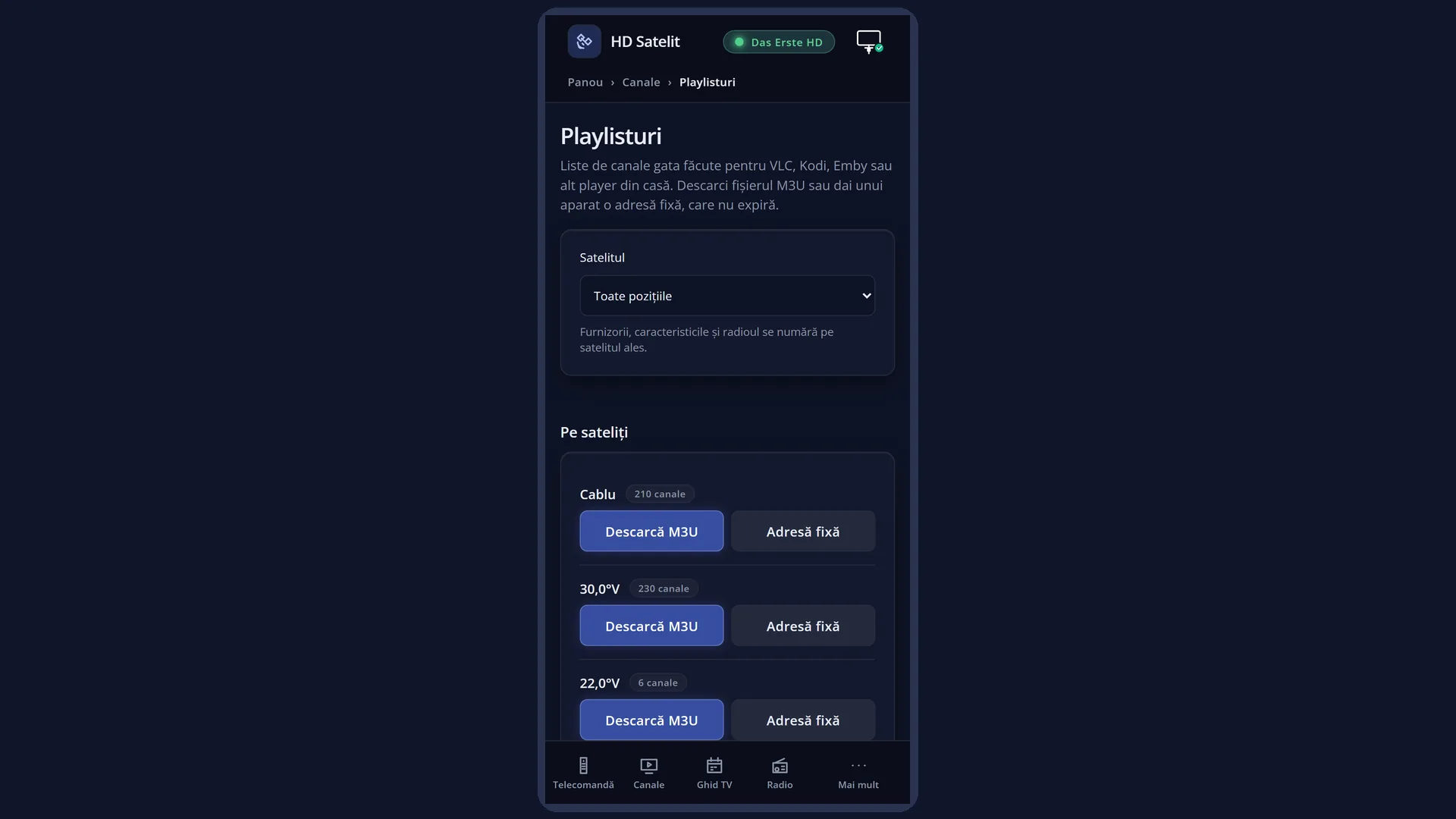
The title “Playlists” and: “Ready-made channel lists for VLC, Kodi, Emby or another player at home. Download the M3U file or give a device a fixed address that does not expire.”.
The “Satellite” list (“All positions” or a single satellite), with the note “Providers, features and radio are counted on the chosen satellite.”.
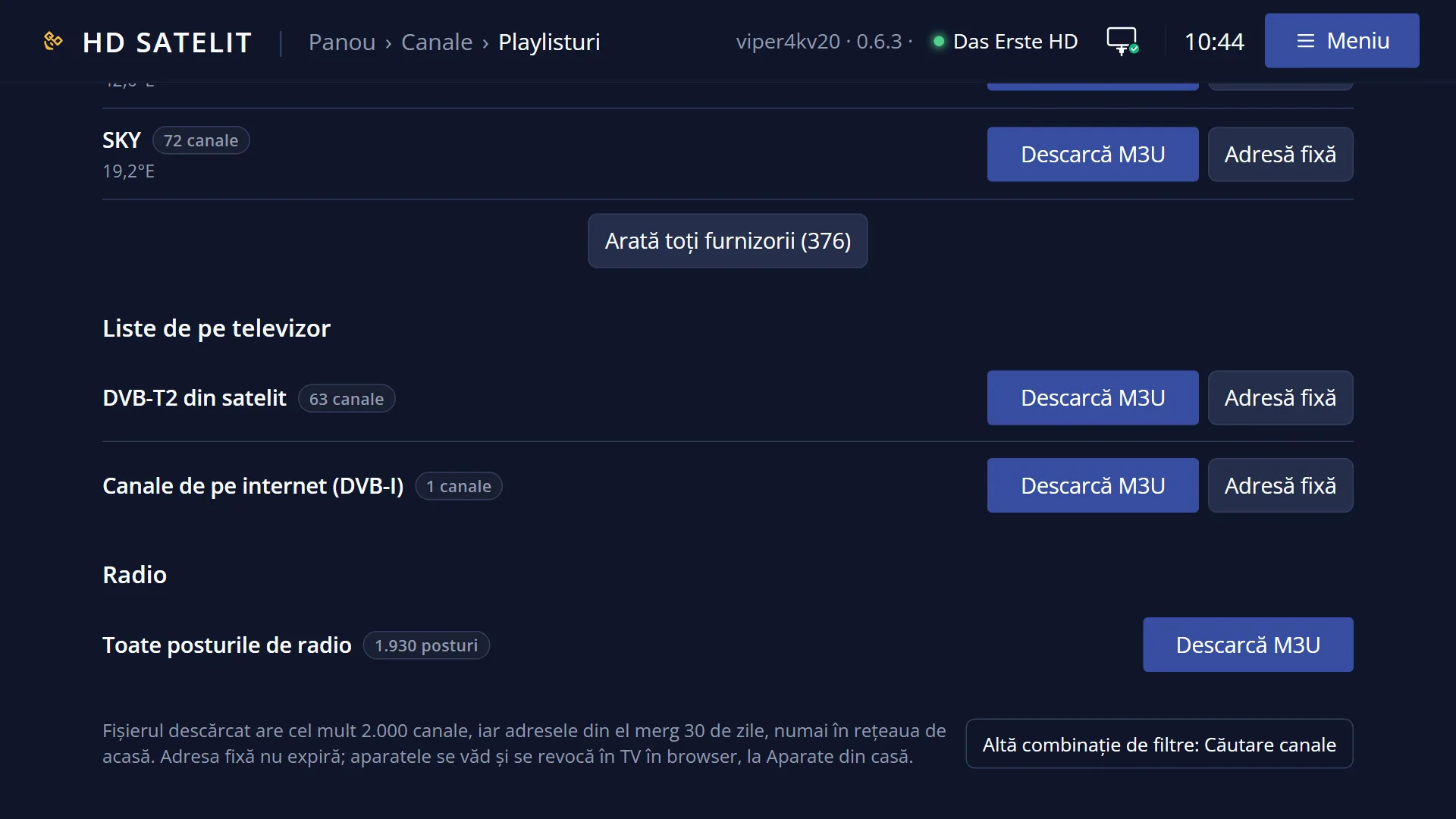
The groups “By satellite”, “By features”, “By provider” (with the “Search provider” box and “Show all providers (…)”), “Lists from the TV” and “Radio” (“All radio stations”). Each category shows its number of channels (“245 channels”) and the “Download M3U” and “Fixed address” buttons (radio only has the download).
At the bottom, the note: “The downloaded file has at most 2000 channels, and its addresses work for 30 days, only on your home network. The fixed address does not expire; devices are listed and revoked in TV in browser, under Devices at home.” and the link “Another combination of filters: Channel search”.
The “Devices at home” window (from “Fixed address”): the “Device name” box (“for example Kodi living room”), the choice of channels and “Add the device”; then the two addresses, “Channel list (M3U)” and “TV guide (XMLTV)”, each with “Copy”, and “How to put the addresses into the device”.
Rows and settings
| Row | Values | Default | What it does |
|---|---|---|---|
| Download M3U | Downloads the file for the category: the channel names, the number on the remote (for the lists from the TV) and the group (the satellite or the list). A category with more than 2000 channels is cut, and the page says “The file has the first 2000 channels of …”. The addresses in the file work for 30 days, only on your home network. When you want a list in a player quickly, for example VLC on a computer. | ||
| Fixed address (a device at home) | You give the device a name and get two addresses that do not expire: the channel list (M3U) and the TV guide (XMLTV). Copy them into the device now: “shown only once”. If you lose them, add the device again and revoke the old one. The list is read again on every request. For a device that keeps the list long term (Kodi, Emby, Jellyfin, a smart TV). | ||
| Satellite | All positions, a satellite | All positions | The satellite on which providers, features and radio are counted. When you want, for example, only the 4K channels from one satellite. |
| Revoke (in TV in browser, under Devices at home) | After the question “Revoke the device …? It will no longer receive the channels and the TV guide, and its addresses will never work again.”, the device loses the list. In the same place you can rename it and see when it was last used. When you no longer use the device or the address has reached someone else. | ||
| How to put the addresses into the device | Kodi, Emby and Jellyfin, VLC | Kodi: the PVR IPTV Simple Client add-on, with the list address in M3U Play List URL and the guide address in XMLTV URL (both with Remote path), then restart Kodi. Emby and Jellyfin: under Live TV, an M3U tuner with the list address and an XMLTV guide provider with the guide address, with 1 as the number of simultaneous streams. VLC: Media, Open Network Stream, the list address (no guide). |
Keys
| Satellite (the list) | Chooses the satellite on which the categories are counted. |
| Download M3U | Downloads the file for the category. |
| Fixed address | Opens the “Devices at home” window for the category. |
| Search provider / Show all providers | Finds a provider by name or shows the whole list. |
| Add the device | Creates the device's two addresses. |
| Copy | Copies the address. If the browser does not allow it, select the address and copy it with Ctrl+C. |
Step by step
Watch the 4K channels in VLC on a computer
- Open /playlisturi and find “4K (UHD)” under “By features”.
- Press “Download M3U” and open the file with VLC.
Give the Favourites list to a smart TV or to Kodi
- Under “Lists from the TV”, next to Favourites, press “Fixed address”.
- Type the device name (for example “Kodi living room”) and press “Add the device”.
- Copy the two addresses now and put them into the device (see “How to put the addresses into the device”).
Stop a device
- Open /tv and go to “Devices at home”.
- Press “Revoke” next to the device and confirm.
Problems and solutions
After a month, the player no longer plays the channels from the file.
The addresses in the downloaded file work for 30 days. Download it again or use “Fixed address”, which does not expire.
Only one channel at a time works on the device.
A device gets only one stream: when you change channel on it, the old one stops. On receivers with a motorised dish or a single satellite tuner, only the channels on the same frequency as the channel on the TV work.
I have lost the device's addresses.
They are shown only once. Add the device again and revoke the old one in TV in browser, under “Devices at home”.
Radio has no “Fixed address”.
Devices are given only TV channels. Radio can only be downloaded as a file.
The list has fewer channels than I expected (“The file has the first 2000 channels of …”).
The category is too large for one file. Choose a satellite or a smaller list.
Away from home, the player receives nothing.
The lists and streams work only on your home network.