

Media
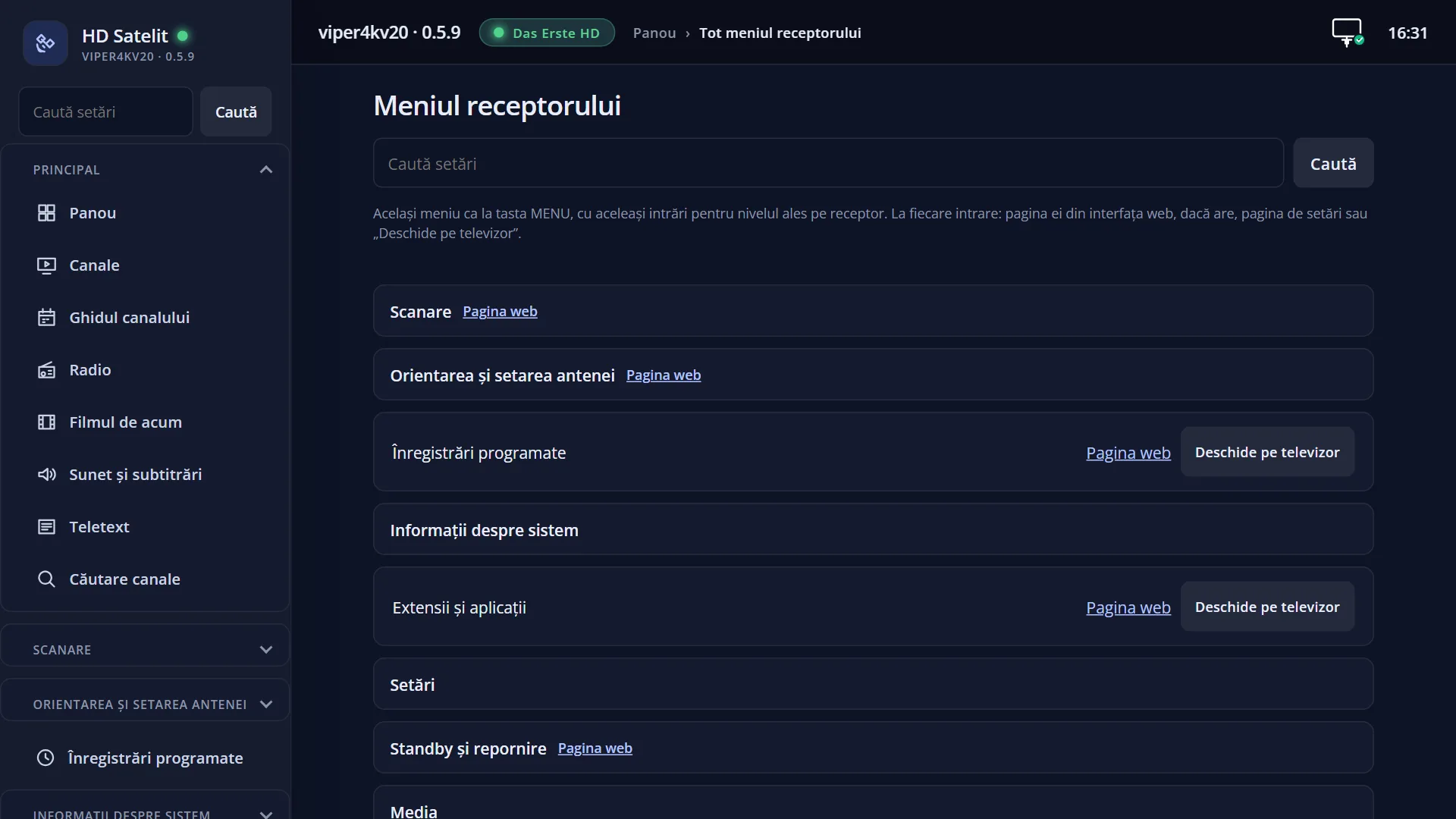
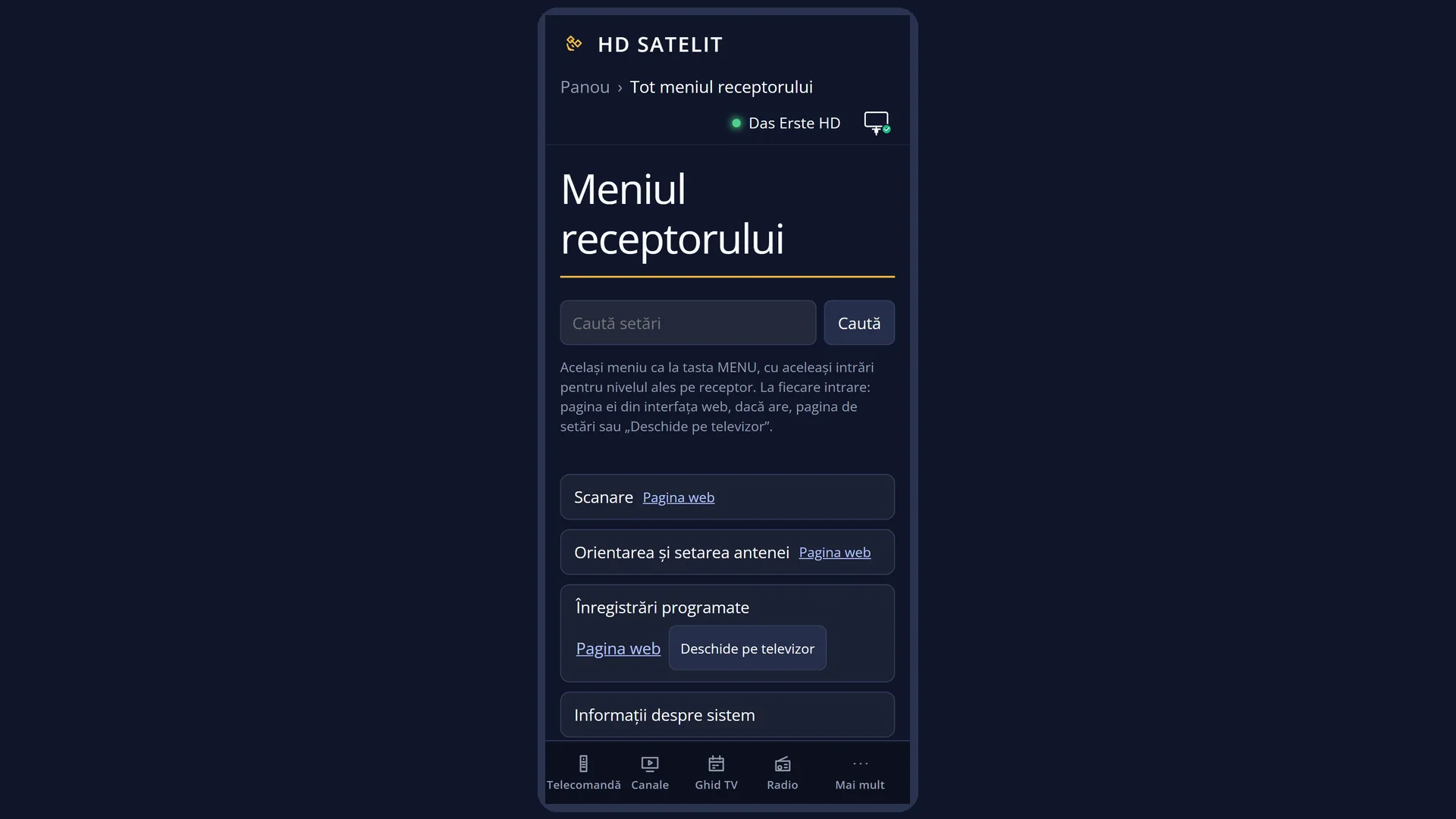
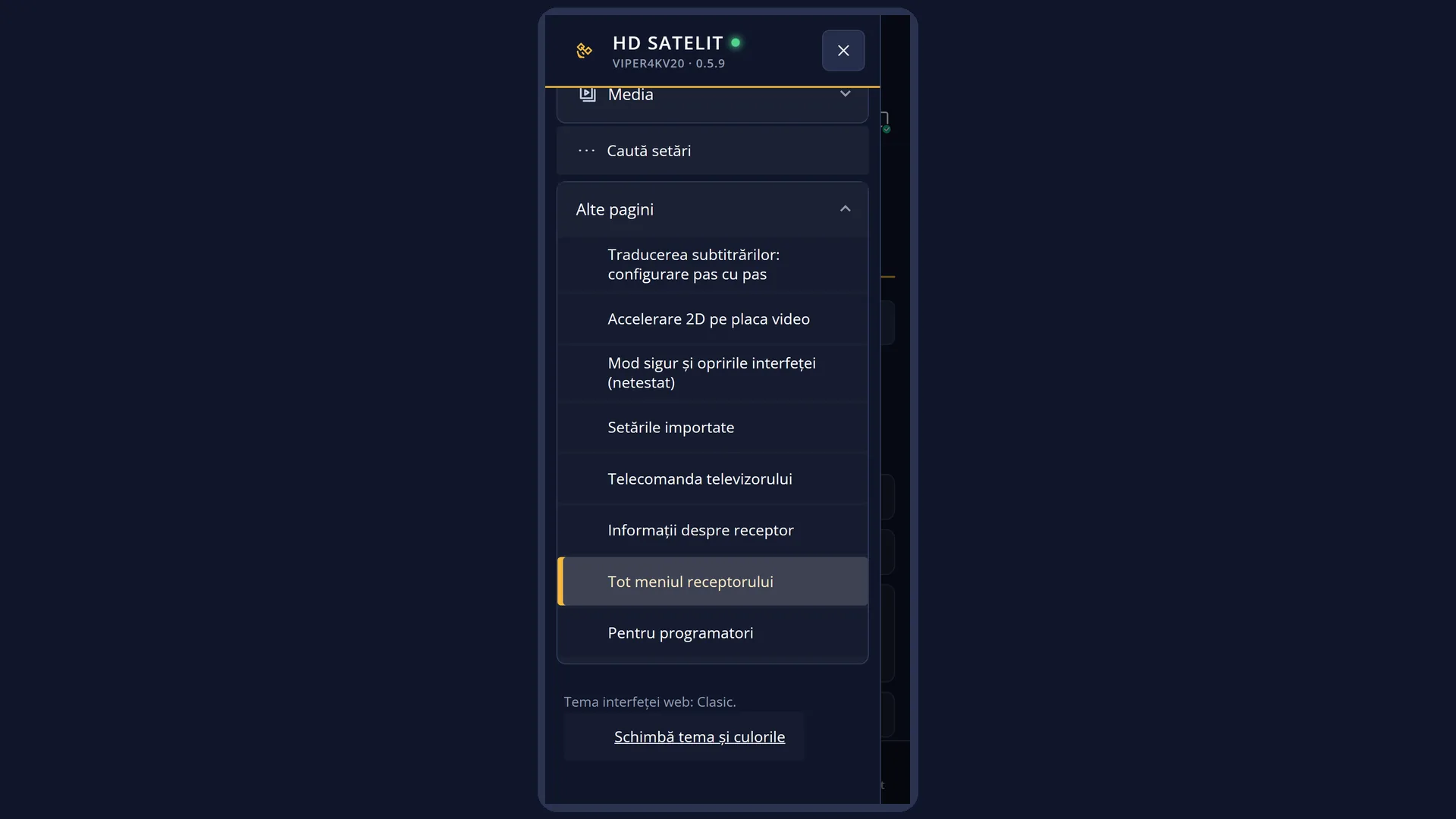
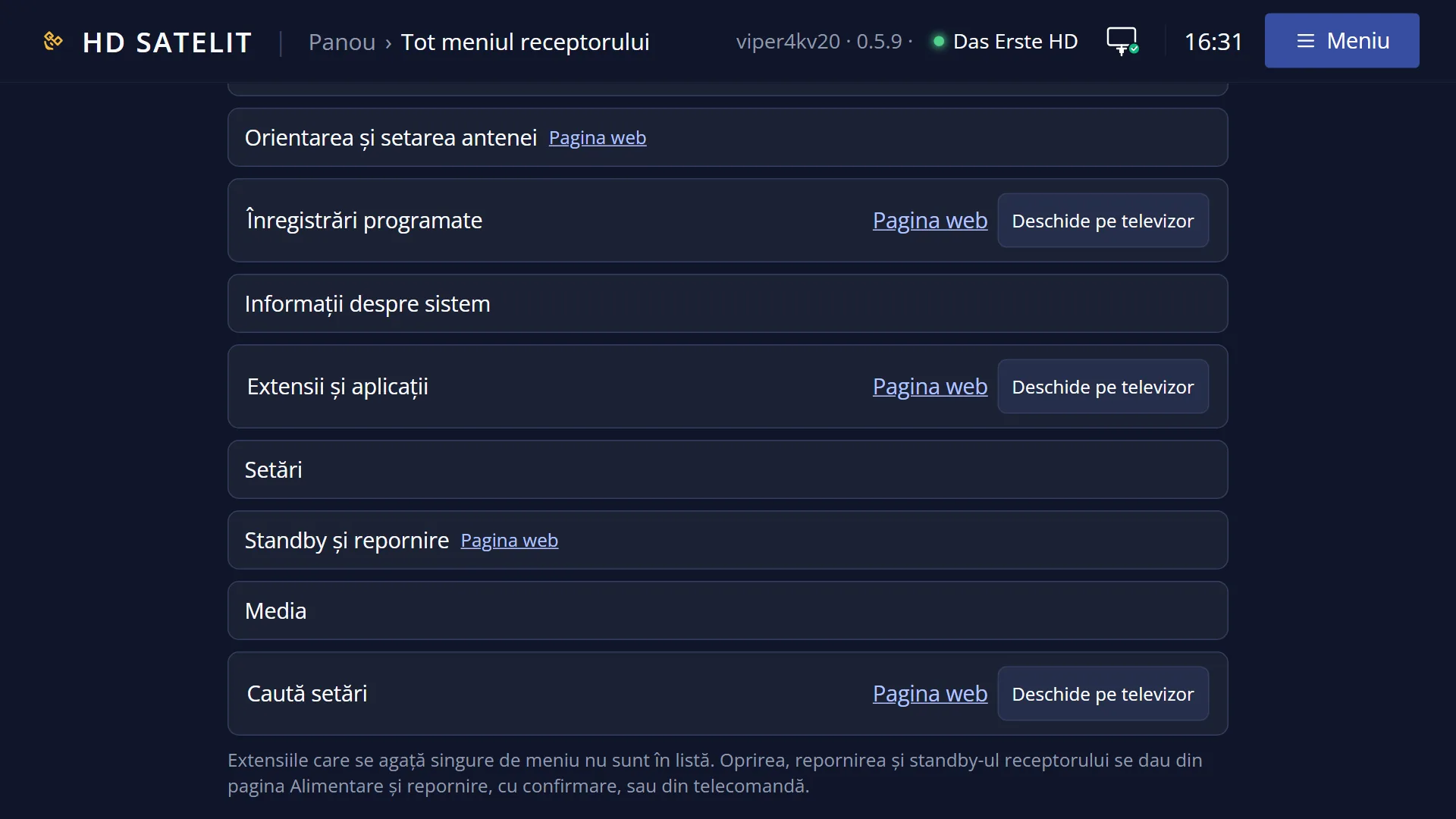
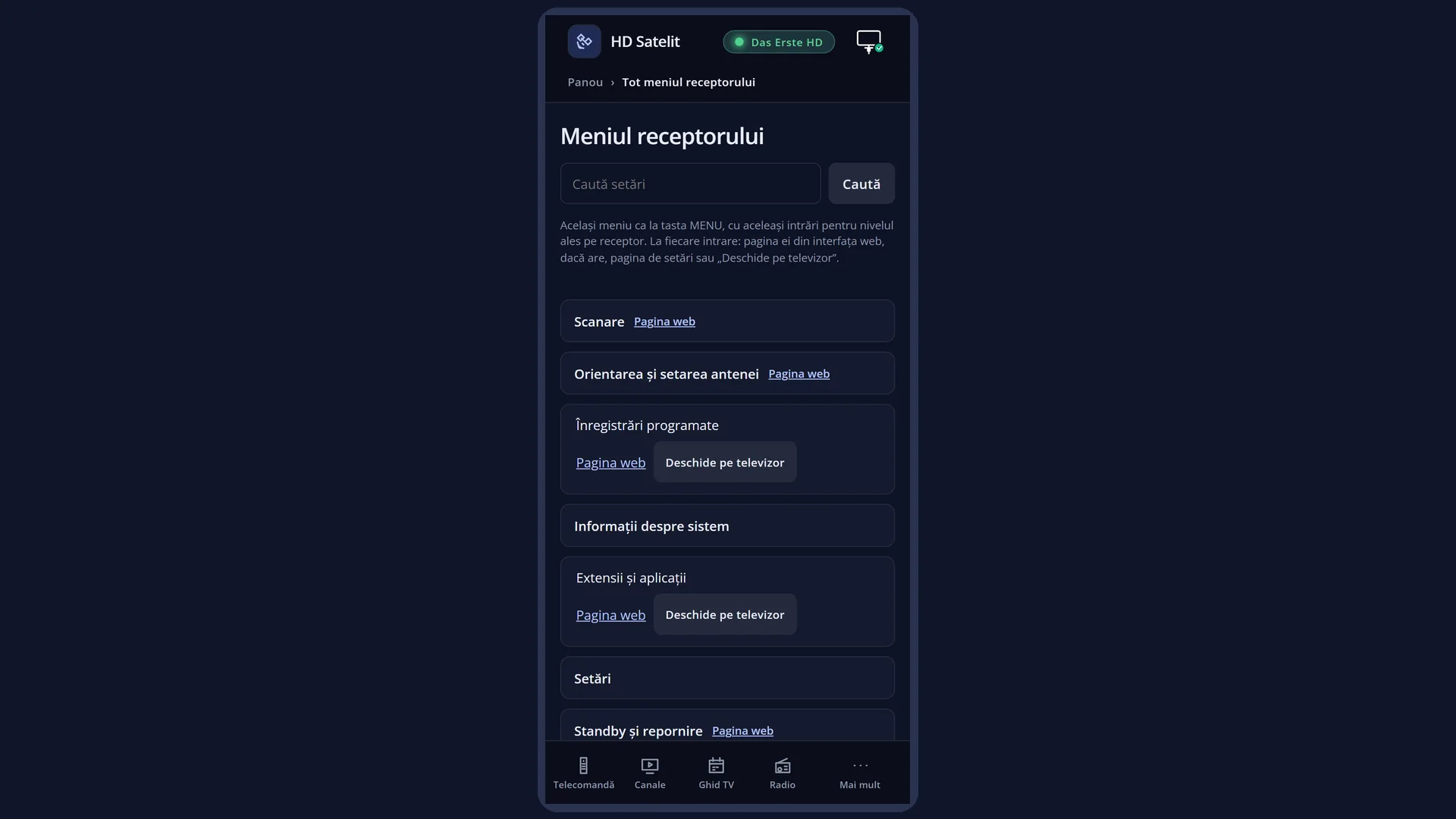
English screenshots coming: some of the pictures below still show the receiver and the web interface in Romanian. The rows, keys and steps described on this page are the English ones.
What it is for
The “Media” submenu brings together everything you can watch that does not come through the aerial or dish: films and music from a USB stick, a hard disk or the network, photos, the web browser on the TV and network places (the computer at home, a NAS).
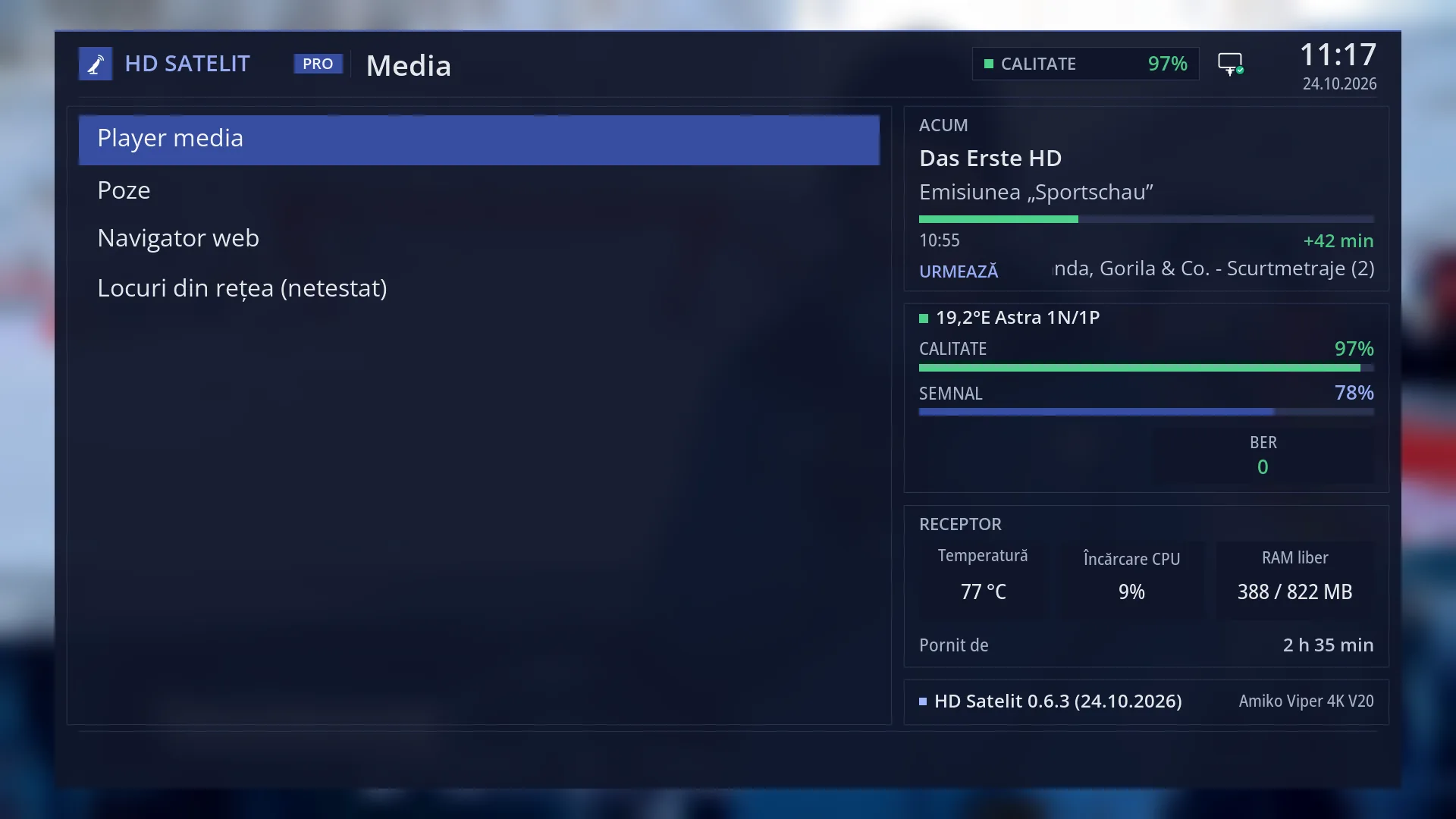
It has four rows: “Media player”, “Photos”, “Web browser” and “Network places”. Each one opens its own screen, with its own help page.
Recordings made by the receiver are not here. You find them under the EMC key (“Films and recordings”).
How to get here
Path: Main menu > Media.
Keys while watching TV: MENU 8.
Directly, without the menu: the Mplay key opens the media player.
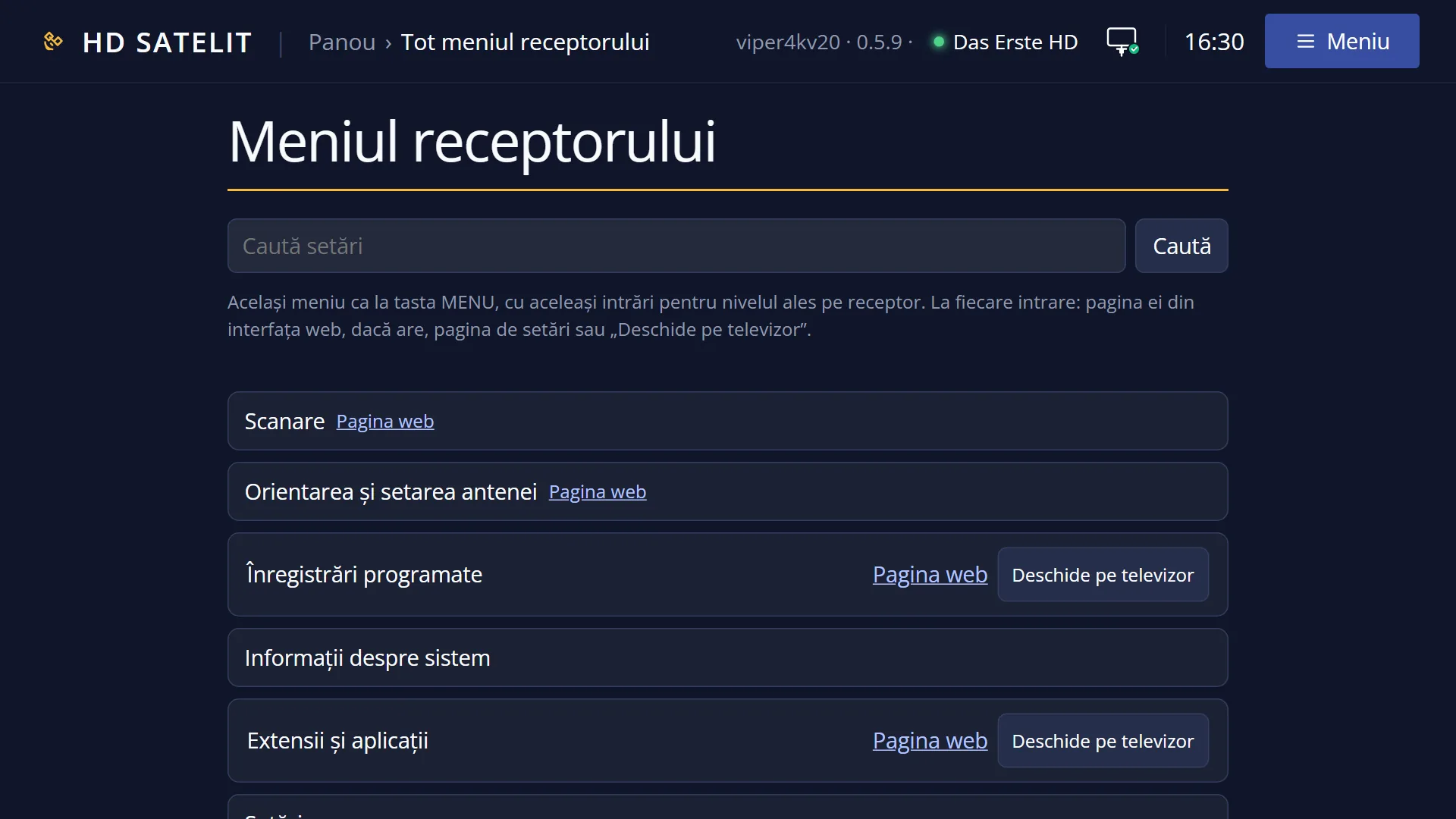
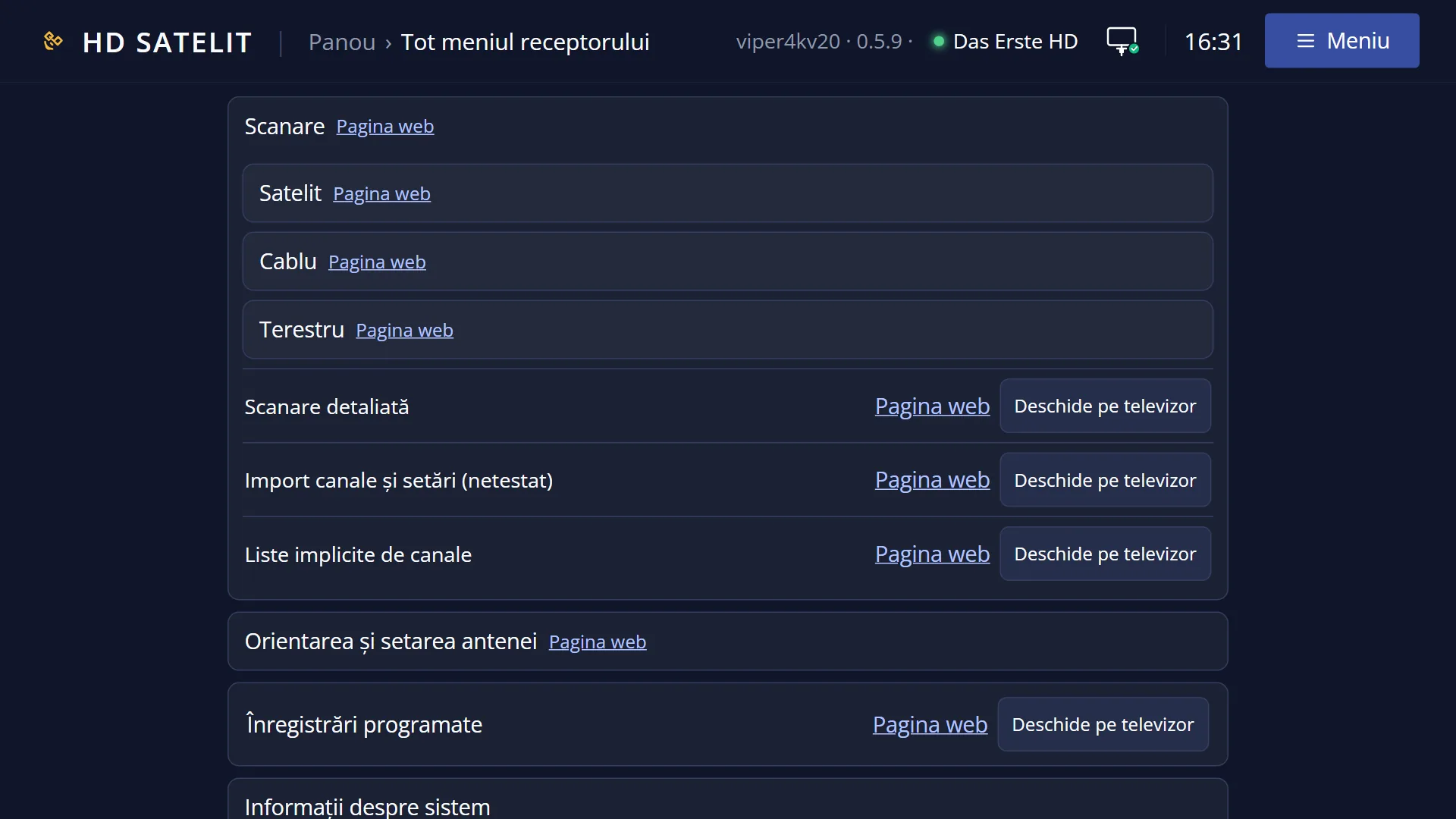
In the web interface: the /meniu page shows the same menu. Each row has its own page: /player, /poze, /navigator, /locuri-retea.
What you see on the screen
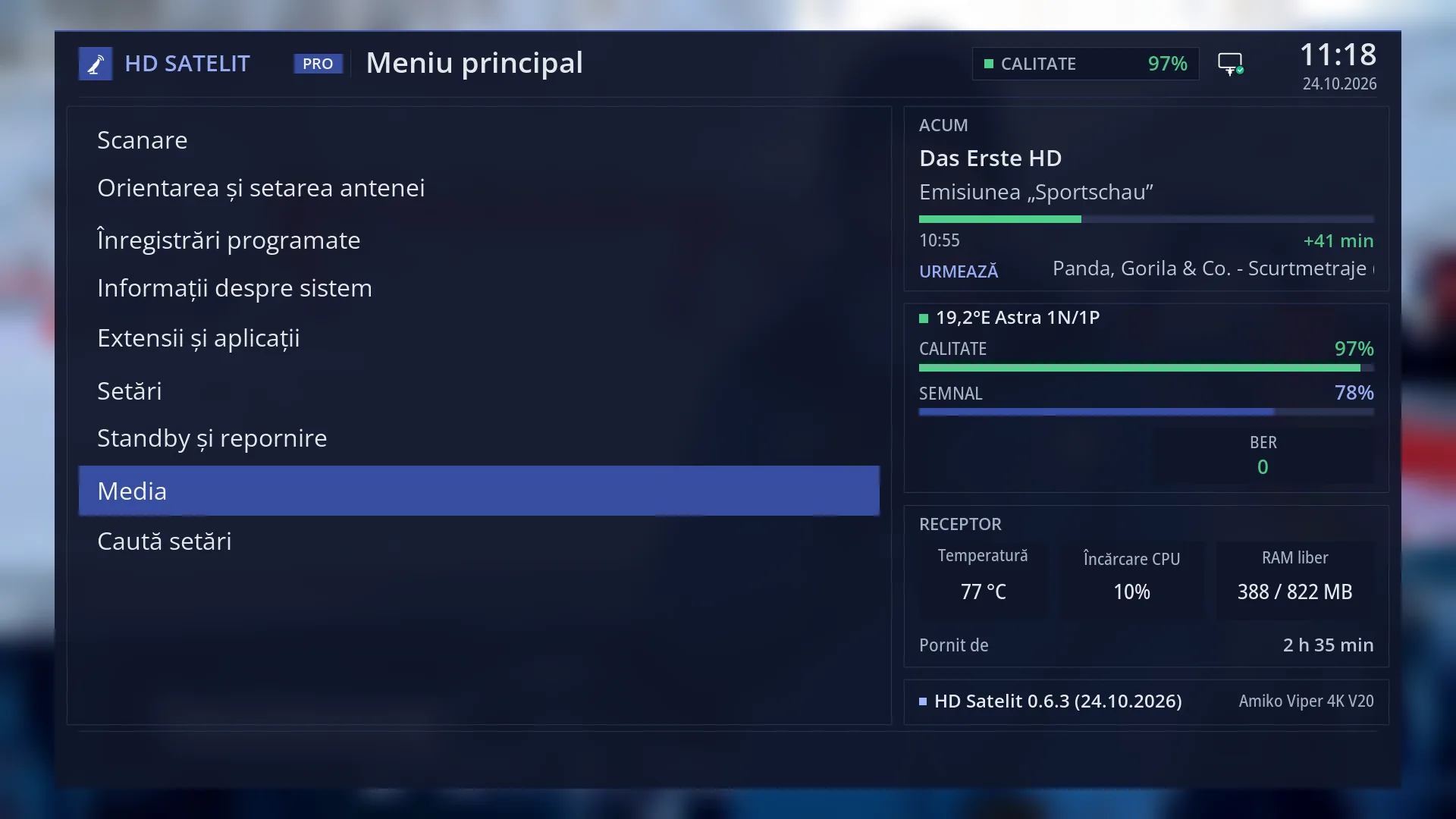
At the top: the title “Media”, the clock and the date. In the Pro theme, “HD SATELIT” with the “PRO” label is on the left, and the signal quality and the network icon are on the right.
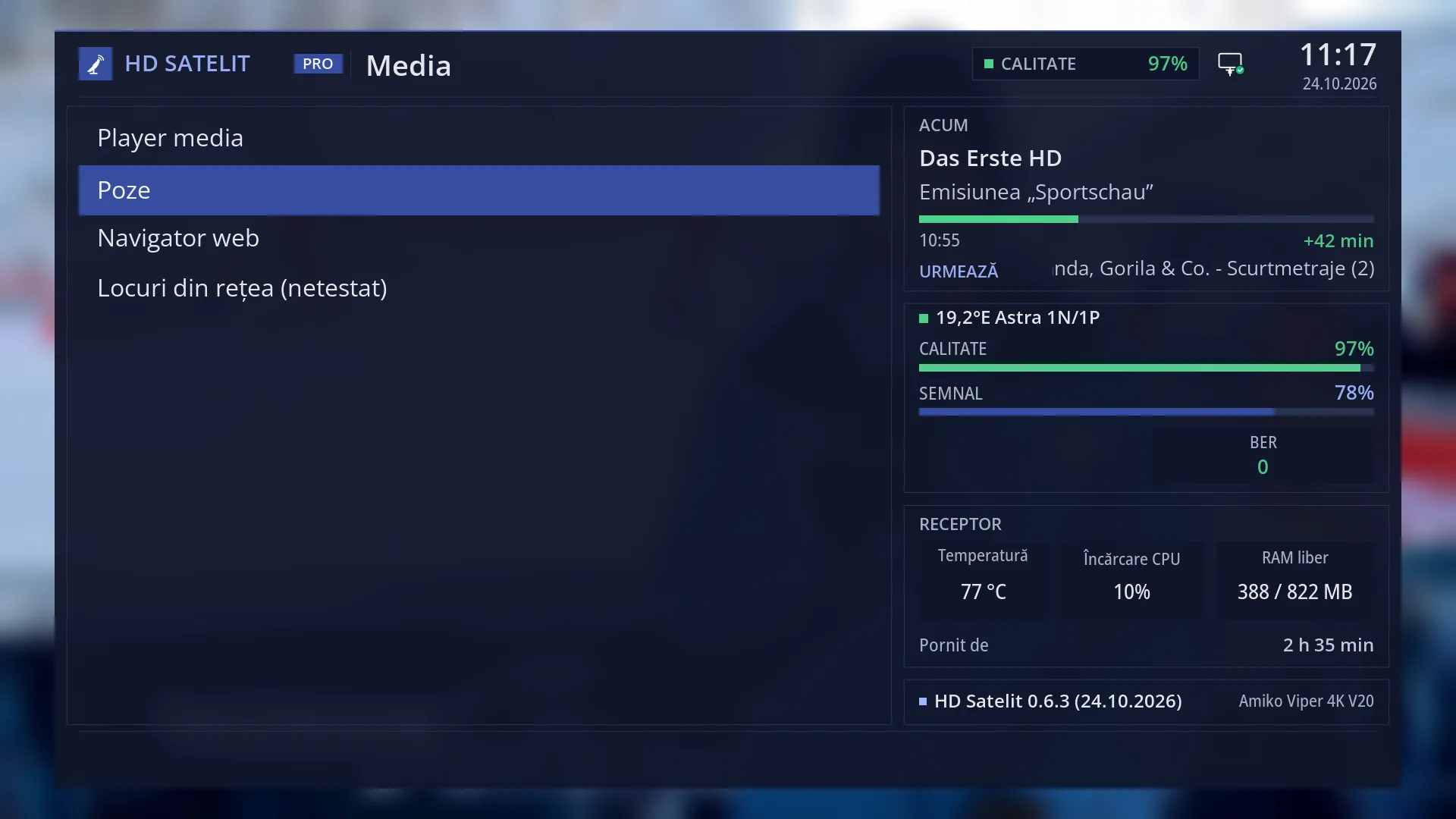
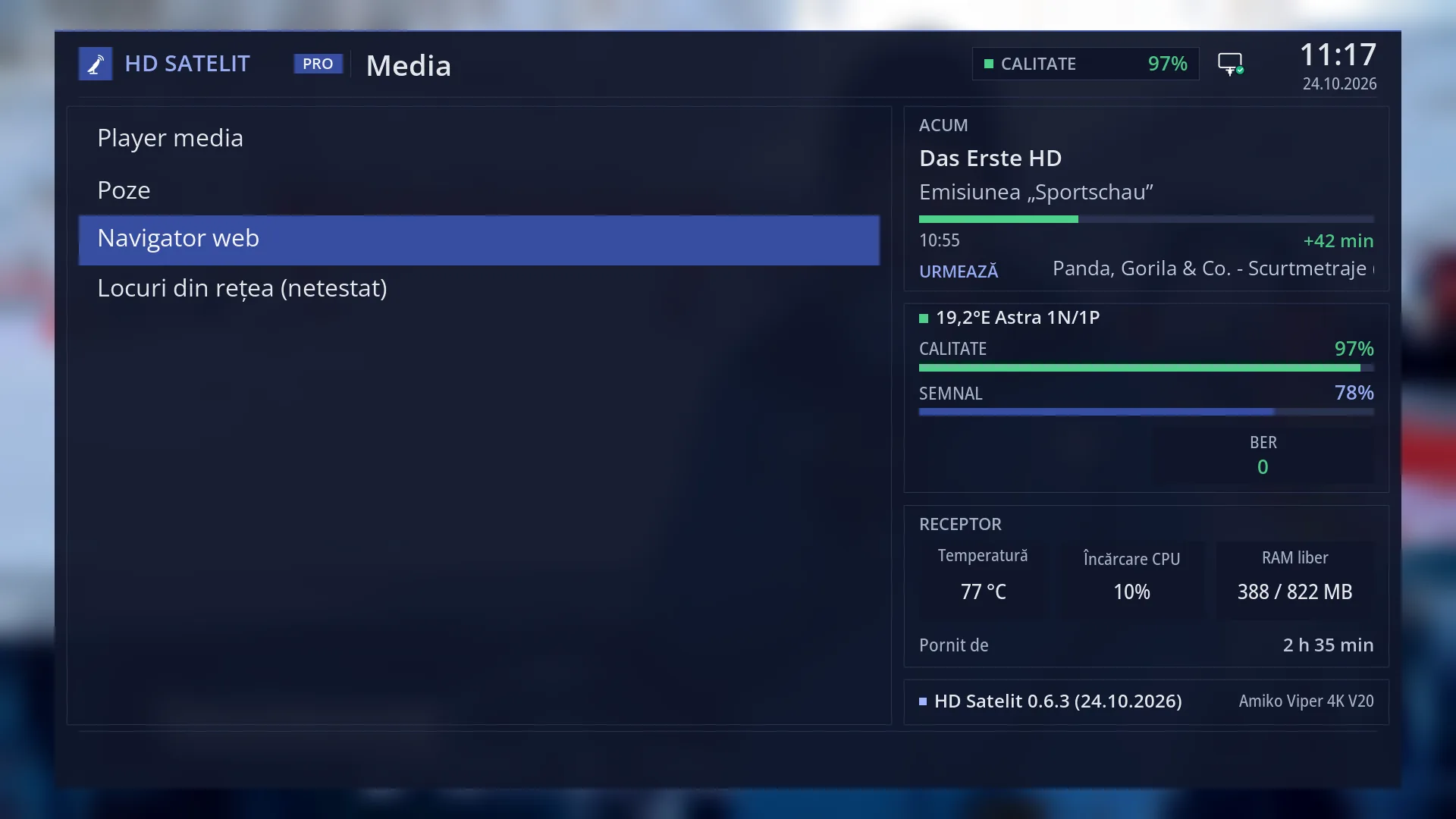
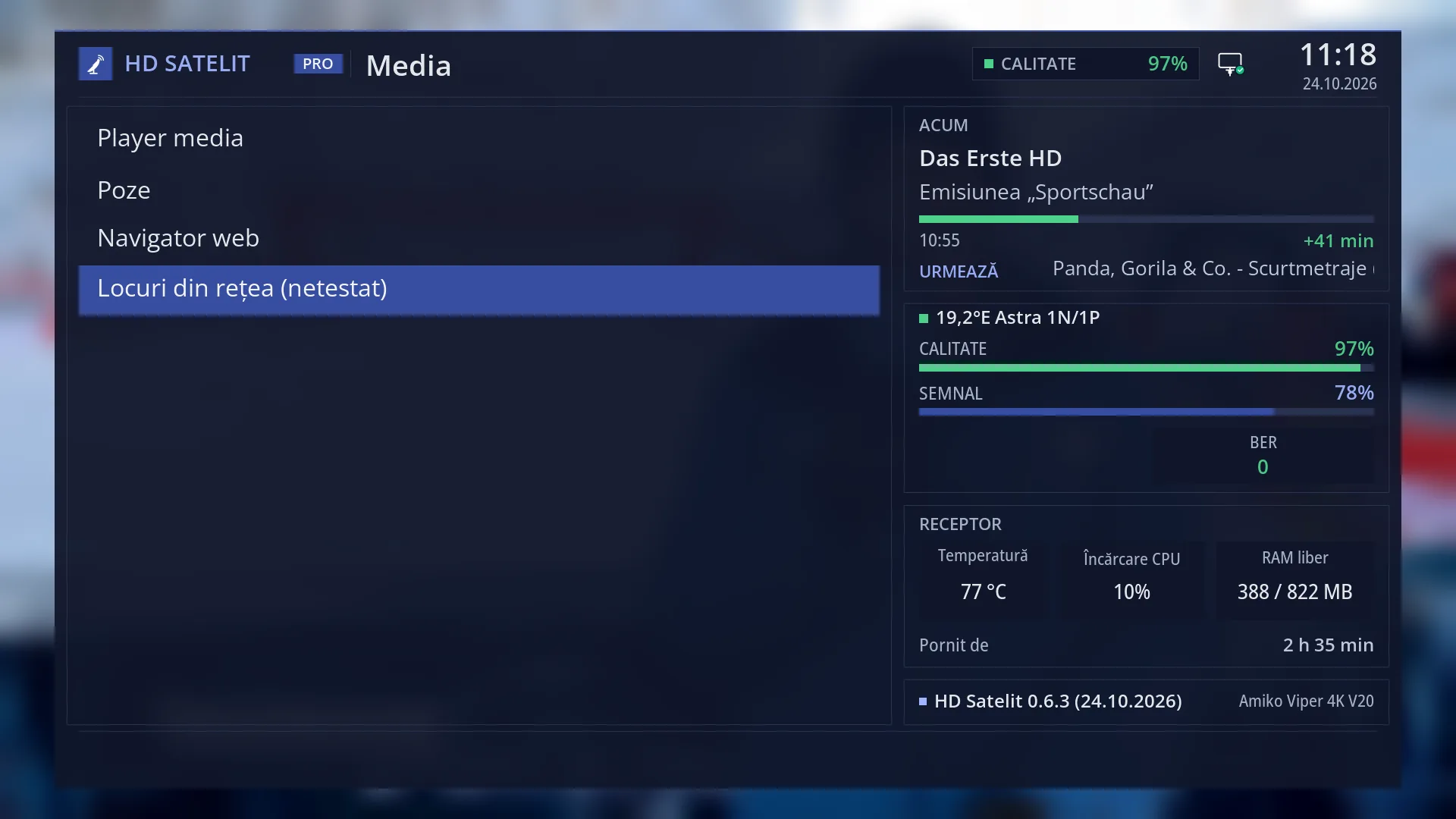
On the left, the four rows: “Media player”, “Photos”, “Web browser” and “Network places (not tested)”. “(not tested)” means the function is ready but has not been tried on all receivers. The selected row is blue.
In the Pro theme, on the right, the same four boxes as in the main menu: “NOW” (the channel, the programme, the progress, “Next”), the satellite with “Quality”, “Signal” and “BER”, “Receiver” (the temperature, the processor load, the free memory, “Running for”) and, at the bottom, the image version with the receiver name.
In the tile layout (YELLOW), each row is a tile with its own icon and number.
Rows and settings
| Row | Values | Default | What it does |
|---|---|---|---|
| 1 Media player | opens the screen | first row | Films, music and playlists from a USB stick, a hard disk or the network, with subtitles found automatically next to the film. The Mplay key opens the same screen. When you want to play a film or a song from a USB stick. |
| 2 Photos | opens the screen | second row | Photos from a USB stick, a hard disk or the network: you choose the folder, see the thumbnails and show them one at a time or as a slideshow. When you want to show photos on the TV. |
| 3 Web browser | opens the screen | third row | The web browser on the TV, controlled with the remote. It only starts when you open it. Its settings are in Settings > Internet Sources. When you want to open a website on the TV. |
| 4 Network places (not tested) | opens the screen | fourth row | The Windows computer or the NAS at home, FTP or WebDAV servers and media servers at home: you add them, mount them and browse them, so you can play the films stored on them. GREEN adds a place, BLUE searches for servers at home. When your films are on a computer or a NAS. |
Keys
| MENU 8 (while watching) | Opens the “Media” submenu directly. |
| UP / DOWN | Moves the cursor to the row above or below. From the last row, DOWN goes to the first. |
| 1 ... 4 | Open the row with that number directly: 1 Media player, 2 Photos, 3 Web browser, 4 Network places. |
| OK | Opens the selected row. |
| YELLOW | Switches the menu to tiles or back to a list. Your choice applies to all menus. |
| TTX | Opens “Search settings”. |
| EXIT | Back to the main menu. |
| MENU (in the menu) | Closes the whole menu and takes you back to the TV. |
Step by step
Playing a film from a USB stick
- Plug the USB stick into the receiver.
- Press MENU 8 1 (“Media player”).
- Go into the USB stick folder, choose the film and press OK.
Showing your holiday photos on the TV
- Plug in the USB stick with the photos and press MENU 8 2 (“Photos”).
- Choose the folder with the photos and start the slideshow.
Problems and solutions
I cannot find my recordings in “Media”.
The receiver's recordings are under the EMC key (“Films and recordings”).
“(not tested)” appears next to “Network places”.
The function is ready and you can use it, but it has not yet been tried on all receivers.
The number keys do not open the row I want.
The number is the row's position in the list, from top to bottom: 1 Media player, 2 Photos, 3 Web browser, 4 Network places.
Related topics
- Media player
- Media player (Mplay key)
- Photos
- Web browser
- Films and recordings (EMC)
- Main menu
- The receiver menu in the web interface
- Matching web page: /meniu (and /player, /poze, /navigator, /locuri-retea for each row).