

Teletext
English screenshots coming: some of the pictures below still show the receiver and the web interface in Romanian. The rows, keys and steps described on this page are the English ones.
What it is for
Here you read the teletext of the channel you are watching: news, weather, sport, the TV schedule, the subtitle pages and everything else the broadcaster sends.
The receiver collects the pages by itself while the channel is on. A page that has already been sent once appears straight away, so you do not have to wait for it to come round again.
The page is shown full screen or over the programme, with the colours and graphics sent by the broadcaster, with subpages and with the colour keys.
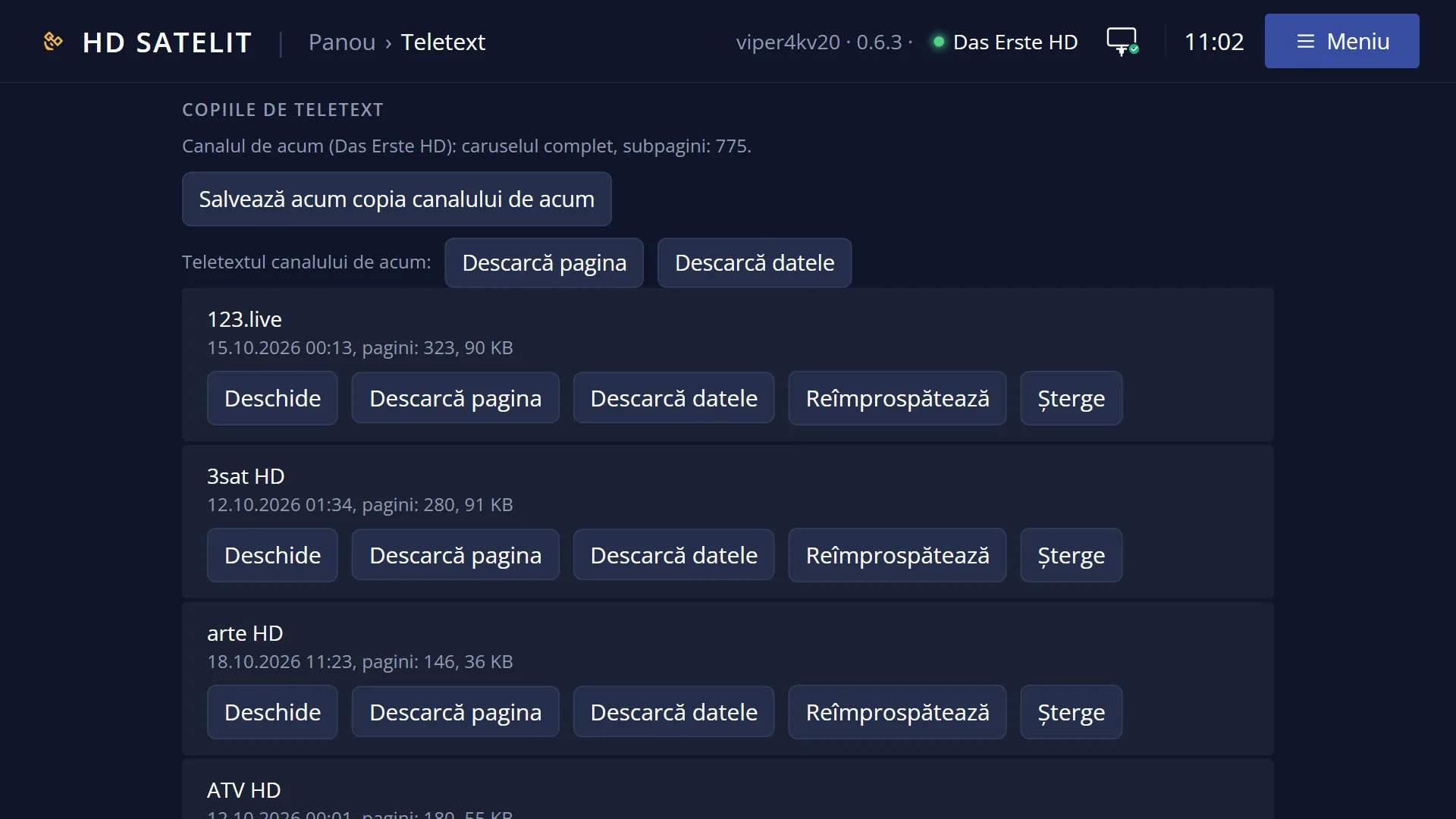
You can also read teletext from a saved copy, without a dish and without a signal (see “Teletext copies”).
How to get here
Path: from live TV, press TTX.
Keys while watching TV: TTX.
It works the same way in the recordings player: press TTX while the recording is playing.
On a channel without teletext, TTX opens the list “This channel has no teletext. Choose a saved copy:” if you have saved copies. Otherwise the message “This channel has no teletext.” appears for 4 seconds.
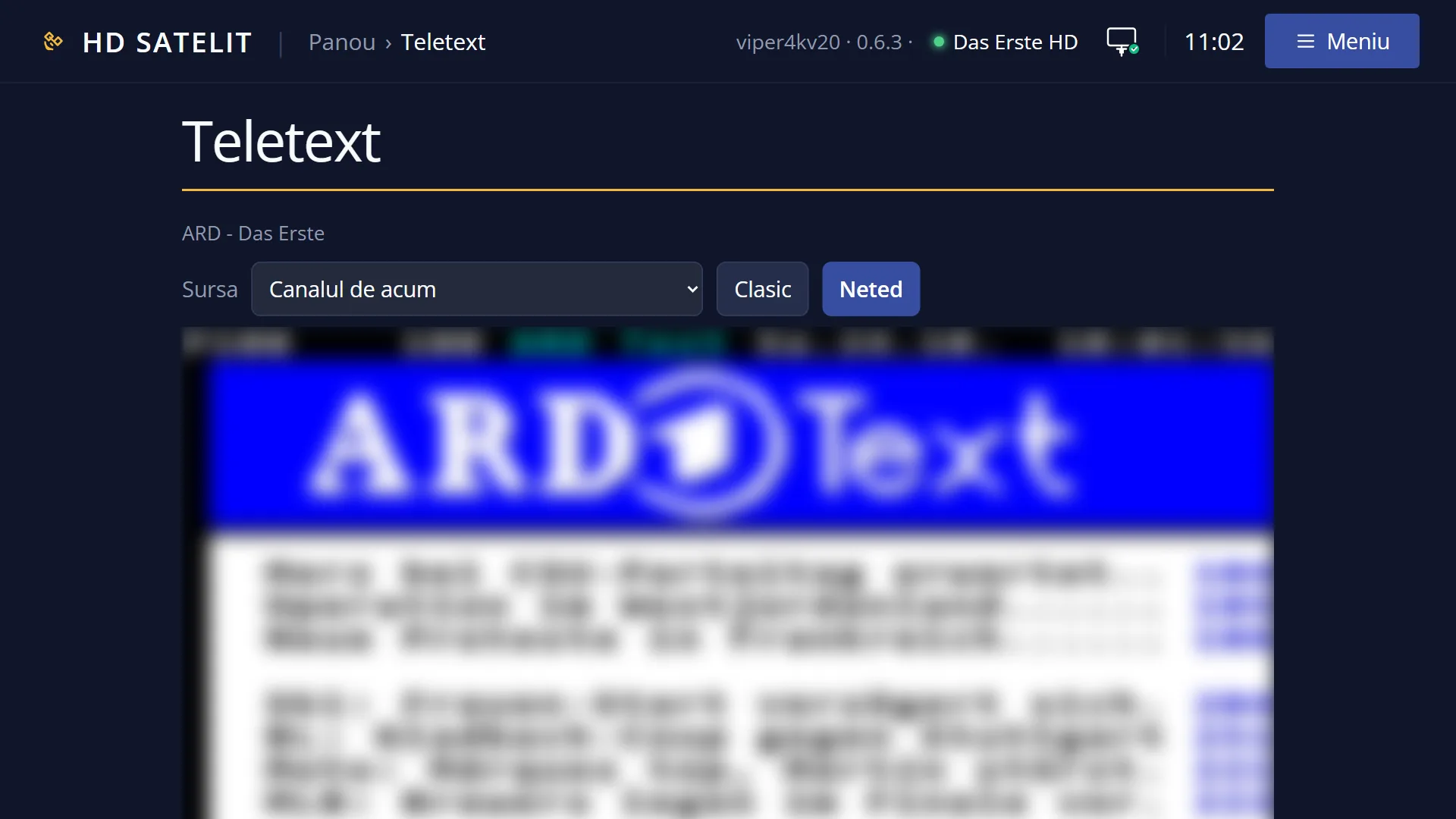
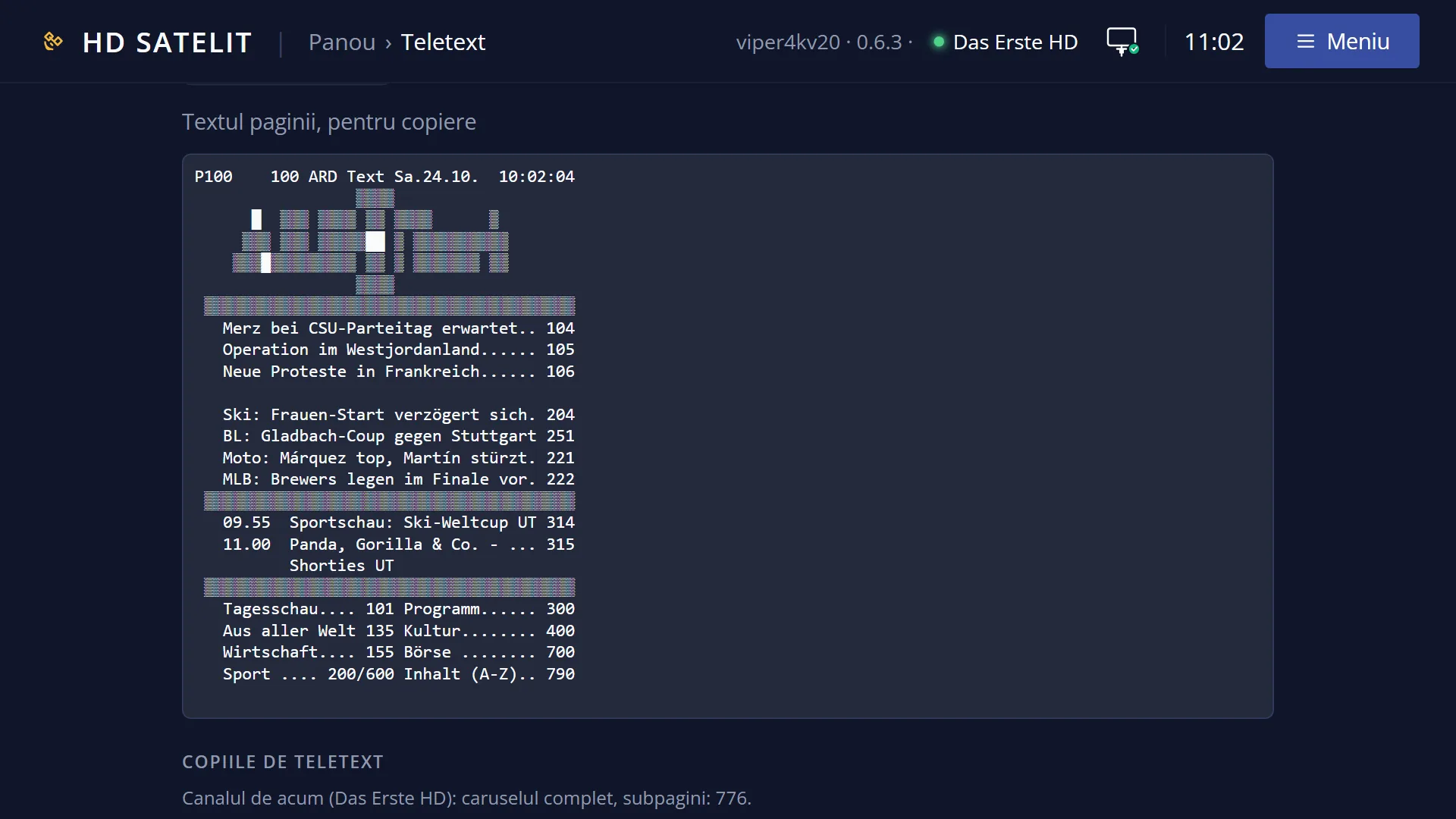
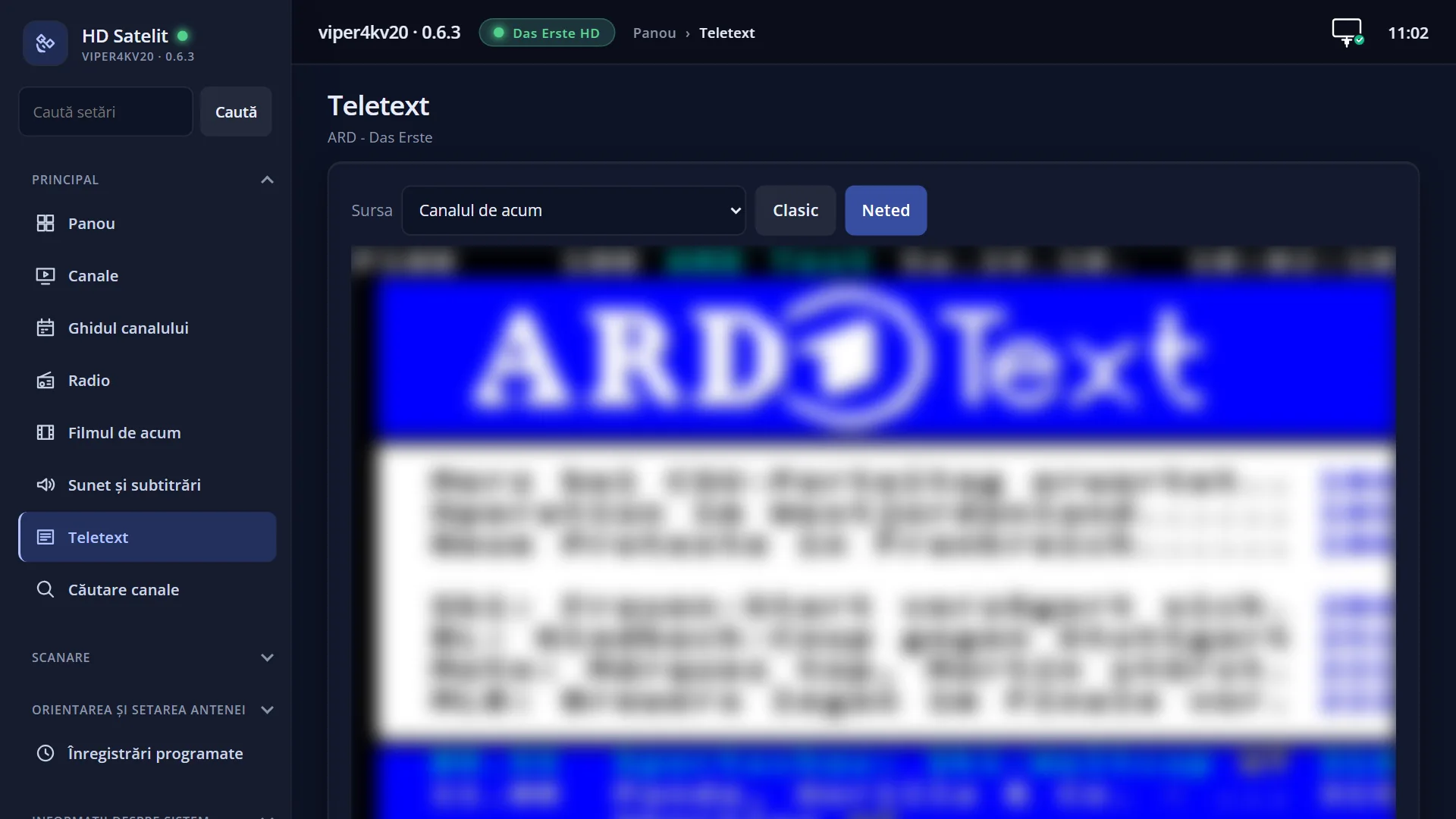
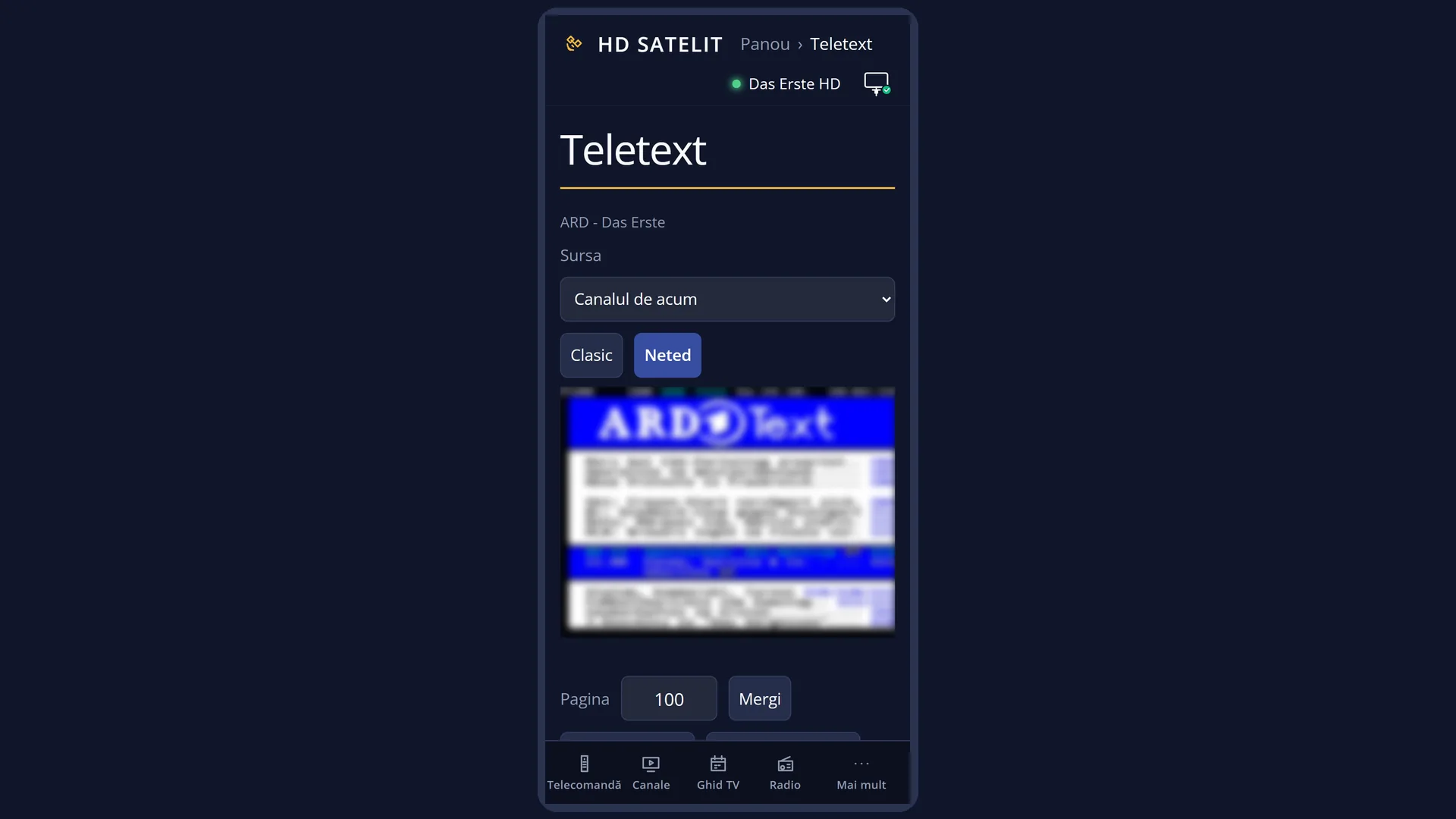
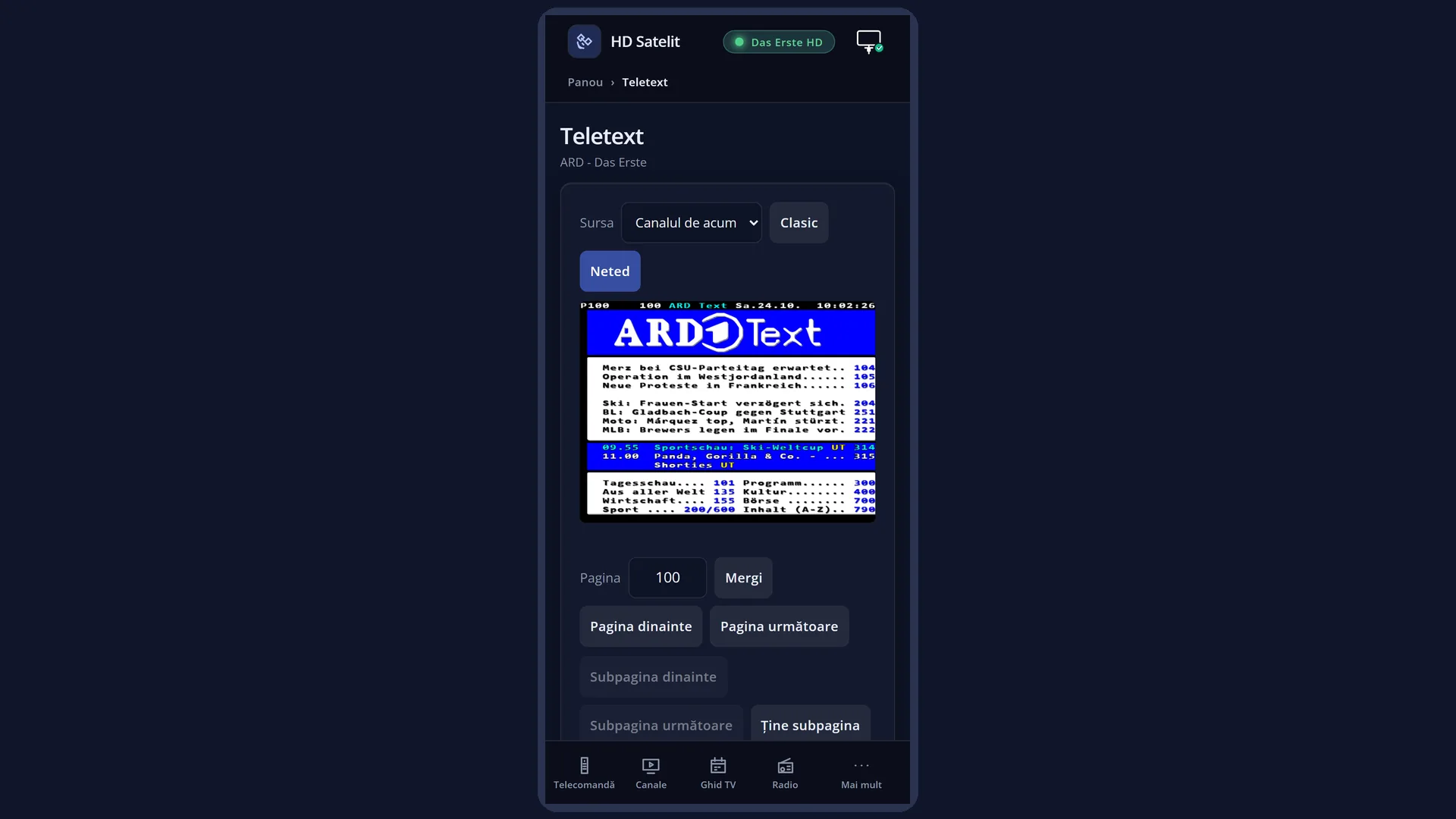
In the web interface (phone or computer): the Teletext page, at /teletext. If teletext is open on the TV, the web page starts from the page shown on the TV.
What you see on the screen
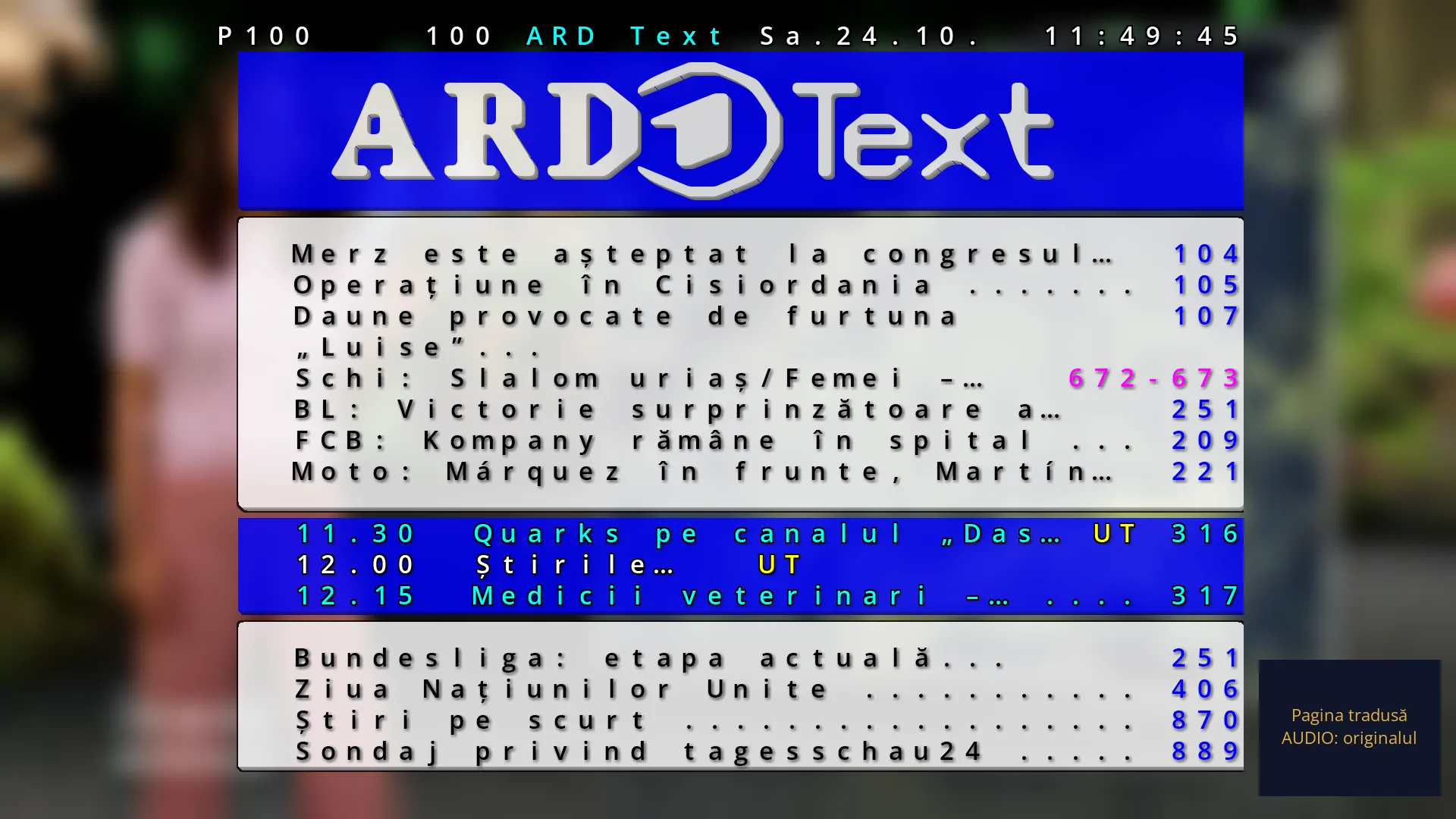
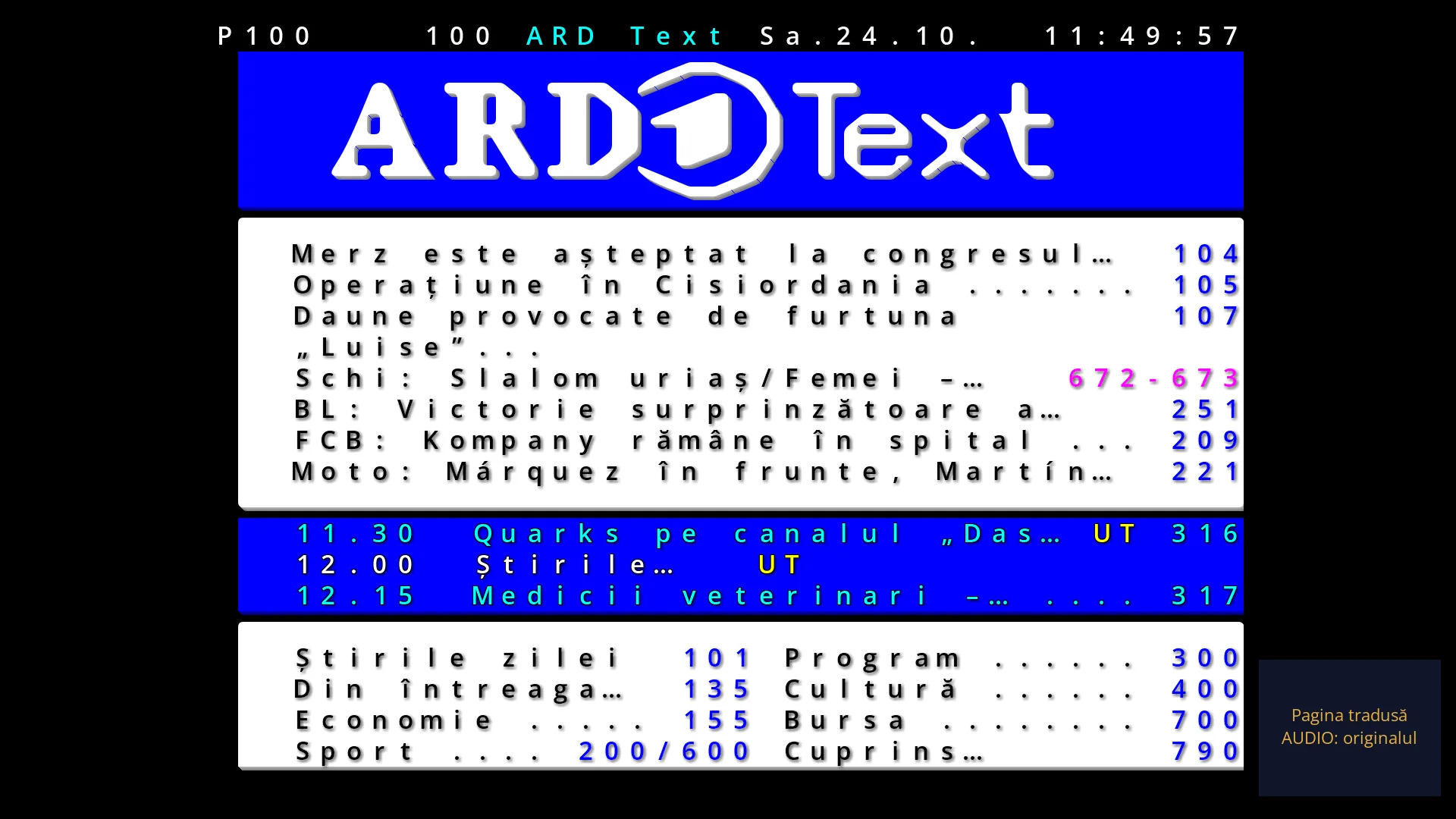
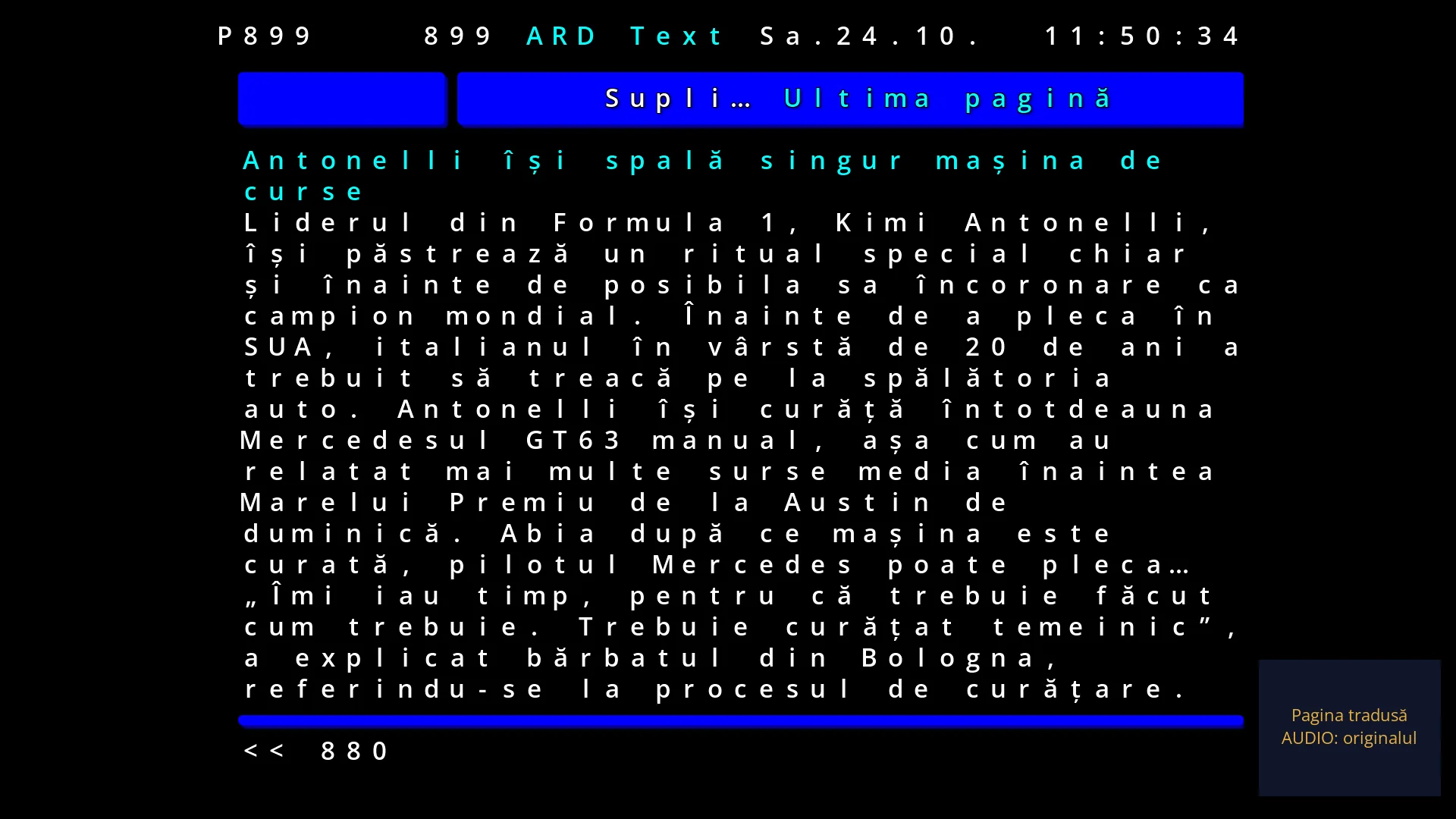
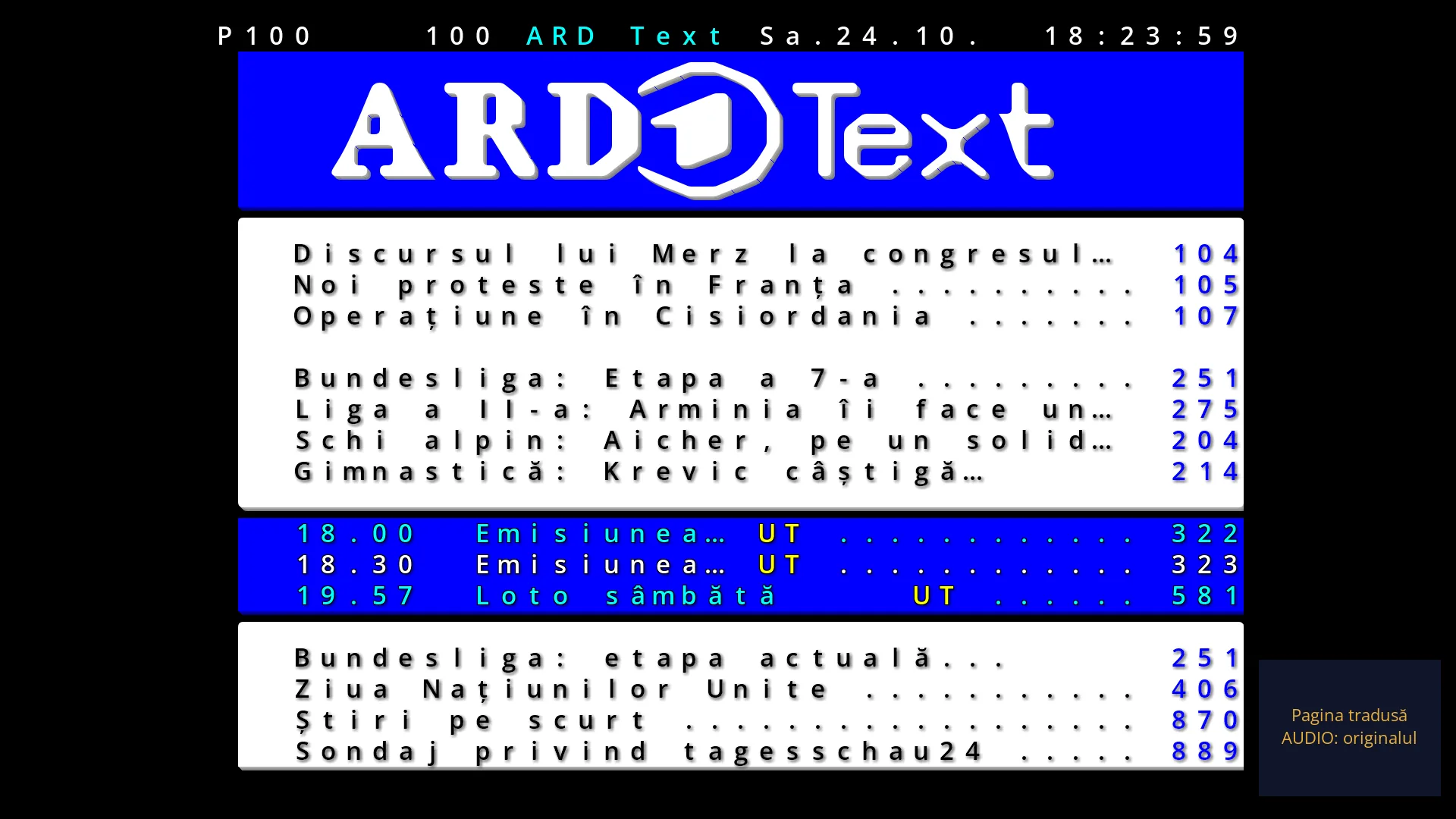
The page has 25 rows of 40 characters each and sits in the middle of the screen, in the 4:3 shape of teletext. Margins remain on the left and right.
The top row is the header. In the left corner it shows the number of the page displayed (for example P100) and, on a page with several subpages, which subpage it is (for example P100 2/5). The rest is the header sent by the broadcaster: the name, the date and the running clock.
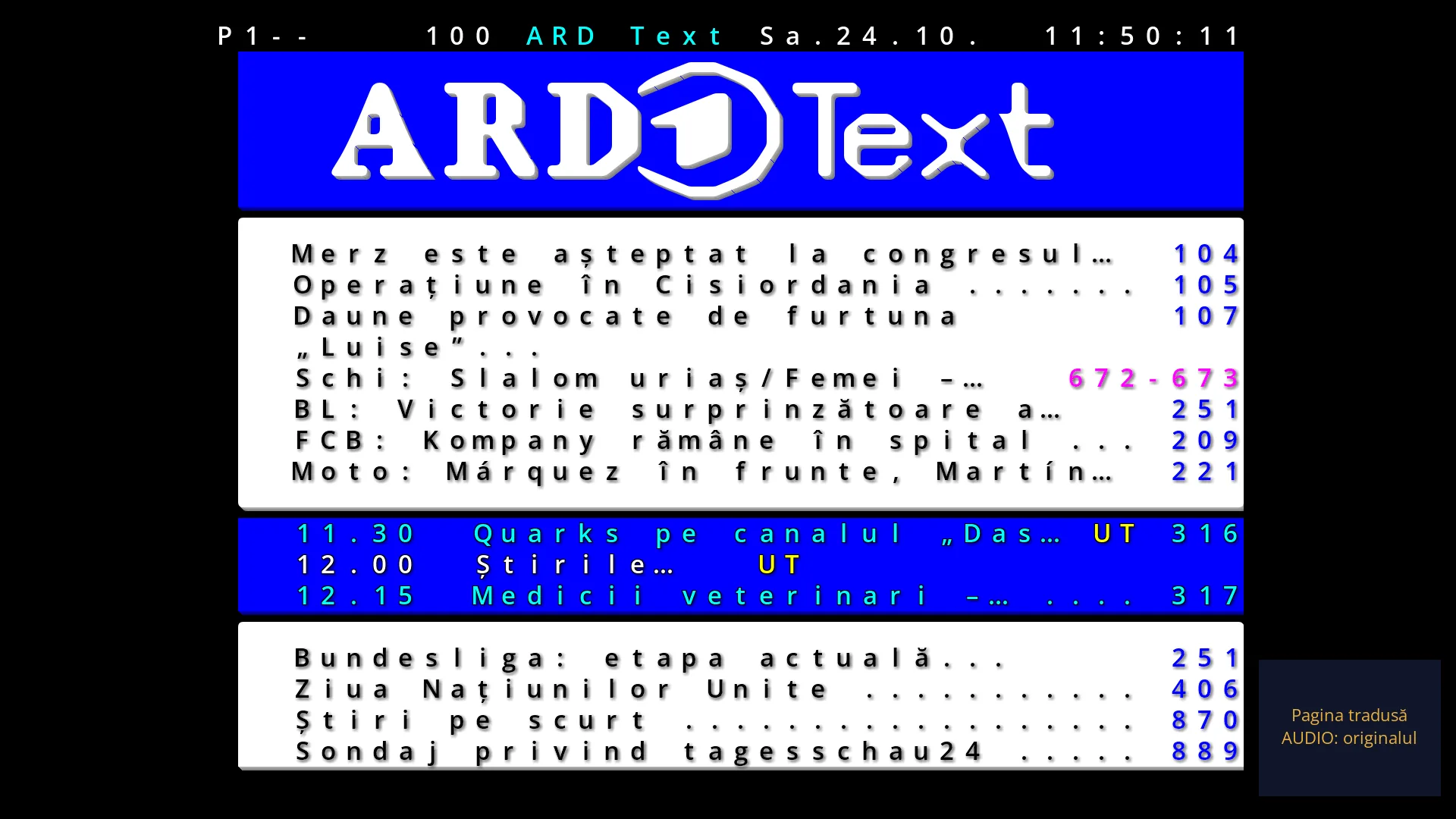
While you type a number, the digits you have typed appear in the corner of the header, with dashes in place of the missing ones (for example P1--).
Below the header is the page itself, with the text, the block graphics and the broadcaster's colours. Text that flashes at the broadcaster also flashes here.
On many channels, the last row of the page shows in colour which pages the red, green, yellow and blue keys open.
When needed, a box with a short message appears in the middle of the page: “Looking for page 123”, “Subpage 2 of 5, held”, “Page held”, “Subpages rotate automatically”, “Teletext over the picture”, “This channel has no teletext.” Messages that respond to a key disappear by themselves after 2.5 seconds.
In full screen, the page background is black. Over the picture, the black background becomes transparent and the other coloured backgrounds are half transparent, so you can see the programme through the page.
When you read a saved copy, the message “Copy from” appears on opening, with the date and time of the copy. A page that is not in the copy is shown as “Page 123 is not in the copy”.
Rows and settings
| Row | Values | Default | What it does |
|---|---|---|---|
| Teletext full screen / Teletext over the picture | Teletext full screen, Teletext over the picture | Teletext full screen | This is not a menu row but the way the page is shown. Full screen: the page is on a black background and you cannot see the programme. Over the picture: the black background of the page is transparent and you see the programme through the page. When you want to watch the programme and read teletext at the same time, for example a sports result. You change it with the TTX key while teletext is open. |
Keys
| Digits 0-9 | You type the three-digit page number (from 100 to 899). While you type, the digits appear in the corner of the header (P1--). The page opens after the third digit. The first digit must be from 1 to 8: a 0 or a 9 at the start is ignored. |
| UP / DOWN | The next or previous page among those the receiver has already received. After 899 comes 100. If the receiver has no pages yet, it goes to the next or previous number. |
| CH+ / CH- | The same as UP and DOWN: the next or previous page among those received. The channel does not change while teletext is open. |
| LEFT / RIGHT | The previous or next subpage, on a page with several subpages. The subpage you choose stays on screen (the message “Subpage 2 of 5, held”) until you press OK. |
| OK | Holds the current subpage on screen so you can read it at your own pace (“Page held” or “Subpage 2 of 5, held”). Pressing OK again lets the subpages rotate by themselves again (“Subpages rotate automatically”). |
| RED, GREEN, YELLOW, BLUE | Open the pages linked to the colour keys. If the broadcaster sends the page links, they go where the coloured bottom row shows. Otherwise, if the broadcaster sends the page index: red the previous page, green the next page, yellow the next group of pages, blue the next section. Otherwise: red the previous page, green the next page, yellow 100 pages further on, blue the teletext start page. |
| INFO | Reveals what is hidden on the page, for example the answers to quizzes (“Hidden content revealed”). Pressing it again hides them again (“Hidden content concealed”). |
| TTX | Switches between “Teletext full screen” and “Teletext over the picture”. Your choice is remembered for next time. |
| AUDIO | With teletext translation turned on, shows the current page in the original or translated. With translation turned off, the message “Teletext translation is off. Turn it on from MENU.” appears. |
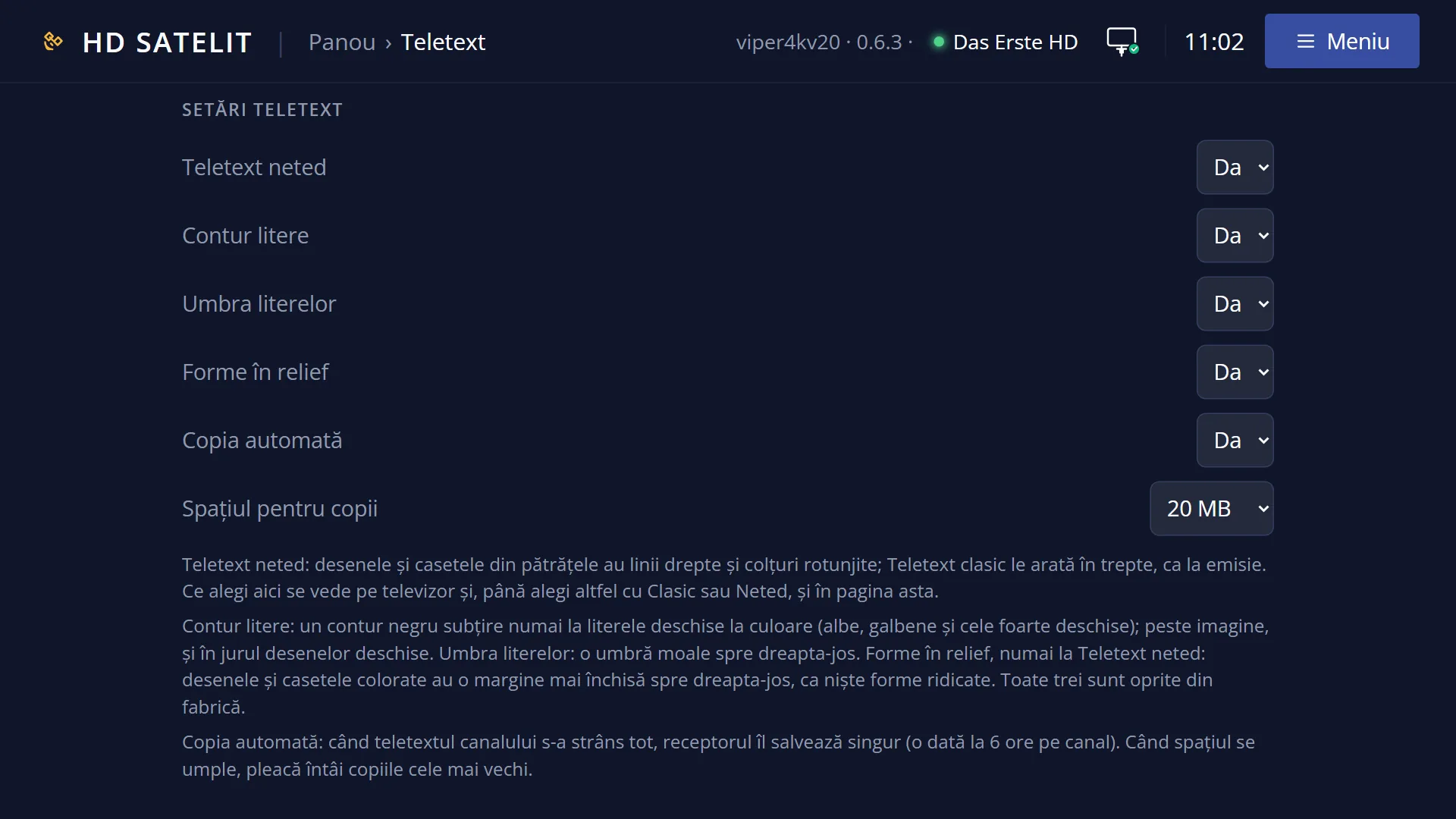
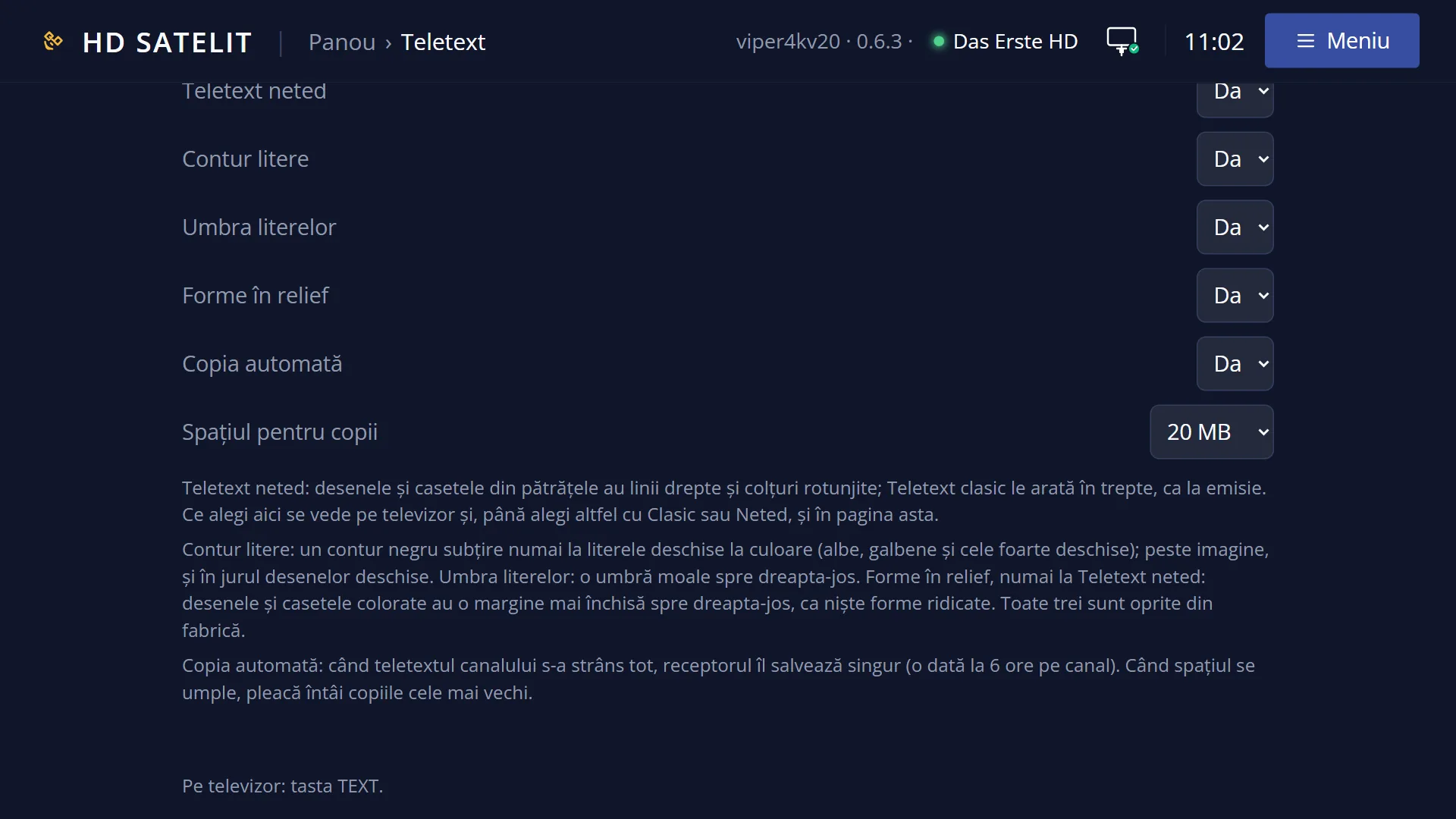
| MENU | Opens the “Teletext” window: smooth or classic teletext, the outline and shadow of the letters, the raised shapes, translation and teletext copies. |
| EXIT | If you have started typing a number, it clears the digits you typed. Otherwise it closes teletext and takes you back to the programme. |
Step by step
Opening a page by number
- Press TTX on the channel you are watching.
- Type the three digits of the page, for example 1, 0, 1.
- If “Searching for page 101” appears, wait a few seconds: the broadcaster sends the pages one after another, and the page appears by itself when it arrives.
- Use UP and DOWN to go to the neighbouring pages. EXIT closes teletext.
Reading a page with several subpages
- Open the page. In the corner of the header you can see which subpage is shown, for example 1/4.
- Use LEFT and RIGHT to go to the previous or next subpage. It stays on screen.
- Press OK when you want the subpages to rotate by themselves again.
Watching the programme and teletext at the same time
- With teletext open, press TTX: “Teletext over the picture” appears and you can see the programme through the page.
- Press TTX once more to go back to “Teletext full screen”.
- The receiver remembers your choice for next time.
Problems and solutions
“This channel has no teletext.” appears.
The broadcaster does not send teletext on this channel. If you saved its teletext earlier, you will find it in MENU > “Teletext copies”. To find channels with teletext, use the channel search with the “Has” filter set to “Teletext”.
The page stays on “Looking for page 123”.
The broadcaster has not sent the page yet or does not have it at all. Teletext arrives page by page, and a full cycle can take from a few seconds to a few minutes. Wait a little, or use UP and DOWN: they only go through the pages already received.
The page changes by itself while I am reading it.
The page has several subpages, which change in turn. Press OK to hold the current subpage on screen, or choose it with LEFT and RIGHT.
I pressed the wrong digit.
Press EXIT once: the digits you typed are cleared and teletext stays open. A 0 or a 9 at the start does not begin a page number.
Answers or rows that should be on the page are missing.
Some pages have hidden text (for example the answers to quizzes). Press INFO to reveal it.
I can no longer see the programme.
Teletext is full screen. Press TTX to switch to “Teletext over the picture”, or EXIT to close teletext.
The letters and graphics look jagged.
That is how classic teletext looks, as broadcast. In MENU, choose “Smooth teletext”, where the graphics have straight lines and rounded corners (see the “Smooth teletext” page).
AUDIO says “Teletext translation is off. Turn it on from MENU.”
Teletext translation is off by default. Turn it on from MENU > “Translate teletext: turn on”. Before that, you must choose a translation service in “Subtitle translation” (see the “Translated teletext” page).
Related topics
- Smooth teletext, the outline and shadow of the letters
- Teletext copies, read without a dish
- Translated teletext
- Teletext subtitles are chosen with the SUBT key
- The matching web page: /teletext (the same pages in the browser, the saved copies, and downloading them to your phone or computer).