

Teletext copies
English screenshots coming: some of the pictures below still show the receiver and the web interface in Romanian. The rows, keys and steps described on this page are the English ones.
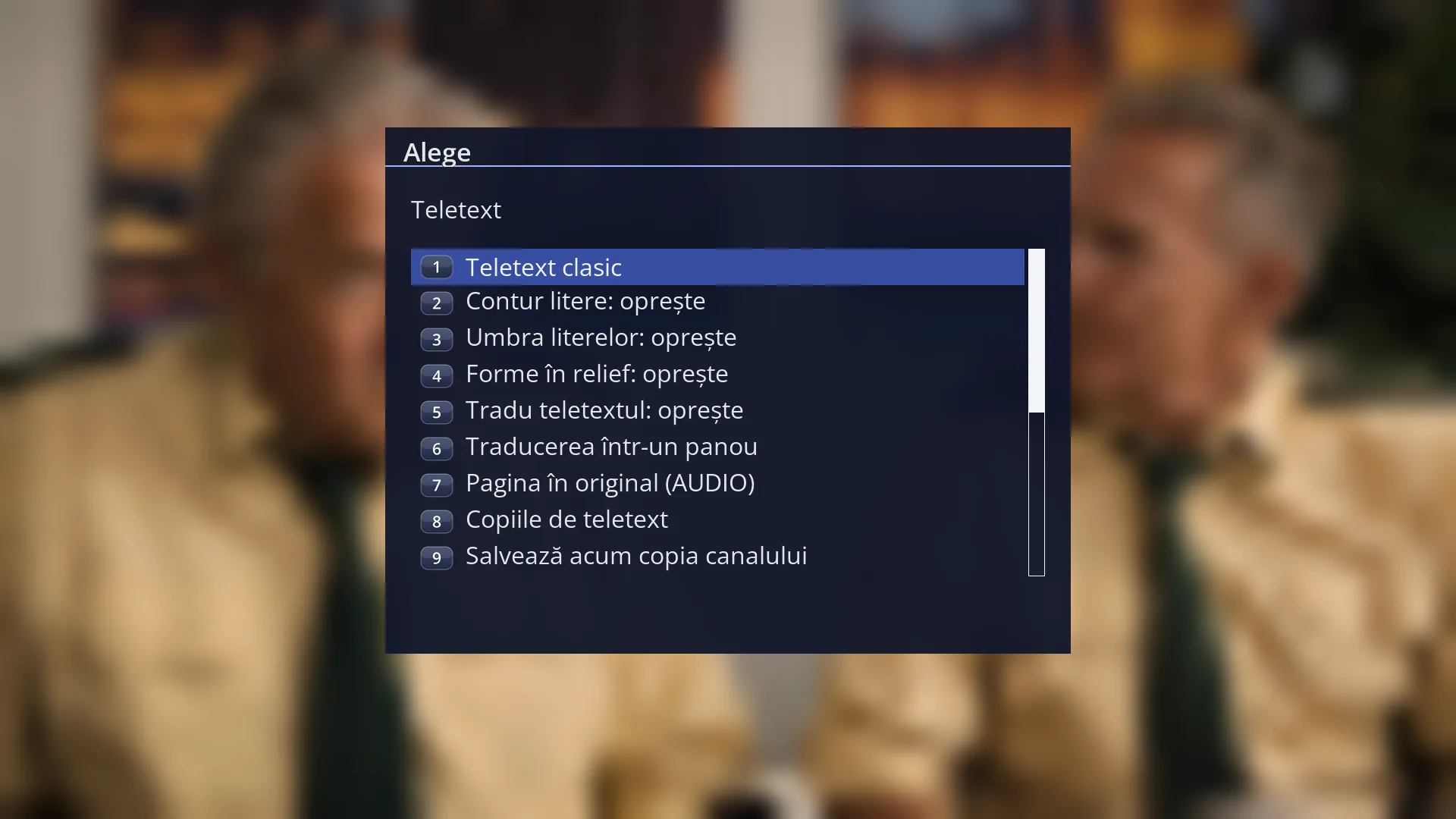
- 1 The selected row.
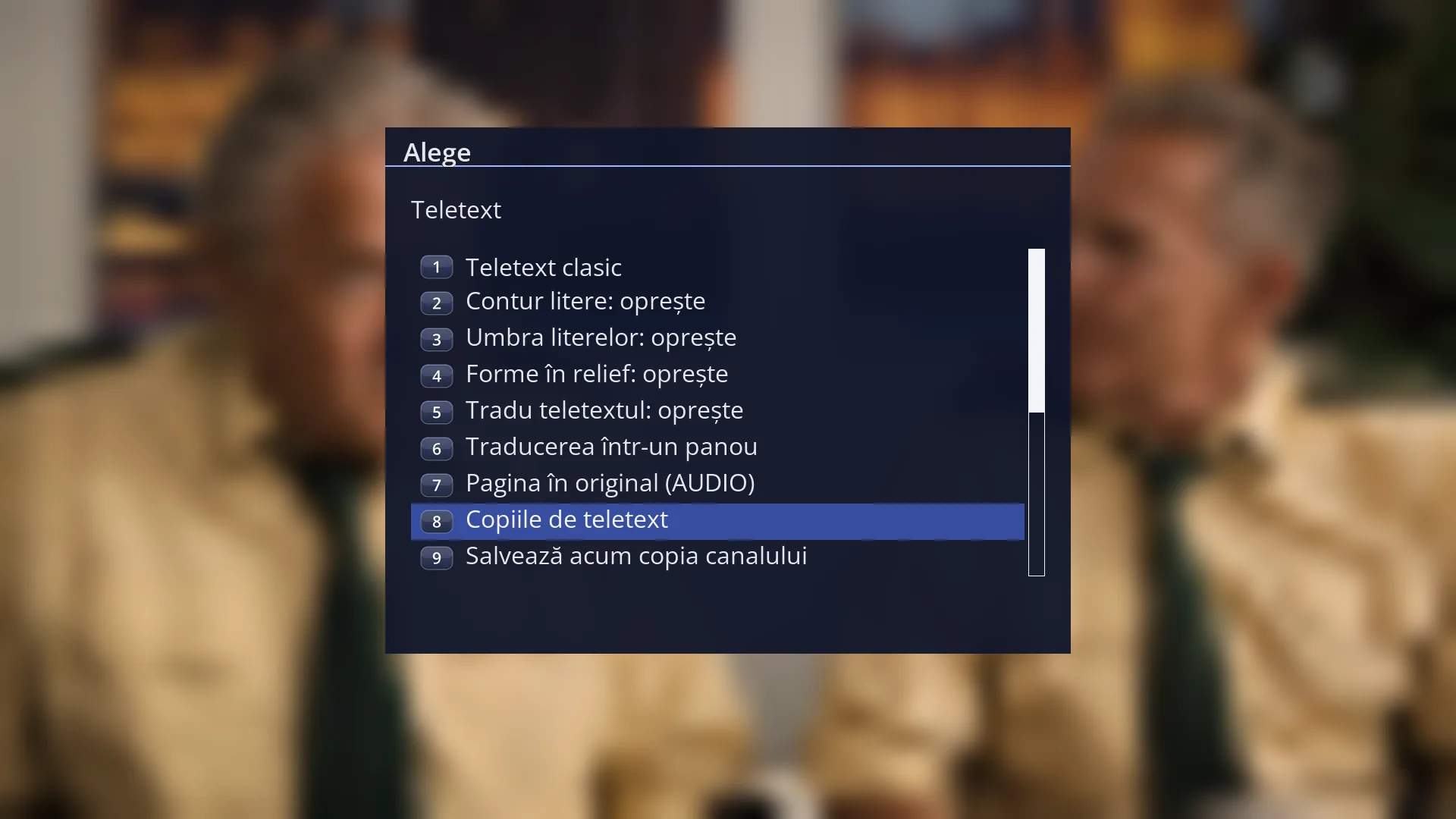
- 1 The selected row.
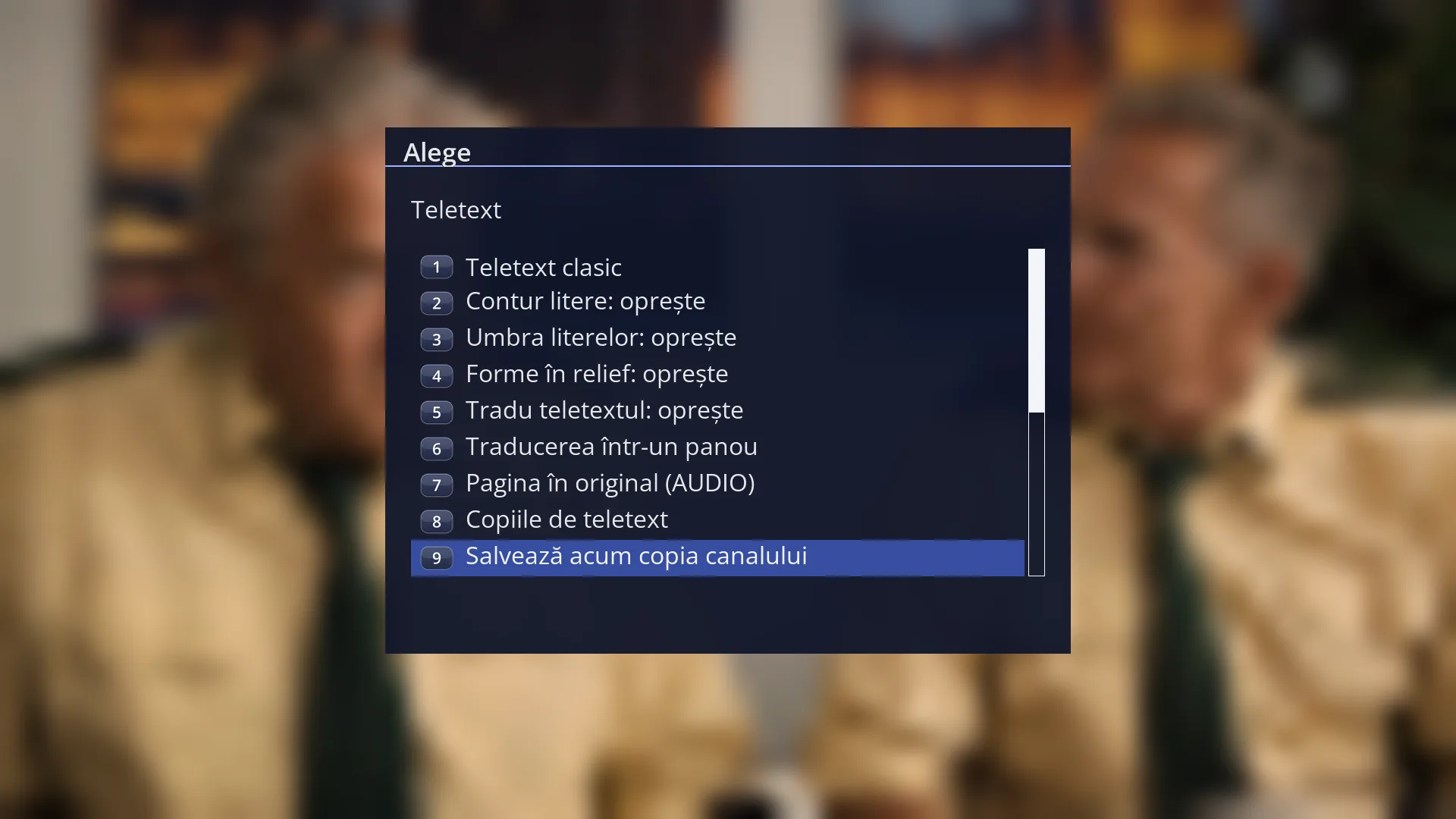
- 1 The selected row.
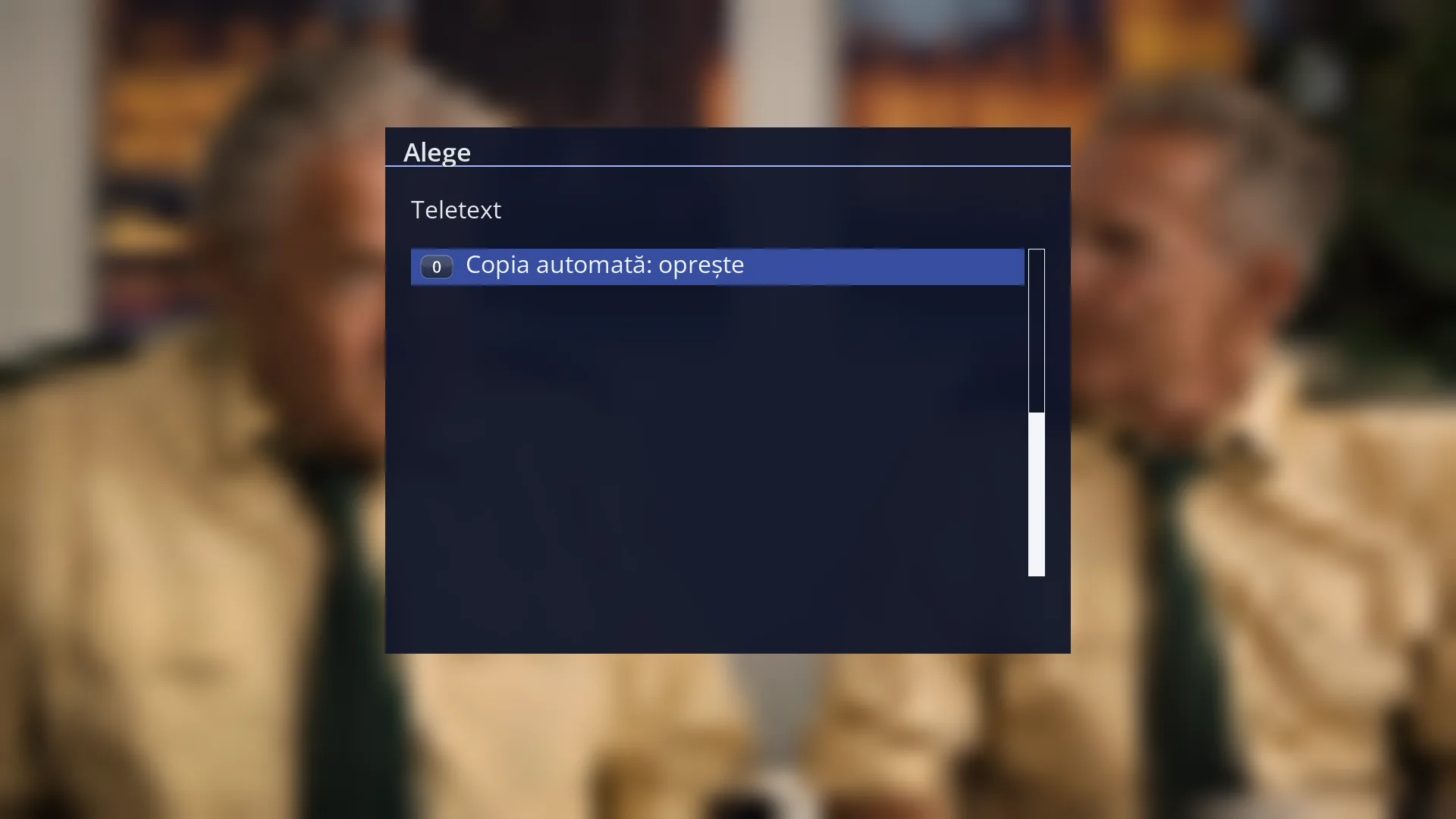
- 1 The selected row.
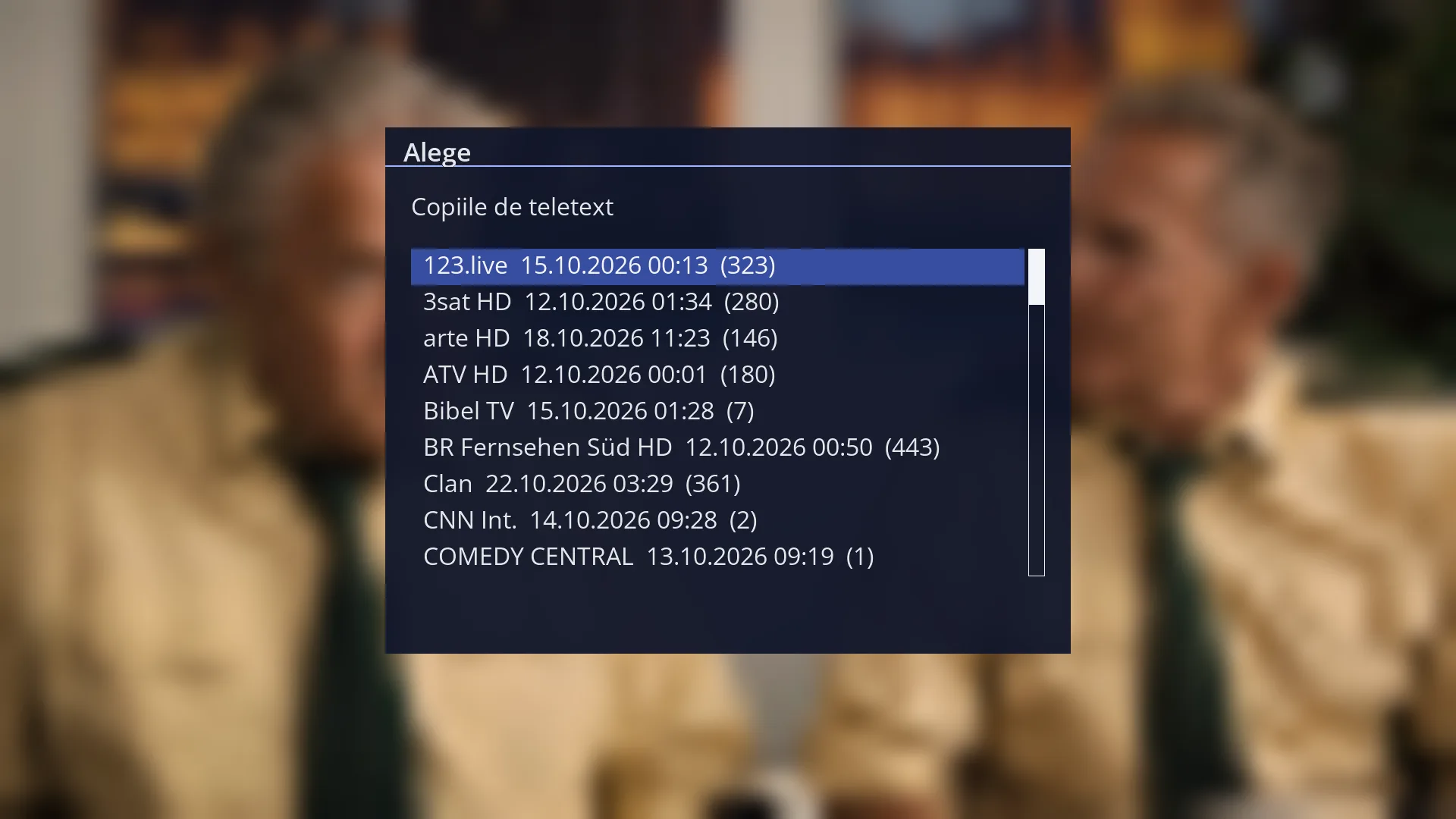
- 1 The title: “Teletext copies” (or, on a channel without teletext, “This channel has no teletext. Choose a saved copy:”).
- 2 A copy: the channel name, the date and time of the copy, and the number of pages in brackets.
- 3 The other copies, sorted by channel name.
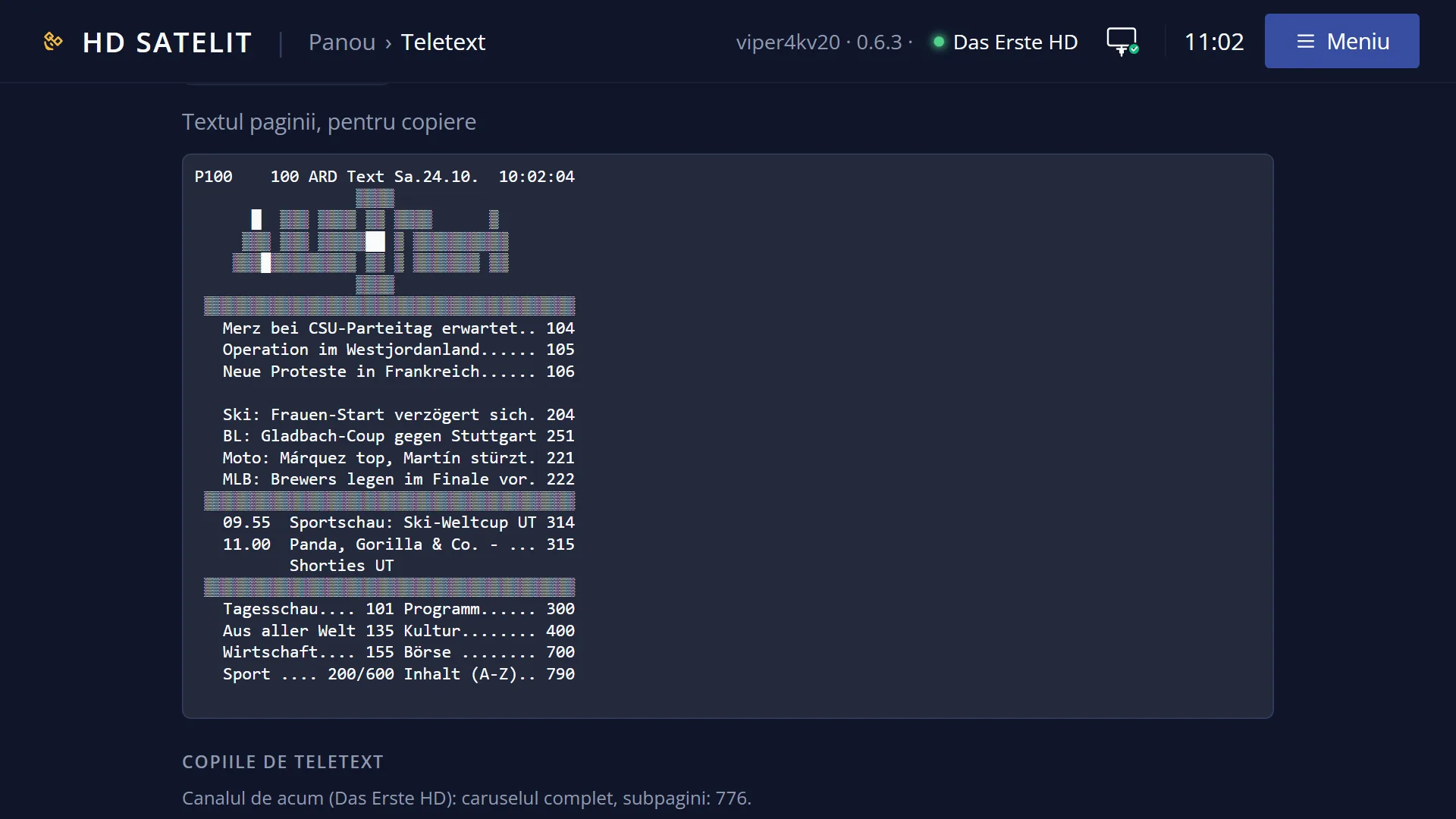
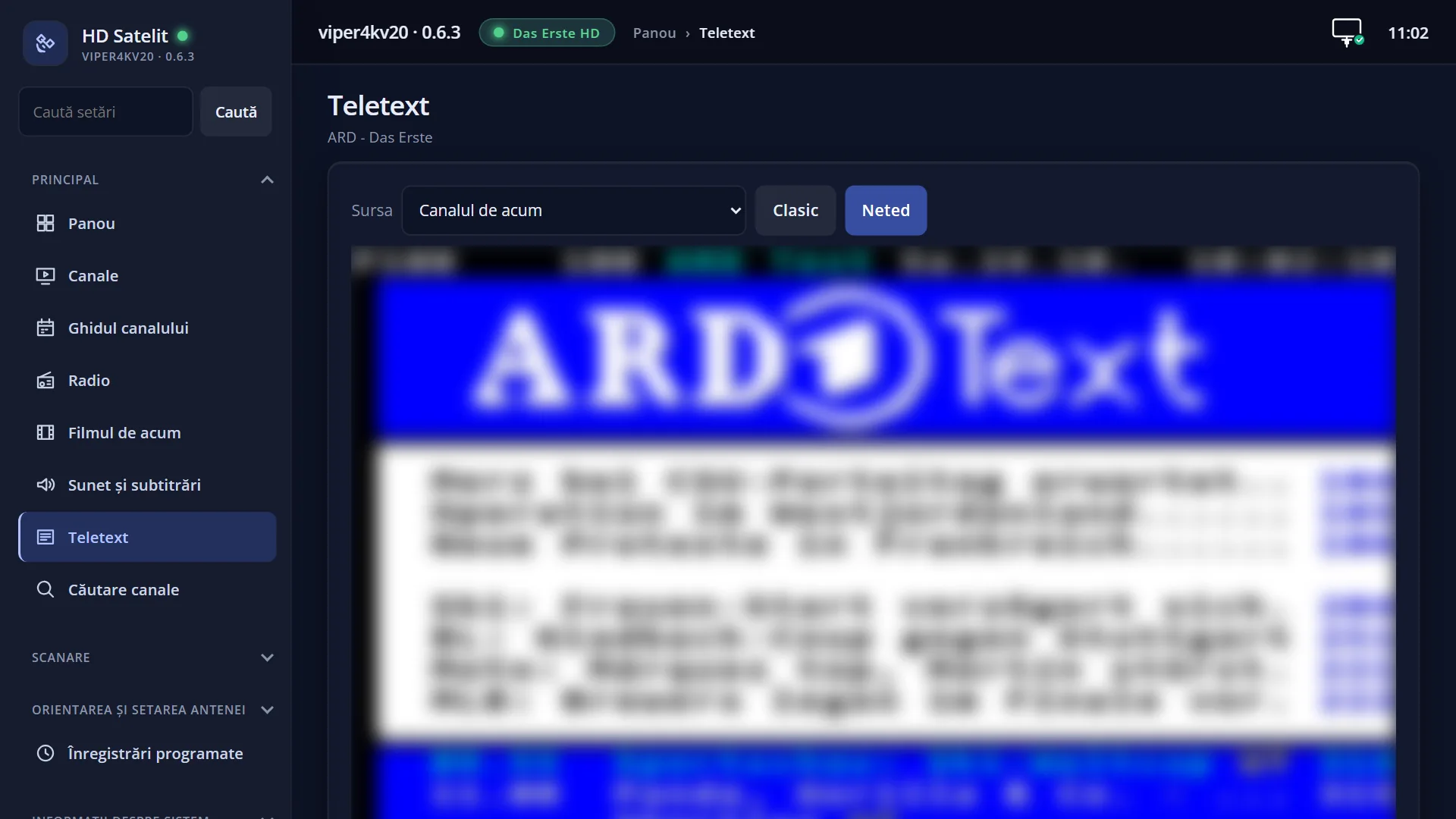
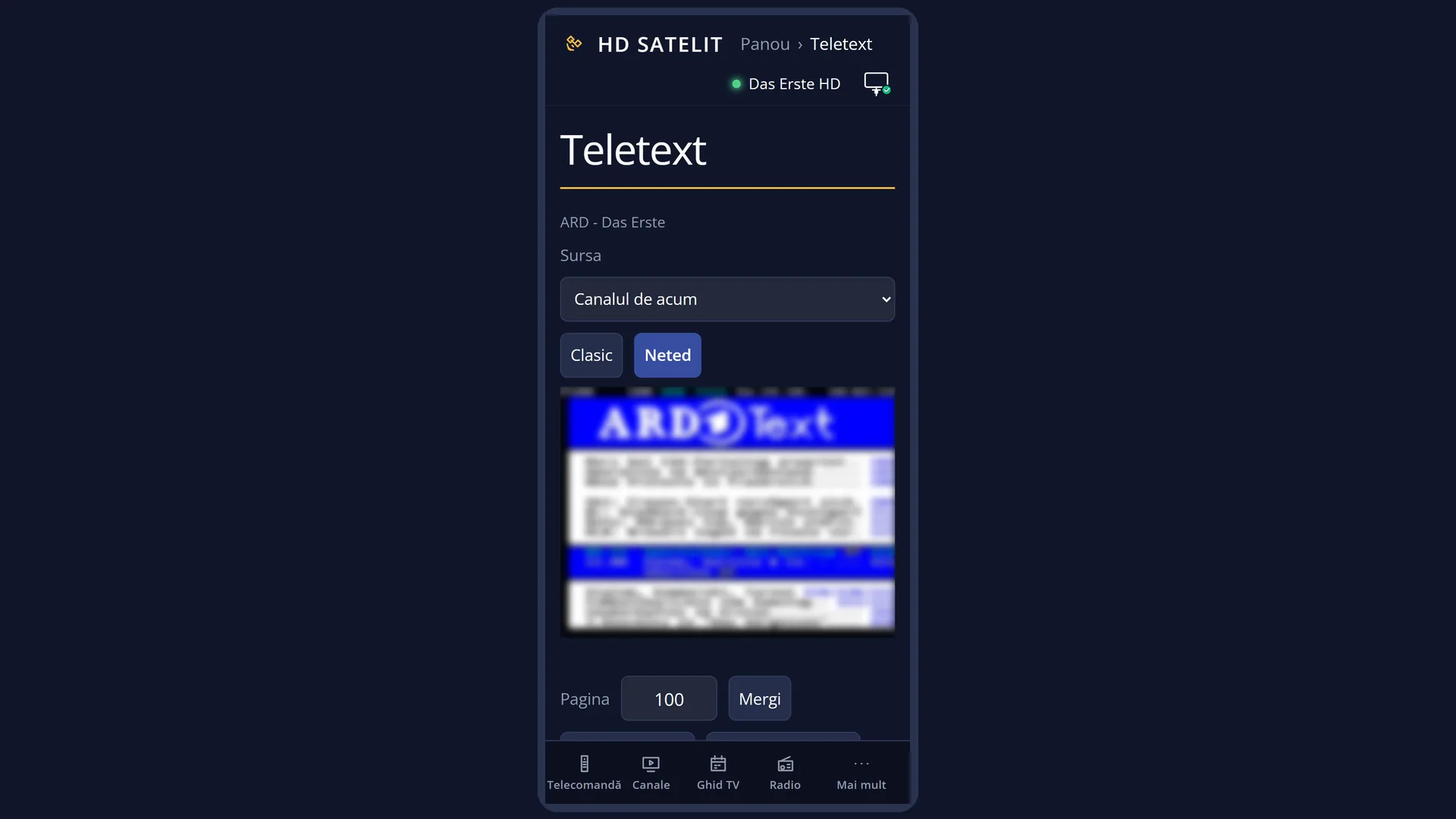
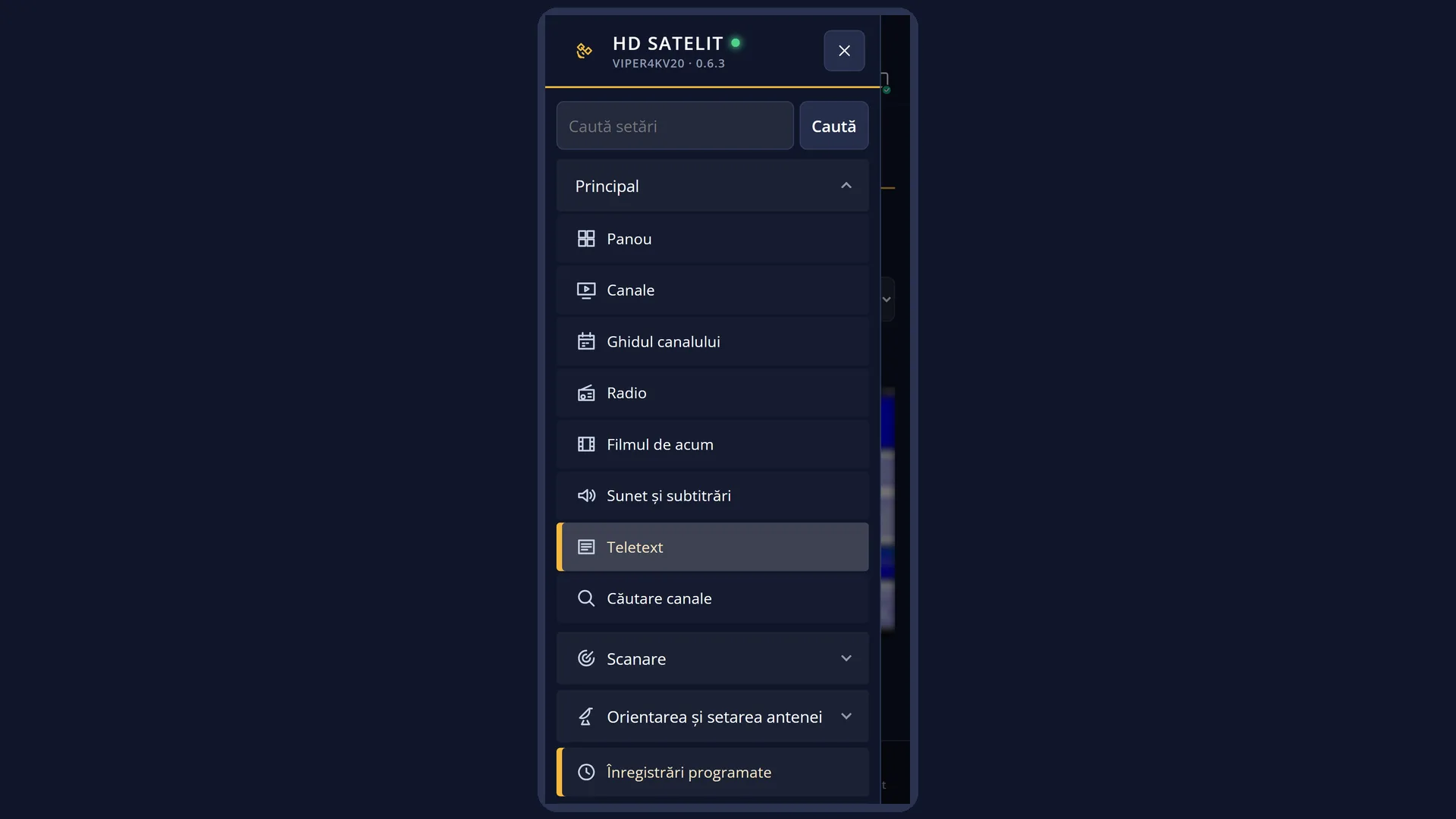
What it is for
The receiver automatically saves the teletext of the channels you watch. You can read the copy later without the dish and without a signal, for example when the dish is pointed at another satellite or the channel can no longer be received.
The copy is made once all of the channel's teletext has been collected: after at least 40 seconds on the channel, when every page has arrived twice, or after 75 seconds with no new page. For the same channel, a new copy is made only after 6 hours.
Copies are stored on the hard drive or USB stick connected to the receiver (the hdsteletext folder). Without a hard drive or USB stick, they go to the internal memory. They have a set amount of space (20 MB by default). When it fills up, the oldest copies are removed first.
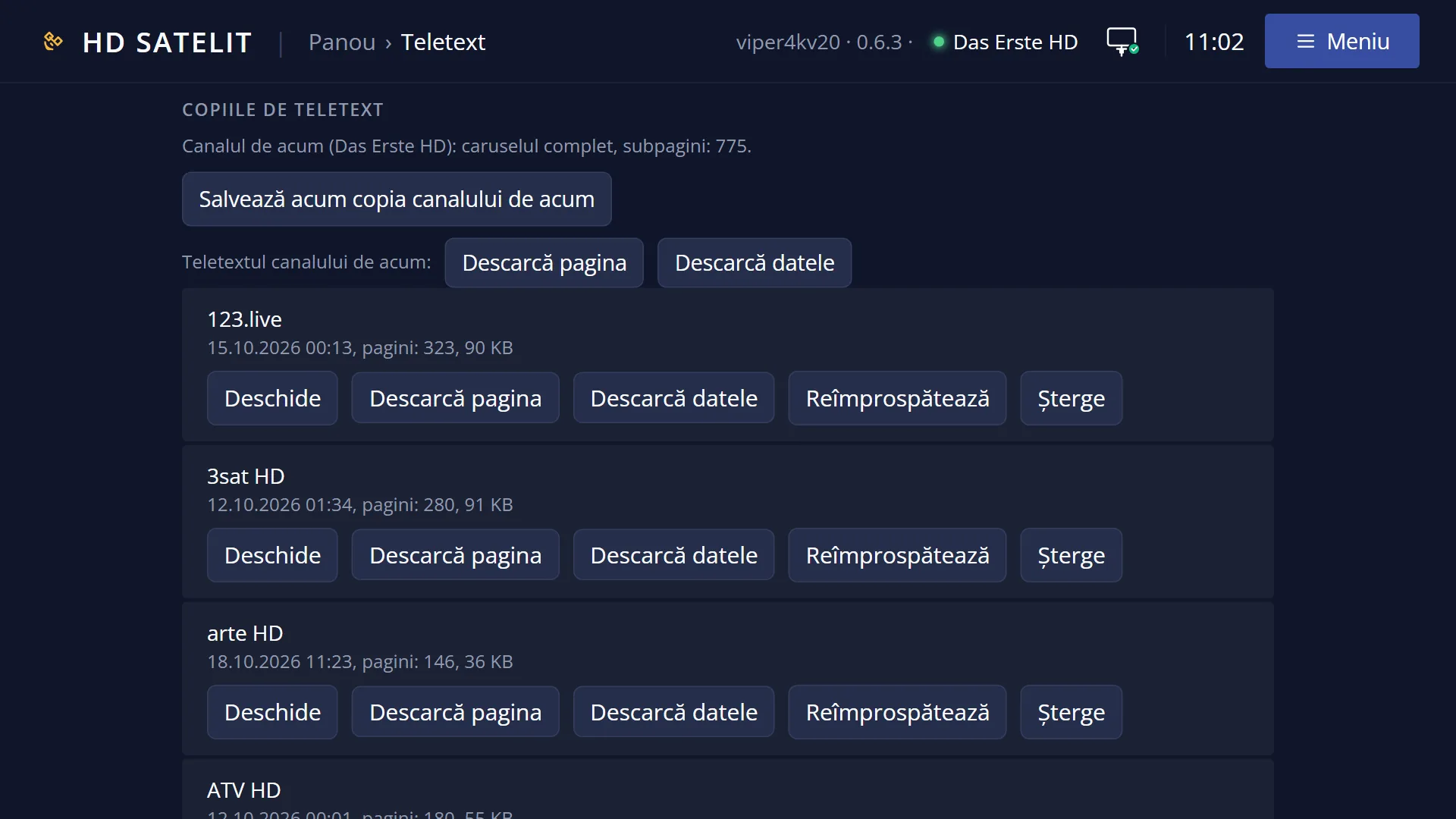
Copies are made only for channels, not for recordings. You can also make a copy straight away, refresh it, download it to your phone or computer (in the web interface) or delete it (also in the web interface).
How to get here
Path: from teletext (TTX), then MENU > “Teletext copies”.
Keys to press: TTX MENU, then the “Teletext copies” row.
On a channel without teletext, the TTX key opens the list directly, with the title “This channel has no teletext. Choose a saved copy:”.
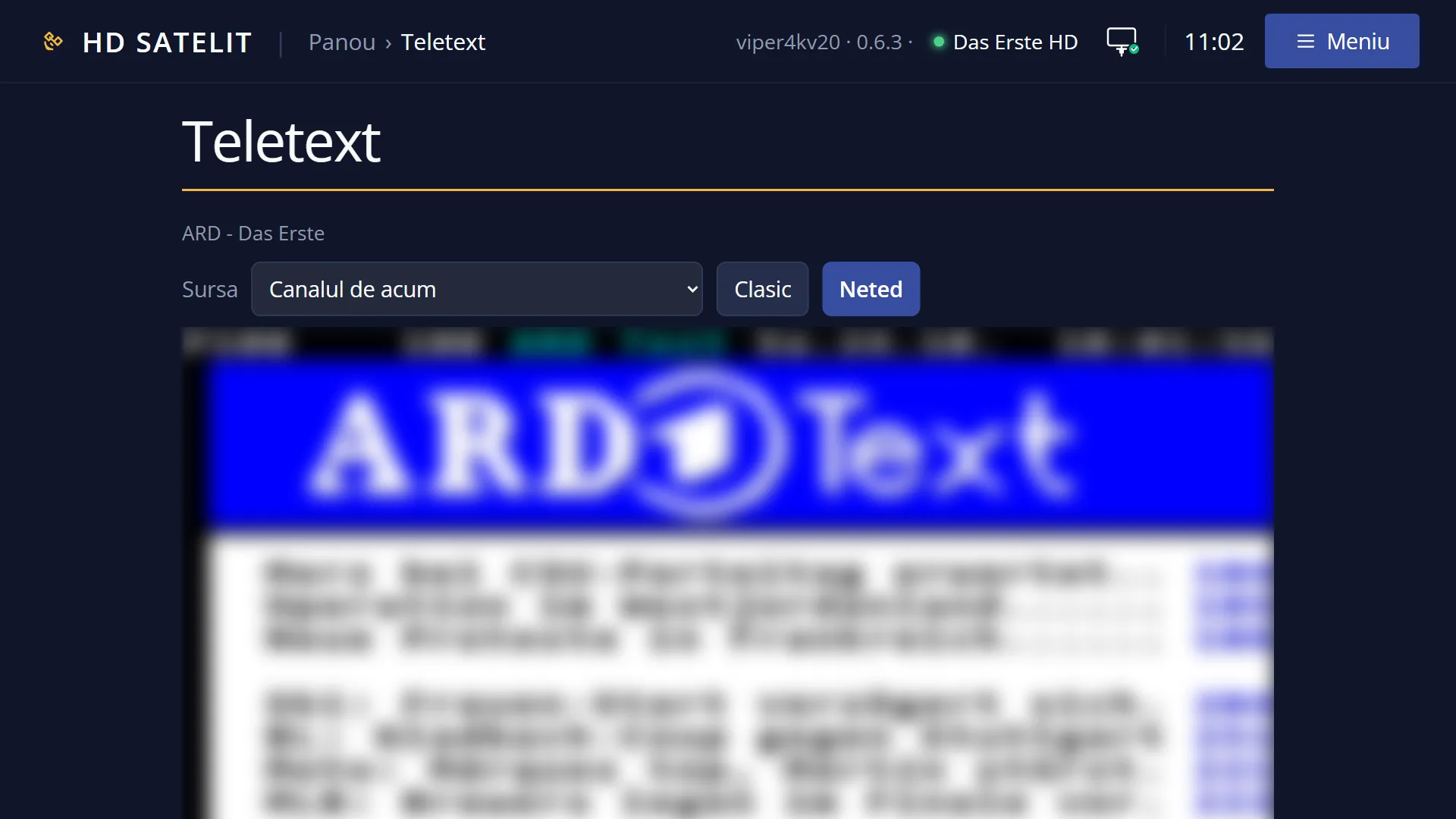
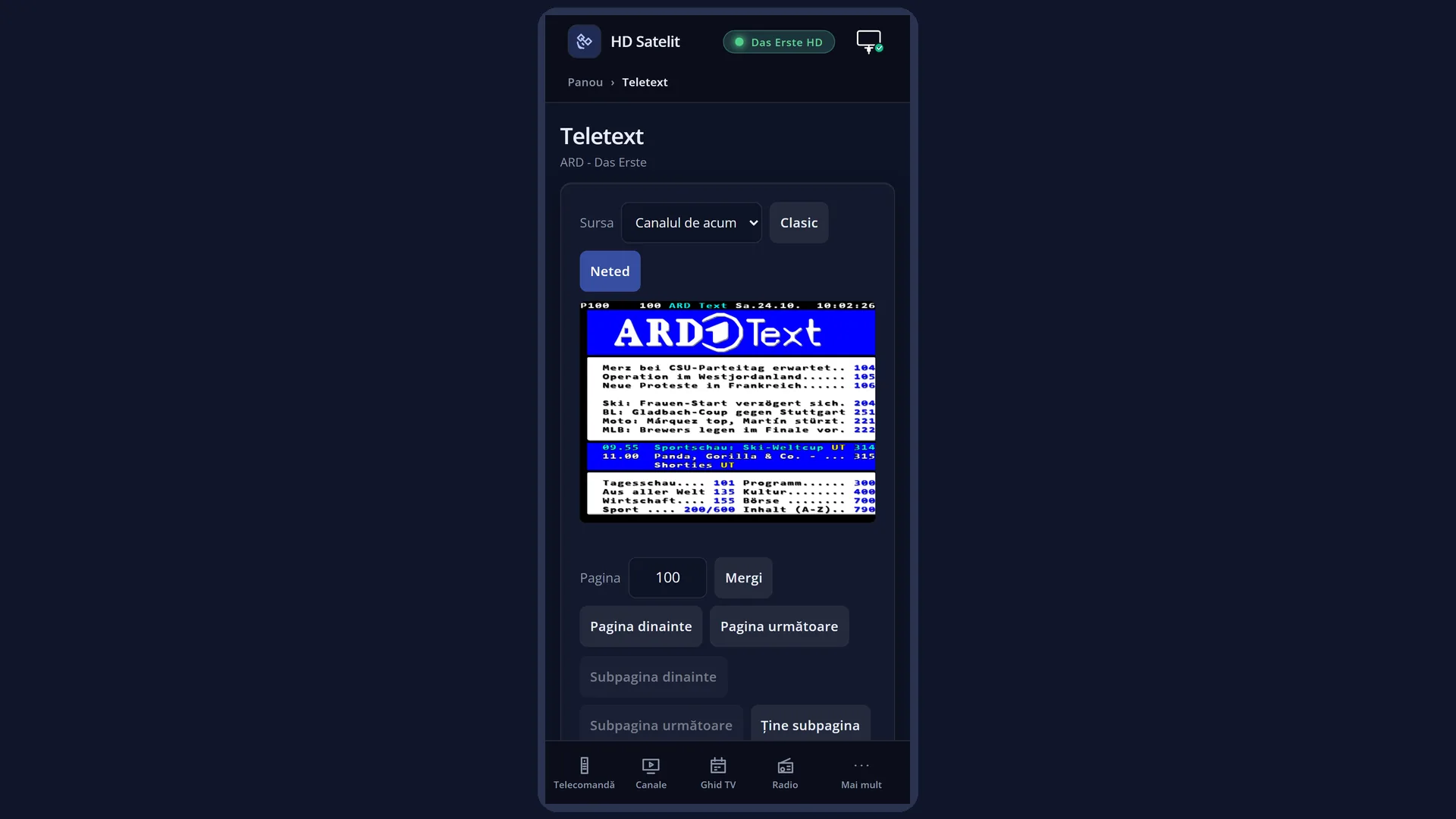
In the web interface: the /teletext page, “Teletext copies” section.
What you see on the screen
A window titled “Teletext copies” with one row per copy: the channel name, the date and time of the copy, and the number of pages in brackets, for example “TVR 1 21.10.2026 19:42 (412)”.
The copies are sorted by channel name.
Once you choose a copy, teletext shows it as if it were a channel: when it opens, “Copy from” appears with the date and time, and a page missing from the copy is shown as “Page 123 is not in the copy”.
While you are reading a copy, the MENU window also has the rows “Teletext of the current channel” and “Refresh the copy (zap to the channel, then back)”.
Rows and settings
| Row | Values | Default | What it does |
|---|---|---|---|
| Teletext copies | The MENU row that opens the list of copies. In the list, each row is a copy: press OK on it to open it. When you want to read a channel's teletext without switching to it. | ||
| Save the channel's copy now | The MENU row, only on a channel that has teletext. It immediately saves the pages received so far and tells you how many (“Copy saved: 345 pages”). If it cannot, “The copy could not be saved.” appears. When you want the copy right now, for example before you move the dish. | ||
| Refresh the copy (zap to the channel, then back) | The MENU row, only while you are reading a copy. The receiver switches to the copy's channel (the dish motor turns by itself if needed), waits for one complete teletext cycle, makes the copy again and returns to the previous channel. At the end, “The copy is up to date” appears. It stops by itself after 10 minutes, or after 90 seconds if no page arrives. When the copy is old and you want today's pages. | ||
| Teletext of the current channel | The MENU row, only while you are reading a copy. It takes you back to the teletext of the channel that is playing. When you have finished with the copy. | ||
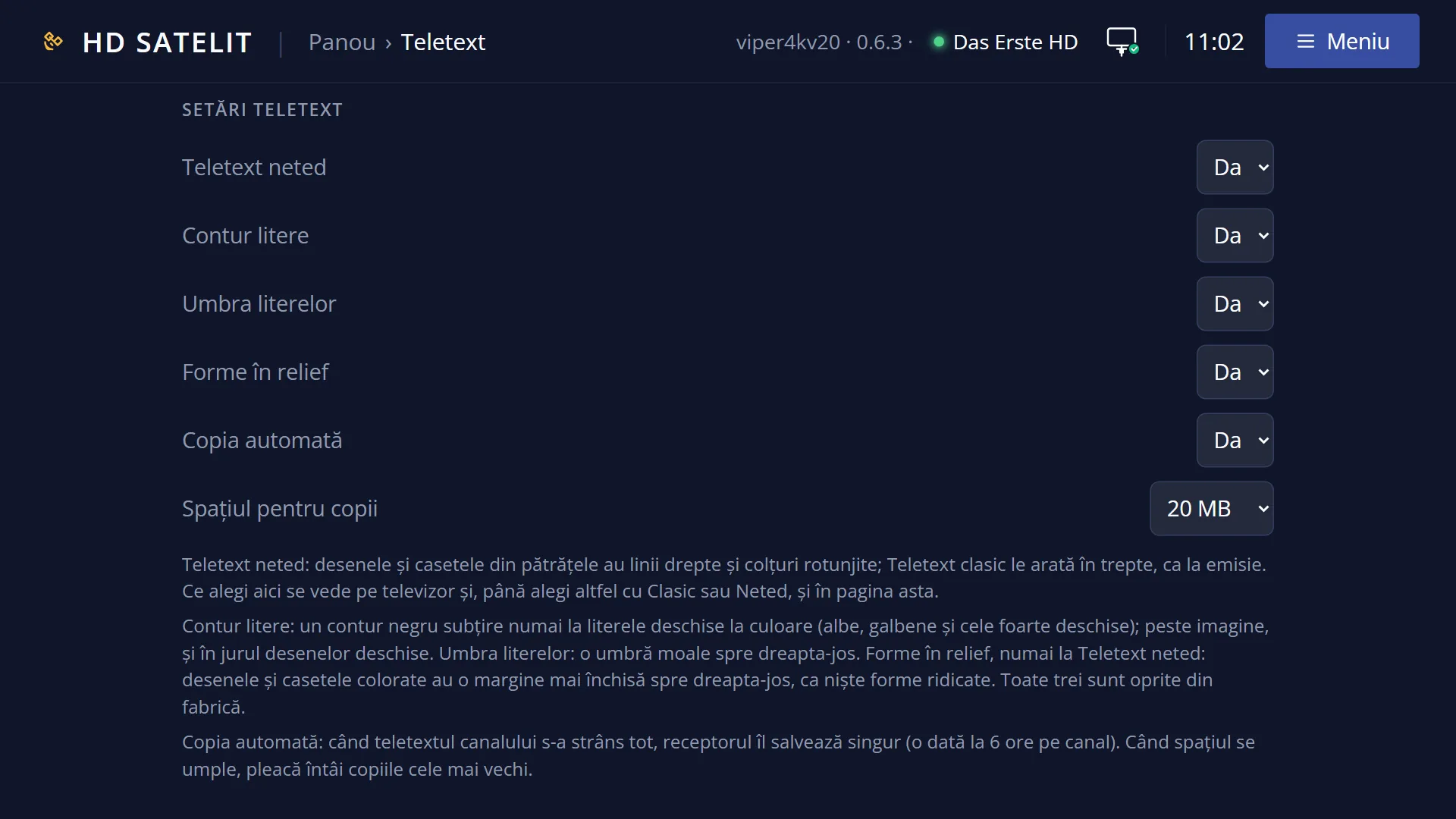
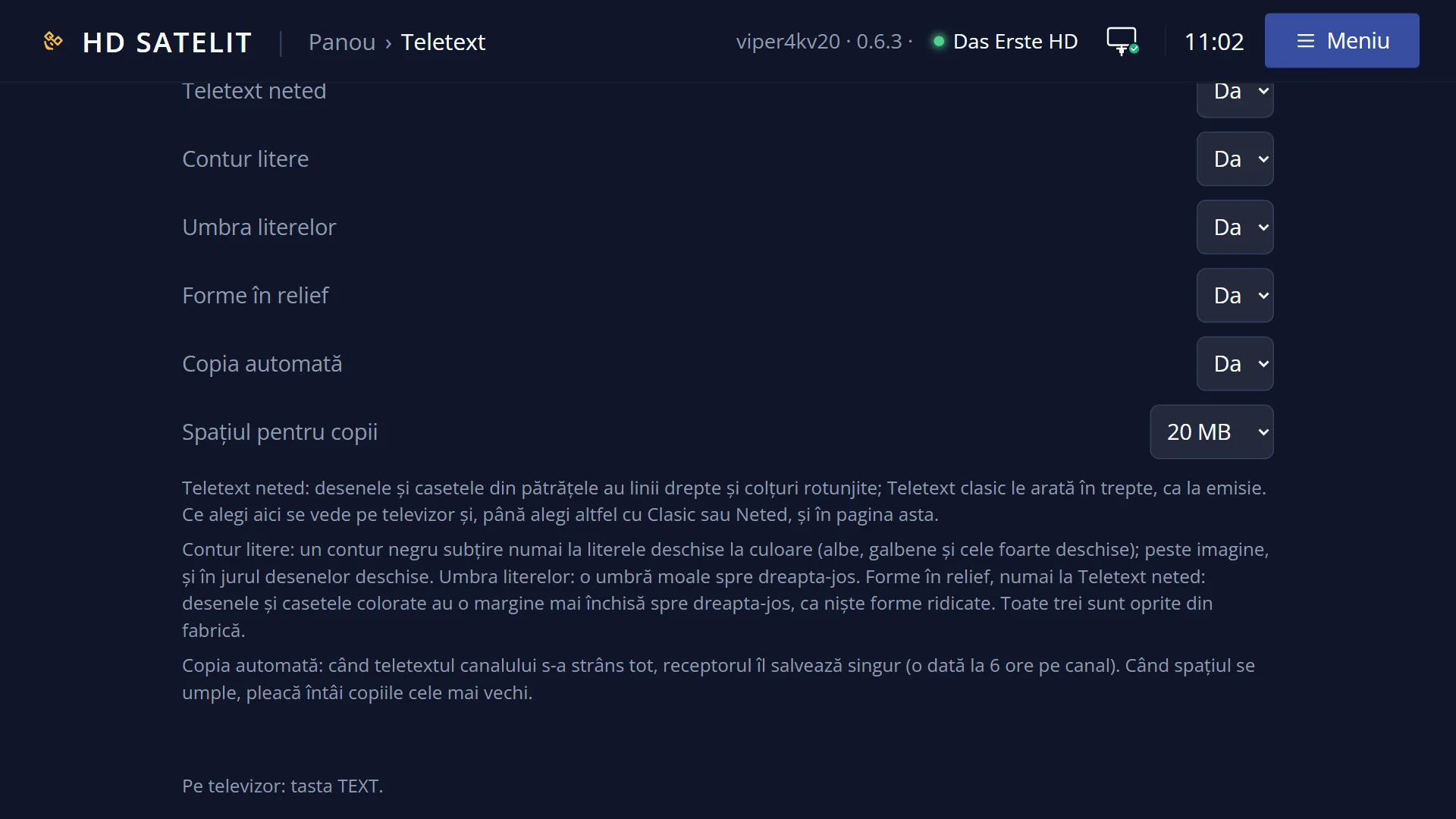
| Automatic copy: turn off / Automatic copy: turn on | on, off | on | On: the receiver automatically saves the teletext of the channels you watch, at most once every 6 hours per channel. Off: copies are made only with “Save the channel's copy now” or “Refresh”. Turn it off if you do not want the receiver to write copies to the hard drive, the USB stick or the internal memory. |
| Space for copies (web interface only) | 5 MB, 10 MB, 20 MB, 50 MB, 100 MB | 20 MB | How much space all the copies together can take up. When it is exceeded, the oldest copies are removed first. The web page also shows how much is used (“Space used: ... of ... MB”). Increase it if you keep the teletext of many channels and notice old copies disappearing. Reduce it if you have no hard drive or USB stick. |
Keys
| UP / DOWN | Move the cursor to the copy you want. |
| OK | Opens the chosen copy in teletext. |
| Digits 1-9 and 0 | When the list has 10 copies or fewer, the digit on the left of a row opens that copy directly. |
| GREEN | Only in a list with more than 10 copies (no digits): opens the copy under the cursor, like OK. |
| EXIT | Closes the list without opening anything. |
| MENU (in teletext, with a copy open) | The “Teletext” window, with the rows “Teletext of the current channel” and “Refresh the copy (zap to the channel, then back)”. |
Step by step
Reading a channel's teletext without switching to it
- Press TTX, then MENU.
- Choose “Teletext copies” and press OK.
- Choose the channel from the list and press OK. “Copy from” appears at the top with the date of the copy.
- Read the pages as usual. MENU > “Teletext of the current channel” takes you back to the channel that is playing.
Bringing a copy up to date
- Open the copy (MENU > “Teletext copies”).
- Press MENU and choose “Refresh the copy (zap to the channel, then back)”.
- The receiver switches to the channel, collects the teletext and returns by itself. When it has finished, “The copy is up to date” appears.
Getting the teletext on your phone or computer
- Open the receiver's web interface and go to the Teletext page (/teletext).
- Under “Teletext copies”, next to the channel, press “Download the page”.
- You get a single HTML file with all the pages, which you can read in a browser even without the receiver. “Download the data” gives you the copy file (.ttx), exactly as it is on the receiver.
Problems and solutions
“You have no teletext copy yet.” appears
Copies are made automatically once you stay on a channel with teletext until all the pages have been collected (at least 40 seconds; a few minutes for channels with a great many pages). You can make one straight away with MENU > “Save the channel's copy now”. Also check the automatic copy: in MENU the row must read “Automatic copy: turn off”, which means it is currently on.
A channel has no copy, even though I watched it.
You did not stay on it long enough, the channel has no teletext, or the copy was deleted to make room for newer ones. Stay on the channel longer or save the copy manually.
“Page 123 is not in the copy” appears.
The page had not yet arrived when the copy was made. Refresh the copy from MENU.
“Recording now, so the channel does not change. Try after the recording.” appears
Refreshing changes the channel, and the receiver does not interrupt a recording. Try again once the recording has finished.
The refresh says that not all of the channel's teletext was collected within 10 minutes.
The channel has a great many pages or the signal is weak. The message says how many pages were collected. Try again later or stay on the channel yourself for a few minutes.
The refresh says that the channel sent no teletext pages within 90 seconds.
The channel cannot be received at the moment (no signal) or no longer has teletext. Check the dish or the channel.
“The copy was not refreshed: the receiver could not switch to the channel.” appears
The receiver could not start the copy's channel. Try switching to the channel yourself from the channel list. If that does not work either, the channel can no longer be received or is no longer in the list.
“The copy cannot be read.” appears
The copy file is damaged. Delete the copy in the web interface (the /teletext page, “Delete” button) and make a new one by staying on the channel.
Old copies disappear.
The space set for copies is full, and the oldest ones are removed first. Increase “Space for copies” in the web interface, on the /teletext page.
Related topics
- Teletext (pages, keys)
- The teletext MENU window
- The matching web page: /teletext, “Teletext copies” section: opening, downloading (HTML or data), refreshing, deleting, the space for copies and the list of channels with teletext.