

Smooth teletext
English screenshots coming: some of the pictures below still show the receiver and the web interface in Romanian. The rows, keys and steps described on this page are the English ones.
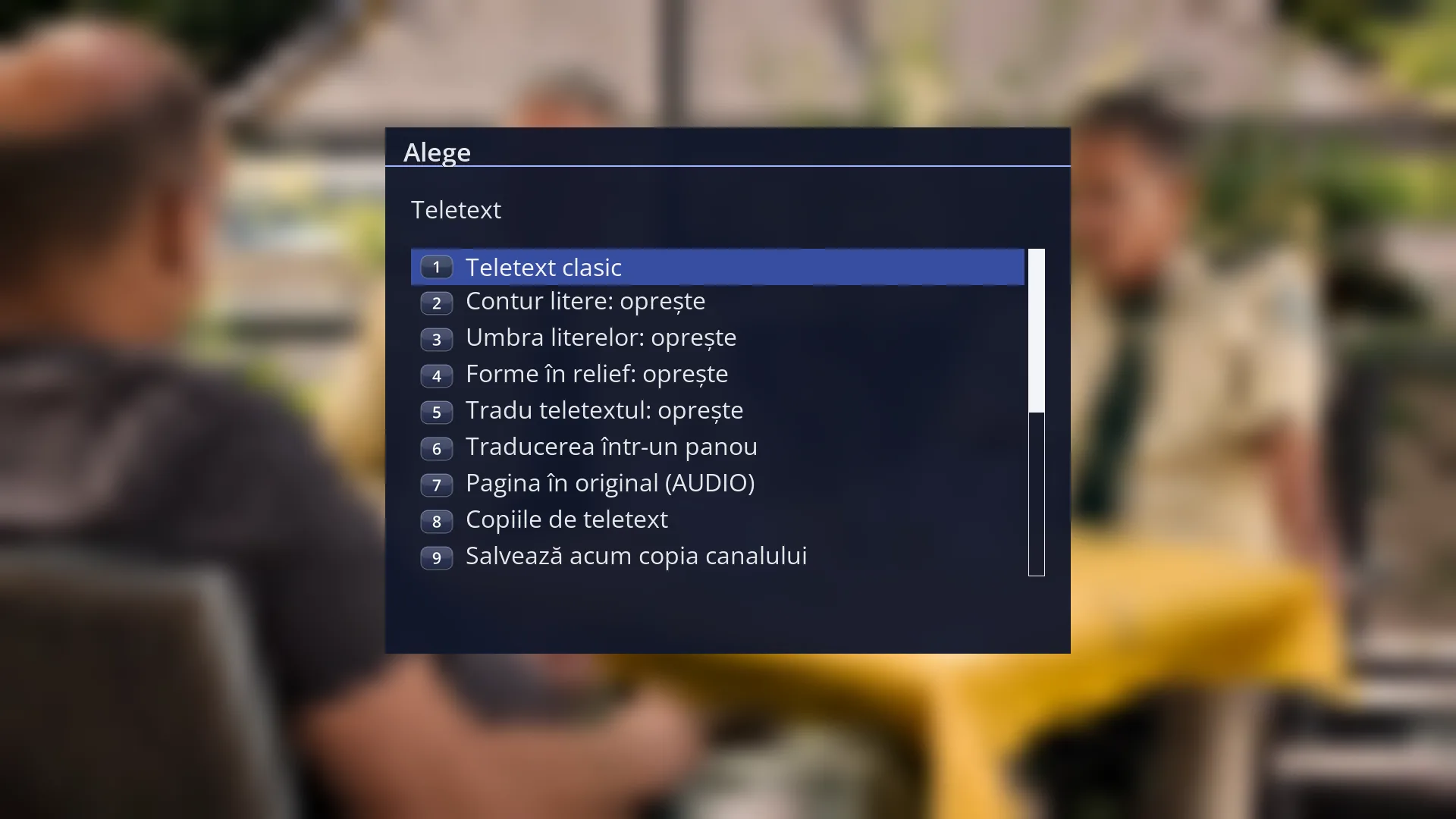
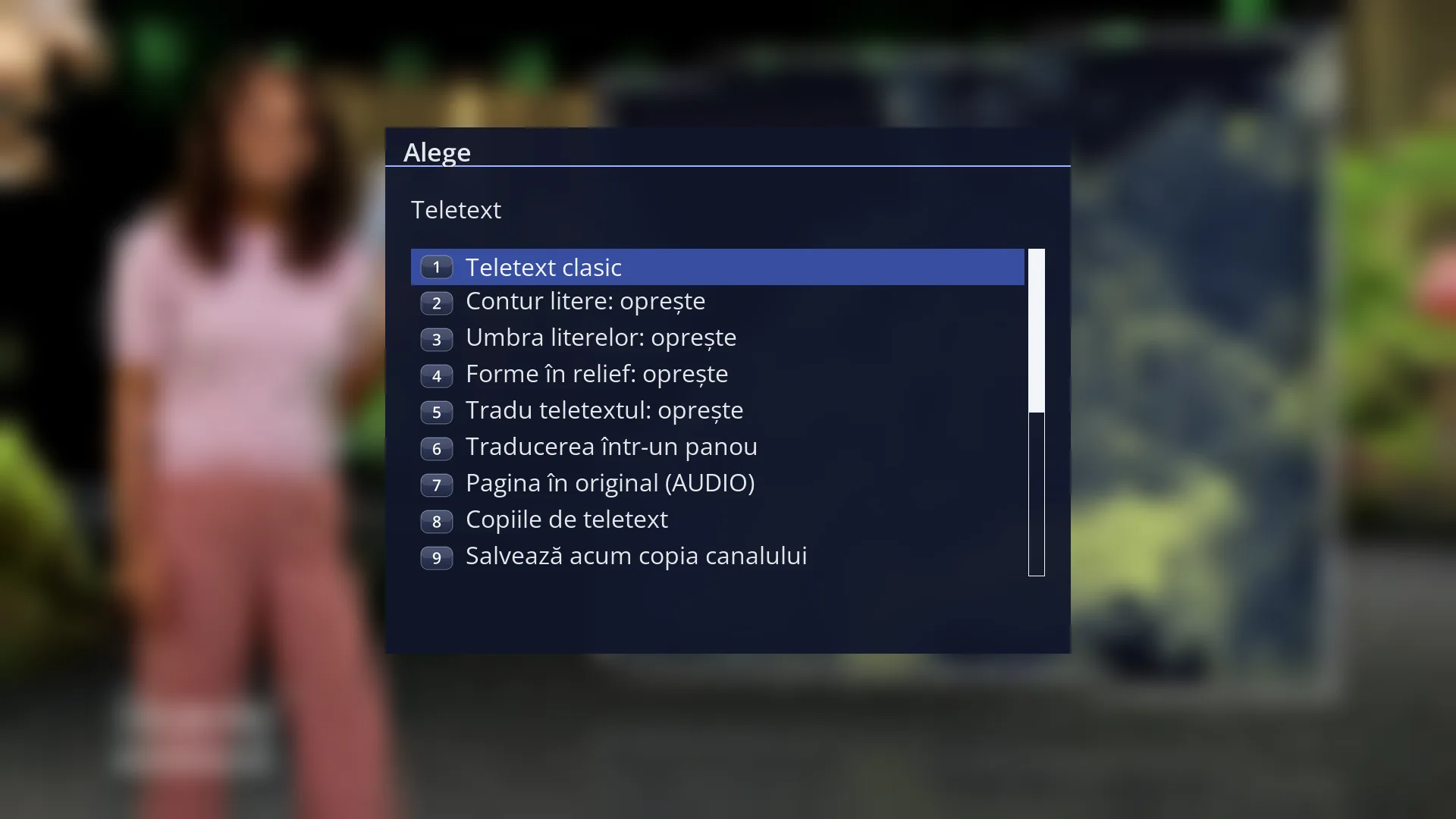
- 1 Window title: “Teletext”.
- 2 First row: switches between classic and smooth teletext; it shows the name of the one you would choose.
- 3 Letter outline, letter shadow and, with smooth teletext, raised shapes: “turn on” or “turn off”.
- 4 Teletext translation and teletext copies; the rows change depending on what is on and what you are reading.
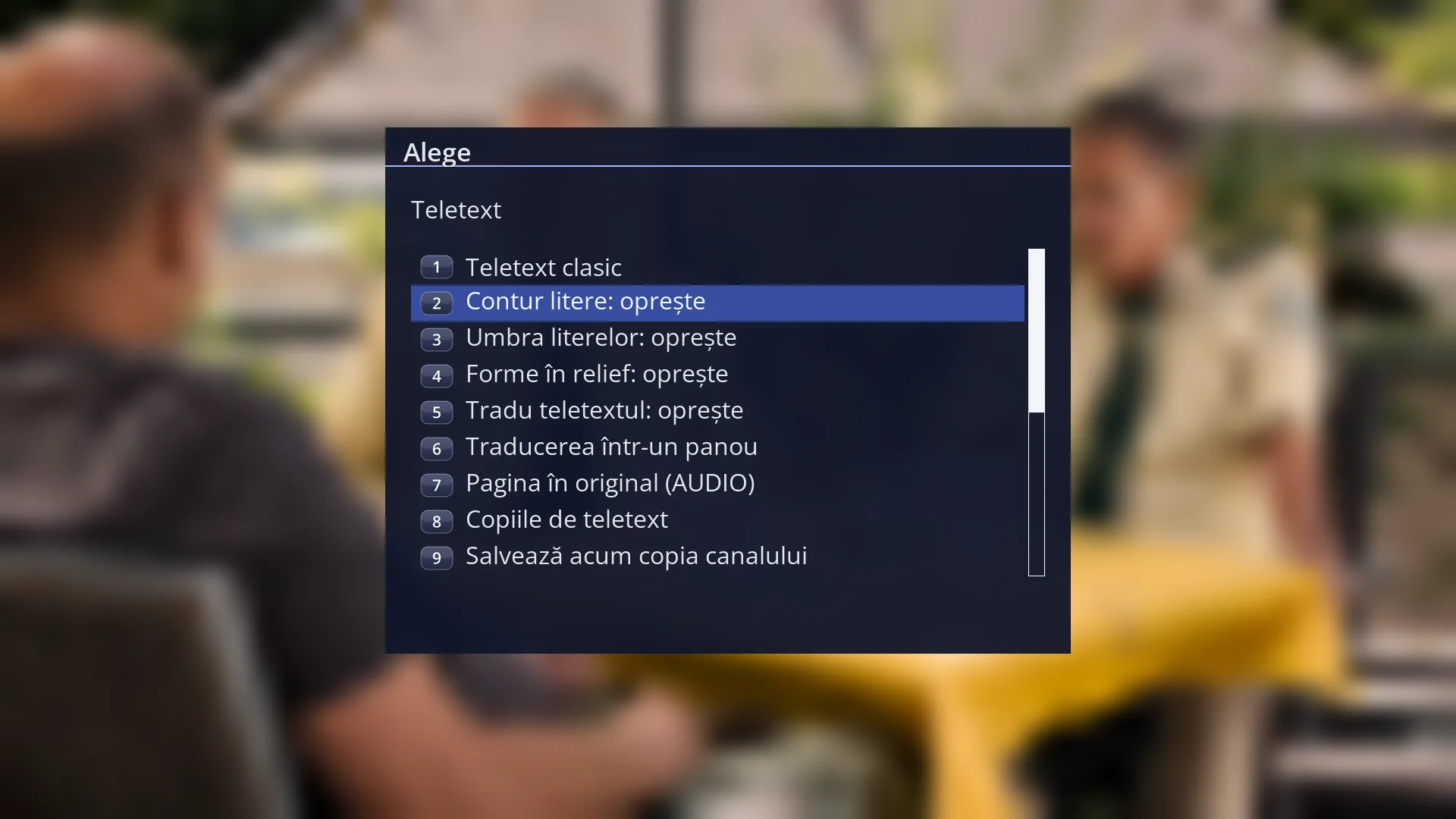
- 1 The selected row: “Letter outline: turn off”.
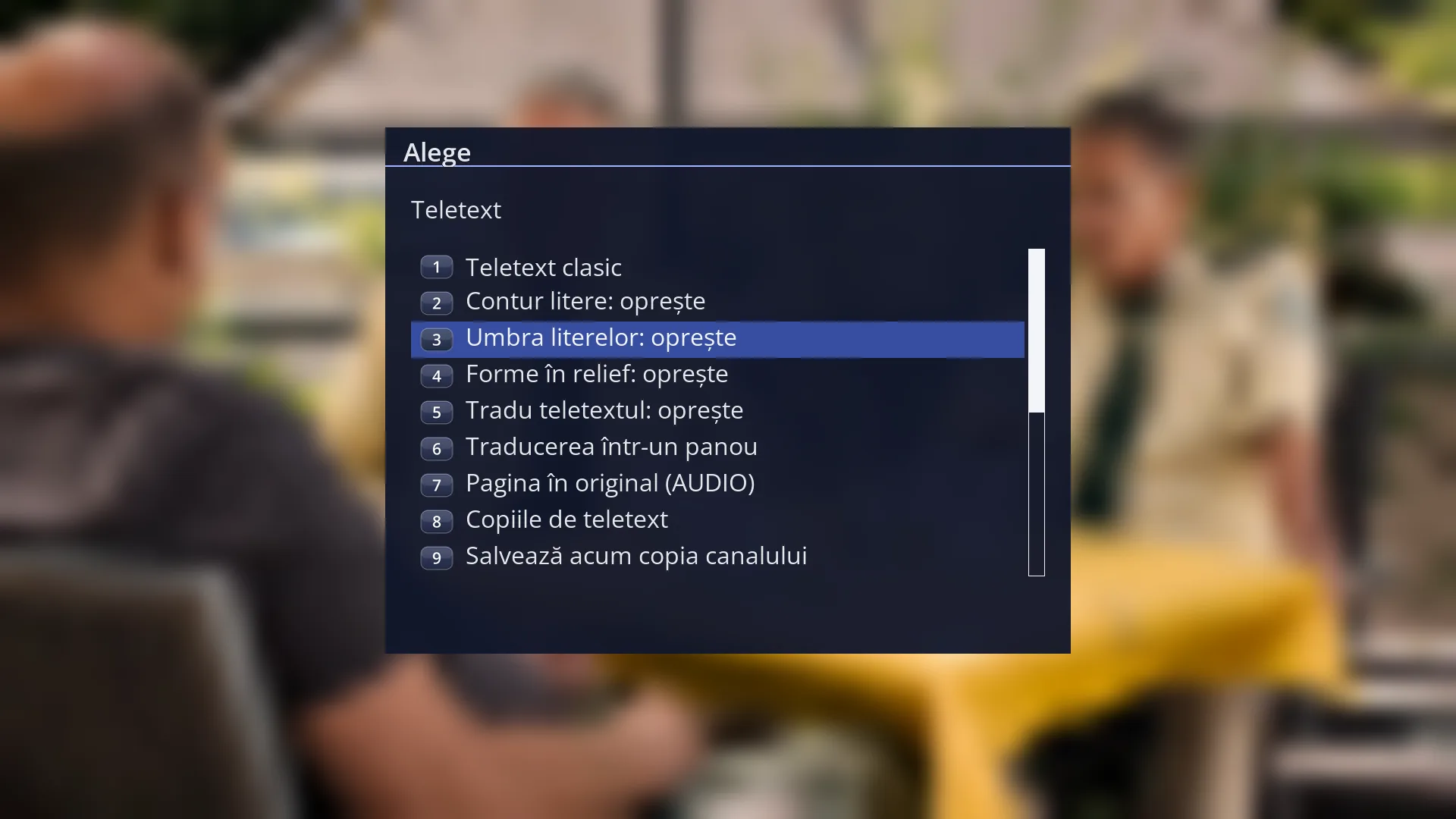
- 1 The selected row: “Letter shadow: turn off”.
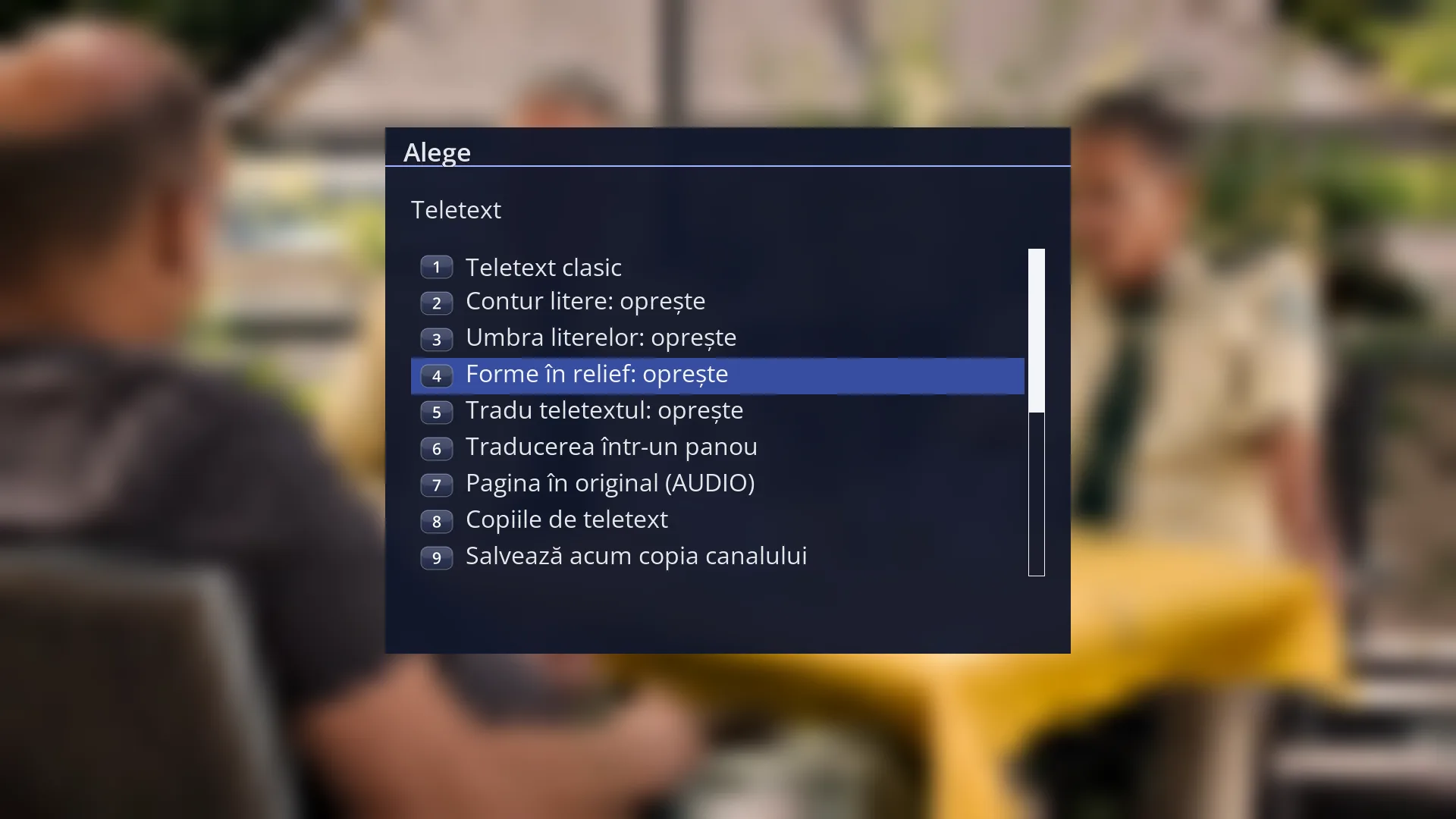
- 1 The selected row: “Raised shapes: turn off”.
What it is for
The “Teletext” window, which you open with MENU from teletext, changes how pages are drawn and turns on translation and copies.
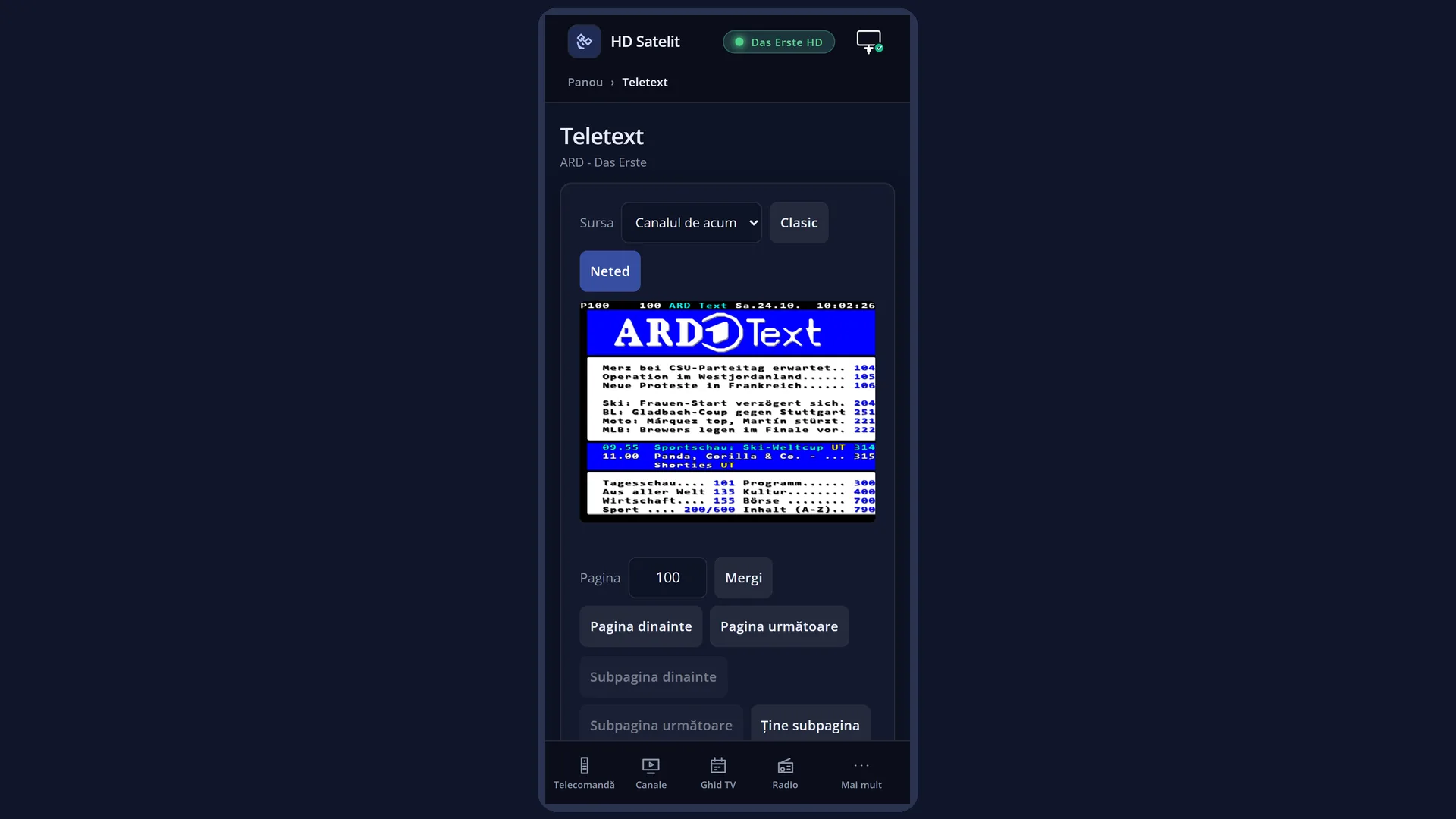
Smooth teletext: pictures and boxes made of small blocks are smoothed, with straight lines and rounded corners, instead of the steps you see in classic teletext.
You can also turn on a thin outline around light-coloured letters, a soft shadow under the letters and, with smooth teletext, raised shapes, which make the coloured boxes look raised.
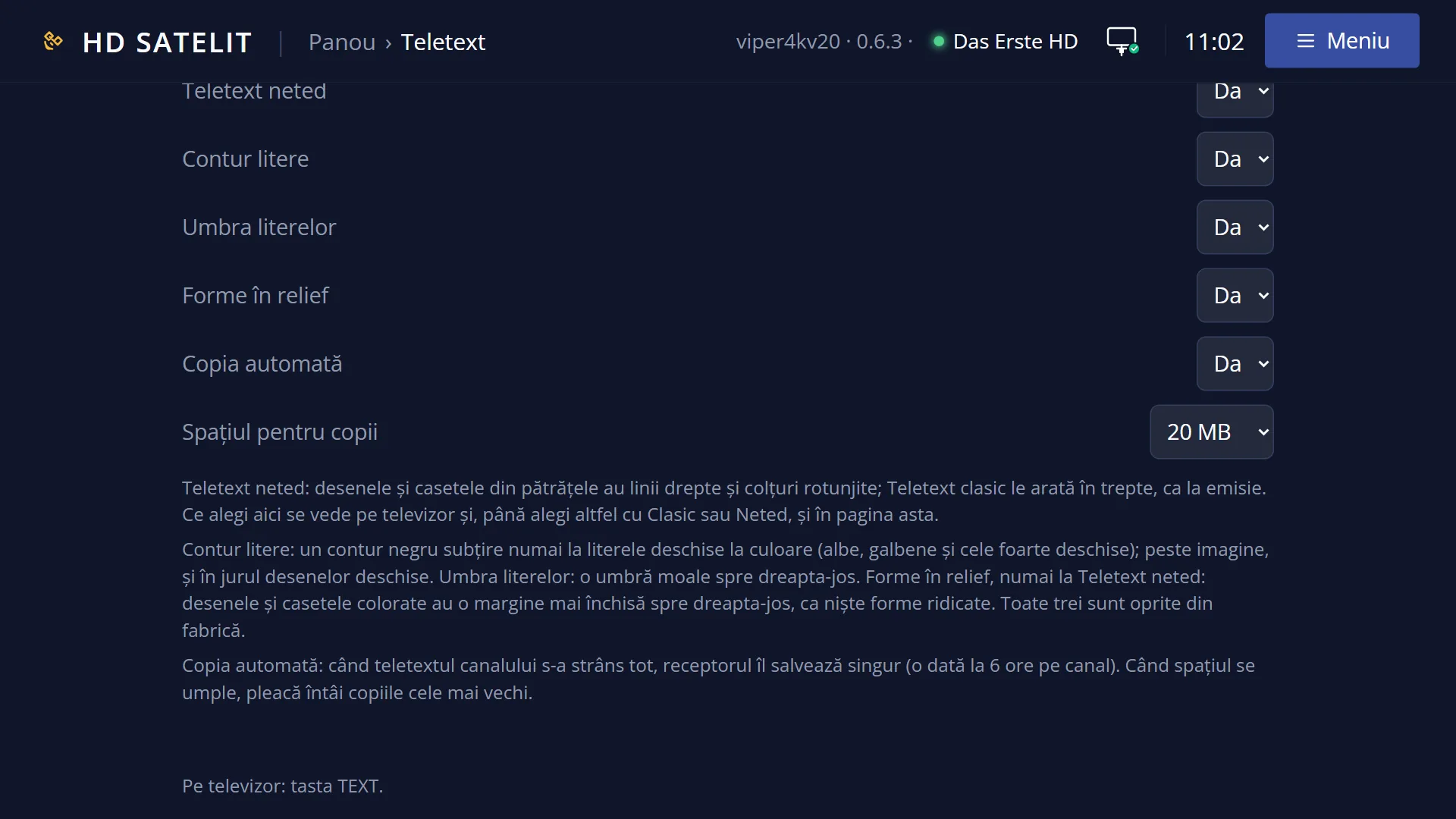
All these options are off by factory default: teletext looks as broadcast until you choose otherwise. Your choices are remembered and also show on the /teletext web page.
How to get here
Path: from live TV, TTX, then MENU.
Keys while watching: TTX MENU.
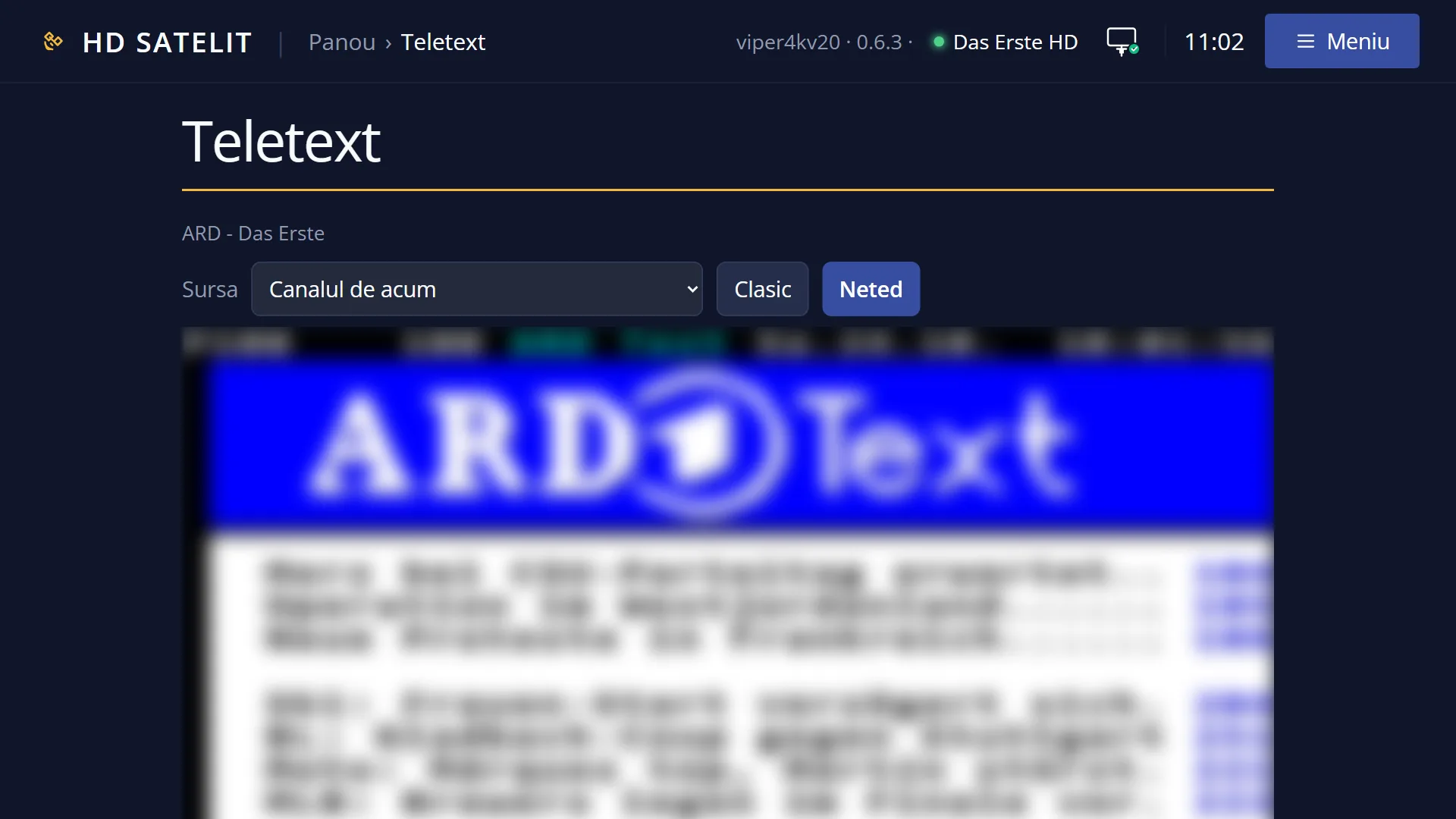
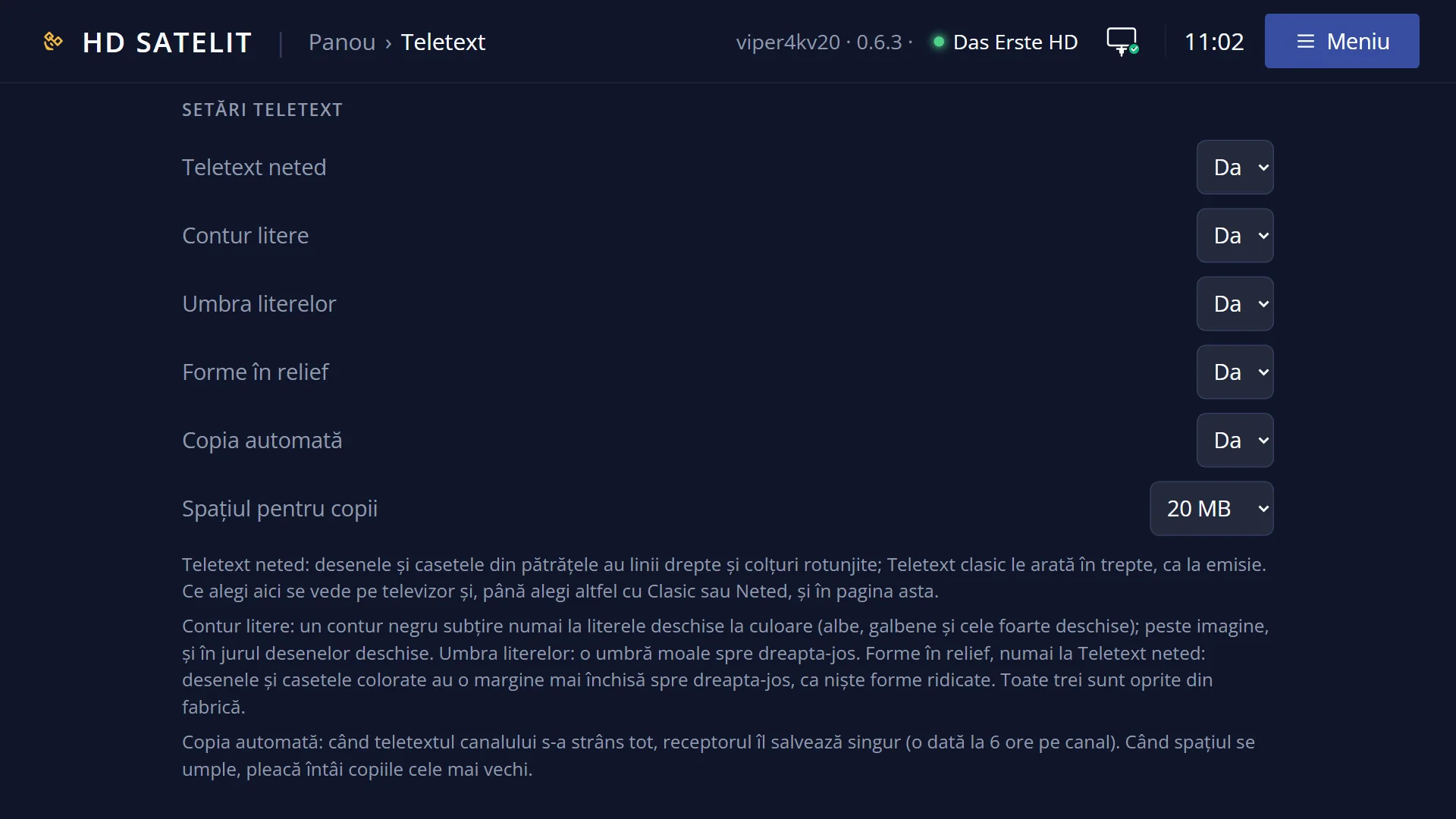
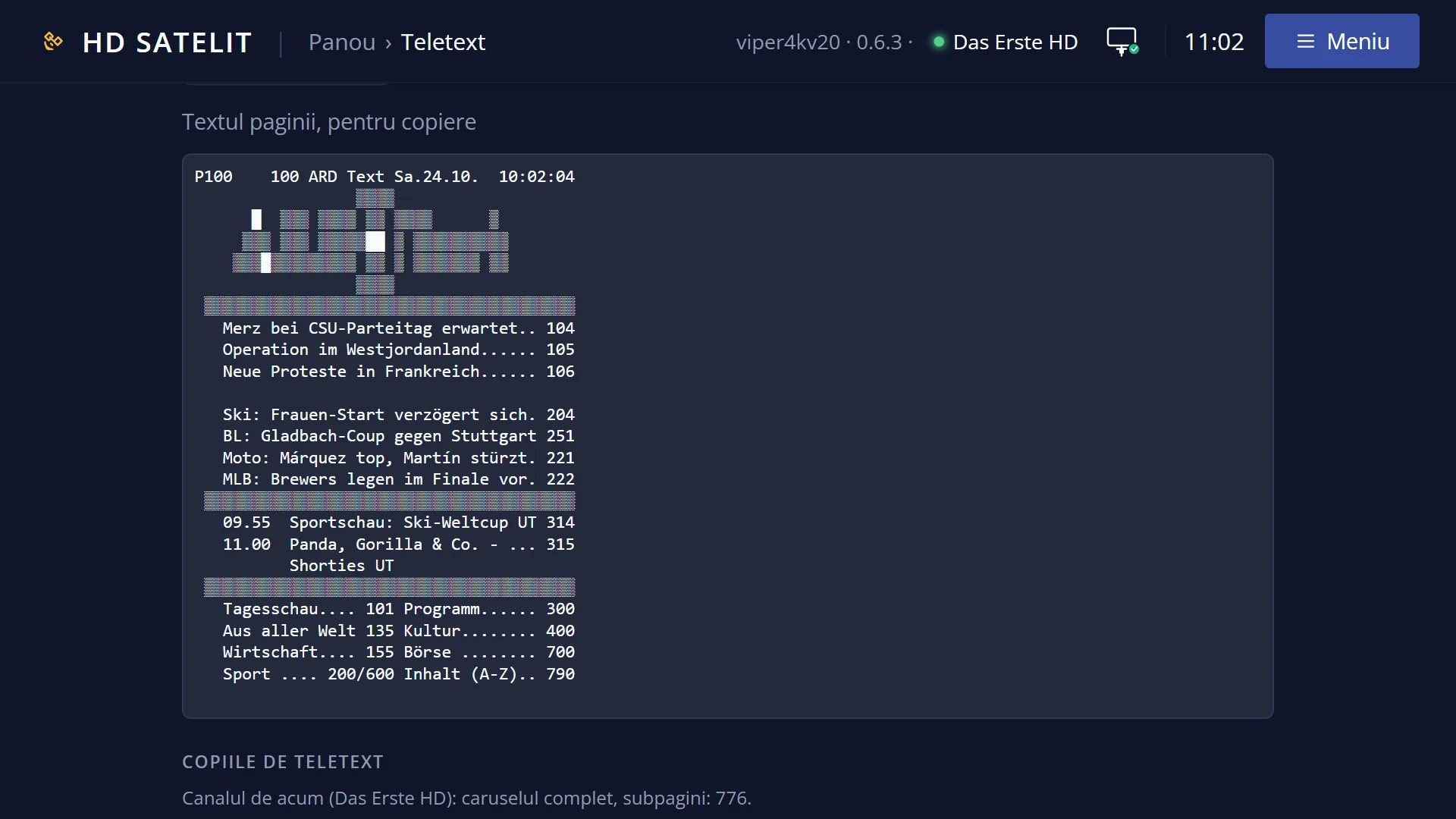
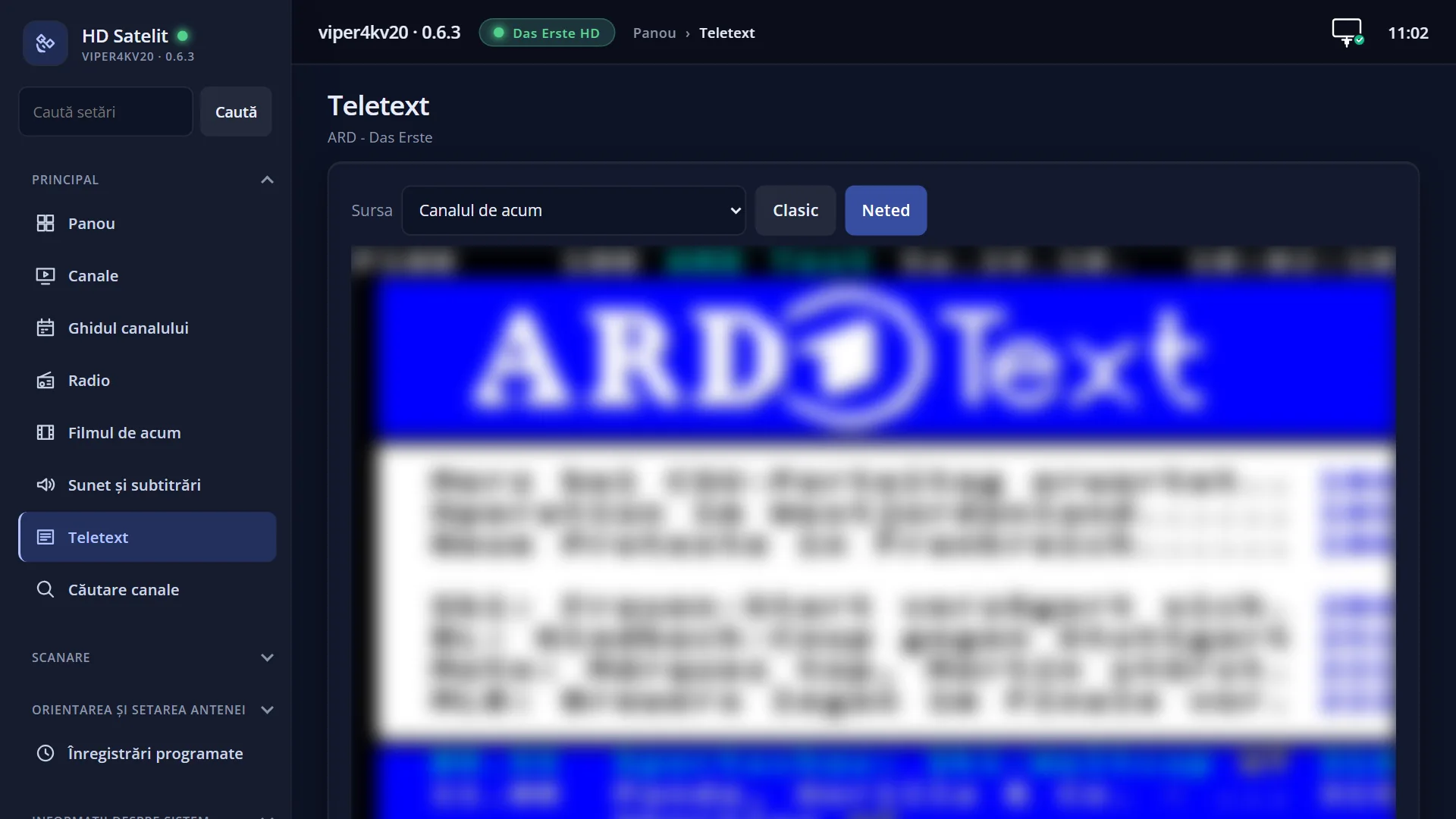
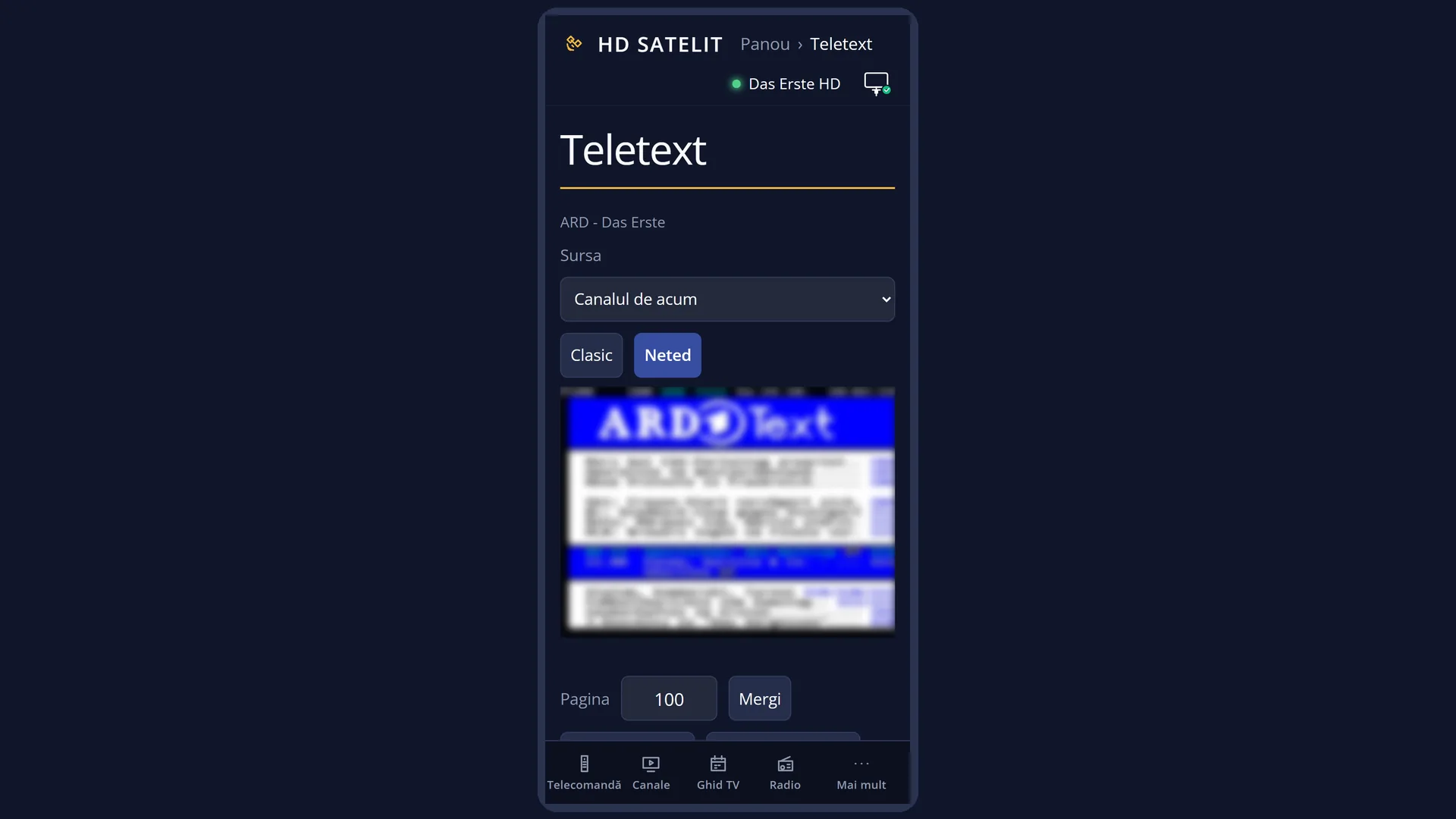
In the web interface: the /teletext page, “Teletext settings” section (the same choices: Smooth teletext, Letter outline, Letter shadow, Raised shapes, Automatic copy).
What you see on the screen
A small window in the middle of the screen, titled “Teletext”, with a list of choices, one per row. While it is open, the teletext page is hidden and you see the programme. After you choose, teletext comes back.
Each row says what happens if you choose it: with classic teletext the first row is “Smooth teletext”, and with smooth teletext it is “Classic teletext”. An option that is off says “turn on”, one that is on says “turn off”.
The list changes depending on what is on: “Raised shapes” appears only with smooth teletext, the translation rows only when translation is on, and the copy rows depending on whether you are reading the current channel or a saved copy.
When the list has 10 rows or fewer, each row has a digit on its left that you can use to choose it directly.
After you choose, a short message appears in teletext saying what changed, for example “Smooth teletext” or “Letter outline on”.
Rows and settings
| Row | Values | Default | What it does |
|---|---|---|---|
| Smooth teletext / Classic teletext | Classic teletext, Smooth teletext | Classic teletext | Smooth teletext: pictures and boxes made of small blocks have straight lines and rounded corners. Classic teletext: stepped pictures, as broadcast. When pages with pictures (maps, logos, large titles) look jagged to you. A new page is drawn slightly more slowly with smooth teletext, which is why classic is the factory default. |
| Letter outline: turn on / Letter outline: turn off | off, on | off | Adds a thin black outline only around light-coloured letters (white, yellow and very light ones). With teletext over the picture, the outline is also added around light pictures. When you read teletext over the picture and white letters get lost on a bright programme. |
| Letter shadow: turn on / Letter shadow: turn off | off, on | off | Adds a soft shadow under the letters, towards the bottom right. When you want the letters easier to read from a distance or over the picture. |
| Raised shapes: turn on / Raised shapes: turn off | off, on | off | Pictures and coloured boxes get a darker edge towards the bottom right, like raised shapes. The row appears only with smooth teletext. When you want the coloured boxes on the pages easier to tell apart. |
| Translate teletext: turn on / Translate teletext: turn off | off, on | off | Turns translation of teletext pages into the translation language on or off. The details are on the “Translated teletext” page. When you read the teletext of a foreign channel and you have chosen a translation service in “Subtitle translation”. |
| Translation in a panel / Translation on the page | On the page, In a panel | On the page | Appears only when translation is on. On the page: the translated rows replace the original ones. In a panel: the original page, smaller, on the left, and the full translation on the right. When the translation does not fit well in the page rows, or you want to see the original and the translation at the same time. |
| Page in the original (AUDIO) / Page translated (AUDIO) | Page in the original, Page translated | Page translated | Appears only when translation is on. Shows the current page in the original or translated again, just like the AUDIO key. A new page comes translated again. When you want to compare the translation with the channel's text. |
| Teletext of the current channel | Appears only when you are reading a saved copy. Takes you back to the teletext of the channel that is playing (message “Teletext of the current channel”). When you have finished reading a copy and want the channel's current pages. | ||
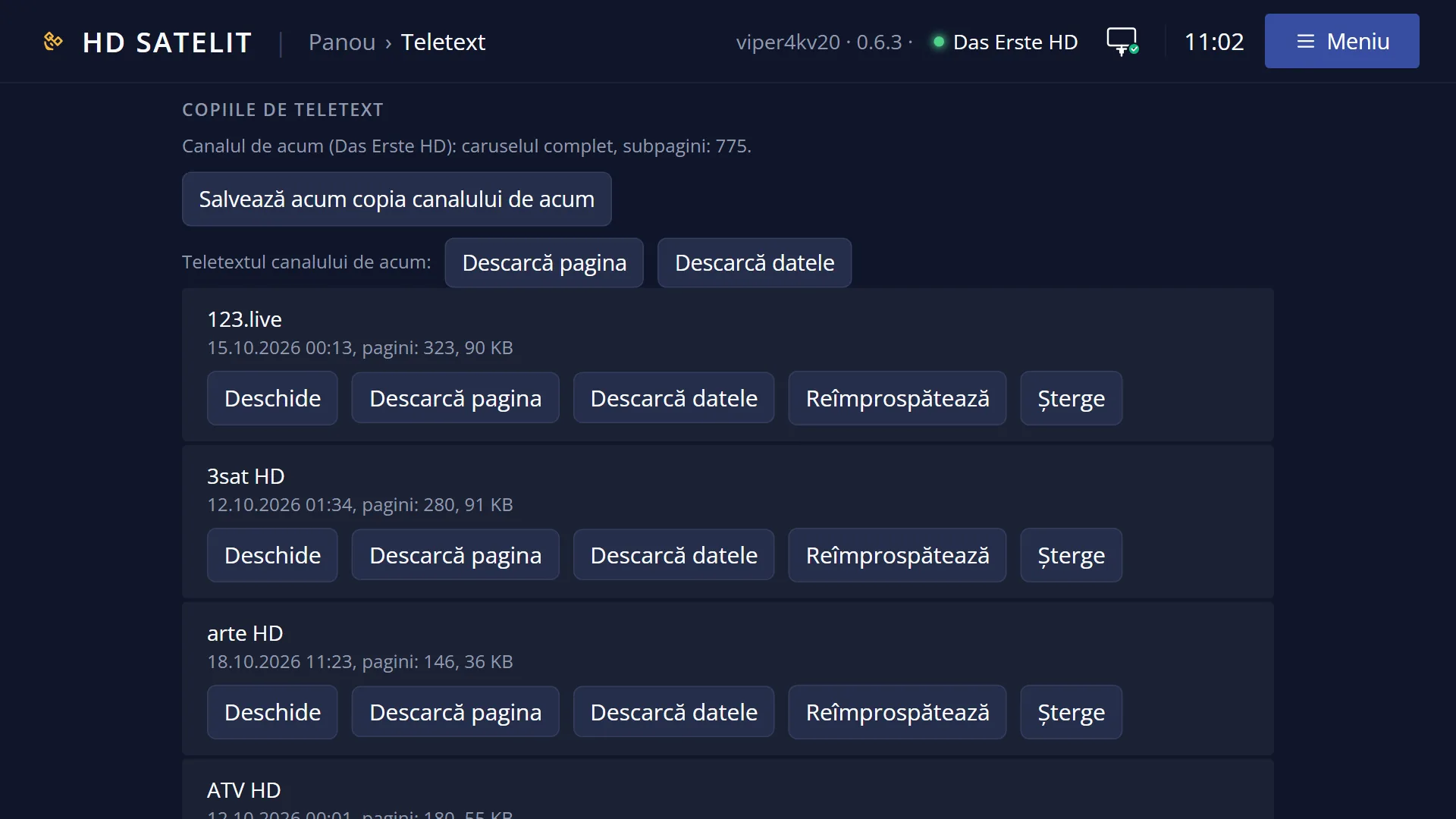
| Teletext copies | Opens the list of saved copies (the channel, the date of the copy and how many pages it has). You choose one and read it without the antenna. The details are on the “Teletext copies” page. When you want the teletext of a channel you are not watching now, or one that cannot be received now. | ||
| Save the channel's copy now | Appears only on a channel that has teletext. Immediately saves the pages received so far (message “Copy saved: 345 pages”, with the number of pages). When you want a copy right now, without waiting for the automatic copy. | ||
| Refresh the copy (zap to the channel, then back) | Appears only when you are reading a copy. The receiver switches to the copy's channel, waits for one full teletext cycle, makes the copy again and returns to the previous channel. When the copy is old and you want today's pages. | ||
| Automatic copy: turn off / Automatic copy: turn on | on, off | on | On: when all the teletext of the channel you are watching has been collected, the receiver saves it by itself, at most once every 6 hours per channel. Off: copies are made only when you ask for them. Turn it off if you do not want the receiver to write copies to the disk or USB stick. |
Keys
| UP / DOWN | Move the cursor to the row you want. |
| OK | Chooses the row: the window closes, the change is made immediately and remembered, and a short message appears in teletext saying what changed. |
| Digits 1-9 and 0 | When the list has 10 rows or fewer, the digit on the left of a row chooses it directly, without OK. |
| GREEN | Only when the list has more than 10 rows (and so has no digits): chooses the row the cursor is on, like OK. |
| EXIT | Closes the window without changing anything and takes you back to teletext. |
Step by step
Turning on smooth teletext
- Open teletext with TTX.
- Press MENU.
- Choose the “Smooth teletext” row and press OK. The page's pictures are smoothed immediately.
- To go back, press MENU and choose “Classic teletext”.
Making letters easier to read over the picture
- In teletext, press TTX so that the page is over the picture.
- Press MENU and choose “Letter outline: turn on”.
- If you want, press MENU again and choose “Letter shadow: turn on”.
Problems and solutions
I cannot find the “Raised shapes” row.
The row appears only with smooth teletext. First choose “Smooth teletext”, then open MENU again.
I cannot find the translation rows (“Translation in a panel”, “Page in the original”).
They appear only after you turn on “Translate teletext”. The first translation row is always in the list.
New pages appear more slowly than before.
Smooth teletext needs more work for each new page. If it seems slow to you, go back to “Classic teletext”.
The outline does not show on some letters.
The outline is added only to light-coloured letters (white, yellow and very light ones). Dark letters stay without an outline.
Related topics
- Teletext (pages, keys)
- Translated teletext
- Teletext copies
- Matching web page: /teletext, “Teletext settings” section (and the Classic and Smooth buttons next to the page).