

Favourites with one press
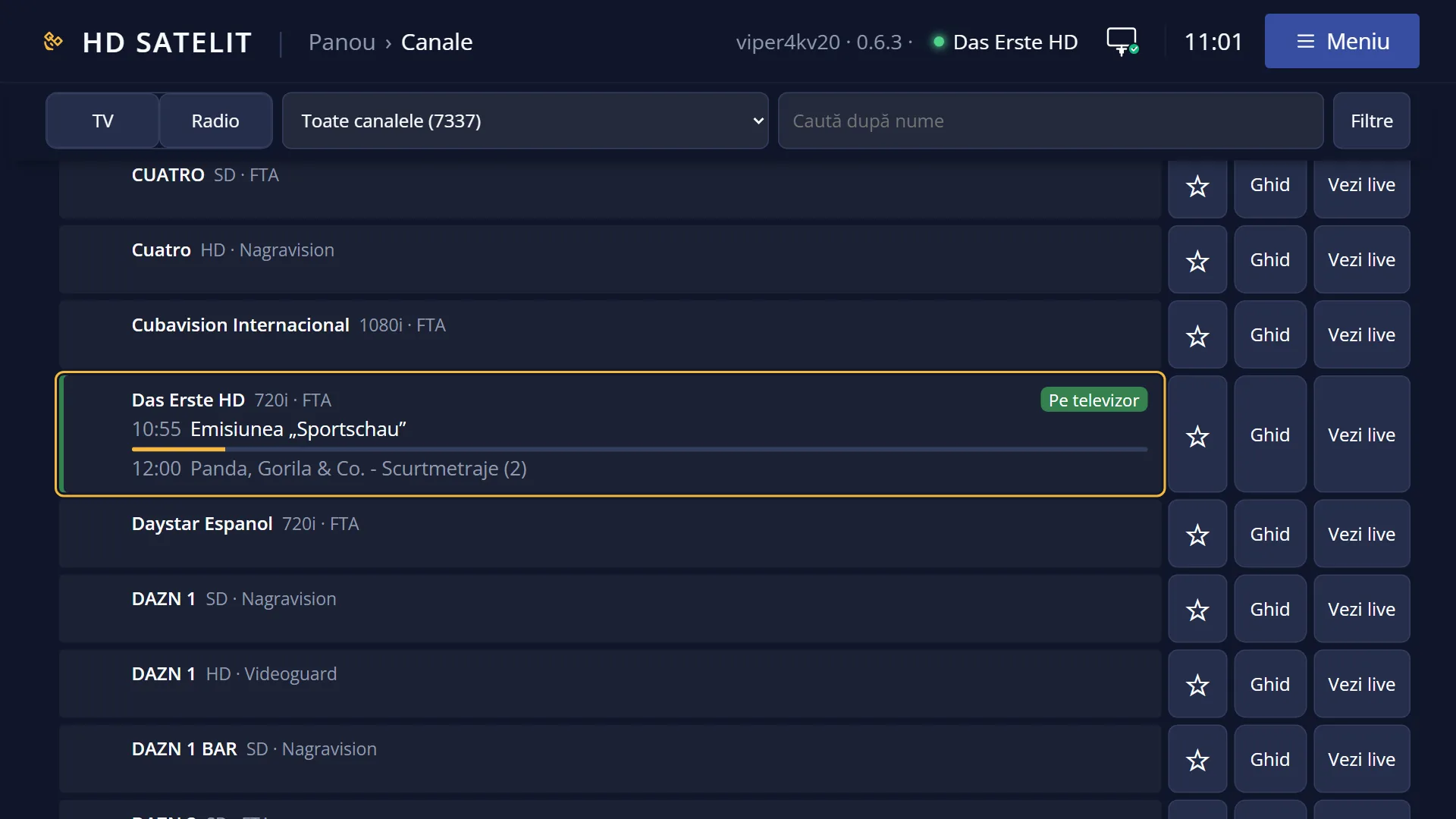
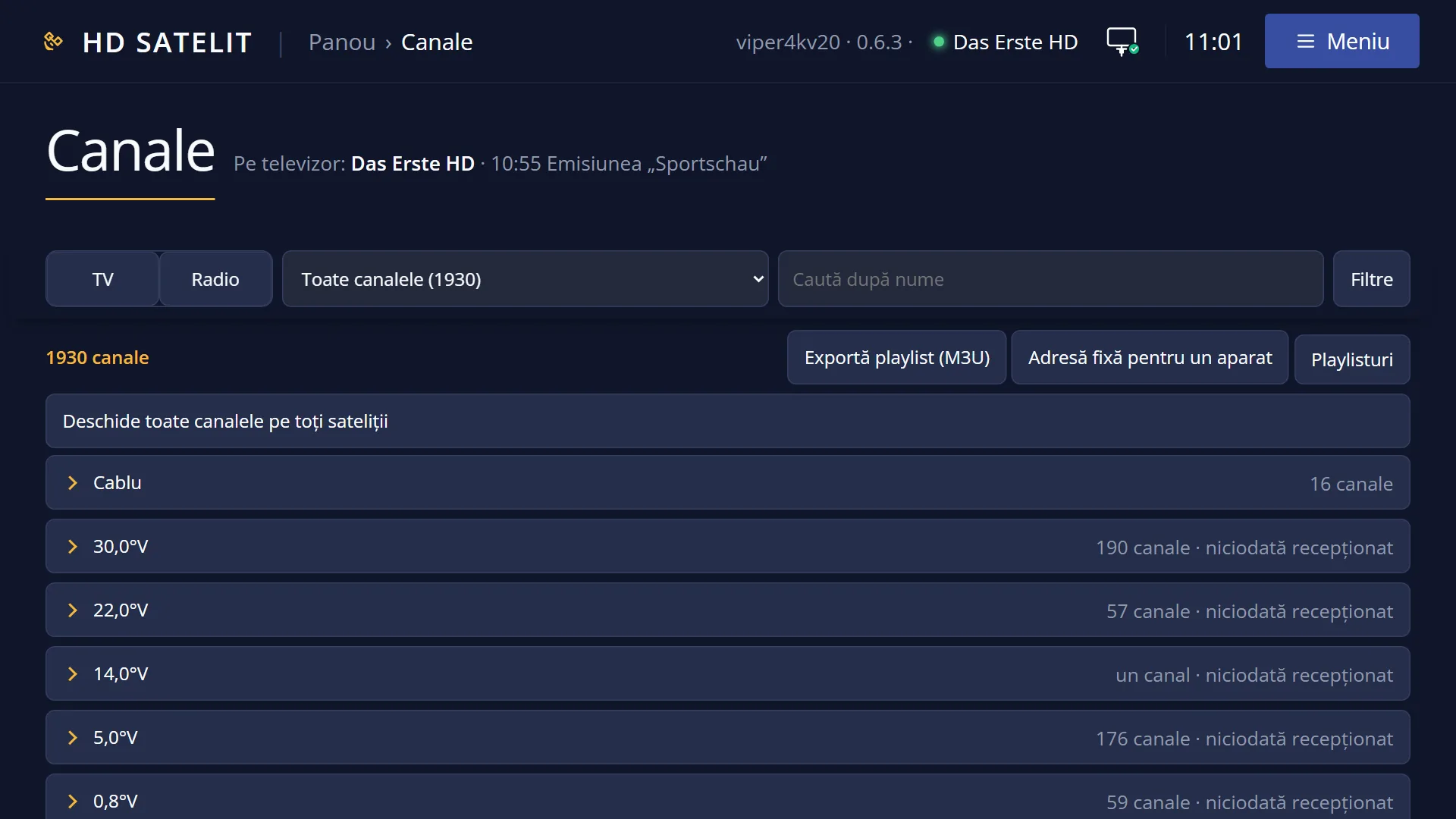
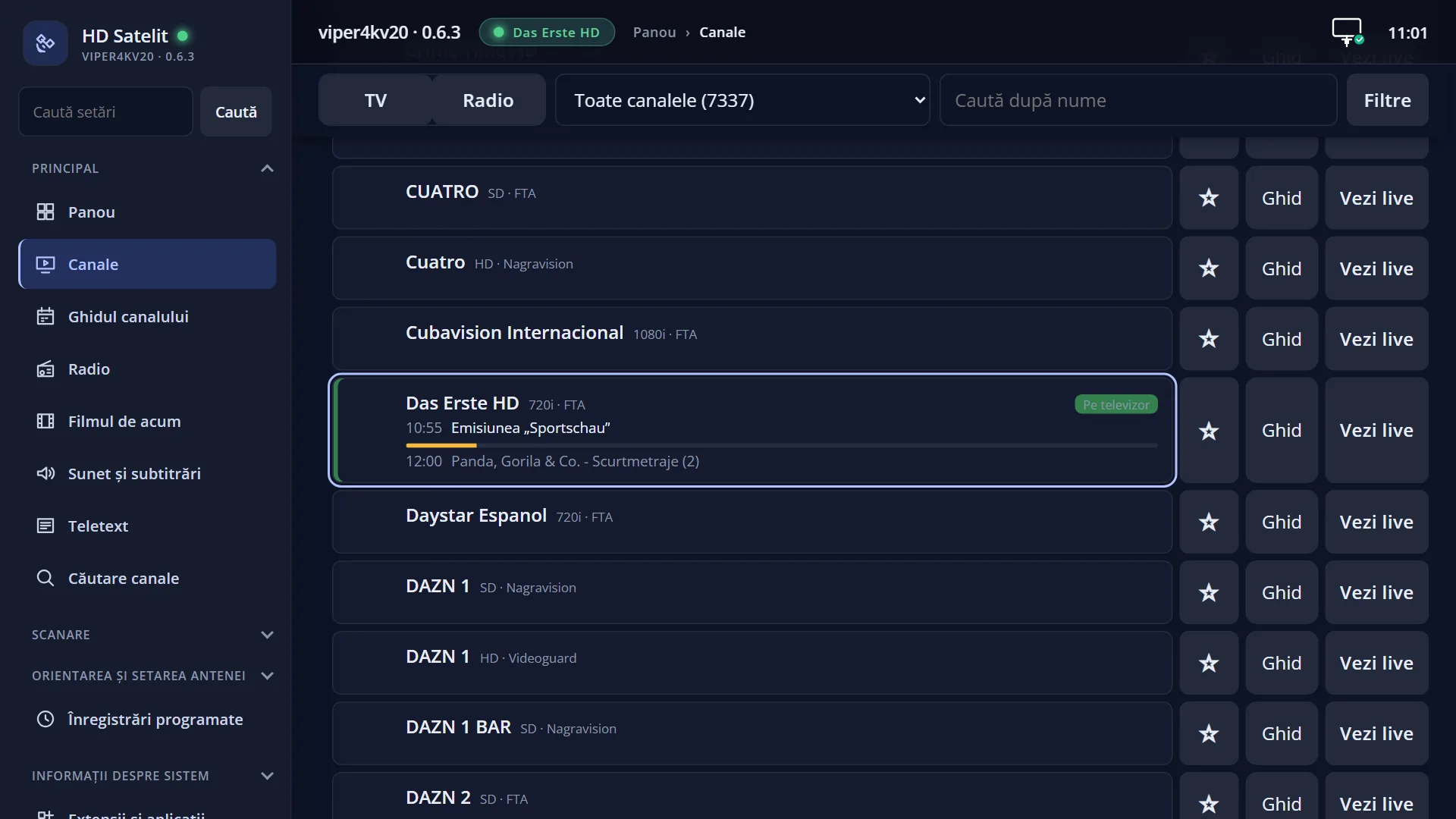
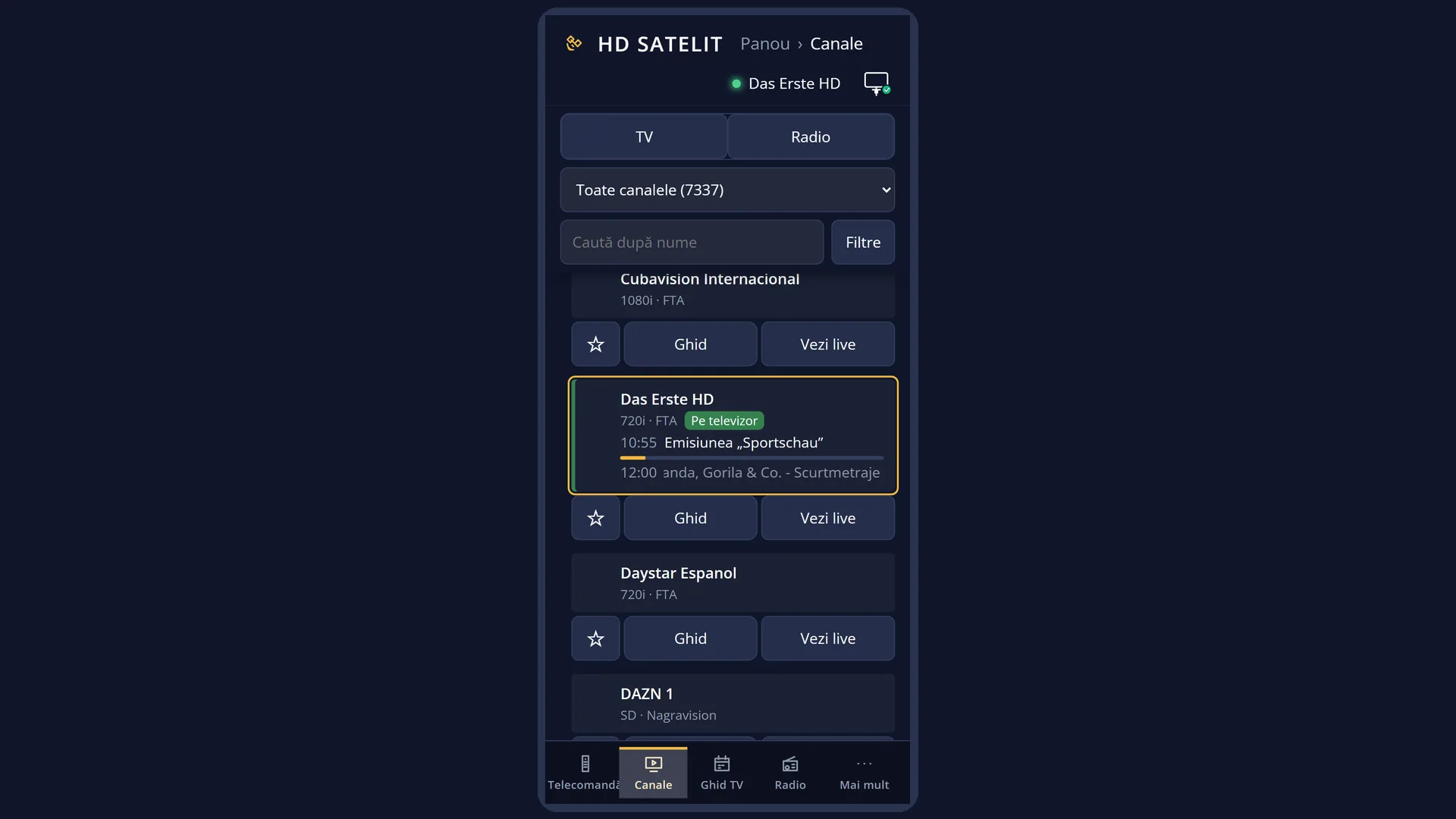
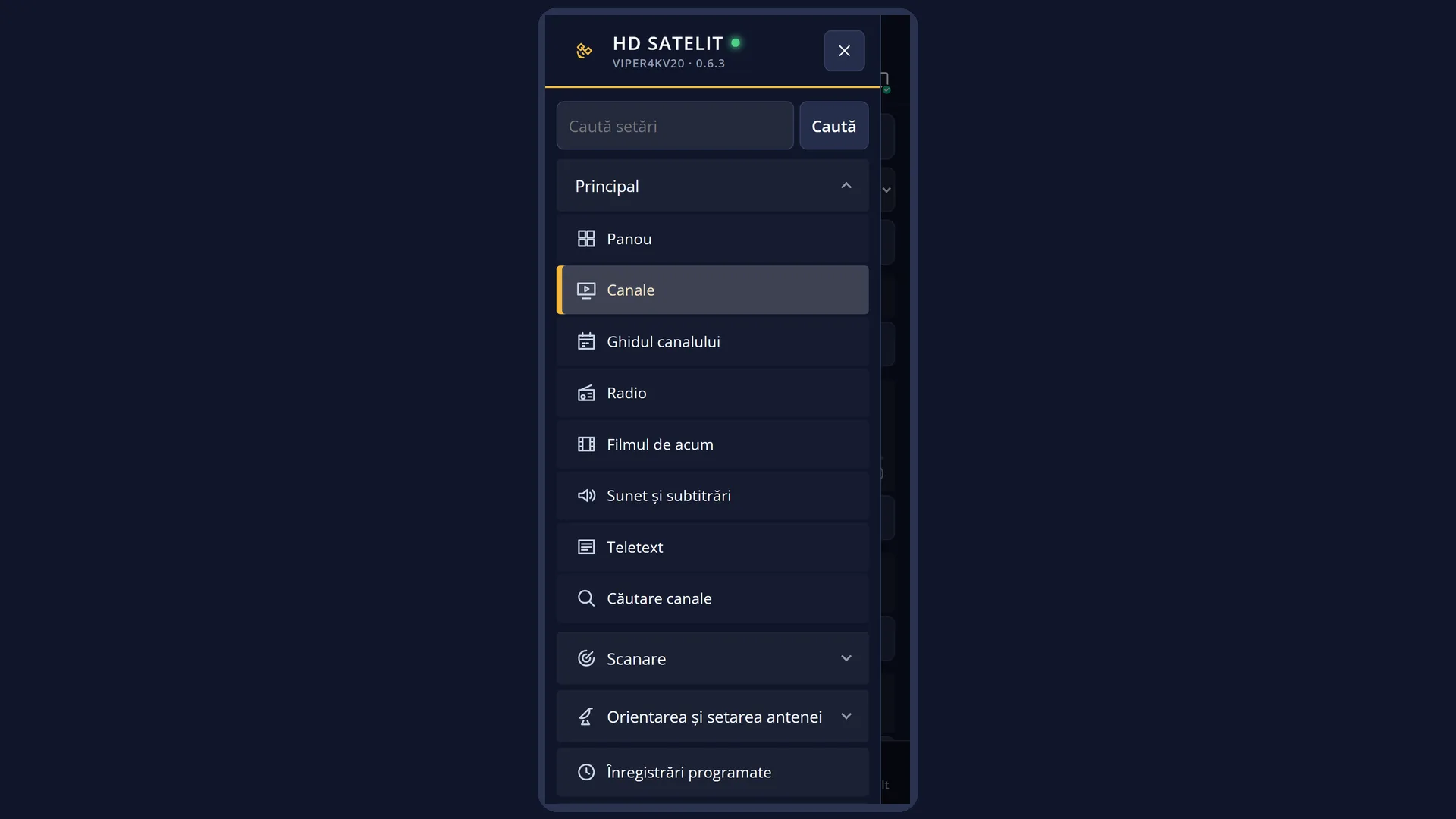
Screenshots are being added: so far 4 from the receiver and 7 from the web interface; the aim is at least 5 of each, with arrows and frames, and, where a setting changes what you see, a before and after comparison.
English screenshots coming: some of the pictures below still show the receiver and the web interface in Romanian. The rows, keys and steps described on this page are the English ones.
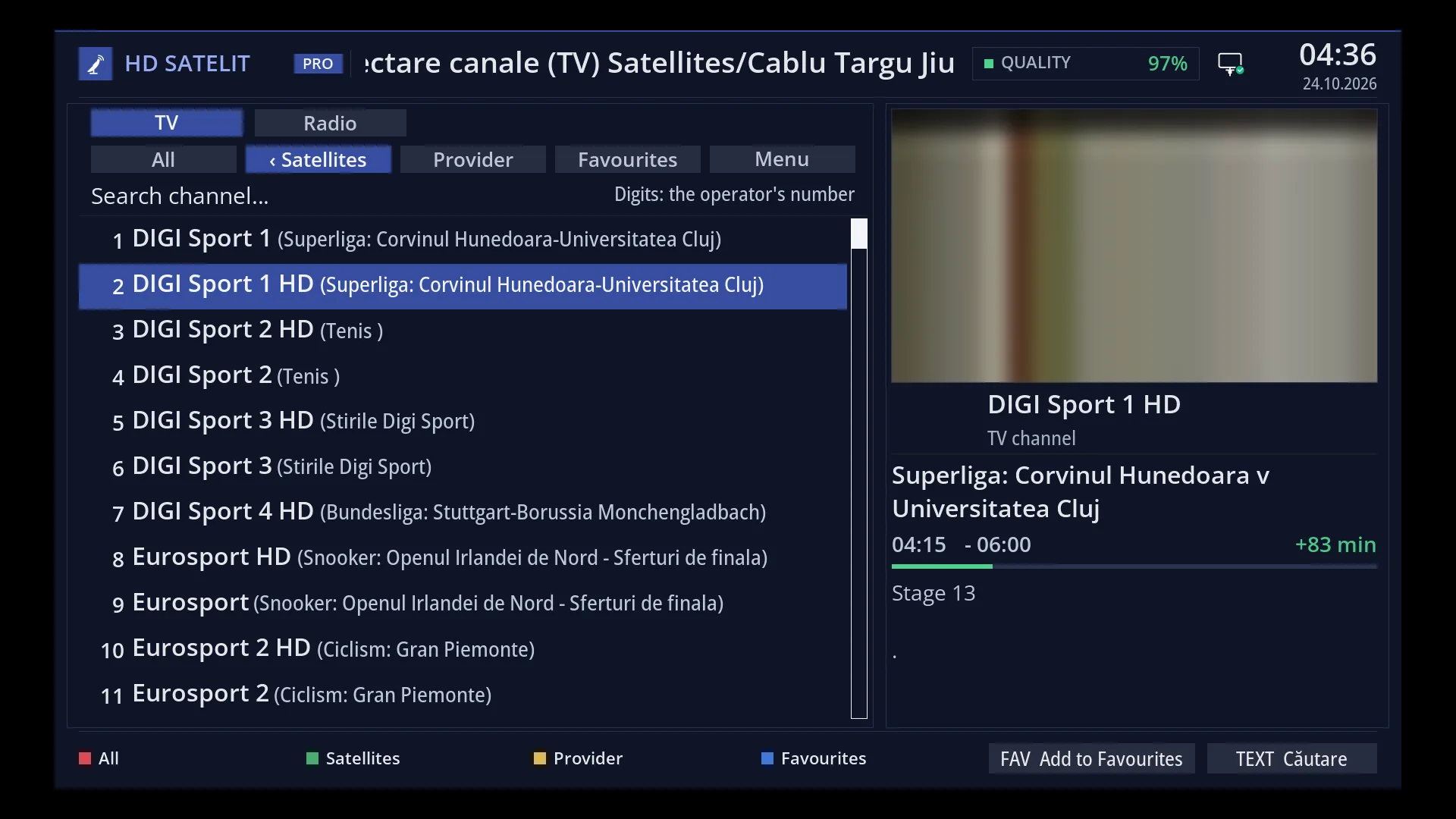
- 1 The channel under the cursor is the one FAV adds.
- 2 What FAV does on the selected channel: “Add to Favourites” or “Remove favourite”.
What it is for
The FAV key adds the channel to Favourites with a single press, without any menu. If the channel is already there, the same key removes it after a short question.
It works in the channel list, on the channel under the cursor, and in live TV, on the channel you are watching (hold FAV down).
TV channels go into the TV Favourites, radio stations into the radio Favourites. The channel is added to the end of the list and stays there after a restart.
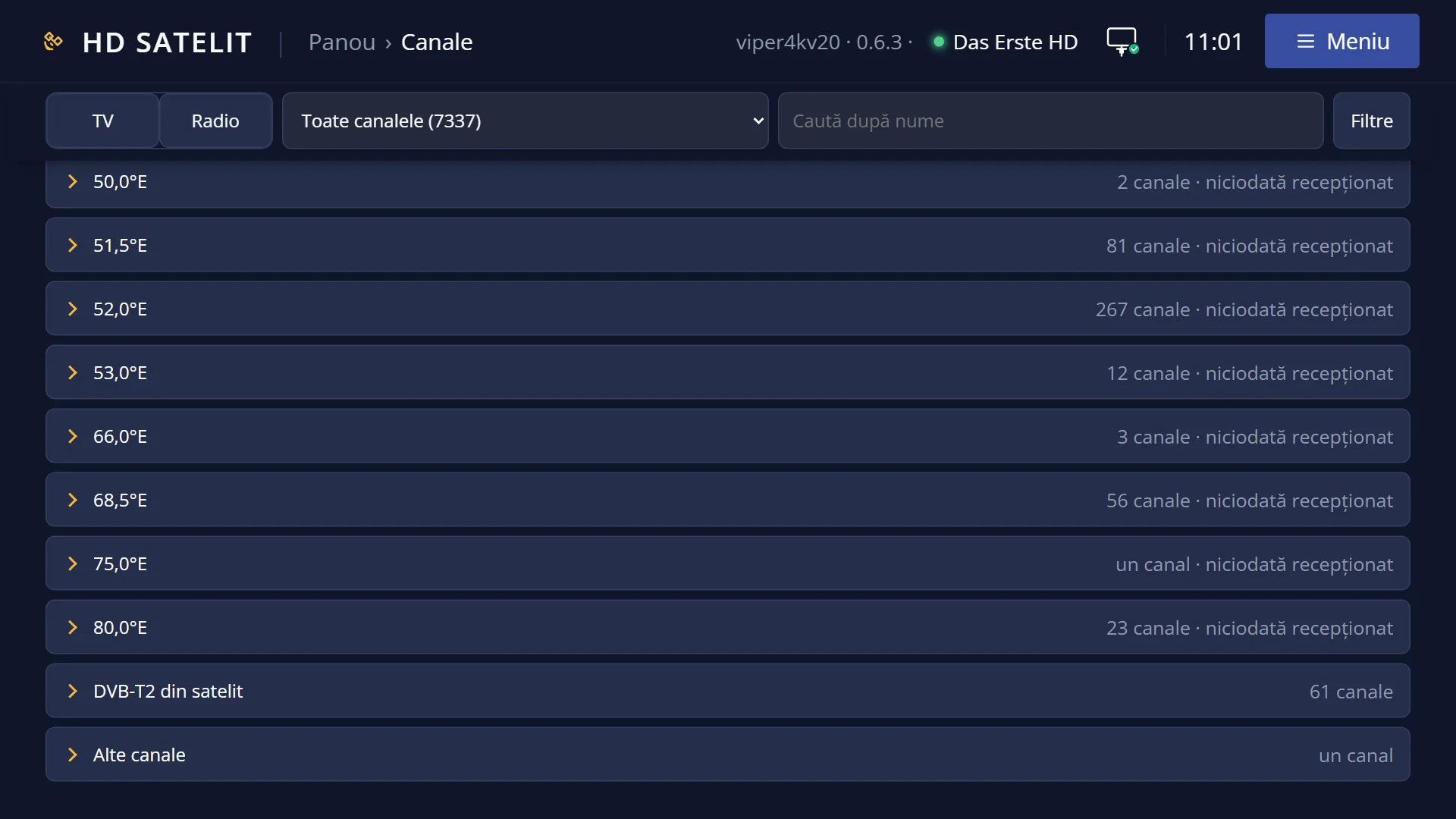
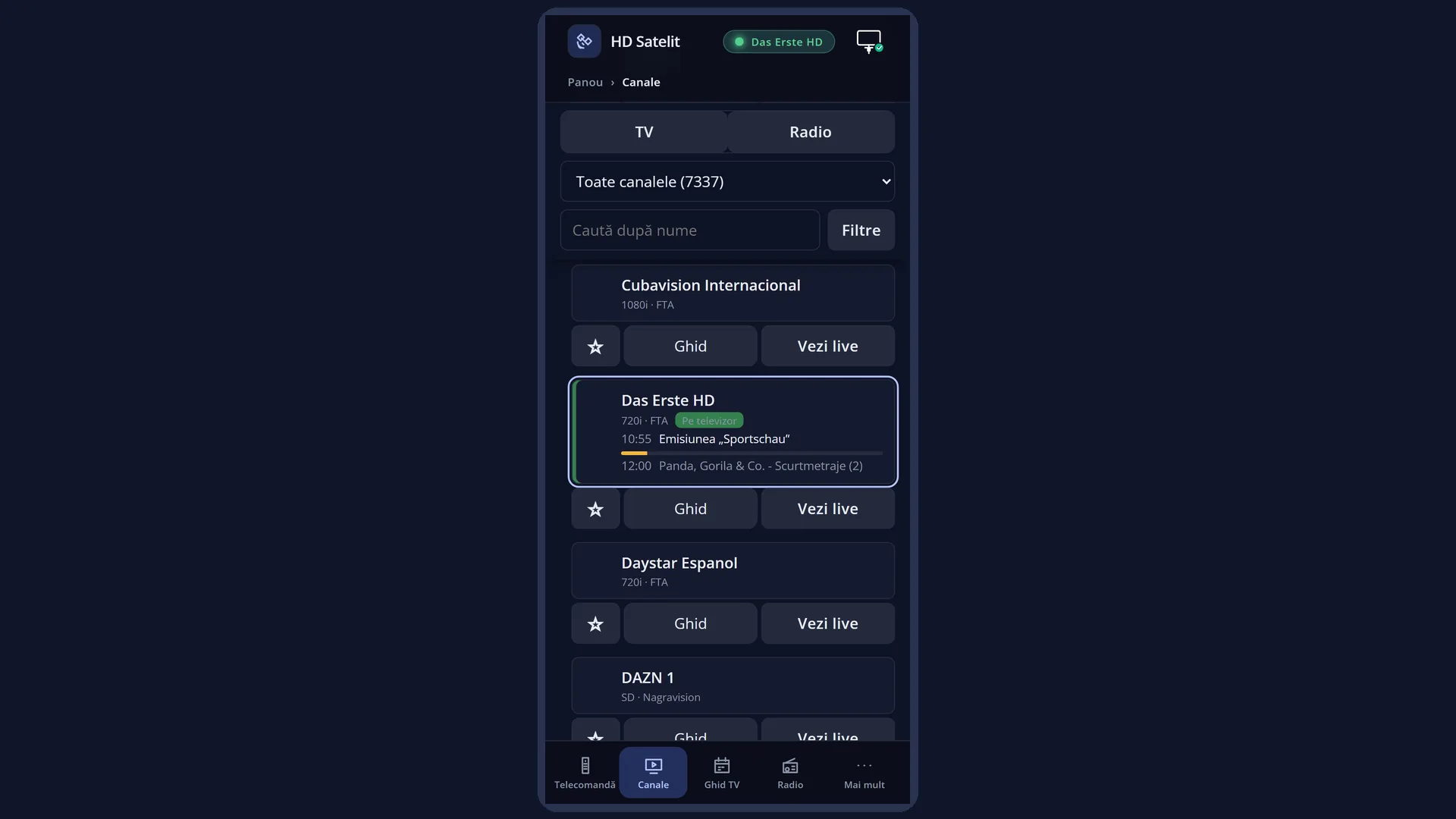
In the web interface, on the /canale page, each channel has a star that does the same thing, and the list on the TV refreshes by itself.
How to get here
Path: in the channel list (DOWN from live TV), on a channel, press FAV. Or press MENU and choose the “Add to Favourites” row.
Keys from live TV: DOWN FAV.
In live TV, on the channel you are watching: hold FAV down. A short press of FAV in live TV opens the list on Favourites.
In the web interface: the /canale page, the star on the channel's row.
What you see on the screen
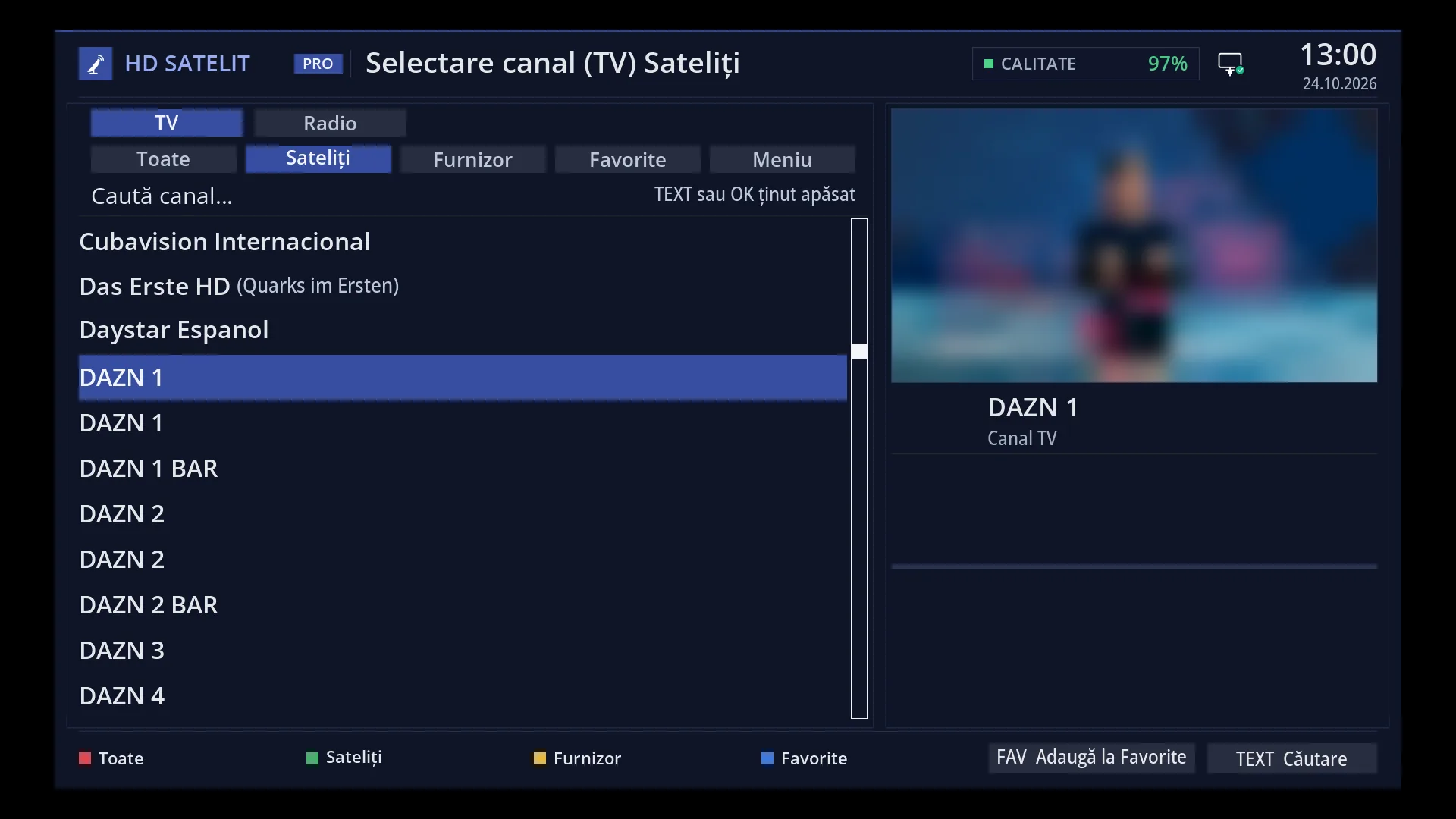
At the bottom of the list, next to “TEXT Search”, the key shown on screen tells you what FAV does on the selected channel: “FAV Add to Favourites” or “FAV Remove favourite”. On a folder or a marker the key is not shown, because FAV has nothing to do there.
After you add the channel, the strip “Added to Favorite: <channel>” appears over the bottom of the list for 2.5 seconds. After removing it, you see “Removed from Favorite: <channel>”. The keys keep working while the strip is on screen.
When the channel is already in Favourites, FAV asks “Remove <channel> from Favorite?”, with Yes and No. The cursor is on Yes.
If you hold FAV down with “Enable multiple bouquets” switched on and at least two bouquets of your own, you get the window “Choose the bouquet for <channel>”, with one row per bouquet: “<bouquet>: add” or “<bouquet>: remove”.
In live TV, after you hold FAV down, the result appears in a message that closes by itself after 3 seconds.
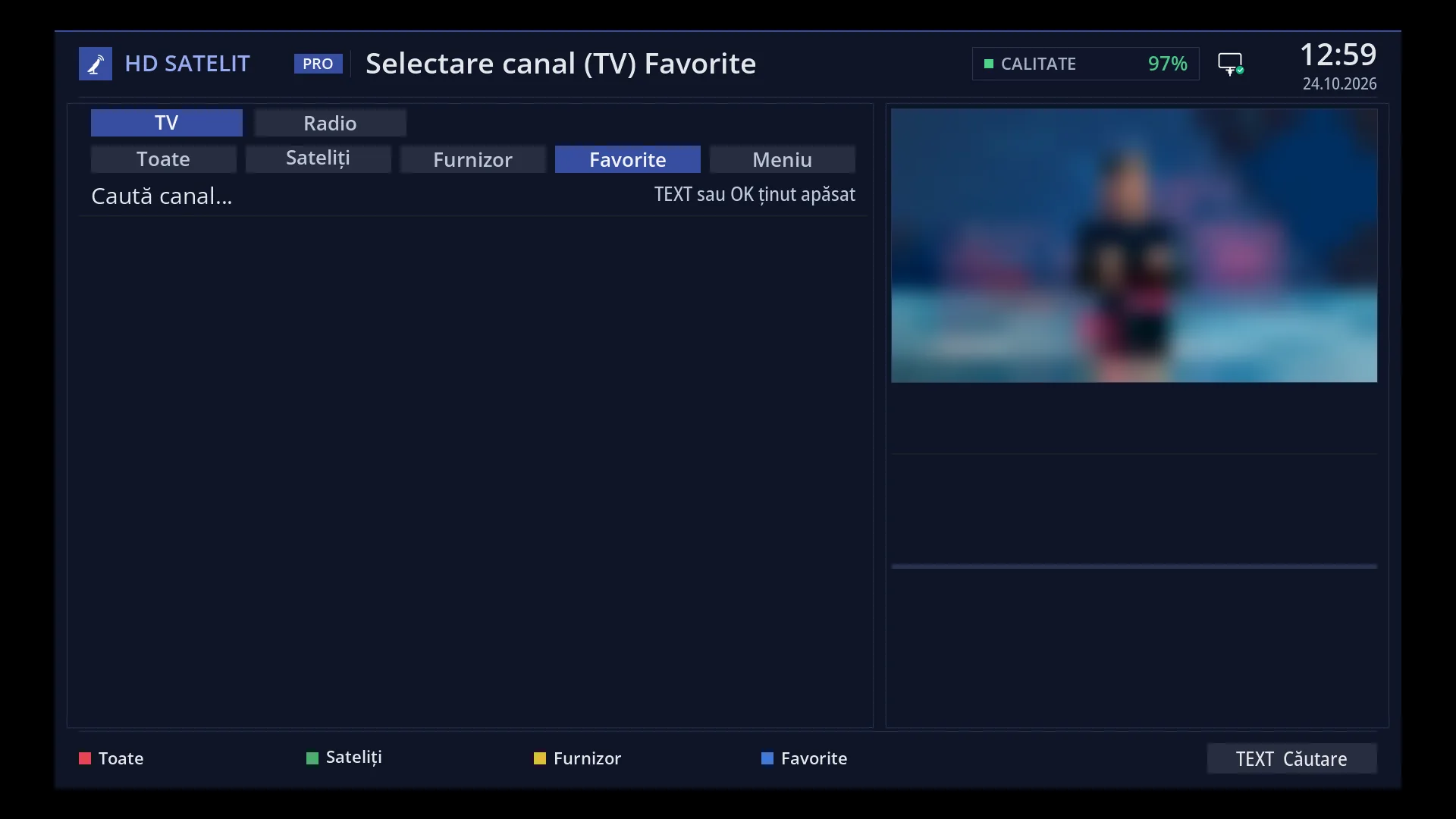
If the list is showing Favourites, the removed channel disappears from it at once and the cursor moves to the next channel.
Rows and settings
| Row | Values | Default | What it does |
|---|---|---|---|
| The FAV key shown on screen (bottom of the list) | FAV Add to Favourites, FAV Remove favourite | Shows what FAV does on the channel under the cursor. It is not shown on folders, on markers, in move mode or while editing Favourites. | |
| The question “Remove <channel> from Favorite?” | Yes, No | Yes | Yes removes the channel from Favourites. No leaves everything as it was. If you pressed FAV on a channel in Favourites by mistake, choose No. |
| The window “Choose the bouquet for <channel>” (hold FAV down) | <bouquet>: add, <bouquet>: remove | Appears only with “Enable multiple bouquets” switched on and at least two bouquets of your own. Favourites is the first row, followed by the other bouquets. OK on a row adds the channel to that bouquet or removes it from there. The DAB+ and DVB-T2 via satellite bouquets and “Last Scanned” are not listed. When you want the channel in a bouquet other than Favourites (for example “Sport”). | |
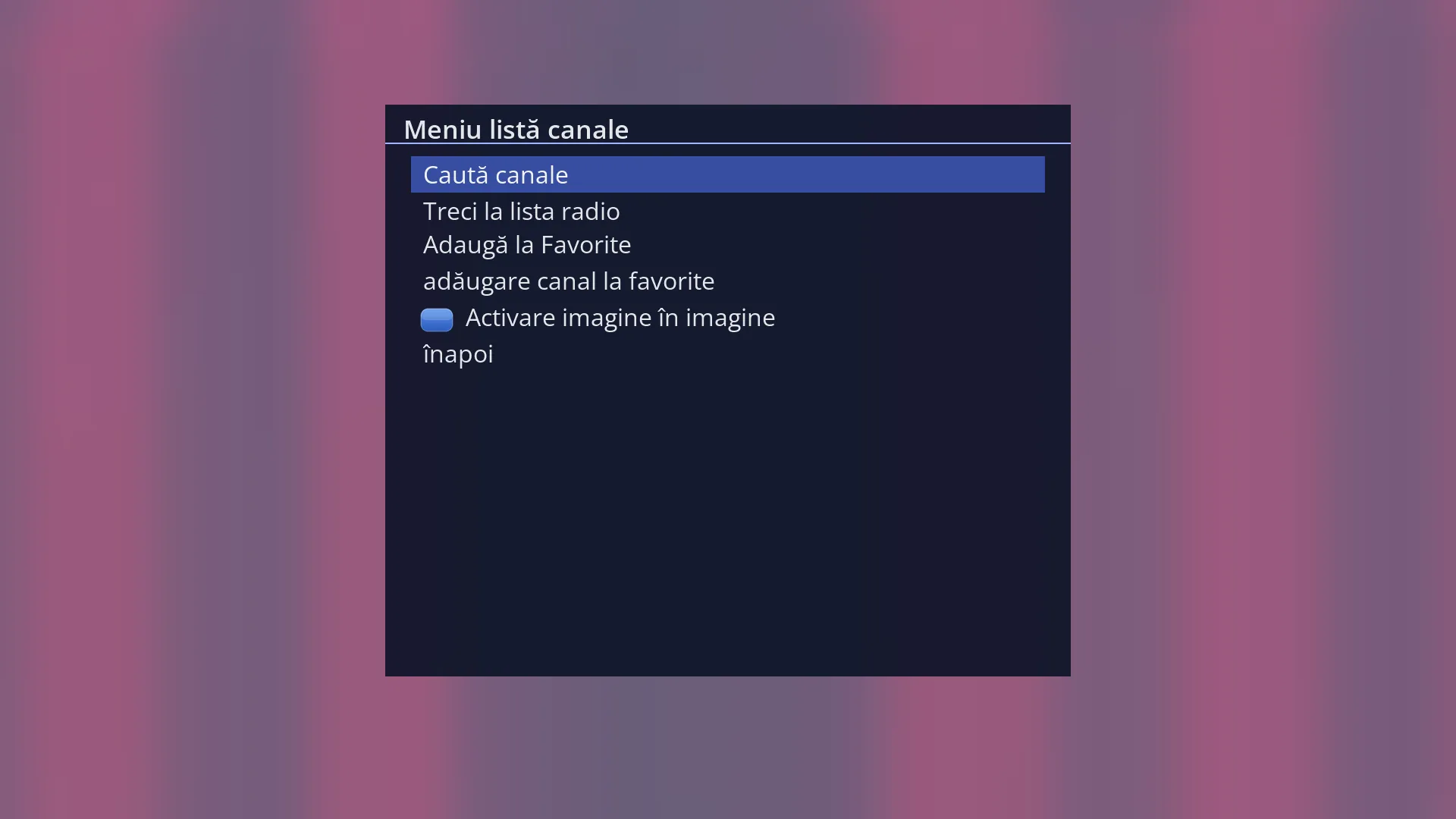
| Channel list menu: Add to Favourites / Remove favourite | The same as a short press of FAV, for anyone who looks in MENU. The row comes right after “Search channels” and “Switch to the radio list”. | ||
| Enable multiple bouquets (OSD Preferences) | Yes, No | No | No: FAV works only with Favourites, and holding FAV down does the same as a short press. Yes: holding FAV down lets you choose the bouquet. When you make several channel lists of your own. |
Keys
| FAV (in the list) | Acts when you lift your finger off the key: the channel under the cursor is added to Favourites. If it is already there, you get the question about removing it. In the TV list it goes into the TV Favourites, in the radio list into the radio Favourites. |
| FAV held down (in the list) | Bouquet choice, with “Enable multiple bouquets” switched on and at least two bouquets. Otherwise the same as a short press of FAV. |
| FAV held down (in live TV) | The channel you are watching is added to Favourites (TV or radio, depending on the channel) or, if it is already there, you get the question about removing it. |
| FAV short press (in live TV) | Opens the channel list on Favourites. |
| OK / UP / DOWN (in the question) | UP and DOWN choose between Yes and No, OK confirms. Yes is selected at the start. |
| EXIT (in the question or in the bouquet choice) | Closes the window without changing anything. |
Step by step
Adding a channel to Favourites
- Press DOWN to open the channel list.
- Move the cursor to the channel.
- Press FAV. “Added to Favorite: <channel>” appears at the bottom.
Adding the channel you are watching to Favourites
- Hold FAV down for about a second.
- The message “Added to Favorite: <channel>” tells you it is done.
Removing a channel from Favourites
- In the list, move to the channel (for example in Favourites, with BLUE).
- Press FAV. The question “Remove <channel> from Favorite?” appears.
- Press OK on Yes. In Favourites the channel disappears at once.
Problems and solutions
I press FAV and nothing happens.
The cursor is on a folder (a satellite, a bouquet) or on a marker. FAV only works on a channel. FAV also does not work in move mode, while editing Favourites or when you choose the channel for a timer.
“This channel can't be added to bouquets.” appears.
What is playing now is not a channel (for example a film or a recording from the disk). Start the channel and try again.
Holding FAV down does not show me the bouquet choice.
The choice appears only with “Enable multiple bouquets” switched on (Menu > Settings > Interface & Appearance > OSD Preferences) and with at least two bouquets of your own. Otherwise the channel goes straight into Favourites.
I added a radio station, but I cannot see it in Favourites in the TV list.
Radio stations go into the radio Favourites. Open the radio list (RADIO or UP from live TV) and press BLUE.
I added the channel from the web page, but the list on the TV still shows the old Favourites.
The list on the TV reloads by itself when it is showing Favourites. If it was on another group, you see the change when you open Favourites.
The newly added channel is not where I want it in Favourites.
FAV adds the channel to the end of the list. To move it, go to MENU > “enable move mode”: OK picks up the channel, the arrow keys move it to the place you want, OK drops it.
“The bouquet could not be changed.” or “The bouquet no longer exists. Open the list again.” appears.
The bouquet was changed or deleted in the meantime (for example from the web). Close the list with EXIT, open it again and press FAV again.
Related topics
- Channel selection (the list and its keys)
- Satellites grouped together (where you get new channels from)
- The “Enable multiple bouquets” setting: Menu > Settings > Interface & Appearance > OSD Preferences (on the web, /setari?id=usage).
- The matching web page: /canale (the star on each channel).